OM SYSTEM OM-1 Mark II
20 MP, Tracking 50 FPS w/Precapture, ISO 200-25,600 (L80-102,400H2), 4K/60 & 1,080/240
Handheld Hi-Res Pixel-Shift, HDR, Stacking, Digital ND Grads, Live-View Accumulating Time Exposures & More
Sample Images Intro New Good Bad Missing
Specs Accessories Performance Compared
User's Guide Recommendations More

OM SYSTEM OM-1 Mark II (21.3 oz./603g with battery and one SD card, has two SD slots, $2,399.99) and M.Zuiko 12-40mm f/2.8 II. bigger.
This product photo, as well as all the product photos in this review and all the product photos on this website since May 2023 I shot in my studio with my original OM SYSTEM OM-1 and OM SYSTEM M.Zuiko ED 90mm f/3.5 Macro IS PRO.
I got mine through B&H. I'd also get it at Adorama or at Amazon, or used at eBay if you know How to Win at eBay:
Body-only: $2,399.99 at B&H, at Adorama and at Amazon.
OM-1 Mark II and M.Zuiko 12-40mm f/2.8 II: $2,999.99 at B&H or at Adorama.
This 100% all-content, junk-free website's biggest source of support is when you use those or any of these links to my personally approved sources I've used myself for way over 100 combined years when you get anything, regardless of the country in which you live — but I receive nothing for my efforts if you take the chance of getting it elsewhere. OM SYSTEM does not seal its boxes in any way, so never buy at retail or any other source not on my personally approved list since you'll have no way of knowing if you're missing accessories, getting a defective, damaged, returned, dropped, incomplete, gray-market, store demo or used OM-1 Mark II — and my personally approved sources allow for 100% cash-back returns for at least 30 days if you don't love your new OM-1 Mark II. I've used many of these sources since the 1970s because I can try it in my own hands and return it if I don't love it, and because they ship from secure remote warehouses where no one gets to touch your new OM-1 Mark II before you do. Buy only from the approved sources I've used myself for decades for the best prices, service, return policies and selection.
July 2024 Better Pictures OM SYSTEM Canon Nikon Sony Fuji LEICA Zeiss HASSELBLAD All Reviews
Original OM-1 (2022-2024)
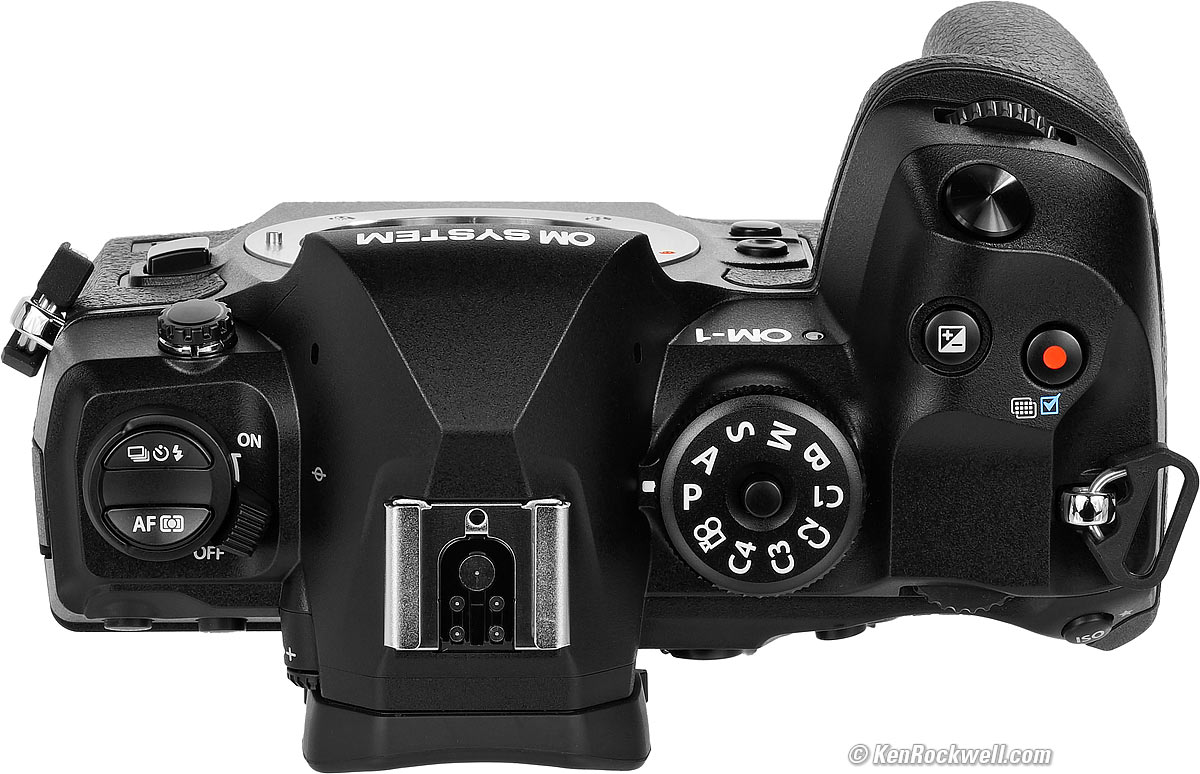
OM SYSTEM OM-1 Mark II. bigger.
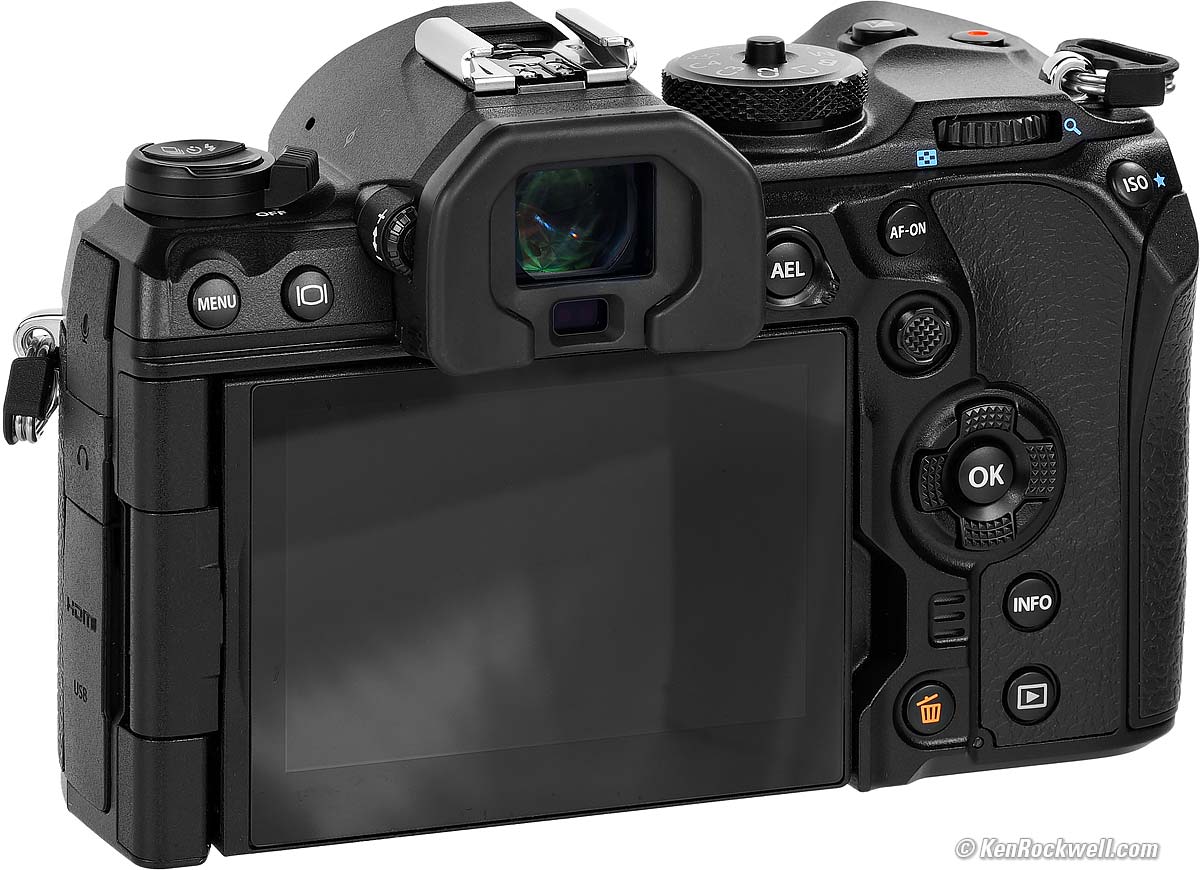
OM SYSTEM OM-1 Mark II. bigger.
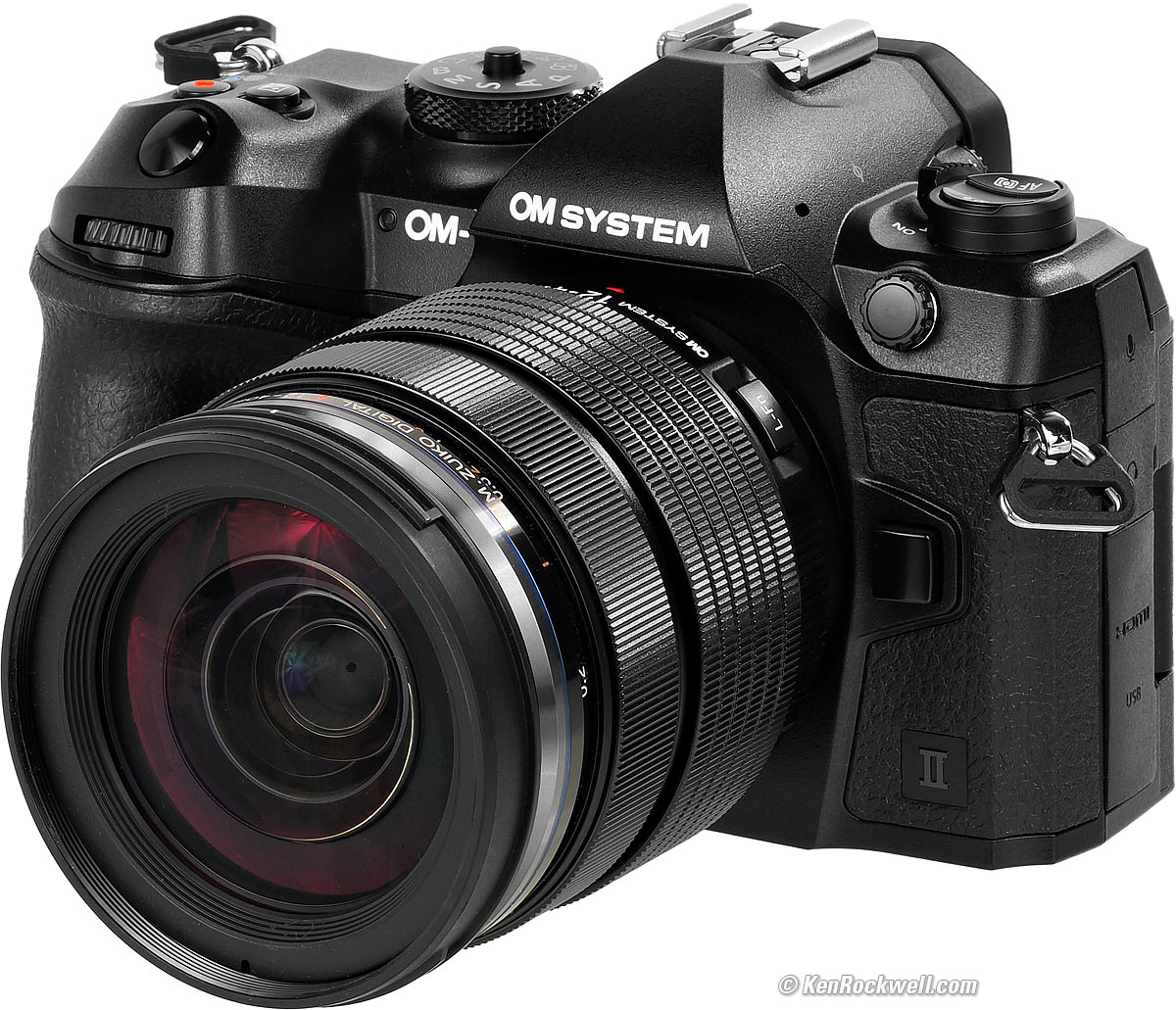
OM SYSTEM OM-1 Mark II and M.Zuiko 12-40mm f/2.8 II. bigger.
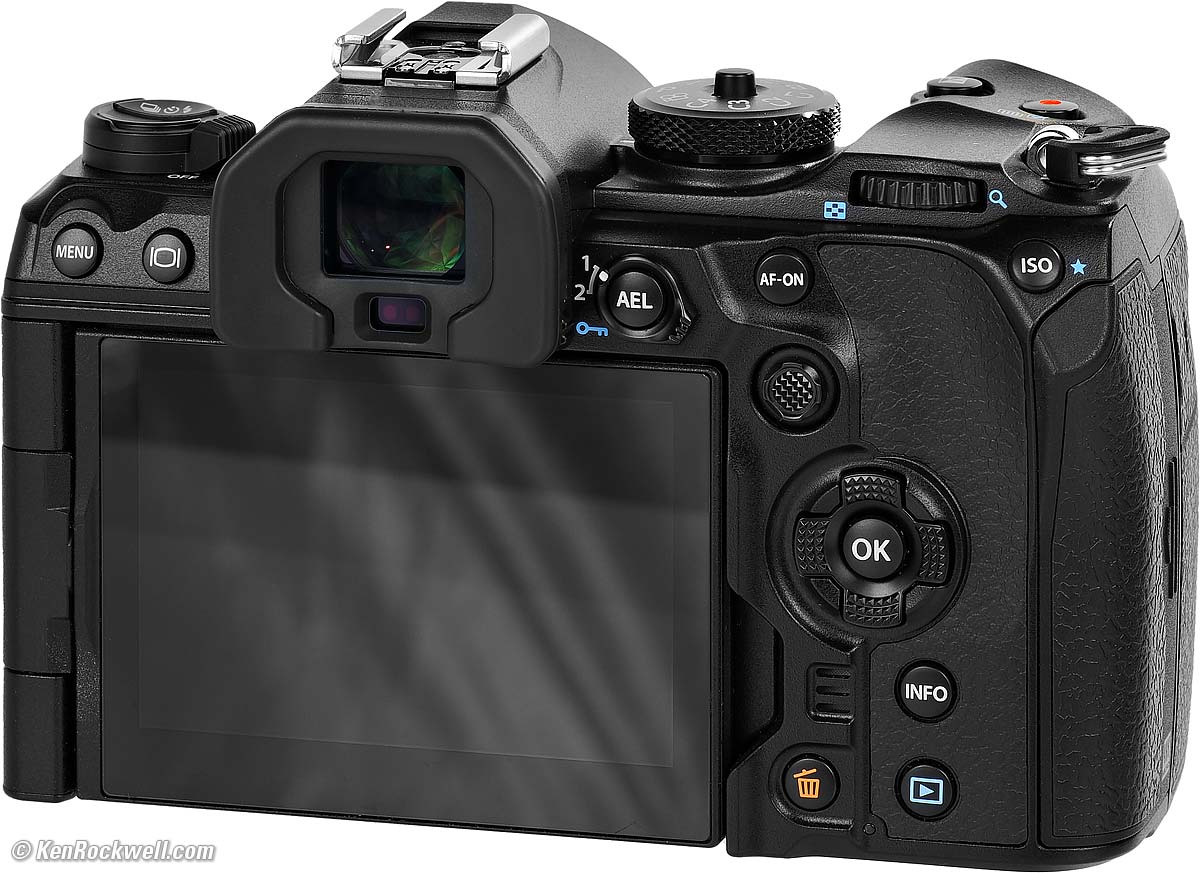
OM SYSTEM OM-1 Mark II. bigger.
It comes included with a tiny FL-LM3 flash:
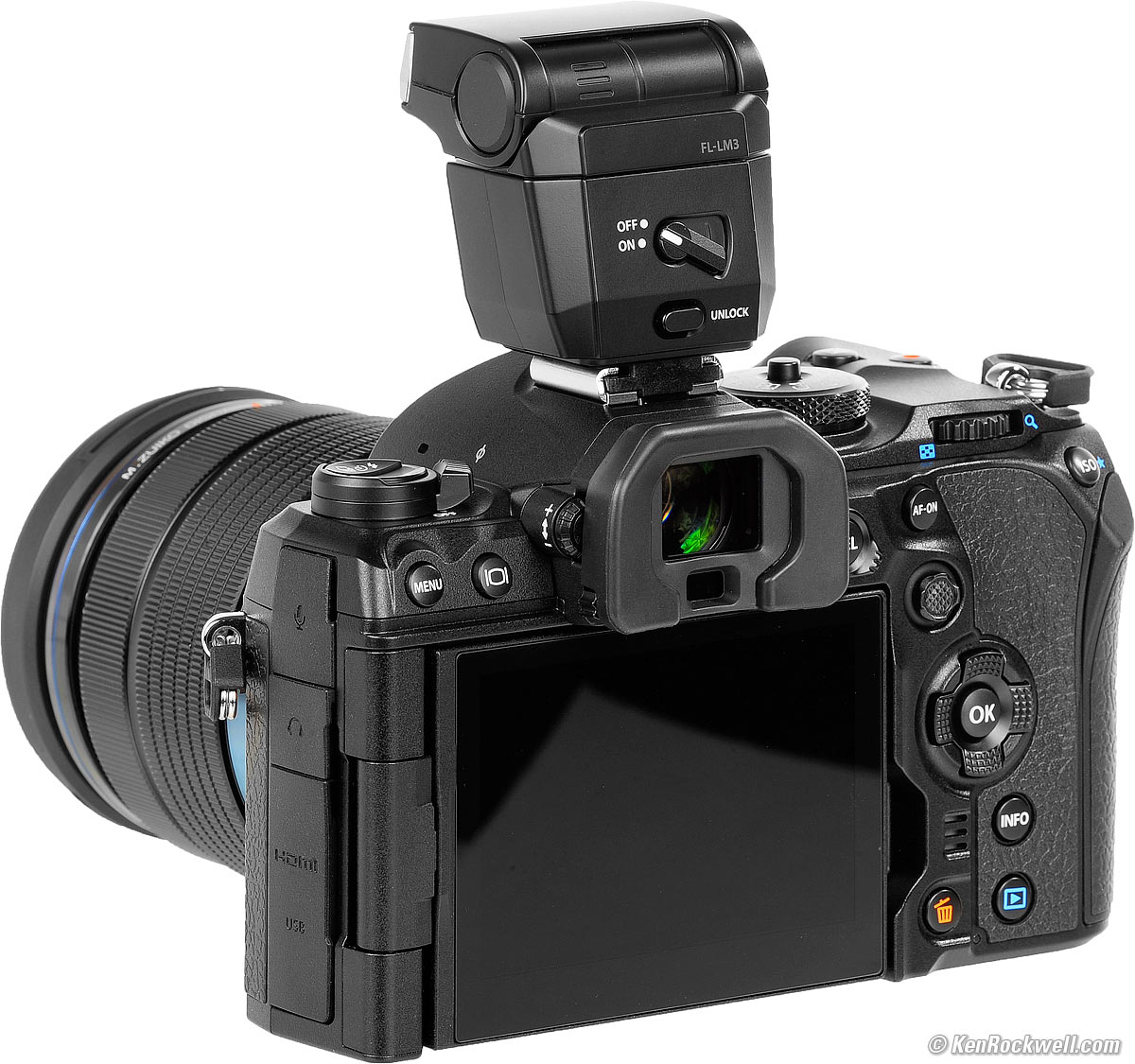
OM SYSTEM OM-1, M.Zuiko 12-40mm f/2.8 II and included FL-LM3 flash. bigger.
Sample Images top
Sample Images Intro New Good Bad Missing
Specs Accessories Performance Compared
User's Guide Recommendations More
(more at High ISOs)
All the product photos in this review, as well as all the product photos on this website since May 2023, were shot in my studio with my original OM SYSTEM OM-1 and OM SYSTEM M.Zuiko ED 90mm f/3.5 Macro IS PRO.
These are just snapshots; my real work is in my Gallery.
These are shot as LARGE NORMAL JPGs; no tripods, no FINE or SUPER FINE JPGs or RAW files were used or needed:
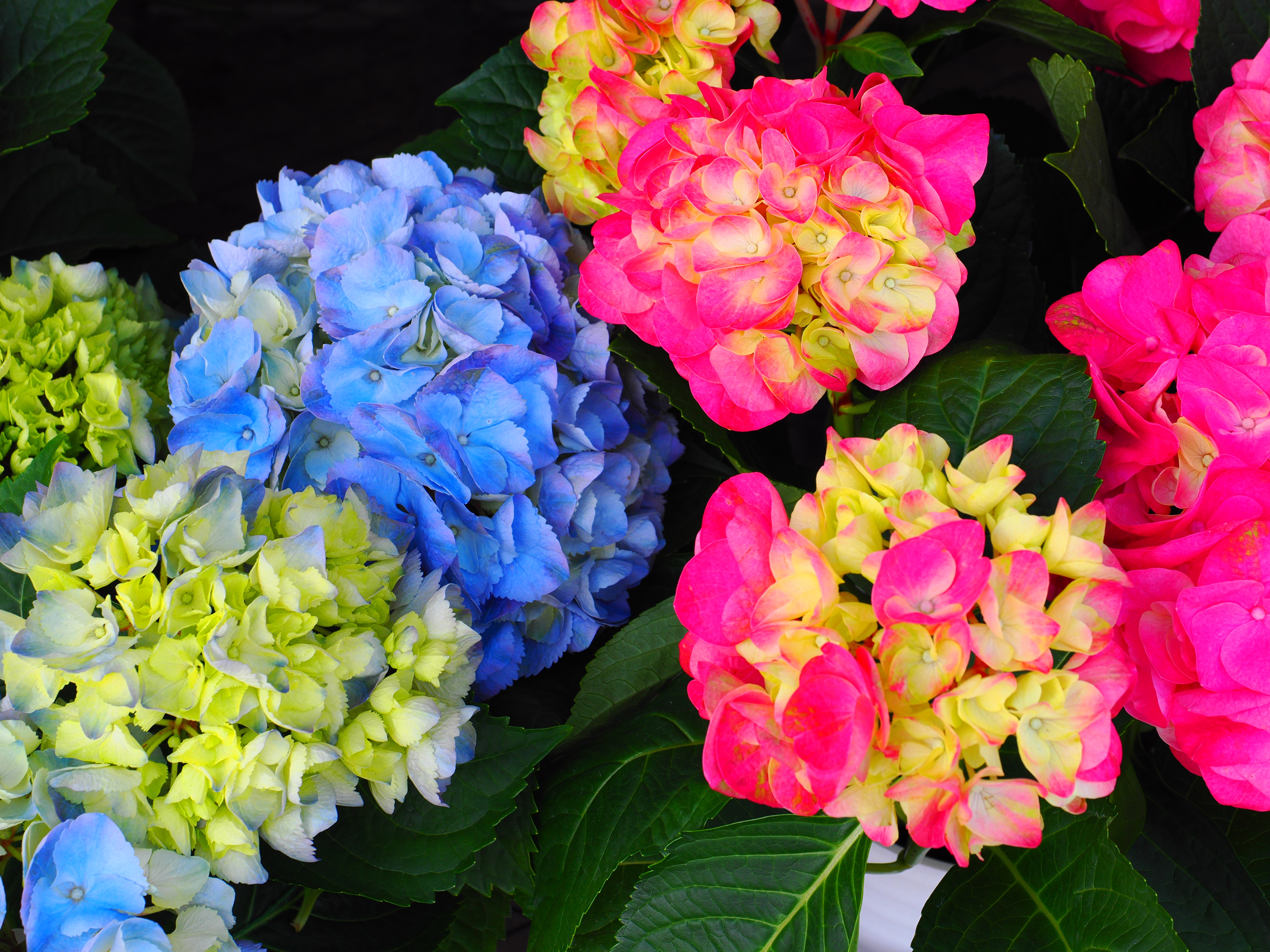
Flowers, 1:59 P.M., Monday, 18 March 2024 (Emancipation Day). OM SYSTEM OM-1 Mark II, POP ART I Picture Mode, M.ZUIKO DIGITAL ED 12-40mm F2.8 PRO Ⅱ at 32mm (64mm eq.) at f/8 hand-held at 1/100 at Auto ISO 200 (LV 11⅔), exactly as shot. bigger or camera-original © 20 MP, 4.1 MB JPG file.
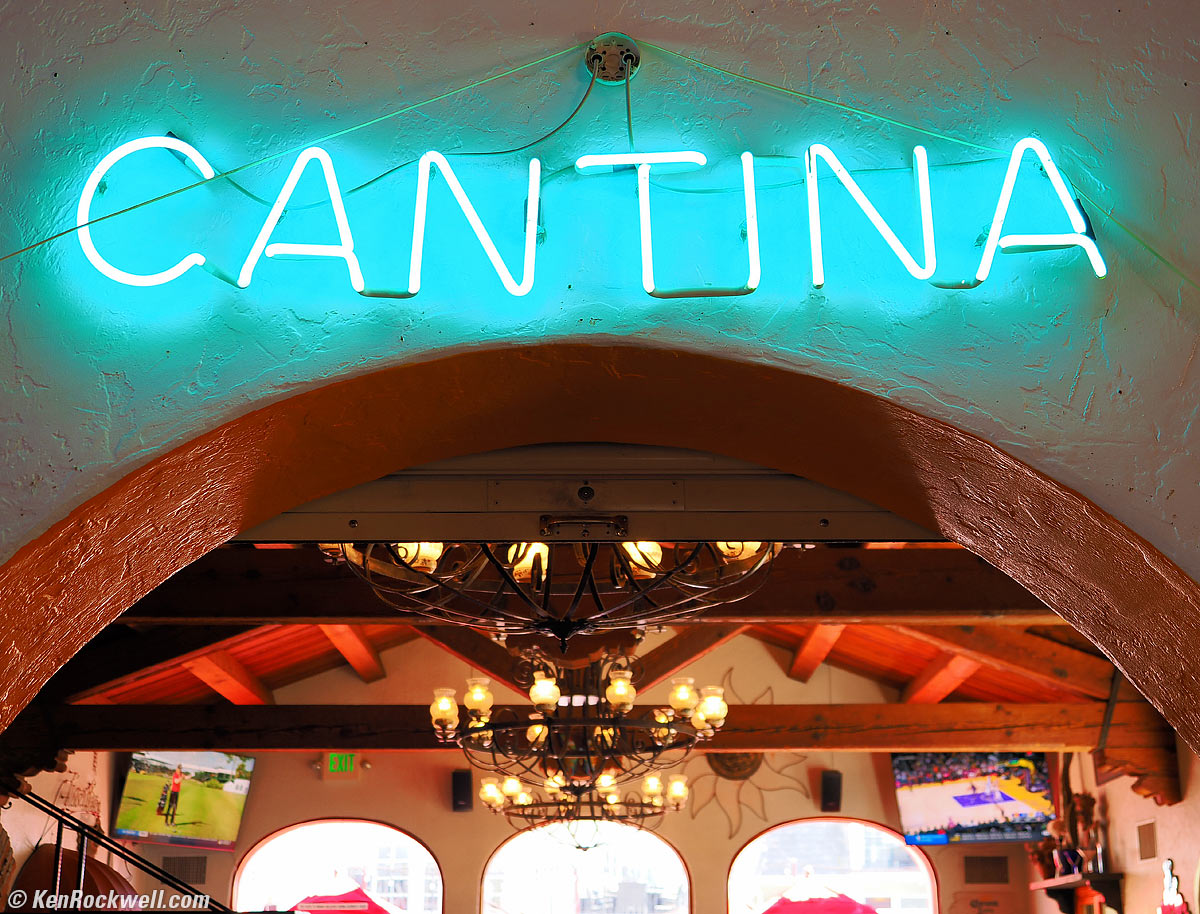
Cantina, 1:28 P.M., Saturday, 08 April 2023. OM SYSTEM OM-1, VIVID Picture Mode with +2 Saturation, M.ZUIKO DIGITAL ED 12-40mm F2.8 PRO Ⅱ at 24mm (48mm eq.) wide-open at f/2.8 at 1/50 at Auto ISO 250 (LV 7.3), Perfectly Clear (now called Radiant Image). bigger.
See how much is in focus at f/2.8? That's because while this is shot at a 48mm full-frame equivalent, the OM-1 Mark II's 2× crop factor means the actual lens was only 24mm and therefore has a much deeper depth of field.
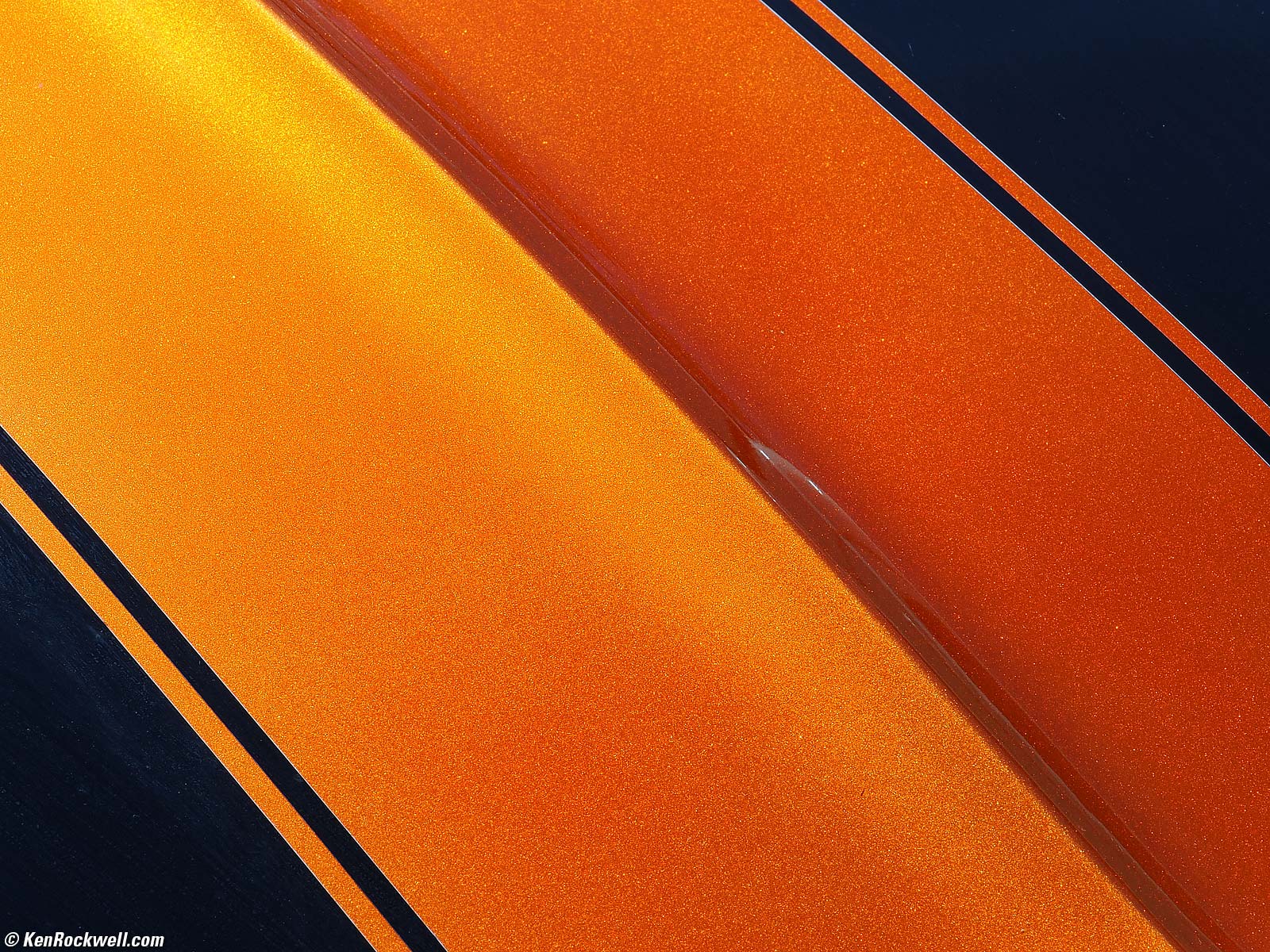
Metallic Orange 1968 Camaro Hood, 10:05 A.M., Saturday, 08 April 2023. Shot with OM SYSTEM OM-1, VIVID Picture Mode with +2 Saturation, OM SYSTEM M.Zuiko ED 90mm f/3.5 IS (180mm eq.) at f/16 at 1/200 at Auto ISO 250 (LV 14.3), exactly as shot. bigger.
I stopped down to f/16 to try to get all the metallic flake in focus.
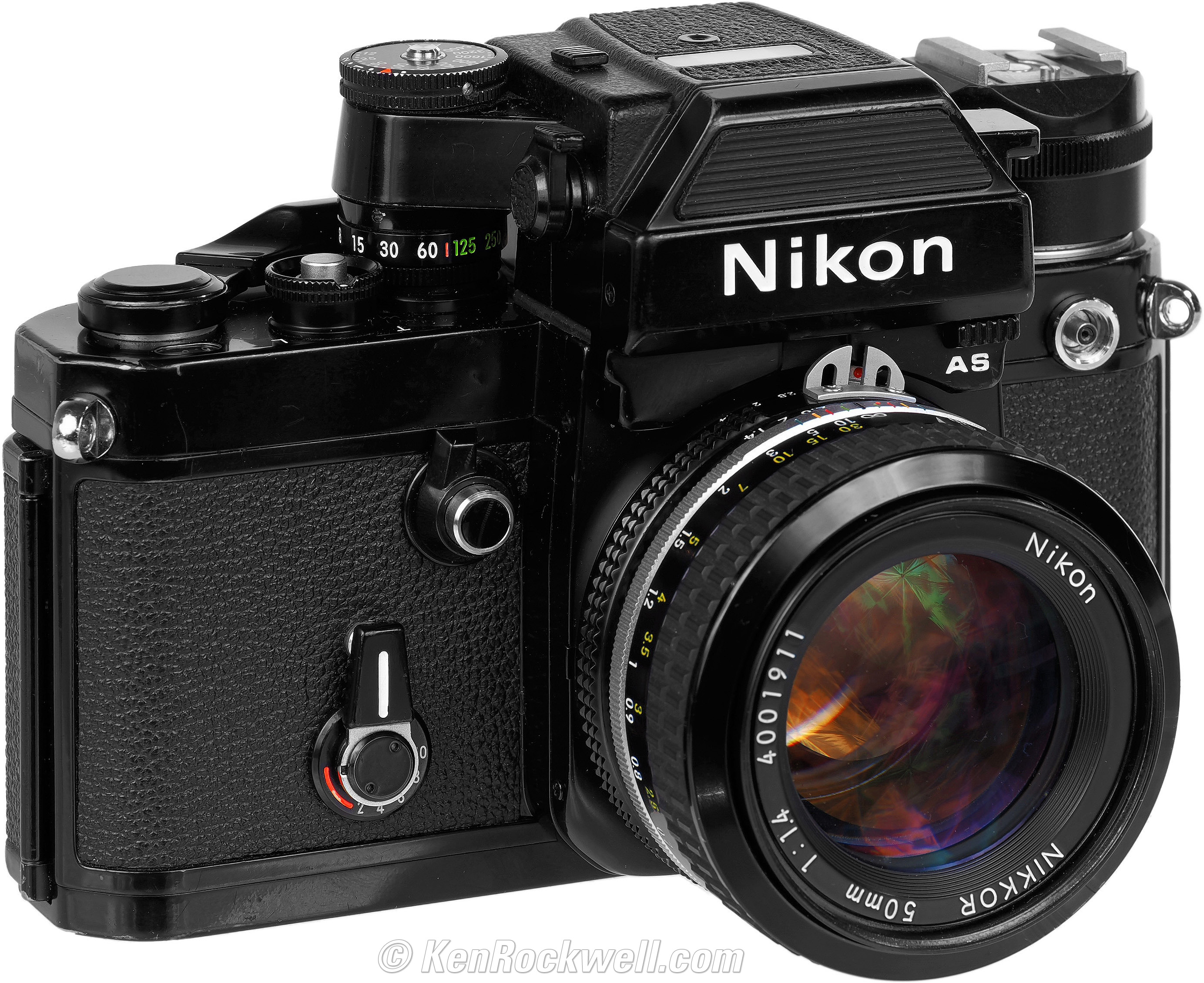
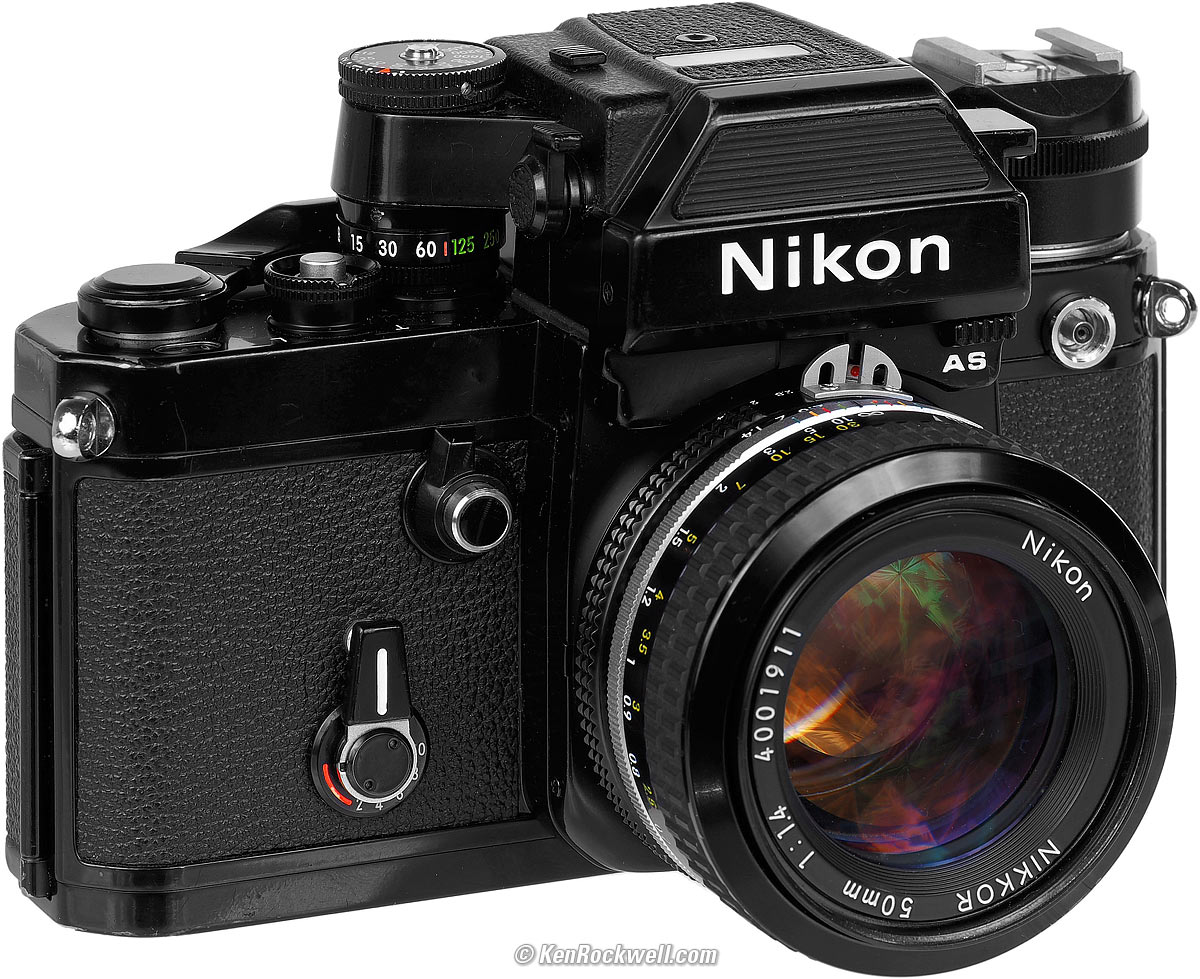
Nikon F2AS and AI NIKKOR 50mm f/1.4, Wednesday, 05 April 2023. Shot with OM SYSTEM OM-1, VIVID Picture Mode with +2 Saturation, OM SYSTEM M.Zuiko ED 90mm f/3.5 IS (180mm eq.) at f/11 hand-held in-studio at 1/250 flash sync at ISO L80. This is lit by my Novatron studio strobes which I triggered with the tiny OM SYSTEM FL-LM3 flash that came included with the OM-1 Mark II set to manual 1/4 power and a Wein optical slave in my Novatron 500 Ws power pack (set to 250 Ws). bigger or high resolution (shot in Medium Normal 3,200 × 2,400 JPG and then edited with Perfectly Clear and perspective correction in Photoshop CS6 (2012).
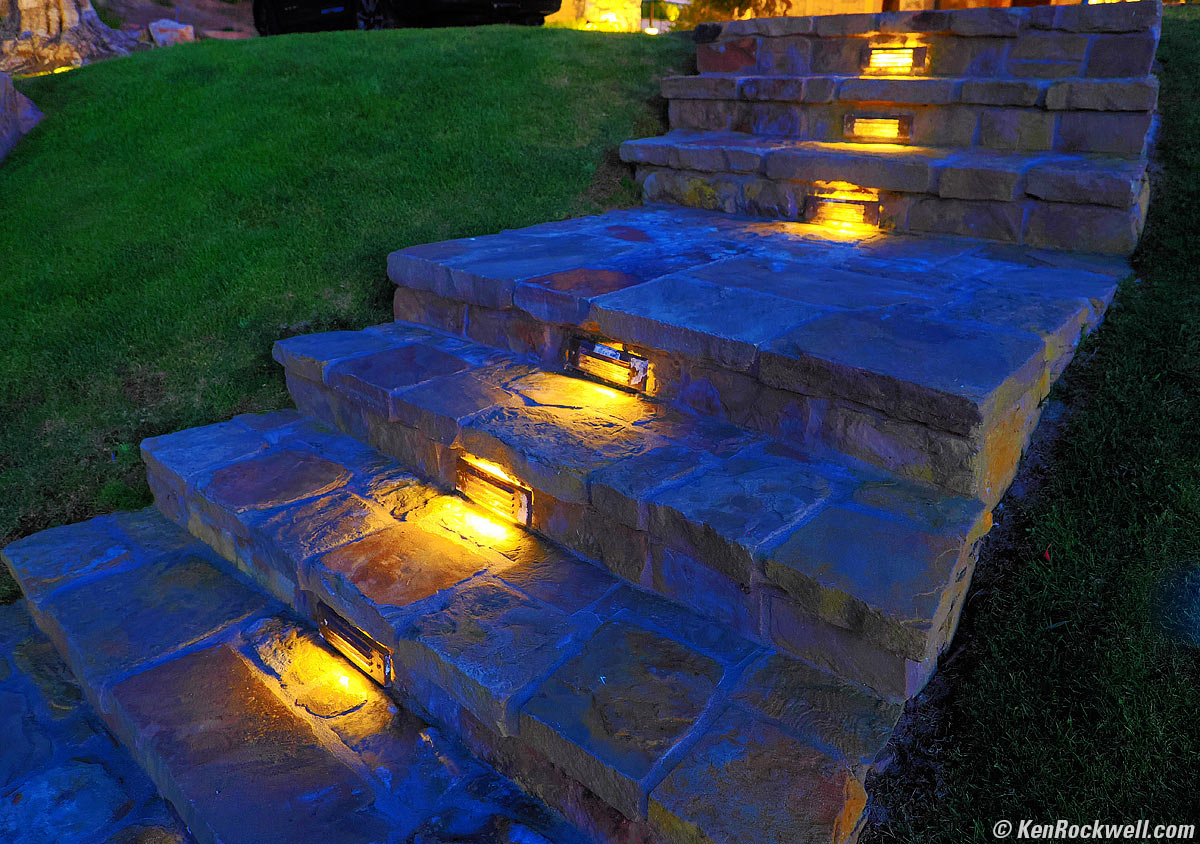
Walkway After Dark, 5:20 P.M., Friday, 21 April 2023. OM SYSTEM OM-1, POP ART I Picture Mode, M.ZUIKO DIGITAL ED 12-40mm F2.8 PRO Ⅱ at 12mm (24mm eq.) at f/2.8 hand-held at 1/8 at Auto ISO 2,500 (LV 1⅓), Perfectly Clear (now called Radiant Image). bigger.
This is at f/2.8, and see how most of it is reasonably in focus, even shot this close? This is a huge advantage of Micro 4/3: its shorter lenses have much more depth of field for the same angle of view as larger formats, and it seems to lose nothing significant at high ISOs. It's not 2003 any more.

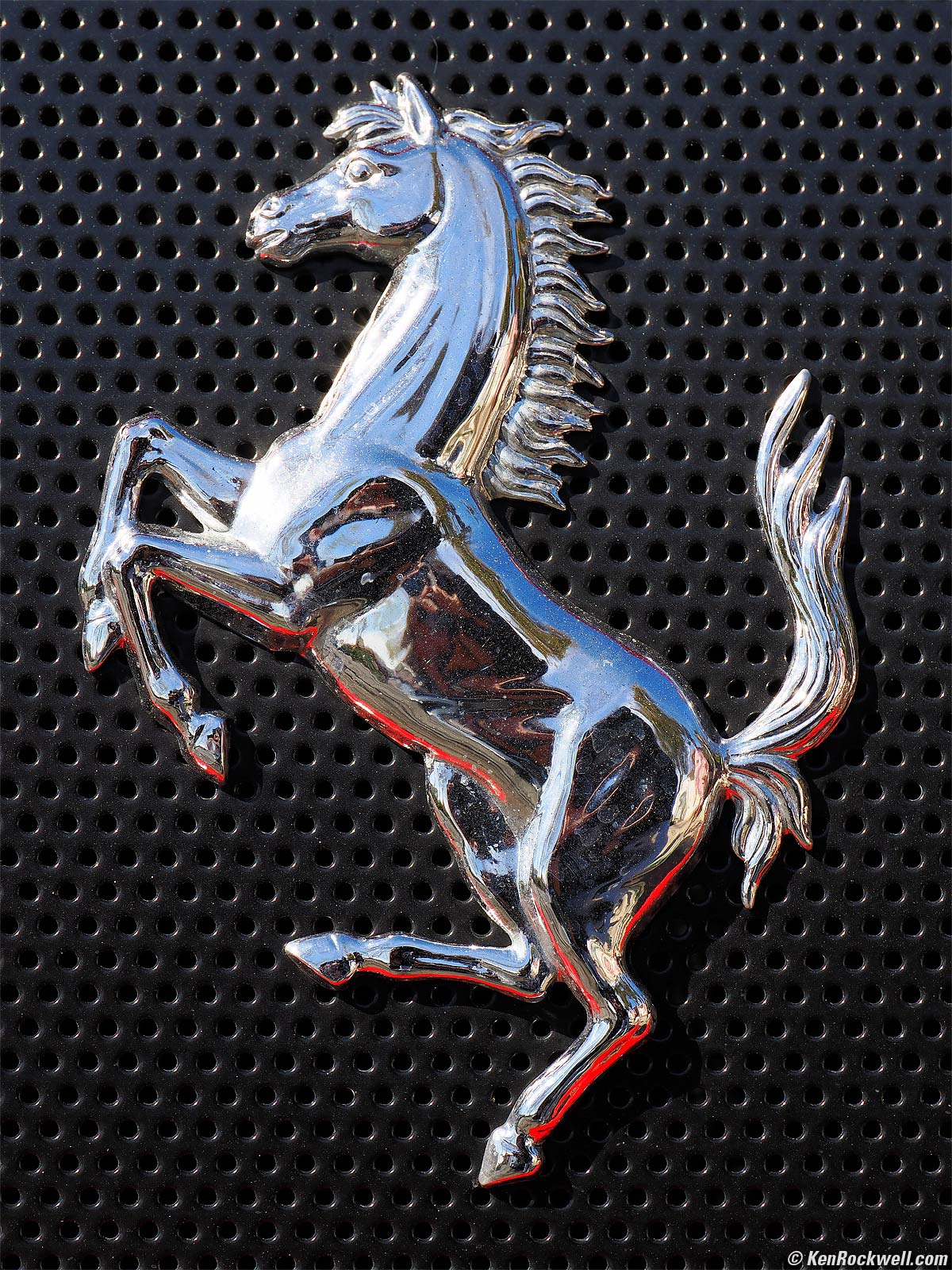
Porsche Crest, Saturday, 22 April 2023. OM SYSTEM OM-1, POP ART I Picture Mode, M.ZUIKO DIGITAL ED 12-40mm F2.8 PRO Ⅱ at 40mm (80mm eq.) at f/7.1 hand-held at 1/500 at Auto ISO 200, +0.3 stops exposure compensation (LV 13.6), as shot. bigger.
In case you were wondering, yes, Ferrari's prancing horse is the same horse as Porsche's!
The M.ZUIKO DIGITAL ED 12-40mm F2.8 PRO Ⅱ focuses closer than I ever seem to need. Bravo!

Dandelion "Wish Maker," 10:03 A.M., Sunday, 23 April 2023. OM SYSTEM OM-1, VIVID Picture Mode with +2 Saturation, M.ZUIKO DIGITAL ED 12-40mm F2.8 PRO Ⅱ at 24mm (48mm eq.) at f/5.6 at 1/1,000 at Auto ISO 200 (LV 13.9), Perfectly Clear (now called Radiant Image). bigger.
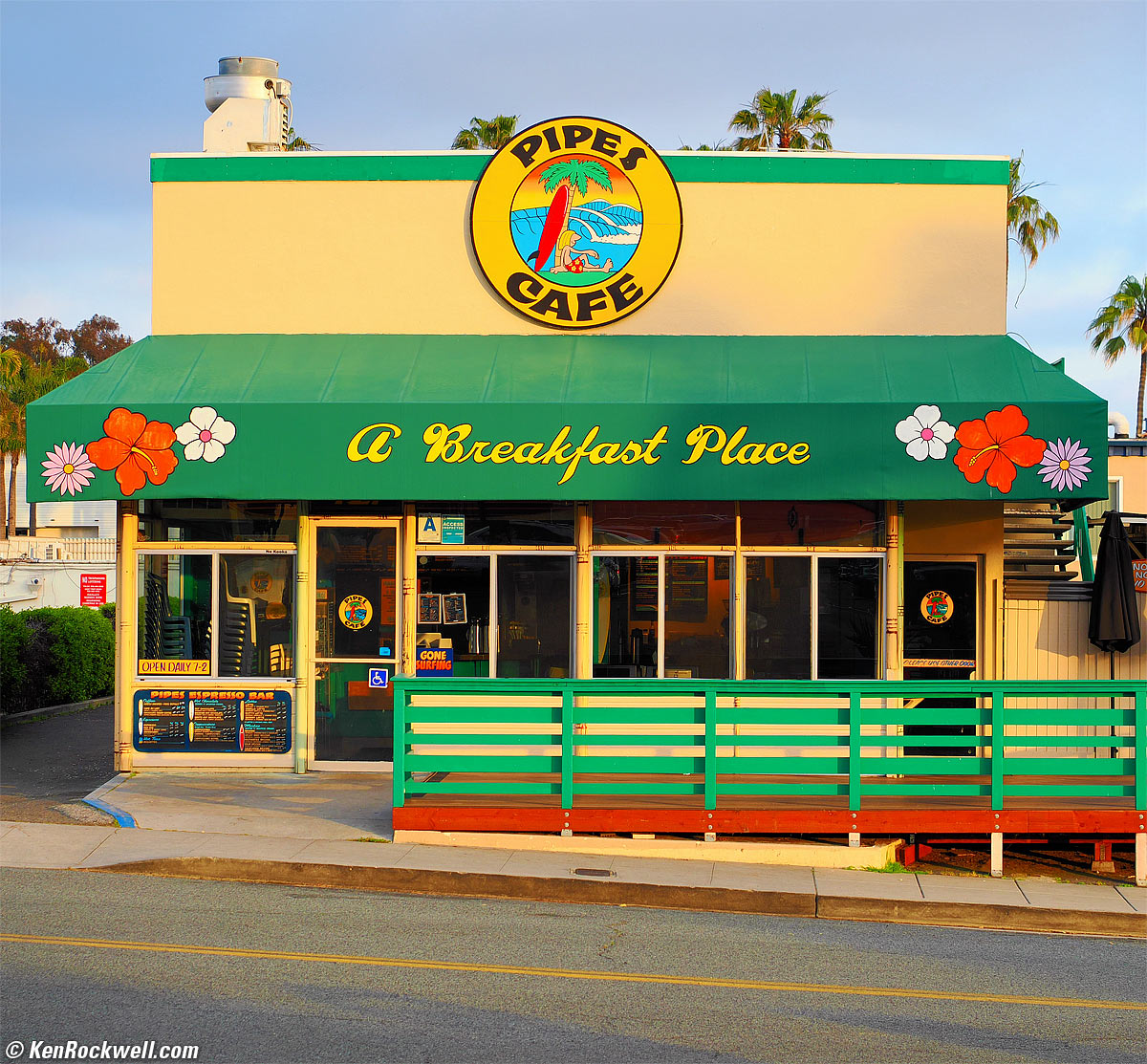
Pipes Cafe, 6:48 P.M., Sunday, 23 April 2023. OM SYSTEM OM-1, POP ART I Picture Mode, M.ZUIKO DIGITAL ED 12-40mm F2.8 PRO Ⅱ at 40mm (80mm eq.) at f/4.5 at 1/200 at Auto ISO 200 (LV 11.0), Perfectly Clear (now called Radiant Image). bigger.
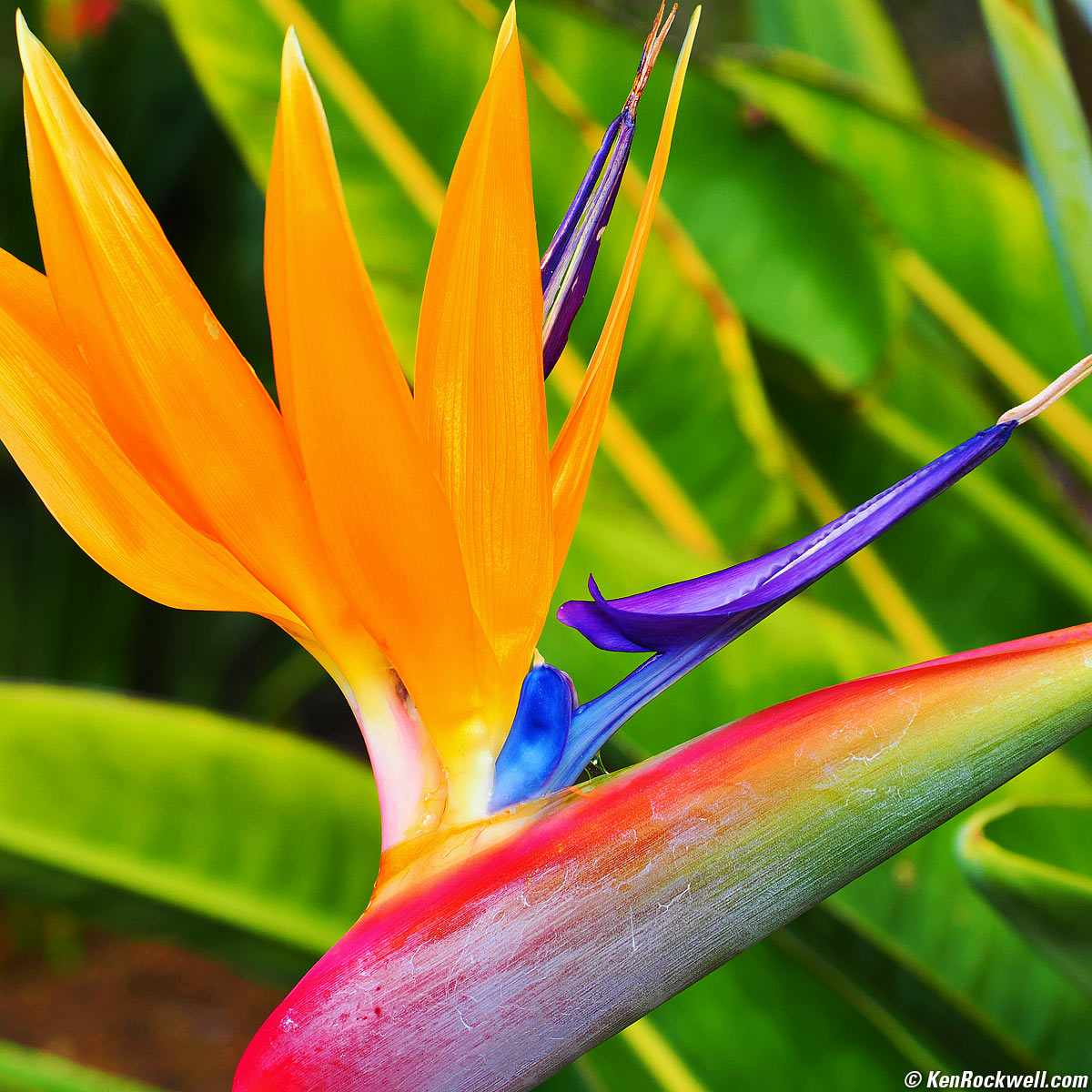
Another Bird of Paradise, 5:19 P.M., Monday, 24 April 2023. OM SYSTEM OM-1, POP ART I Picture Mode, M.ZUIKO DIGITAL ED 12-40mm F2.8 PRO Ⅱ at 40mm (80mm eq.) at f/5 at 1/250 at Auto ISO 200 (LV 11.6), Perfectly Clear (now called Radiant Image). bigger.
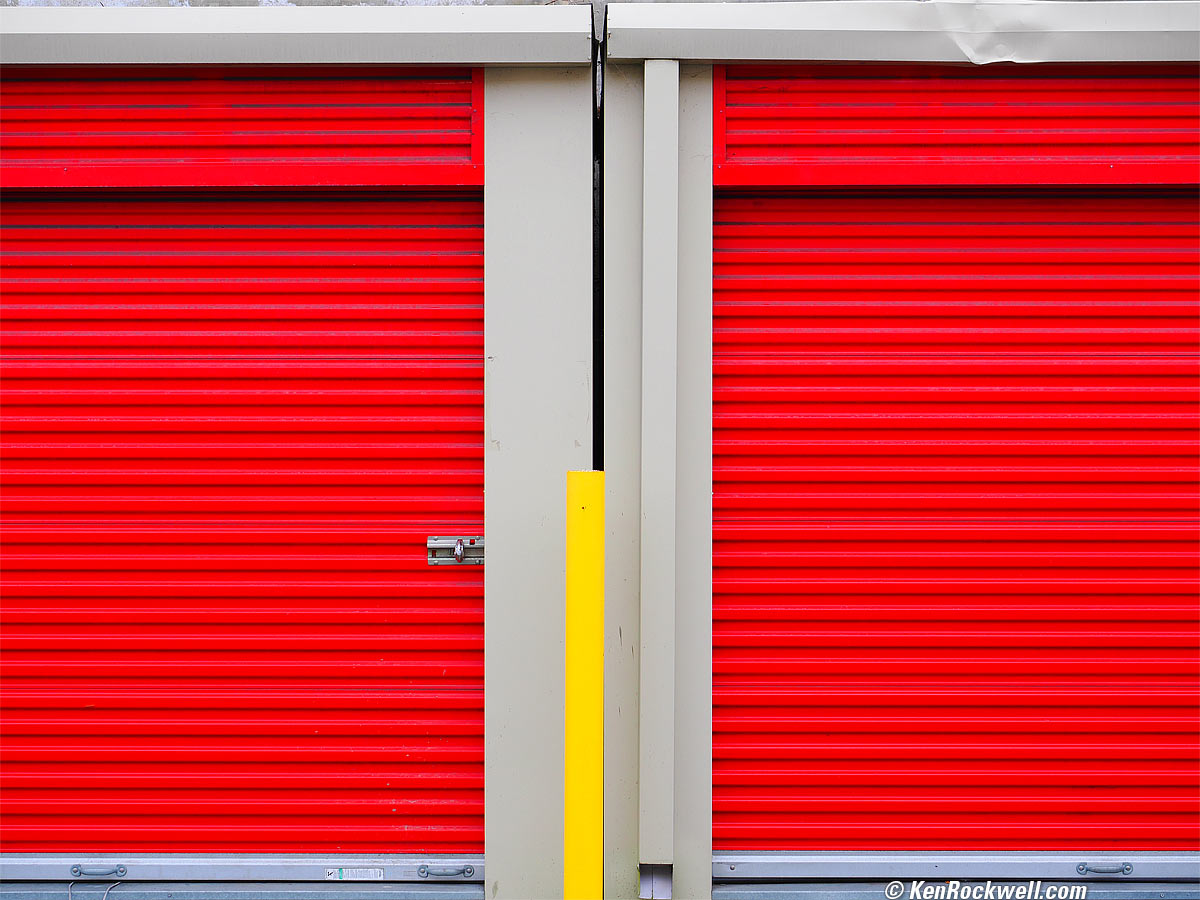
Storage Lockers, 5:25 P.M., Wednesday, 26 April 2023. OM SYSTEM OM-1, POP ART I Picture Mode, M.ZUIKO DIGITAL ED 12-40mm F2.8 PRO Ⅱ at 32mm (64mm eq.) at f/5 at 1/160 at Auto ISO 200 (LV 11.0), Perfectly Clear (now called Radiant Image). bigger.
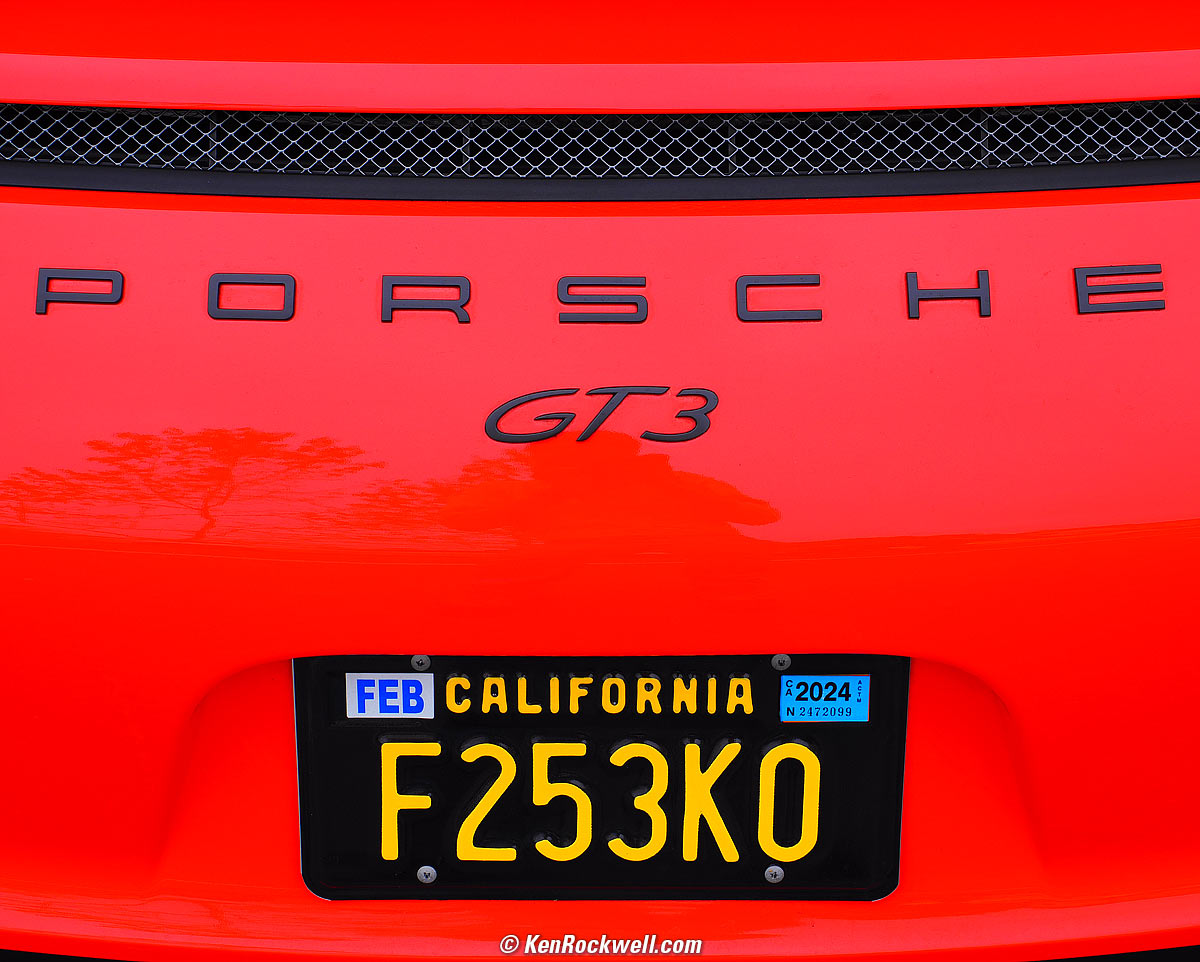
Porsche GT3, 9:48 A.M., Saturday, 29 April 2023. OM SYSTEM OM-1, POP ART I Picture Mode, M.ZUIKO DIGITAL ED 12-40mm F2.8 PRO Ⅱ at 36mm (72mm eq.) at f/5.6 at 1/320 at Auto ISO 200 (LV 12.3), as shot. bigger.
The POP ART I Picture Mode does a great job for shots I want rendered as big splotches of color.

Aura Chakra Reader, Pacific Beach, 2:03 P.M., Saturday, 29 April 2023. OM SYSTEM OM-1, POP ART I Picture Mode, M.ZUIKO DIGITAL ED 12-40mm F2.8 PRO Ⅱ at 30mm (60mm eq.) at f/5.6 at 1/250 at Auto ISO 200 (LV 11.9), Perfectly Clear (now called Radiant Image). bigger.

Bottlebrush Plant, 10:40 A.M., Monday, 01 May 2023. OM SYSTEM OM-1, POP ART I Picture Mode, M.ZUIKO DIGITAL ED 12-40mm F2.8 PRO Ⅱ at 40mm (80mm eq.) at f/3.5 at 1/125 at Auto ISO 200 (LV 9.6), exactly as shot. bigger.
The 12-40mm F2.8 PRO Ⅱ gets even closer than this and doesn't need any special modes to do it, but get any closer and the picture doesn't make sense.

Introduction top
Sample Images Intro New Good Bad Missing
Specs Accessories Performance Compared
User's Guide Recommendations More

I buy only from these approved sources. I can't vouch for ads below. |



The OM SYSTEM OM-1 Mark II is the most feature-laden camera I've ever reviewed, and it's all super-easy to use.
The OM-1 Mark II is a great choice for people who love fast frame rates, state-of-the-art computational photography like an electronic grad ND filter, handheld Pixel-Shift high-resolution shooting, handheld HDR, handheld Focus Stacking, three different "Live" modes that let us watch long exposures accumulate and stop them when they look done, with a live histogram and more. Not only does the OM-1 Mark II do all the compositing in-camera, it does it all with one press of the shutter button! It has the best stabilization I've ever tested, superb light metering, great battery life, great ergonomics, a brilliant finder and flexible controls with numerous programmable function buttons and options, has no rolling shutter effect and flash works with the electronic shutter. Bravo!
There's nothing else like the OM-1 Mark II for hand-held computational photography, except for the very similar original OM-1. It leaves the rest of the market standing around in the dust with a tripod, having to haul files back home to process into the same complete images that come right out of a hand-held OM-1 Mark II.
For fast sports, I'm impressed at how well it shoots away silently at 50 FPS with full tracking.
The OM-1 Mark II has by far the best built-in stabilization I've ever used, and with its greater depth of field and base ISO of 200 lets me get cleaner shots with more in focus than my larger format cameras hand-held!
Stabilization often gives me more than five stops of actual measured real-world improvement. IBIS in other brands rarely gives me more than three stops in actual use regardless of what its makers claim.
Worried that the sensor is smaller than APS-C? Don't worry; high ISOs look fine. While detail retention at the insane ISOs no one really uses isn't as good as the best full-frame cameras, it is almost as good as the full-frame Canon EOS RP.
Incredibly its default ISO is a fast ISO 200, not 100 as in most other cameras. This, along with the extra depth-of-field that comes with the shorter lenses used with Micro 4/3 means that even in dim light I have loads of depth-of-field, much more than with APS-C and full-frame cameras.
Its 2× crop factor means lenses are half the focal length for the same field of view as compared to full frame, so at any given aperture you get about twice the depth-of-field as you would with the same angle of view on full frame. You can use larger apertures so you can shoot at lower ISOs for cleaner images with the same look as full frame. I rarely have to stop down below f/5.6 to get loads of depth-of-field, and if not, I can use one-touch Focus Stacking — hand-held!
For birds, you can't beat its 2× crop factor, base ISO of 200 and OM SYSTEM's large collection of ultra-tele zooms at reasonable prices compared to full-frame beasts like the Canon RF 800mm f/5.6L IS and RF 1,200mm f/8L IS. See the M.Zuiko 75-300mm (150-600mm eq.), M.Zuiko 100-400mm (200-800mm eq.), M.Zuiko 300mm f/4 (600mm f/4 eq.), the newest and reasonably-priced OM SYSTEM 150-600mm IS (300~1,200mm eq.) and the birder's dream, the M.Zuiko 150-400mm f/4.5 TC which is a 300-800mm equivalent with an internally switchable 1.25× converter to make it a 375-1,000mm f/5.6 equivalent lens!
Astronomers are a weird breed and play by different rules. I'm really intrigued by the many long-exposure tricks the OM-1 Mark II can play, but I'm an artist intrigued by the night sky, not a hard-core scientist.
For nature and landscapes it all comes down to which brand gets the color rendition you prefer. I love what I get from my Nikons and Canons, and prefer the OM-1 Mark II to my Sonys and Fujis. This is art and we all have very different tastes for color rendition; it's not about laboratory color fidelity.
The "ProCap" advance modes start capturing images at frame rates from 5 to 120 FPS at full resolution with a half-press of the shutter, and when you fully press the shutter it saves a bunch from before you fully pressed it, effectively saving photos from before you fully pressed the shutter so you don't miss anything!
The OM-1 Mark II's high-resolution pixel-shift scanning mode works great handheld and does it with a dedicated one-tap mode switch! The last one I tried in the Pentax K3 II took long enough between shifted captures that changes in lighting from passing clouds or anything that breathed lead to iffy real-world results, even on a tripod. The OM-1 Mark II makes it easy to use hand-held! With Sony you've got to be kidding; the A7R Mk V still requires you export all the tripod-shot pixel-shift raw files and then hope they combine well in your computer later, which to me makes this potential feature completely useless. With OM-1 Mark II, it's one-tap away hand-held. Bravo!
While the User's Manual says use a tripod, the OM-1 Mark II's great internal stabilization lets my HDR and Focus Stacking modes work great hand-held, and they each process and save the final images in-camera quickly enough to make them genuinely useful.
The OM-1 Mark II has superior ergonomics, potentially the best in the industry and potentially better than Canon. The OM-1 Mark II is ergonomically far superior to anything from Nikon, anything from Sony and anything from Fuji. Most things are super easy to set, the menus and settings are generally the most flexible I've used and it has the best color menu system in the industry, even better than Canon. While Fuji, Nikon and Sony have colored category tabs, their individual menu items are all the same yellow (Nikon) or orange (Sony) — and Fuji's menu items are all black and white — so after you've found it, there's still no easy way to remember where you found it for the next time. With the OM-1 Mark II (and to a dimmer extent Canon) every menu line item has a color based on its category, so it's easy to remember where to find things next time. In the OM-1 Mark II, there are eight colors corresponding to its eight main menu categories. See Canon vs. Nikon, Sony, Fuji & OM SYSTEM Menu Systems.
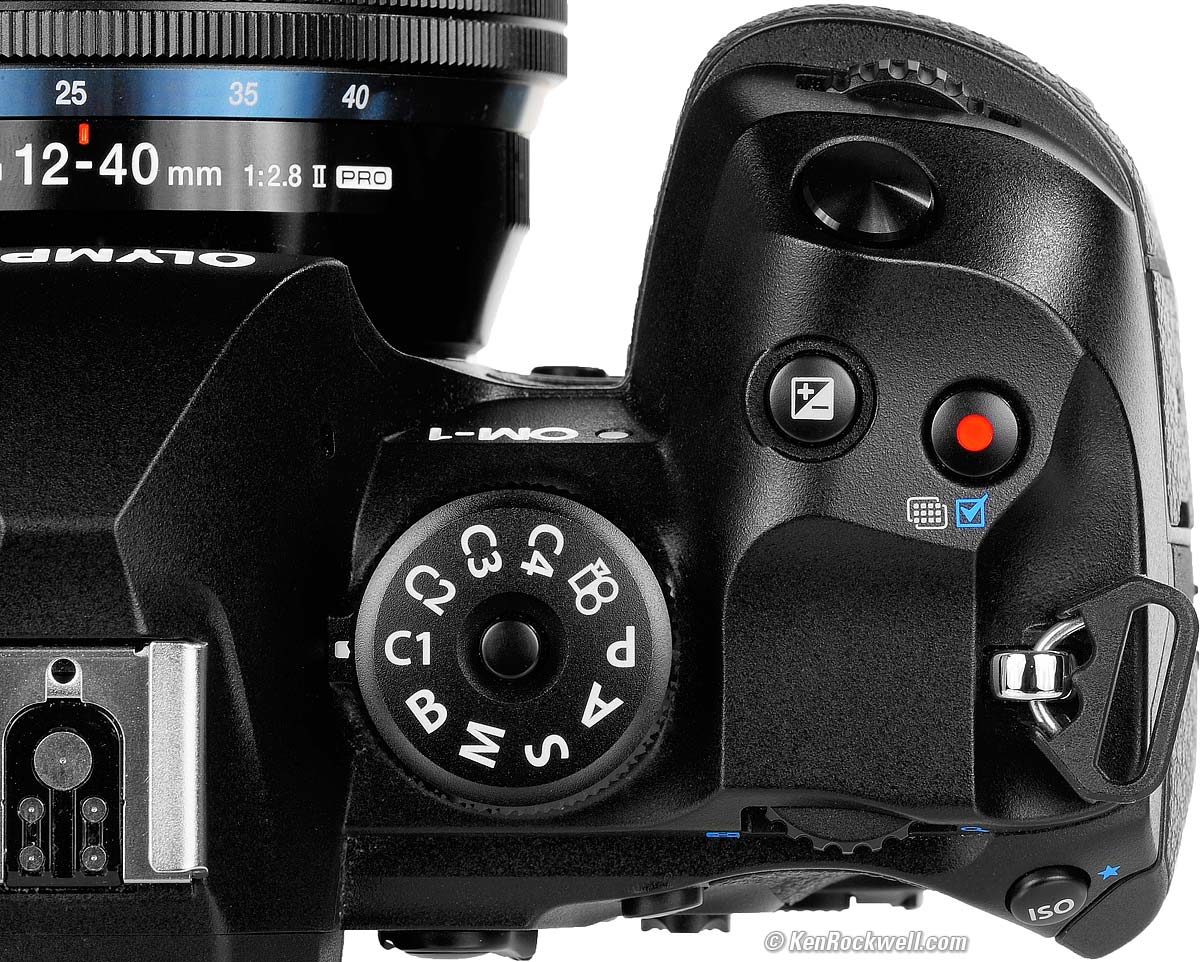
Mode Dial Set to C1. bigger.
I love, love, love, love having four complete camera state memories on the top dial: C1, C2, C3 and C4. Each recalls everything about the camera from when I saved the settings, including advance, AF, image, finder, button, dial and playback settings! I use C1 for general Program mode shooting and C2 for A mode. I use C4 in my studio with a completely different setup (manual exposure, manual ISO L80, manual preset white balance to my strobes, finder mode set to Optical Viewfinder mode. I use C3 as scratch to play with new settings, or for sports. More at my User's Guide.
Its new "Live Composite" mode records the peak value of each pixel during a long exposure. By saving just the peak value of each pixel it accumulates star trails, lightning bursts, fireworks and car-light trails as they happen, while the sky, horizon or city lights don't overexpose with more time even with an all-night exposure. Brilliant! My astro friends tell me that this is going to be a huge timesaver because it saves them from saving, loading and stacking layers manually later in software. How to Use the Long Exposure Modes.
The OM-1 Mark II has fantastic battery life, superb power management and very flexible charging. I can charge and shoot at the same time powered from USB-C and charge from seemingly any USB source. I never have to turn it off because it goes to sleep on its own and stops drawing power. My Sonys aren't smart enough to turn off when carried around my neck; instead my Sonys think it's my face stuck to the finder all day and refuse to turn off, running down my Sony batteries unless I turn them ON and OFF each time I take a picture.
Like Focus Stacking, Pixel-Shift high-resolution shooting, and HDR? The OM-1 Mark II does all the compositing in-camera, it does it all with one press of the shutter hand held! No longer do you need to load interim files into a computer to process, unless of course you want to.
The OM-1 Mark II is ideal for people who value superb ergonomics, stabilization and advanced computational features like HDR, Focus Stacking and Pixel-Shift high resolution that are easy to use and work great hand-held. The OM-1 Mark II has the most advanced computational features I've ever used in any camera short of an iPhone; it's far beyond any other interchangeable-lens camera.
The OM-1 Mark II is almost identical to the original OM-1, with the addition of only a very few new firmware features. Otherwise the two cameras share the exactly same rated weight, identical controls and outward appearance except for the "II" emblem instead of "OM SYSTEM" emblem on the front and share even the same IM027 model number on the back sticker. In my over over 50 years of serious photography, I can't ever recall any new model being so almost completely identical to the previous version.
I got mine through B&H. I'd also get it at Adorama or at Amazon, or used at eBay if you know How to Win at eBay:
Body-only: $2,399.99 at B&H, at Adorama and at Amazon.
OM-1 Mark II and M.Zuiko 12-40mm f/2.8 II: $2,999.99 at B&H or at Adorama.
New since the original OM-1 intro top
 Brilliant option to make the 🗑 trash can button, ordinarily ignored while shooting, become a MENU button while shooting (still a trash button in playback).
Pixel-Shift high-resolution shooting and Focus Stacking now work in all regular Picture Modes, but still not in the crazy ART picture modes. (The original OM-1 forced itself into Picture Mode #3 (Natural) and that was it).
Pixel-Shift high-resolution shooting adds the option for 14-bit raw recording, as well as the previous 12-bit raw option.
Focus Stacking is now improved in that it usually focuses both in and out from your selected point of focus. The original OM-1 used to focus only away from the autofocus point, so I manually had to focus on the closest part of my subject and pray.
The touch screen now works for entering text for copyright information. The original OM-1 had a QWERTY keyboard, but we had to use the 4-way controller to click around and enter characters!
New Electronic ("Live") Grad ND mode lets you choose the density, hardness and angle of a synthetic grad filter.
New Electronic ("Live") Grad ND mode is even smart enough to orient the grad filter automatically!
Deeper buffer, now 219 JPG LARGE or 213 raw at 120 FPS, up from 94 or 92 frames. With a fast card at reasonable frame rates like 10 FPS it's unlimited.
Front and rear control dials are now rubberized (were just hard plastic).
In-camera stabilization now rated 8½ stops, up from 7 or 8 stops.
Adds a Human option for subject detection (still no AUTO setting).
No faster than the original OM-1, but does add new slower 12½ and 16⅔ FPS options in the SH2 Mode.
Handheld Pixel-Shift high-resolution shooting now works in 14-bit raw, as well as the 12-bit mode of the original OM-1.
"Live ND" electronic neutral density filter now goes to 6 stops (128×), up from 5 stops (64×) for long daytime exposures. It collects numerous exposures and averages them into one equivalent long exposure, giving us more neutral colors than glass ND filters and saving us from having to carrying them. More at Using Live ND.
Vertical video. (Please kill me now.)
USB Video Class (UVC).
USB Audio Class (UAC).
OM Capture computer app can now talk to the camera via WiFi as well as USB.
Identical High ISO performance, however ISO 25,600 now has a green cast, at least in my sample as of firmware 1.0.
$400 more expensive.
Good intro top
 Brilliant option to make the 🗑 trash can button, ordinarily ignored while shooting, become a MENU button while shooting (still a trash button in playback).
New electronic ("Live") Grad ND mode lets you choose the density, hardness and angle of a synthetic grad filter.
In-body Image Stabilization gives about five measured real-world stops of improvement with the unstabilized M.Zuiko 12-40mm f/2.8 II at 40mm, the most I've ever measured for in-body stabilization.
"ART BKT" saves multiple versions of each shot in whatever Picture Modes we desire, so for instance if we choose ultra-high saturation ART POP I and Portrait Picture Modes we can photograph both people and landscapes and get optimum images of each without having to change any settings from shot to shot!
FOUR programmable complete camera-state memories on the top mode dial: C1, C2, C3 and C4!
Programmable Function Lever around the AEL button allows us to select between two completely different sets of AF system settings with one click, or works as a Movie or power lever. See Using the Fn Lever.
Shoots at 50 FPS with full tracking autofocus and auto exposure at full 20 MP resolution.
Default ISO is a fast ISO 200.
4:3 "Ideal Format" sensor, rather than the squintier 3:2 "Barnack's folly" aspect ratio of other brands. 4:3 is ideal because it requires the least cropping overall for most subjects, especially with vertical shots, so we use more of our sensor and throw away less of our images as finally cropped.
2× crop factor means shorter lenses for the same pictures as full frame, which means more depth of field at the same aperture, or the same depth of field at larger apertures for use in lower light. I rarely have to shoot smaller than f/5.6 to get everything in focus!
Mechanical shutter rated 400,000 shots.
Easy to set Auto ISO not to take effect in Manual exposure mode, bravo!
Superb battery life, power management and flexible charging. One can charge and shoot at the same time powered from USB-C.
Electronic shutter covers every speed from 64 seconds to 1/32,768 in third stops, not missing a single speed as too often happens with other brands' electronic shutters.
Exposure times run to at least a full minute in all exposure and shutter modes!
Using menus, allows timed exposures to 30 minutes, and to six hours in Live Composite mode. More at How to Make Long Exposures.
Smooth, quiet mechanical shutter.
Little to no rolling shutter effect with moving objects and electronic shutter.
Electronic shutter works with flash, at up to 1/100 sync speed (How to Use Flash with the Electronic Shutter).
Shutter types are trivially easy to set because they're invoked as advance modes, not hidden in a Shutter Type menu as on other cameras.
In-camera High-Resolution pixel-shift, focus-stacking and HDR compositing work great — even hand held!
No-blackout finder at still frame rates from 25 to 120 FPS (DSLR-like blackout after each shot at slower speeds).
Push and pull ISOs are always available; no need to unlock them in a menu first.
Included FL-LM3 flash (also at Amazon) twists in any direction to trigger my studio strobe power pack, and it works as a wireless commander for the FL-600R, FL-700WR and FL-900R.
Includes a nice 27W USB-C power adapter that works with anything.
Uses normal SD cards.
Battery icon and actual percentage displayed in the finder and on rear LCD.
The exposure compensation bar graph usually turns into an electronic level below the active image area with a half-press of the shutter. Brilliant! It works in EVF Style 1 and Style 2, but not in Style 3. It turns green when you're level so it's easy to see out of the corner of your eye.
Menus allow us to choose to lock the exposure (or not) with a half-press of the shutter depending on the exposure mode.
Option for setting ISOs in full stops (I use this).
Easy to add items to the My Menu menu: simply hold the red button by the shutter for a few seconds with any selected menu item.
P is next to A on the exposure mode dial. It's just one click to get between most people's two most popular modes.
Images recorded at different resolutions play at same magnification when zoomed, making it easy to see if higher resolution settings are making any difference. Swap among photos shot at different resolution settings and the subject's size doesn't change even though the pixel counts do.
Menu settings for shooting with dual cards have the option to let it keep keep shooting to one card even if the other card fills, stops working or if you only have one card loaded.
Rear LCD dims in Bulb since it knows you're probably working in the dark.
AEL can be programmed to use a different metering mode than the shutter-activated meter.
Huge range of manual white balance settings from 2,000 K to 14,000 K give us complete flexibility to render any scene from candlelight to frigid arctic overcast as warmly or as coolly as we want. Other cameras typically cover only from 2,500 K to 10,000 K which is only enough to give a natural rendition of these scenes but not allow for creative manipulation at the extremes.
Four custom WB presets.
"Starry Sky AF Mode" lets us autofocus directly on stars for astrophotography.
Live Fisheye lens compensation for the M.ZUIKO DIGITAL ED 8mm F1.8 Fisheye PRO, only.
Manual-Focus peaking works great.
Claims radio flash control "available."
Superb Menu System.
"Live ND" electronic neutral density filter for longer exposures for showing motion in good light.
"Live Composite" mode captures the peak brightness of each pixel over long exposures. It's even better for star trails and lightning because exposure doesn't accumulate with time, so the sky doesn't blow-out. It simply holds the brightest value for each pixel, like when a star passes, and keeps dark areas and the sky dark.
Wi-Fi.
Playback images rotate with the camera, just like with an iPhone (unlike an iPhone, shooting and playback data displays don't rotate even though the pictures do).
You can program the DPI anywhere from 1 DPI to 9,999 DPI at MENU > 🔧 WRENCH page 2 > dpi Settings.
2× digital teleconverter.
Bluetooth.
The OM-1 Mark II is so smart that the "remaining pictures" counter knows how many images you've chosen to save in ART BKT each time you press the shutter, and aptly decreases the counter as you select more and more Picture Mode versions to save for each shot!
Supposedly you can connect the OM-1 Mark II to your computer to use its specialized on-board computers to process raw files much more quickly while using OM Workspace software. I haven't tried it, and do know camera processors are highly optimized for processing raw data fast, so this makes a lot of sense. See page 285 in OM SYSTEM's User's Manual for details.
Flicker Reduction works great.
You can preview the effects of flicker and banding to select an optimum electronic shutter speed. See Flicker Scan.
Audio Notes are in stereo, but they're not one-touch as on pro cameras.
External Mic plug-in power can be turned on and off.
The complete User's Manual needs only 565 pages to explain everything. The Canon EOS R3 needs 1,037 pages to explain itself, and I don't know that the R3 has as many advanced features as the OM-1 Mark II.
IP53 dust & splash rated.
Bad intro top
 All-Area Autofocus is clueless, rarely selecting the subject we intend, so we usually have to assign the AF area manually. An iPhone, Canon or Sony is far superior here. Subject recognition is also pretty crappy. More at Autofocus.
Auto ISO automatic focal-length tracking minimum shutter speed not tweakable for faster or slower (you can set any fixed slowest speed manually).
Won't fire while a flash is recycling (it's better if the camera shoots anyway before the flash is ready, setting its exposure for ambient light).
Less flexibility in common Picture Modes than Nikon, Canon or Sony, only adjusting to ±2 steps and only for Saturation, Sharpening and Contrast— but has a lot more good Art Modes lacking on the other brands.
Pixel-Shift high-resolution shooting, HDR and Focus Stacking all work easy and simply, even hand-held, but force themselves into Picture Mode #3 (Natural). We can't use our preferred Picture Modes with any of these modes.
No ability to save or recall camera settings to and from a card. You can try this in the app, but that data seems to live in the app so good luck sharing it.
No BASIC JPG option, just NORMAL, FINE and SUPER FINE. Even Olympus' first Micro 4/3 camera, the PEN E-P1 of 2009, had this important feature.
No NORMAL JPG option for High Resolution pixel-shift scanning mode; just raw or FINE JPG.
No "-" (dash) or "_" (underscore) character options in file name prefix settings, just A-Z and 0-9.
Sensor not protected by shutter blades with power off. Instead, the sensor is always exposed and out in the open every time you change lenses or leave the body without a lens.
Production offshored to Vietnam, not made domestically in Japan.
Bogus "ALBM" folder recorded on cards means I always have to make an extra down-arrow click in my Mac to select the DCIM folder to get my photos.
Battery Shot Counter doesn't always reset to zero when charged.
Included tiny flash takes 8s to recycle from a full power burst, and the camera can't shoot until it's ready again. It's much faster if not at full power, but full power isn't much.
Missing intro top
 HDR works easy and simply, even hand-held, but forces itself into Picture Mode #3 (Natural). We can't use any other Picture Modes with HDR.
Pixel-Shift high-resolution shooting and Focus Stacking work easy and simply in all regular Picture Modes, even hand-held, but won't work in any of the crazy ART Picture Modes.
ART Picture Modes have no sharpness, contrast or sharpening settings.
HDR only works at ISO 200.
No built-in flash (but a tiny shoe-mount flash is included).
No auto-selection option for shutter type, so you can't set it to default to the mechanical shutter and have it swap magically to the electronic shutter if you need a speed above 1/8,000.
One-EV-step exposure option (MENU > CAMERA 1 > page 14 > EV Step) lets us change exposure settings in full stops rather than making us adjust by thirds in P, S and A modes (good), but catastrophically also forces exposure compensation to work only in full stops, defeating the whole purpose. (It's faster to adjust apertures or shutter speeds in full stops in auto exposure modes where the camera adjusts the other setting precisely, but we always need third-stop precision for compensation.)
The touch screen doesn't work for moving around the menus, even though you can use it for selecting AF areas, selecting items in the Super Control Panel and entering text inside the menu system.
Auto ISO automatic focal-length tracking minimum shutter speed not tweakable for faster or slower (you can set any fixed slowest speed manually).
Conventional dedicated hot shoe, but no modern digital interface for direct digital audio or other goodies. External mics still require an analog 3.5mm cable.
No automatic brightness control for the rear LCD.
No ability to save or recall camera settings to and from a card. You can try this in the app, but that data seems to live in the app so good luck sharing it.
You can't get the C-AF+TR mode if you've selected a subject to recognize. If you've picked a subject type, all you can get is regular C-AF where the camera tracks focus in and out, but can't track things all over the screen (the +TR part). Lame.
While better than other cameras in how often we can program settings based on exposure mode (like canceling Auto ISO in Manual exposure), sadly we can't set stabilization to turn off in Bulb but work in other (likely handheld) exposure modes. Thus we run the risk of leaving it on for time exposures or forgetting to turn it back on the next day for handheld shooting.
No focus breathing compensation for video.
Like most cameras, no illuminated buttons.
Not threaded to use a standard threaded cable release.
No GPS (try the app).
Data displays do not rotate with the camera.
Menus don't rotate when held vertically.
No advance mode lever (it's a button so it can be saved and recalled at C1, C2, C3 & C4).
No "Delete Burst" option during playback.
No shutter speed dial (this way it can be saved and recalled at C1, C2, C3 & C4).
No ISO dial (this way it can be saved and recalled at C1, C2, C3 & C4).
No full color RGB histograms while shooting (only on playback).
Rear multi-controller doesn't rotate as an additional control.
No battery charge state indication while charging.
Touch screen lets you select movie focus areas, but doesn't work for setting the menus or entering text.
No swept panoramas (an iPhone does this better anyway).
No Sony-like mode to create a new folder for each day of shooting.
Like most cameras except iPhone, no FIND mode in menu system.
Like most cameras, simple ON/OFF menu entries still require selecting that item, clicking up or down to select the other OFF or ON option, and then hitting OK to register your selection. You can't simply toggle them directly at the menu listing as you can in the Z9 or an iPhone.
No Stabilizer switch on the camera (but easy to assign this to a button).
No case included. So? This isn't 1937.
No BASIC JPG option, just NORMAL, FINE and SUPER FINE. Even Olympus' first Micro 4/3 camera, the PEN E-P1 of 2009, had this important feature.
No NORMAL JPG option for High Resolution pixel-shift scanning mode; just raw or FINE JPG. Compression ratios are unrelated to resolution and OM SYSTEM chose not to give us all the possible options, so it wastes card space for no visible improvement in image quality.
No "-" (dash) or "_" (underscore) character options in file name prefix settings, just A-Z and 0-9.
No "jump by 10 frames per click" dial option. Instead, zoom-out to the 25-image view and click up and down.
No green AUTO mode dial setting, which is great because that gives us the far more useful (to skilled shooters) C4 setting instead.
Specifications top
Sample Images Intro New Good Bad Missing
Specs Accessories Performance Compared
User's Guide Recommendations More
I got mine through B&H. I'd also get it at Adorama or at Amazon, or used at eBay if you know How to Win at eBay:
Body-only: $2,399.99 at B&H, at Adorama and at Amazon.
OM-1 Mark II and M.Zuiko 12-40mm f/2.8 II: $2,999.99 at B&H or at Adorama.
See also OM SYSTEM's printed specifications.
Lens Compatibility specifications top
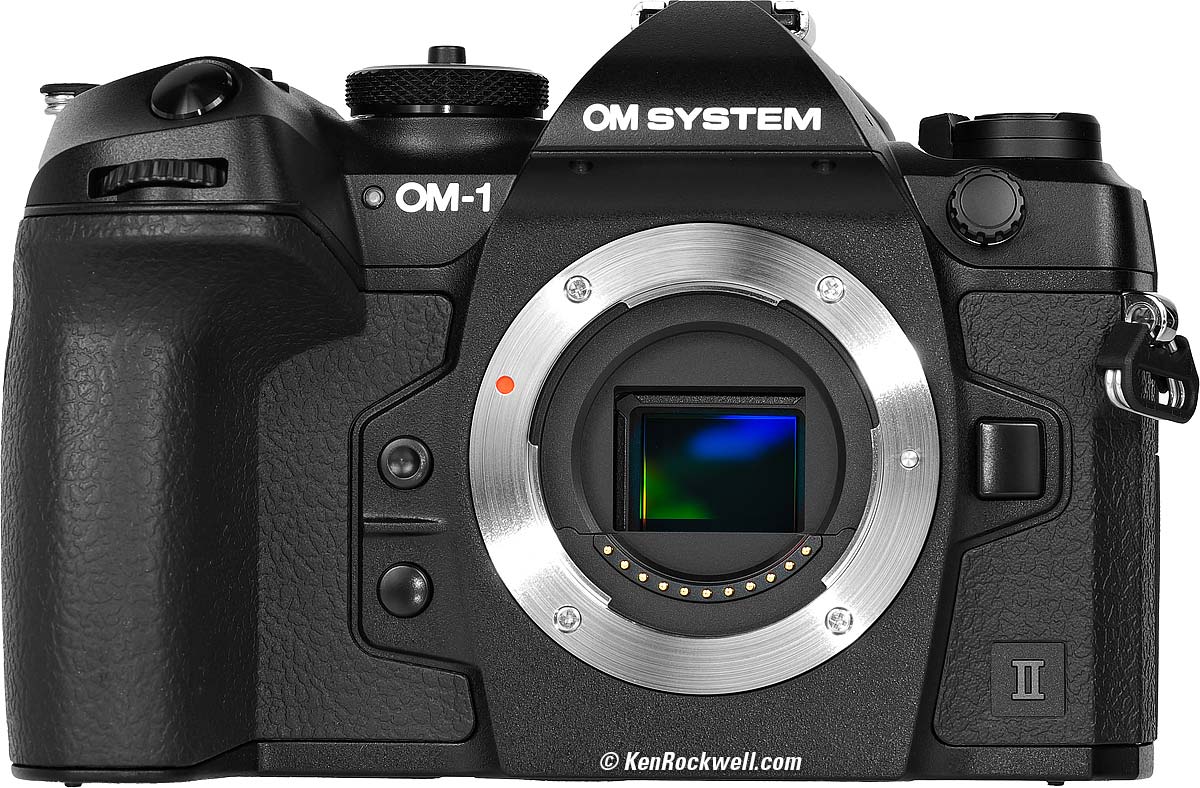
OM SYSTEM OM-1 Mark II. bigger.
Use Micro 4/3 lenses from Olympus, OM SYSTEM, Panasonic Lumix G and others.
Older DSLR 4/3 (not Micro) lenses may work with an adapter.
Image Sensor specifications top
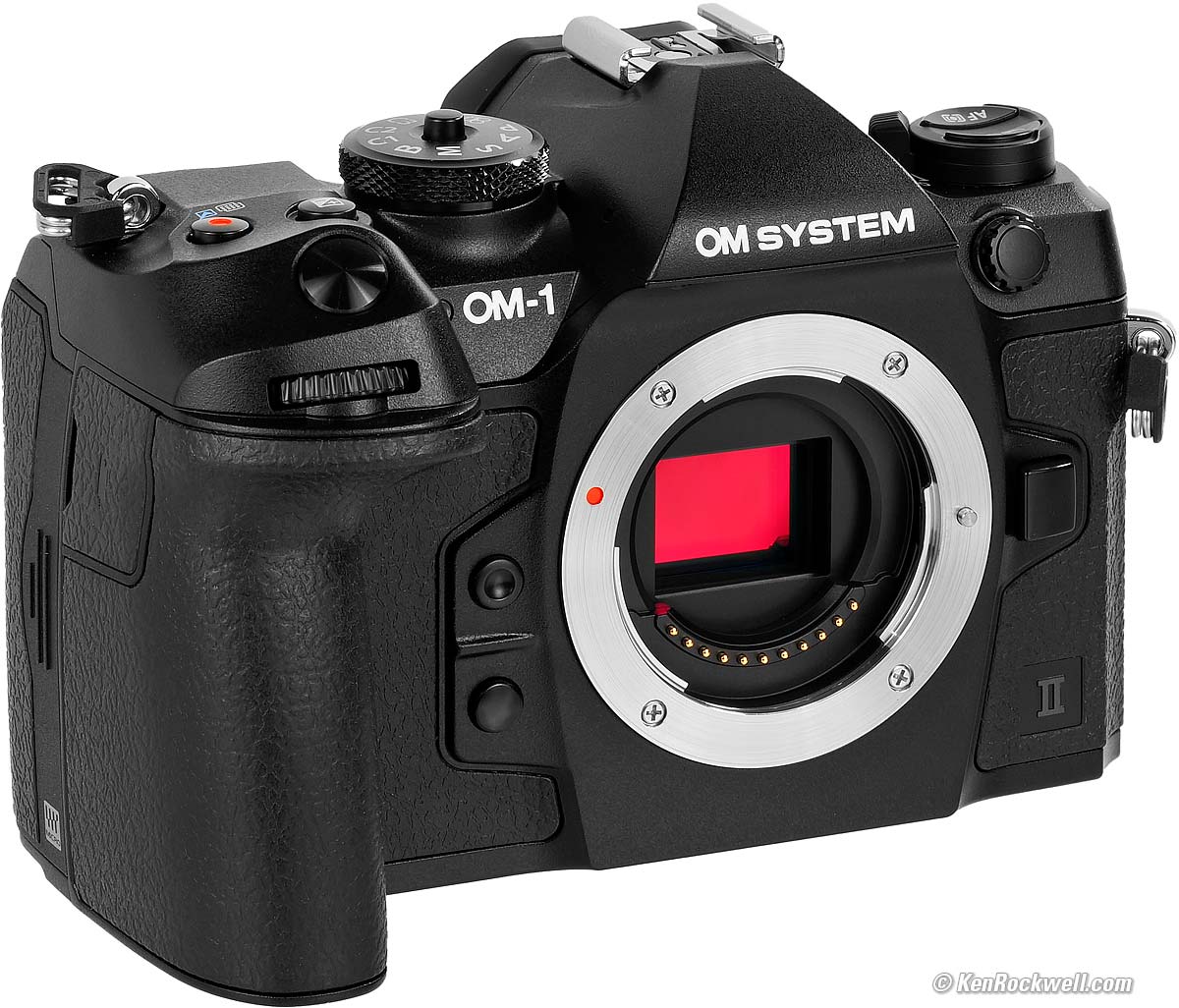
OM SYSTEM OM-1 Mark II. bigger.
20 MP.
17.4 × 13.0 mm Stacked Backside Illuminated Live Metal-Oxide Semiconductor Sensor.
2 × crop factor.
3.35 µm pixel pitch.
4/3 aspect ratio.
Ultrasonic cleaner.
ISO specifications top
ISO 200 ~ 25,600.
Pulls to ISO L 80 or L 100 and pushes to ISO 102,400 third steps.
Auto ISO specifications top
Adjustable for high and low limits from ISO 200 to ISO 102,400 in third stops.
Auto ISO minimum shutter speeds settable either to AUTO (lowest shutter speed 1/(full-frame equivalent focal length, but not adjustable further from there) or settable in third stops from 60 seconds to 1/8,000.
Image Sizes specifications top
5,184 × 3,888 pixels native LARGE (20,155,392 pixels or 20 MP JPG or raw).
3,200 × 2,400 M1 (7.68 MP JPG).
1,920 × 1,440 M2 (2.76 MP JPG. How to set this).
1,280 × 960 S1 (1.23 MP JPG. How to set this).
1,024 × 768 S2 (768,432 pixels JPG. How to set this).
High-Resolution Tripod Scanning Modes (composites 8 images)
10,368 × 7,776 (80 MP) JPG or raw.
8,160 × 6,120 (50 MP) JPG.
5,760 × 4,320 (25 MP) JPG.
High-Resolution Hand-Held Scanning Modes (composites 12 images)
8,160 × 6,120 (50 MP) JPG or raw.
5,760 × 4,320 (25 MP) JPG.
Cropped Aspect Ratios
16:9 HDTV, 3:2 Barnack's folly, 1:1 square and 3:4 vertical for people too lazy to rotate the camera crops from any of the above pixel sizes in both regular and HiRes modes.
Still Formats specifications top
JPG and/or raw.
sRGB and Adobe RGB.
Lens Corrections specifications top
Falloff (vignetting or peripheral illumination).
Distortion and lateral color also seem automatically corrected, but there are no options to turn these on or off.
Video specifications top
File Formats
OM-Log400, Flat or HLG.
10 bit
.MOV holding H.264/MPEG-4 AVC or H.265/HEVC
HDR
Apple ProRes RAW 12 bit 4:4:4 HDMI output to record with Atomos NINJA V or Atomos V+.
Frame Sizes and Rates
4,096 × 2,160 (C4K), 3,840 × 2,160 (4K) or 1,920 × 1,080 (HD) at 23.976, 25, 29.97, 50 or 59.94 FPS.
Time Lapse/Undercrank
3,840 × 2,160 (4K), 1,920 × 1,080 (HD) or 1,280 × 720 (HD) at 5, 10, 15 or 30 FPS.
Slo-Mo/Overcrank
1,920 × 1,080 (HD) at 100, 120 or 200 FPS.
In H.264 (only) you also can get 240 FPS.
Audio specifications top
S - t - e - r - e - O microphone built in.
3.5mm mic-in jack (selectable with or without plug-in power) overrides built-in mic.
Recorded with video, or as a separate WAV file up to 30 seconds recorded after shooting a still image.
Stereo LPCM at 16 bits at 48 ksps or 24 bits at 96 ksps.
Mono speaker.
Headphone jack.
Stabilization
Sensor-shift Image Stabilization.
Rated "up to 7 stops improvement" with the M.Zuiko 12-40mm f/2.8 II at 40mm and "up to 8 stops improvement" with some other stabilized lenses.
Autofocus specifications top
1,053 points.
LV -5.5 to +19 with f/2.8 lens. To LV -8 with an f/1.2 lens.
Phase and contrast detection.
Light Meter specifications top
LV -2 to +20 with f/2.8 lens.
324 zone multi pattern, center-weighted, spot and fixed-zone highlight or shadow spot.
Finder specifications top
5,760,000 dots OLED.
5 ms delay, 120 FPS.
4:3 aspect ratio.
0.74× rated & measured magnification with 25mm lens (50 mm equivalent) in EVF Style 1 and Style 2 (MENU > ⚙ GEAR page 4 > EVF Style).
0.82× rated & measured magnification with 25mm lens (50 mm equivalent) in EVF Style 3 (MENU > ⚙ GEAR page 4 > EVF Style).
(OM SYSTEM cheats and claims a 165% magnification with a 50mm lens, however as we all know, a 50mm lens on micro 4/3 is a 100mm-equivalant telephoto!)
Auto brightness control.
-4 to +2 diopters.
21mm eyepoint from eyepiece lens (not from eyepiece frame).
Antifog coating.
Shutters specifications top
There's no option for auto-selection of shutter type, so you can't set it to default to the mechanical shutter and have it swap magically to the electronic shutter if you need a speed above 1/8,000.
There's no "front curtain electronic option;" it's either electronic or mechanical.
Mechanical Shutter
Rated 400,000 shots.
1/8,192 ~ 64 seconds standard speeds in third stops (displayed as the usual 1/8,000 ~ 60 seconds).
1/250 flash sync speed.
Live Bulb, LiveTime and Live Composite modes.
The longest Bulb, Time, LiveBulb or LiveTime exposure is 30 minutes, because the timer set at MENU > CAMERA 2 > page 2 > BULB/TIME/COMP. > Bulb/Time Timer can't be set to longer than 30 minutes. Use the Live Composite mode for longer exposures. More at How to Use Long Exposures.
Rated for 400,000 shots.
Silent Electronic Shutter
1/32,768 ~ 64 seconds standard speeds in third stops (displayed as the usual 1/32,000 ~ 60 seconds).
1/100 flash sync speed.
Remote Releases specifications top
There's a 2.5mm socket for 2.5mm remote cords like the Canon RS-60E3, Vello RS-C1II and Vello ShutterBoss II Remote Timer.
OM SYSTEM makes a RM-CB2 2.5mm wired remote and a wireless RM-WR1 remote.
There's also a free app to control it remotely.
Frame Rates specifications top
To 10 FPS with tracking autofocus and auto exposure, mechanical shutter.
To 20 FPS with tracking autofocus and auto exposure with silent electronic shutter. Additional ProCap mode captures and saves frames captured before one presses the shutter all the way so you don't miss anything! You can fill a loooong buffer in this setting.
To 50 FPS with tracking autofocus and auto exposure, silent electronic shutter in SH 2 mode. Additional ProCap mode captures and saves frames captured before one presses the shutter all the way so you don't miss anything!
To 120 FPS with locked focus and exposure, silent electronic shutter in SH 1 mode. Additional ProCap mode captures and saves frames captured before one presses the shutter all the way so you don't miss anything!
Detailed specs and how to set and use the OM-1 Mark II Frame Rate Settings.
Buffer (Burst) Sizes specifications top
There is a 213-frame raw hardware buffer for if you have a slow card. If your card is fast enough to suck down data as fast as you shoot, the effective limit is the size of your card rather than the hardware buffer size. At reasonable rates like 10 FPS you have an unlimited buffer, and at faster speeds with fat file types you'll have a shallower effective buffer, approaching the 213-frame hardware limit.
With a 260 MB/s Class 10, U3, V90 SDXC II card:
10 FPS: unlimited until card fills.
20 FPS: 993 JPG Large Fine (LF), 405 raw.
50 FPS: 309 JPG LF, 256 raw.
120 FPS: 219 JPG LF, 213 raw.
Flash specifications top
Dedicated hot shoe for use with FL-LM3, FL-600R, FL-700WR, FL-900R and STF-8 macro flash.
All of the FL-LM3, FL-600R, FL-700WR, FL-900R and STF-8 macro flash also work as wireless commanders to control the FL-600R, FL-700WR and FL-900R as wireless slaves. There's also a dedicated radio FC-WR commander and FR-WR radio receiver.
Radio wireless control "available."
Standard PC (Prontor-Compur) flash sync terminal.
With Mechanical Shutter
1/250 sync speed with mechanical shutter at any ISO.
1/125 ~ 1/8,000 sync speed with a flash that supports Super FP sync with the mechanical shutter.
With Electronic Shutter
1/100 sync speed to ISO 12,800.
1/50 sync speed at ISO 16,000 and above or with ISO bracketing.
How to get the flash to fire with the electronic shutter.
Built-in Flash
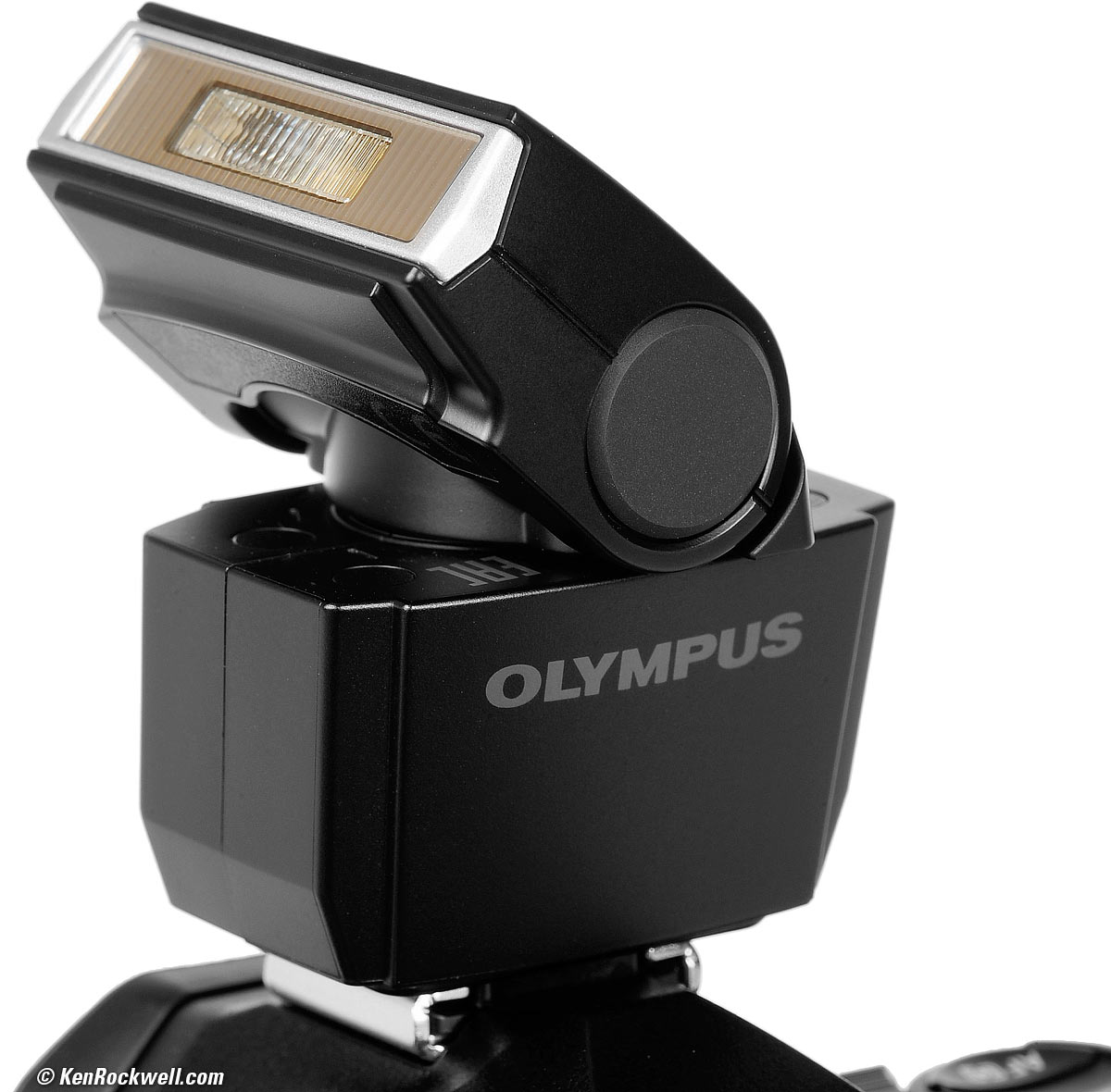
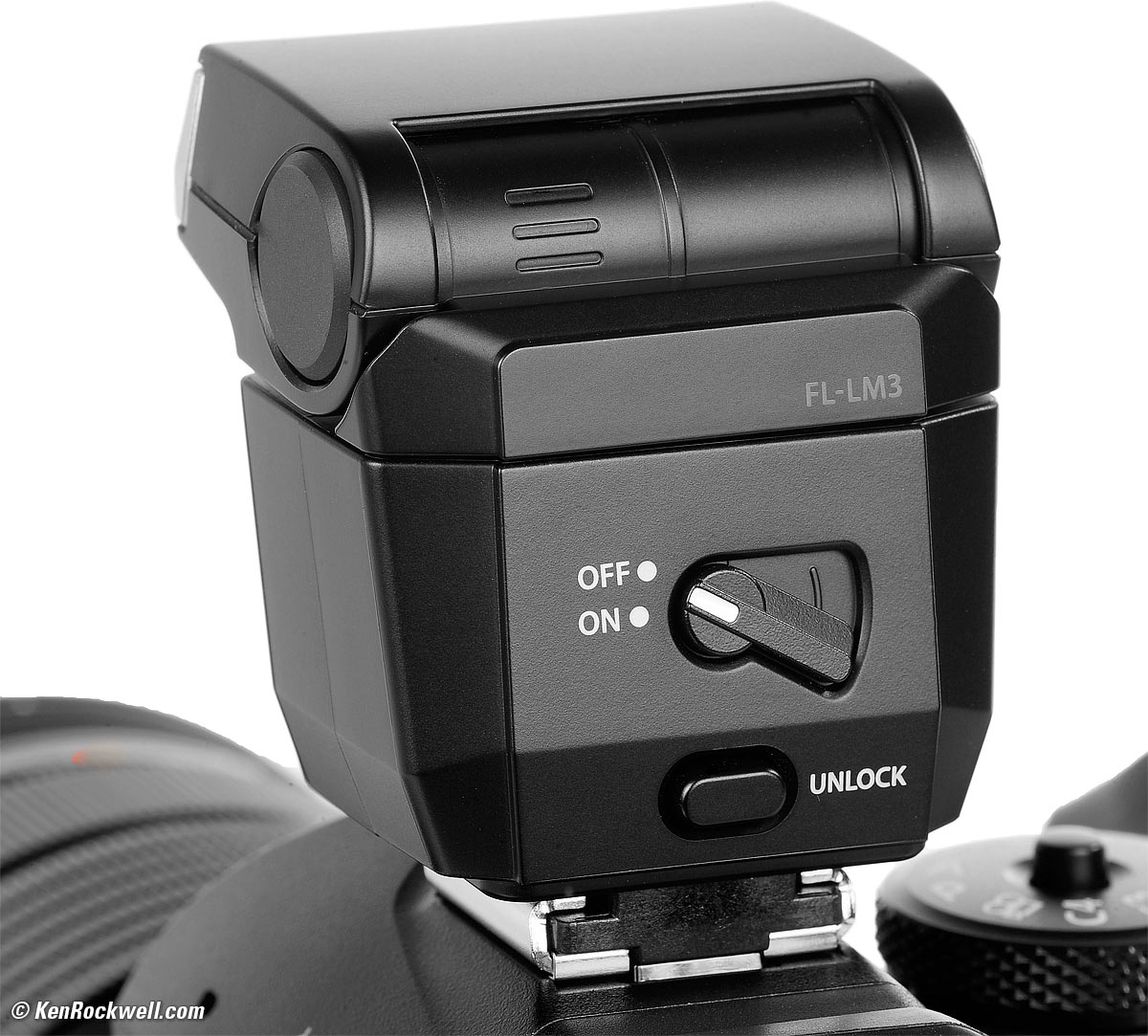
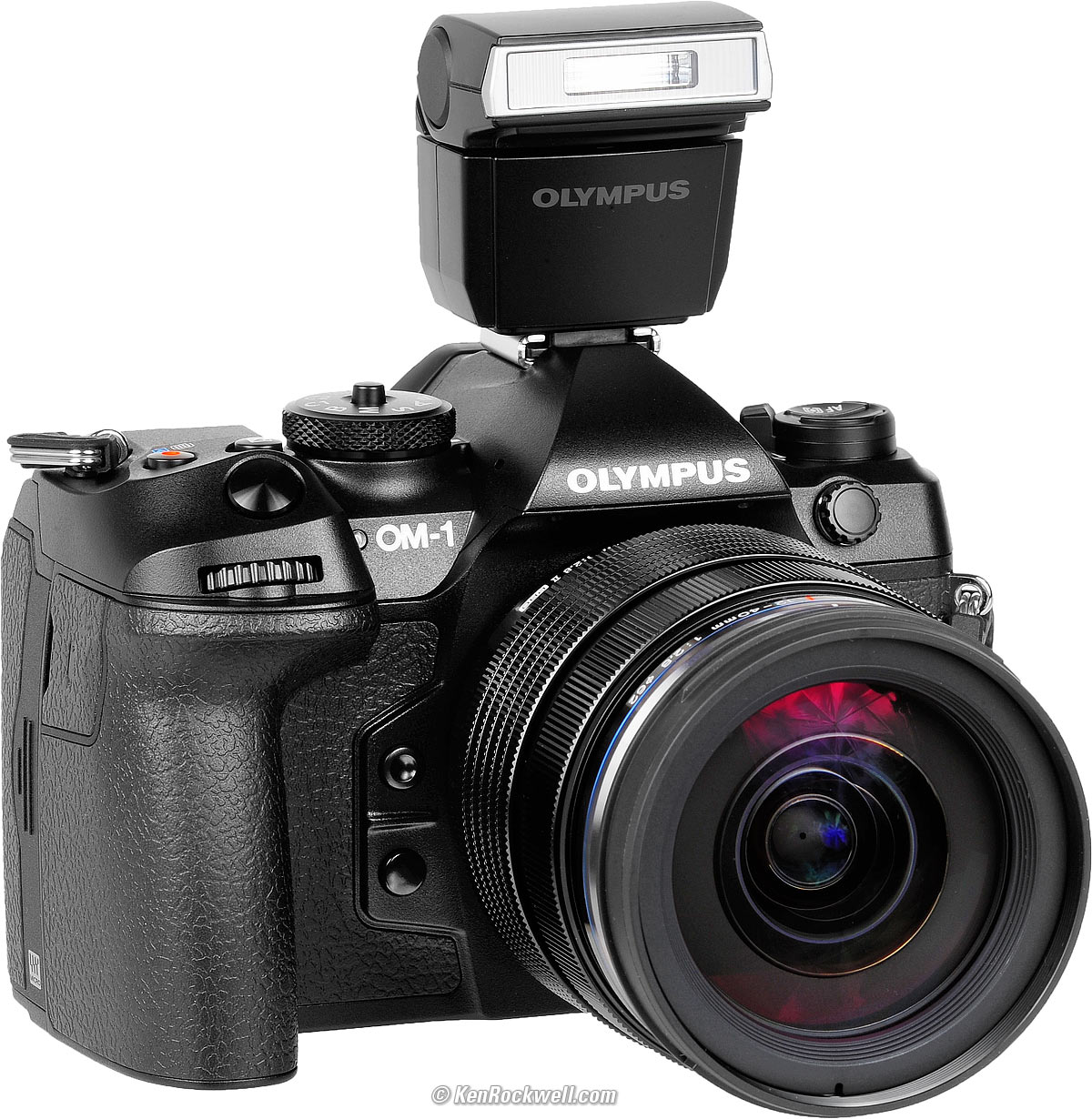
Nothing built-in, but comes with a tiny camera-powered (no batteries needed) FL-LM3 shoe-mounted flash, which is also available separately at Amazon.
I love the flexible FL-LM3 flash because it twists in any direction to trigger my studio strobe power pack, and it works as a wireless commander for the FL-600R, FL-700WR and FL-900R for use as slaves.
Rated GN 9m/30' at ISO 100.
|
|
OM SYSTEM FL-LM3 flash. bigger. |
OM SYSTEM FL-LM3 flash. bigger. |
|
|
OM SYSTEM OM-1, FL-LM3 flash and M.Zuiko 12-40mm f/2.8 II. bigger. |
OM SYSTEM OM-1, M.Zuiko 12-40mm f/2.8 II and FL-LM3 flash. bigger. |
LCD Monitor specifications top
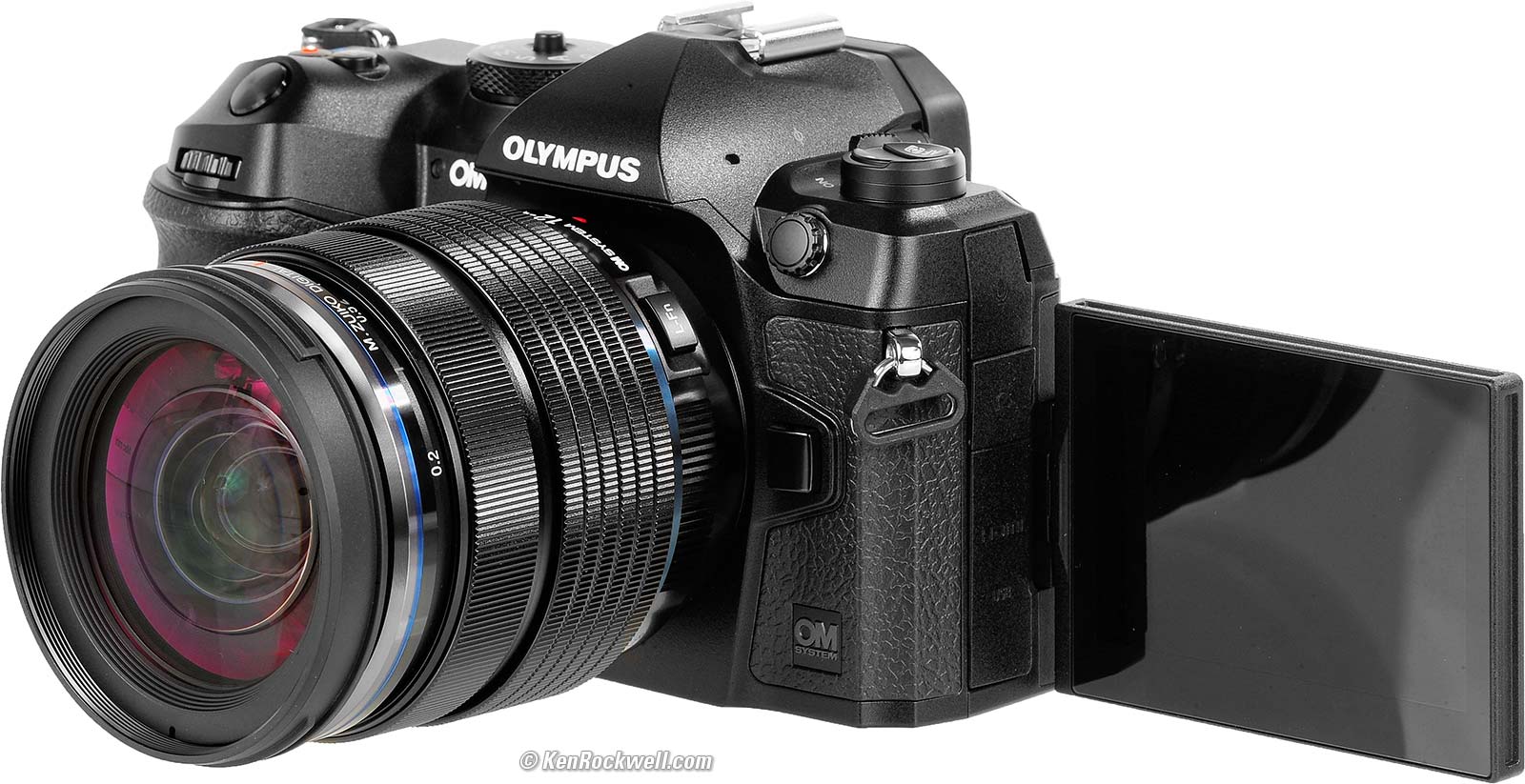
OM SYSTEM OM-1 and M.Zuiko 12-40mm f/2.8 II. bigger.
3" (76 mm) diagonal.
1,620,000 dots.
3:2 aspect ratio.
Flips out 180º and then swivels up 270º but not down. (Use 270º up to get the same as 90º down.)
No anti-reflection coating.
Connectors specifications top
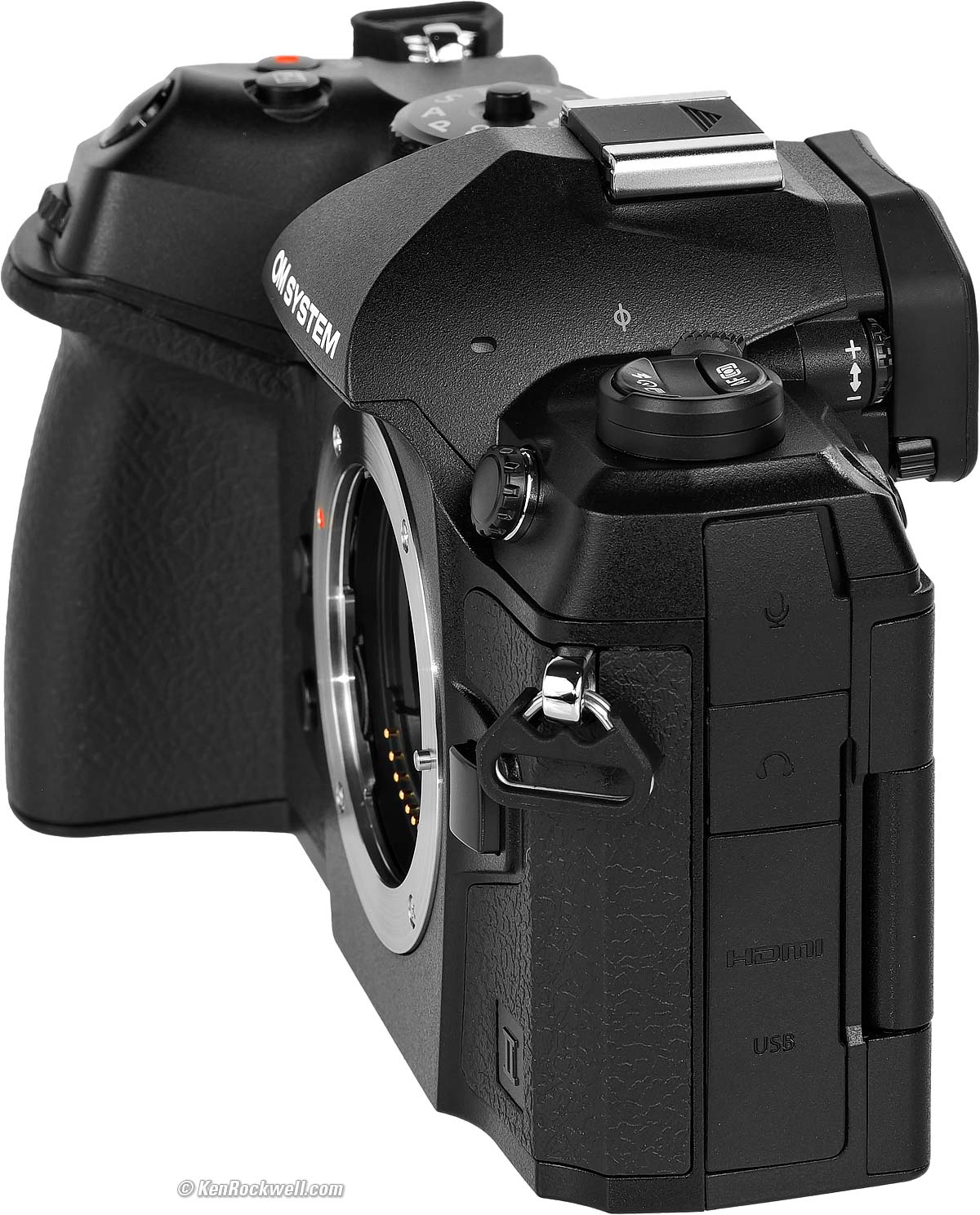
OM SYSTEM OM-1 Mark II. bigger.
From the top as seen above
3.5mm mic input with defeatable plug-in power.
3.5mm stereo headphone jack.
HDMI Micro D.
USB-C 3.0.
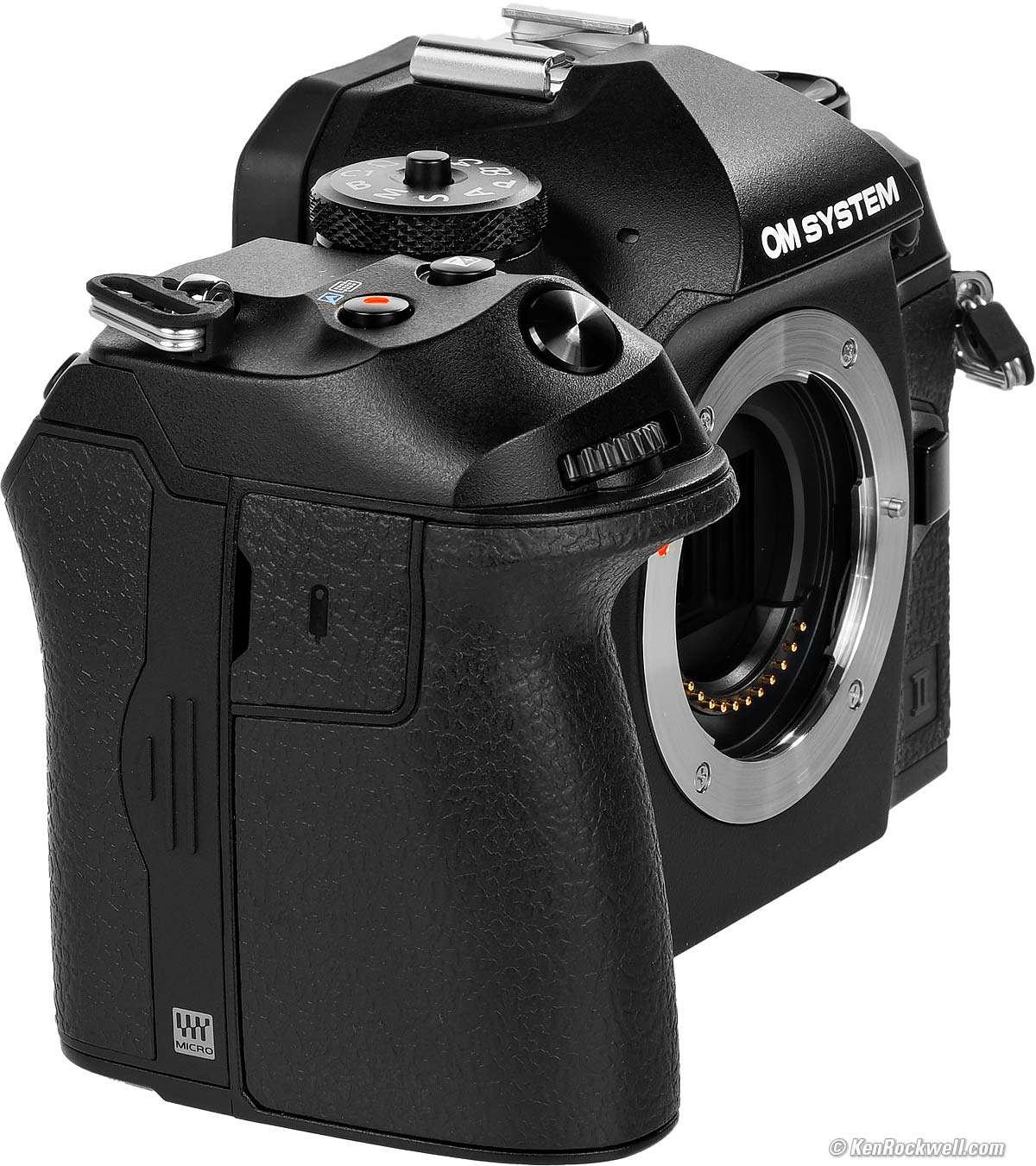
OM SYSTEM OM-1 Mark II. bigger.
2.5mm remote socket.
The Card Door is the hatch facing us above. Pull it towards you to see the two SD slots:
Storage specifications top
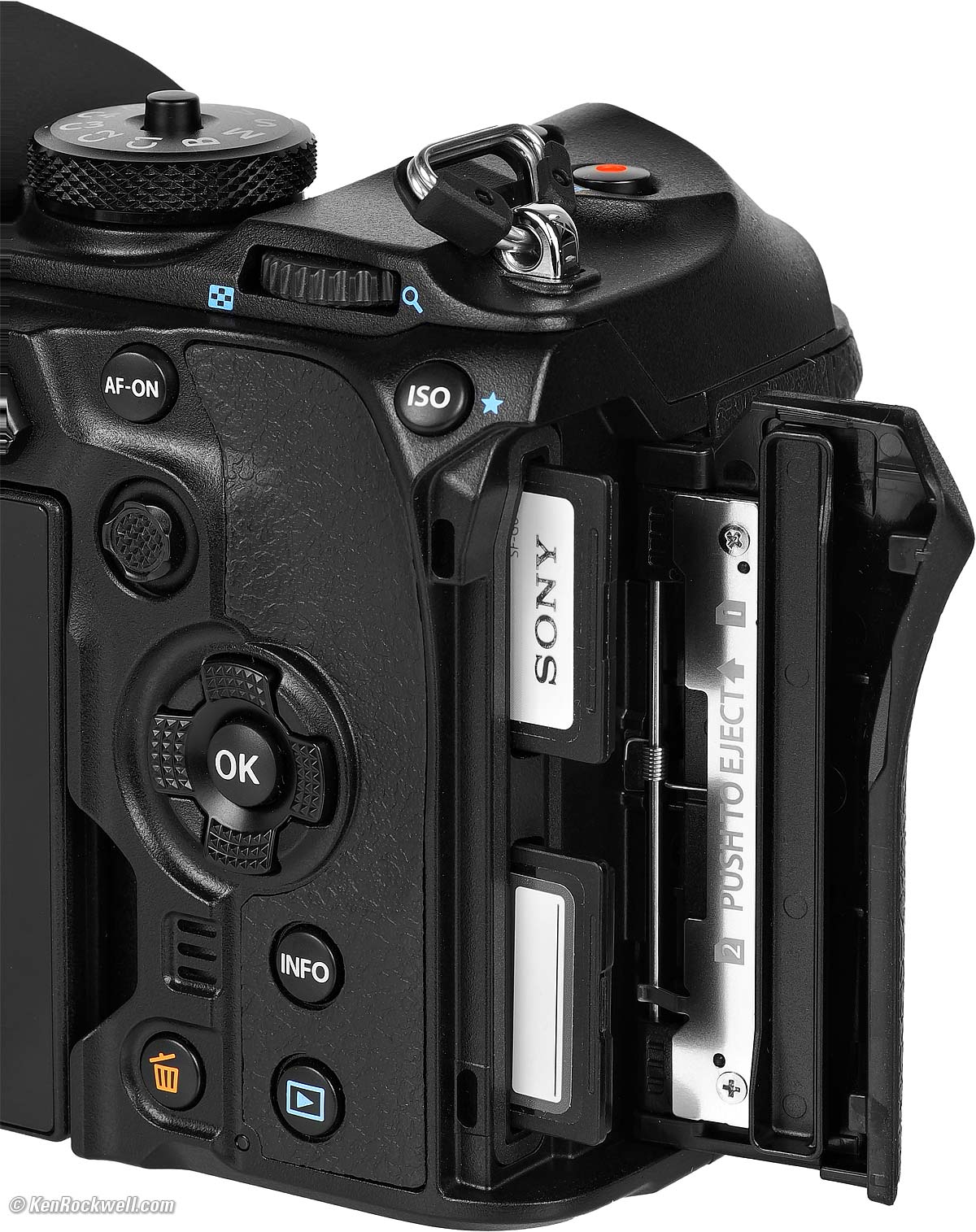
Two SD Slots. bigger.
Two SD/SDHC/SDXC slots, UHS, UHS-I and UHS-II compatible.
Wi-Fi specifications top
IEEE 802.11a/b/g/n/ac
NFC specifications top
No.
Bluetooth specifications top
Version 4.2 low energy.
GPS specifications top
No; try the app.
Weatherproofing specifications top
IEC 60529 IP53 or IPX1, whichever matches the lens' rating.
Quality specifications top
OM SYSTEM OM-1 Mark II. bigger.
Made in Vietnam.
Body specifications top
"Magnesium Alloy:"
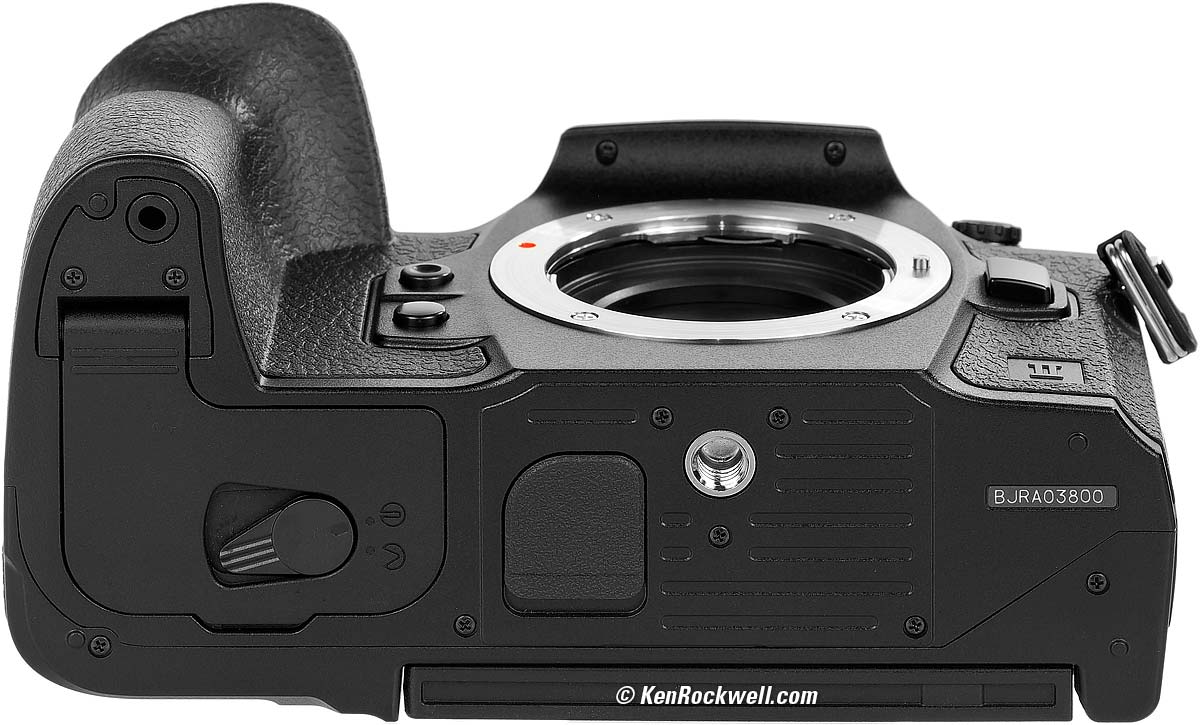
OM SYSTEM OM-1 Mark II. bigger.
Power & Battery specifications top
Rated 520 shots, or 1,100 shots with Quick Sleep Mode (MENU > 🔧 WRENCH page 5 > Quick Sleep Mode > ON)
~ or ~
90 minutes of video (160 minutes if you don't zoom or do anything else).
Battery
|
|
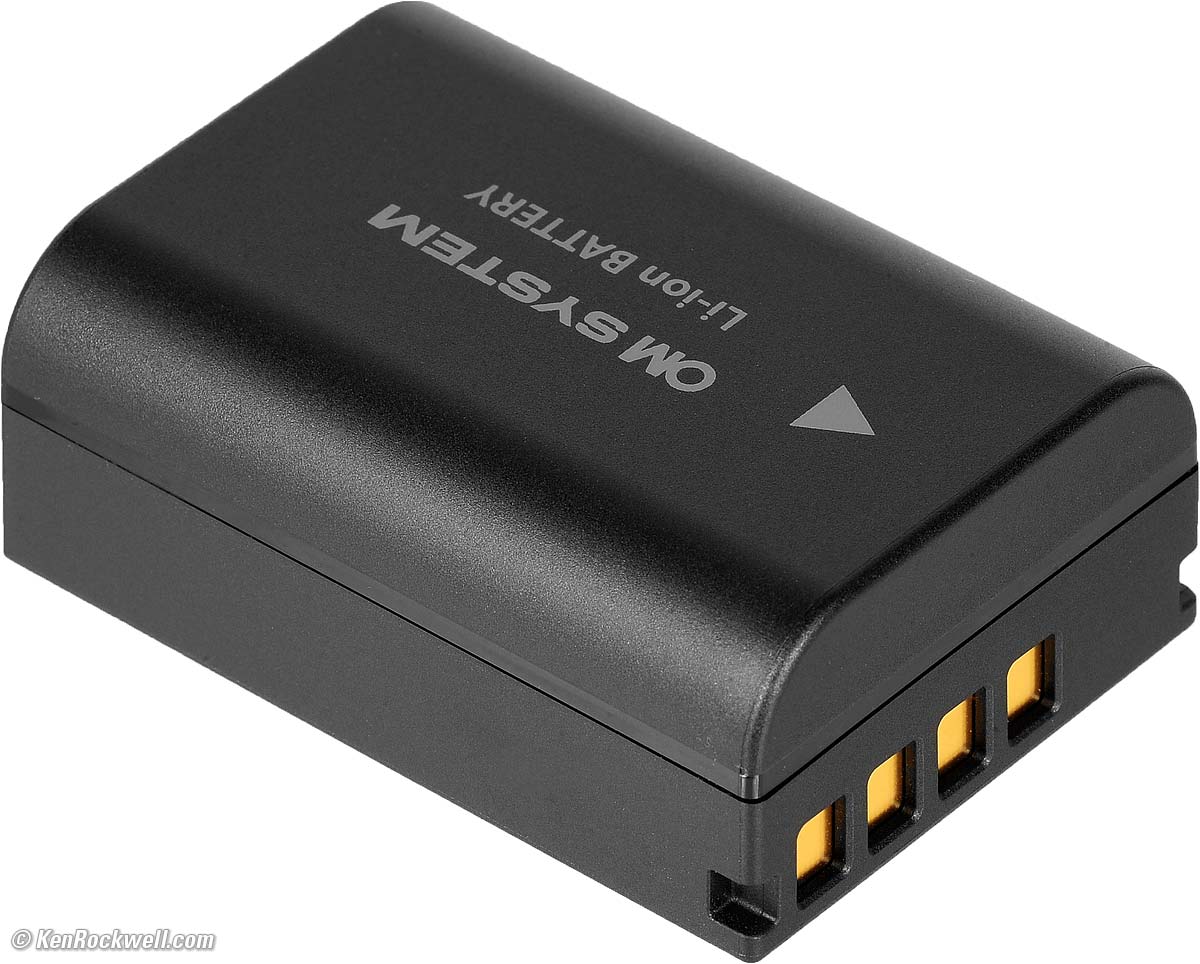
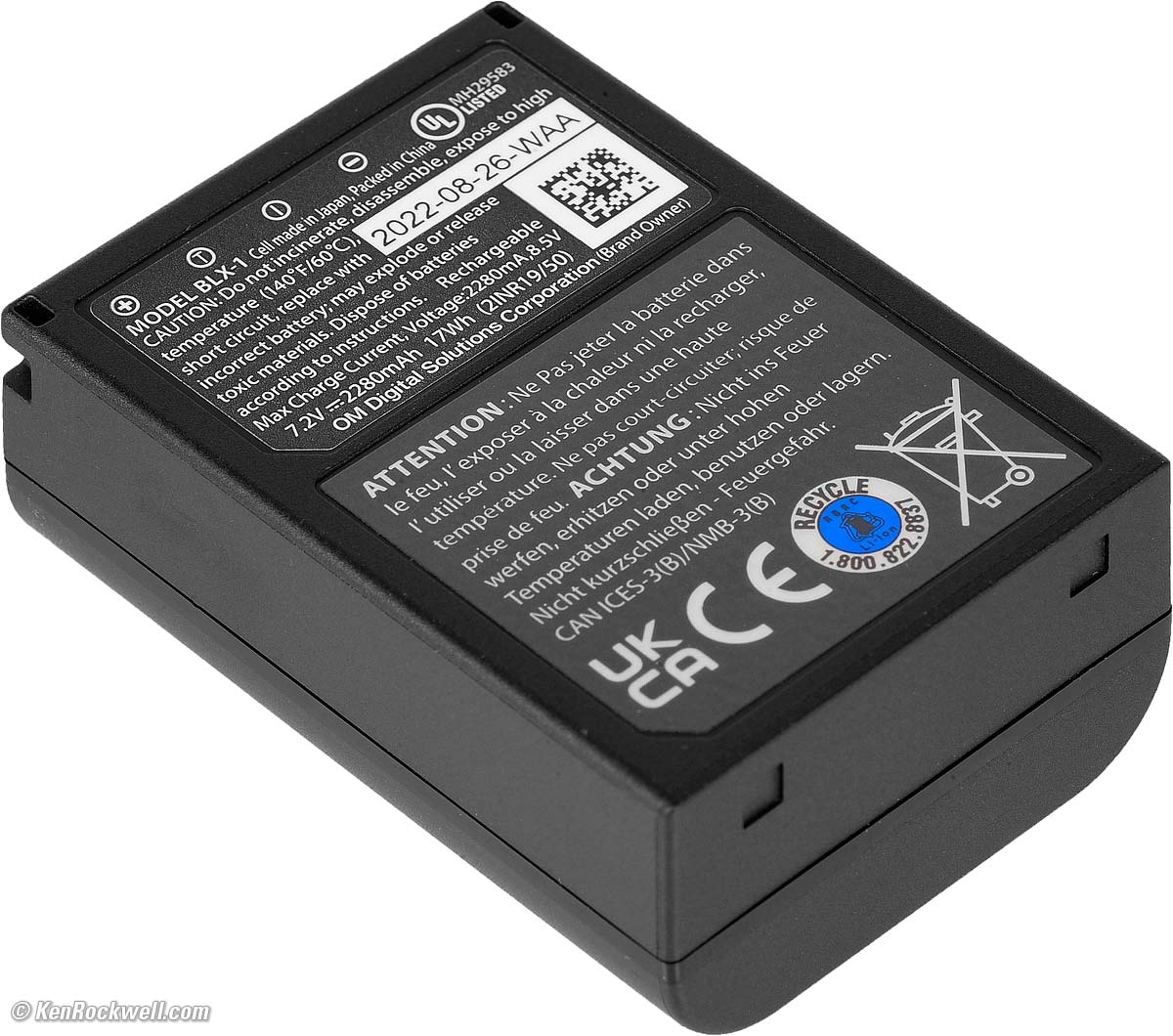
BLX-1 Rechargeable Li-ion Battery
7.2 V.
2,280 mAh.
17 Wh.
500 charge cycles.
0.9 × 1.6 × 2.2" HWD.
22 × 40 × 55mm HWD.
3.1 oz. (81g).
Charging
It charges over USB-C, and even from older USB-A ports with a USB-A to USB-C cable. More at my User's Guide.
OM SYSTEM includes a USB-C cable and this 27 watt fixed-plug charger:
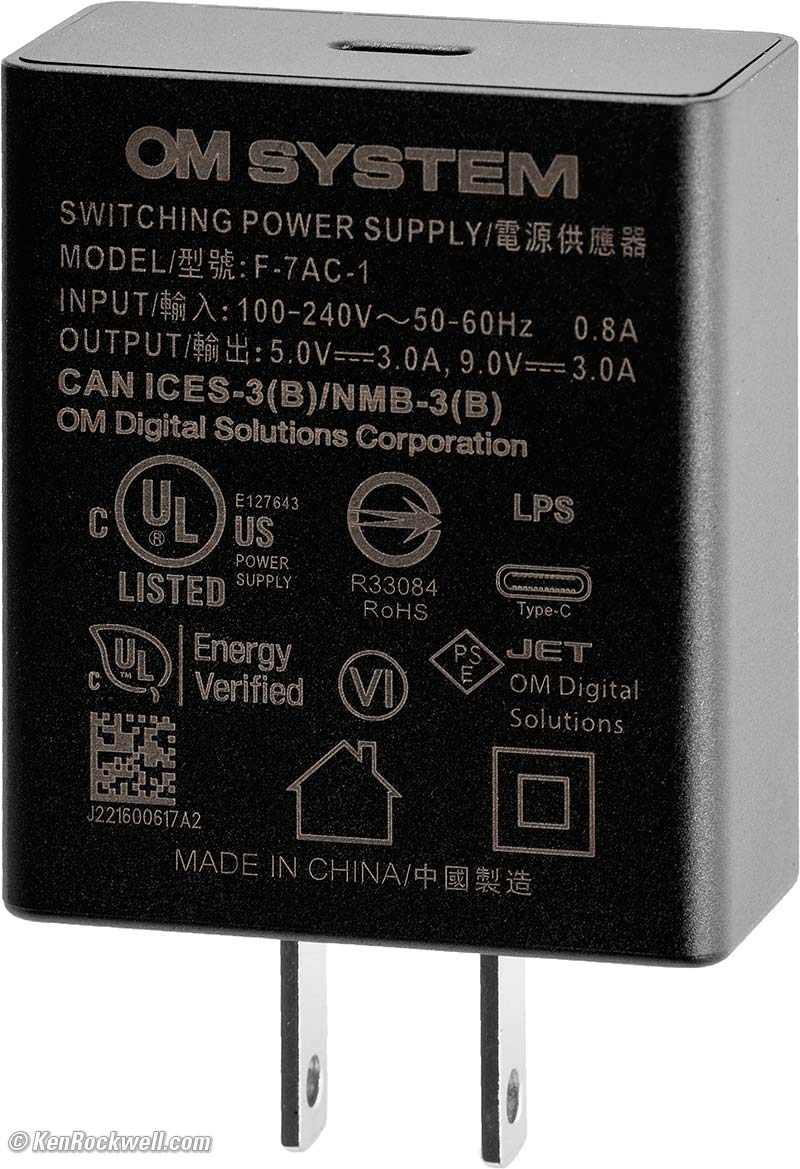
Included F-7AC-1 27W USB-C power adapter. bigger.
The F-7AC-1 27W USB-C power adapter is rated -10º ~ +40º C (14º ~ 104º F) operating, -20º ~ +60º C (-4º ~ 140º F) storage.
If you have a second or third battery you may want the BCX-1 Dual Battery Charger, which also comes as a kit including one more battery.
USB Operation
It can run indefinitely powered by USB and will charge the battery at the same time when used with a powerful enough source, however you do need to have a battery installed for the camera to work.
See my Users' Guide for details and power measurements.
Size specifications top
3.61 × 5.31 × 2.86 inches HWD, CIPA, sans protrusions.
91.6mm × 134.8mm × 72.7 millimeters HWD including protrusions.
Weight specifications top
21.260 oz./602.8g with battery and one card, actual measured weight (the original OM-1 measured 0.015 oz./0.5g less at 21.245 oz./602.3 g).
Rated 21.1 oz. (599g) with battery and card, 18.0 oz. (511g) stripped (rated exactly the same as the original OM-1).
Flash: 1.815 oz. (51.4g), actual measured.
Environment specifications top
Operating
-10º ~ +40º C (14º ~ 104º F).
30 to 90% RH. Weird. I'm often out in the desert where the humidity typically can be only 10%. I'm not sure what bad happens when it's dry.
Storage
-20º ~ +60º C (-4º ~ 140º F).
10 to 90% RH.
OM SYSTEM's Model Numbers specifications top
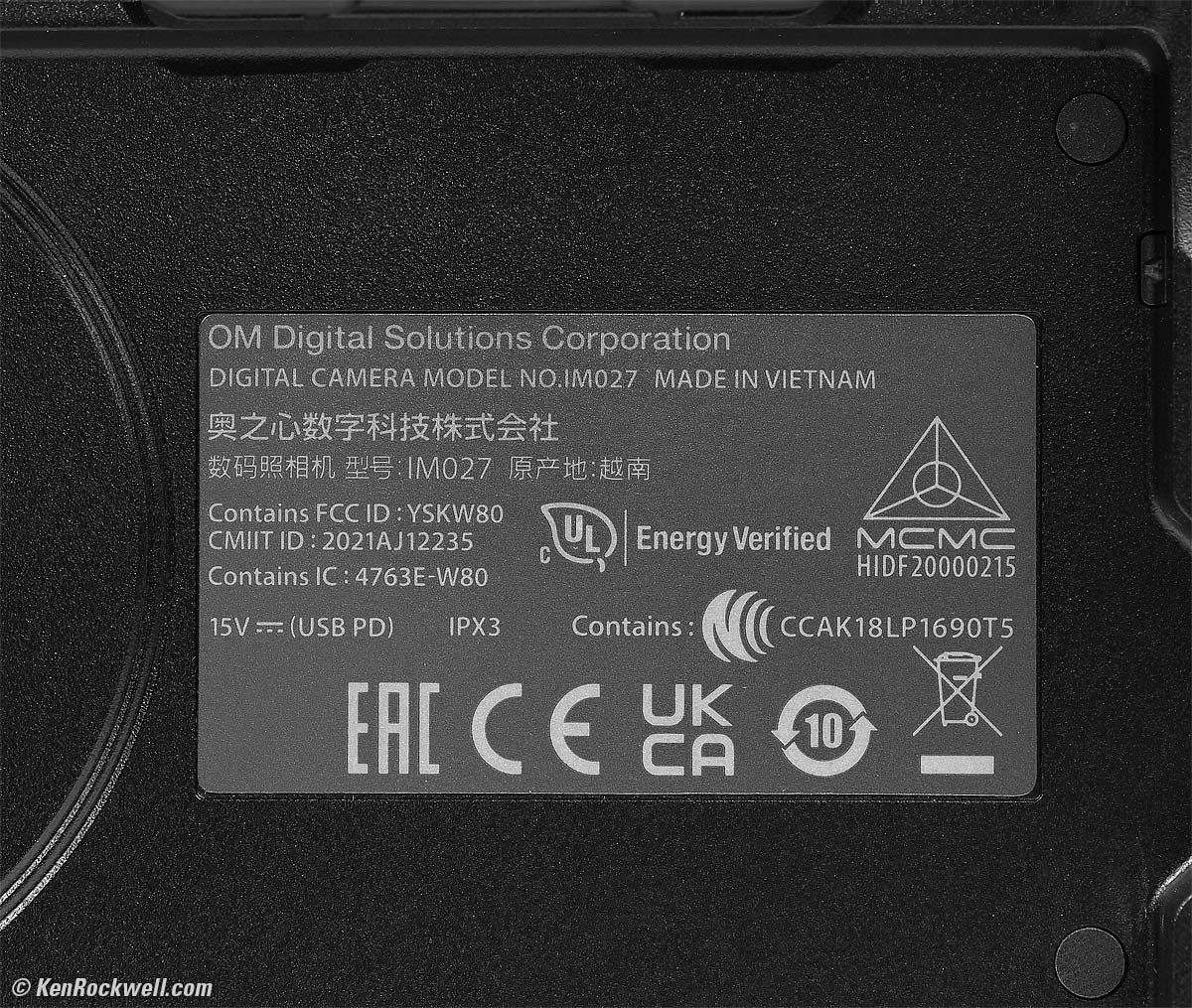
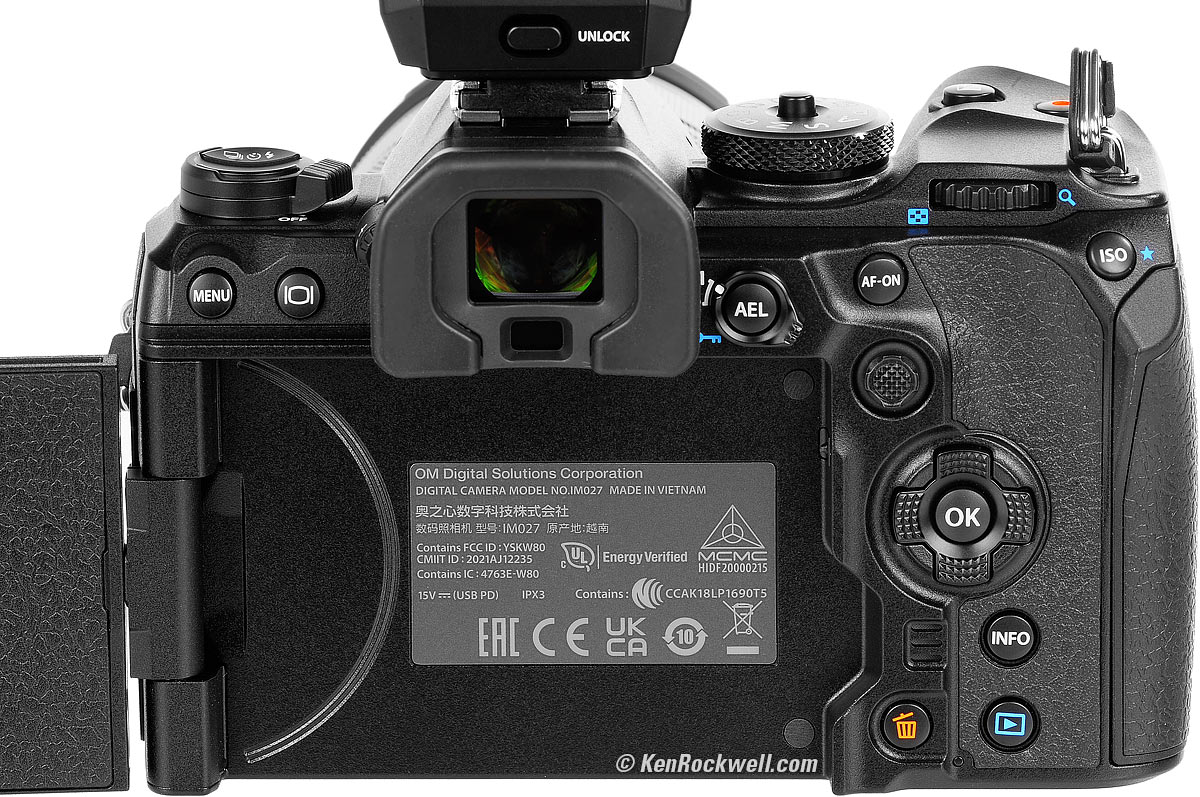
Certification Sticker behind LCD, OM SYSTEM OM-1 Mark II. bigger.
Model Number: IM027.
Catalog number: V210040BU000.
The original OM-1 had the same IM027 model number but a different V210010BU000 catalog number.
Included specifications top
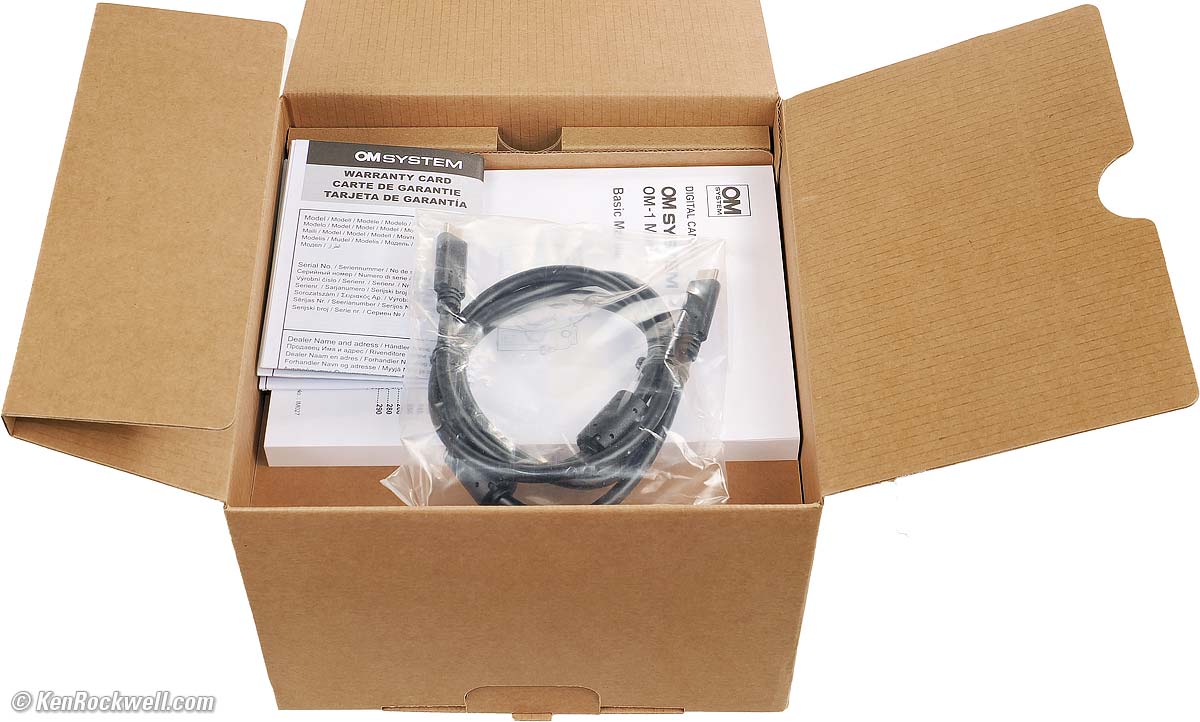
OM SYSTEM OM-1 Mark II. bigger.
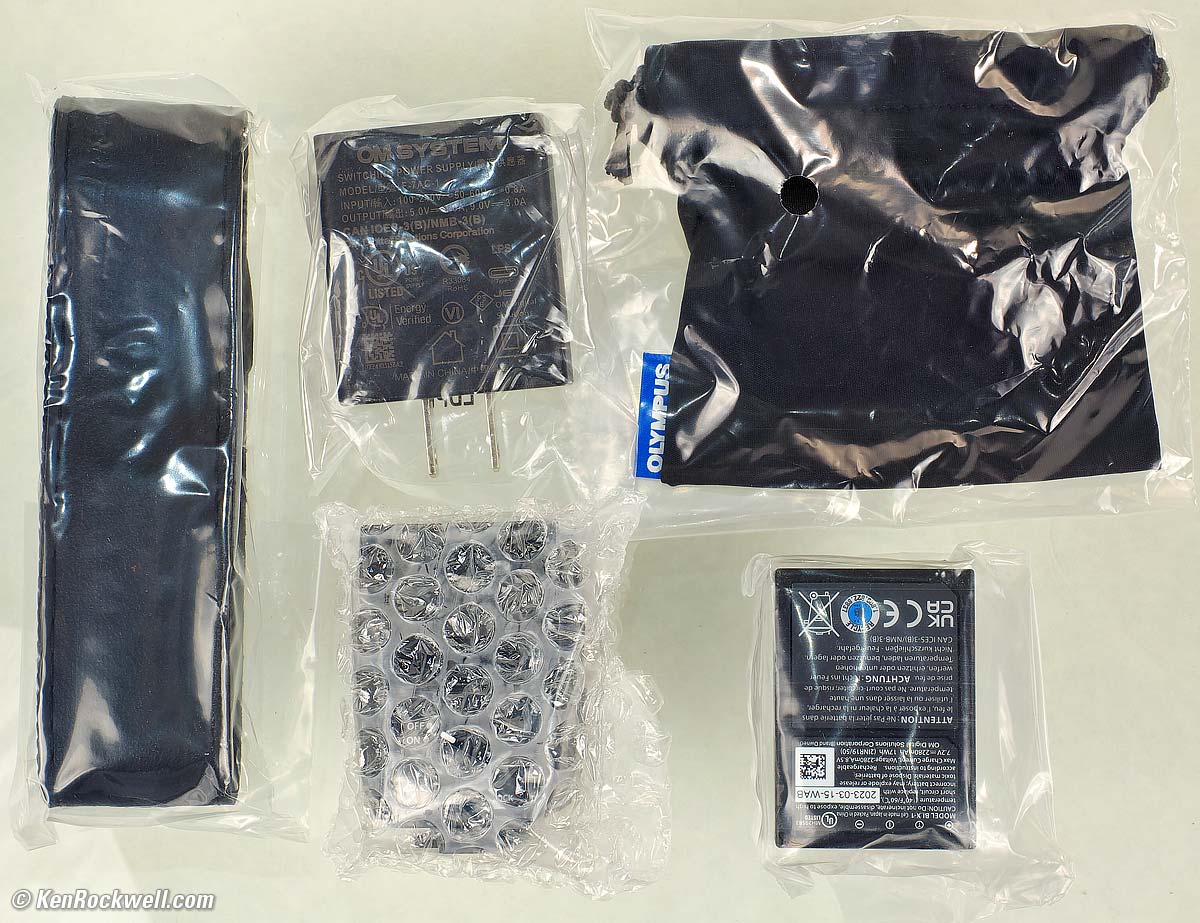
OM SYSTEM OM-1 Mark II included strap, 27W USB-C Adapter, cloth sack for included FL-LM3 flash and BLX-1 battery. bigger.
OM-1 Mark II body with EP-18 eyecup attached.
Shoulder Strap.
F-7AC AC to USB-C 27W power adapter.
CB-USB13 USB-C cable.
CC-1 Cable clip.
CP-2 Cable protector.
Basic printed instruction manual in many languages .
Warranty sheet, serialized.
Announced specifications top
15 February 2022.
Promised for specifications top
Early March 2022.
Price, U. S. A. specifications top
11 July 2024
Body-only: $2,399.99 at B&H, at Adorama and at Amazon.
OM-1 Mark II and M.Zuiko 12-40mm f/2.8 II: $2,999.99 at B&H, at Adorama and at Amazon.
OM-1 Mark II and M.Zuiko ED 90mm f/3.5 IS: $3,499 at Adorama.
OM-1 Mark II, 12-40mm f/2.8 II and 90mm f/3.5 IS: $4,099.98 at Adorama and at Amazon.
Body-only about $1,750 used if you know How to Win at eBay.
15 March 2024
Body-only: $2,399.99 at B&H, at Adorama and at Amazon.
OM-1 Mark II and M.Zuiko 12-40mm f/2.8 II: $2,999.99 at B&H, at Adorama and at Amazon.
OM-1 Mark II and M.Zuiko ED 90mm f/3.5 IS: $3,499 at Adorama.
OM-1 Mark II, 12-40mm f/2.8 II and 90mm f/3.5 IS: $4,099.98 at Adorama and at Amazon.
Body-only about $2,100 used if you know How to Win at eBay.
February 2024
Body-only: $2,399.99 at B&H, at Adorama and at Amazon.
OM-1 Mark II and M.Zuiko 12-40mm f/2.8 II: $2,999.99 at B&H, at Adorama and at Amazon.
OM-1 Mark II and M.Zuiko ED 90mm f/3.5 IS: $3,499 at Adorama.
OM-1 Mark II, 12-40mm f/2.8 II and 90mm f/3.5 IS: $4,099.98 at Adorama and at Amazon.
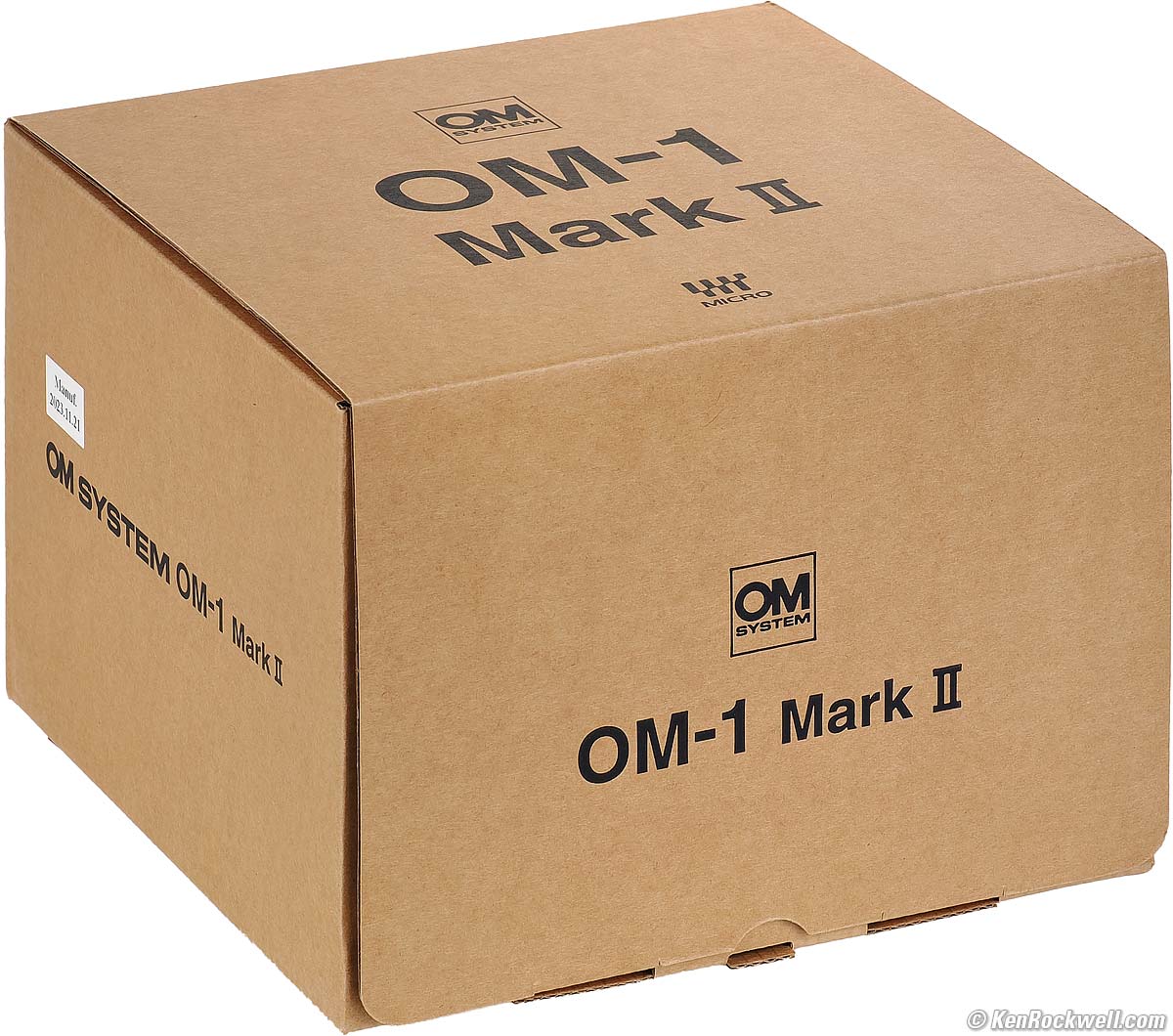
Plain box, OM SYSTEM OM-1 Mark II. bigger.
Optional Accessories top
Sample Images Intro New Good Bad Missing
Specs Accessories Performance Compared
User's Guide Recommendations More
I got mine through B&H. I'd also get it at Adorama or at Amazon, or used at eBay if you know How to Win at eBay.
Body-only: $2,399.99 at B&H, at Adorama and at Amazon.
OM-1 Mark II and M.Zuiko 12-40mm f/2.8 II: $2,999.99 at B&H, at Adorama and at Amazon.
OM-1 Mark II and M.Zuiko ED 90mm f/3.5 IS: $3,499 at Adorama.
OM-1 Mark II, 12-40mm f/2.8 II and 90mm f/3.5 IS: $4,099.98 at Adorama and at Amazon.
Body-only about $1,700 used if you know How to Win at eBay.
Vertical Grip
HLD-10 Battery Grip.
Has vertical controls and holds a second BLX-1 Battery.
Both the camera and grip batteries can charge via USB.
Power
Spare BLX-1 Batteries.
BCX-1 Dual Battery Charger, which also comes as a kit including one more battery.
Passive Optical Dot Sight EE-1.
Flash
FL-600R, FL-700WR and FL-900R
Shoe-mount flash.
STF-8 Twin Macro Flash
This mounts on the filter ring. It has two movable flash heads and one power pack that slides into the hot shoe.
It's splash and dust proof, and freeze proof down to 14º F(-10° C).
FC-WR commander and FR-WR radio receiver.
Dedicated radio control.
Remote Controls
There's a 2.5mm socket for 2.5mm remote cords like the Canon RS-60E3, Vello RS-C1II and Vello ShutterBoss II Remote Timer.
OM SYSTEM makes a RM-CB2 2.5mm wired remote and a wireless RM-WR1 remote.
Microphones
Performance top
Sample Images Intro New Good Bad Missing
Specs Accessories Performance Compared
User's Guide Recommendations More
Overall Autofocus Manual Focus Auto ISO
Auto White Balance Color Rendition Crop Modes
Ergonomics Exposure Finder Flash Focus Stacking
Frame Rates Grad ND HDR High ISOs
High-Res Pixel Shift Lens Corrections
Long Exposures Mechanics Menus C1,2,3,4
Stabilization White Balance Rear LCD Playback
Data Save Settings to Card Power & Battery
I got mine through B&H. I'd also get it at Adorama or at Amazon, or used at eBay if you know How to Win at eBay:
Body-only: $2,399.99 at B&H, at Adorama and at Amazon.
OM-1 Mark II and M.Zuiko 12-40mm f/2.8 II: $2,999.99 at B&H or at Adorama.
Overall performance top
The OM SYSTEM OM-1 Mark II is an amazing camera with many new features I've never seen on any other camera other than in the almost identical original OM-1.
Either is a great choice for people who love state-of-the-art computational photography like handheld Pixel-Shift high-resolution shooting, handheld HDR, handheld Focus Stacking and this OM-1 Mark II adds a built-in electronic grad ND filter.
Not only does the OM-1 Mark II do all the compositing in-camera, it does it all with one press of the shutter button! It has the best stabilization I've ever tested, superb light metering, great battery life, great ergonomics, a brilliant finder and flexible controls with numerous programmable function buttons and options.
Autofocus performance top
Autofocus works, but not always that well. It's complicated to set, and even when you do, does a poor job or trying to recognizing subjects even if you manually preset what kind of subject you have. iPhone, Sony and Canon are a decade ahead here.
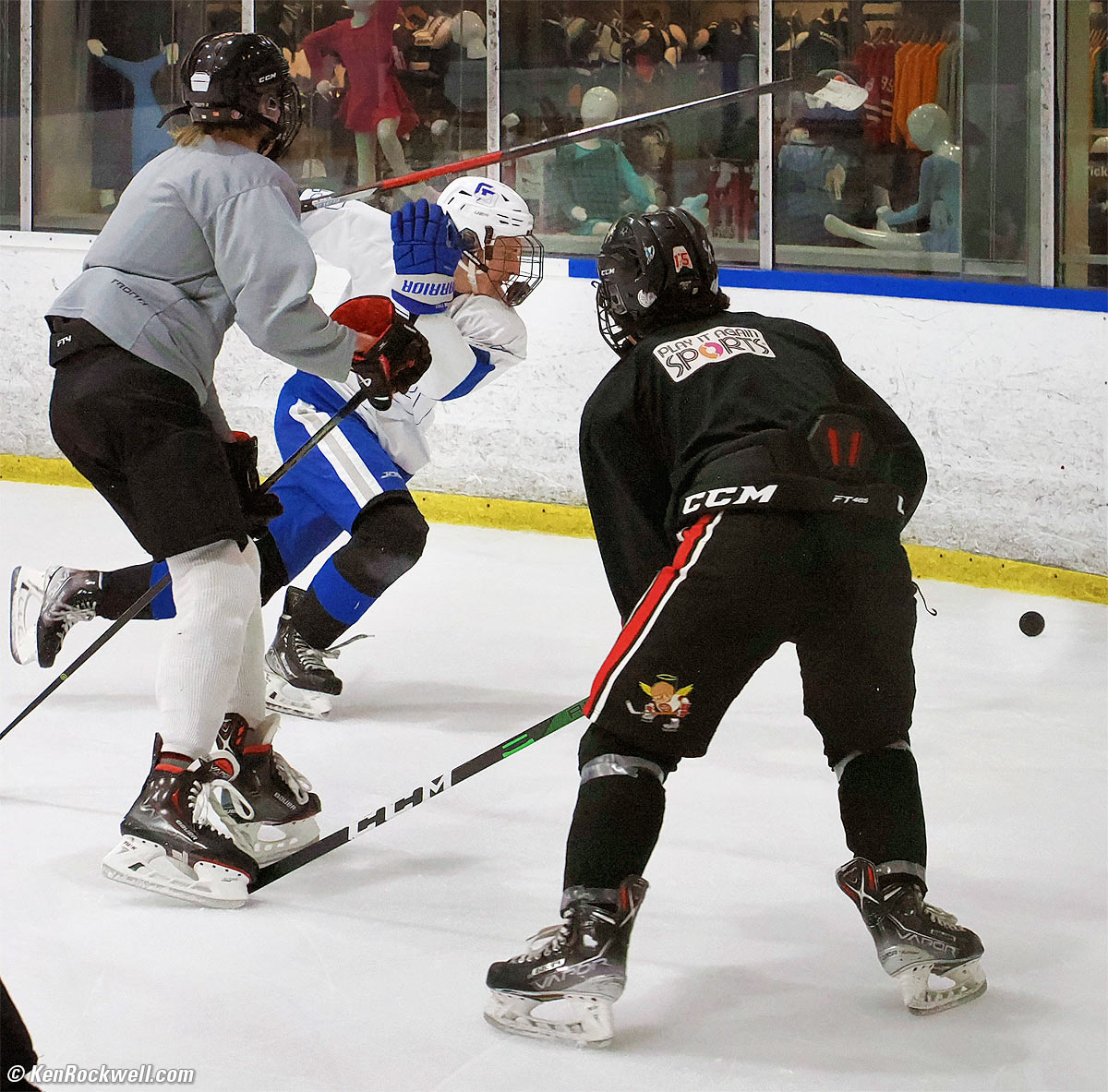
Hockey, Toronto, 6:24 P.M., Wednesday, 03 May 2023. Mild crop from OM SYSTEM OM-1 horizontal MEDIUM 3,200 × 2,400 pixel JPG image at 50 FPS in SH 2, i‑Enhance Picture Mode, M.ZUIKO DIGITAL ED 12-40mm F2.8 PRO Ⅱ at 40mm (80mm eq.) at f/5.6 at 1/640 at Auto ISO 8,000 (LV 8.0), Perfectly Clear (now called Radiant Image). bigger.
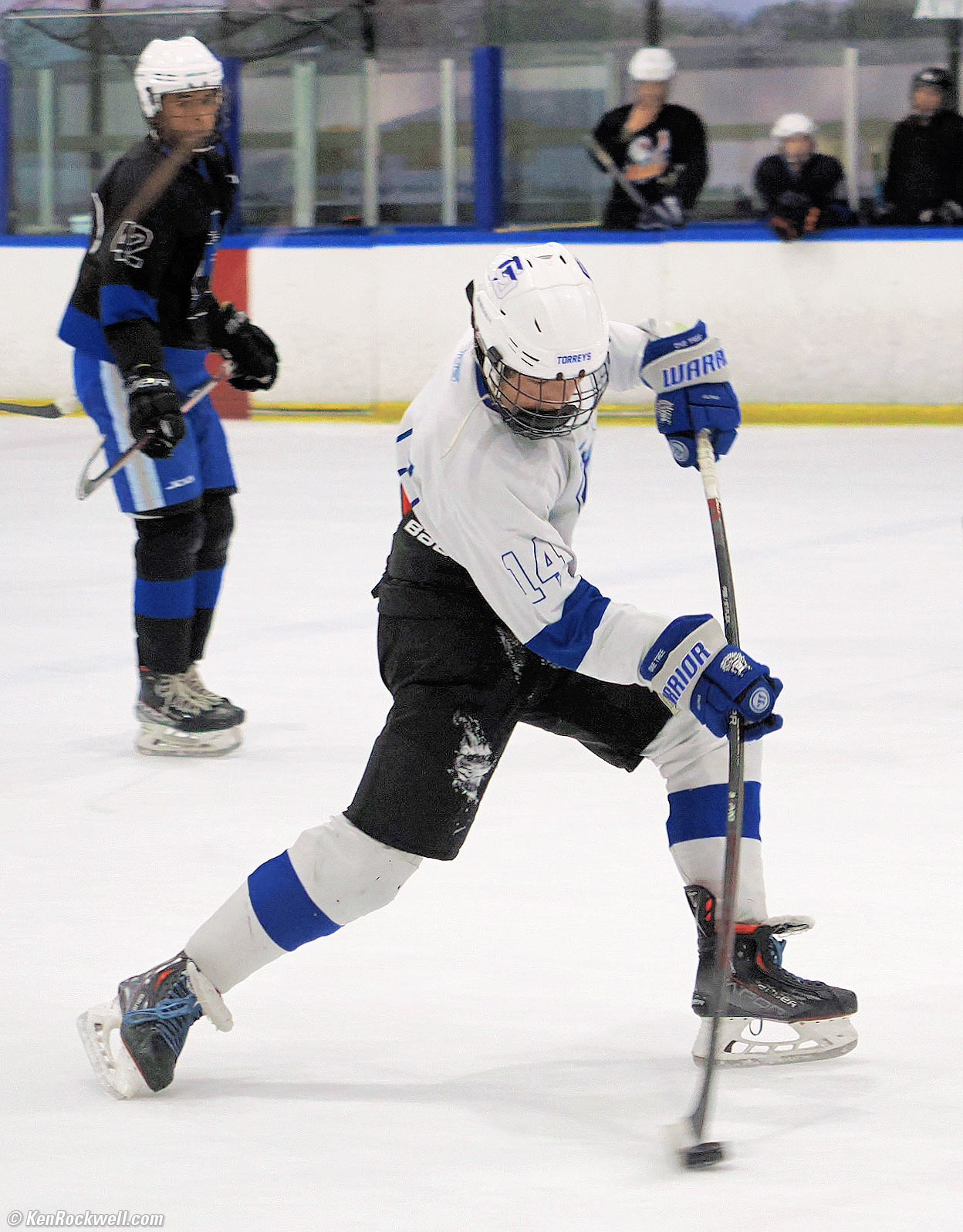
Hockey, Toronto, 6:28 P.M., Wednesday, 03 May 2023. Roughly 2× vertical crop from much larger horizontal OM SYSTEM OM-1 horizontal MEDIUM 3,200 × 2,400 pixel JPG image at 50 FPS in SH 2, i‑Enhance Picture Mode, M.ZUIKO DIGITAL ED 12-40mm F2.8 PRO Ⅱ at 40mm (80mm eq.) at f/2.8 at 1/640 at Auto ISO 1,600, +1 stop exposure compensation (LV 8.3), Perfectly Clear (now called Radiant Image). bigger.
As hockey players will explain, this is the actual stick flexure while shooting with ice and puck contact which usually isn't visible to the eye by spectators. It's straight in the rest of the shots immediately before and after when it was moving just as fast, but not in contact with anything. The flexure doesn't come from the non-rolling electronic shutter, it comes from the player's power shooting the puck caught here in the blink of an eye.
Autofocus tracks great for sports if you start with a small area and let AF track. It's not perfect and plenty of shots aren't in perfect focus, but so many are that it's easy to get loads of great sports shots.
All-Area AF is clueless, rarely selecting the subject we intend, so we always have to assign the AF area manually. An iPhone, Canon or Sony is far superior here. Left in All Area AF it usually focuses on something small and random close to the edges of the photo. It tends to focus on whatever random detail is closest, without any intelligence as to whether or not that object might be the subject of the photo — so select your AF area manually and let the camera track it as it moves around the frame. See How to Use the OM-1 Mark II's Autofocus.
It's not smart enough to identify subjects automatically, but it can be set manually to look for any one of six categories of objects:
- People
- Cars & Motorcycles
- Airplanes & Helicopters
- Trains & Locomotives
- Birds
- Dogs, Cats & other four-legged mammals
When set to the kind of subject you have it will often draw a gray box around it (good), but sadly when I half-press the shutter it often focuses elsewhere. This is pretty bad, and this is even if you go to the trouble of manually setting this!
If I have to program the camera for what kind of subject to look, is it really autofocus?
Here's where you can use your four preset C1, C2, C3 and C4 modes to assign one type of object to each.
I program my Fn Lever to select between two AF system settings with just a click.
AF areas disappear almost immediately by default. Here's how to make them stay visible.
More at How to Use the OM-1 Mark II Autofocus System.
Manual Focus performance top
Unlike autofocus, manual focus is unusually good because Focus Peaking works better than most, and many OM SYSTEM lenses have superior AF-MF switching simply by pushing and pulling their focus rings forwards and back.
Manual focusing is entirely electronic; the manual focus rings aren't connected to anything other than digital encoders.
Auto ISO performance top
Auto ISO has the usual settings, except that it lacks the ability to allow us to shift automatically selected minimum shutter speeds based on focal length.
Yes, there is an AUTO setting for Minimum Shutter Speed at MENU > CAMERA 1 > page 3 > ISO-A Lowest S/S which selects the slowest shutter speeds based on 1/(double the focal length), but there's no way to have the OM-1 Mark II shift those auto-selected speeds faster or slower as is standard in other brands.
This is important because the OM-1 Mark II's stabilization is so great that I'd prefer to shift this slower to 1/(one-quarter of focal length), or three stops slower than auto-selected.
As is I set it to a fixed 1/8, which works pretty well for subjects that don't move.
Auto White Balance performance top
Auto White Balance is excellent.
It has both "keep warm" and "make every kind of light white" settings.
Color & Tonal Rendition (Picture Modes) performance top
Color rendition is how pictures look in the real world. Real-world color rendition has nothing to do with color accuracy measured in a lab. Color rendition is dependant on how a maker programs all the color matrices, curves, and look-up tables to generate color from the data read from the sensor, and varies widely between makers once you set a camera away from its defaults. I never shoot at defaults. Color rendition to an artist like myself means how well I can get the camera to render the colors I imagine for how I want any given scene rendered. Art is not the duplication of reality; it is the expression of imagination.
The ART BKT feature makes these comparisons trivial; it records as many different files as you like at whatever settings you like for each shot, so you can pick out your favorites later. Do this, and over time you'll which modes you prefer, and then you can just shoot in that mode.
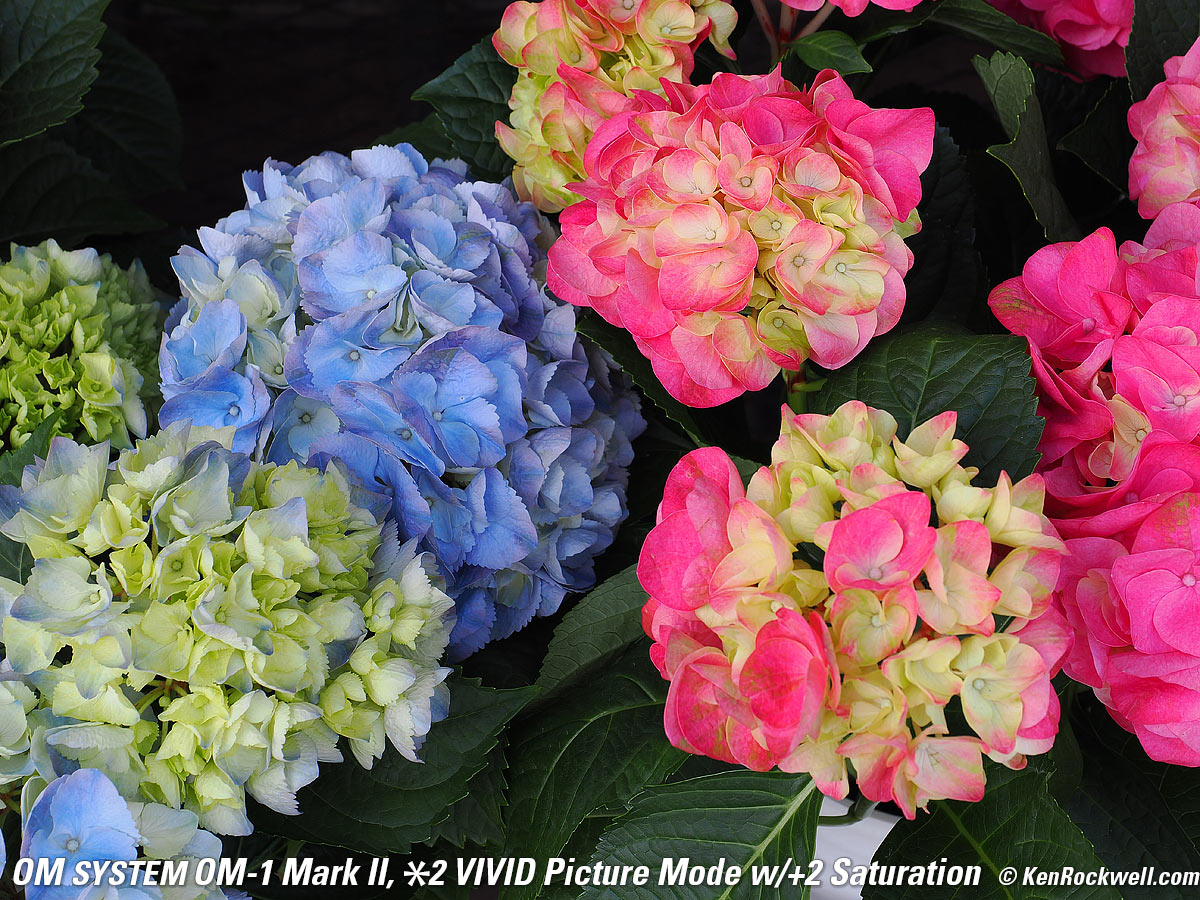
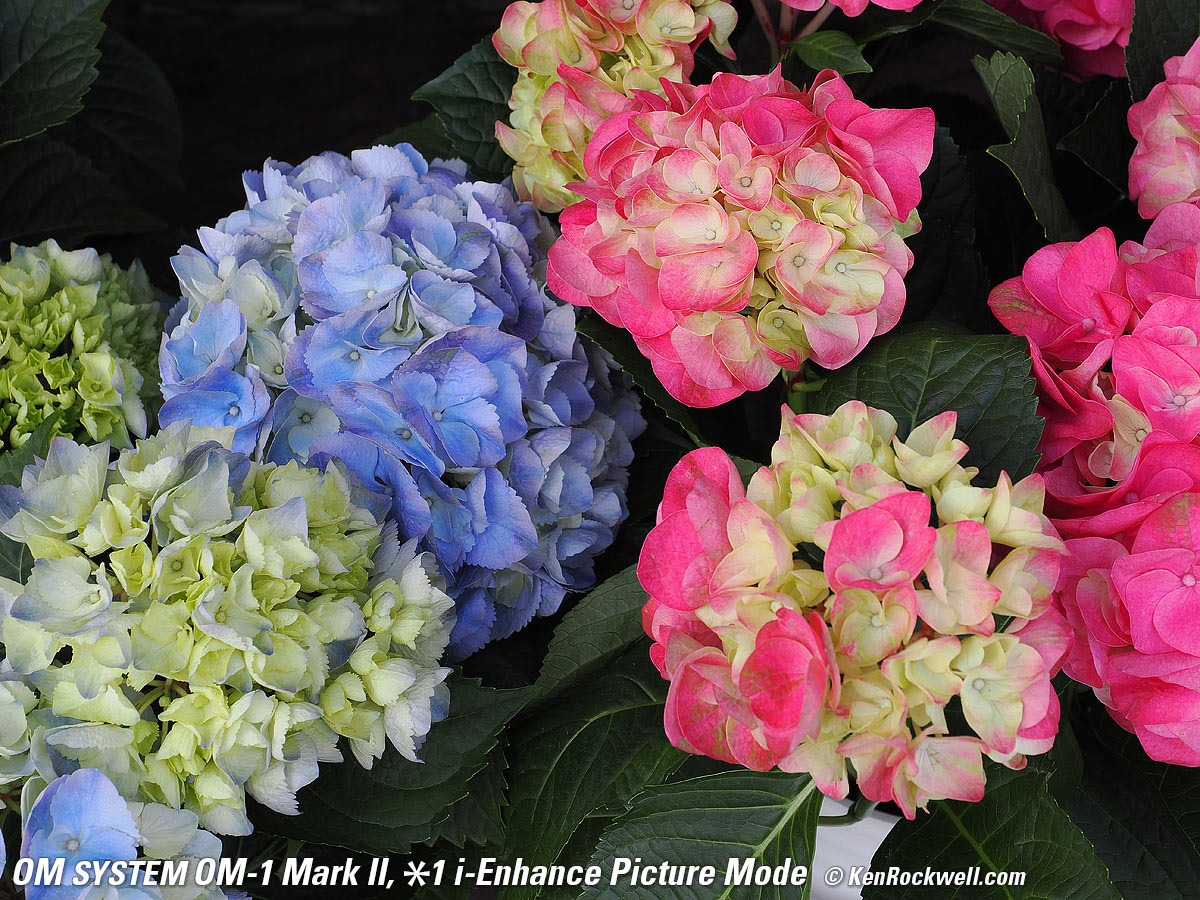
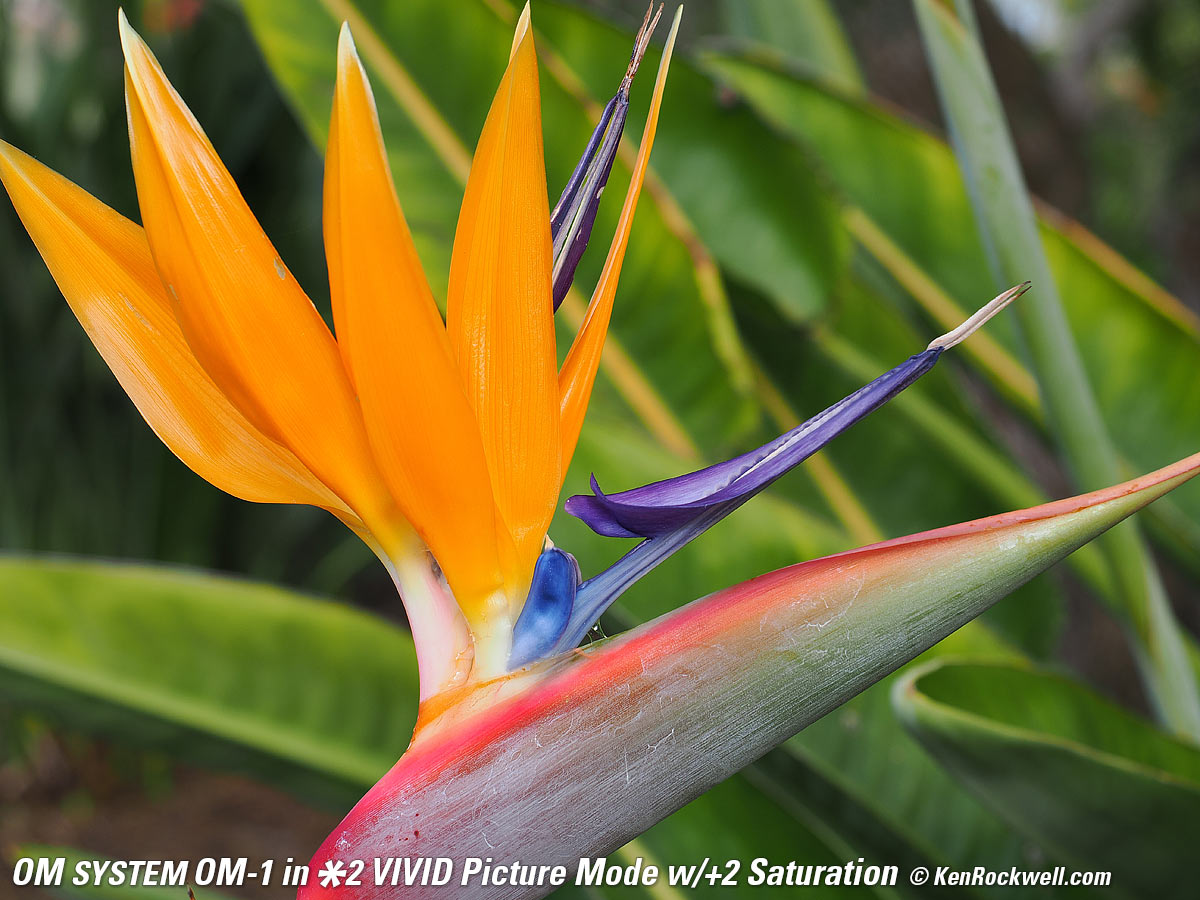
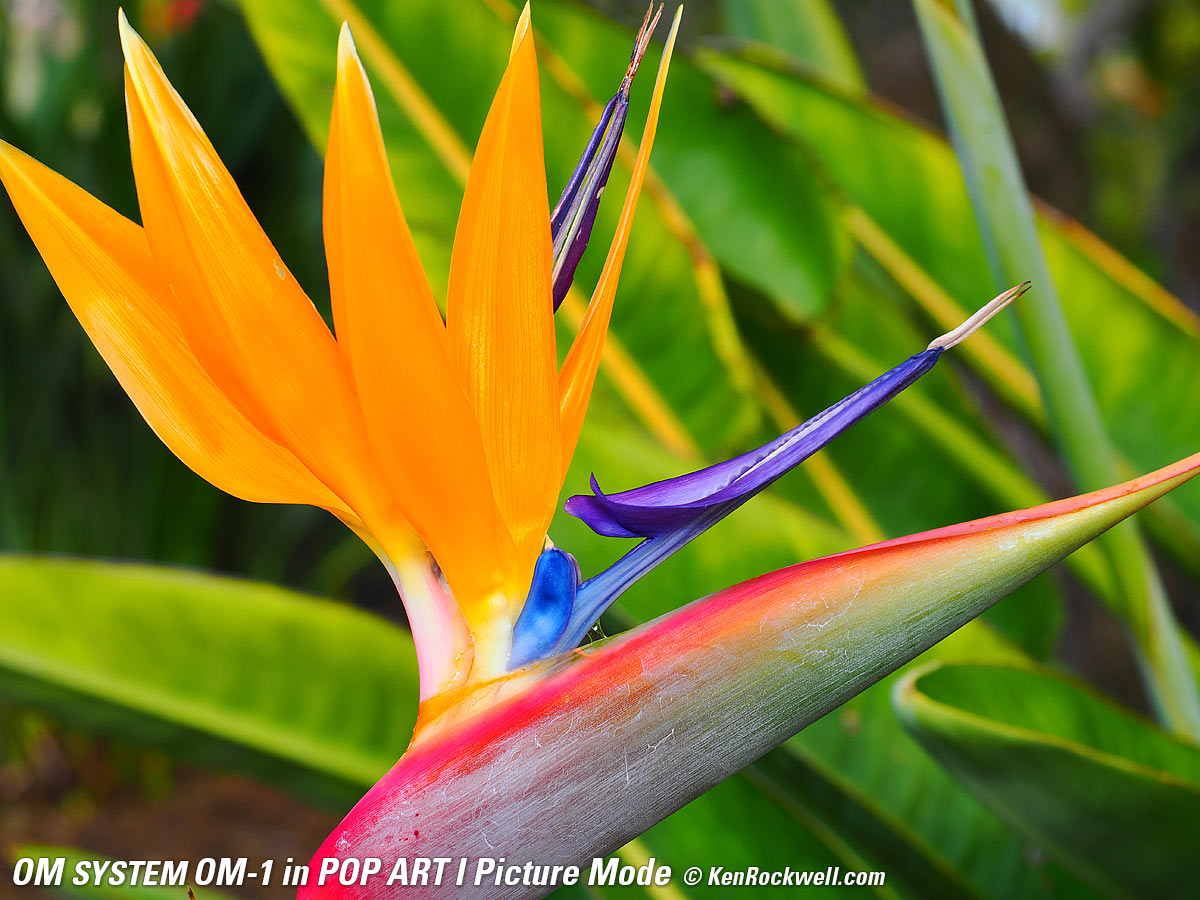
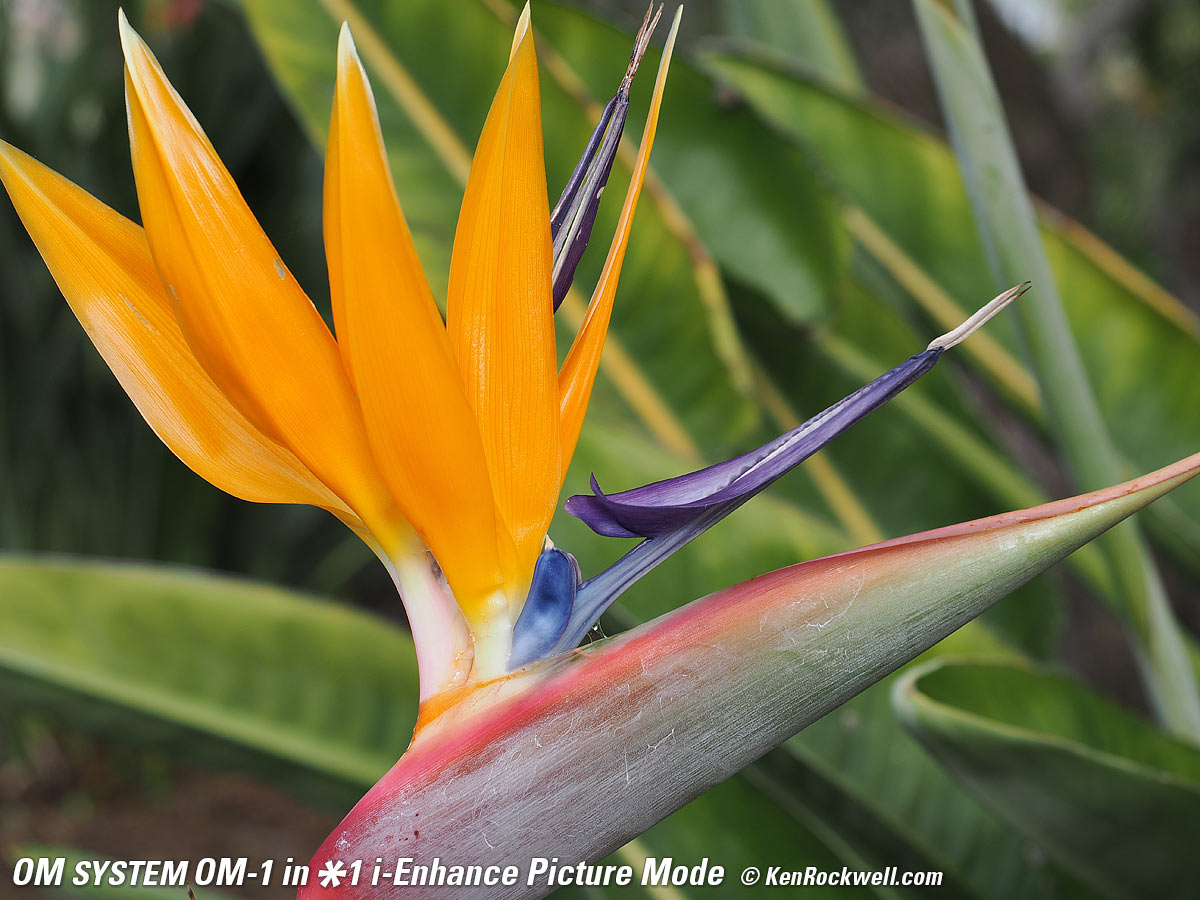
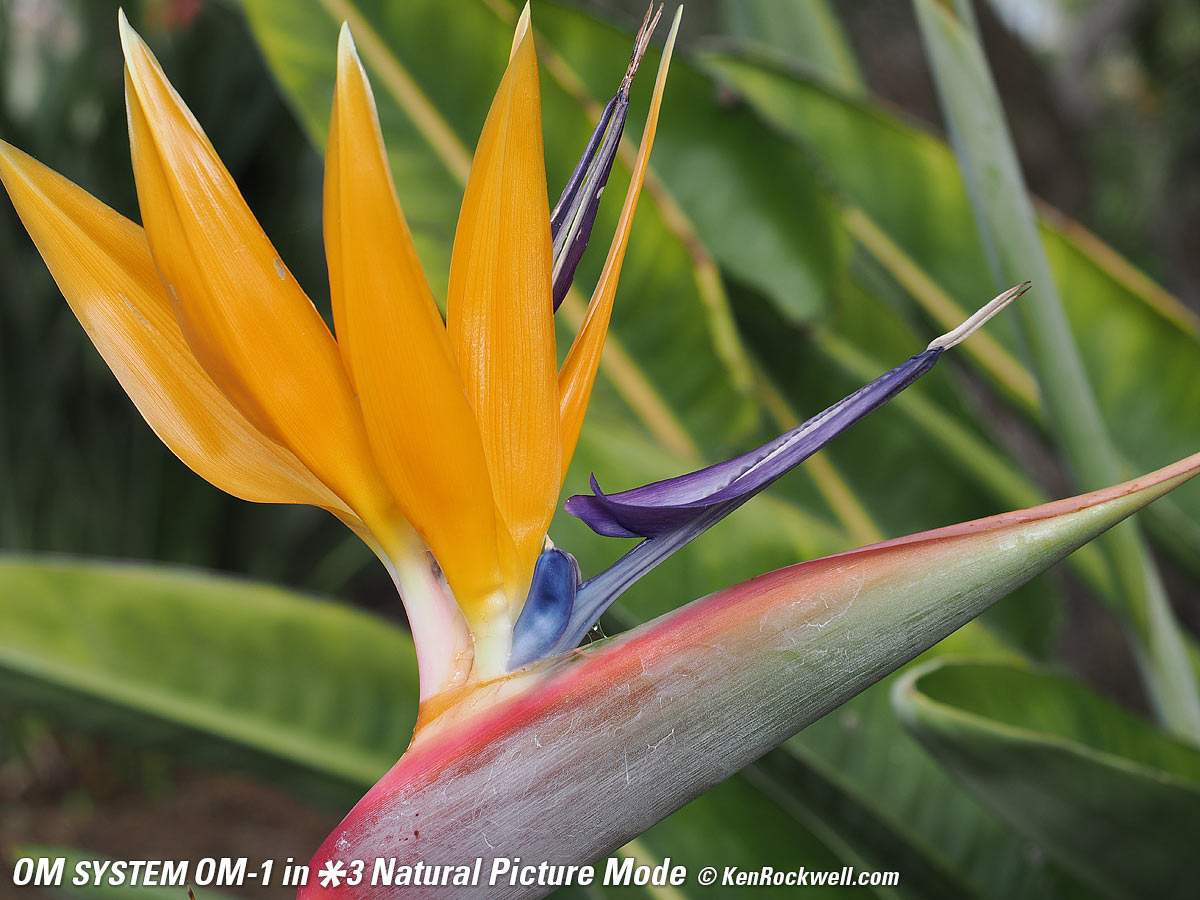
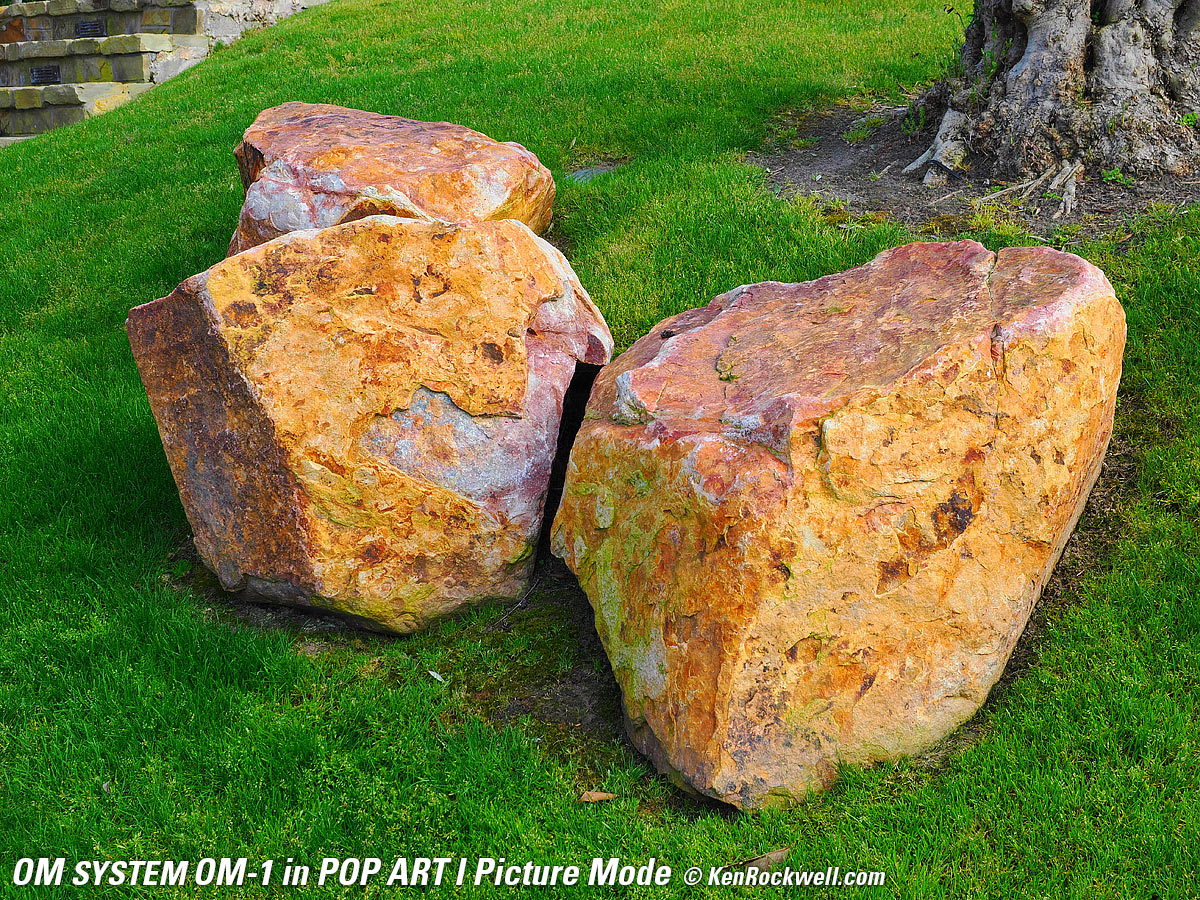
You'll see that in these random shots below of things that honestly weren't very colorful that the POP ART I Picture Mode looks the best (to me), while of course I go out of my way to find things that are colorful, in which case I usually prefer *2 VIVID.
 |
|
 |
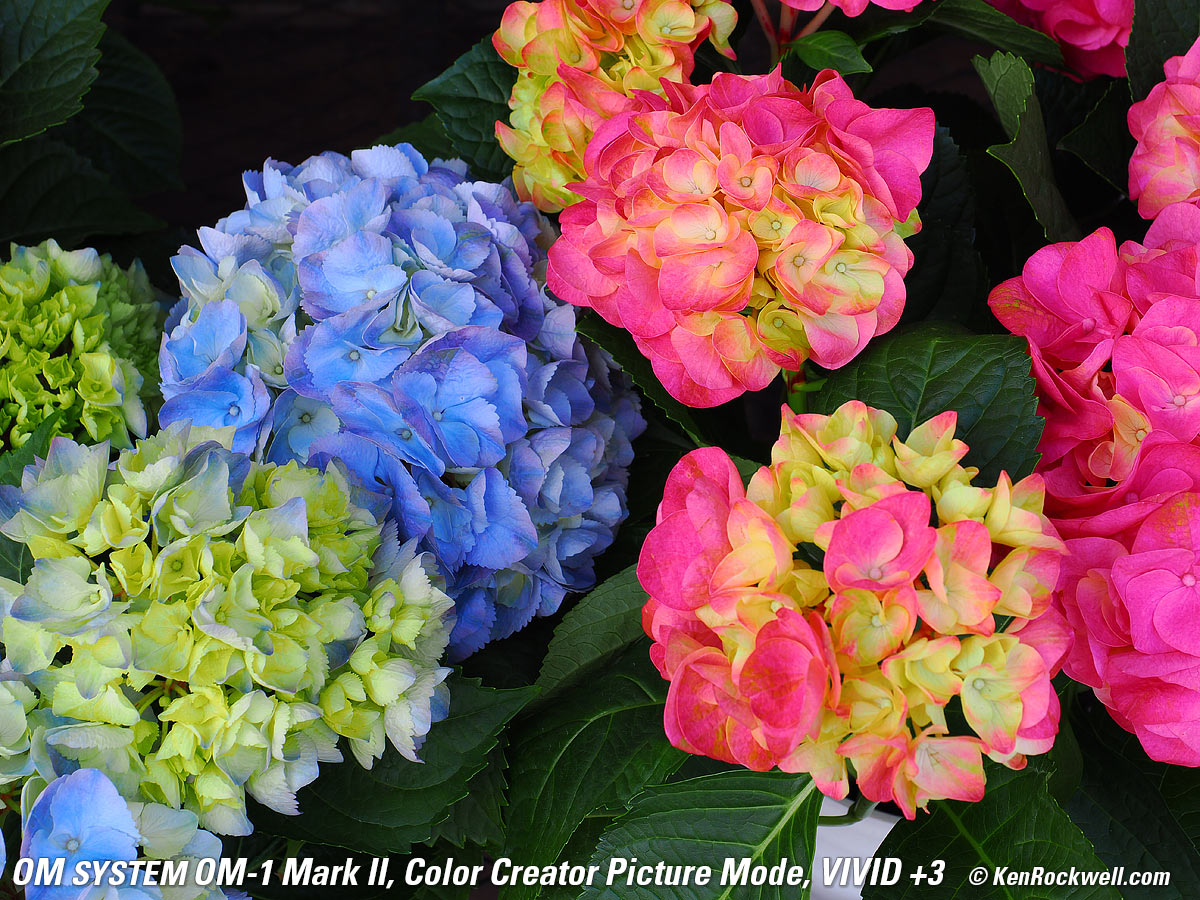 |
A few OM-1 Mark II Picture Modes. Click any to enlarge.
 |
 |
 |
 |
A few OM-1 Picture Modes. Click any to enlarge.
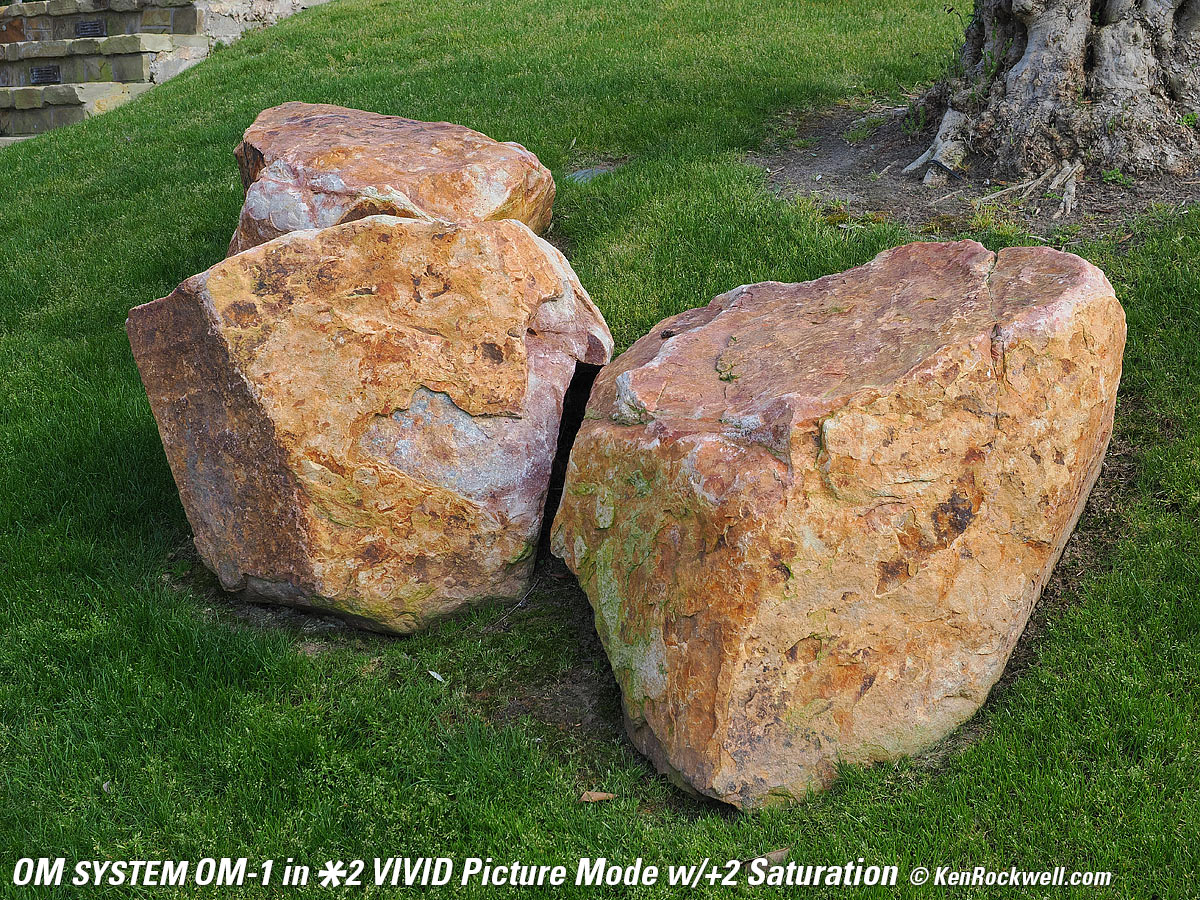
While each of the OM-1 Mark II's usual Picture Modes ("i‑Enhance" Auto, Vivid, Natural, Muted, Portrait and Monochrome) each only offer settings of ±2 for Saturation, Contrast and Sharpening which seem fairly blah for me who loves to be able to set insane levels of saturation, what took me a while to discover is that there are many other mystery Picture Modes. Some of them offer even higher levels of saturation, which I love!
For instance, the Vivid Picture Mode with +2 saturation is blah compared to Nikon's Vivid mode at +3 Saturation or Canon's Standard mode at +4 Saturation, however by chance I stumbled on the POP ART I mode which explodes colors the way I like them. Everything becomes brighter and more saturated.
Later I found the Color Creator Picture Mode, which lets me set saturation up to +3, which puts its saturation between Vivid with +2 saturation and POP ART I. While the saturation of the Color Creator Picture Mode at +3 is in between the other two, it doesn't lighten colored objects as much as POP ART I.
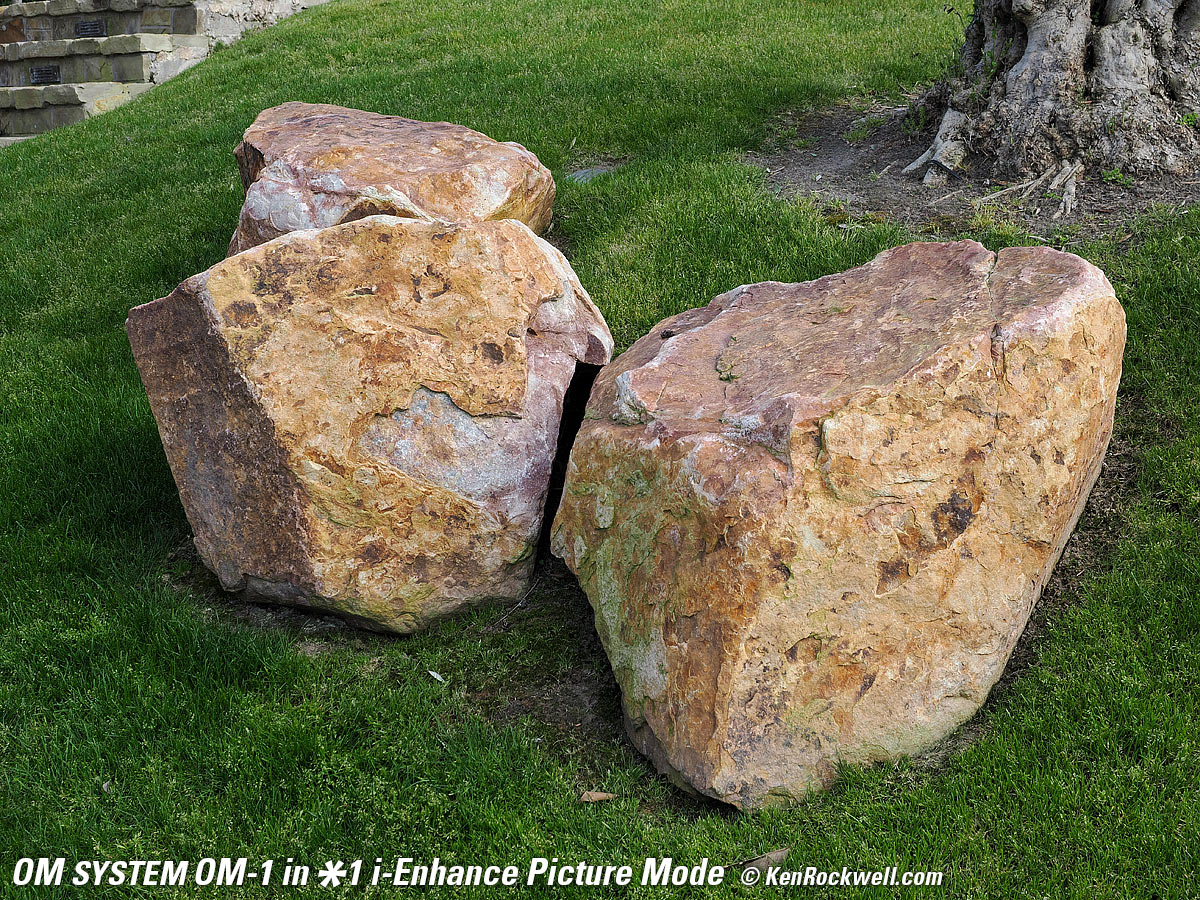
We all shoot for different looks and your preferences will be different. Don't ever use these saturated settings. with people because they make skin look awful. For people I leave it at i‑Enhance, which is uses artificial intelligence to analyze the image, guess what it is, and set colors accordingly.
Better, the ART BKT mode lets me save each shot multiple times each time I press the shutter as I did above and below, saving a file for each and every one of the Picture Modes I've preselected. When I come back I can look at everything and learn which Picture Modes give me the looks I prefer:
 |
 |
 |
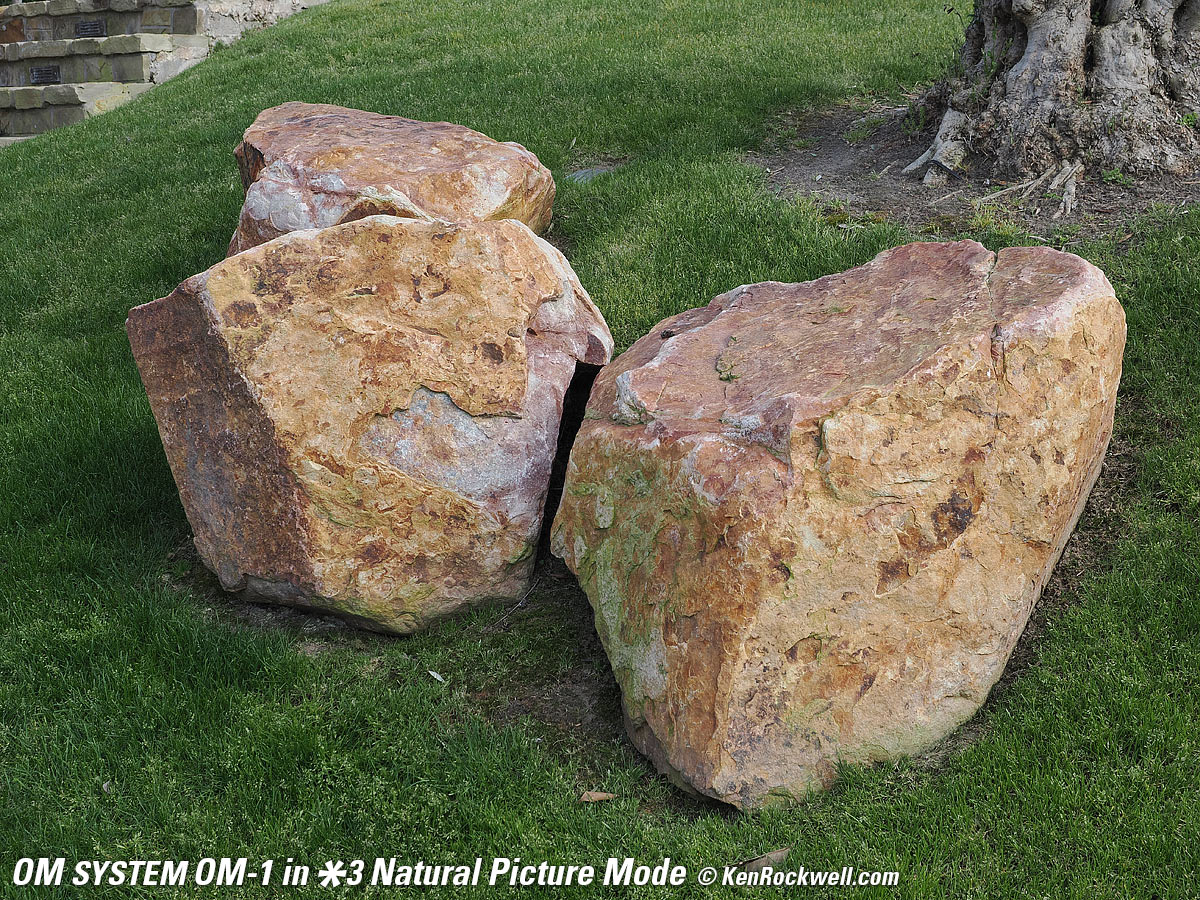 |
A few OM-1 Picture Modes. Click any to enlarge.
At first I noticed that the Vivid picture mode had a very long shoulder, in other words, that highlights were flat and less contrasty to the extent that they looked blown-out, even when they weren't. These are all subtle effects and none are good or bad; they're different and each of us needs to experiment until we get our look out of the OM-1 Mark II. I'm partial to the POP ART I mode, but that's me.
The default i-Enhance (*1) picture Mode is a magic mode that tries to guess what you're shooting, and optimize the picture automatically. It usually works very well for almost everything.
All the Picture Modes and ART BKT seem to work at every ISO, however at the very highest ISOs saturation is reduced strongly to hide chroma noise.
Pixel-Shift high-resolution shooting and Focus Stacking work in all regular Picture Modes, but won't work in any of the crazy ART Picture Modes.
The ART Picture Modes have no sharpness, contrast or sharpening settings as the main Picture Modes do.
HDR always forces itself into Picture Mode #3 (Natural). We can't use our preferred Picture Modes with HDR. You get "Natural" and that's it.
If you shoot raw then your colors and tones aren't created until you process the raw data later in software, and your choice of software will have as much effect on your images as the camera itself.
It's like pianos: anyone can talk forever about how pianos are made, but to most ordinary players the subtle variations between different samples of a Steinway Model D are eclipsed by their own limitations in playing, but when you're a virtuoso even subtle differences become obvious to the seasoned master. That's why when you buy, or choose a Steinway for your tour as a Steinway Artist, you go to Steinway's Astoria factory and pick from among several samples of the same model which suits your style best. To a master, the subtle details are everything, just like subtle differences in color rendition between different brands of camera. Art is not the duplication of reality; art is the expression of imagination.
I'm a seasoned working artist, not some online tweaker, YouTuber or tech blogger. COLOR is my life and work. I'm pickier about color than almost anyone; I see things most people don't. I can get photos that get oohs and ahhs with my OM-1 Mark II, but I rarely, if ever, do I get to WOW! as often as I do with my Nikons and Canons.
This is just me; your preferences and results will vary.
Crop Modes performance top
The OM-1 Mark II excels here, offering not only the usual native 4:3 and cropped 3:2, square and 16:9 ratios, it goes further and offers a vertical 3:4 crop for the extremely lazy!
Ergonomics & Menus performance top
Ergonomics and the Menu system are all superb. See the menu system's own section for details.
Mode Dial Set to C1. bigger.
The big, legible top mode dial has perfect, firm clicks, firmer than most cameras. These are perfect because they're easy to move when we want to, and are firm enough that we won't jar them by accident. There's a push-push lock/unlock bottom on top, and I never lock it because I don't need to. Perfect!
P is next to A on the exposure mode dial. It's just one click to get between most people's two most popular modes. It's driven me nuts for decades that Nikon and Canon make us click-through S mode to get between A and P.
The exposure compensation bar graph usually turns into an electronic level below the active image area with a half-press of the shutter. Brilliant! It works in EVF Style 1 and Style 2, but not in Style 3. It turns green when you're level so it's easy to see out of the corner of your eye.
Menu settings for shooting with dual cards have the option to let it keep keep shooting to one card even if the other card fills, stops working or if you only have one card loaded.
Menu settings allow many clever things like setting AUTO ISO to work differently by exposure mode.
Depth of field preview can be set to stay stopped down if you chose at MENU > ⚙ GEAR page 2 > (lens diaphragm icon) Lock > ON.
The rear LCD (but not the finder) dims in Bulb since it knows you're probably working in the dark.
It's easy to program modes like Pixel-Shift high-resolution shooting, HDR, Focus Stacking and ART BKT to function buttons so we can use them with just one-tap.
The LCD and EVF show a count-up timer that reads in half seconds during long Time and Bulb exposures. Unfortunately the eye sensor stops working during a long exposure, so whatever screen was showing the count-up, like the EVF when you press the shutter, won't swap to the rear LCD when you take your eye away.
Text entry is easy on the touch LCD with a QWERTY keyboard.
The plastic connector cover flaps never open all the way.
Modes like Pixel-Shift high-resolution shooting, HDR and Focus Stacking will cancel other modes like ART BKT when you set them, which is good because it doesn't make you have to guess what to turn off to get what you want to turn on, however when you turn off that mode it doesn't restore what it shut off to get there.
I thought I was imagining this until I used my digital calliper and confirmed it for myself: the OM-1 Mark II's tripod socket lacks much of a chamfer (conical cut) which makes it more difficult to get it threaded onto a tripod. The outside diameter of the chamfered area (the area into which you need to get the tripod's ¼″ × 20" TPI threaded screw to be able to tighten it) measures only 6.5mm, while in the Nikon FM I just happened to have sitting on my desk for comparison measures 7.2mm. This may seem very minor, but it does take more fiddling to get my OM-1 Mark II on my tripod. The grub screw from my tripod measures 6.25mm in outer diameter, meaning you need to center it much more carefully to get it into the camera's threads.
Exposure performance top
Exposure is exceptionally good. It's not fooled by backlight or cloudy bright skies and doesn't underexpose whites in daylight.
It's much better than Nikon Z, where even the exotic Z9 is often fooled by cloudy bright skies.
Finder performance top
The finder is magnificent, always sharp and bright and colorful and always the correct brightness in every condition. It's a joy to use, Bravo!
It's super bright in daylight. If anything, it gets so bright automatically that you have to trust that your meter isn't overexposing.
It's so good that it can make your pictures look better than they will on a regular monitor or anywhere else.
One concession made to get so bright in daylight is that the peak-white levels aren't able to go that much brighter than the picture itself, so many of the little white icons along the top and right edges of the image become less visible against the image. Ditto for the superimposed histogram at the top left; it becomes less visible in daylight.
The live histogram displayed while shooting is a color display of monochrome (luminance only) data, which isn't that helpful when shooting in color where we need a real RGB histogram so we can see if the red or blue channels are overloaded.
The while-shooting histogram shows the darkest samples as blue and the highest as red, and here's a cool part: there is a green overlay that shows you the monochrome histogram for just what's inside the spot metering area — but it's more fun than useful as a real RGB histogram would be.
It shows a lot of data; it even shows Kelvin temperature for the manually preset white balances!
The Night Vision mode makes the finder image more visible in very dim light. This mode makes things more visible than they are to the naked eye, so it's even better than a DSLR. It really does let us compose and see what we're doing better than most other mirrorless cameras. For instance, Nikons are almost useless in dim light outdoors.
See my User Guide for how to set this.
Interframe blackout lets us know the shutter fired, but when shooting at between 10 to 20 FPS it can give headaches if used for long periods. There is no blackout between 25 and 120 FPS.
There are no full color RGB histograms available while shooting, they're only displayed on playback.
Flash performance top
The OM-1 Mark II includes a great little flash, perfect for use as a trigger for studio strobes.
Flash works even with the electronic shutter.
There's a classic Prontor-Compur socket on the front, behind screw-in cap.
It claims radio control. I didn't try it. When I use off-camera flash, it's wired strobes in my studio triggered from a small flash on my camera.
The switch on the included little flash needs color coding for its on/off switch; its not obvious if it's on or off.
The included little flash is powered from the camera, but has as much as an 8 second recycle time.
The OM-1 Mark II locks-up and can't shoot while a flash recycles.
Focus Stacking performance top
Focus stacking is making a series of exposures at different focus distances and then compositing the sharpest parts of each into one sharp image.
It works great in the OM-1 Mark II, and does everything automatically in-camera.
It's no longer a science experiment like in the Canon EOS RP where I have to export files from the camera to process later in my computer.
While the manual says use a tripod, mine works great hand-held.
Frame Rates performance top
The OM-1 Mark II really does shoot at 50 FPS with tracking autofocus and auto exposure. (The 120 FPS mode doesn't track focus or exposure.)
Here's why you need 50 FPS. These four frames were exposed in less than one-tenth of a second, and as you can see, even at 50 FPS each image is completely different:
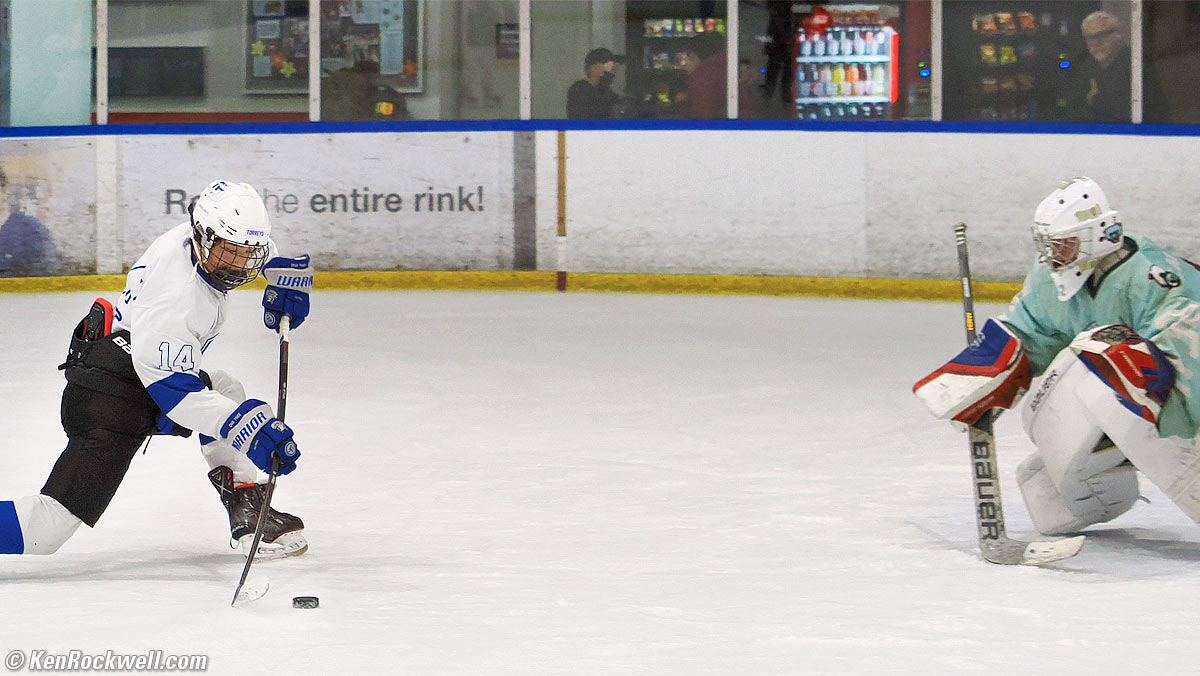
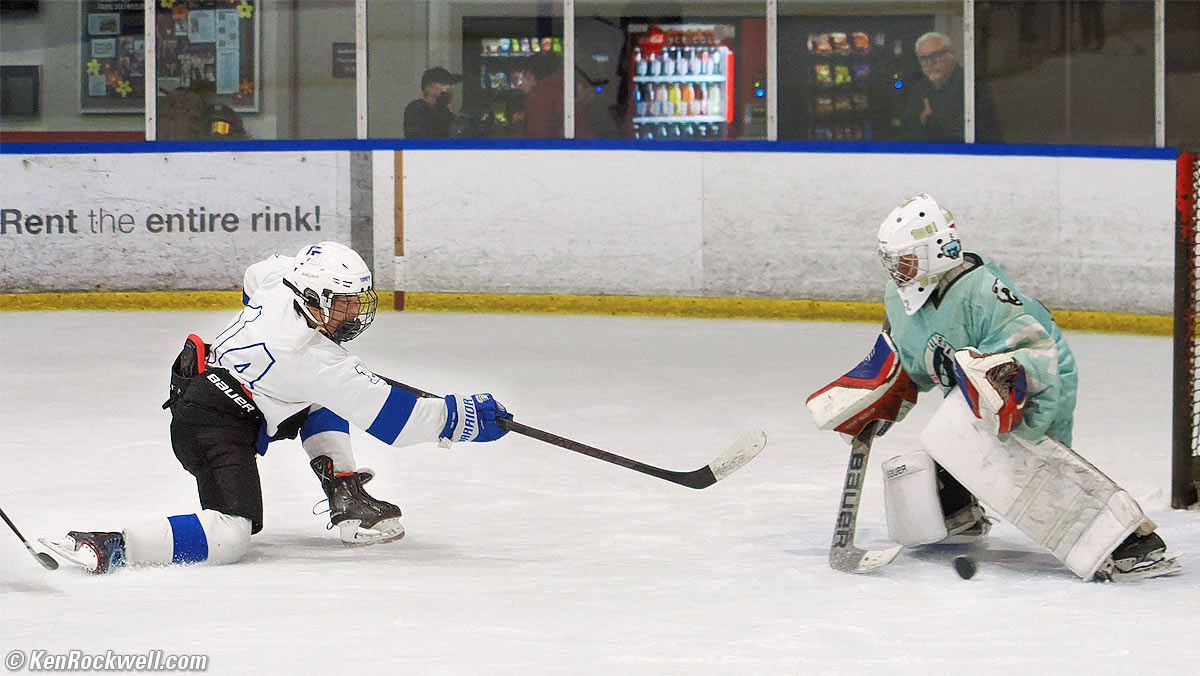
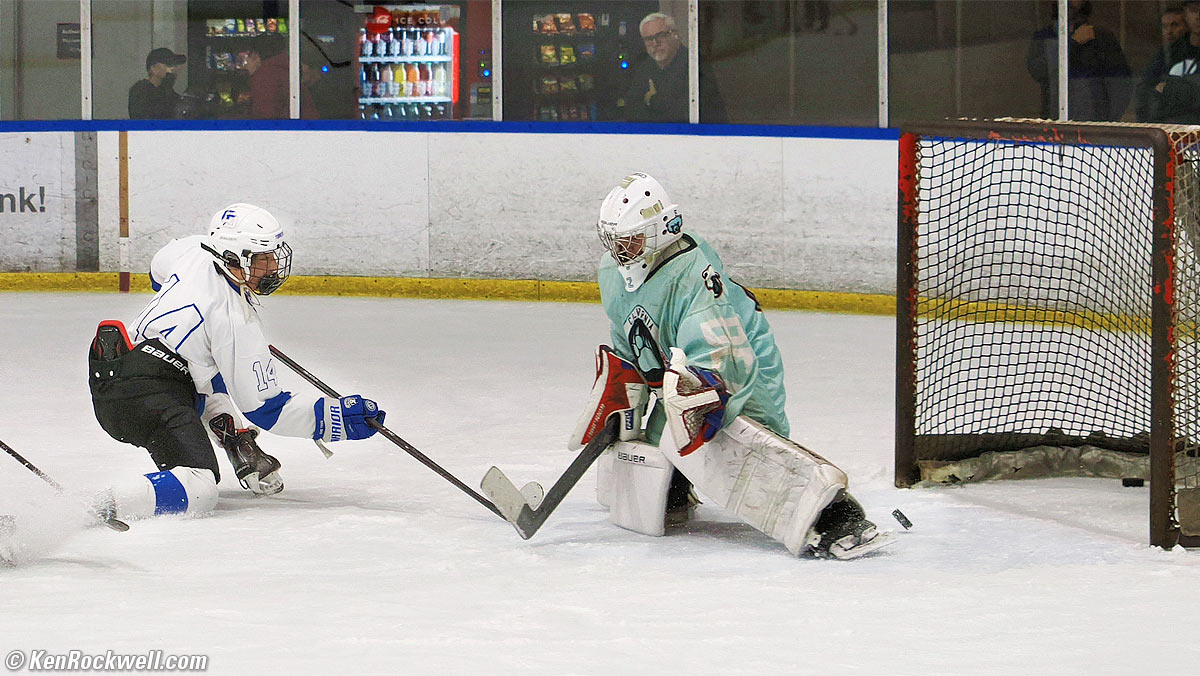
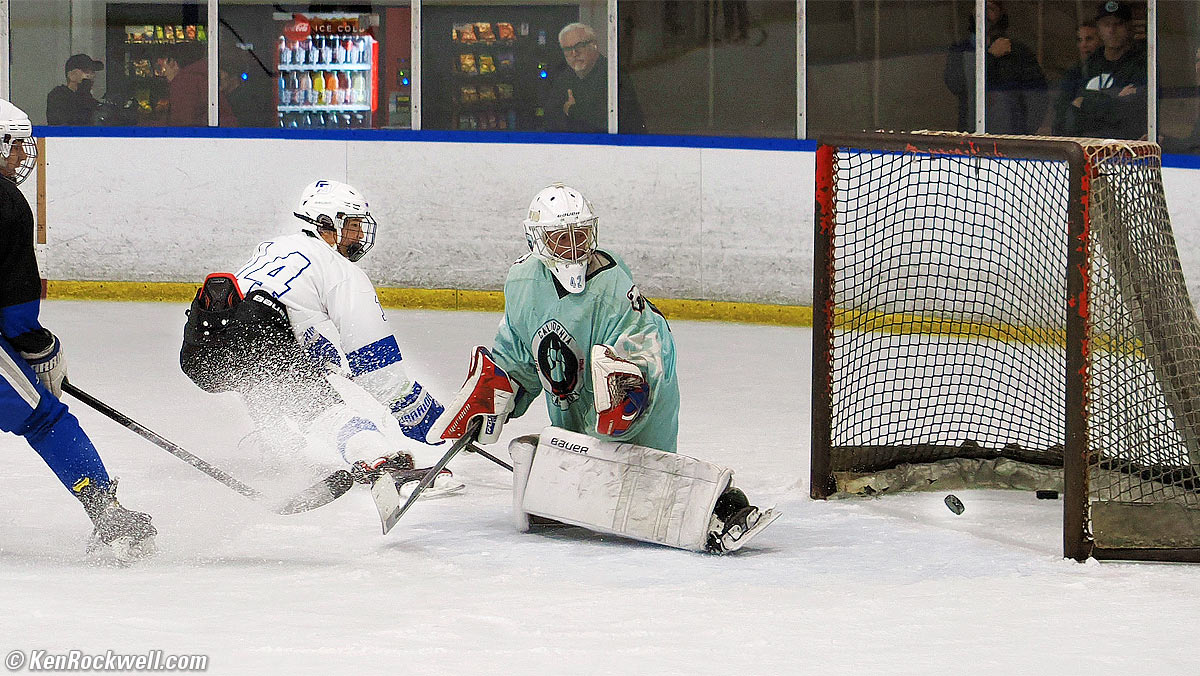
Hockey, Toronto, 6:25 P.M., Wednesday, 03 May 2023. Mild crops from OM SYSTEM OM-1 Mark II at 50 FPS in SH 2, i‑Enhance Picture Mode, M.ZUIKO DIGITAL ED 12-40mm F2.8 PRO Ⅱ at 40mm (80mm eq.) at f/2.8 at 1/640 at Auto ISO 2,000, +1 stop exposure compensation (LV 8.0), Perfectly Clear (now called Radiant Image). click any to enlarge.
I shot these at the MEDIUM 3,200 × 2,400 pixel JPG setting so I could sort through thousands of frames faster; of course it shoots at 20 MP at these speeds.
The bent stick in the first frame it is bending under the pressure of the shot, which usually isn't visible to the eye by spectators. This isn't a rolling shutter effect.
Electronic Graduated Neutral Density Filters performance top
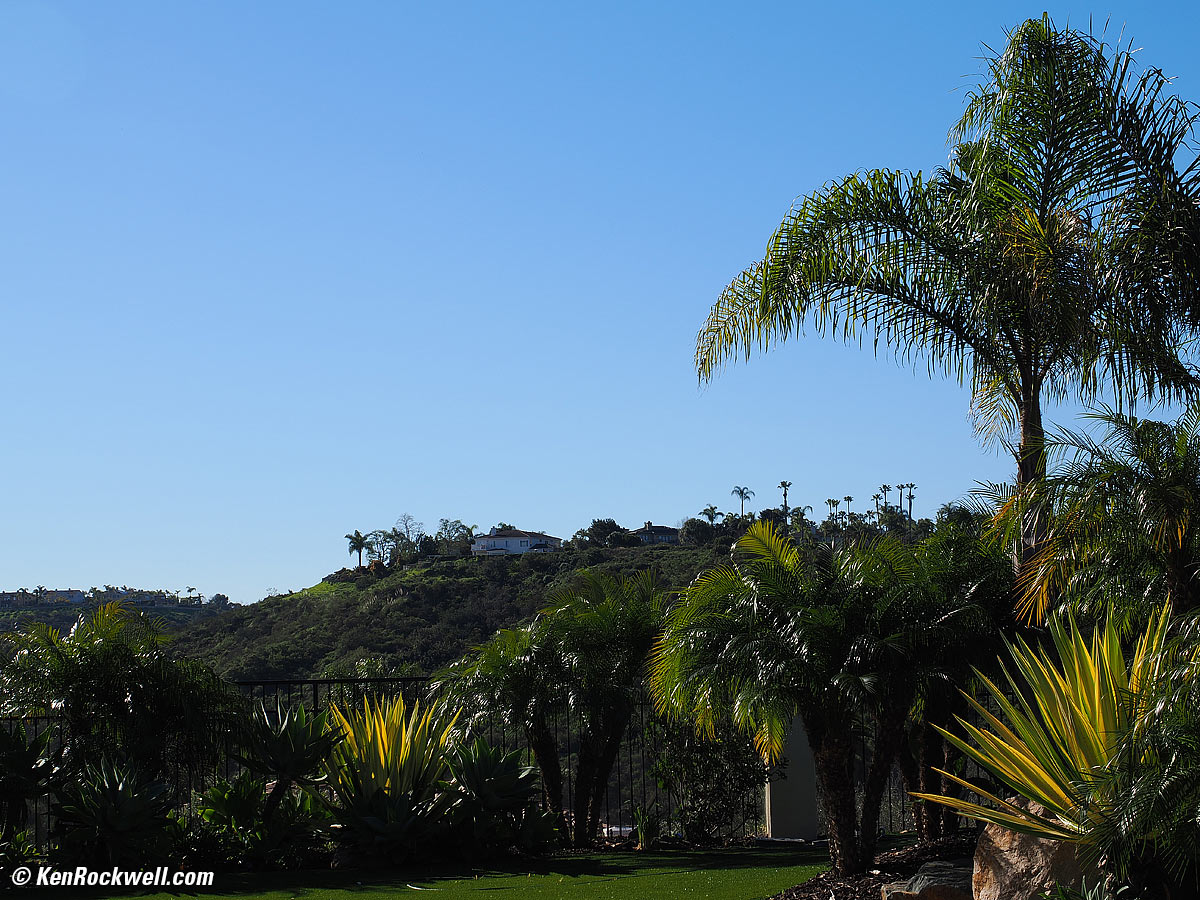
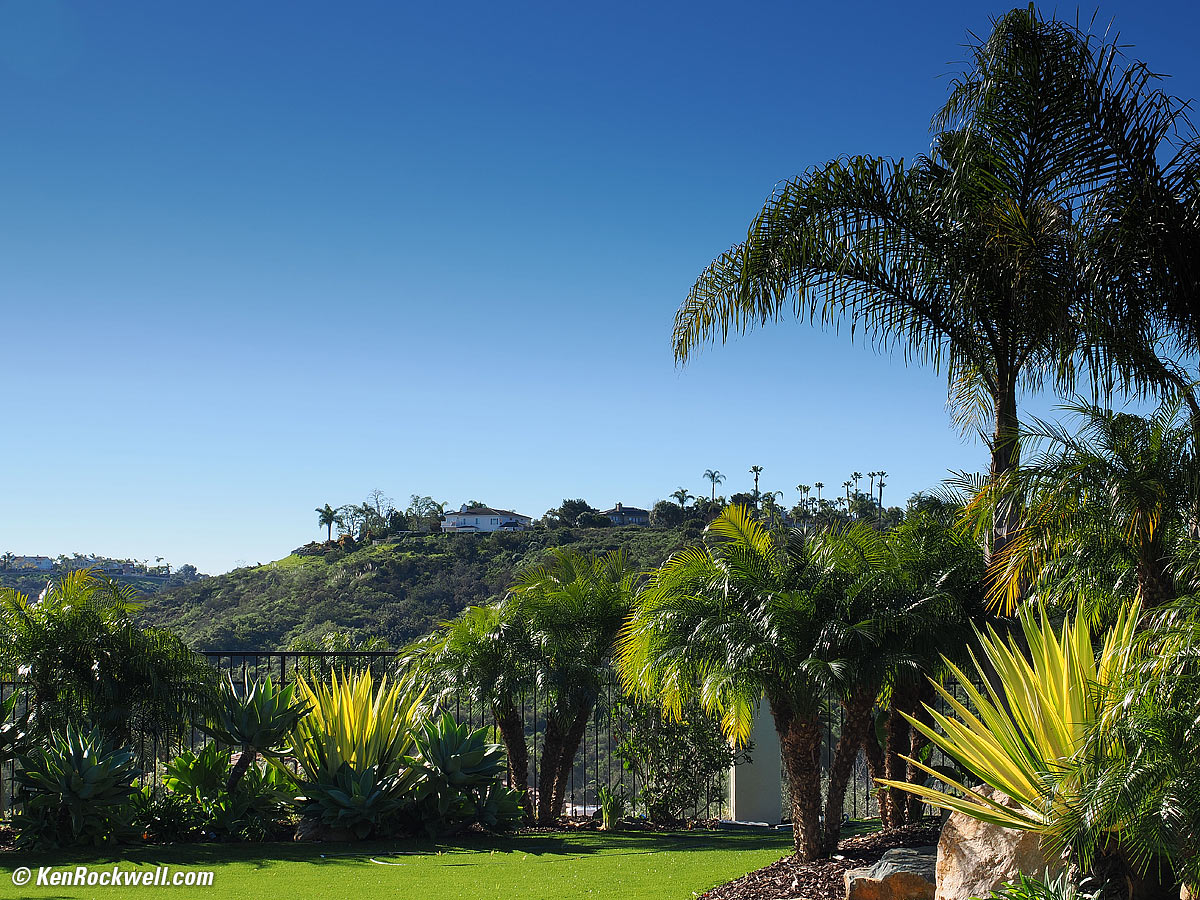
The electronic Grad ND filter works great, much more easily than mucking around with glass grads. It even has an automatic orientation feature, on by default, that aligns it for us!
It lets us select its density (one, two or three stops) and a soft, medium or hard gradation (smoothness of the transition from light to dark). It's also easy to set a precise position and rotation through the finder. Bravo!
Grad ND filters are for use in extreme light, for instance shooting into a brilliant sunset where we also want to hold detail in a dark foreground. DO NOT use a Grad ND filter for other things, unless you want to darken a sky and make it look stormy, for instance. Most people use these incorrectly, so be judicious. Use it gently so it's not obvious that you've used one.
Set it at MENU > CAMERA 2 > page 1 > Live GND Shooting > ON. More at my OM-1 Mark II User's Guide.
|
|
Boring shot. bigger. |
Grad ND darkens sky and lightens foreground. bigger. |


HDR performance top
HDR works entirely in-camera, and works hand held. One shutter press, a few seconds of follow-up processing, and voilà, it saves a completed composite image. Bravo! Of course it also saves the individual images if you prefer to piddle with them later, but that ignores half the magic of the OM-1 Mark II.
HDR shoots immediately and processes in-camera in a few seconds, easy-peasy.
While the manual says use a tripod, I find HDR works fine hand-held even with my M.Zuiko 90mm f/3.5 IS Macro. The OM-1 Mark II's great stabilization, ultra-fast successive-frame captures and in-camera compositing make this fast and easy, a long way away from the olden days where people used to have to process files later on a computer.
Setting HDR cancels ART BKT, and setting ART BKT cancels HDR.
HDR1 usually comes out too dark, and HDR2 usually comes out too light, often requiring I use exposure compensation with either of them.
HDR only works with the Natural Picture Mode *3. You can't use the Picture Modes I prefer.
High ISO Performance performance top
High ISO performance is solid.
I painted the wall on this test set as of March 2023, so be careful comparing color to earlier tests.
The wall is textured, so don't confuse wall texture with grain.
Complete Images details 80 MP Hi-Res dark details performance top
As seen at the normal image sizes below, the OM-1 Mark II pretty much makes the same images from ISO L80 to ISO 12,800.
ISO 25,600 takes on a green color shift.
ISO 51,200 (H1) has green-magenta color blotches and gets noisier.
ISO 102,400 (H2) doesn't apply my extra-saturation Picture Mode #2 VIVID and looks almost monochrome as a result (lowering saturation reduces processor load and reduces chroma noise), but still quite usable if I really need it for normal-sized images.
There's no mystery to comparing cameras; I shoot this same test at all the ISOs of every other camera I review so you can compare for yourself. Caveat: I repainted these walls white from their previous tan as of March 2023. The background wall won't match in older reviews.
Click any for the camera-original © LARGE NORMAL JPG files, about 9½ MB each:
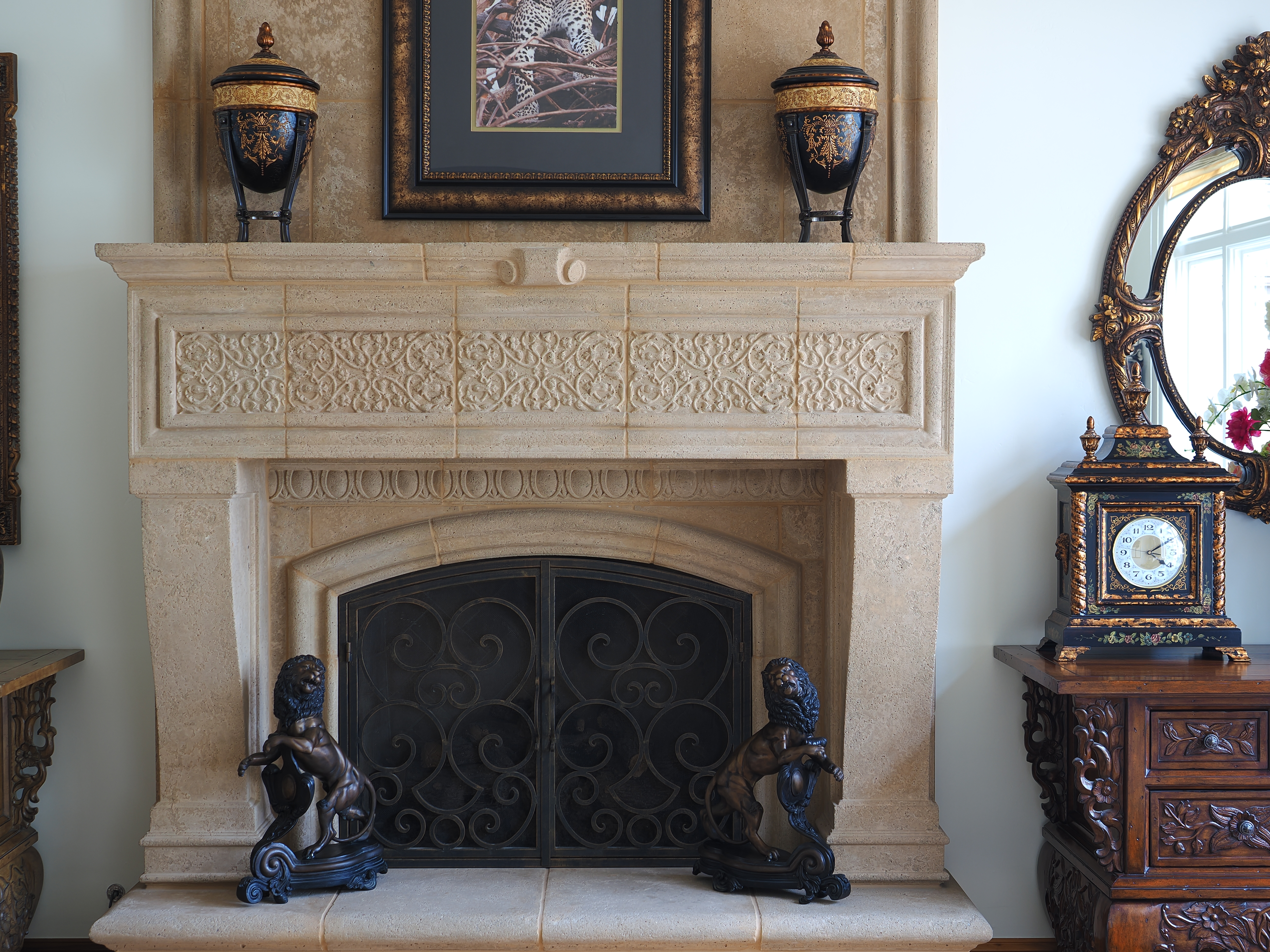
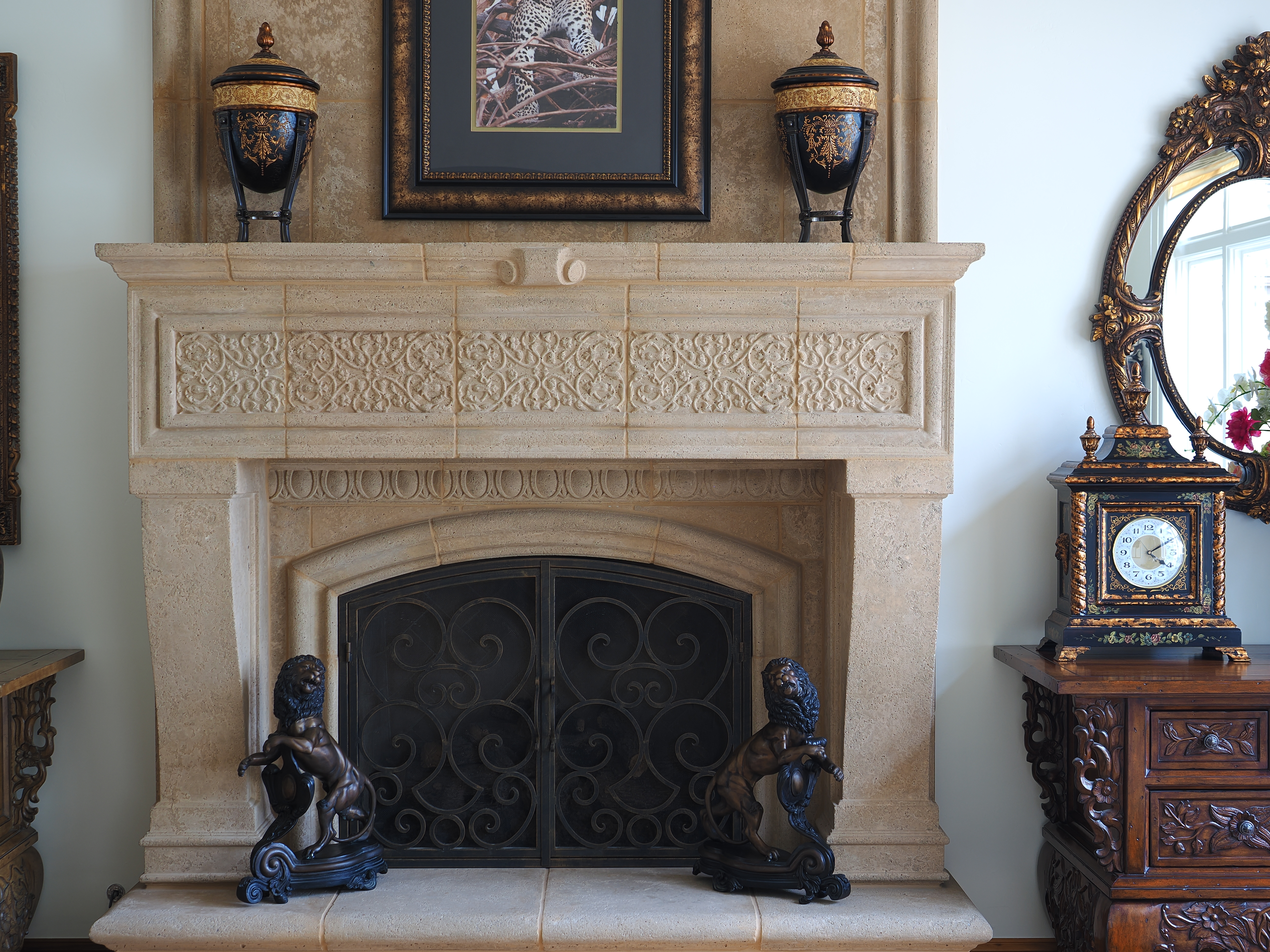
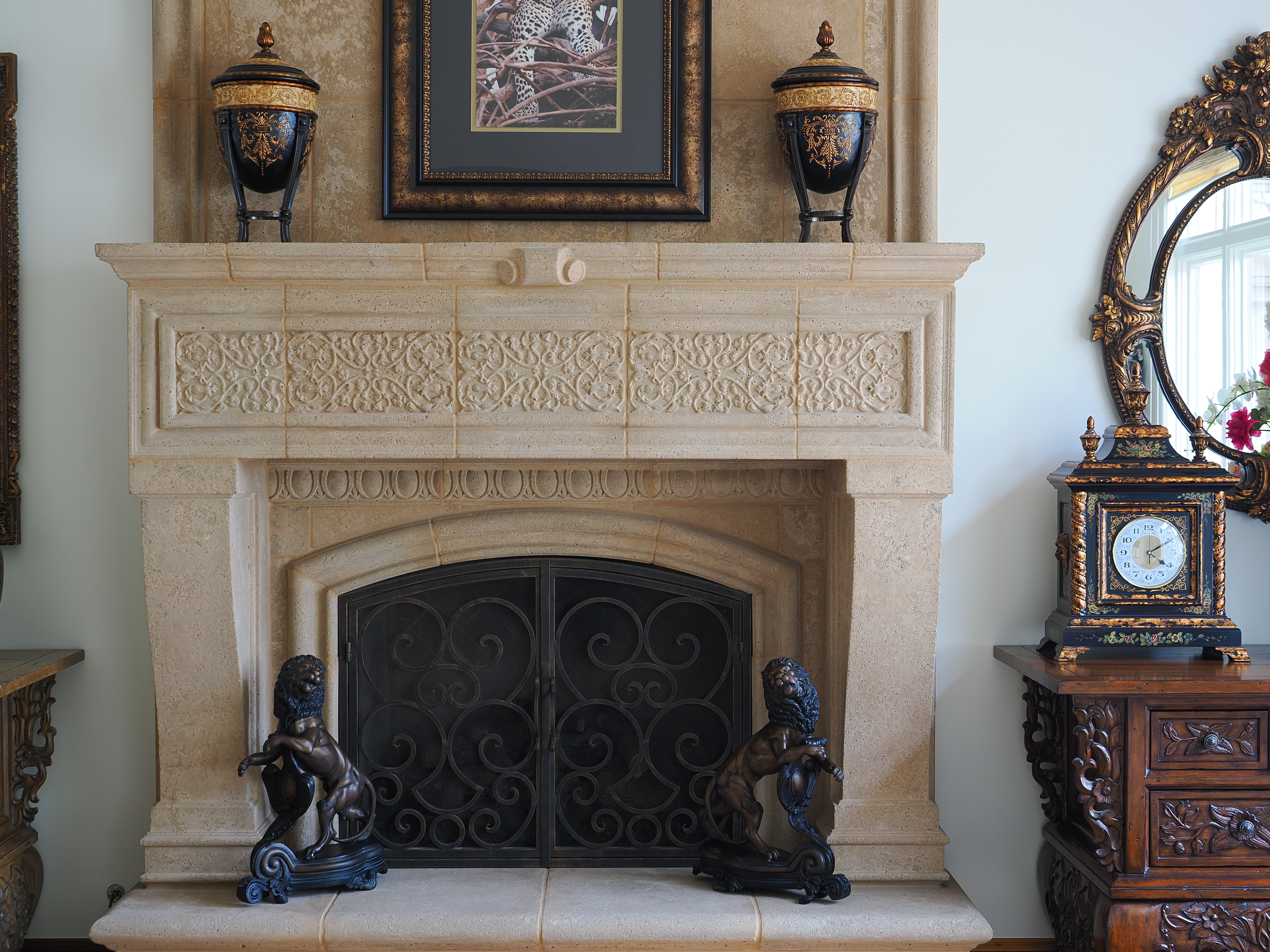
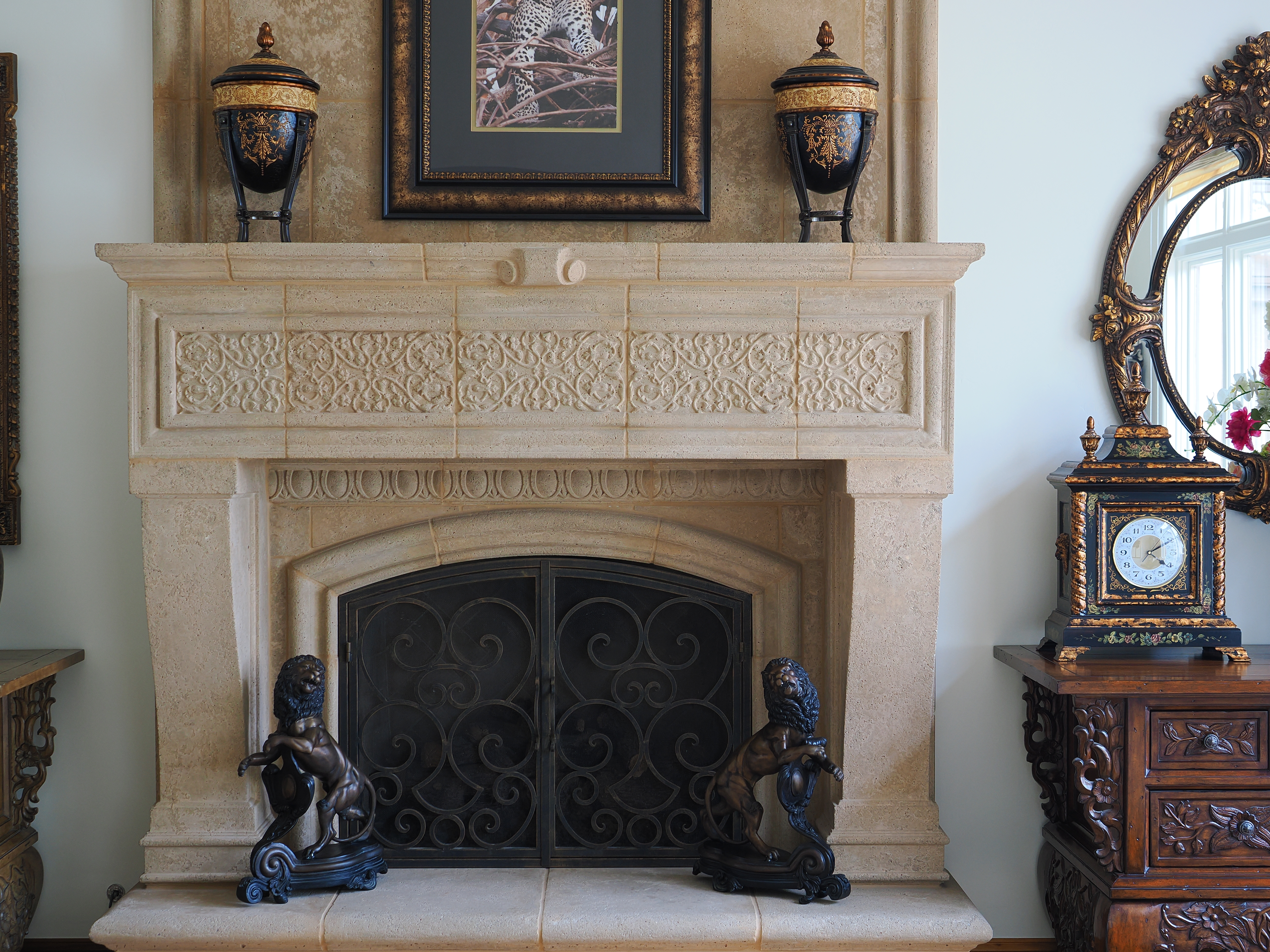
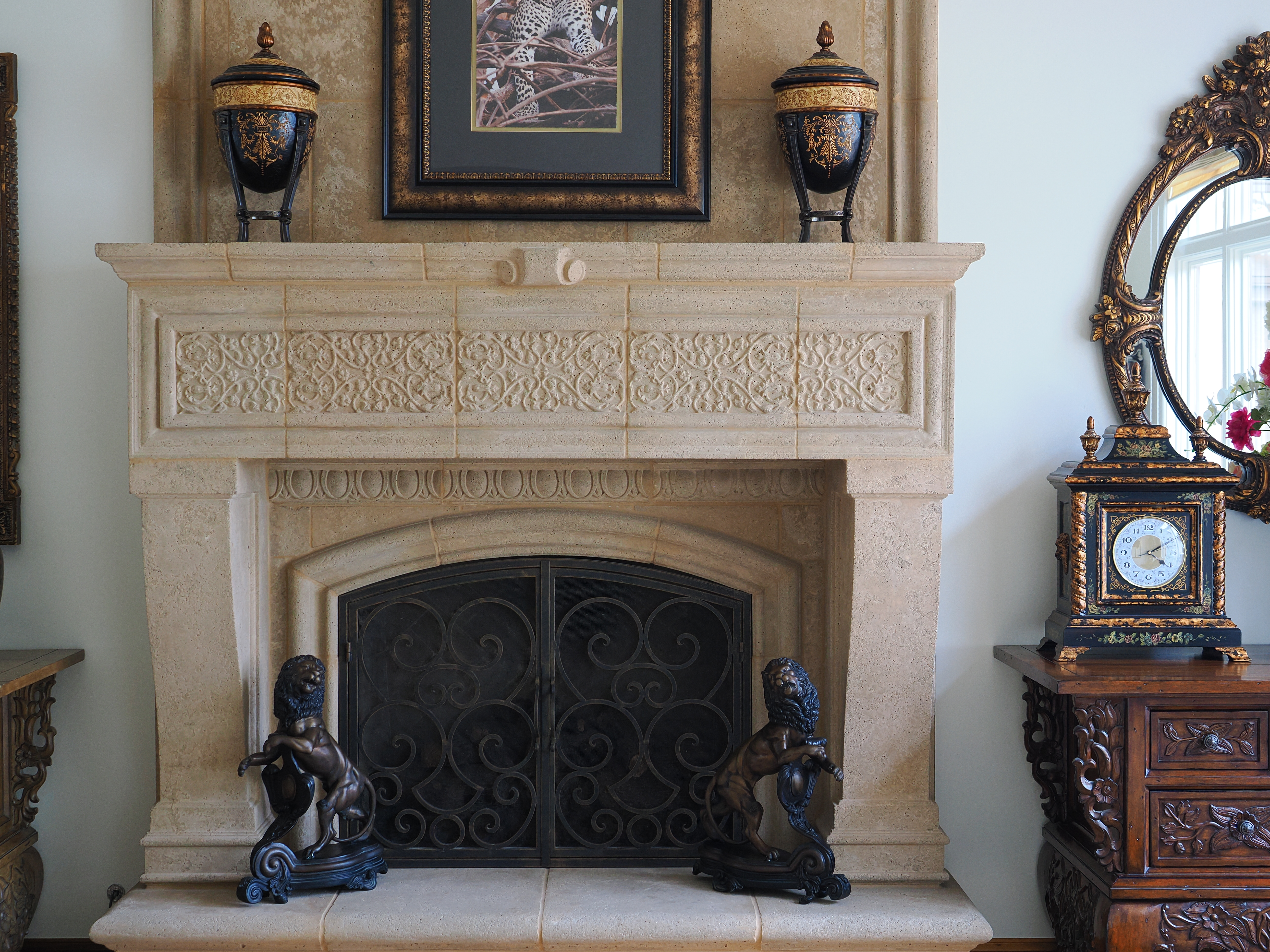
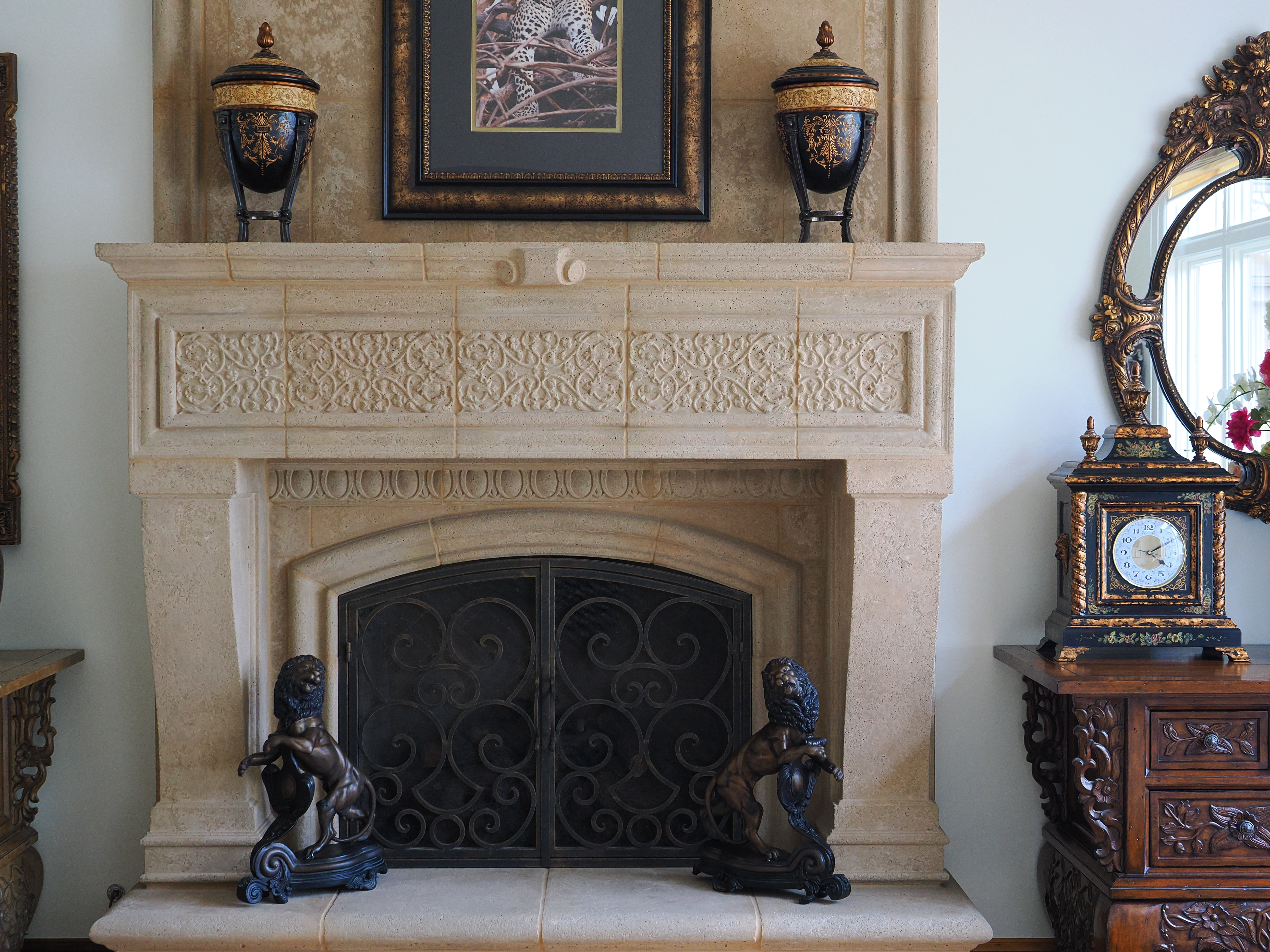
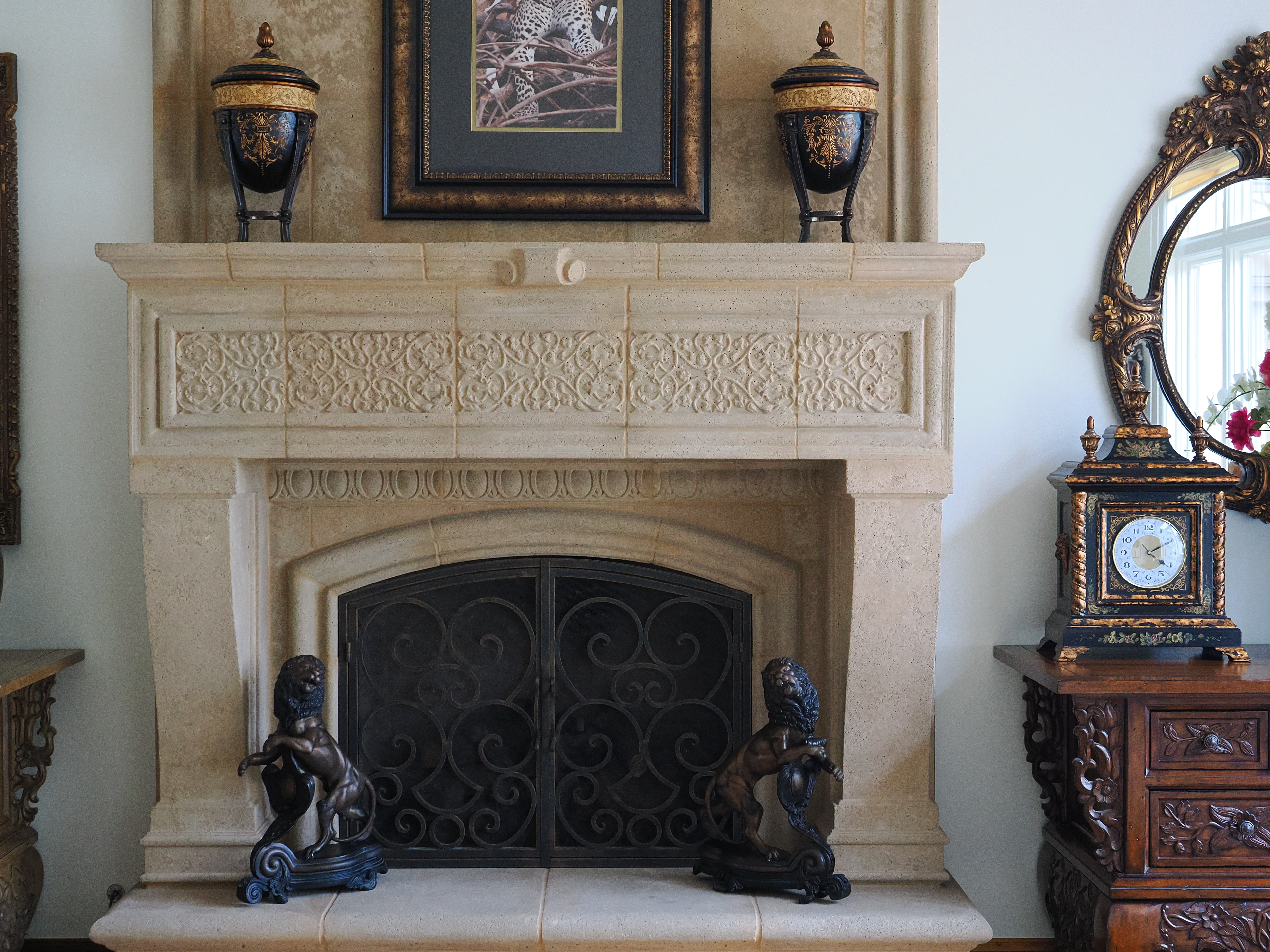
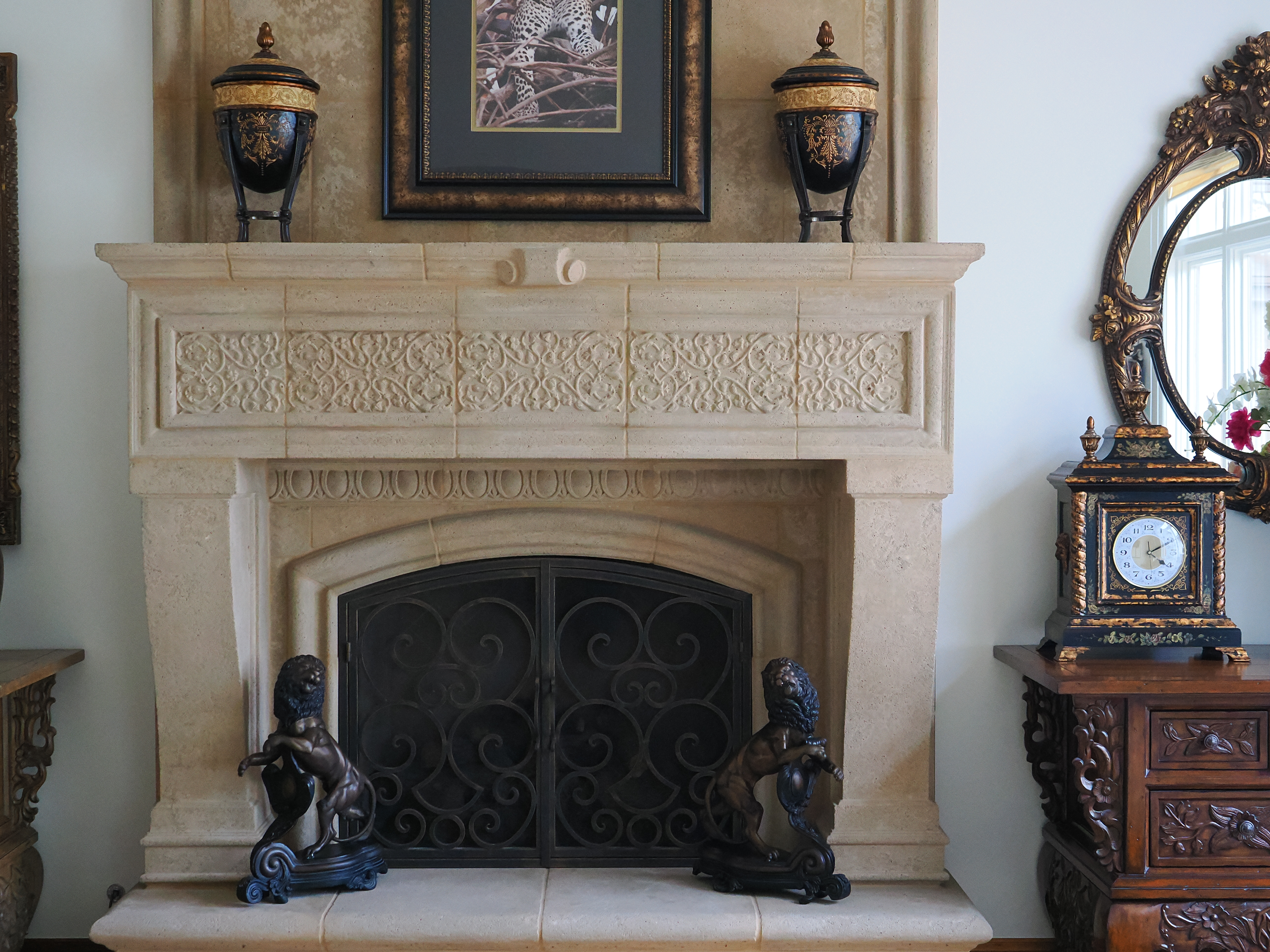
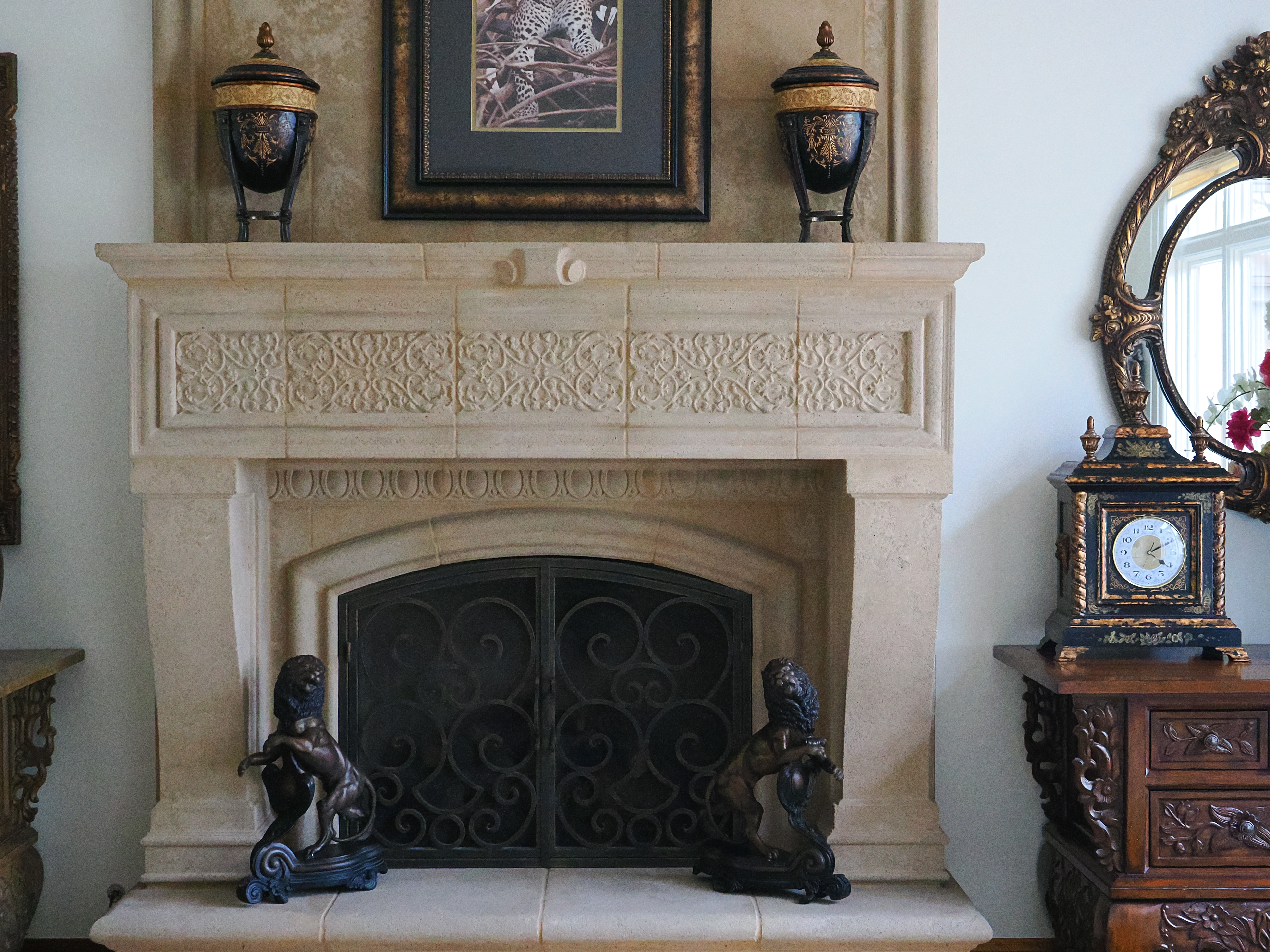
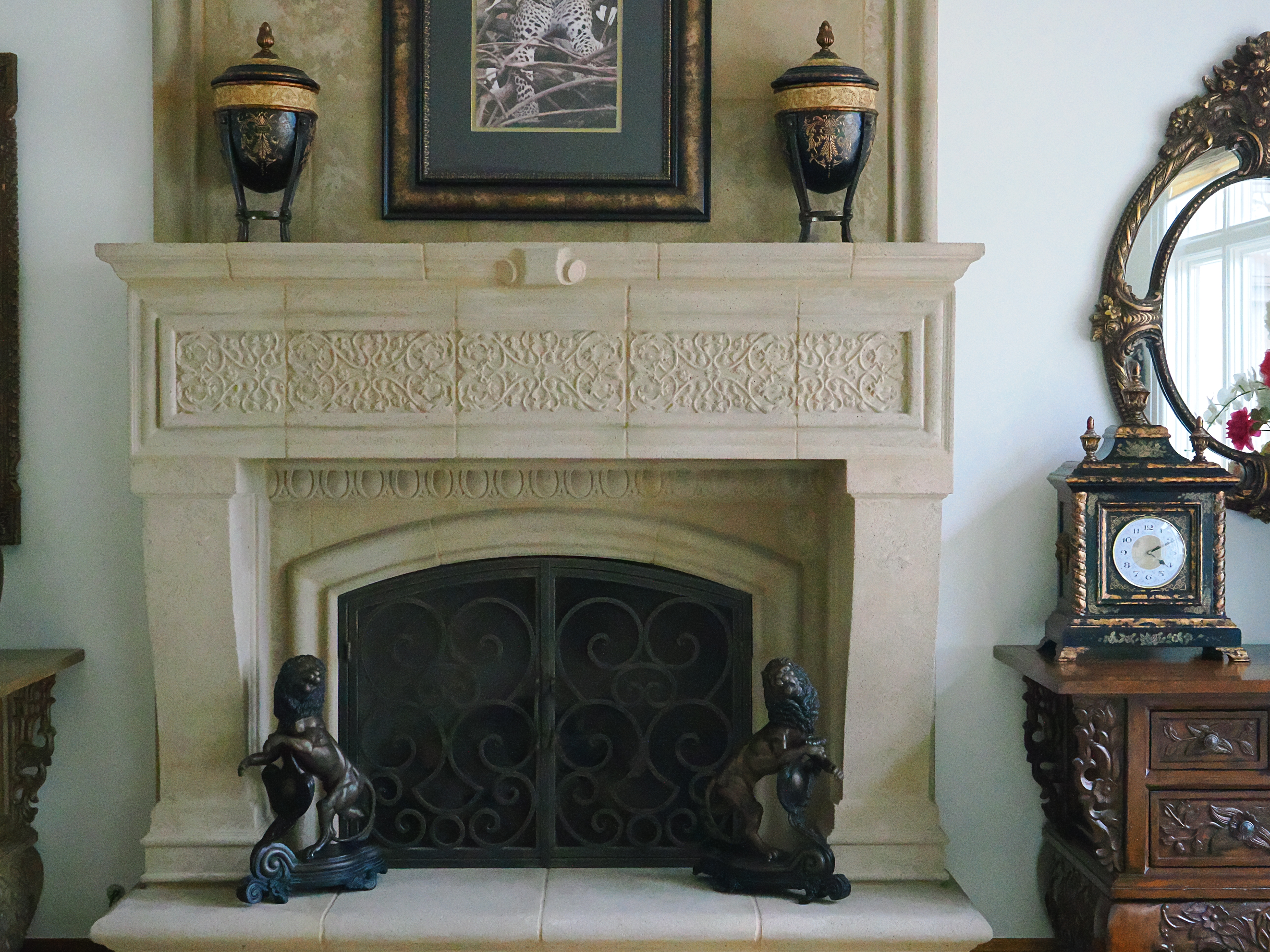
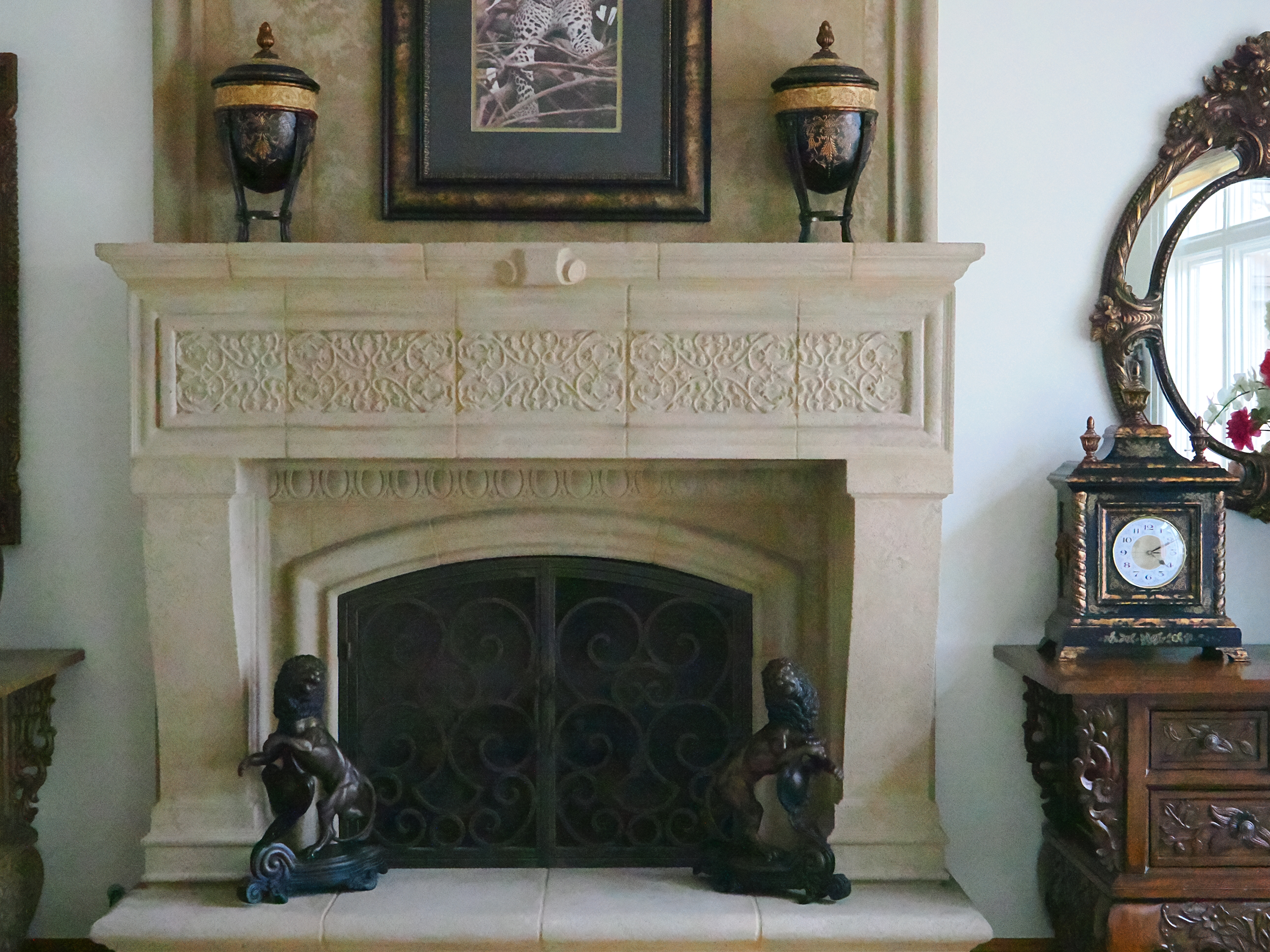
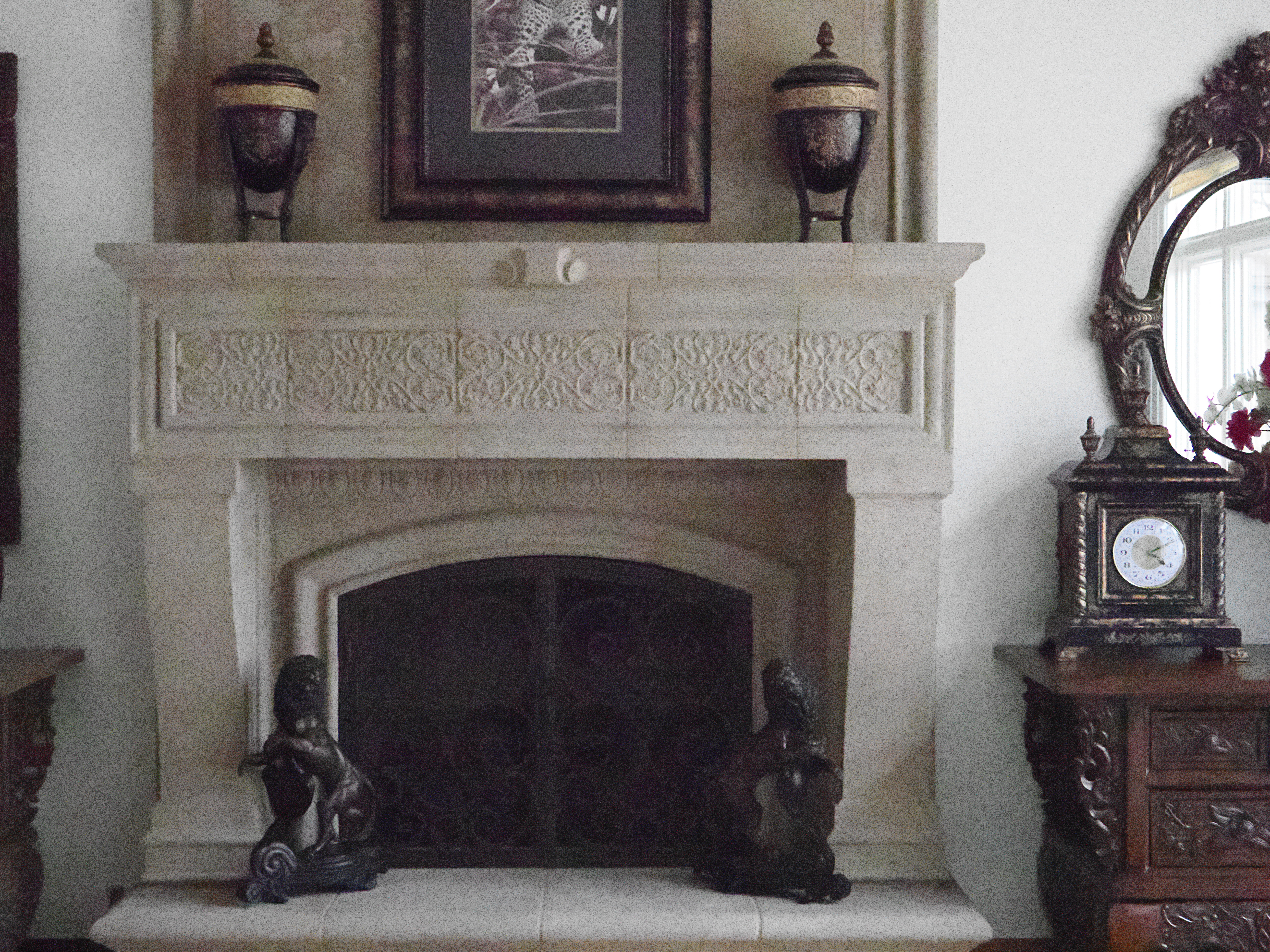
Click any for the camera-original © 20 MP JPG files (about 9½ MB each).
Fine Details: 600 × 450 Pixel Crops (8.64× magnification) High ISOs details 80 MP Hi-Res dark details performance top
Here are crops from the same images as above, showing the clock on the right.
What we see at the high magnifications below is that fine details go away as the ISO increases. This happens with all cameras (and our own eyes) and is an artifact of the noise reduction working harder as the ISO increases.
The most detail is at ISO L80, and becomes softer at every higher ISO. This is normal and how noise reduction works in every camera. There isn't much difference between ISO L80, ISO L100 and ISO 200.
ISO L80 and L100 are "pull" ISOs, and therefore have more highlight contrast. This usually increases perceived highlight detail, and can lead to clipped highlights if you have too much subject contrast, as in the case of the window reflection in the glass of the clock face.
By ISO 3,200 most of the detailed scrollwork between the clock numbers is gone.
By ISO 12,800 the minute marks are mostly gone.
By ISO 25,600 all the detail is gone from the clock face, leaving only the numbers.
ISO 102,400 (H2) is awful as blown-up here, looking more like a pointillistic painting than a photograph.
It's normal for details to go away at higher ISOs in all digital cameras.
Click any for the camera-original © JPG FINE files, about 9½ MB each:
Click any for the camera-original © 20 MP JPG file (about 9½ MB each).
If these 600 × 450 pixel crops are about 3" (7.5cm) wide on your screen, the complete image would print at 19½ × 26" (50 × 66 cm) at this same magnification.
If these 600 × 450 pixel crops are about 6" (15cm) wide on your screen, the complete image would print at 39 × 52" (3¼ × 4⅓ feet or 1.0 × 1.3 meters) at this same magnification.
If these 600 × 450 pixel crops are about 12" (30cm) wide on your screen, the complete image would print at 78 × 104" (6½ × 8⅔ feet or 2.0 × 2.6 meters) at this same magnification.
While the OM-1 Mark II loses similar levels of detail at a couple of stops lower ISO than the full-frame Canon EOS R3, shot in its 80 MP HiRes scanning mode the OM-1 Mark II has far more detail at any similar ISO:
Crops from 80 MP Hi-Res Images (same 8.64× magnification) High ISOs details 80 MP Hi-Res dark details performance top
These are crops from the same area shot with the same lens from the same place, however these are 1,200 × 900 pixel crops from 10,368 × 7,776 pixel (80 MP) images. Compare these to the 20 MP shots above.
I wasn't expecting the 80 MP Hi-Res mode to be such a night-and-day difference, but if you count your pixels at these high magnifications, this mode makes a huge difference.
Caveat: the texture of the painted wall on the left is what may look like noise or grain at lower ISOs before camera noise takes over.
Caveat: I shot these a few hours after those above so the light had changed and emphasizes the inside gold area of the clock dial. There seems to be less contrast there above due to the lighting on this mixed matte/shiny area; it's not related to the camera settings:


Click any to enlarge. (The original 80 MP FINE JPG files are 40 MB each, so I'll spare your internet connection by not sharing them here.)
The 80 MP crop mode looks much better than anything from the full-frame Canon EOS R3 at any of these ISOs, n fact, I see a cleaner, more detailed image from the OM-1 Mark II at ISO 1,600 in HiRes 80 MP mode than from the full-frame Canon EOS R3 at any ISO!
If these 1,200 × 900 pixel crops are about 3" (7.5cm) wide on your screen, the complete image would print at 19½ × 26" (50 × 66 cm) at this same magnification.
If these 1,200 × 900 pixel crops are about 6" (15cm) wide on your screen, the complete image would print at 39 × 52" (3¼ × 4⅓ feet or 1.0 × 1.3 meters) at this same magnification.
If these 1,200 × 900 pixel crops are about 12" (30cm) wide on your screen, the complete image would print at 78 × 104" (6½ × 8⅔ feet or 2.0 × 2.6 meters) at this same magnification.
Dark-Area 600 × 450 Pixel Crops (8.64× magnification) High ISOs details 80 MP Hi-Res dark details performance top
Here are different crops from the same images as above, now showing the dark grillwork of the fireplace.
ISO L80 and L100 are "pull" ISOs and throw much more light into the shadows and thus gives them the most detail.
Higher ISOs greatly reduce the details in the shadows, as we expect.
Note how the most detail in the fine screen is at ISO L80.
The fine screen is half gone (scrubbed away by noise reduction) by ISO 2,000.
At ISO 51,200 (H1) the iron bars are mostly gone, and there isn't much of anything left at ISO 102,400 (H2)!
Again, it's normal in all digital cameras for details to go away at higher ISOs.
Click any for the camera-original © JPG FINE files, about 9½ MB each:
Click any for the camera-original © 20 MP JPG file (about 9½ MB each).
If these 600 × 450 pixel crops are about 3" (7.5cm) wide on your screen, the complete image would print at 19½ × 26" (50 × 66 cm) at this same magnification.
If these 600 × 450 pixel crops are about 6" (15cm) wide on your screen, the complete image would print at 39 × 52" (3¼ × 4⅓ feet or 1.0 × 1.3 meters) at this same magnification.
If these 600 × 450 pixel crops are about 12" (30cm) wide on your screen, the complete image would print at 78 × 104" (6½ × 8⅔ feet or 2.0 × 2.6 meters) at this same magnification.
High-Resolution 80 MP & 50 MP Pixel Shift performance top
How to Use the High-Resolution 80 MP & 50 MP Pixel Shift Modes
These modes are astonishing in how well they work and how easy they are to shoot, even hand-held!
The High Resolution modes only work in the usual Picture Modes (*1, *2, *3, *4, *5, *M, *C, Underwater and Color Creator), but not in any of the nuttier ART modes like the POP ART I mode I like. ART BKT works, minus any of the ART modes.
As of 2024 even Sony's top A7R Mk V makes us use a tripod and then have to process raw files later in a computer, while the OM-1 Mark II shoots and processes all this into final images in-camera, and does it hand-held!
I've shown a comparison of tripod-mounted 80 MP versus 20 MP images at all ISOs above at High ISOs. The High Res mode only works to ISO 1,600 as noise reduction makes it silly to use at ISO 3,200 and above, and when you do use the high resolution modes, it's like night and day over the usual resolution.
Here's another 80 MP sample, shot on a tripod:
Hamilton Lancaster Grandfather Clock Face, April 2023. Shot with OM SYSTEM OM-1 in 80 MP high-resolution scanning mode in available light with OM SYSTEM M.Zuiko ED 90mm f/3.5 IS (180mm eq.) at f/8 at 1/15 at ISO 200 (LV 8.9), perfectly clear. bigger or full resolution 80 MP, 16 MB JPG file.

The OM-1 Mark II's 80 MP high-resolution scanning mode works great for shots of things that hold still.
Here are two different 1,200 × 900 pixel crops from the 10,368 × 7,776 pixel image:
1,200 × 900 pixel (6.5×) crop from the above image! bigger or full resolution 80 MP, 16 MB JPG file.

Different 1,200 × 900 pixel (6.5×) crop from the above image! bigger or full resolution 80 MP, 16 MB JPG file.
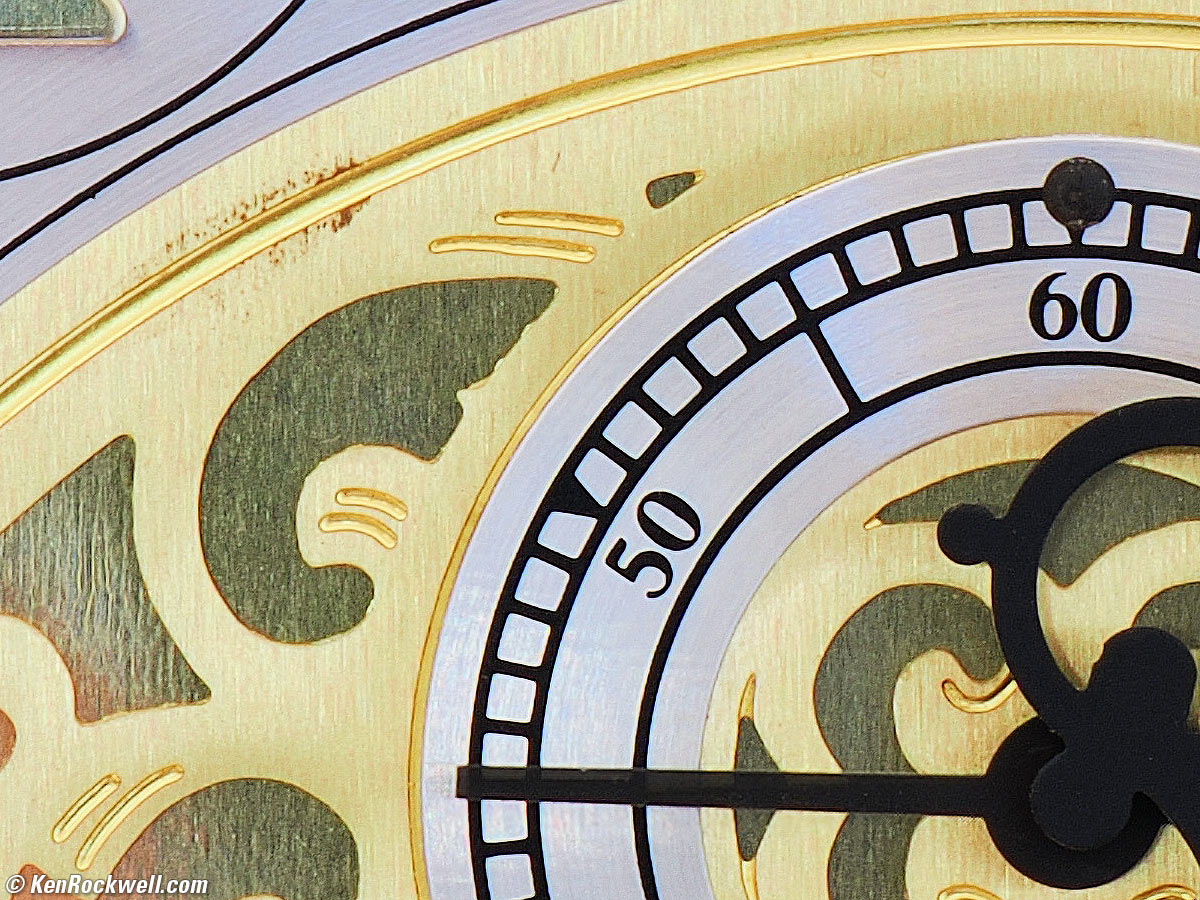
If these 1,200 × 900 pixel crops are only about 3" (7.5cm) wide on your screen, then the complete image printed at this same large magnification would be about 20 × 26" (1⅝ × 2⅙ feet or 50 × 66 cm).
If these 1,200 × 900 pixel crops are about 6" (15cm) wide on your screen, then the complete image printed at this same extreme magnification would be about 39 × 52" (3¼ × 4⅓ feet or 1 × 1.3m).
If these 1,200 × 900 pixel crops are about 12" (30cm) wide on your screen, then the complete image printed at this same insanely high magnification would be about 78 × 104" (6½ × 8⅔ feet or 2 × 2.6 meters).
Here's a comparison of hand-held 50 MP versus 20 MP images:
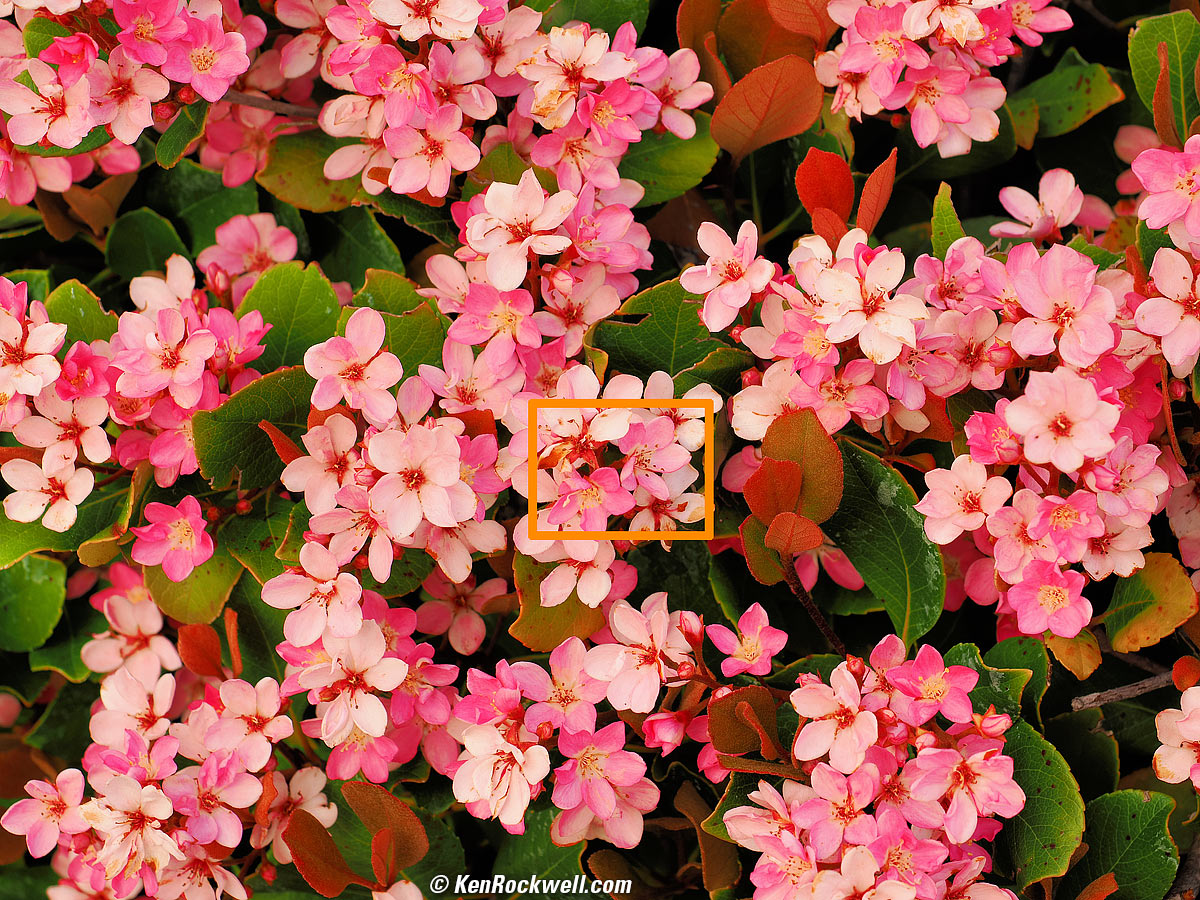
Flower Bush, 6:25 P.M., Tuesday, 18 April 2023. OM SYSTEM OM-1, VIVID Picture Mode with +2 Saturation, M.ZUIKO DIGITAL ED 12-40mm F2.8 PRO Ⅱ at 40mm (80mm eq.) at f/5.6 at 1/125 at Auto ISO 200 (LV 10.9), Perfectly Clear (now called Radiant Image). bigger.
This was shot hand-held in the 50 MP high-resolution scanning mode in the breeze — and it worked!!!
Here's a 1,200 × 900 pixel crop from the area marked in orange above:
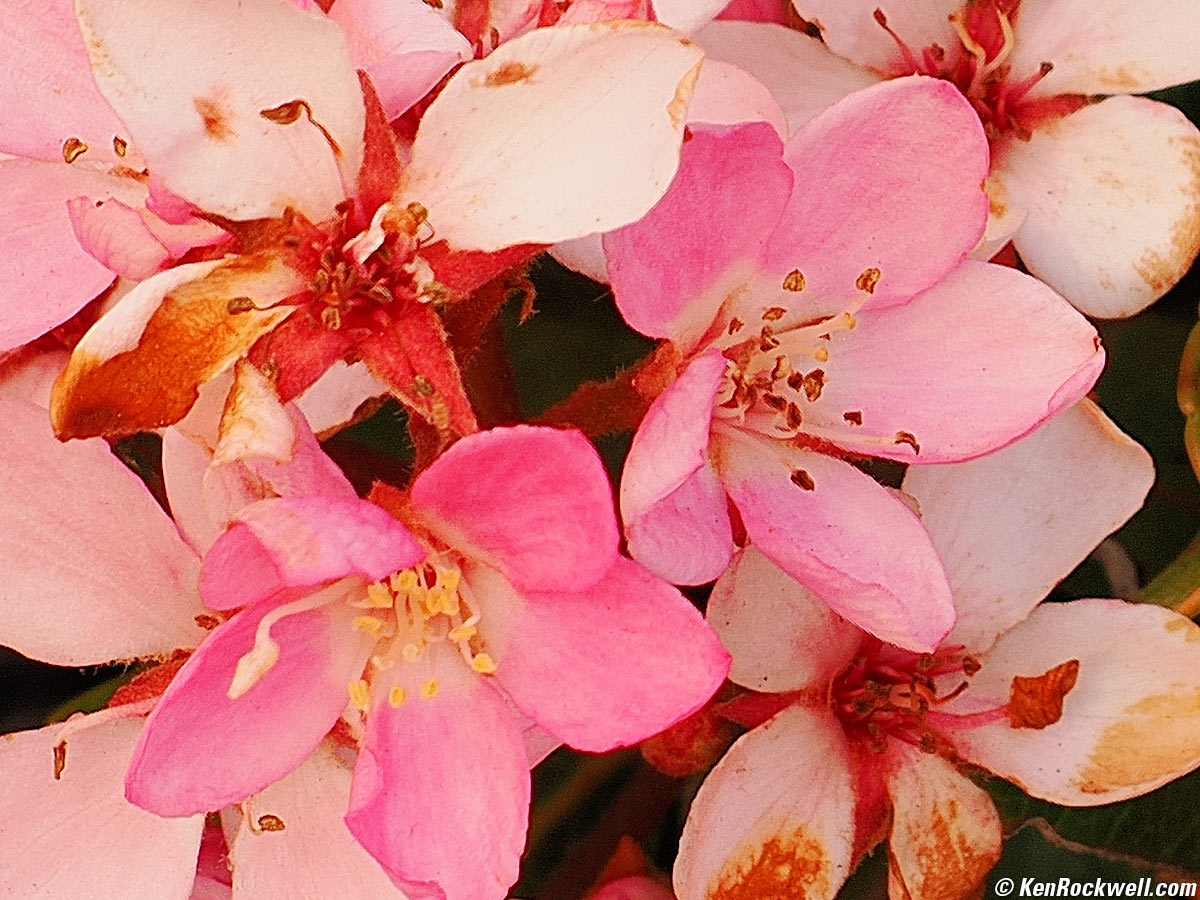
1,200 × 900 pixel (8.64×) crop from above 50 MP (8,160 × 6,120 pixel) image. bigger.
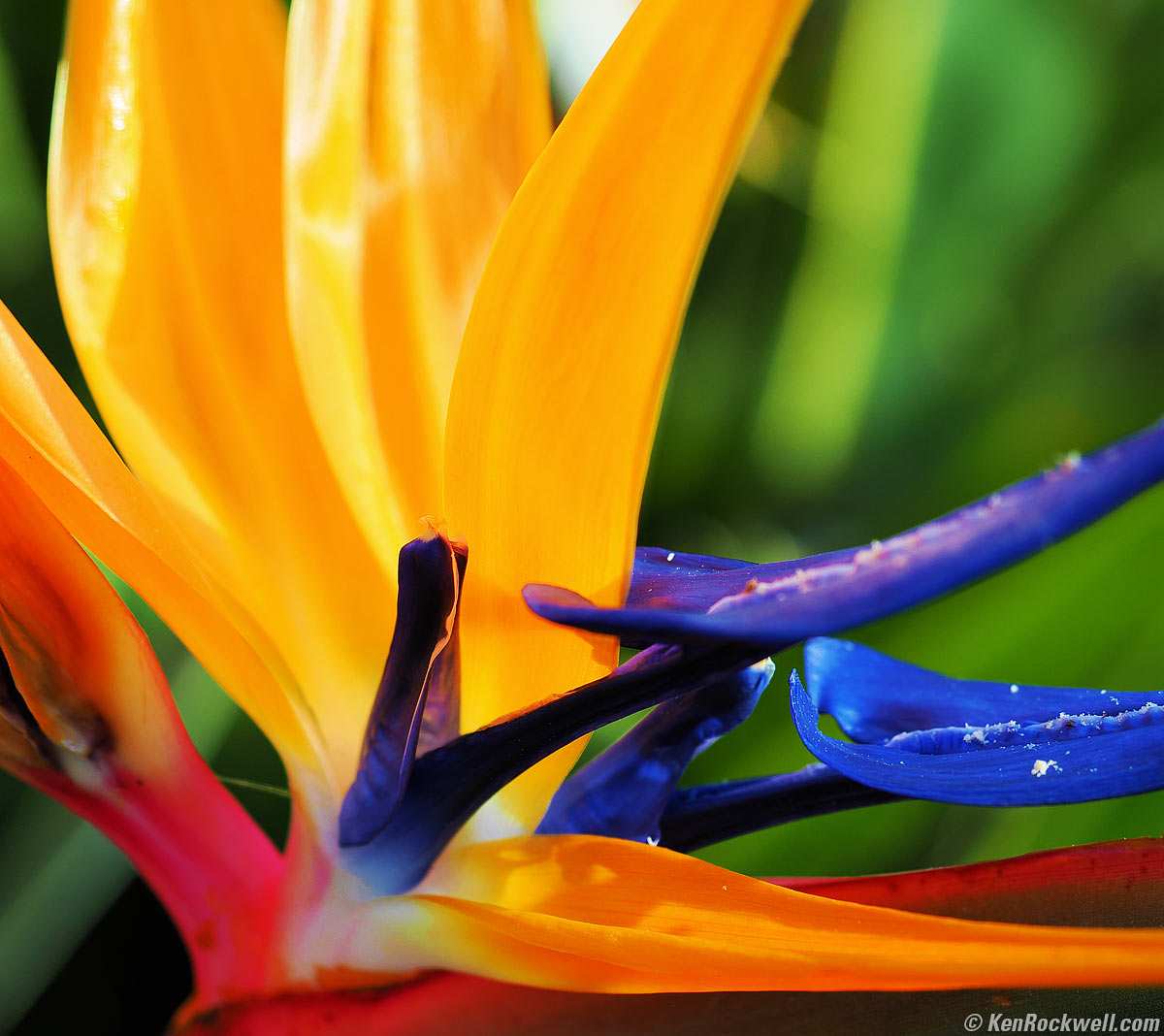
For comparison, here's a different 8.64× crop from an image shot in the regular 20 MP mode:
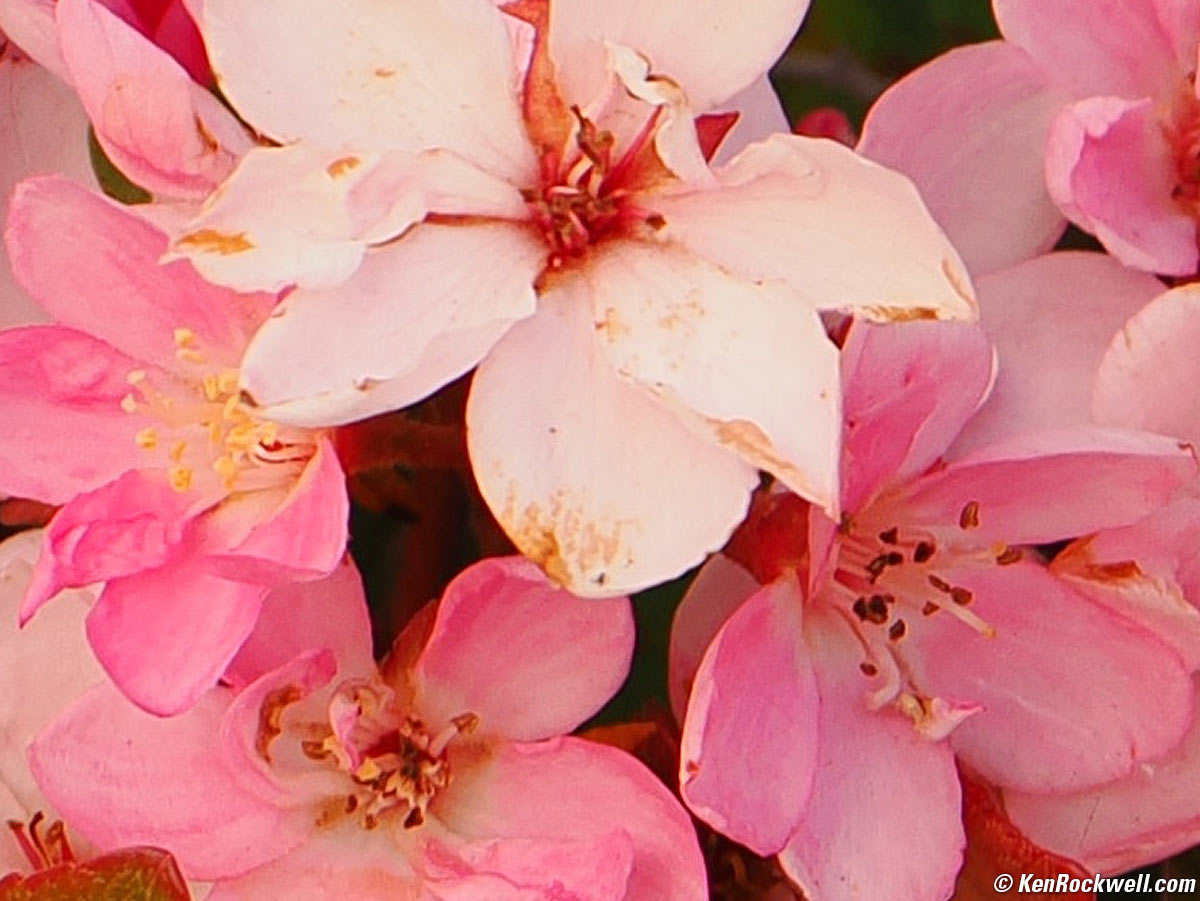
8.64× (762 × 572 pixel ) crop from similar 20 MP (5,184 × 3,888 pixel) image. bigger.
I'm astounded that the High Resolution mode works, and it even works handheld with flowers blowing in the wind! If things are really moving then you will get what looks like multiple exposures and motion, while most of the time, it's astonishing.
Lens Corrections performance top
There's a menu option for falloff:
MENU > CAMERA 1 > page 1 > Shading Comp.
and that's it.
Seeing how I've never seen any distortion from M.ZUIKO DIGITAL ED 12-40mm F2.8 PRO Ⅱ at any setting, I'll opine that the OM-1 Mark II always corrects distortion and doesn't give us the option to turn it off. Ditto for lateral color.
Long Exposures performance top
The OM-1 Mark II sets directly to 64 seconds (displayed as 60 seconds) in all of its manual and automatic exposure modes with either shutter. Bravo!
With menu fiddling it can make traditional timed exposures as long as 30 minutes.
The LCD and EVF show a count-up timer in half seconds during long Time and Bulb exposures (good), but the eye sensor stops working during a long exposure, so whatever screen was showing the count-up, like the EVF when you press the shutter, won't swap to the rear LCD when you take your eye away.
EXIF records Bulb and Time exposures to at least three significant figures of precision or to one-hundredth of a second, I.E., 1/2.18 or 53.18 seconds or 1' 41s," and you can read this on playback in the camera.
The OM-1 Mark II has many innovative "Live" options which let us see our long exposures accumulate over time and stop them when the exposure looks just right! These "Live" modes even show us a live histogram that updates as exposure accumulates.
A Live Composite mode records the peak value of each pixel over time for awesome star trail, night-time vehicle trail and lightning photos.
There's a "LiveND" mode that provides various electronic ND filters to replace conventional ones, and it really works.
See this all explained at How to Make Long Exposures.
Mechanical Quality performance top
The OM-1 Mark II is made with the usual quality we expect in a consumer camera, with metal covers but mostly plastic knobs, buttons and doors.
It's unusual that the top and bottom covers are metal, even with WiFi and Bluetooth antennas. Obviously OM SYSTEM figured out a place to hide them where they can work well.
Metal
Strap lugs, top cover, hot shoe, mode dial, lens mount, front cover, camera back, camera bottom, battery & card door hinges, battery door latch and the tripod socket.
Plastic
All switches, all levers, all buttons, the mode dial lock button, the battery and card doors, the screw-in flash sync cover, the flippy LCD housing and all dials except the metal Mode dial.
Rubberized
Grips, eyecup, front and rear control dials and connector cover flaps.
Glass
The rear LCD cover feels like real glass.
Serial Number
OM SYSTEM OM-1 Mark II. bigger.
Appears to be engraved into a sticker glued into a recess on the bottom.
Also encoded into EXIF data.
Date Code
None found.
Noises When Shaken
Mild to moderate rattling from an uncaged sensor, power off.
Mild rattling, power on.
Made in
Certification Sticker behind LCD, OM SYSTEM OM-1 Mark II. bigger.
Offshored to Vietnam, not made domestically in Japan.
Menu System performance top
See also Ergonomics and my User's Guide for some of what can be set.
The Menu system is the best I've every used: well organized, easy to navigate from the rear clicker and the dials (but ignores the touch screen) and is in brilliant color which makes it easy to remember where I found something the next time I need it:
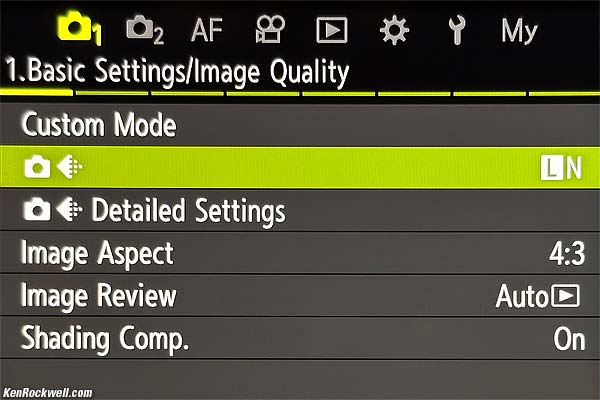 |
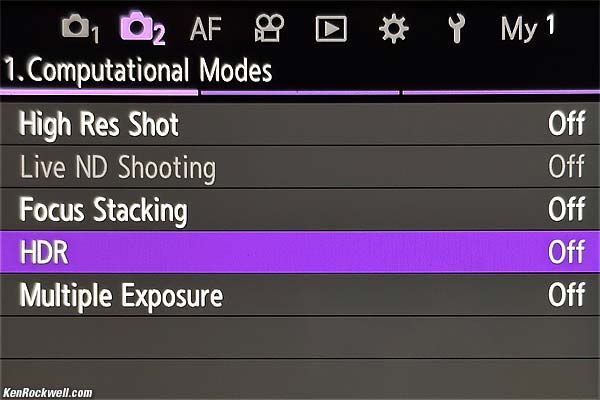 |
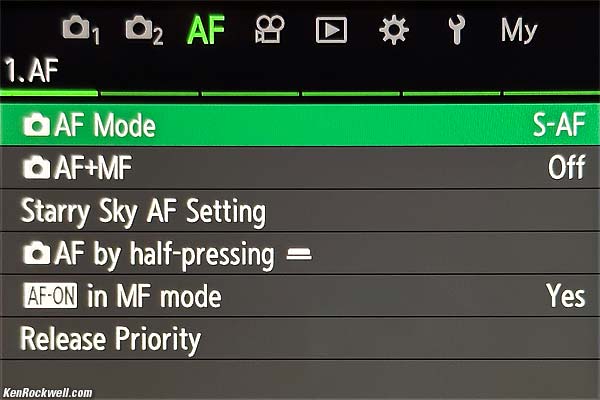 |
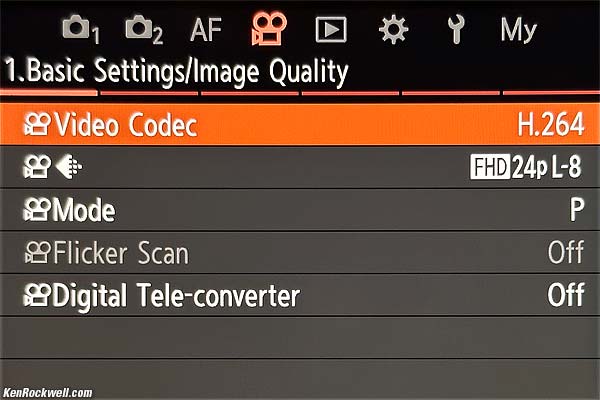 |
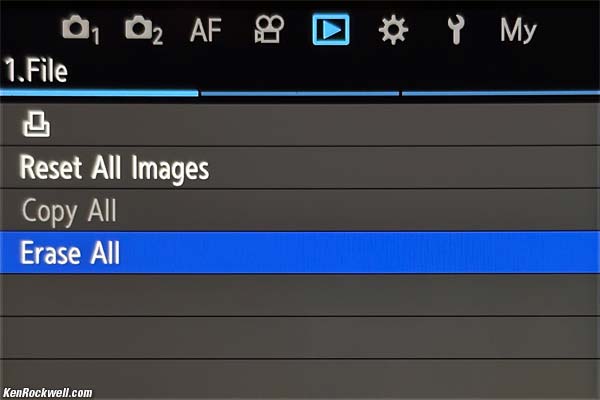 |
 |
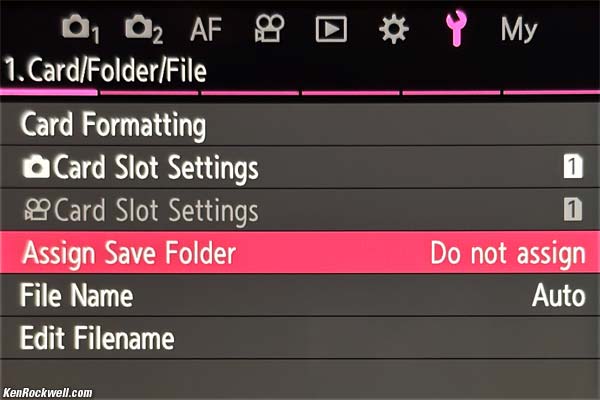 |
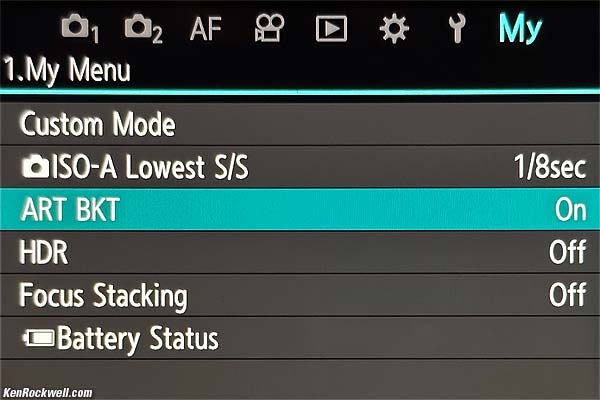 |
OM SYSTEM OM-1 Main Menu Tabs. Click any to enlarge. All are actual photos of the rear LCD shown here at lower resolution.
See how each line item is the same color as the rest of its menu tab? This makes it easy to remember in what tab to find it next time.
C1, C2, C3 and C4 modes performance top
I love, love, love, love having four complete camera state memories on the top dial: C1, C2, C3 and C4.
Each recalls everything about the camera from when I saved the settings, including advance, AF, image, HDR, Hi-Res, stacking, bracketing, finder types, button, white balance, dial and playback settings and everything!
This is a huge help in all my shooting because it saves from having to spend a half-hour resetting everything as I go from one kind of assignment to another.
It's easy to copy these around, and set them to stay locked or update as I use them. This is among my favorite things about the OM-1 Mark II.
I use C1 for general Program mode shooting and C2 for A mode. I use C4 in my studio with a completely different setup (manual exposure, manual ISO L80, manual preset white balance to my strobes, finder mode set to Optical Viewfinder mode. I use C3 as scratch to play with new settings, or for sports. More at my User's Guide.
Image Stabilization performance top
In-camera Image Stabilization (IS, VR or Vibration Reduction) is remarkable, giving me six stops of real-world measured improvement over most of the range with an unstabilized lens.
While I have to shoot at between 1/60 and 1/160 depending on the zoom setting to ensure perfect tripod-equivalent sharpness for most of my shots with an unstabilized 12-40mm lens, with the OM-1 Mark II's stabilization ON I can shoot with the same perfect sharpness most of the time from between 1/2 and a full second!
"Percent Perfectly Sharp Shots" are the percentage of frames with 100% perfect tripod-equivalent sharpness I get when I'm shooting hand-held while free-standing with no support or bracing. This is a very strict test; in actual shooting at typical print sizes I get acceptable sharpness at much slower speeds, but for the purposes of seeing how much improvement an IS system gives, this is the most precise method.
Hand tremor is a random occurrence, so at marginal speeds some frames will be perfectly sharp while others will be in various stages of blur — all at the same shutter speed. This rates what percentage of shots are perfectly sharp, not how sharp are all the frames:
Unstabilized M.ZUIKO DIGITAL ED 12-40mm F2.8 PRO Ⅱ at 12mm (24mm eq.)
% Perfectly Sharp Shots |
2s |
1s |
1/2 |
1/4 |
1/8 |
1/15 |
1/30 |
1/60 |
1/125 |
1/250 |
IS ON |
0 |
57 |
100 |
100 |
100 |
88 |
100 |
100 |
100 |
100 |
IS OFF |
0 |
0 |
0 |
0 |
50 |
5 |
17 |
33 |
100 |
100 |
I see an amazing 6 stop real-world improvement!
Unstabilized M.ZUIKO DIGITAL ED 12-40mm F2.8 PRO Ⅱ at 40mm (80mm eq.)
% Perfectly Sharp Shots |
2s |
1s |
1/2 |
1/4 |
1/8 |
1/15 |
1/30 |
1/60 |
1/125 |
1/250 |
IS ON |
0 |
0 |
50 |
83 |
100 |
100 |
100 |
100 |
100 |
100 |
IS OFF |
0 |
0 |
0 |
0 |
0 |
17 |
67 |
67 |
83 |
100 |
I see a 3½ stop real-world improvement.
White Balance performance top
Auto White Balance is excellent.
Manual Kelvin White balance sets over a unusually broad range from 2,000 K to 14,000 K, which is also excellent.
Oddly Kelvin White Balance shifts strongly towards green at the 2,000 K end.
For instance, shooting under dimmed halogen light (a pure black-body Kelvin source), I had to dial-in a 5 Magenta shift to combat too much green at 2,250 K. Weird; it's as if no one ever tried this in the real world to notice the obvious design defect. Maybe it was designed in a lab incorrectly trying to use LED lights that could be set to simulate a 2,000 K setting, but that's not a real black-body radiator.
No big deal; it's not that difficult to correct as you shoot, but we shouldn't have to.
Rear LCD Monitor performance top
The rear LCD is the same tiny flippy thing as on every other camera. I'd prefer a larger screen that doesn't move, but tough.
It has no auto brightness control, so I need to boost it manually outdoors and dim it in the dark.
Its cover seems to be real glass, with no anti-reflection coating.
Thank goodness it dims automatically when the exposure mode is set to B, and you can set the level of dimming. More at Making Long Exposures.
Playback performance top
Playback images rotate with the camera, just like on an iPhone, however unlike with an iPhone, shooting and playback data displays don't rotate even though the pictures do.
Images recorded at different resolutions play at same magnification when zoomed, making it easy to see if higher resolution settings are making any difference. Swap among photos shot at different resolution settings and the subject's size doesn't change even though the pixel counts do.
Weird is that histograms work great, but they are displayed as blocky graphics like something out of Minecraft. This is actually good because it's much easier to read while in the field rather than having to look for fine lines at the top or bottom.
There's no "jump by 10 frames per click" dial option. Instead, zoom-out to the 25-image view and click up and down.
Data performance top
Cards & Folders
Cards are correctly titled as "OM SYSTEM." I'd prefer "OM-1 Mark II," but tough; this is far better than the untitled cards that come from the newest Sony and Fuji cameras.
I can review and delete items from my card read directly in Photo Mechanic on my Mac and and empty my Mac's trash, and everything continues to work great shooting and playing from the same card back in the OM-1 Mark II. In other words, I can select and assign color classes and delete the junk, and the card still reads fine in the OM-1 Mark II without confusion.
The OM-1 Mark II is so smart that the "remaining pictures" counter knows how many images get saved in ART BKT each time you press the shutter, and aptly decreases as you select more and more Picture Mode versions to save for each shot.
Menu settings for shooting with dual cards have the option to let it keep shooting to one card even if the other card fills or if you only have one card loaded.
There is a bogus "ALBM" folder recorded in the root directory of our cards. This means I always have to make an extra down-arrow click in my Mac's Finder in Column View to get to the DCIM folder to get my photos.
Image Files
EXIF records Bulb and Time exposures to at least three significant figures of precision, or to one-hundredth of a second, I.E., 1/2.18 or 53.18 seconds or 1' 41s," and you can read this on playback in the camera.
In-camera star ratings (use the rear ★ button) sort in Photo Mechanic.
There are no "-" (dash) or "_" (underscore) character options in file name prefix settings, just A-Z and 0-9. Thus I can't have my files named KEN_0123.JPG or OM1_0246.JPG; I have to name them something much less clear and gobbledygooker like OM120123.JPG or KENC0246.JPG which are confusing as I sort them in my Finder. When you shoot all day, every day, these things matter.
Like almost all cameras, vertical JPGs are simply flagged, not actually rotated.
JPG files are tagged as 300 DPI by default, but
You can set your desired DPI from 1 to 9,999 at MENU > 🔧 WRENCH page 2 > dpi Settings. I set mine to 72 DPI.
DPI settings don't matter unless you're a graphic designer and dropping text onto your images. The DPI settings then affect the size of the text.
In LiveND, EXIF records the effective long exposure time, the set aperture and the set ISO as if you used a front-of-lens ND filter. If you calculate Light Values from this, be sure to add the filter factor you set at LiveND to read the scene's Light Value. In other words, the same daylight scene may read LV 14, but will read LV 8 with the 6-stop LiveND filter set.
Regular Shots
There's no BASIC (1/16) JPG option, just NORMAL (1/8), FINE (1/4) and SUPER FINE (1/2.7), which wastes data and clogs cards and drives with no visible improvement in picture quality for those of us who prefer the efficiency of BASIC JPG. Even Olympus' first Micro 4/3 camera, the PEN E-P1 of 2009, had this important feature.
JPG file sizes don't vary with image complexity, which is another inefficient use of data. Data efficiency is important to those of us who shoot every day; data costs us money.
20 MP ORF raw files run about 19 MB.
20 MP LARGE SUPER FINE JPGs run about 12 MB.
20 MP LARGE FINE JPGs run about 9 MB.
20 MP LARGE NORMAL JPGs are about 4.5 MB, ranging from 3.3 to 5.3 MB, rather than the 2.5 MB they could be as BASIC.
3,200 × 2,400 MEDIUM 1 NORMAL JPGs run about 1.9 MB.
1,920 × 1,440 MEDIUM 2 NORMAL JPGs run about 917 kB.
1,280 × 960 SMALL 1 NORMAL JPGs run about 304 kB.
1,024 × 768 SMALL 2 NORMAL JPGs run about 250 kB.
High Resolution Pixel-Shift Mode
There are no NORMAL or BASIC JPG options for High Resolution pixel-shift scanning mode; just raw or FINE JPG. Compression ratios are unrelated to resolution and OM SYSTEM chose not to give us all the possible options. Hint to OM SYSTEM's designers: higher-resolution images compress well at even higher compression ratios than lower resolution images, so especially in the Hi-Res modes please give us the NORMAL and BASIC JPG choices we need.
80 MP ORF raw files run about 65 MB and include another 20 MB ORI file for a total of 85 MB per shot.
80 MP FINE JPGs average 33⅓ MB.
50 MP FINE JPGs average 21 MB, ranging from 19 to 23 MB.
25 MP FINE JPGs average 12 MB.
File Transfer Speeds
See my OM-1 Mark II User's Guide for how I download from the OM-1 Mark II and how fast it works as a card reader.
Save Settings to Card performance top
The OM-1 Mark II can't do this, but the app can copy them to your phone.
I have no idea how to restore them, share or copy them from the phone app.
Power & Battery performance top
Battery Life
Battery life is excellent. I can't run it down in a day. I typically get about 1,000 shots per charge.
Like all mirrorless cameras I get fewer shots if I fiddle around in settings and play and zoom each shot. I might only get the rated 520 shots if I play with each shot, and I get thousands of shots if I blaze away in continuous bursts with the electronic shutter, rarely adjusting or playing.
You tend to get about the same total total hours of operation, which you can spend either shooting or piddling.
Charging
It charges from any source you can plug into its USB-C socket.
It has great power control; it just goes to sleep when not used and wake up as you tap the shutter. It's smart enough to go to sleep when carried around your neck. More at Charging & Power.
The battery arrives dead.
It took about 2½ hours to charge from 0% to 100% via USB-C at up to 9 W, tapering off after 1½ hours as it became full. It continues to draw 150 mW when full.
It consumes 19.7 Wh to charge its 17 Wh battery completely.
At this charge rate it gains about 0.9% per minute for the bulk of the charge, for instance charging from 45% to 71% in a half an hour as I measured it.
Charging with a USB-A to USB-C cable draws about 7 W.
USB-C Power
Powered by USB-C while also charging at 80% it draws 8W at idle with the screen on, 10 W at 3 FPS continuous with the mechanical shutter, 12 W in SH 1 or SH 2, and 7.5 W during playback - all while charging the battery.
See Charging & Power for how to charge at the same time as you're powered from USB-C.
Clock Accuracy performance top
Every sample is different, but mine is mediocre, gaining 500 ms/day or 15 seconds per month.
This matters when you shoot multiple cameras (or this camera and an iPhone) and then sort all the images based on capture time to compare the similar views of each scene. The more accurate a camera's internal clock, the less often you need to reset it.
Compared top
Sample Images Intro New Good Bad Missing
Specs Accessories Performance Compared
User's Guide Recommendations More
I got mine through B&H. I'd also get it at Adorama or at Amazon, or used at eBay if you know How to Win at eBay:
Body-only: $2,399.99 at B&H, at Adorama and at Amazon.
OM-1 Mark II and M.Zuiko 12-40mm f/2.8 II: $2,999.99 at B&H or at Adorama.
I've been comparing to everything else throughout this review.
Back when Micro 4/3 cameras came out they were smaller than the DSLRs of that day, while today this OM-1 Mark II is about the same size as other APS-C and smaller full-frame cameras. Heck, the Full-Frame Canon EOS R8 weighs 23% less and is smaller in every dimension than the OM-1 Mark II!
The superb, full-featured Canon EOS R10 weighs only 2/3 as much and has an APS-C sensor with 45% more area — and Canon makes lighter cameras with the same-sized APS-C sensors like the EOS R100 which only weigh 59% as much as this OM-1 Mark II!
Better, oddly the OM-1 Mark II has a base ISO of 200, which is better than any other current APS-C or Full-Frame camera with which I'm familiar. The last camera I can recall with a base ISO 200 was the Full-Frame 12 MP Nikon D3. Weird, but good and true. With a base ISO of 200 and so much depth of field, I rarely need to shoot at higher ISOs to get everything in focus in dim light as I do with larger formats — another unexpected advantage of the OM-1 Mark II.
While the Micro 4/3 OM-1 Mark II's 2× crop-factor sensor seems like a cheap-out, actually I get the same quality photos as I do from APS-C and Full-Frame, and the great news is that I get more in focus because the OM-1 Mark II's shorter lenses (for the same equivalent focal length) gives me much more depth of field. The real visible difference among formats is that each larger format has shallower depth of field at the same aperture with a lens set to for same angle-of view.
The OM-1 Mark II has far more computational features than anything this side of an iPhone. It leaves Fuji, Sony, Nikon, Canon and certainly LEICA in the dust. What I can do hand-held with the OM-1 Mark II requires a tripod and an external computer on the other brands, if they can do it at all.
The OM-1 Mark II has by far the best built-in stabilization I've ever used, even a little better than the previous OM-1.
Personally for the vivid landscape colors I prefer, I prefer the vivid color rendition I can get from anything from Nikon or Canon over what I get from this OM-1 Mark II, however color rendition is a very personal artistic choice. I don't like Sony either, and Fuji is far worse — for my work. Exactly as in the olden days of film, we all had our favorite brands to get the colors we wanted.
See also:
Canon, Nikon, Sony, Fuji & OM SYSTEM Menu Systems Compared.
User's Guide top
Sample Images Intro New Good Bad Missing
Specs Accessories Performance Compared
User's Guide Recommendations More
I got mine through B&H. I'd also get it at Adorama or at Amazon, or used at eBay if you know How to Win at eBay:
Body-only: $2,399.99 at B&H, at Adorama and at Amazon.
OM-1 Mark II and M.Zuiko 12-40mm f/2.8 II: $2,999.99 at B&H or at Adorama.
See my Plain-English OM-1 Mark II User's Guide
~ or see ~
OM SYSTEM's OM-1 Mark II User's Manual from B&H.
OM SYSTEM's OM-1 Mark II User's Manual from OM SYSTEM.
Recommendations top
Sample Images Intro New Good Bad Missing
Specs Accessories Performance Compared
User's Guide Recommendations More
I got mine through B&H. I'd also get it at Adorama or at Amazon, or used at eBay if you know How to Win at eBay:
Body-only: $2,399.99 at B&H, at Adorama and at Amazon.
OM-1 Mark II and M.Zuiko 12-40mm f/2.8 II: $2,999.99 at B&H or at Adorama.
There's nothing like the OM-1 Mark II for hand-held computational photography, other than the almost identical original OM-1. These two cameras leave the rest of the market standing around in the dust with a tripod and having to haul files back home to process them into the same images that come right out of a hand-held OM-1 Mark II.
For fast sports, I'm impressed at how well it silently shoots away at 50 FPS, and its 2× crop factor and base ISO of 200 make it easy as well as fast.
For birds, you can't beat its 2× crop factor, base ISO of 200 and OM SYSTEM's large collection of ultra-tele zooms at reasonable prices compared to full-frame beasts like the $20,000 Canon RF 1,200mm f/8L IS. and $17,000 Canon RF 800mm f/5.6L IS. See the M.Zuiko 75-300mm (150-600mm eq.), M.Zuiko 100-400mm (200-800mm eq.), M.Zuiko 300mm f/4 (600mm f/4 eq.), the newest and reasonably-priced OM SYSTEM 150-600mm IS (300~1,200mm eq.) and the birder's dream, the M.Zuiko 150-400mm f/4.5 TC which is a 300-800mm equivalent with an internally switchable 1.25× converter to make it a 375-1,000mm f/5.6 equivalent lens!
For long exposure fans, the OM-1 Mark II does some genuinely innovative things in-camera that I've not seen before.
For nature and landscapes it all comes down to which brand gets the color rendition you prefer. I love and prefer what I get from my Nikons and Canons. The OM-1 Mark II give me about what I get from my Sonys, which is superior to the dull, boring colors I get from my Fujis. This is art and we all have very different tastes. The OM-1 Mark II has by far the best built-in stabilization I've ever used, and with its greater depth of field and base ISO of 200 lets me get cleaner shots with more in focus than my larger format cameras hand-held!
This 100% all-content, junk-free website's biggest source of support is when you use those or any of these links to my personally approved sources I've used myself for way over 100 combined years when you get anything, regardless of the country in which you live — but I receive nothing for my efforts if you take the chance of getting it elsewhere. OM SYSTEM does not seal its boxes in any way, so never buy at retail or any other source not on my personally approved list since you'll have no way of knowing if you're missing accessories, getting a defective, damaged, returned, dropped, incomplete, gray-market, store demo or used OM-1 Mark II — and my personally approved sources allow for 100% cash-back returns for at least 30 days if you don't love your new OM-1 Mark II. I've used many of these sources since the 1970s because I can try it in my own hands and return it if I don't love it, and because they ship from secure remote warehouses where no one gets to touch your new OM-1 Mark II before you do. Buy only from the approved sources I've used myself for decades for the best prices, service, return policies and selection.
Thanks for helping me help you!
Ken.
More Information top
Sample Images Intro New Good Bad Missing
Specs Accessories Performance Compared
User's Guide Recommendations More
I got mine through B&H. I'd also get it at Adorama or at Amazon, or used at eBay if you know How to Win at eBay.
Body-only: $2,399.99 at B&H, at Adorama and at Amazon.
OM-1 Mark II and M.Zuiko 12-40mm f/2.8 II: $2,999.99 at B&H, at Adorama and at Amazon.
OM-1 Mark II and M.Zuiko ED 90mm f/3.5 IS: $3,499 at Adorama.
OM-1 Mark II, 12-40mm f/2.8 II and 90mm f/3.5 IS: $4,099.98 at Adorama and at Amazon.
Body-only about $1,700 used if you know How to Win at eBay.
Ken Rockwell's Plain-English OM-1 Mark II User's Guide
OM SYSTEM's OM-1 Mark II User's Manual from B&H.
OM SYSTEM's OM-1 Mark II User's Manual from OM SYSTEM.
© Ken Rockwell. All rights reserved. Tous droits réservés. Alle Rechte vorbehalten. Alla rättigheter förbehållna. Toate drepturile rezervate. Ken Rockwell® is a registered trademark.
Help Me Help You top
I support my growing family through this website, as crazy as it might seem.
The biggest help is when you use any of these links when you get anything. It costs you nothing, and is this site's, and thus my family's, biggest source of support. These places always have the best prices and service, which is why I've used them since before this website existed. I recommend them all personally.
If you find this page as helpful as a book you might have had to buy or a workshop you may have had to take, feel free to help me continue helping everyone.
If you've gotten your gear through one of my links or helped otherwise, you're family. It's great people like you who allow me to keep adding to this site full-time. Thanks!
If you haven't helped yet, please do, and consider helping me with a gift of $5.00.
As this page is copyrighted and formally registered, it is unlawful to make copies, especially in the form of printouts for personal use. If you wish to make a printout for personal use, you are granted one-time permission only if you PayPal me $5.00 per printout or part thereof. Thank you!
Thanks for reading!
Ken.