Nikon D850
45MP FX, 7 FPS, ISO 32~102,400 (2017 ~ today)
Sample Images Intro New Good Bad Missing
Lens Compatibility Specs USA Version
Unboxing Accessories Performance
Compared Usage Recommendations More
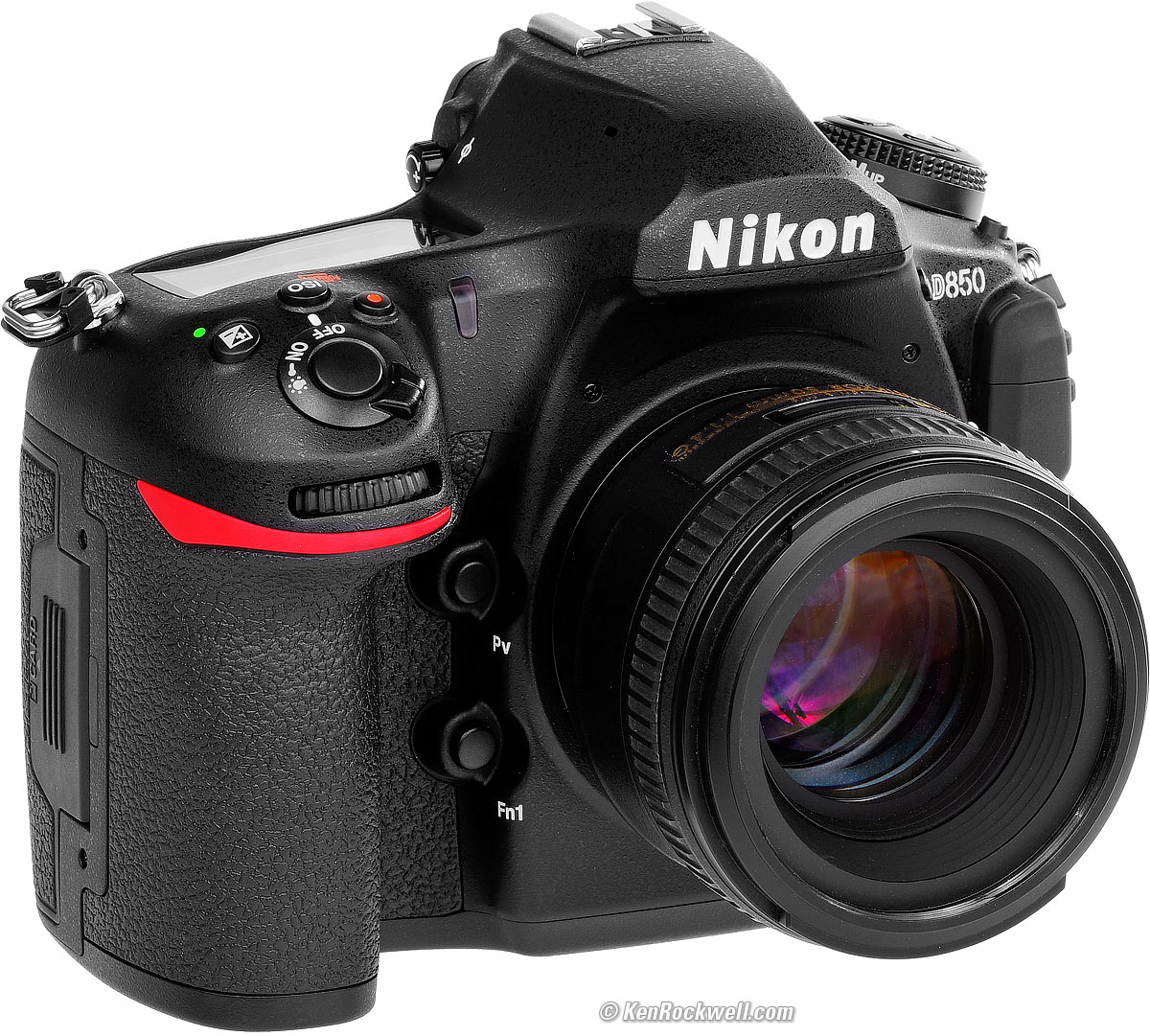
Nikon D850 (two slots: one for an SD card and another for an XQD card, 35.0 oz./990g with battery and SD card, $1,997 new or about $1,440 used if you know How to Win at eBay) and 50mm f/1.4G. bigger. I've gotten two D850s from B&H. I'd also get it at Adorama, or used at eBay if you know How to Win at eBay, or get it used at KEH, or try getting it used through Amazon.
This all-content, junk-free website's biggest source of support is when you use those or any of these links to approved sources when you get anything, regardless of the country in which you live. Thanks for helping me help you! Ken.
November 2025 Better Pictures Nikon Reviews Lenses Manual-Focus Lenses Flash All Reviews
Older Nikon D810 (2014-2017).
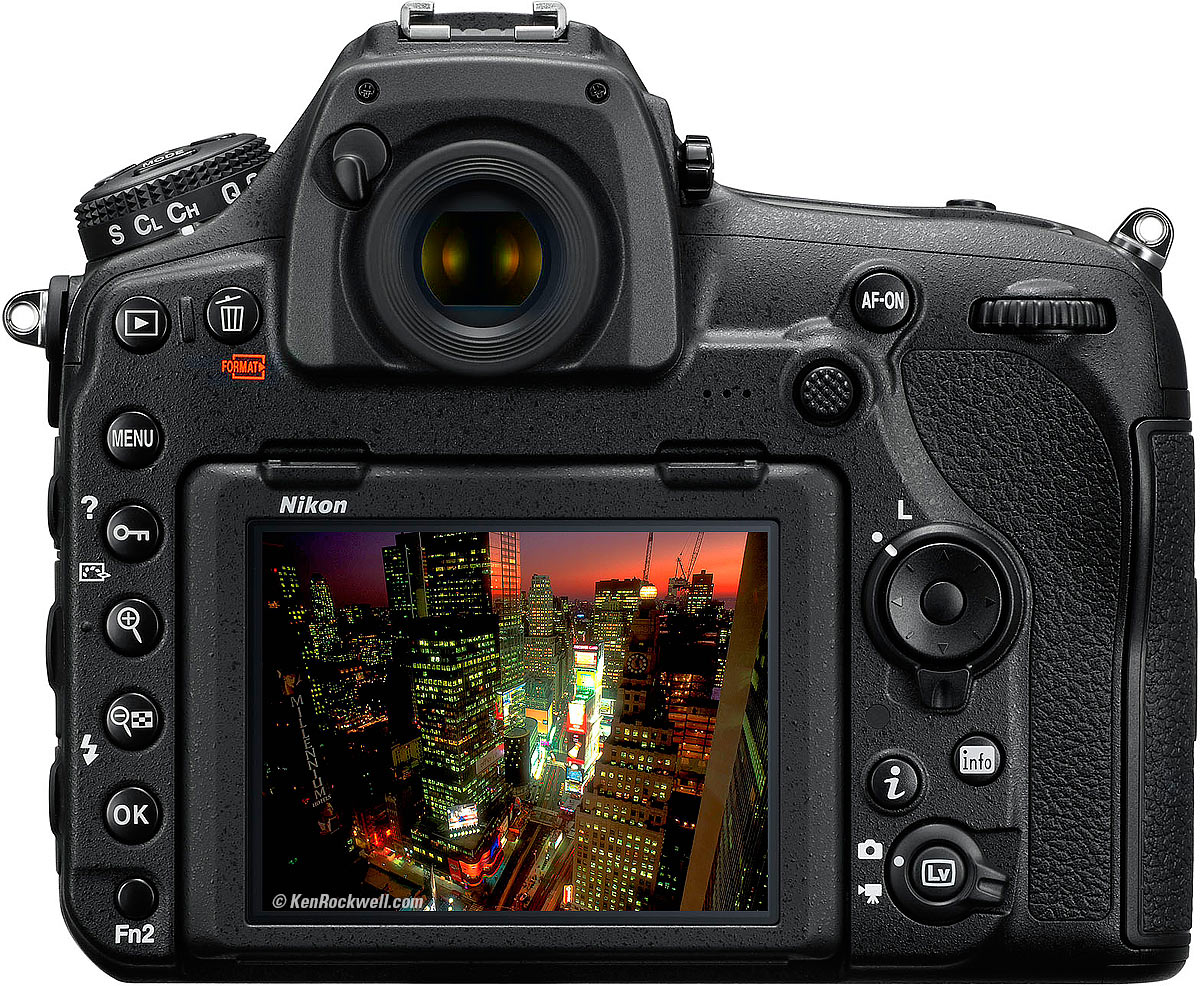
Rear, Nikon D850. bigger.
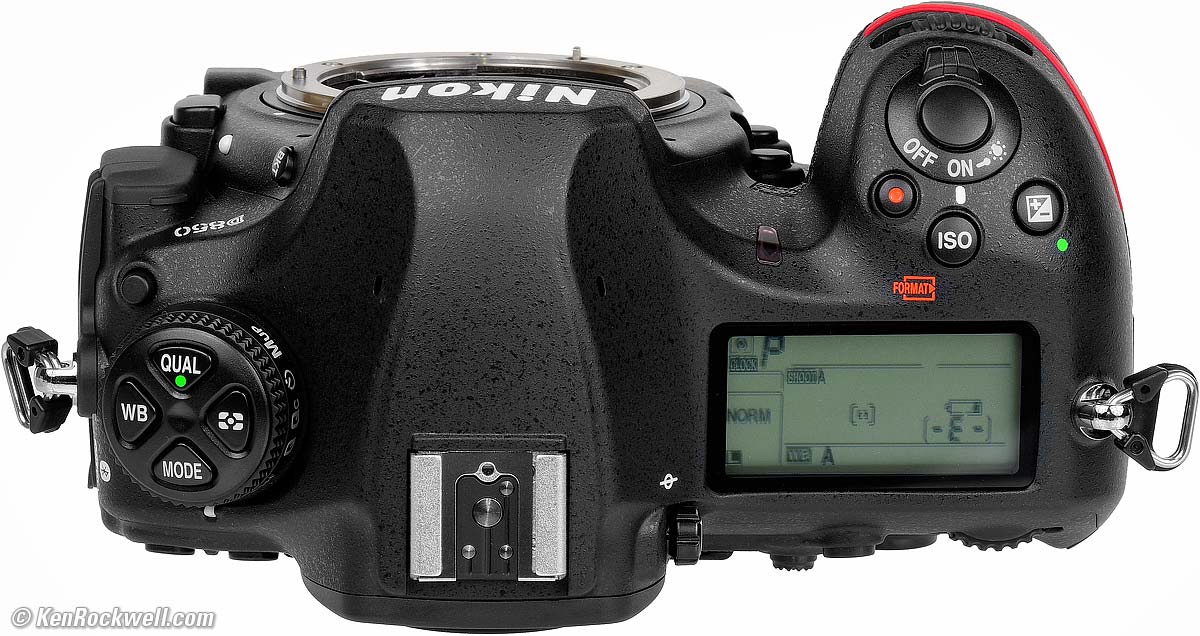
Top, Nikon D850. bigger.
Sample Images top
Sample Images Intro New Good Bad Missing
Lens Compatibility Specs USA Version
Unboxing Accessories Performance
Compared Usage Recommendations More
(more at High ISOs and throughout the review)
I shot 90% of these in the last week of October 2017. With the D850, it's easy to take great pictures. Of course all these images are highly processed works of art; only the "camera original file" links are direct from the camera as BASIC JPGs.
ISO 64
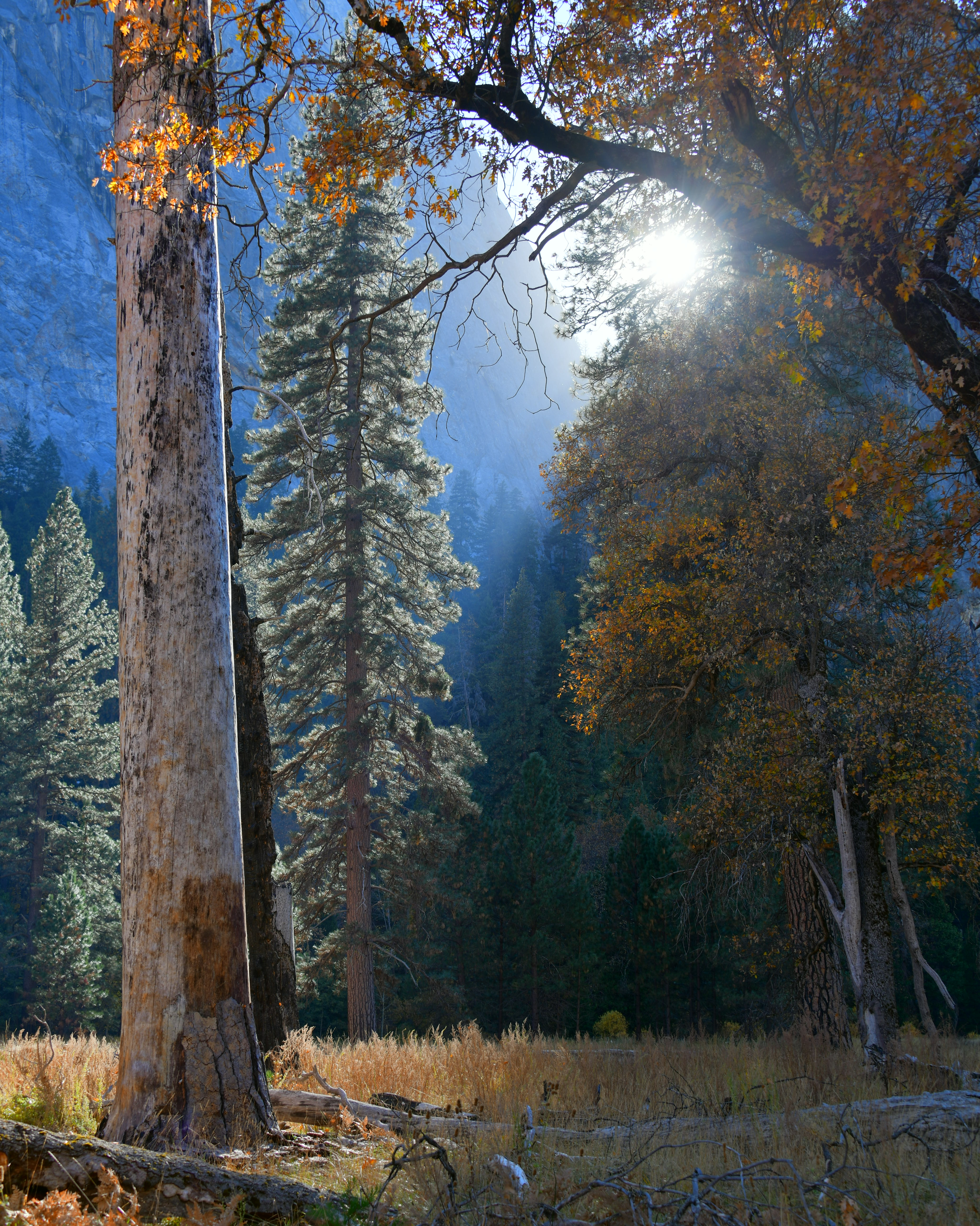
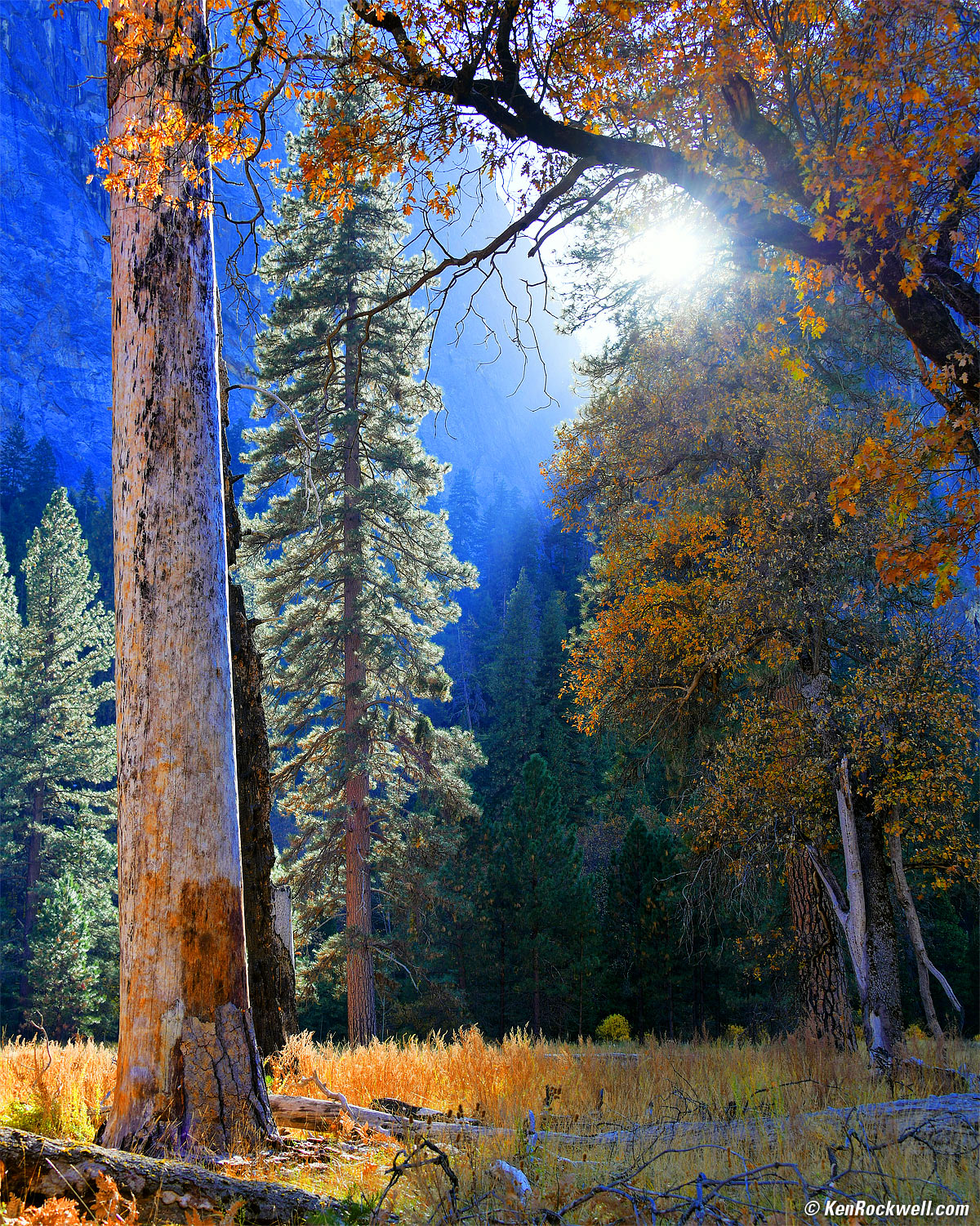
Backlit trees at El Capitan Meadow, Yosemite Valley, October 2017. Nikon D850 HDR Mode hand-held, Nikon 28-300mm VR at 40mm at f/8 at 1/60 at Auto ISO 64. bigger or camera-original © file.
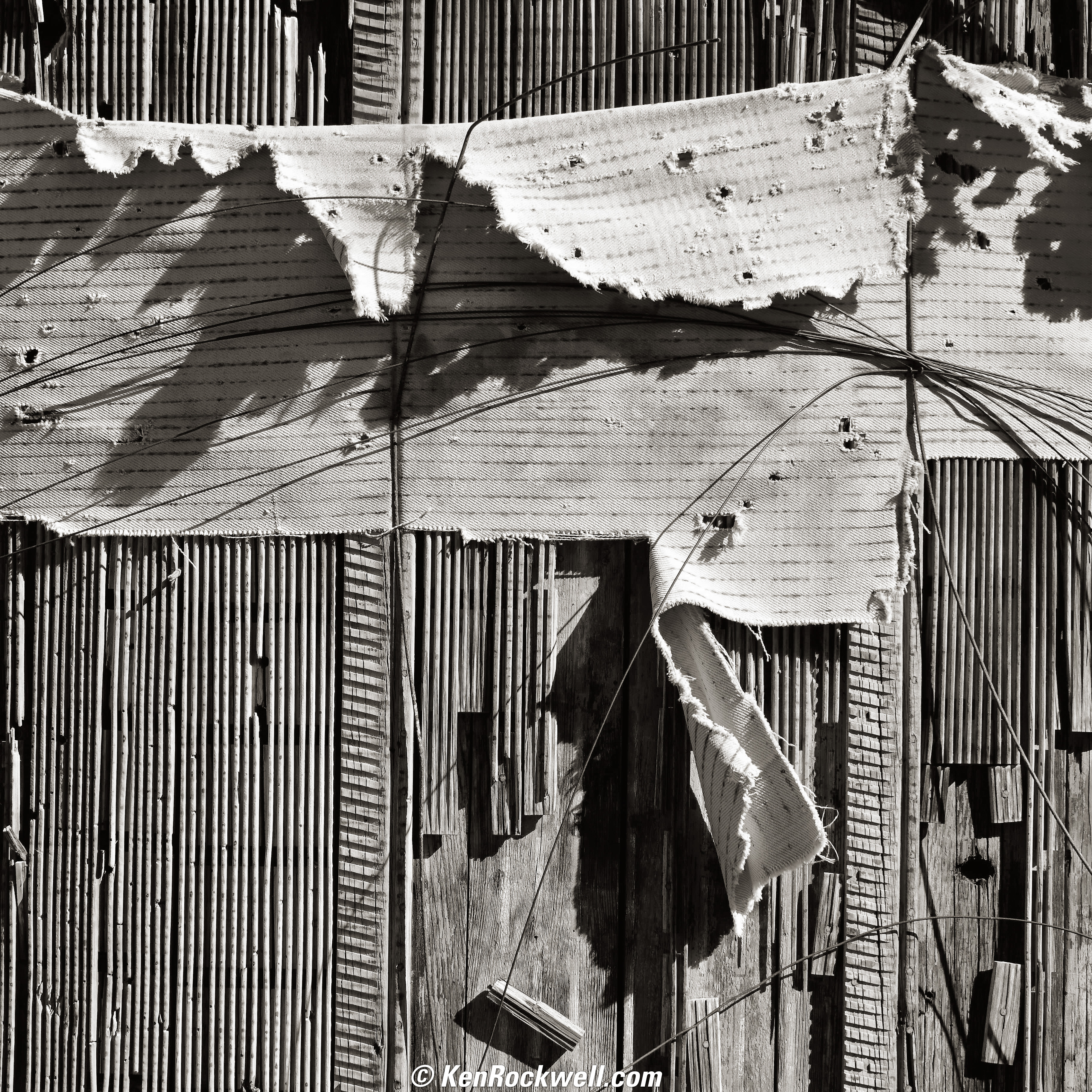
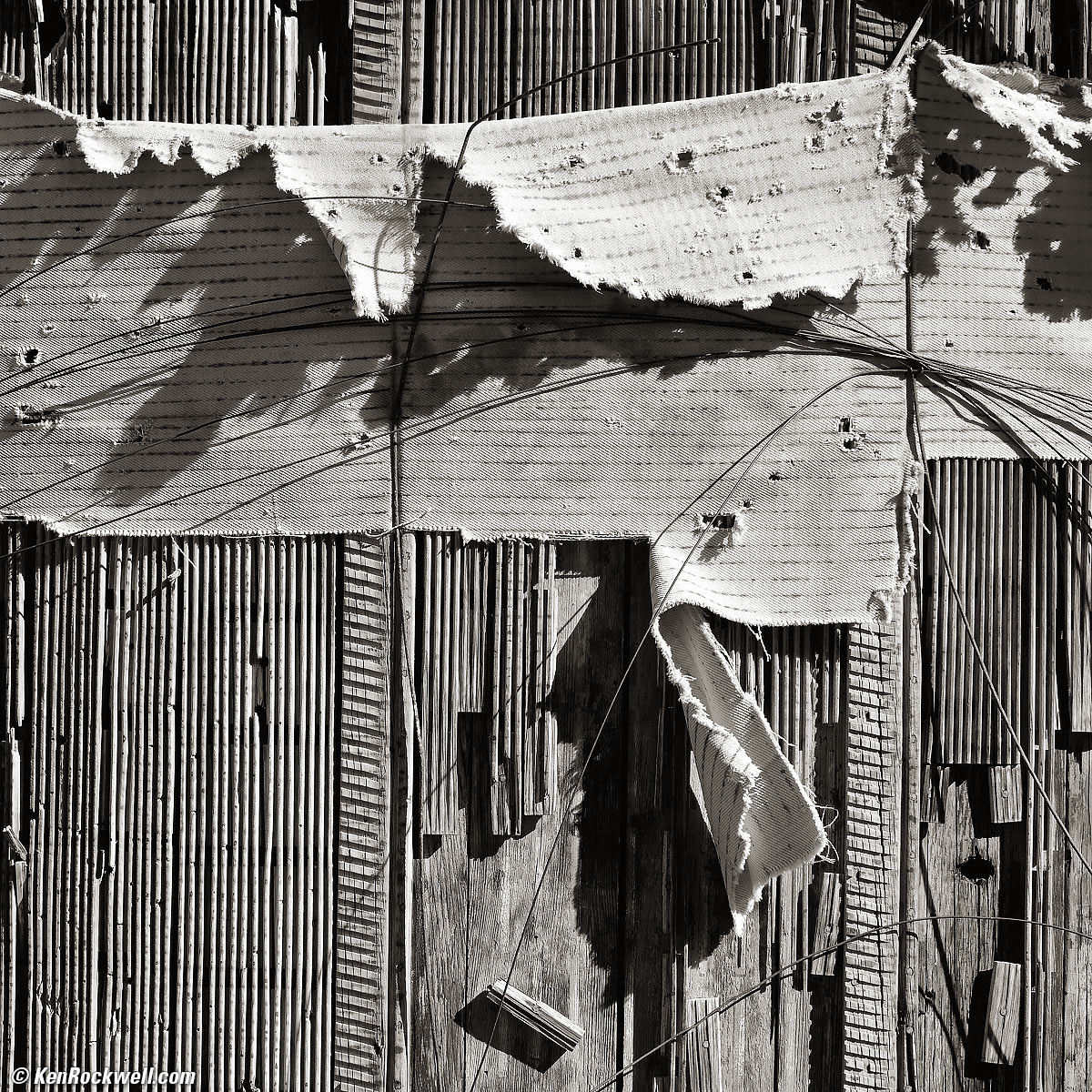
Decaying Side of Acid Tank, Abandoned California Mine, October 2017. Nikon D850 in 1:1 crop mode, Nikon 28-300mm VR at 70mm at f/6.3 at 1/250 at Auto ISO 64, Perfectly Clear v3.5, split-toned print. bigger or full-resolution.
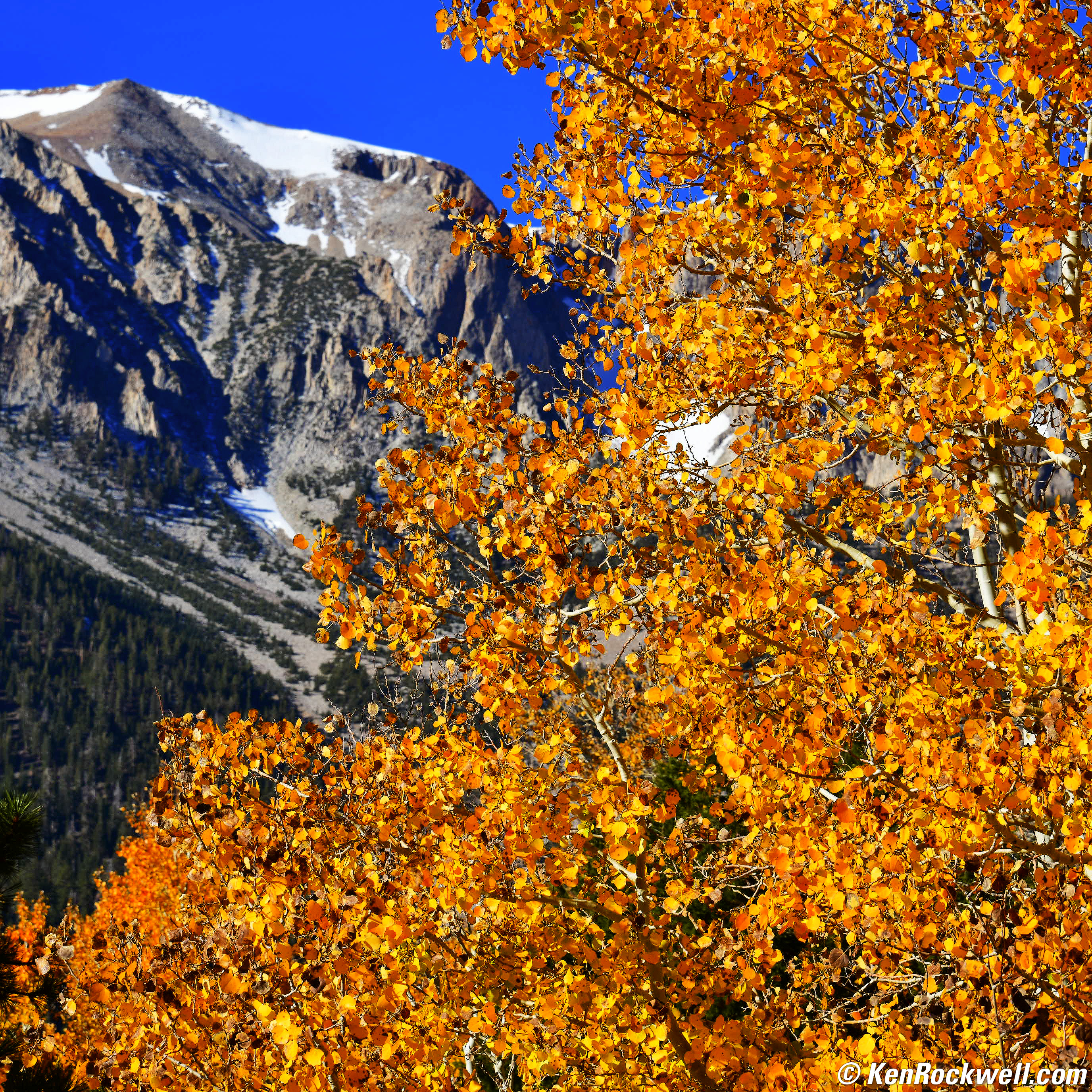
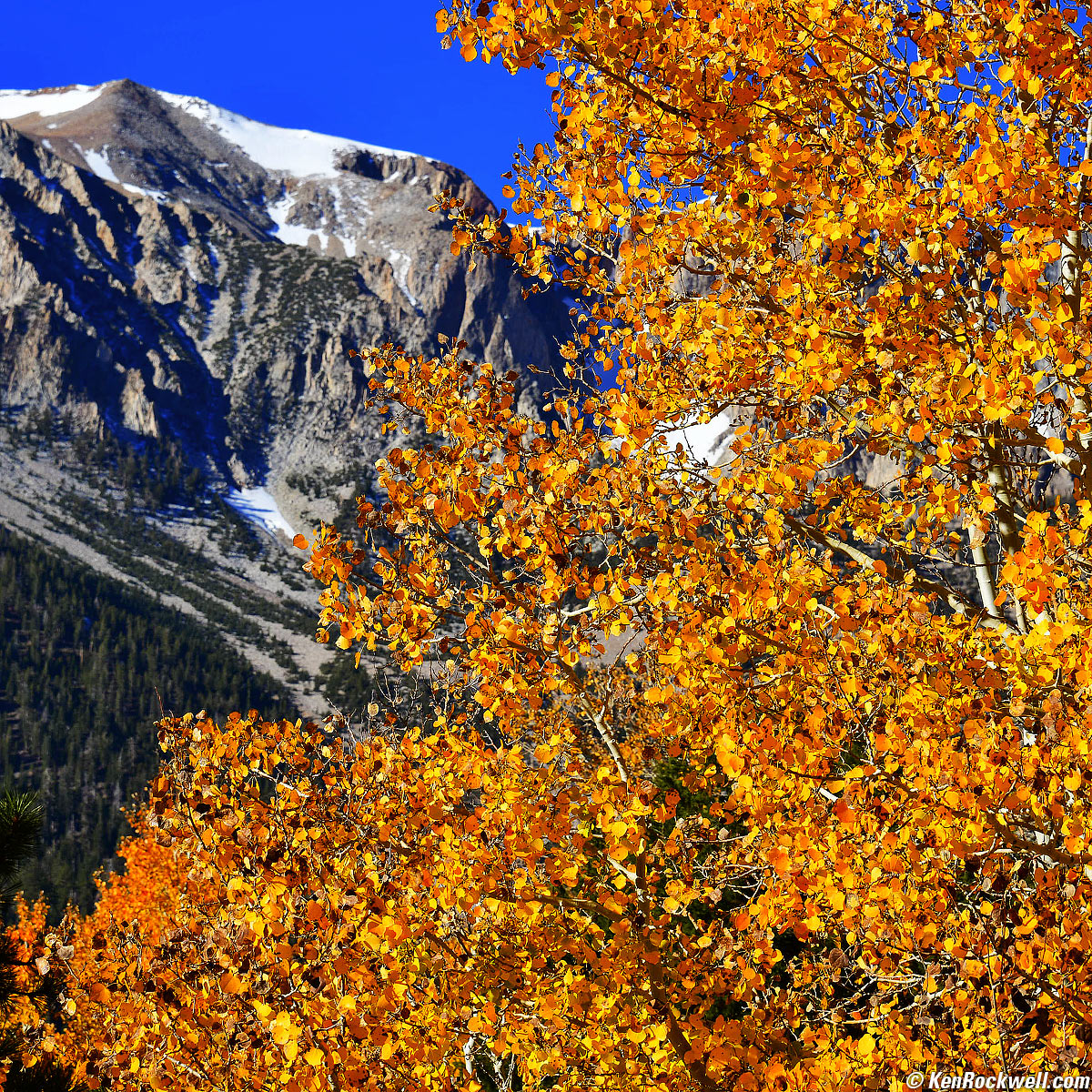
Orange and Blue, October 2017. Nikon D850 in 1:1 crop mode, Nikon 28-300mm VR at 116mm at f/11 at 1/125 at Auto ISO 64, Perfectly Clear v3.5. bigger or full-resolution.
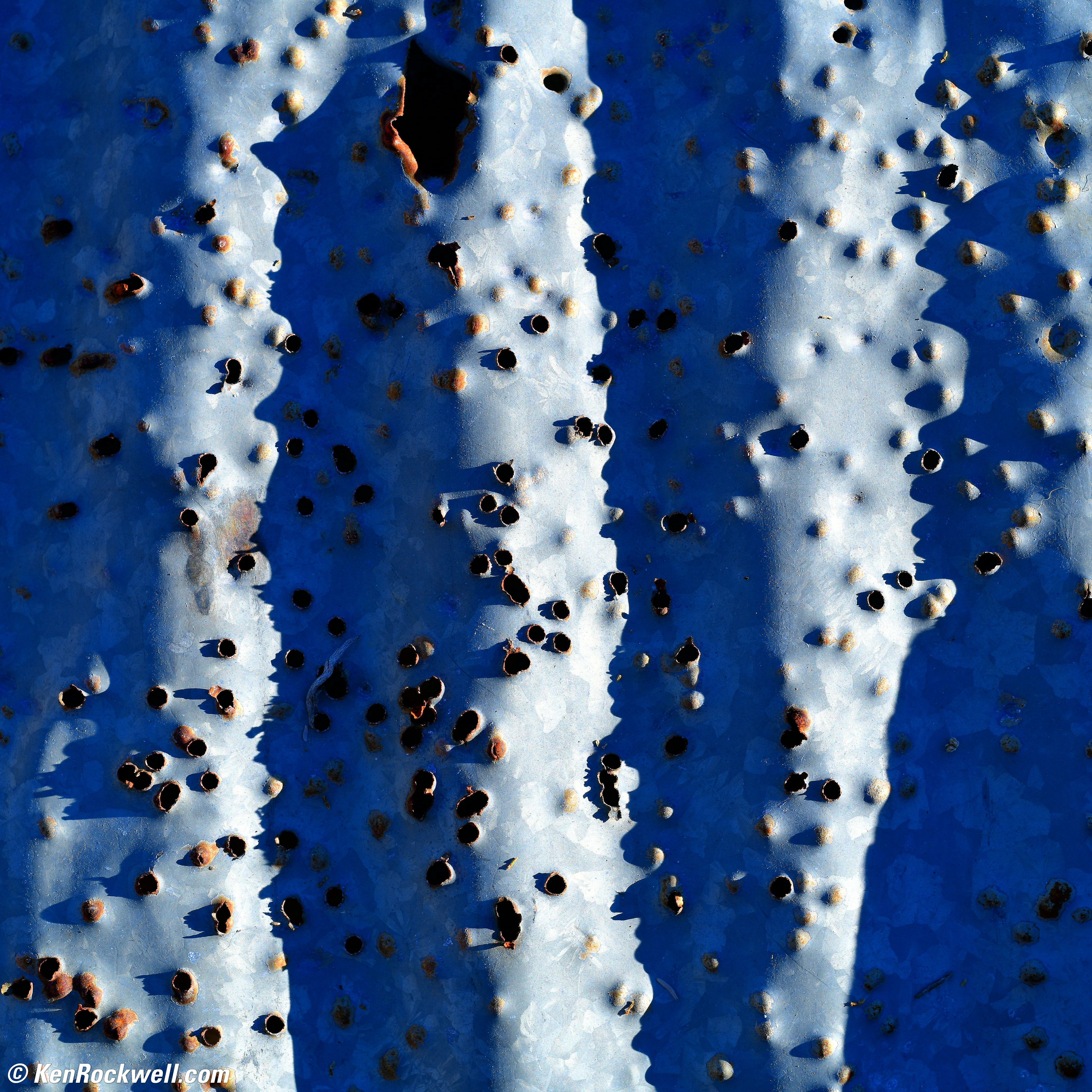
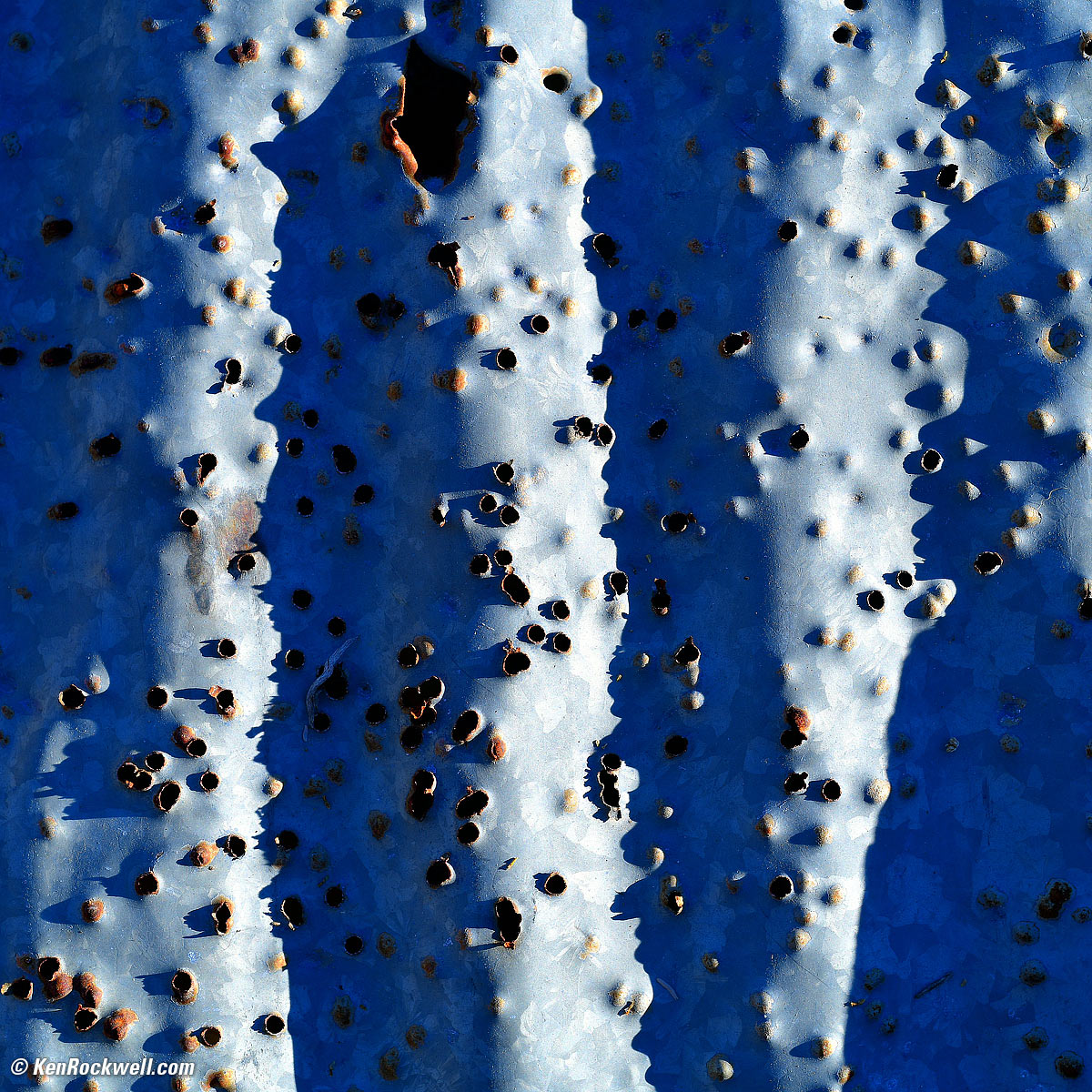
Corrugated Steel with Bullet Holes, Abandoned California Mine, 4:38 P.M., 23 October 2017. Nikon D850 in 1:1 crop mode, Nikon Pancake-NIKKOR 50mm f/1.8 AI-s, f/8 at 1/100 at Auto ISO 64. bigger or full resolution.
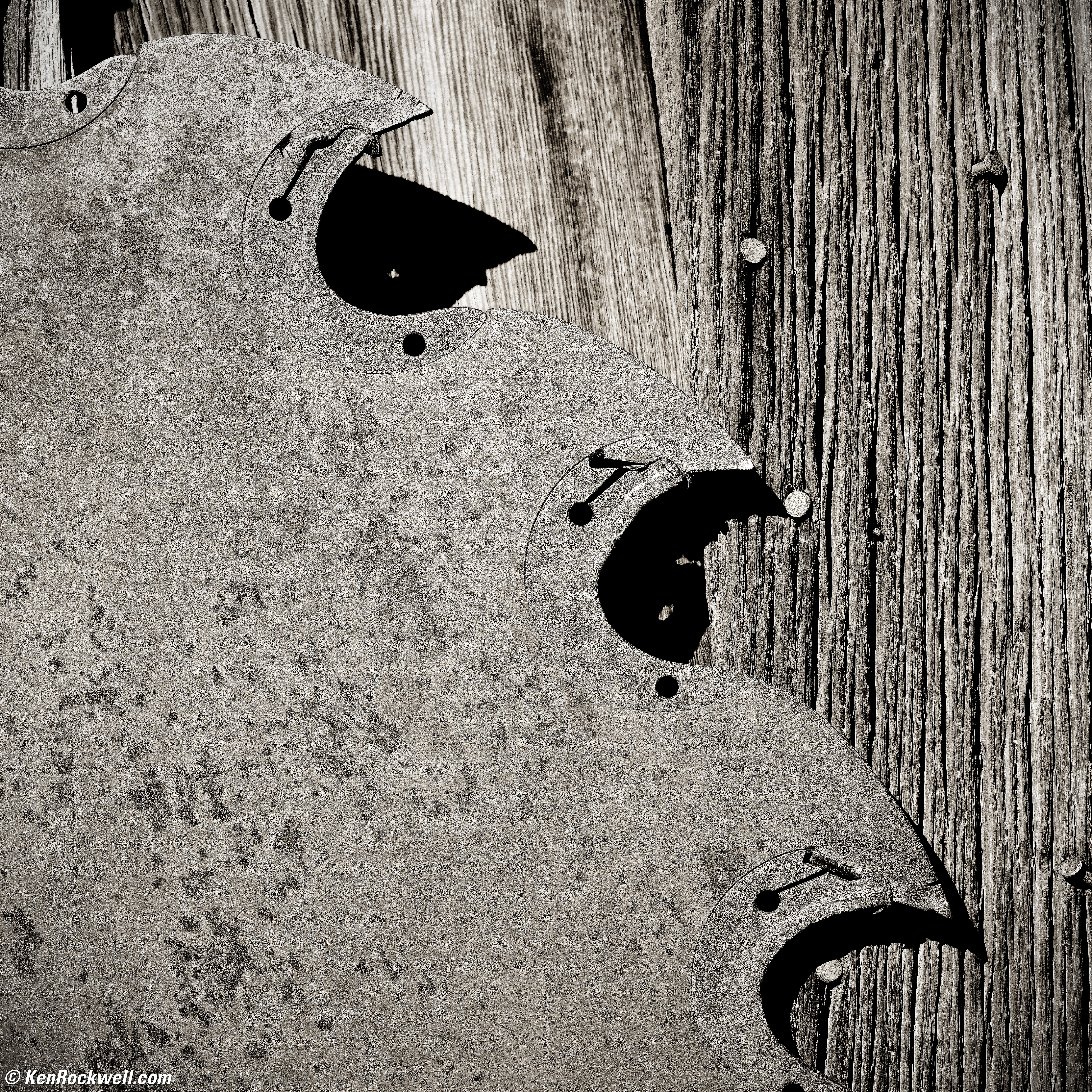
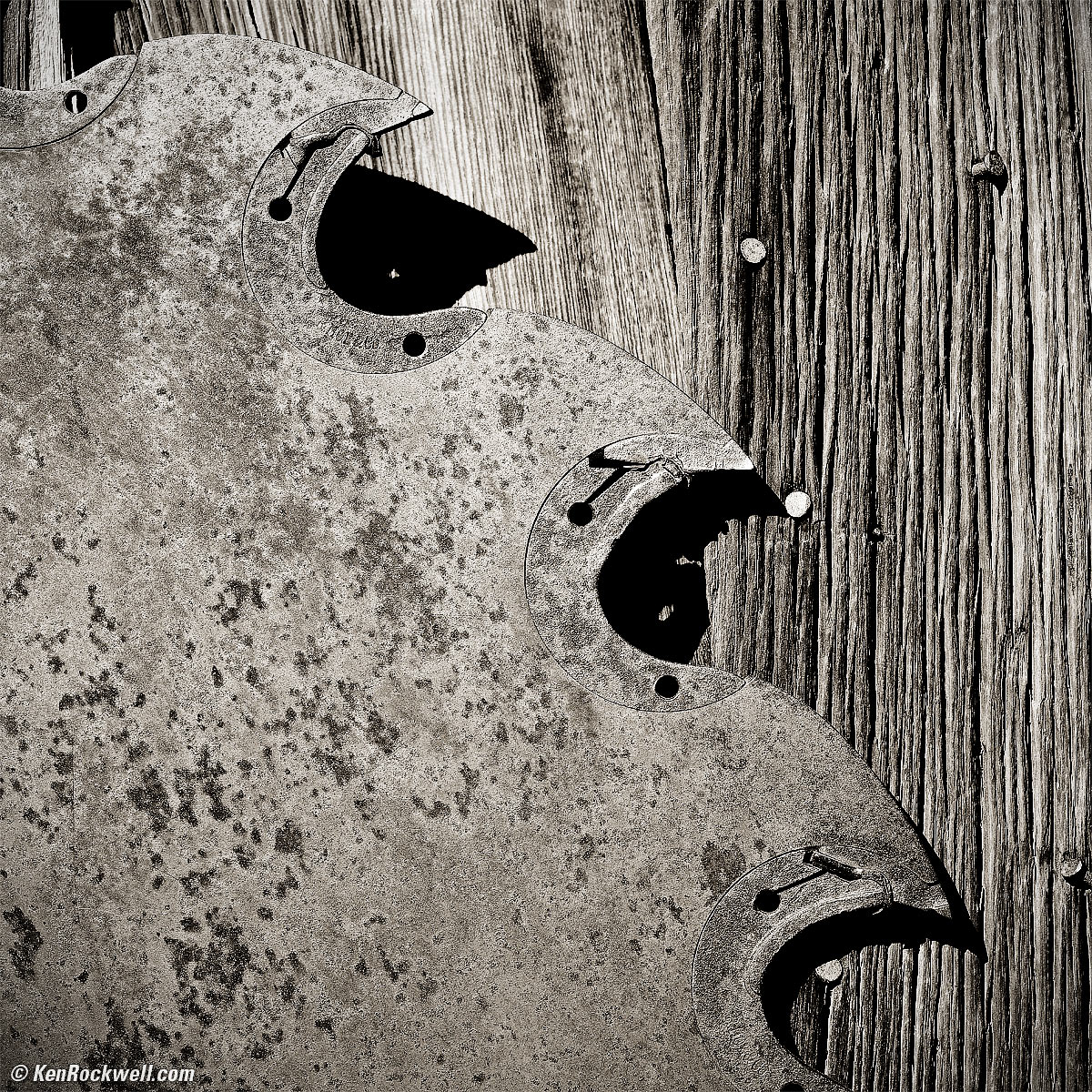
Circular Saw Blade with Teeth on Wooden Door, Bodie, 2:51 P.M., 24 October 2017. Nikon D850 in 1:1 crop mode, Nikon Pancake-NIKKOR 50mm f/1.8 AI-s, f/8 at 1/160 at Auto ISO 64, Perfectly Clear v3.5, split-toned print. bigger or full-resolution.
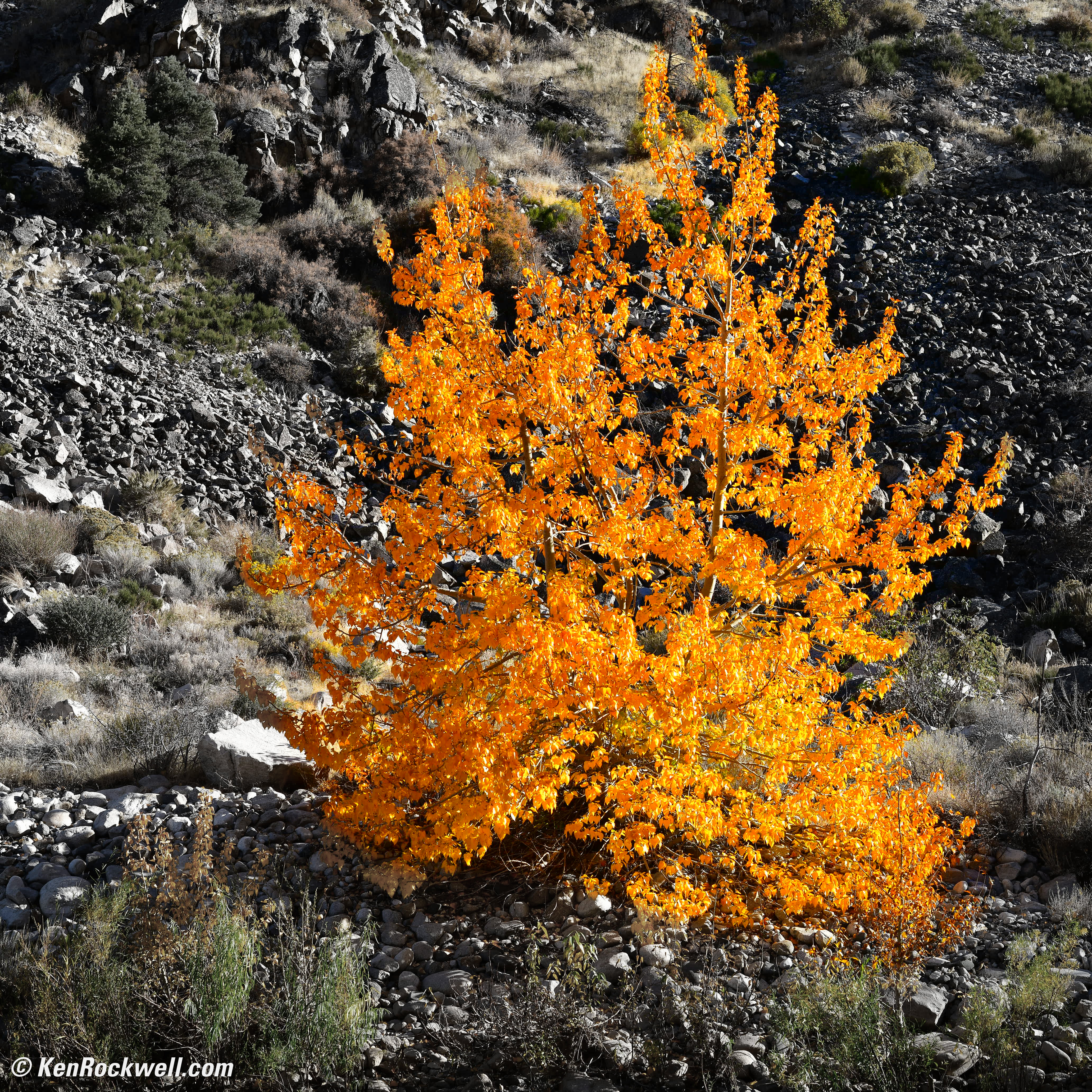
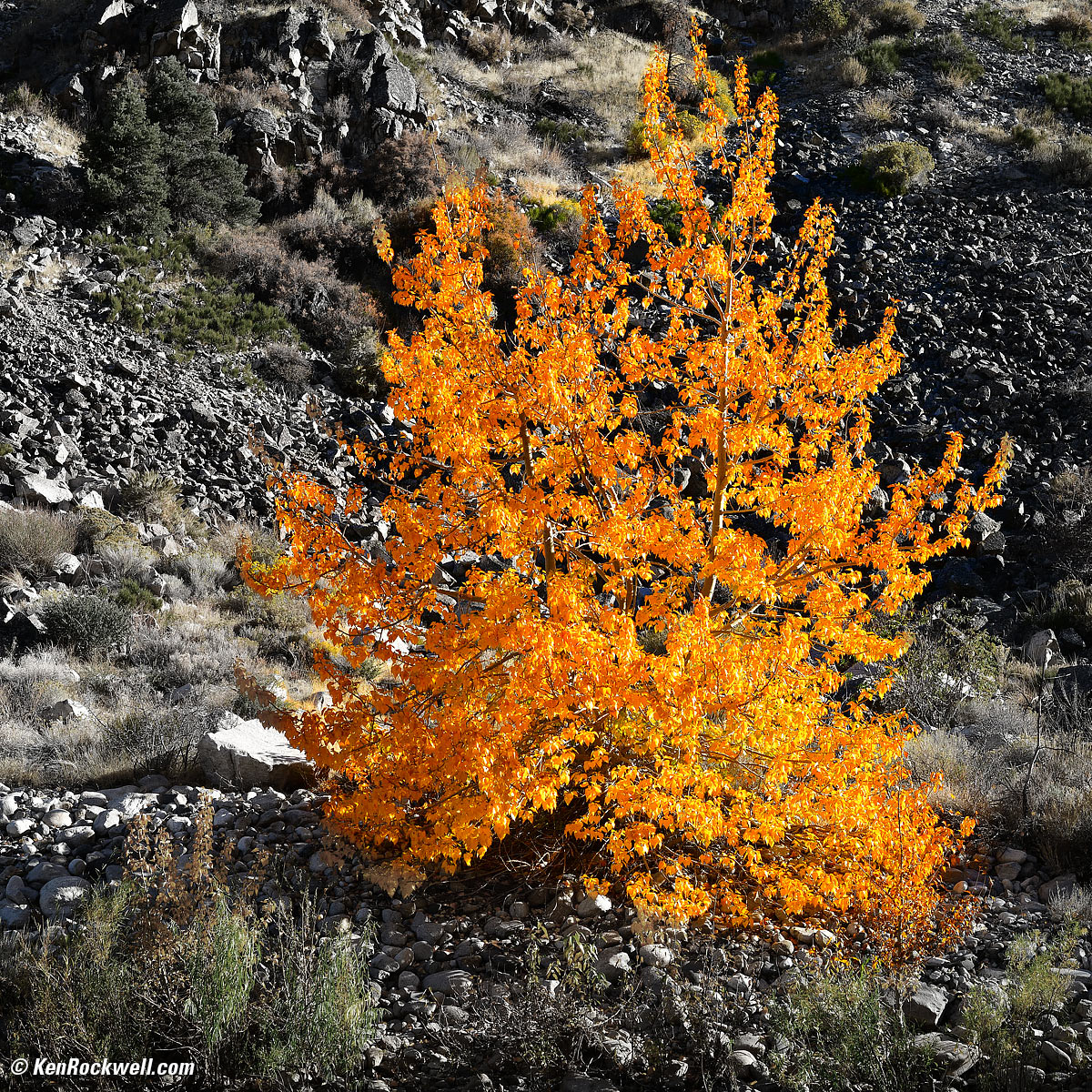
Fire Tree, 3:49 P.M., 25 October 2017. Nikon D850 in 1:1 crop mode, Nikon Pancake-NIKKOR 50mm f/1.8 AI-s, f/8 at 1/125 at Auto ISO 64, Perfectly Clear v3.5. bigger or full resolution.
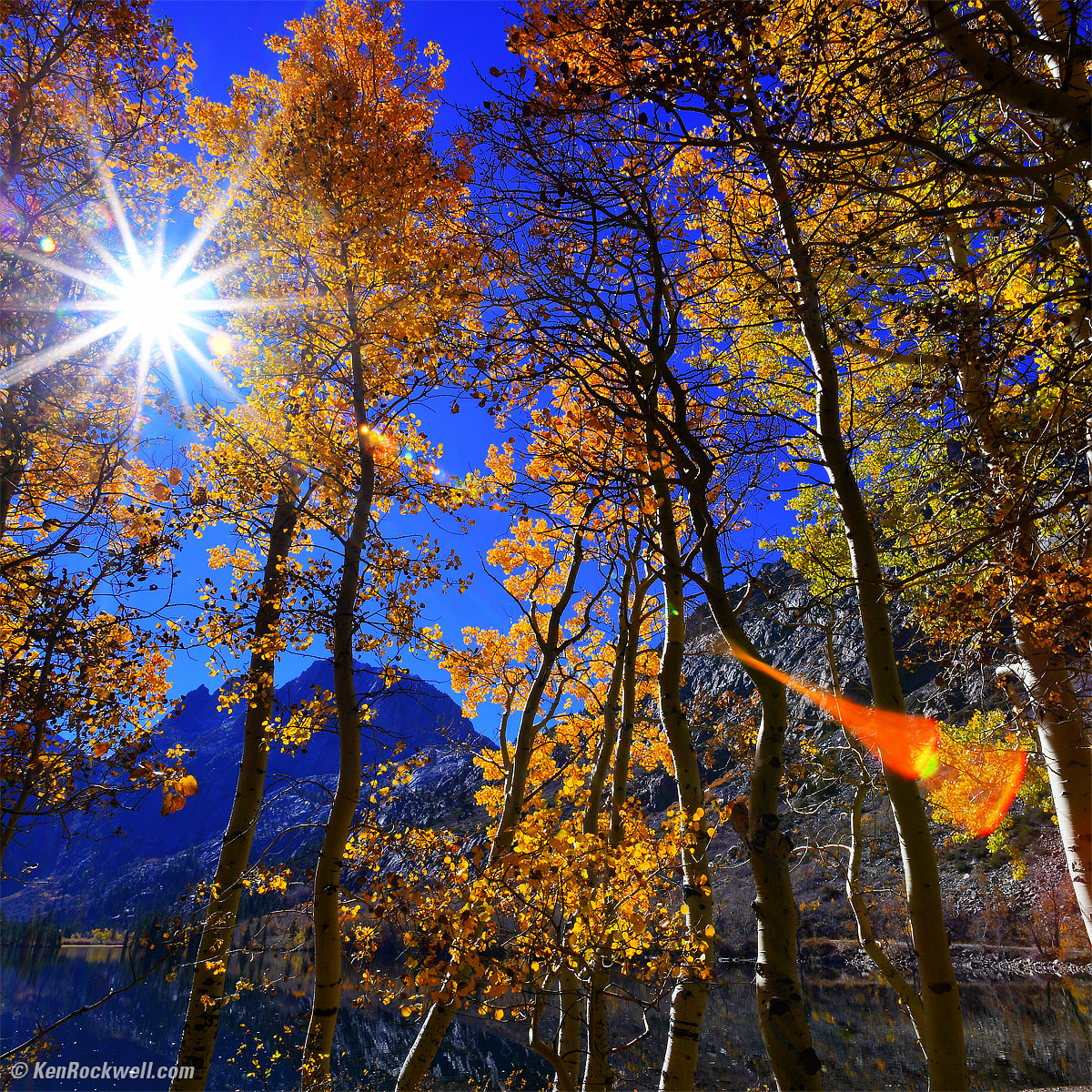
Sunstar and Golden Leaves at Silver Lake, October, 2017. Nikon D850 in 1:1 crop mode, Nikon 18mm f/2.8 AF-D, f/22 hand-held at at 1/30 at Auto ISO 64, Perfectly Clear v3.5. bigger.
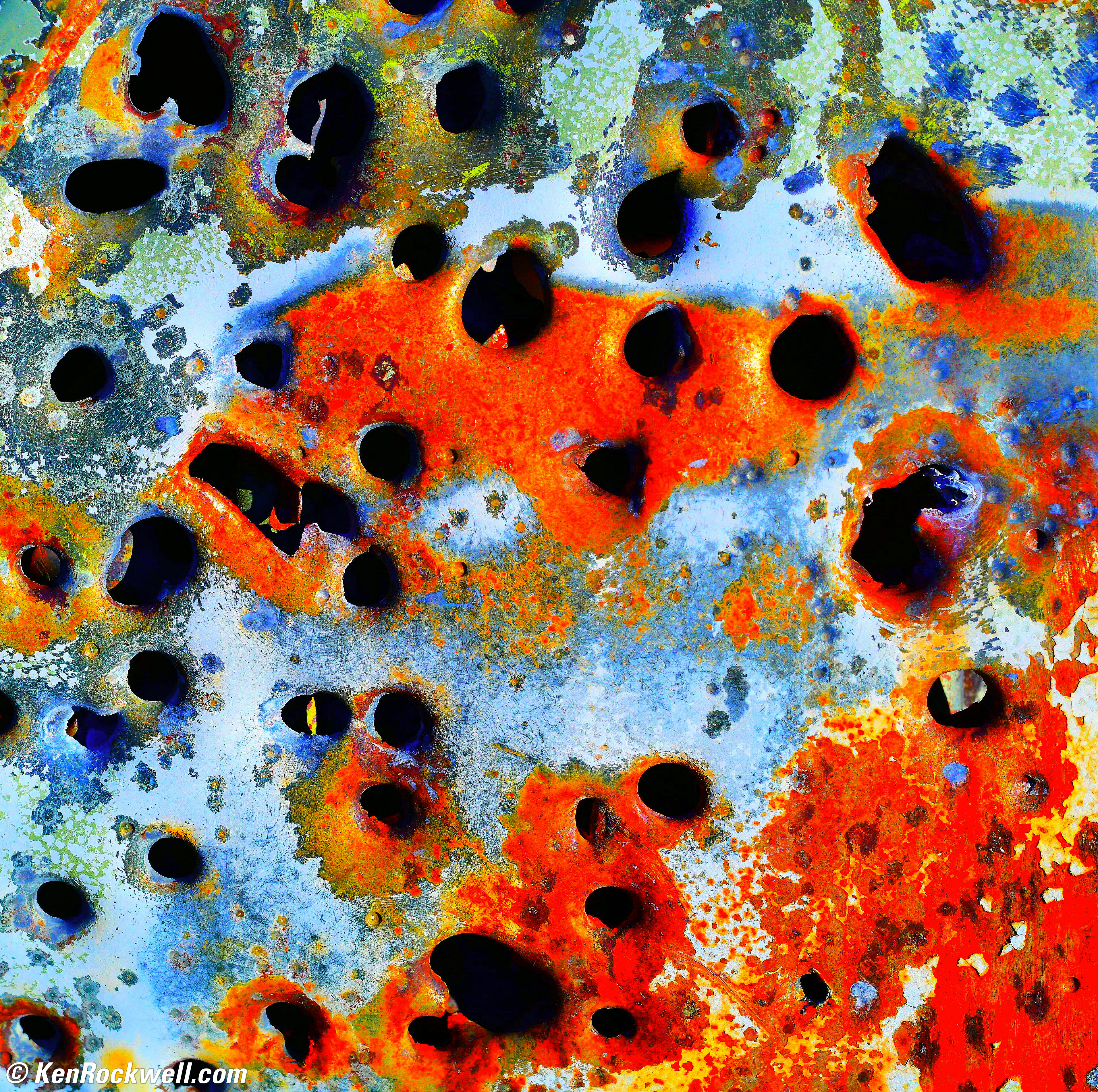
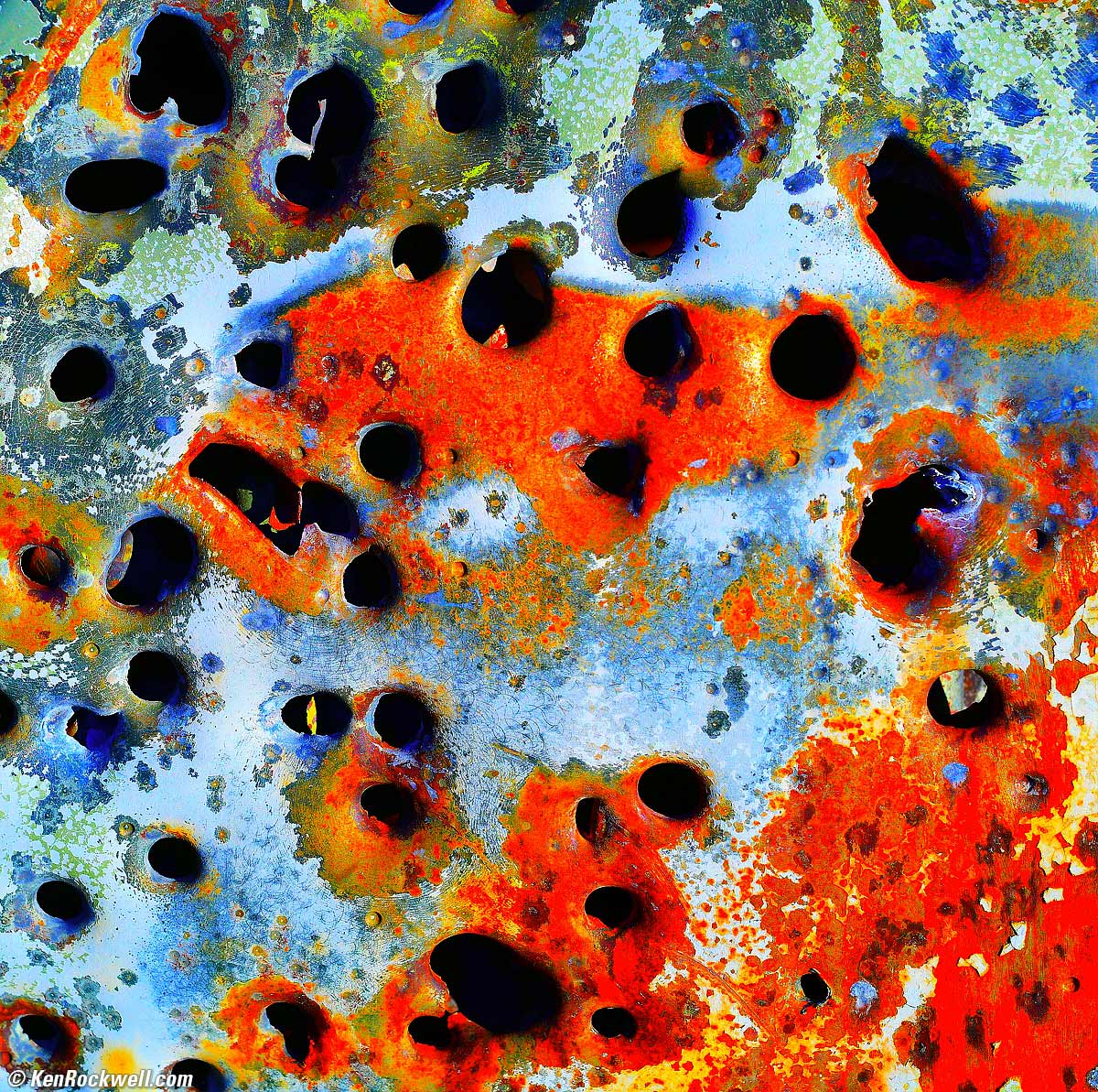
Colorful Steel with Bullet Holes, Abandoned California Mine, 4:40 P.M., 23 October 2017. Nikon D850 in 1:1 crop mode, Nikon Pancake-NIKKOR 50mm f/1.8 AI-s, f/8 at 1/200 at Auto ISO 64, Perfectly Clear v3.5. bigger or full-resolution.
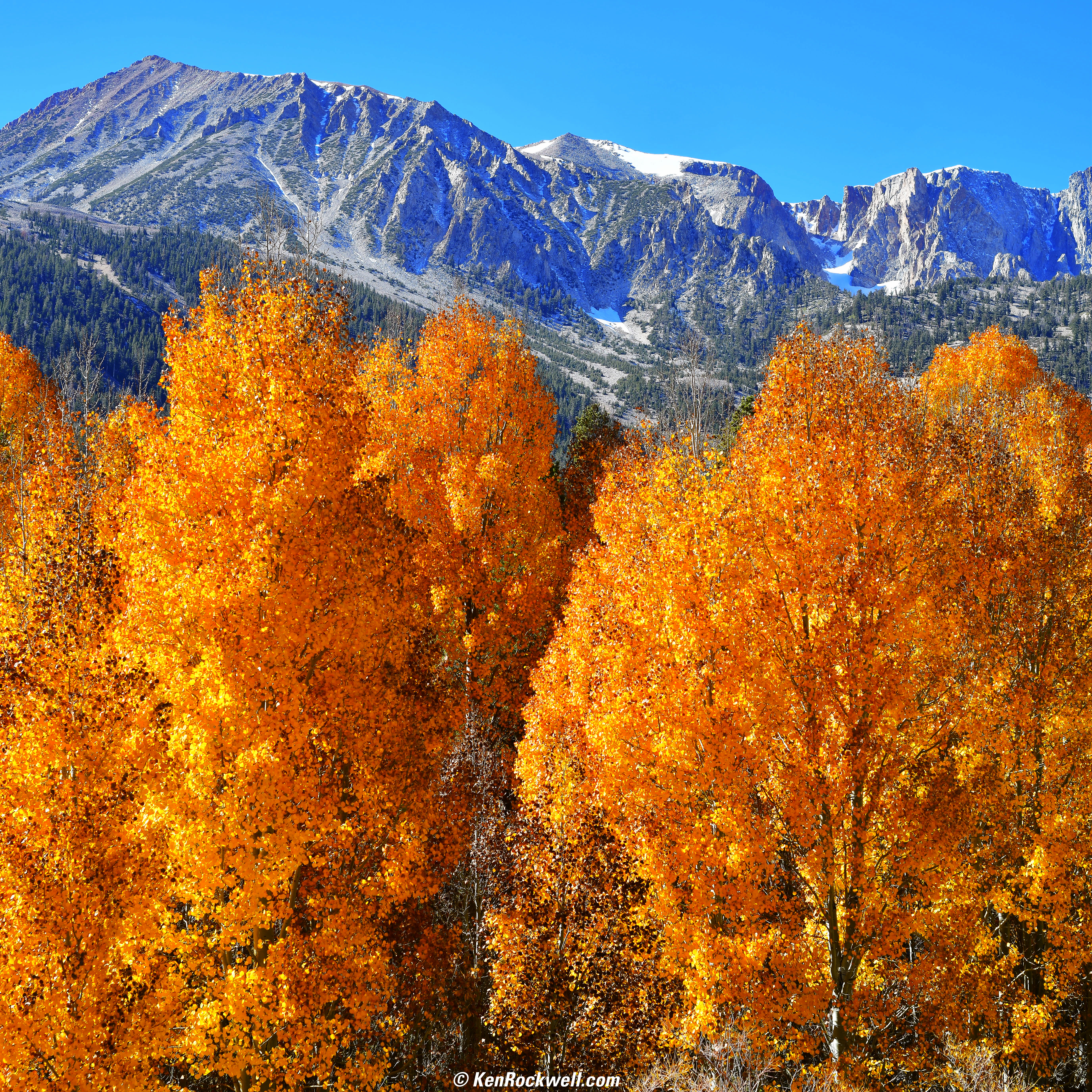
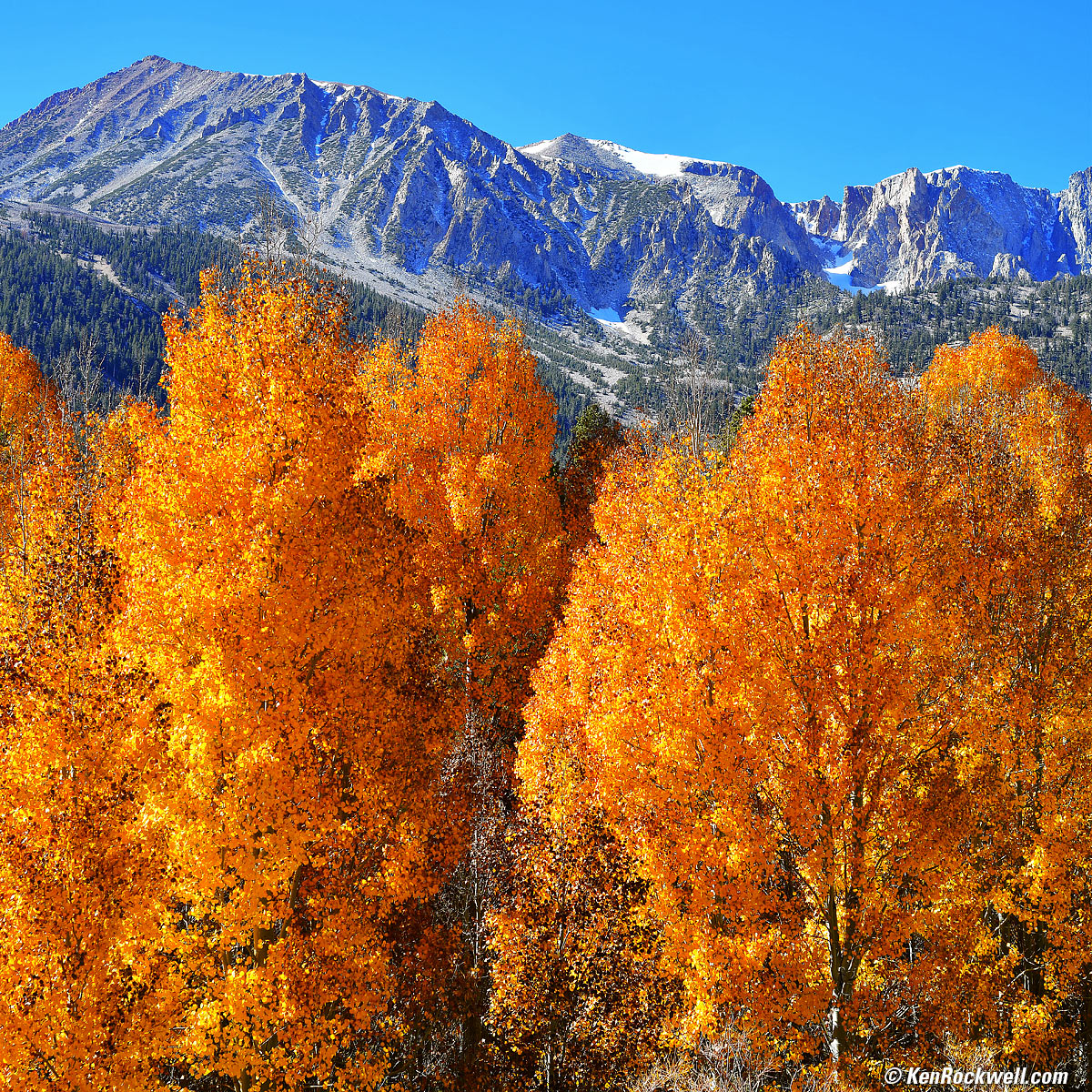
Gold and Blue, 12:03 P.M., 24 October 2017. Nikon D850 in 1:1 crop mode, Nikon Pancake-NIKKOR 50mm f/1.8 AI-s, f/8 at 1/125 at Auto ISO 64, Perfectly Clear v3.5. bigger or full resolution (warning: 25MB JPG).
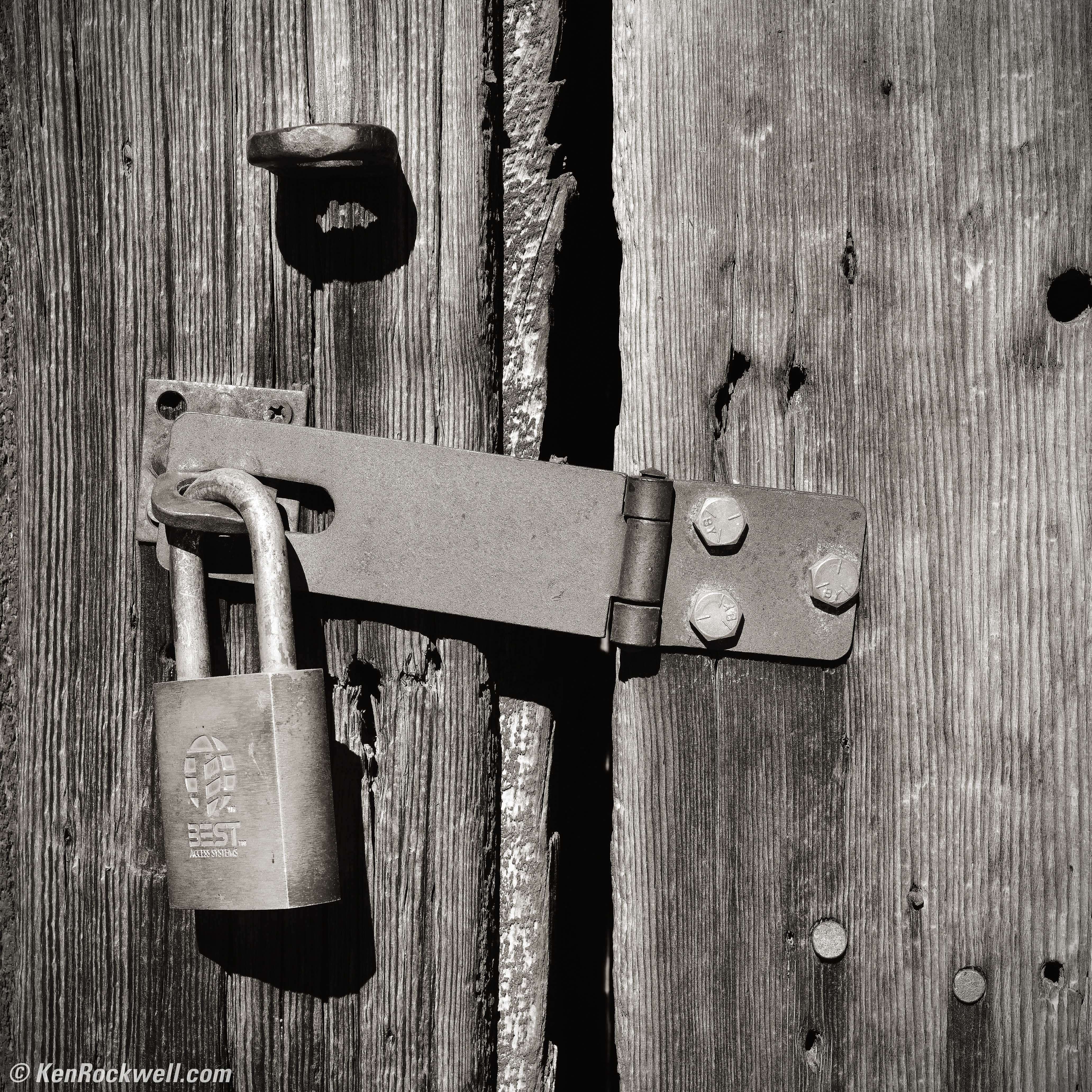
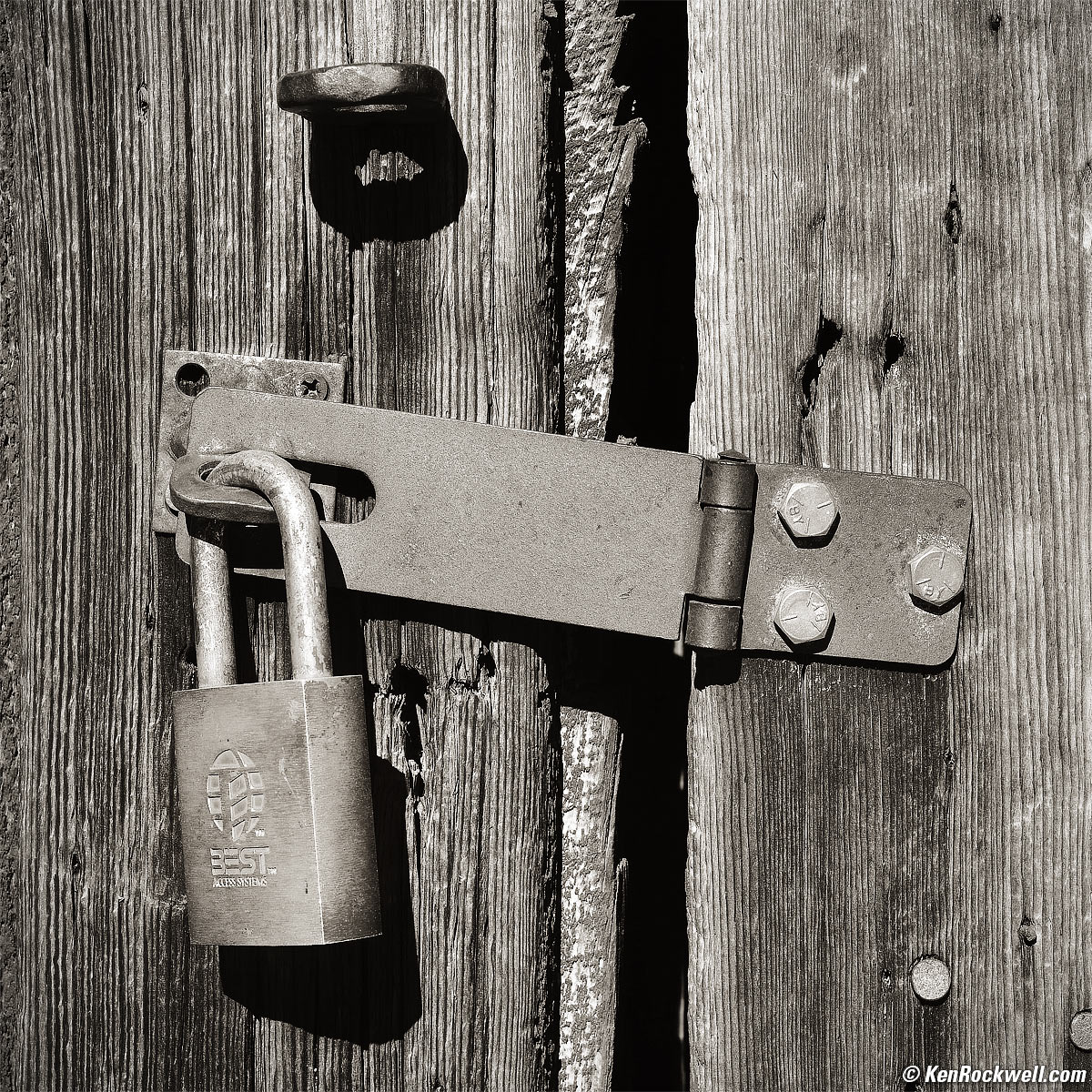
Padlock on Wooden Door, Bodie, 2:45 P.M., 24 October 2017. Nikon D850 in 1:1 crop mode, Nikon Pancake-NIKKOR 50mm f/1.8 AI-s, f/11 hand-held at 1/80 at Auto ISO64, Perfectly Clear v3.5, split-toned print. bigger or full-resolution.
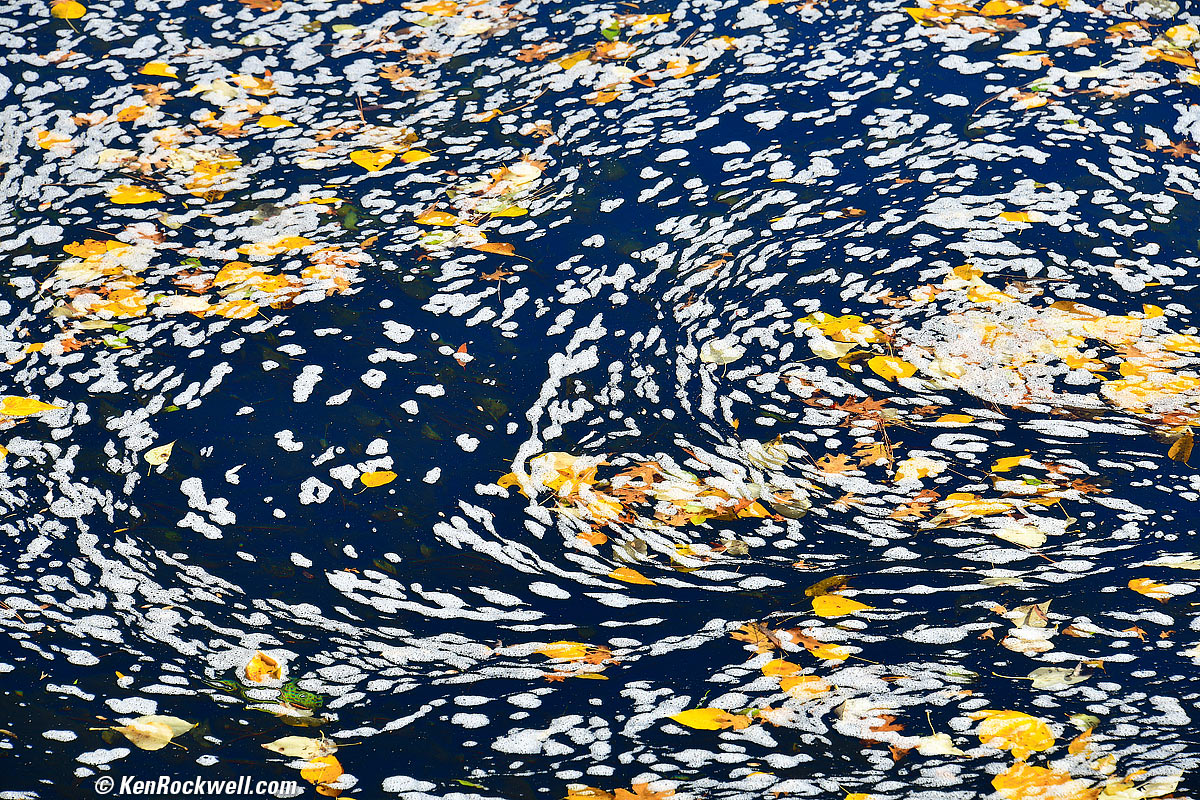
Starry Sky in the Merced River, Yosemite Valley, October 2017. Nikon D850, Nikon 28-300mm VR at 180mm at f/9 hand held at 1/100 at Auto ISO 64, Perfectly Clear v3.5. bigger.
ISO 100
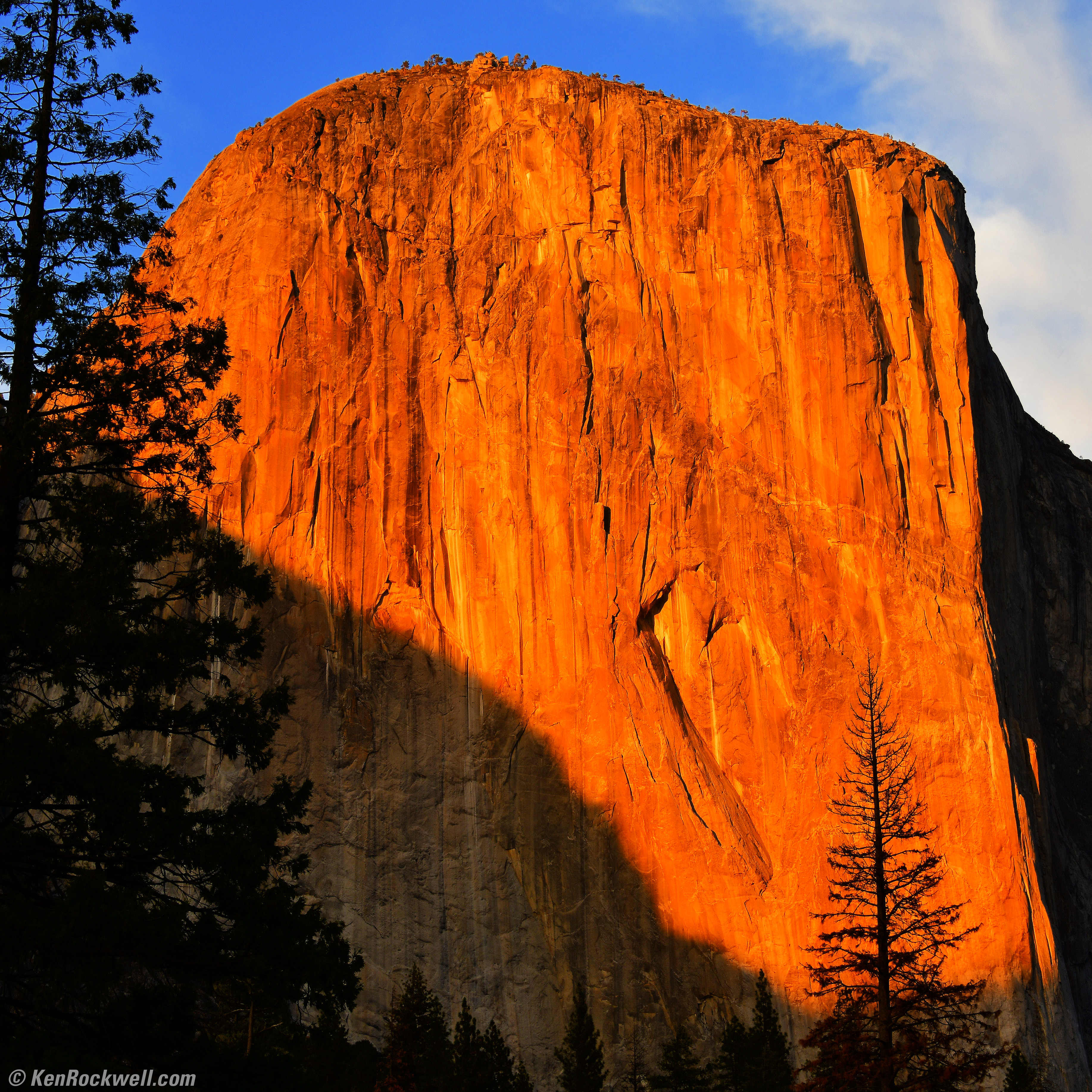
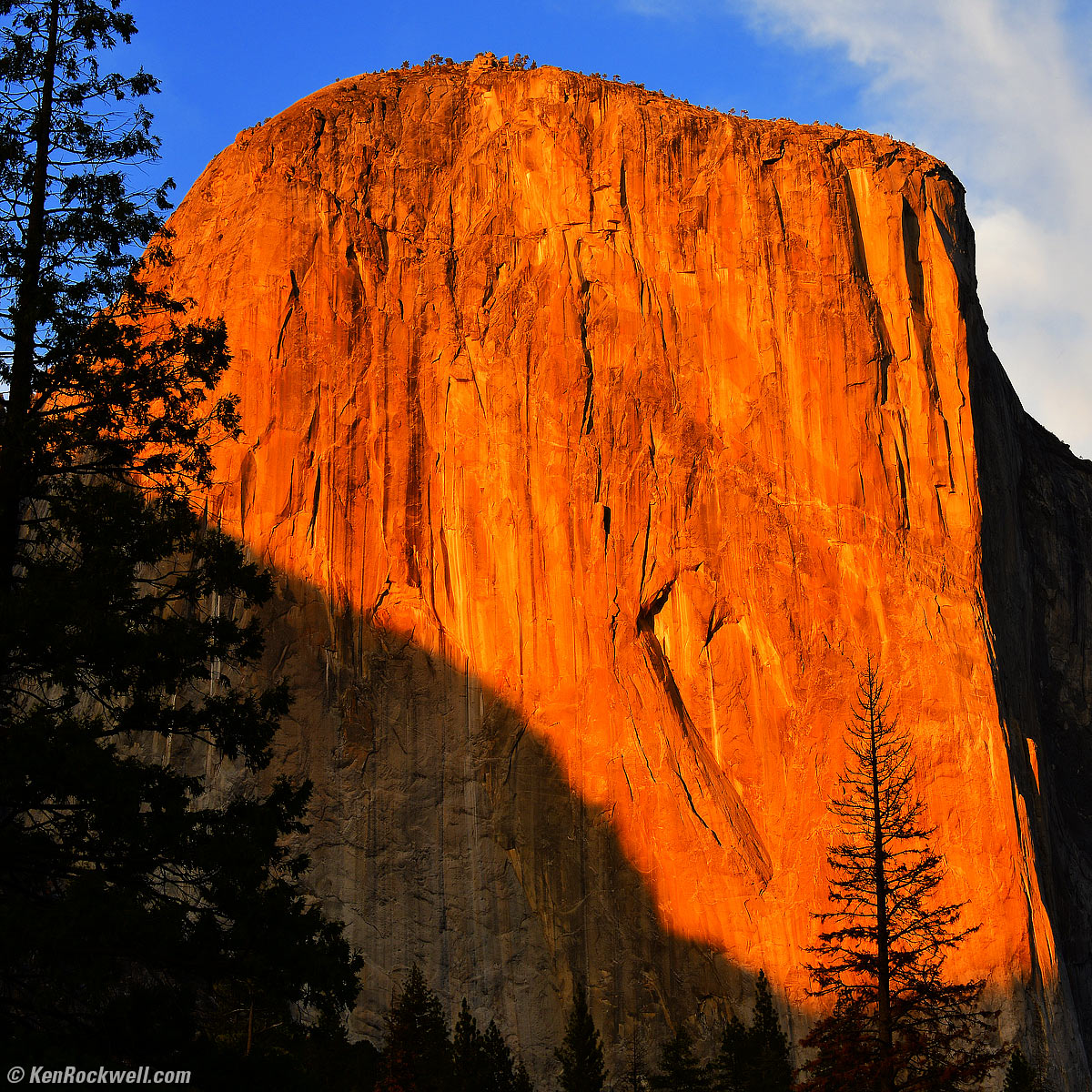
El Capitan in Last Light, Yosemite Valley, October 2017. Nikon D850 in 1:1 crop mode, Nikon 28-300mm VR at 48mm at f/11 hand held at 1/25 at Auto ISO 100, Perfectly Clear v3.5. bigger or full-resolution.
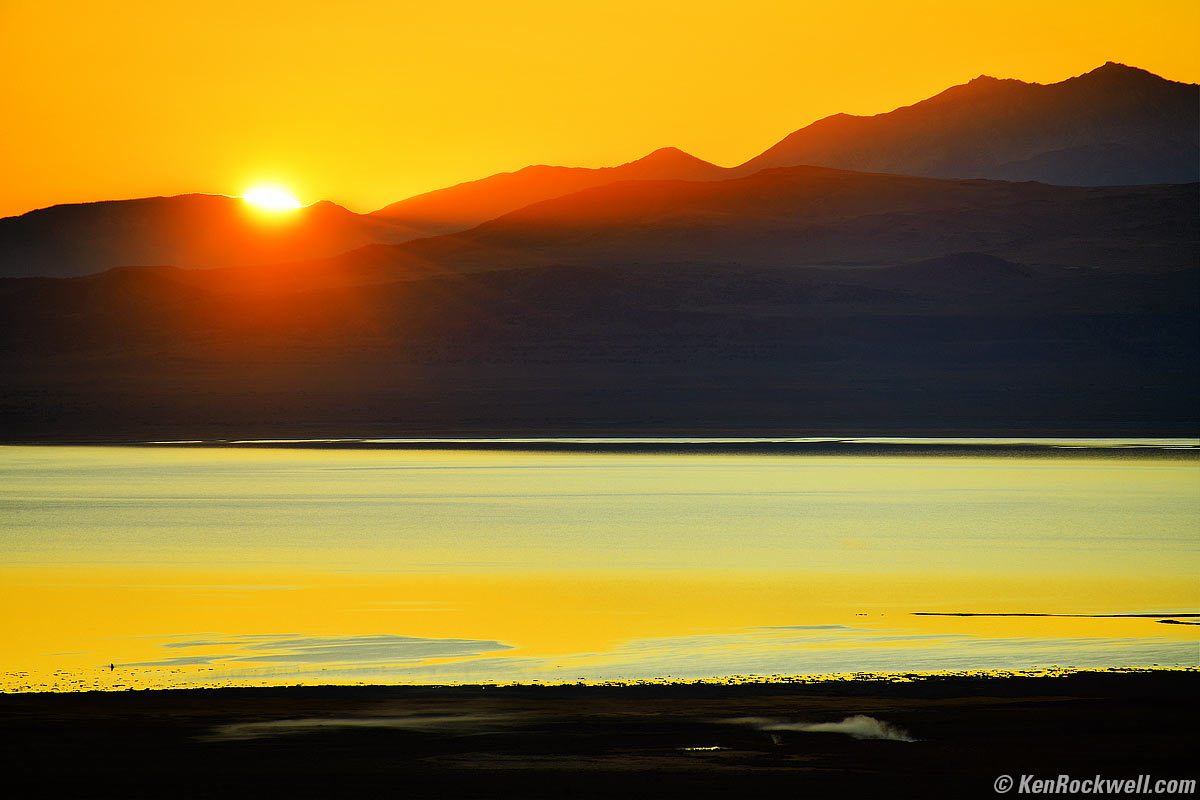
Sunrise over Mono Lake, October 2017. Nikon D850, Nikon 28-300mm VR at 300mm at f/7.1 hand-held at 1/200 at Auto ISO 100, Perfectly Clear v3.5. bigger.
ISO 200
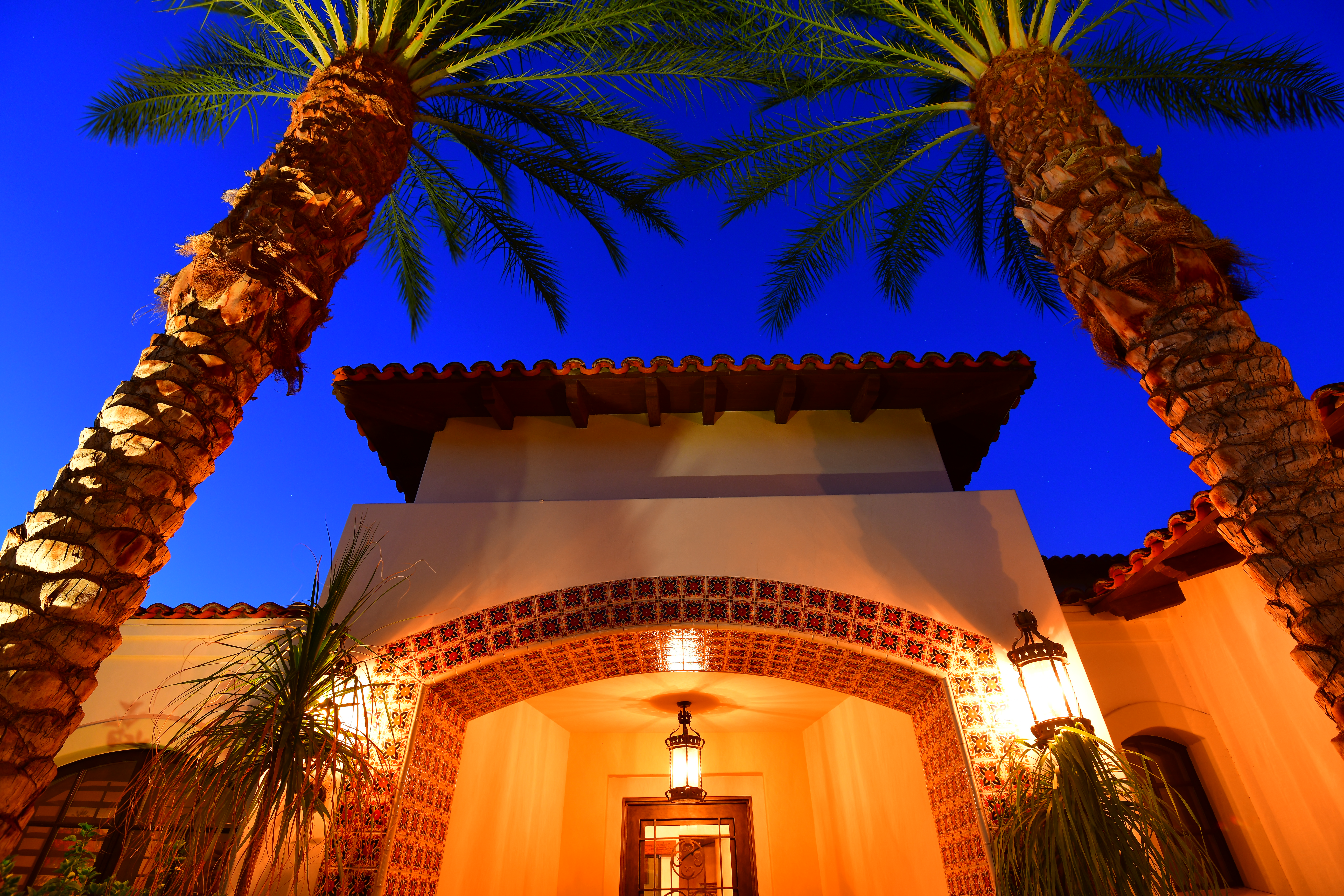
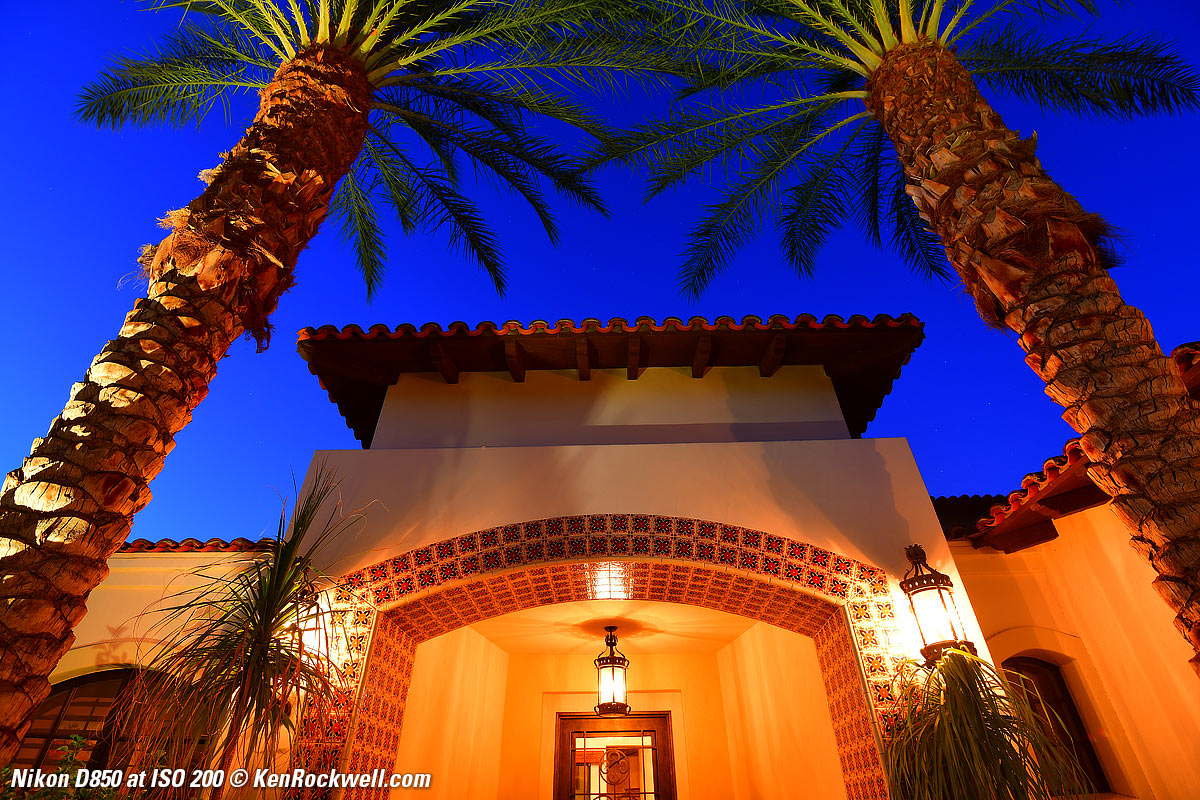
Desert Home, 26 September 2017, 7:12 PM. Nikon D850, Nikon 16-35mm VR at 16mm, 15 seconds at f/7.1 at ISO 200. bigger or camera-original LARGE NORMAL JPG.
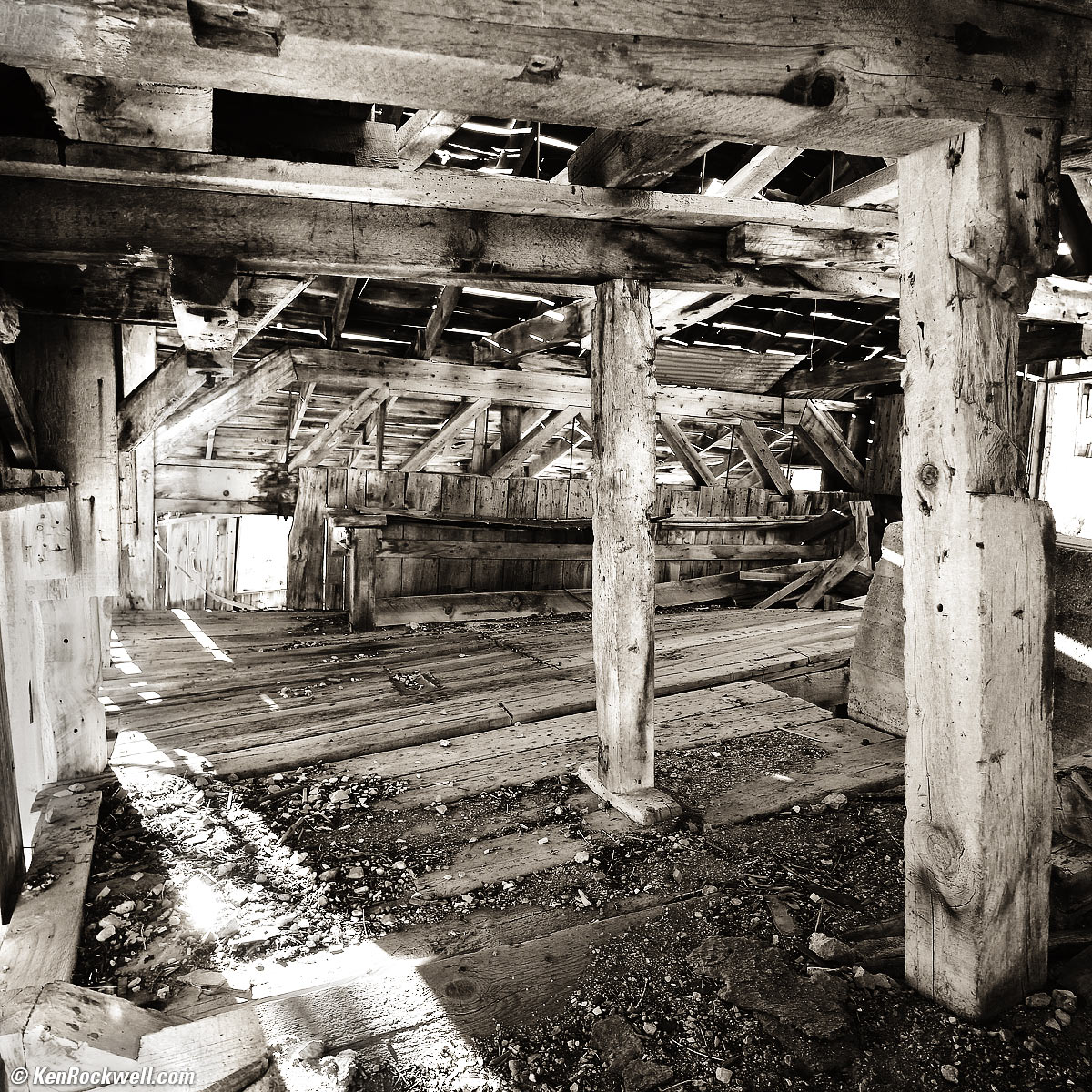
Inside a Creepy Abandoned California Mine, October, 2017. Nikon D850 in 1:1 crop mode, Nikon 18mm f/2.8 AF-D, f/7.1 hand-held at 1/20 at ISO 200, Perfectly Clear v3.5, split-toned print. bigger.
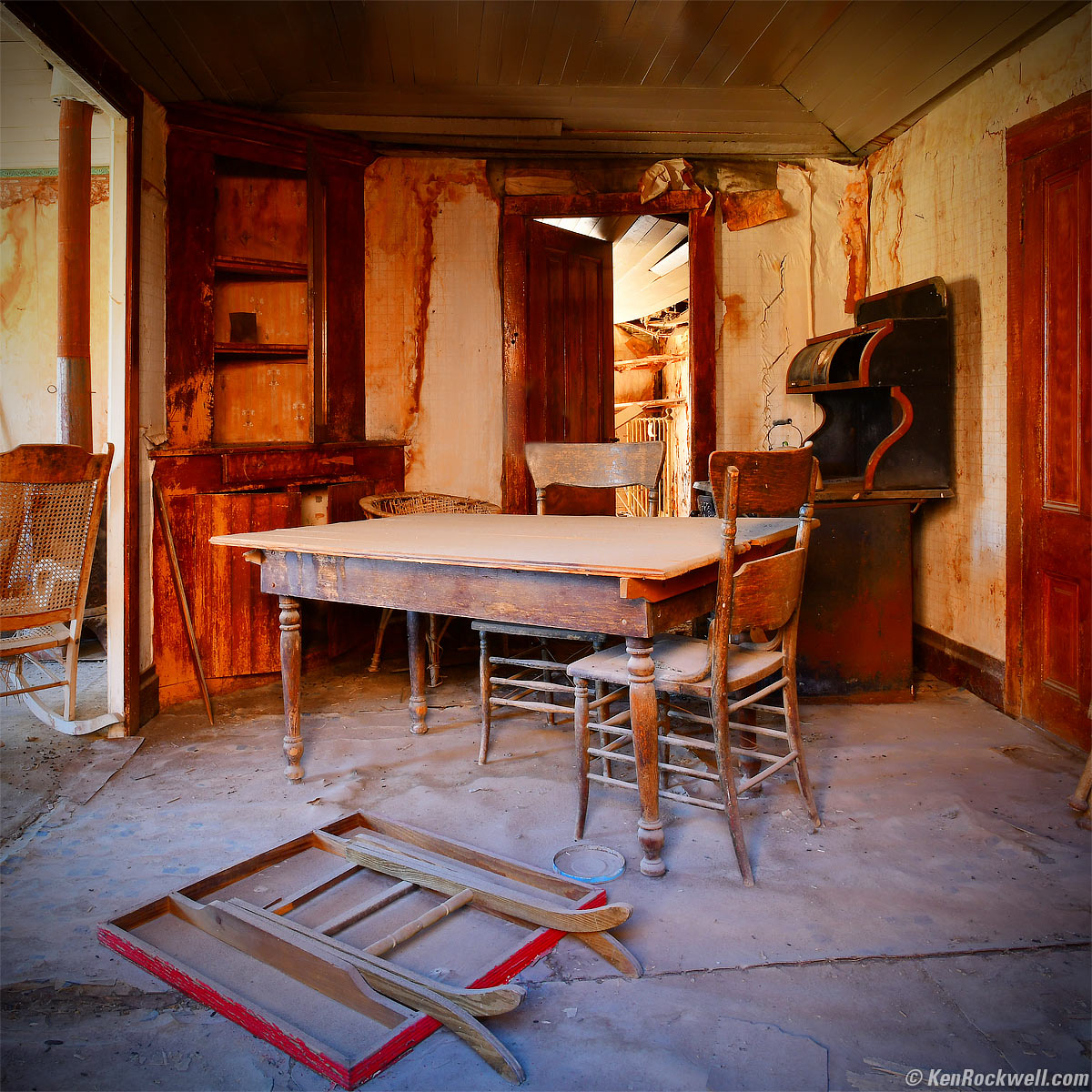
The Mortician's Kitchen, Bodie, October, 2017. Nikon D850 in 1:1 crop mode, Nikon 18mm f/2.8 AF-D, f/16 hand-held against a window for three seconds at ISO 200, Perfectly Clear v3.5. bigger.
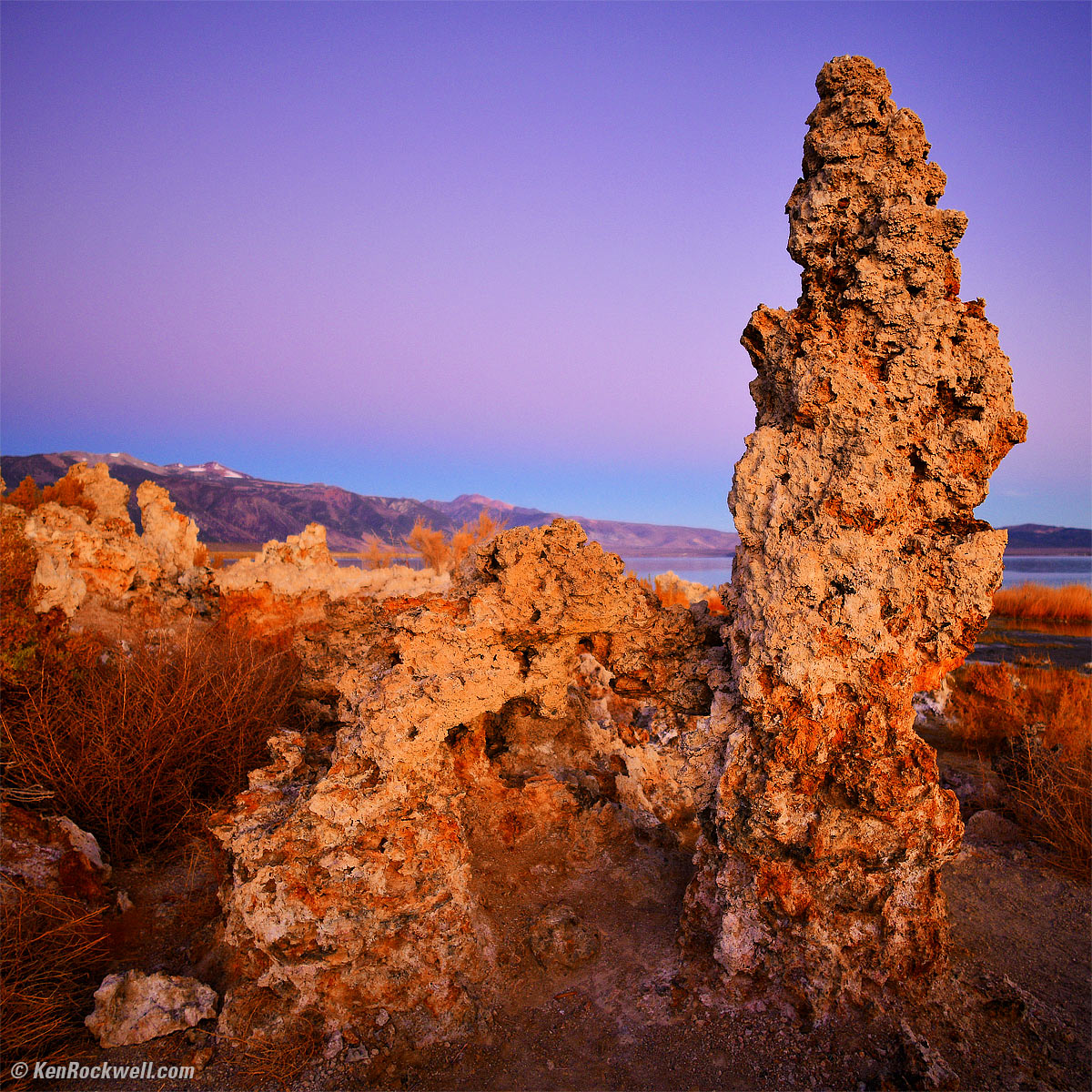
Tufa before Dawn, Mono Lake, October, 2017. Nikon D850 in 1:1 crop mode, Nikon 18mm f/2.8 AF-D, f/2.8 hand-held at 1/20 at Auto ISO 220, Perfectly Clear v3.5. bigger.
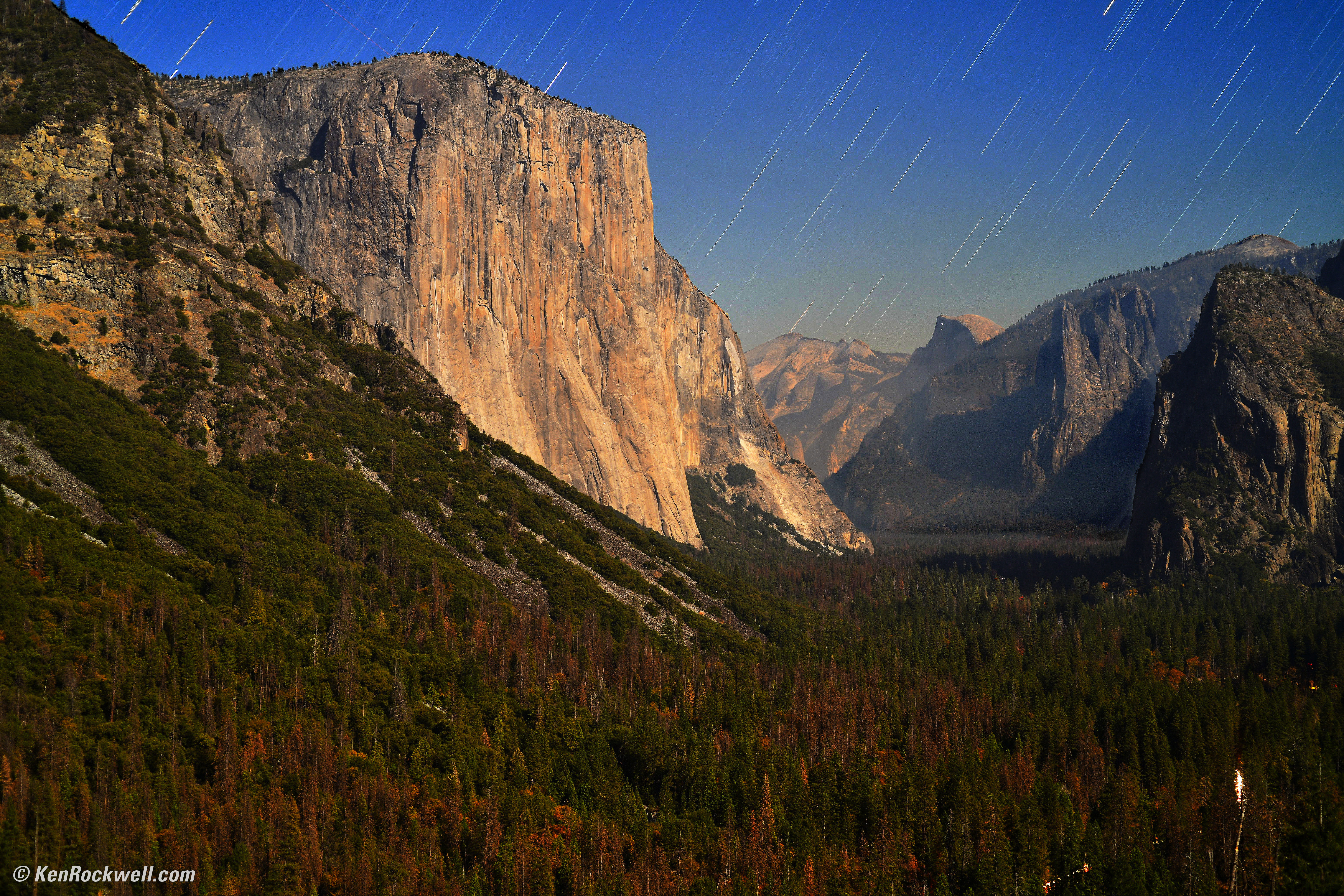
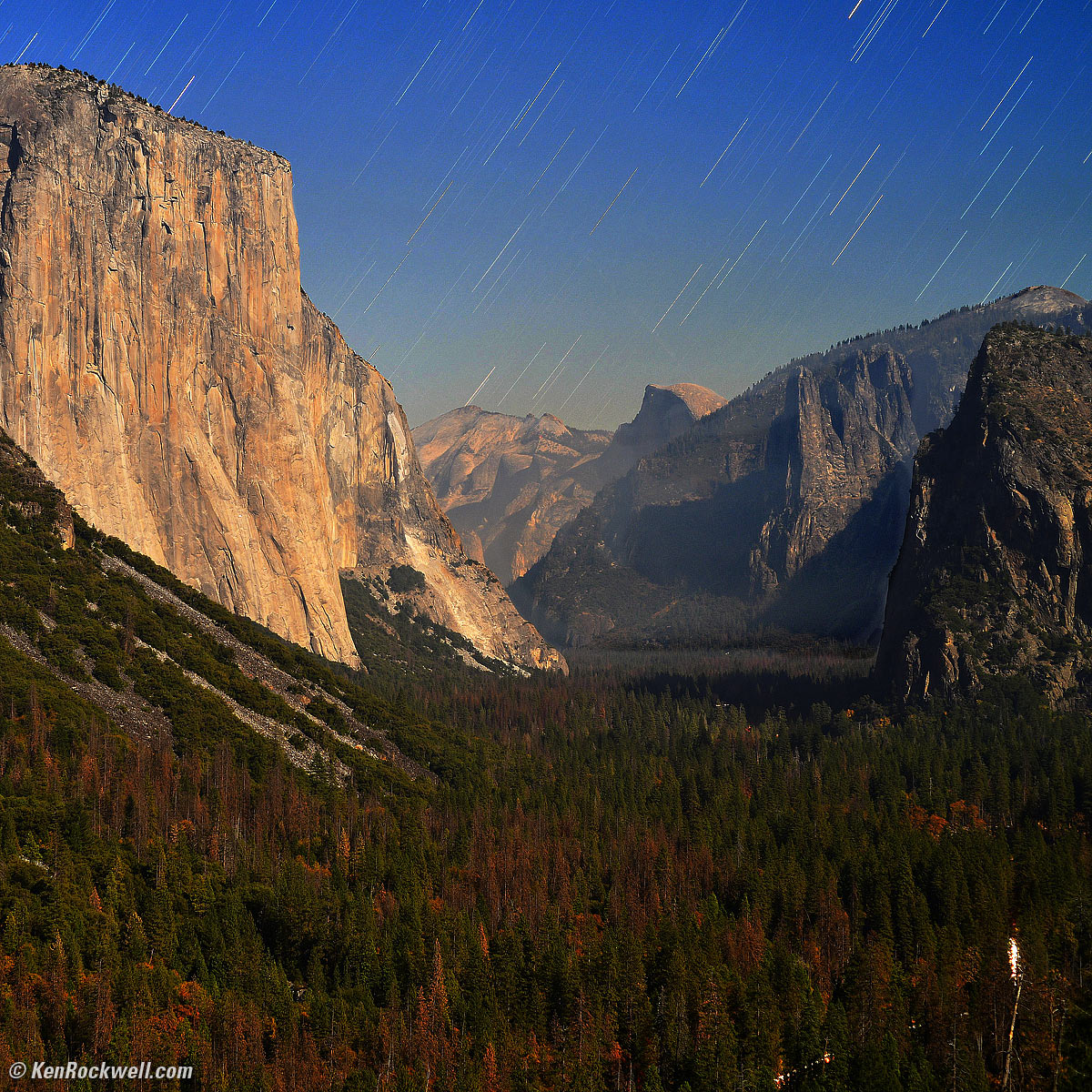
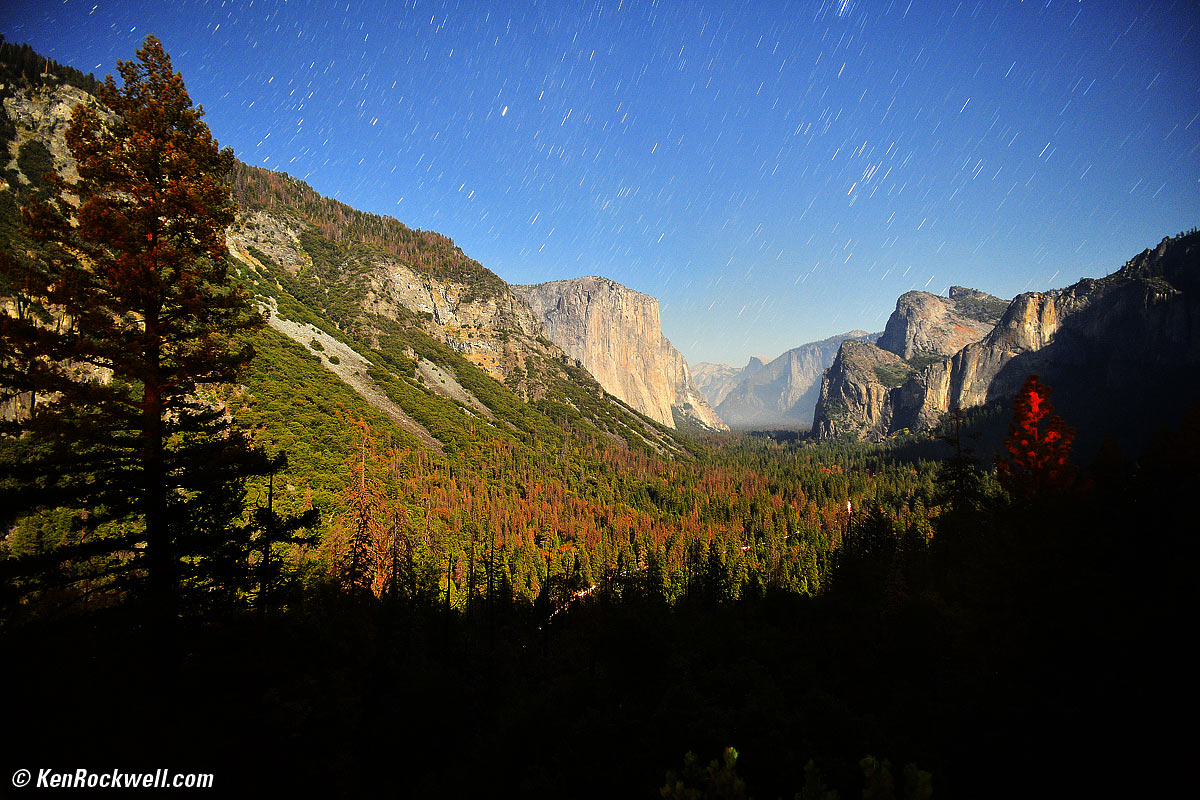
Yosemite Valley by Moonlight, 9:28 ~ 9:34 P.M., 28 October 2017. Nikon D850, Nikon Pancake-NIKKOR 50mm f/1.8 AI-s at f/4 for 8⅙ minutes at ISO 200, Perfectly Clear v3.5. bigger or full-resolution.
The lights on the lower right are passing cars in the valley, and you can see lights of climbers on the Half Dome in the full-resolution image.
This is shot with NO long-exposure NR. I don't have the time to wait for it, and as you can see it's unnecessary with eight-minute exposures. The valley was hazy from all the campfires; the D850 is precisely capturing what's there.
ISO 400
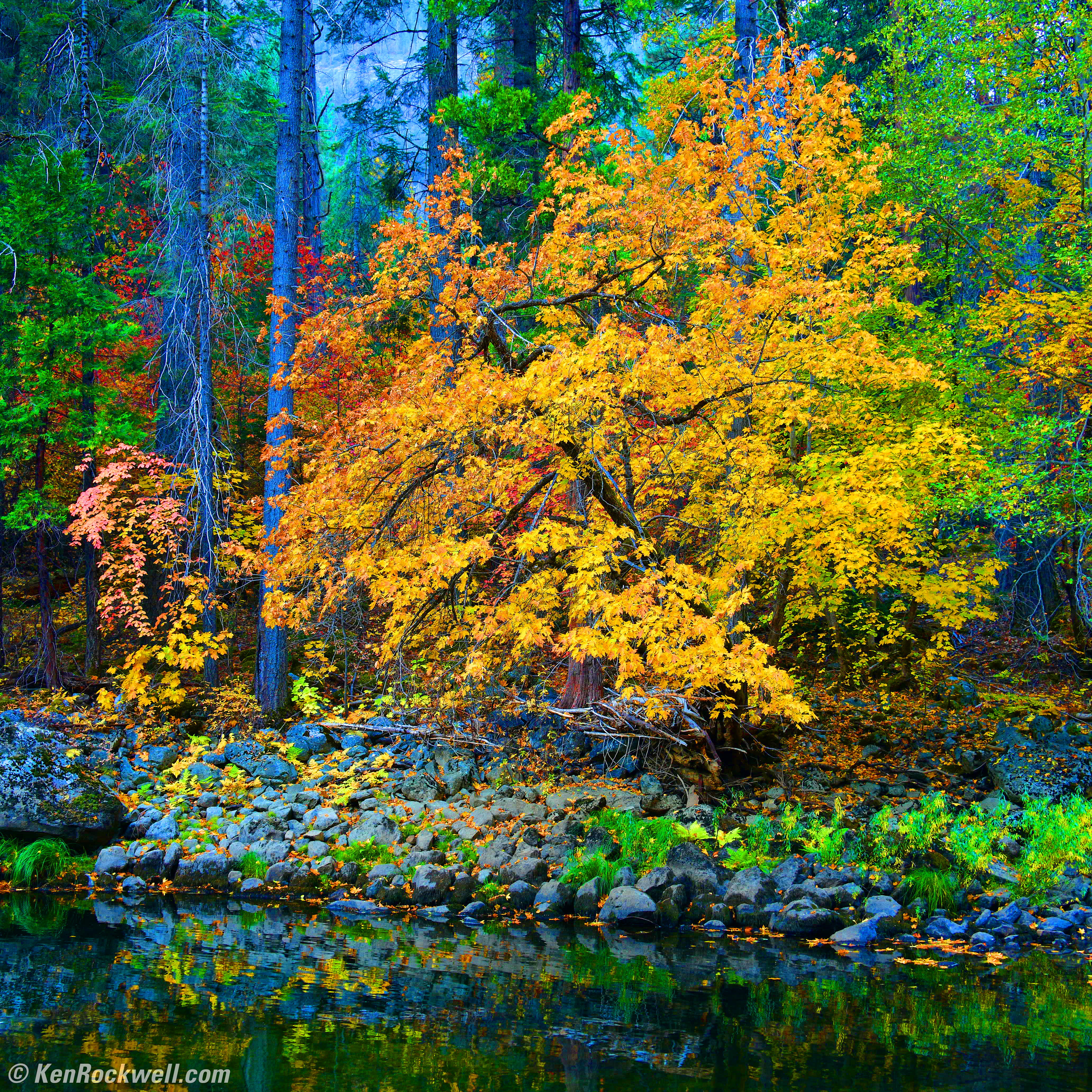
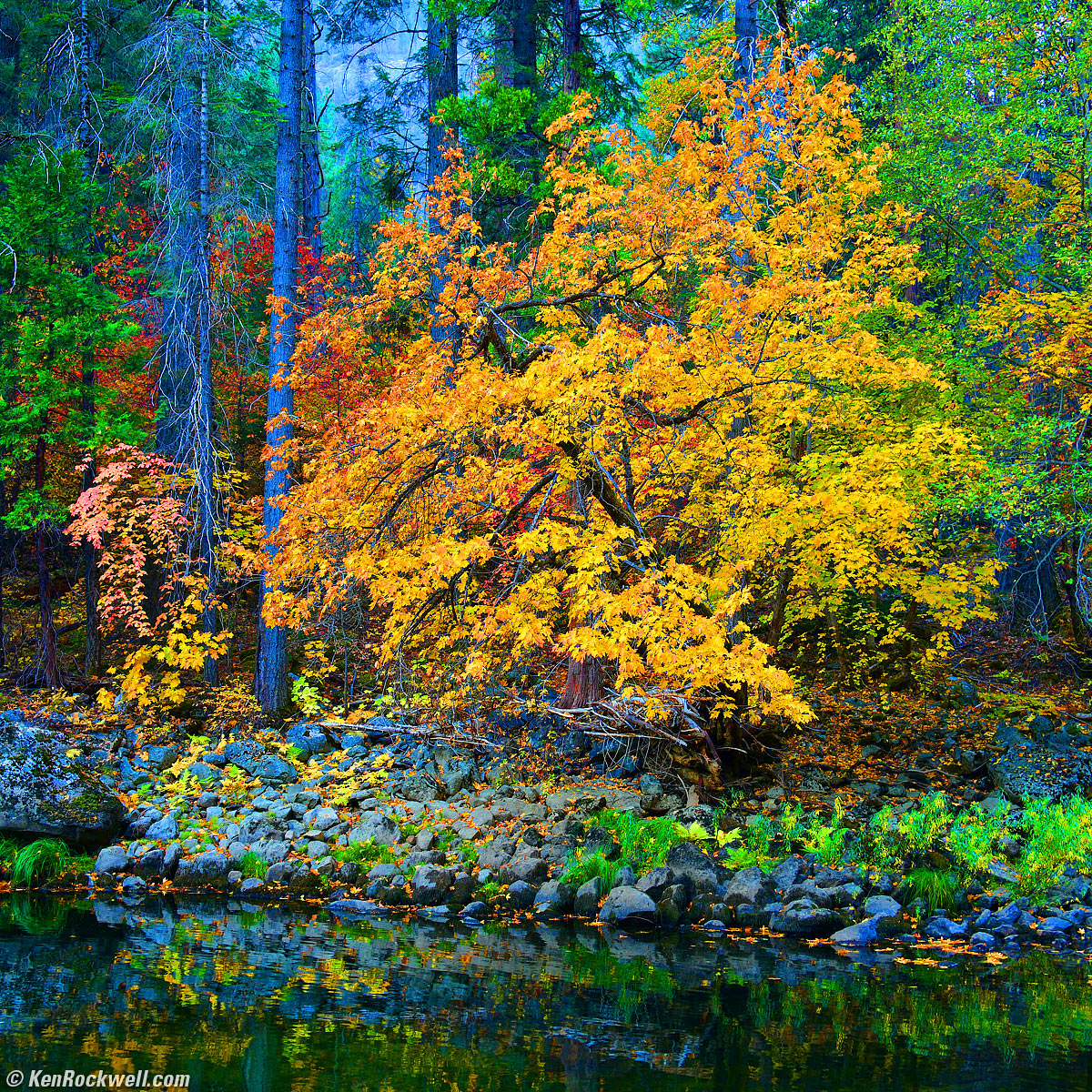
Vivid Yellow Tree by the Merced River, Yosemite Valley, October 2017. Nikon D850 in 1:1 crop mode, Nikon 28-300mm VR at 36mm at f/8 hand held at 1/20 at Auto ISO 400, Perfectly Clear v3.5. bigger or full-resolution.
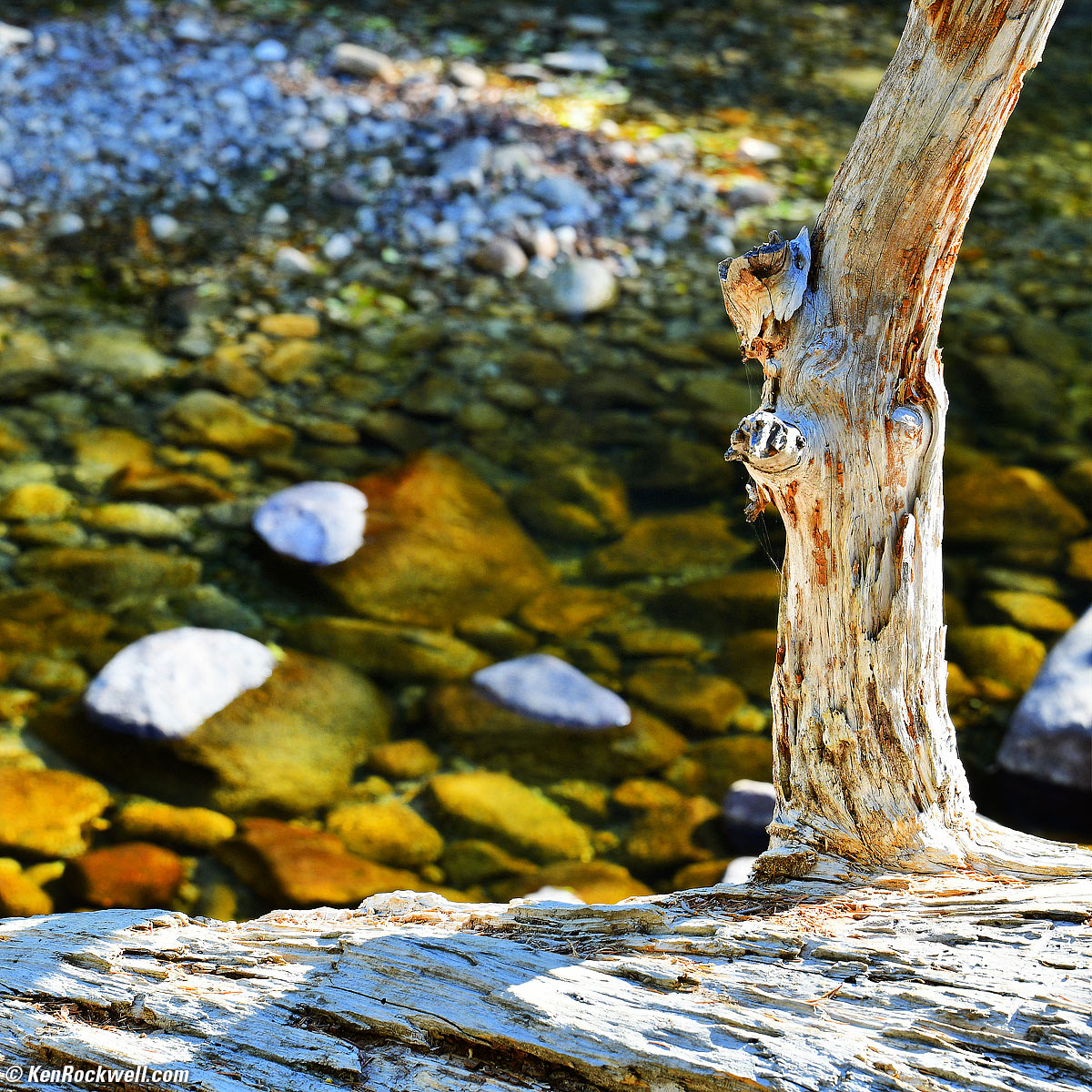
Tree against the Merced River, Yosemite Happy Isles, October 2017. Nikon D850 in 1:1 crop mode, Nikon 28-300mm VR at 105mm at f/8 hand held at 1/60 at Auto ISO 360, Perfectly Clear v3.5. bigger.
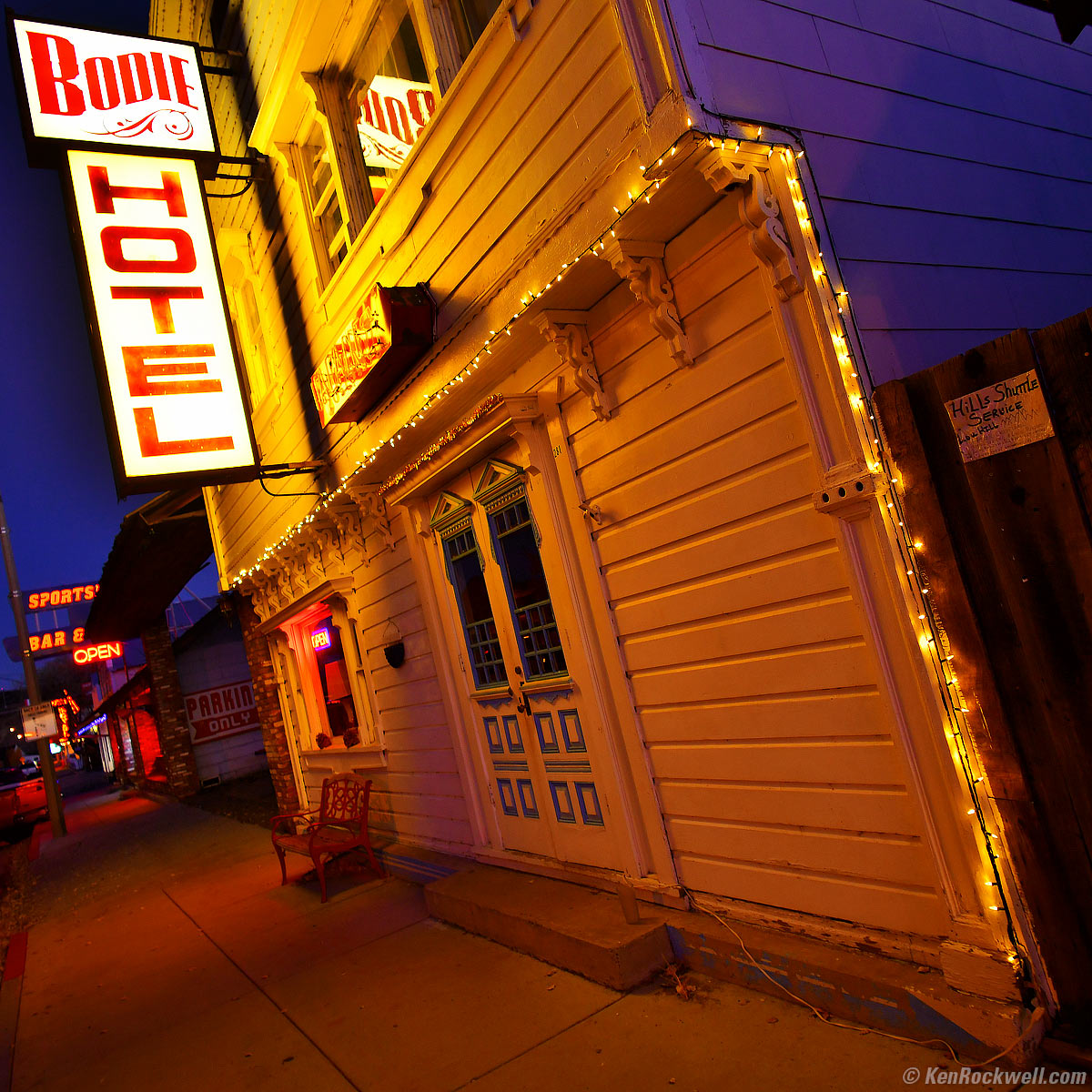
Bodie Hotel at Dusk, October, 2017. Nikon D850 in 1:1 crop mode, Nikon 18mm f/2.8 AF-D, f/4 hand-held at 1/20 at Auto ISO 450, Perfectly Clear v3.5. bigger.
ISO 800
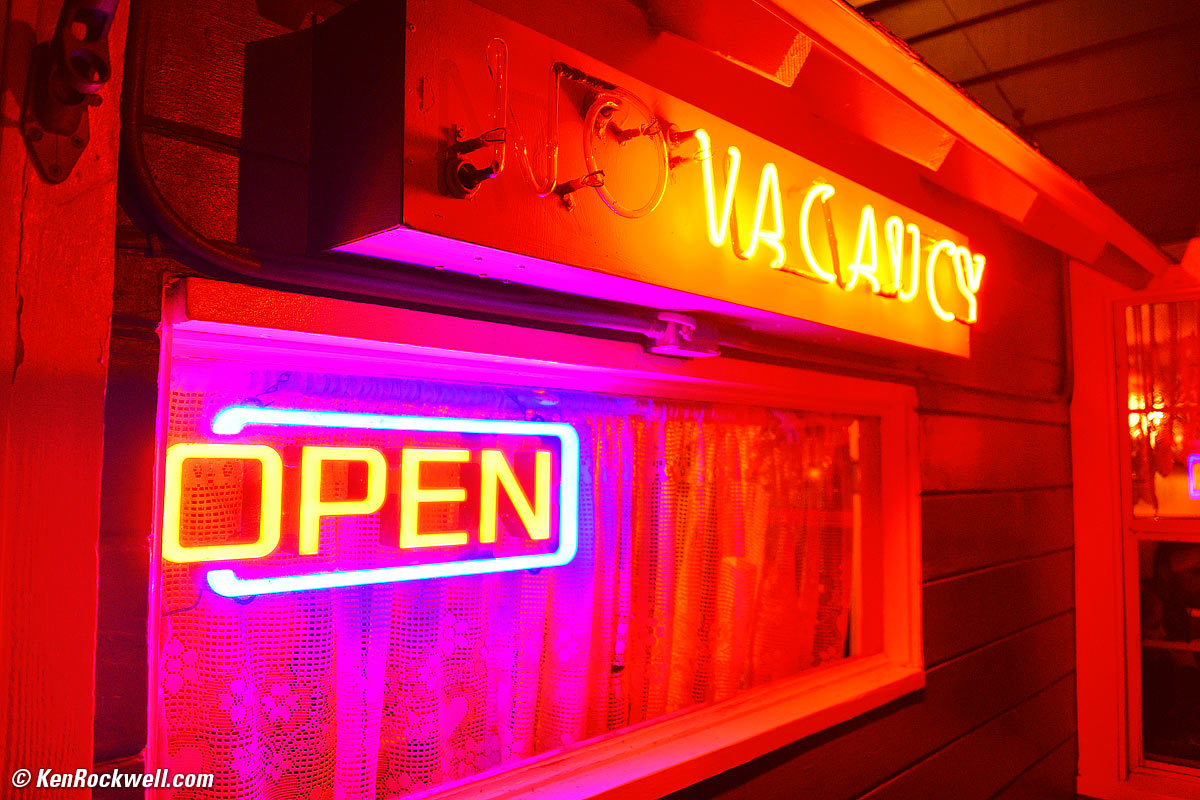
Open Vacancy, Virginia Creek Settlement, October 2017. Nikon D850, Nikon 28-300mm VR at 28mm at f/3.5 hand held at 1/30 at Auto ISO 800, Perfectly Clear v3.5. bigger.
ISO 1,000
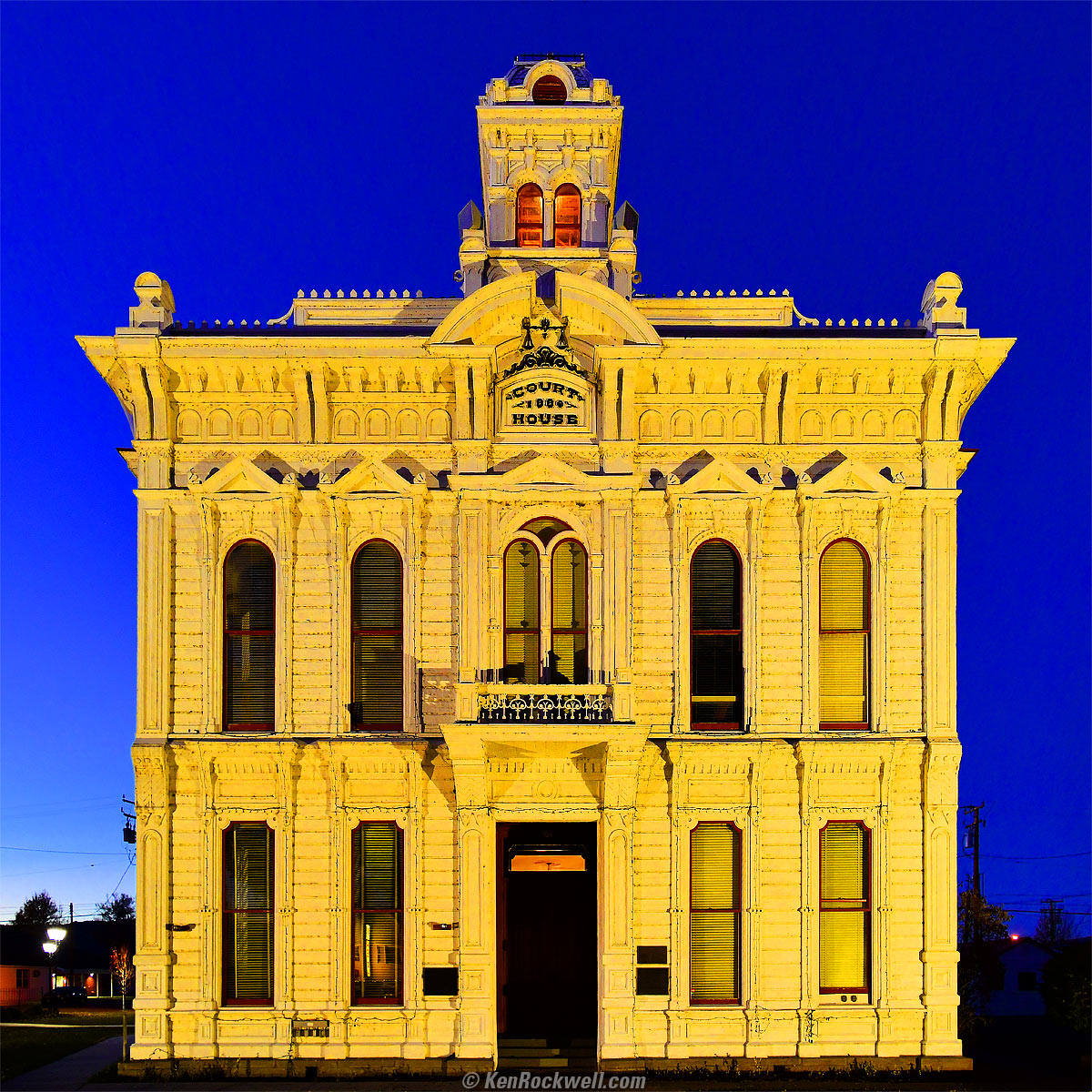
Mono County Court House after Sunset, October, 2017. Nikon D850, Nikon 18mm f/2.8 AF-D, f/4 hand-held at 1/20 at Auto ISO 1,000, Perfectly Clear v3.5. bigger.
ISO 1,600
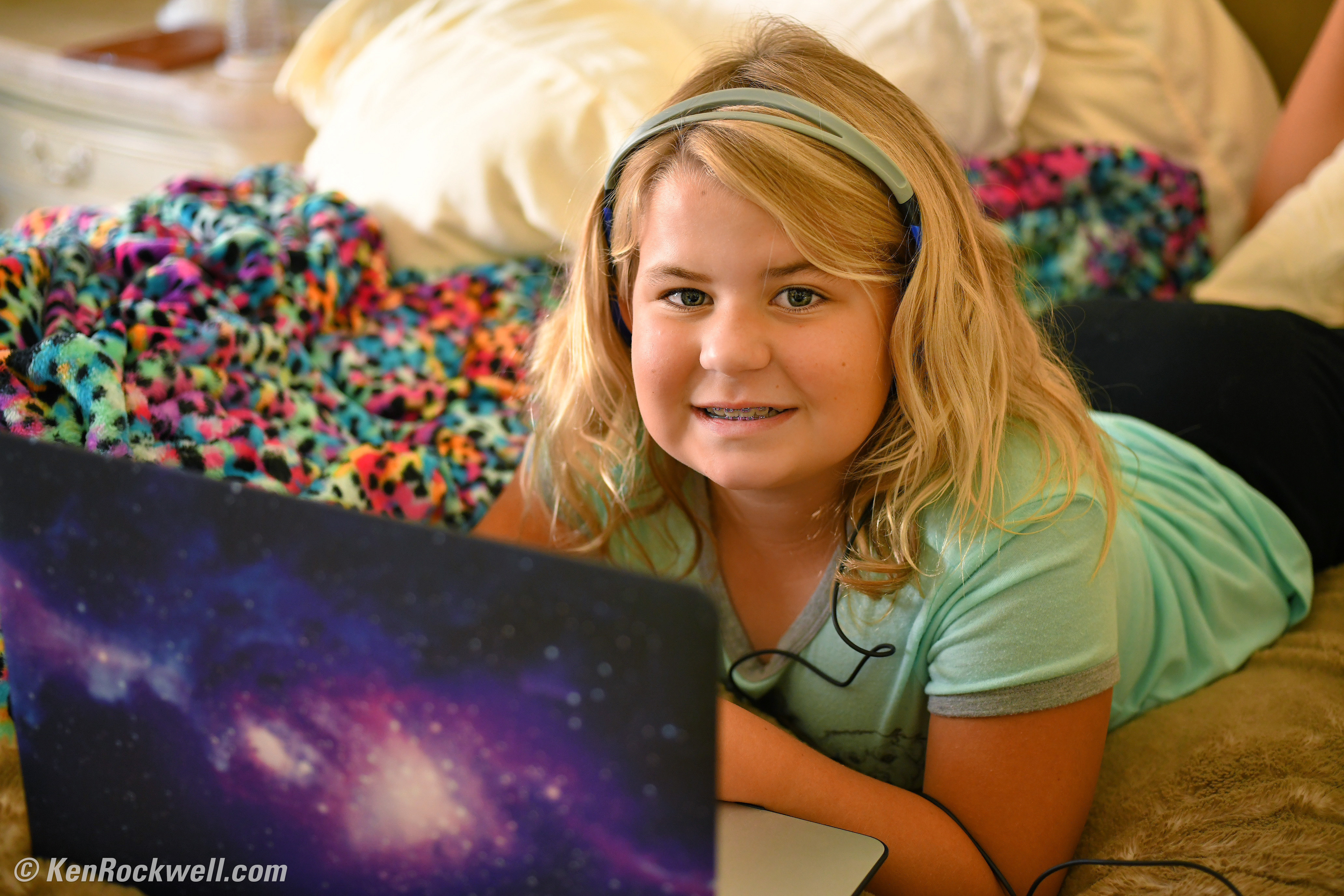
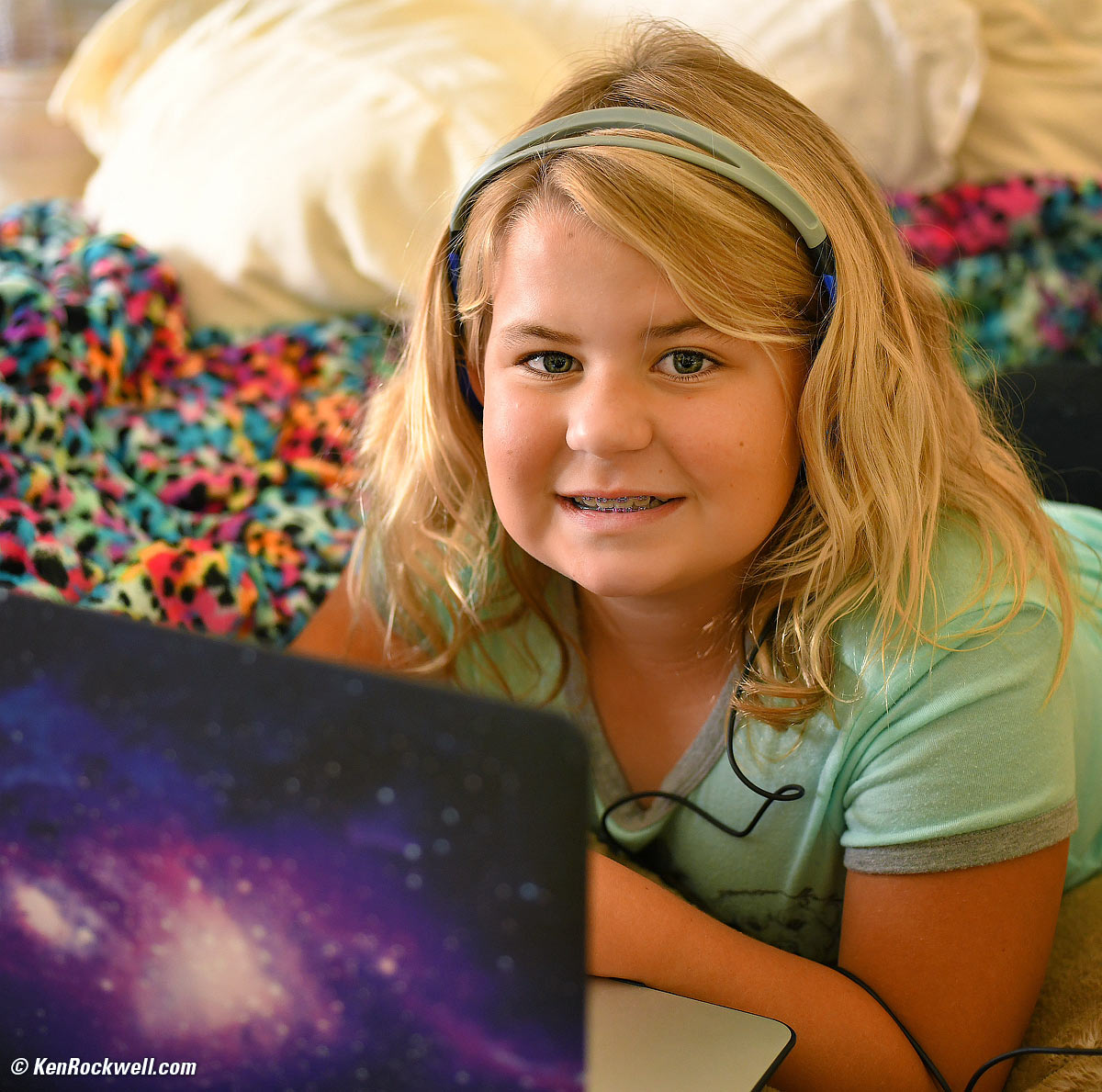
Katie and her MacBook Air, Sunday, 01 October 2017. She's playing a fox game on Roblox. Nikon D850, Nikon AF MICRO-NIKKOR 55mm f/2.8 at f/2.8 at 1/125 at Auto ISO 1,600, Perfectly Clear. bigger or full-resolution file to explore on your computer (mobile devices rarely can display the full resolution files properly).
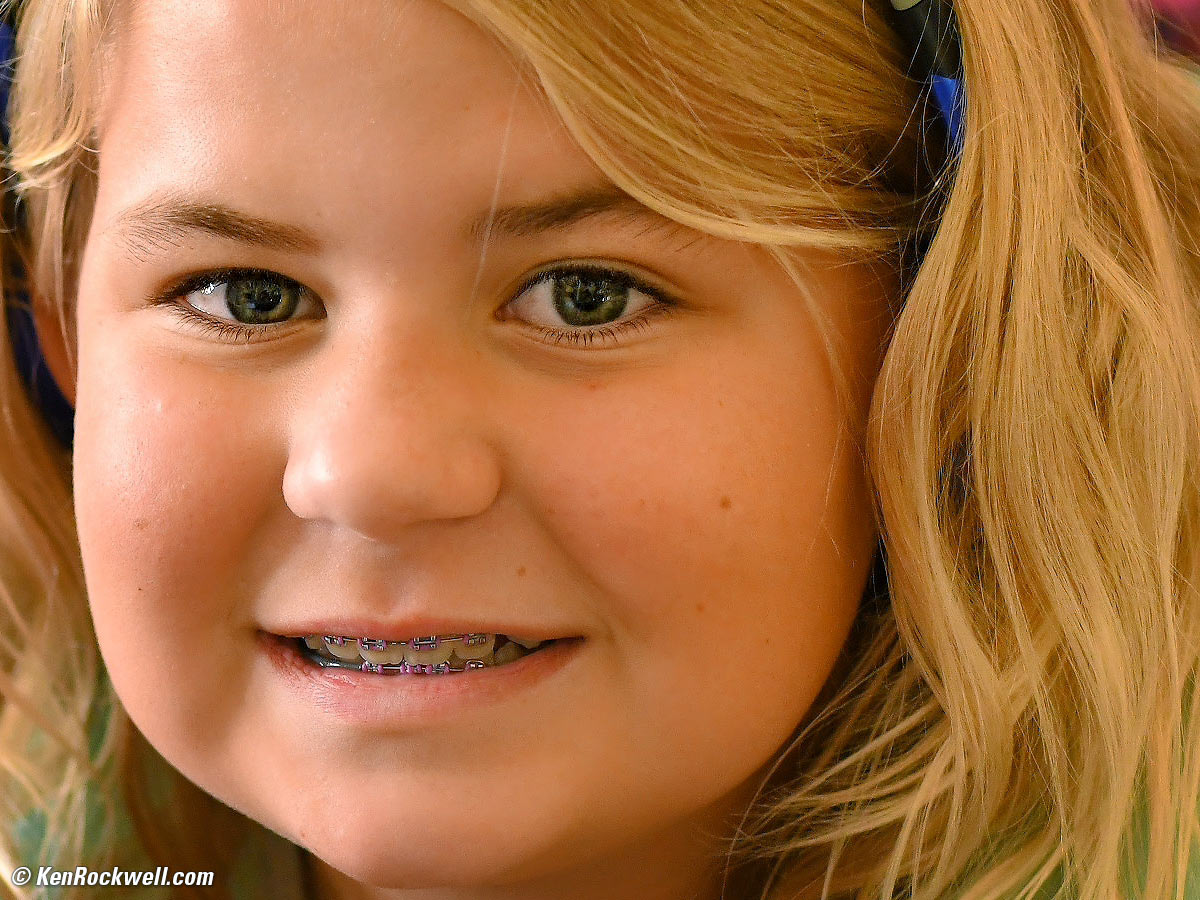
1,200 x 900 pixel crop from above. bigger or full-resolution file to explore on your computer (mobile devices rarely can display the full resolution files properly).
The D850's facial recognition autofocus found the eyes, and nailed them perfectly without focusing on the closer computer. Bravo!
ISO 2,000
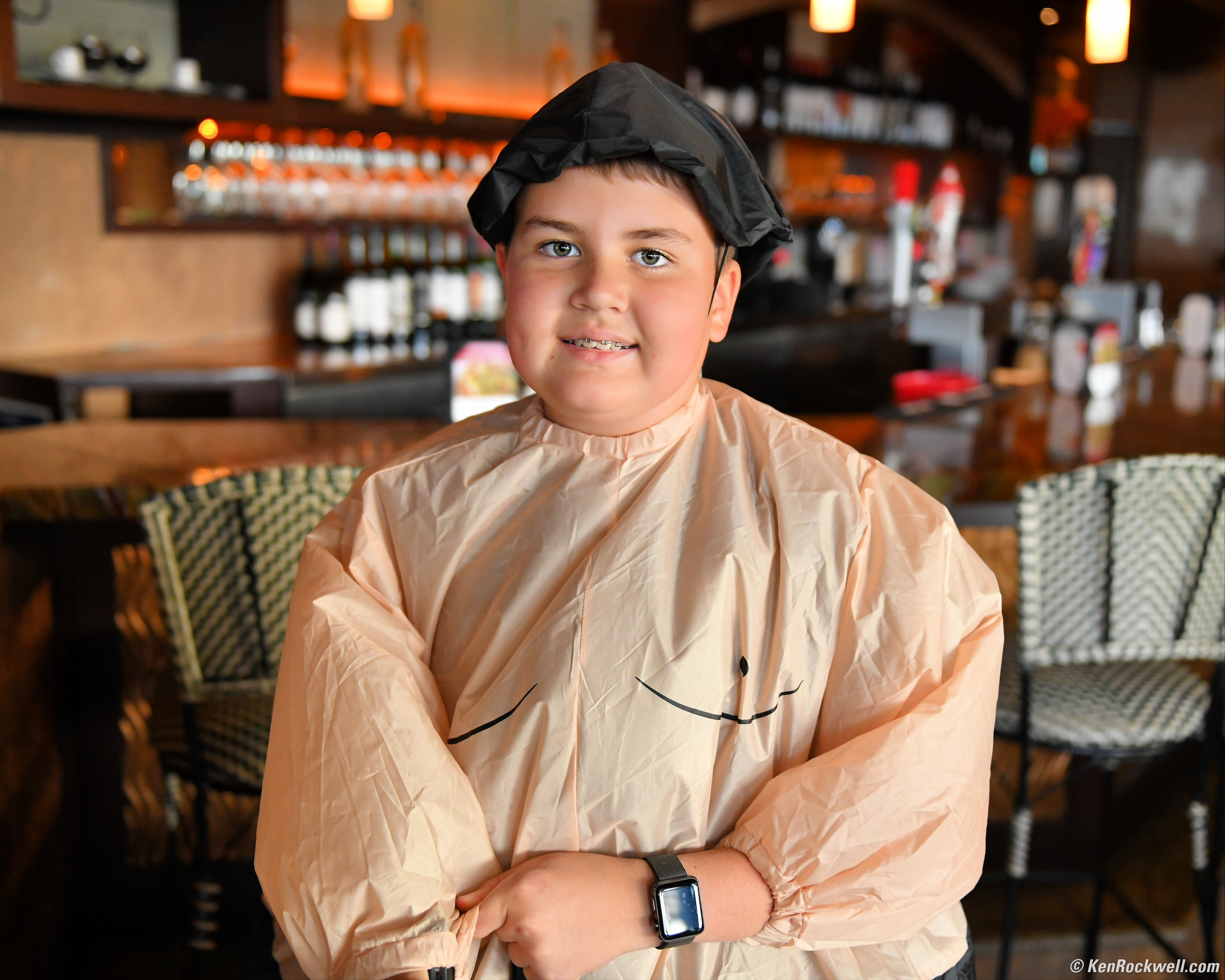
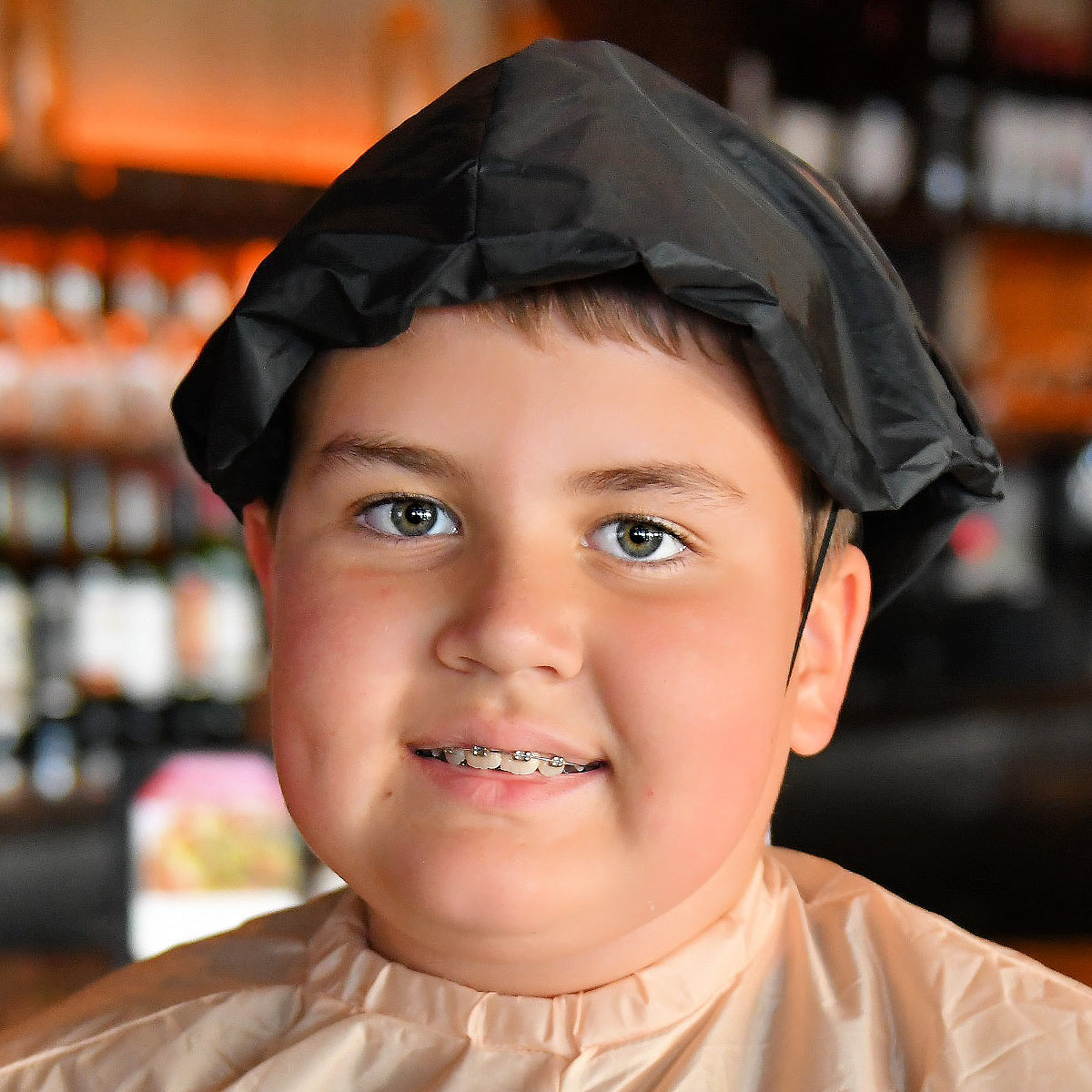
Ryan in his Sumo costume, 31 October 2017. (Nikon D850, Nikon 24-70mm f/2.8G at 36mm at f/2.8 at 1/250 at Auto ISO 2,000, Perfectly Clear.) bigger, bigger face or full-resolution file to explore on your computer (mobile devices rarely can display the full resolution files properly).
1200 x 1200 pixel crop from above at 100%. If this is 6" wide on your screen, the complete image would print at 14 x 17." If this is 12" wide on your screen, the complete image would print at 28 x 35!" bigger face or full-resolution file to explore on your computer (mobile devices rarely can display the full resolution files properly).
Fantastic! Even at ISO 2,000 it's sharp, clean and colorful in available indoor light. Bravo!
ISO 4,500
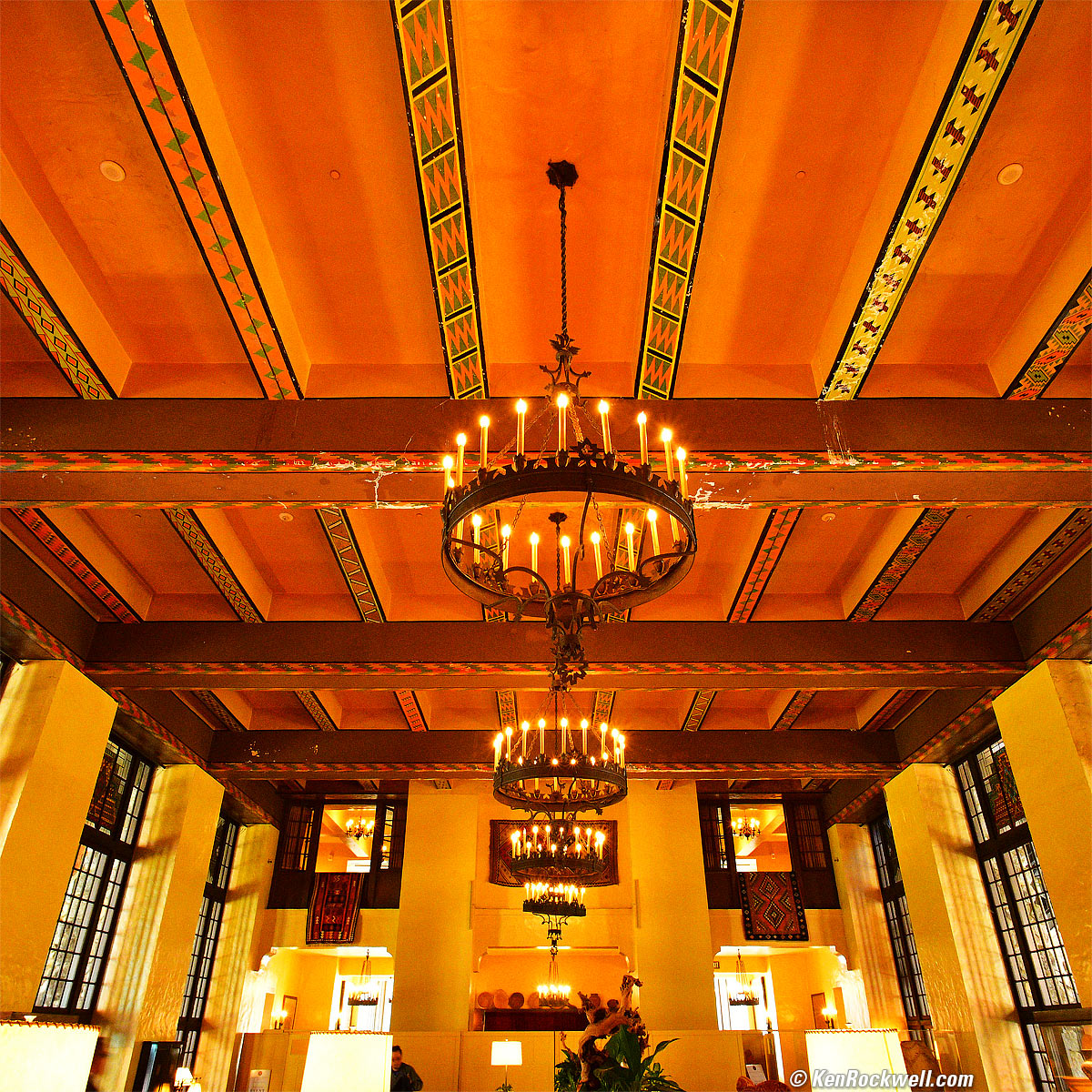
Ahwahnee Hotel Interior, Yosemite Valley, October, 2017. Nikon D850 in 1:1 crop mode, Nikon 18mm f/2.8 AF-D, f/11 hand-held at 1/10 at Auto ISO 4,500, Perfectly Clear v3.5. bigger.
ISO 6,400
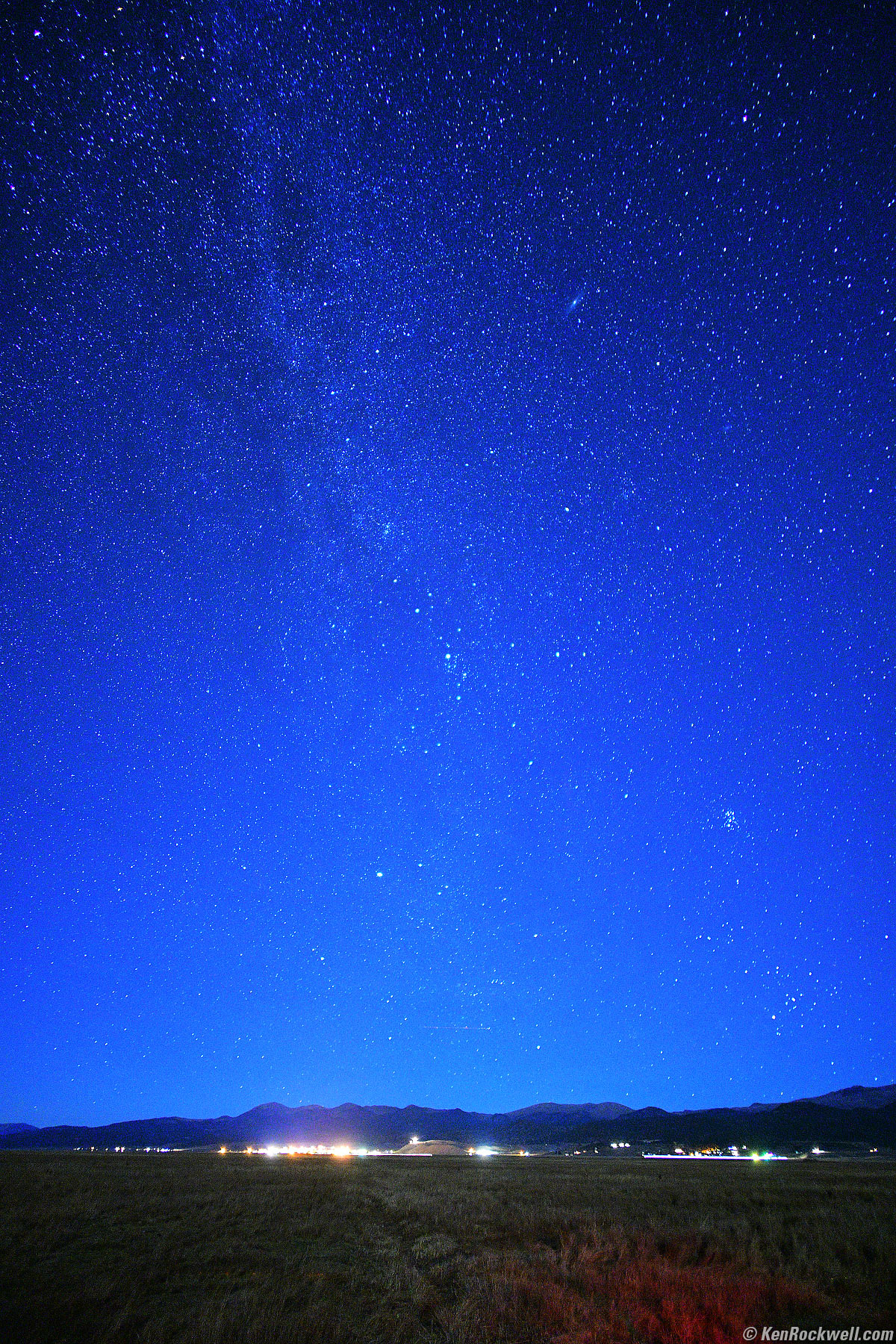
Bridgeport under Starlight, October, 2017. Nikon D850, Nikon 18mm f/2.8 AF-D, f/2.8 for 30 seconds at ISO 6,400, Perfectly Clear v3.5. bigger.
ISO 10,000
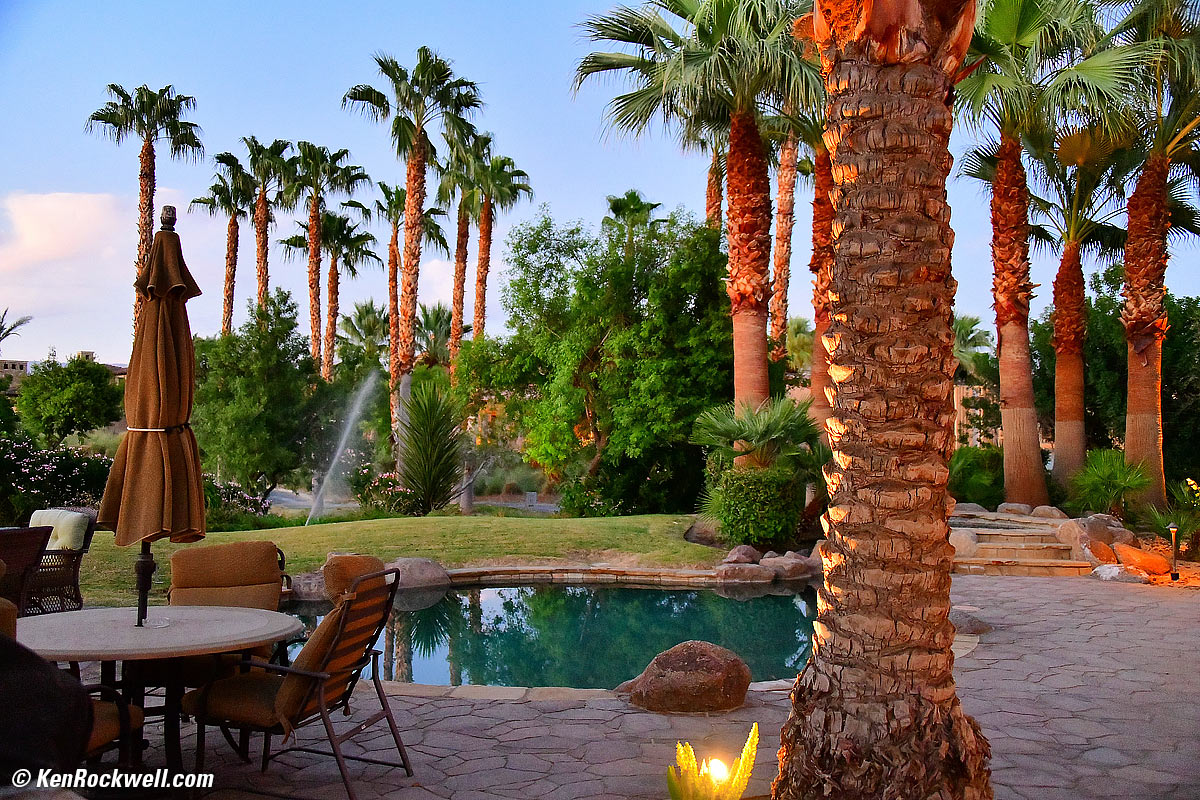
Day turns to Night in the Desert, 26 September 2017, 6:59 PM. Nikon D850, Nikon 28-300mm VR at 35mm, 1/20 hand-held at f/3.8 at ISO 10,000. bigger (only the palm in the foreground is in focus).
The D850 captures extraordinary tone and color under any lighting condition. Bravo!
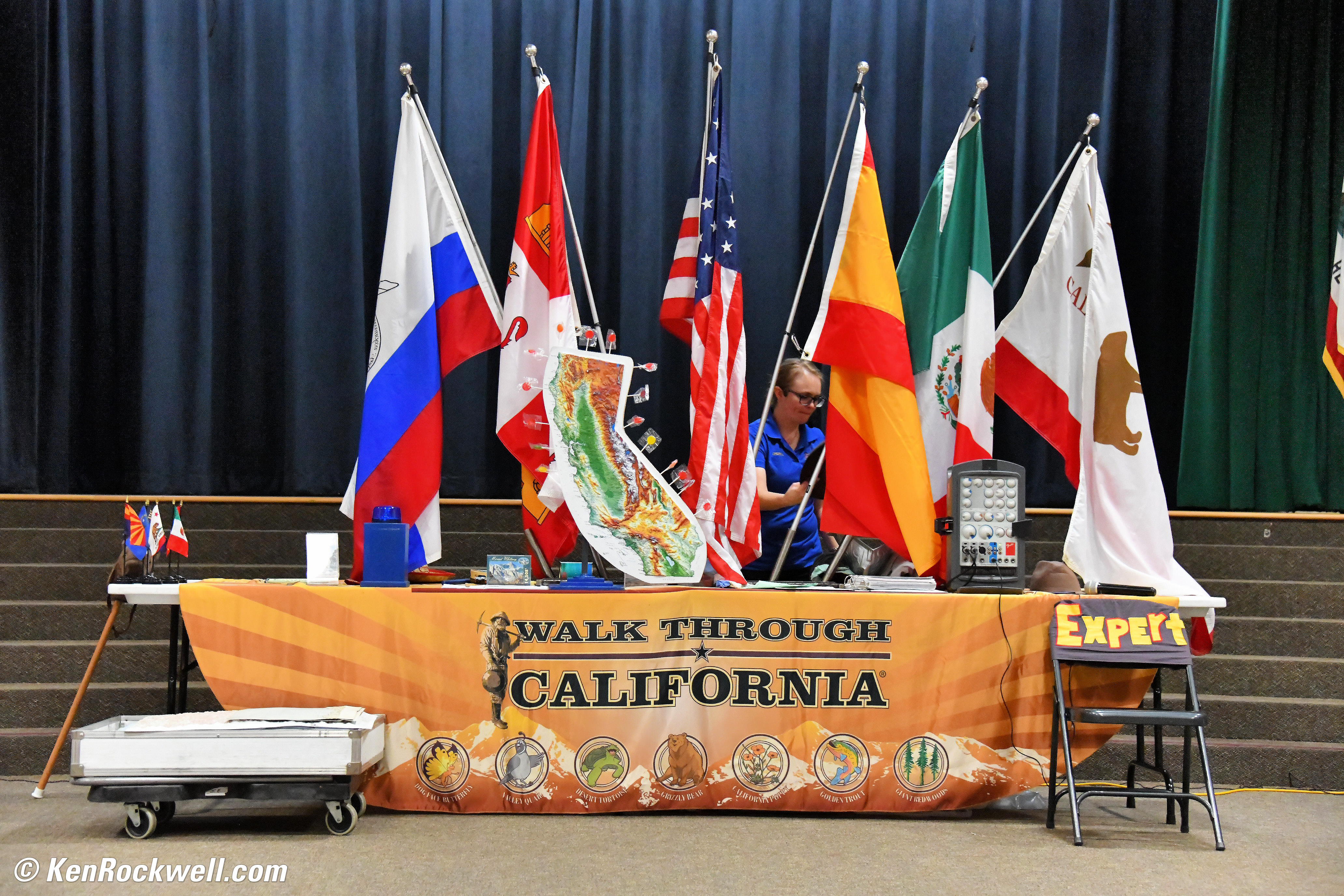
Indoor shooting under dim fluorescent light, 18 October 2017. Nikon D850, Nikon 28-300mm VR at 72mm at f/5 at 1/125 at Auto ISO 10,000, Perfectly Clear. bigger or full-resolution file to explore on your computer (mobile devices rarely can display the full resolution files properly).)
Low-light quality is so good I can use my convenient, slow Nikon 28-300mm f/3.5-5.6 VR in dim light instead of having to haul the big 70-200/2.8 FL.

Introduction top
Sample Images Intro New Good Bad Missing
Lens Compatibility Specs USA Version
Unboxing Accessories Performance
Compared Usage Recommendations More

I buy only from these approved sources. I can't vouch for ads below. |



The Nikon D850 is Nikon's top technical performance camera of all time. It's the best Nikon ever for nature, landscapes and portraits with its extraordinary technical performance, and especially great for long exposures with its vibration-free shutter mode and native Time Exposure mode and for night shooting with its light-up buttons.
My D850 is astonishing in how it can shoot with a slow lens under dim light at insane ISOs like 10,000, and still give images just about as clean, sharp and colorful as images shot in daylight at ISO 64!
It has the highest performance image sensor of any camera to date — but laboratory performance alone doesn't make a perfect camera.
The D850 replaces 2014's old D810, adding the hot-rod AF system from the D5 and adding more speed, more resolution, Bluetooth and WiFi, but removes the D810's built-in flash.
The D850 also adds a flipping touch-screen LCD, a new rear thumb-nubbin controller and the ability to shoot under flickering artificial light as often found in sports arenas.
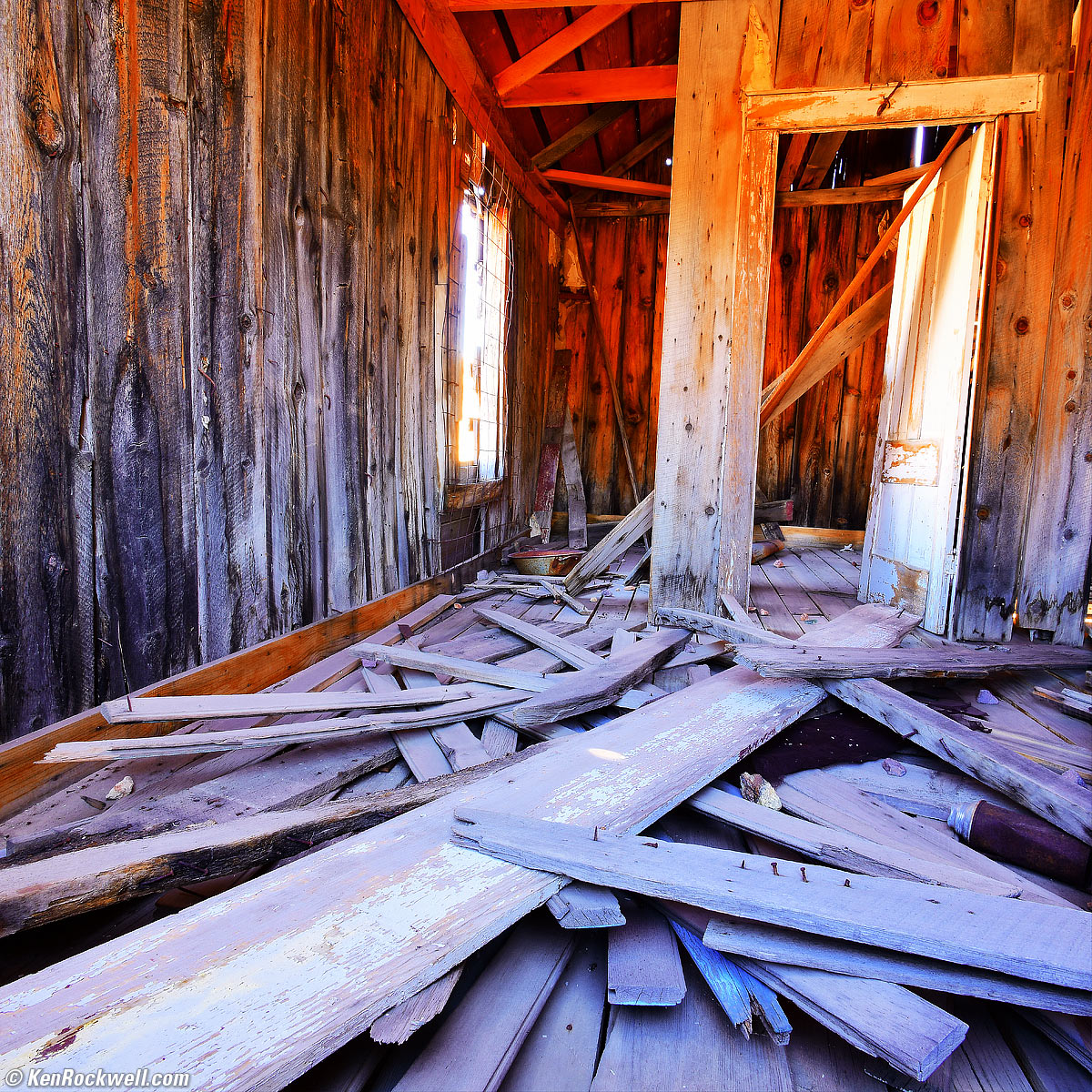
Big Mess of Wood in Bodie, October, 2017. Nikon D850 in 1:1 crop mode, Nikon 18mm f/2.8 AF-D, f/16 hand-held against a window ledge for three seconds at ISO 64, Perfectly Clear v3.5. bigger.
I've gotten two D850s from B&H. I'd also get it at Adorama, or used at eBay if you know How to Win at eBay, or get it used at KEH, or try getting it used through Amazon.
New since the D810 intro top
 45MP back-side Illuminated (BSI) CMOS sensor.
Same hot-rod AF system as the D5 and D500.
No more AF illuminator; not needed with the new AF system.
7 FPS; 9 FPS with battery grip.
WiFi.
Bluetooth Low Energy (BLE).
The second card slot is now XQD, not CF as it was on the D810. (First slot remains SD.)
New thumb-nubbin rear controller.
New programmable rear Fn2 button — very handy!
New Square (1:1) as-shot crop mode, in addition to the D810's 4:5, 1.2x ad DX crop modes.
Ability to shoot under flickering fluorescent, sodium, metal halide and dimmed LED lighting. (has to be enabled at MENU > PHOTO SHOOTING (Camera) Flicker reduction > ON.)
Flipping 3.2" touch LCD.
New Silent Front Curtain Shutter mode that, along with the Exposure Delay mode, finally allows vibration free shooting with no need for mirror prerelease foolishness or even a cable release. No more cable releases needed! Yay! See Usage for how to do this.
New "Natural Light" Auto White balance setting, so there are now for four different Auto White Balance settings.
New "Auto" Picture Control setting that analyzes each shot, figures out what the best Picture Control settings might be, and applies them.
3 image sizes settable for RAW, JPG or TIFF images: Large (45.4 MP), Medium (25.6 MP) and Small (11.4 MP). Especially with raw images, this greatly reduces file size while preserving raw quality, and the 25 MP and 11 MP settings result in sharper images than if shot directly on cameras with that lower resolutions because starting with 45 MP largely or completely eliminates Bayer interpolation.
Can batch process RAW files in-camera.
0.75× viewfinder magnification, highest ever in a Nikon DSLR.
Basic radio-controlled flash mode like the D5 and D500 with the optional SB-5000 flash and WR-A10 and WR-R10 adapters.
Improved 1,840 shots or 70 minutes of video battery life (CIPA) — but this could just be because there's no more built-in flash which is part of the CIPA battery life test cycle.
Focus bracketing ("Focus Shift") for up to 300 sequential shots. Put your D850 on a tripod and you can program it to make many shots at different focus distances. It can't process these in-camera for pan-focus; you'll have to composite these images in your computer with your own software.
Full-frame 16:9 (20 × 36mm) 4K/23.976 and 29.97 UHD video.
New electronic-shutter intervalometer option lets you make very long sequences (think time-lapse) without noise, vibration or wear, and along with Live View lets the D850 set automatic exposures long enough for night-sky shooting.
1,080/120p slo-mo.
Uncompressed live 4:2:2 8-bit 4K UHD output via HDMI for an external recorder, and can record to a card at the same time.
New audio input attenuator. (has built-in stereo mic, headphone and mic jacks just like D810.)
Silent electronic shutter in Live View only.
Live-View focus peaking and zebra stripes.
MODE and ISO top buttons swap positions from their locations on the D810.
The flash mode and flash exposure compensation button that was near the D810's prism goes away since there's no built-in flash. These two functions are now piggybacked on the rear (-)/▚ (reduce size) button.
Film scanner mode with optional ES-2 film digitizing adapter and a Nikon 1:1 macro lens. Can scan negatives, too!
Some illuminated buttons, a huge benefit for night shooting:
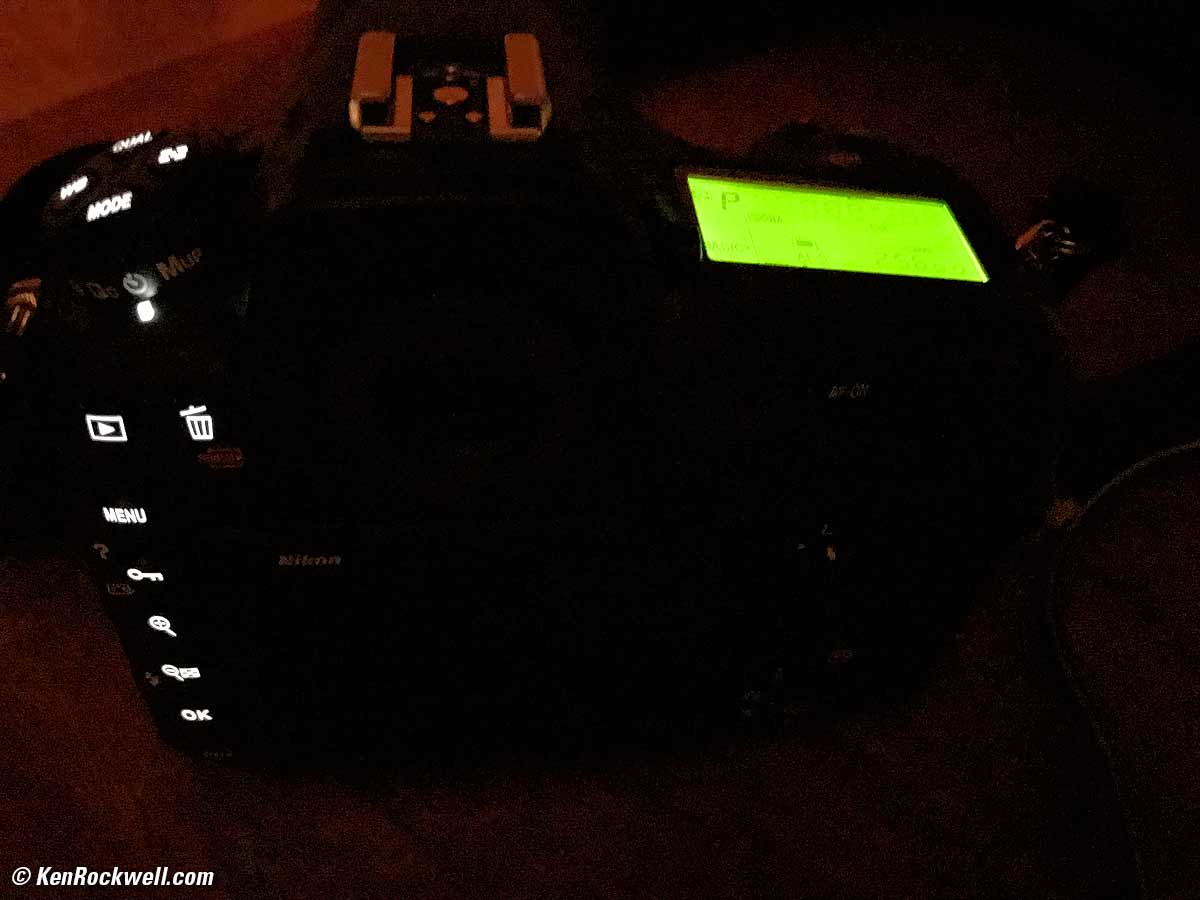
Nikon D850 lit buttons. bigger.
Good intro top
 Flawless image quality. Images look fantastic in any light. This isn't 2003 anymore; with each generation the pictures just look better, and D850 images look better than from any previous Nikon — maybe better than anything digital, period.
No more need for expensive fast lenses in low light. I shoot my f/3.5~5.6 28-300mm VR in any light and it looks great even at 5-digit ISOs.
Super-bright LCD looks great outdoors and doesn't wash out when set to +5 brightness.
Marvelously smooth and quiet shutter when used in the very functional Quiet modes.
In-camera 1.2x, DX, 5:4 and 1:1 square crop modes, with your choice of viewfinder crop lines or grayed-out crop areas (see Usage).
Illuminated buttons.
"Time" exposure mode allows exposures of any duration, without a cable release! See Usage for how to do this.
Bad intro top
 No camera-state presets, just the same clumsy "settings banks" Nikon has used since 2003. The lesser cameras (D750 and down) are better here as they have two mode-dial settings, U1 and U2, that let us recall complete sets of camera settings with just one click.
Missing intro top
 No more built-in flash. Regardless of the D850's great low-light abilities, we still need fill-flash for artistic reasons when photographing people in any light to keep faces bright with catchlights in the eyes.
No more CF slot, replaced with an XQD slot.
No more AE-L/AF-L rear button: replaced by the new thumb nubbin. (I program my AF-ON button to do the same thing as the AE-L/AF-L button did at MENU > CUSTOM (pencil) > f1 Custom Control assignment > AF-ON.)
No GPS - but if you can get SnapBridge to work, it will add GPS location data to your photos as read from your phone.
No MODE dial (no U1, U2 or U3 instant camera-state recall modes, either).
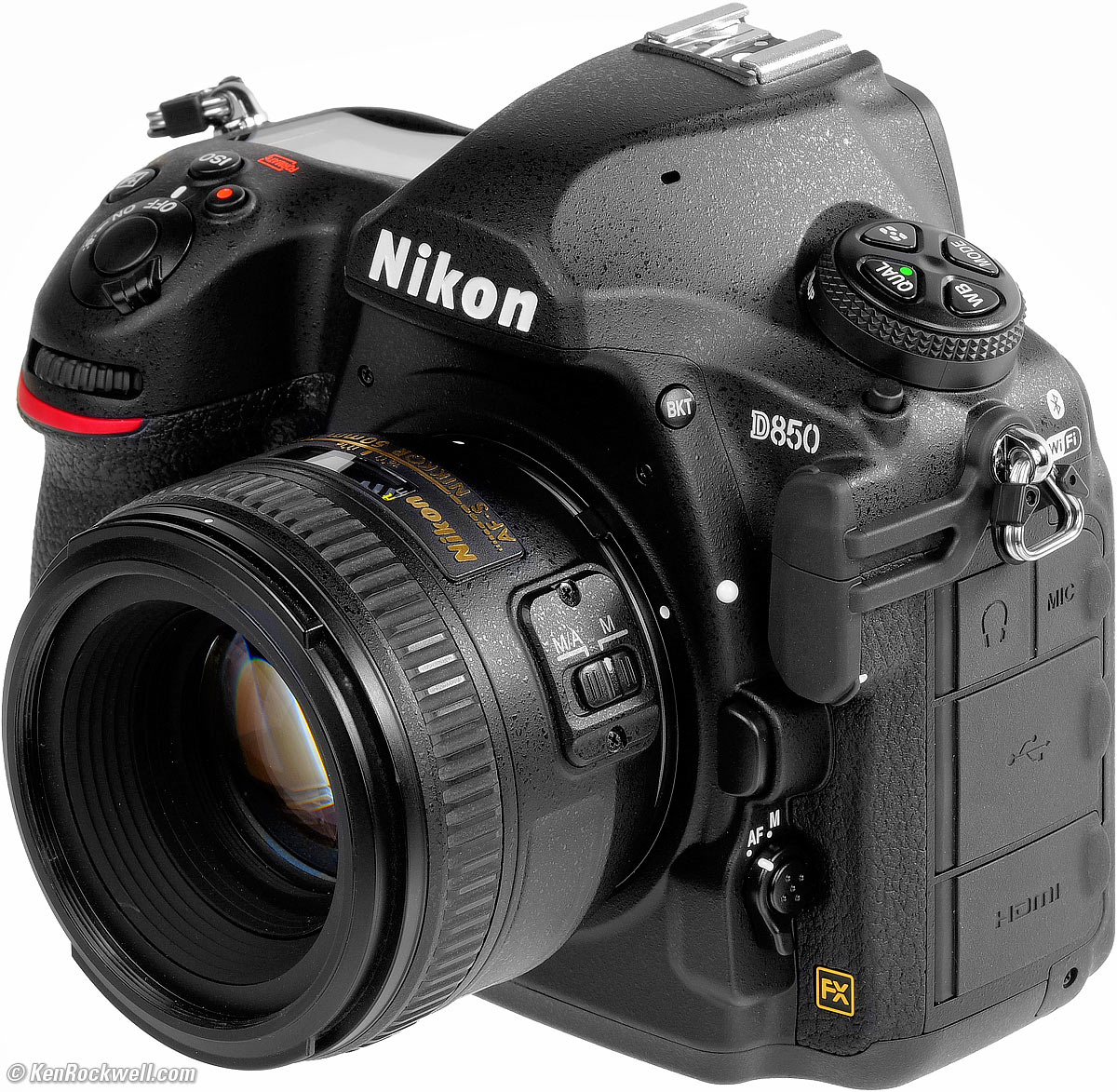
Nikon D850 and 50mm f/1.4G. bigger.
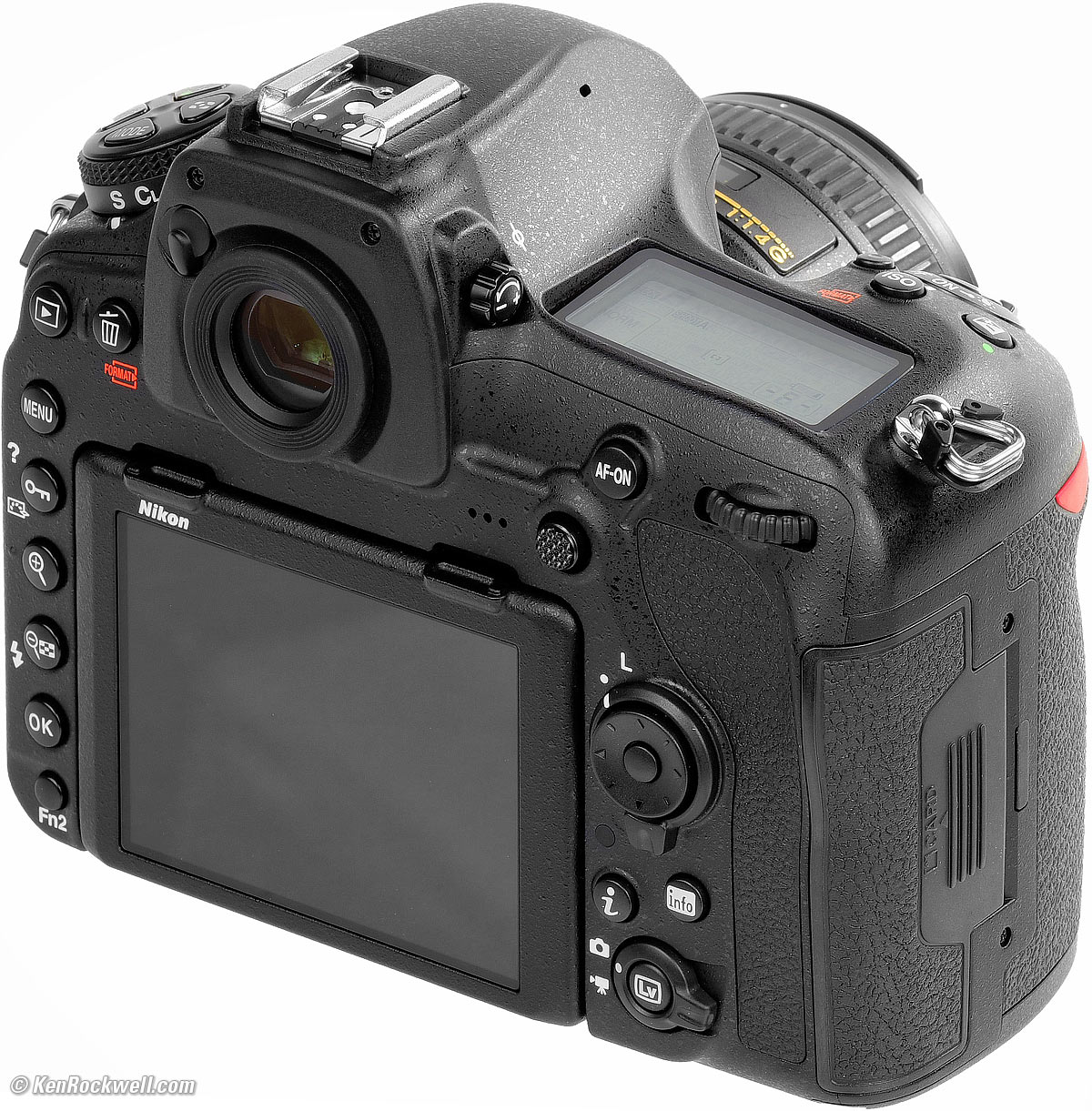
Nikon D850. bigger.
Lens Compatibility top
Sample Images Intro New Good Bad Missing
Lens Compatibility Specs USA Version
Unboxing Accessories Performance
Compared Usage Recommendations More
I've gotten two D850s from B&H. I'd also get it at Adorama, or used at eBay if you know How to Win at eBay, or get it used at KEH, or try getting it used through Amazon.
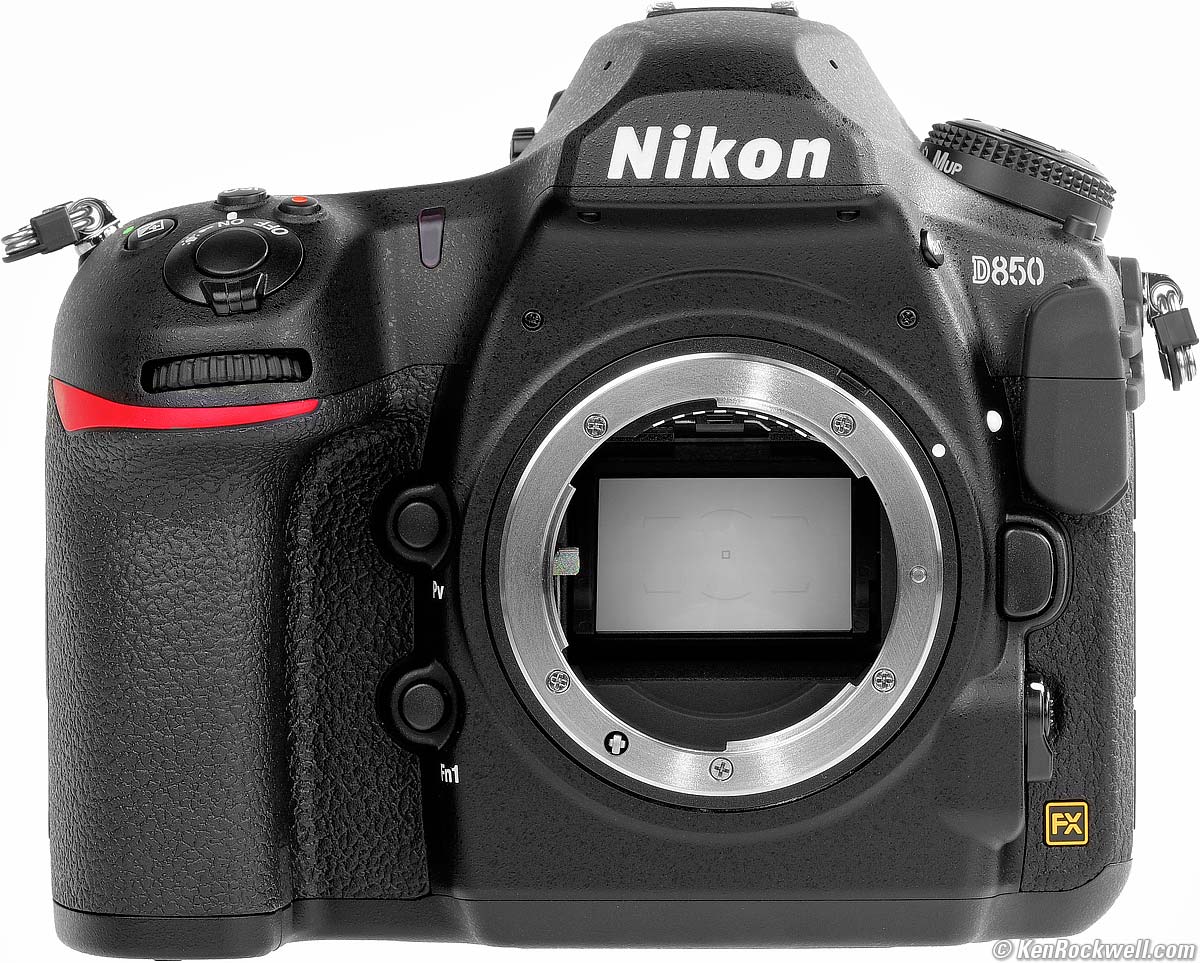
Front, Nikon D850. bigger.
With an in-camera AF motor and an aperture-ring feeler, the D850 is compatible with all the usual AF and AF-S lenses back to the 1980s, and manual-focus AI and AI-S lenses back to the 1970s.
It's perfectly compatible with the newest AF-P lenses as well as the old AF-I lenses.
It works with DX lenses, and automatically crops to the central part of its sensor (and shows a smaller frame in the finder) to give 19MP DX shots.
Many say that Nikon's greatest lenses are in its past, and for those, pretty much any Nikon lens ever made can work great on your D850, and give better results than it ever could have back on film.

Nikon's best camera with one of Nikon's best lenses: the D850 and 58mm f/1.2 Noct-NIKKOR. bigger.
Nikon says:
Compatible with AF NIKKOR lenses, including type G, E and D lenses (some restrictions apply to PC lenses), and DX lenses [using DX (24x16) image area], AI-P NIKKOR lenses, and non-CPU AI lenses (exposure modes A and M only. IX-NIKKOR lenses, lenses for the F3AF, and non-AI lenses cannot be used The electronic rangefinder can be used with lenses that have a maximum aperture of f/5.6 or faster (the electronic rangefinder supports 15 focus points with lenses that have a maximum aperture of f/8 or faster, of which 9 points are available for selection). AF-S or AF lenses fully compatible. Metering with AI lenses. |
More at Nikon Lens Compatibility, specifically the DSLR section.
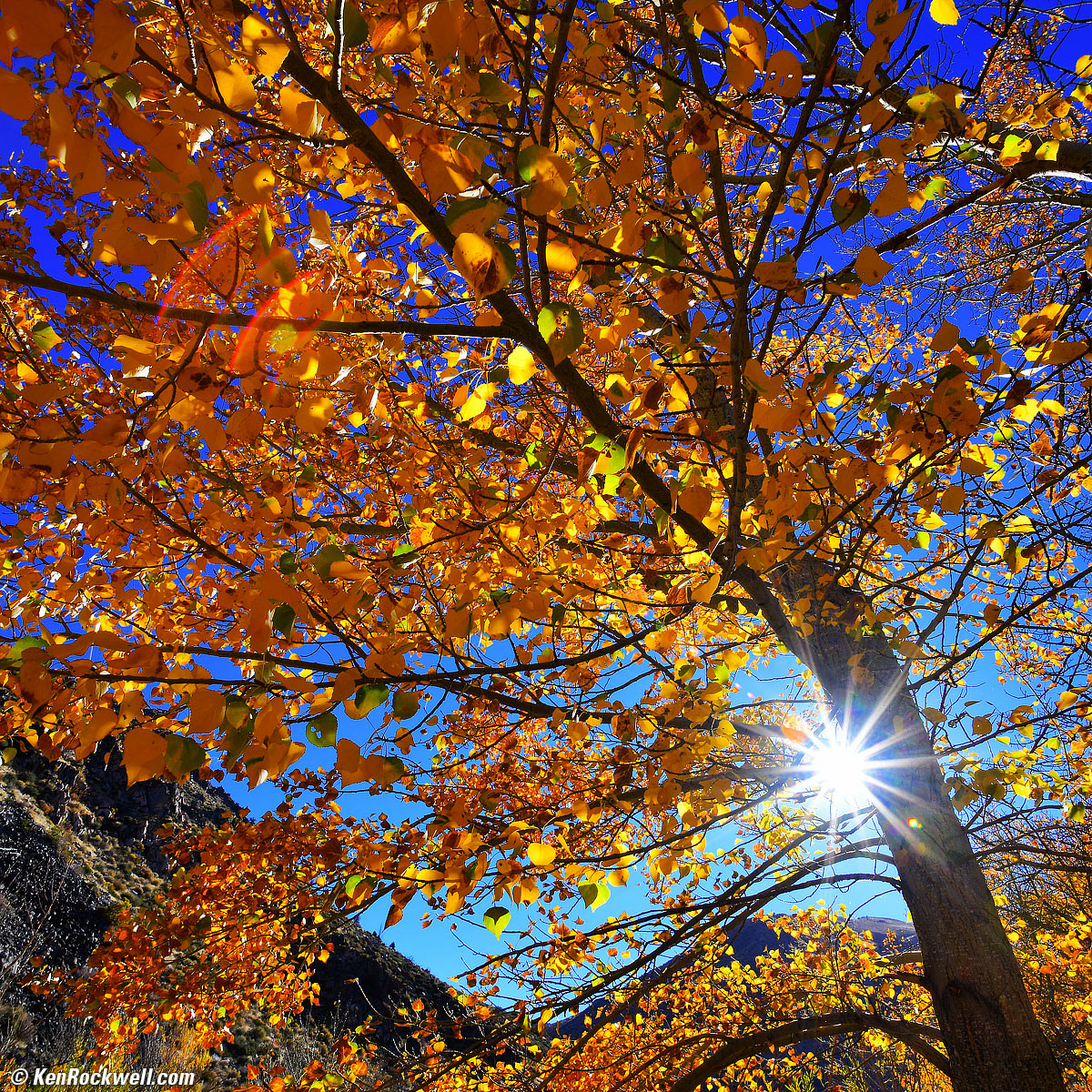
Sunstar and Golden Leaves, October, 2017. Nikon D850 in 1:1 crop mode, Nikon 18mm f/2.8 AF-D, f/16 hand-held at 1/40 at Auto ISO 64, Perfectly Clear v3.5. bigger.
Specifications top
Sample Images Intro New Good Bad Missing
Lens Compatibility Specs USA Version
Unboxing Accessories Performance
Compared Usage Recommendations More
I've gotten two D850s from B&H. I'd also get it at Adorama, or used at eBay if you know How to Win at eBay, or get it used at KEH, or try getting it used through Amazon.
Frame Rates & Advance Modes
CH mode: 7 FPS at full resolution. (up to 9 FPS at full resolution with optional MB-D18 battery grip and EN-EL18a/b battery.)
CL mode settable as low as 1 FPS.
Quiet (Q) and Quiet Continuous (QC) mode at 3 FPS.
Silent Live View electronic shutter: up to 6 fps with locked focus and exposure at full resolution; up to 30 FPS in 8MP DX mode.
Buffer (Burst) Sizes
51 frames of 14-bit lossless RAW
or
170 frames of 12-bit lossless RAW.
Image Sensor
45.44 MP.
23.9 × 35.9 mm Back-Side Illuminated CMOS.
Ultrasonic cleaner.
No anti-alias (optical low-pass) filter.
Image Sizes (JPG, TIFF & RAW)
8,256 × 5,504 pixels native Large (45.44 MP).
6,192 × 4,128 Medium (25.5 MP).
4,128 × 2,752 Small (11.3 MP).
Cropped Image Sizes
20 × 30mm (1.2x crop)6,880 × 4,584 Large (31.5 MP).
5,152 × 3,432 Medium (17.6 MP).
3,440 × 2,288 Small (7.8 MP).
4:5 crop (24 × 30mm)
6,880 × 5,504 Large (37.8 MP).
5,152 × 4,120 Medium (21.2 MP).
3,440 × 2,752 Small (9.4 MP).
Square crop (24 × 24mm 1:1)
5,504 × 5,504 Large (30.2 MP).
4,128 × 4,128 Medium (17.0 MP).
2,752 × 2,752 Small (7.5 MP).
DX crop (16 × 24mm)
5,408 × 3,600 Large (19.4 MP).
4,048 × 2,696 Medium (10.9 MP).
2,704 × 1,800 Small (4.8 MP).
16:9 crop (shot during FX movie recording)
8,256 × 4,640 Large (38.3 MP).
6,192 × 3,480 Medium (21.5 MP).
4,128 × 2,320 Small (9.5 MP).
16:9 crop (shot during DX movie recording)
5,408 × 3,040 Small (16.4 MP).
4,048 × 2,272 Medium (9.1 MP).
2,704 × 1,520 Small (4.1 MP).
ISO
ISO 64 ~ 25,600; ISO 64 is optimum.
As low as ISO 32 and as high as ISO 102,400 in push and pull modes.
Still Formats
sRGB and Adobe RGB color spaces.
NEF Raw
12 or 14 bit.
Uncompressed, losslessly compressed or compressed
Large, medium or small image sizes. Medium and small images are fixed at 12 bits, lossless compression.
Also can record JPG along with NEF.
JPEG
FINE, NORMAL or BASIC compression levels.
LARGE, MEDIUM or SMALL image sizes.
Two settings; constant size or constant quality.
Also can record NEF along with JPG.
RGB TIFF
Video
Maximum take length
29:59 (a half hour) maximum take length.
The D850 may split long takes into as many as 8 different 4GB files if there's that much data.
Frame Sizes and Rates
8K Time Lapse
See Intervalometer.
3,840 × 2,160 (4K UHD )
29.97p, 25p or 23.976p.
1,920 × 1,080
59.94p, 50p, 29.97p, 25p or 23.976p
4× slow-motion (overcrank) shot at 119.88 or 100 FPS and then stored as 29.97p or 25p.
5× slow-motion (overcrank) shot at 95.904 FPS and then stored as 23.976p.
1,280 × 720
59.94p or 50p.
Data Encoding Formats
H.264/MPEG-4 video and PCM or AAC audio.
Selectable quality levels at the regular 1,080p and 720p rates.
Only high quality at 4K and only normal quality in slow-mo/overcrank.
File Storage Formats
.MOV and .MP4
Audio
Linear PCM or AAC format recorded only along with video.
Stereo microphones built in.
3.5mm Mic-in jack with plug-in power overrides built-in mic.
3.5mm Headphone jack.
Autofocus
Same system as the D5 and D500:
Works down to LV -4, which is full moonlight on sand.
55 selectable points.
Of these selectable 55 points, 35 are cross-type and 9 work with lens combinations as slow as f/8.
153 total AF points are hidden under the hood, but you can't select all these manually; you only can select 55 of them.
99 of these 153 hidden sensors are cross-type.
15 of these 153 hidden sensors work with f/8 lens combinations.
Face-Priority AF; should automatically find faces and focus on them.
Multi-CAM 20K AF sensor module.
Light Meter
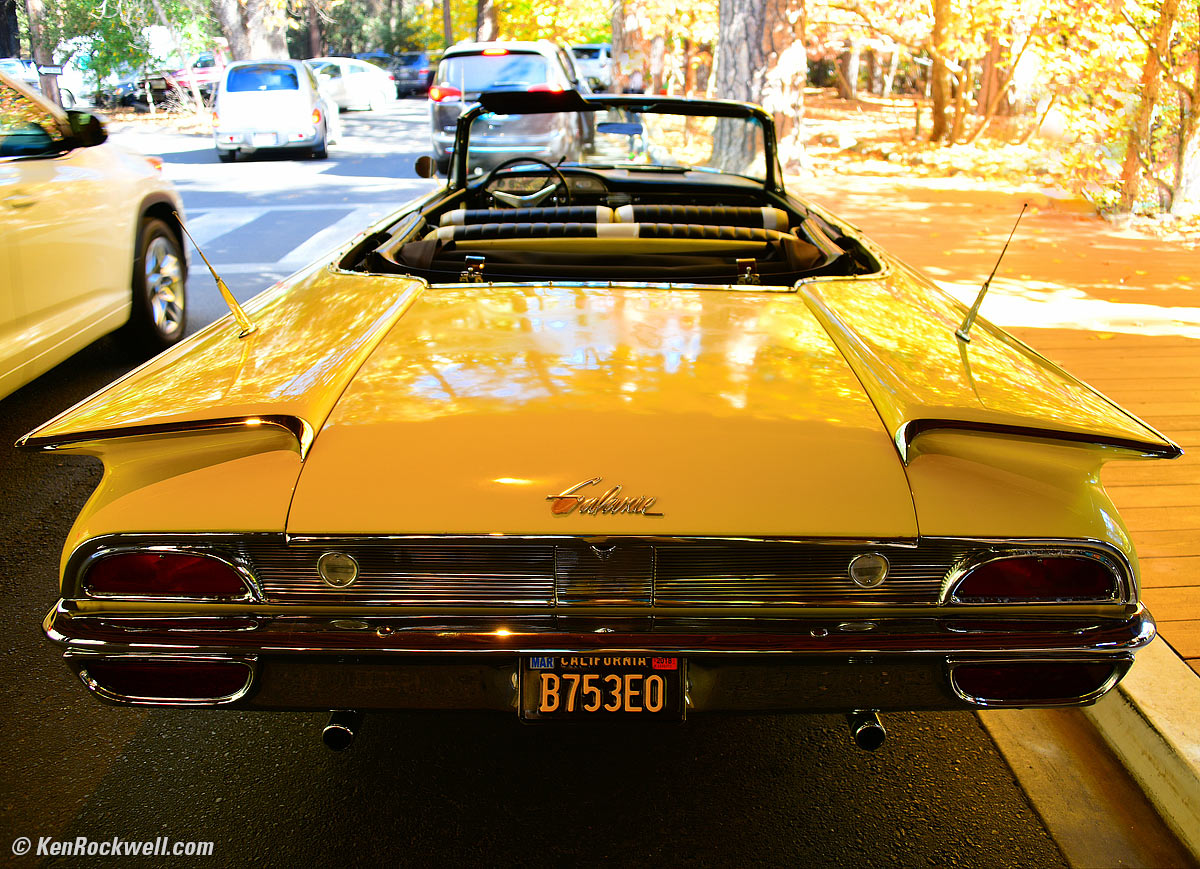
Yellow Ford Galaxie in Fall Color, Yosemite Valley, October 2017. Nikon D850, Nikon 28-300mm VR at 28mm at f/3.5 hand held at 1/15 at Auto ISO 64, Perfectly Clear v3.5. bigger.
TTL exposure metering with 180,000 pixel RGB sensor.
3D Color Matrix, 75% Center-Weighted to 8,12, 15 or 18mm spot, 4mm (1.5%) Spot on selected focus point and optional highlight-weighted metering.
Metering Range with f/1.4 lens
Matrix and Center-Weighted: LV -3 ~ +20.
Spot: LV +2 ~ +20.
Highlight-Weighted: LV 0 ~ 20 EV.
My experience has shown that Nikons always meter to much lower levels in auto exposure than rated, which is great.
Finder
100% coverage.
0.75× magnification with 50mm lens.
17mm eyepoint.
-3 ~ +1 diopters.
Type B BriteView Clear Matte Mark VIII with AF Area Brackets.
Selectable grid lines.
Shutter
Mechanical Shutter
1/8,000 ~ 30 seconds, Bulb and Time modes.
Optional front-curtain electronic shutter mode to eliminate vibration (MENU > CUSTOM SETTINGS (pencil) > d6 Electronic front-curtain shutter), but if you select this it only works up to 1/2,000 and not at all ISOs.
Silent Electronic Shutter
Optional, but only in Live View mode.
New silent option lets the D850 capture loads of images without mechanical shutter wear.
Use silent and exposure smoothing modes to let you shoot day-into-night time-lapses with automatic exposures for each frame. In this mode the D850 can meter exposures to much less than LV -3.
In-camera RAW batch-processing lets you shoot and save RAW images, and also let the camera convert them all to another format for faster work if making them into a time lapse later.
While Nikon's earlier PR suggested 8K time-lapse ability, in fact all the D850 does is shoot frames at its usual still resolution (which is more than 8K), but you then have to assemble these frames into time-lapse movie files using your own software on your own computer.
Remote Releases
Use the SnapBridge app from your phone for remote control.
It also has a ten-pin terminal for the MC-30A or MC-36A remote cords, ML-3 modulite remote control sets, WR-R10 (requires WR-A10 adapter) or WR-1 wireless remote controllers.
Flash
1/250 sync speed.
Auto FP high-speed sync mode, too.
Built-in Flash
NONE.
External Flash
Dedicated hot shoe.
Standard PC (Prontor-Compur) flash sync terminal.
Basic radio-controlled flash mode like the D5 and D500 with the optional SB-5000 flash and WR-A10 and WR-R10 adapters.
LCD Monitor
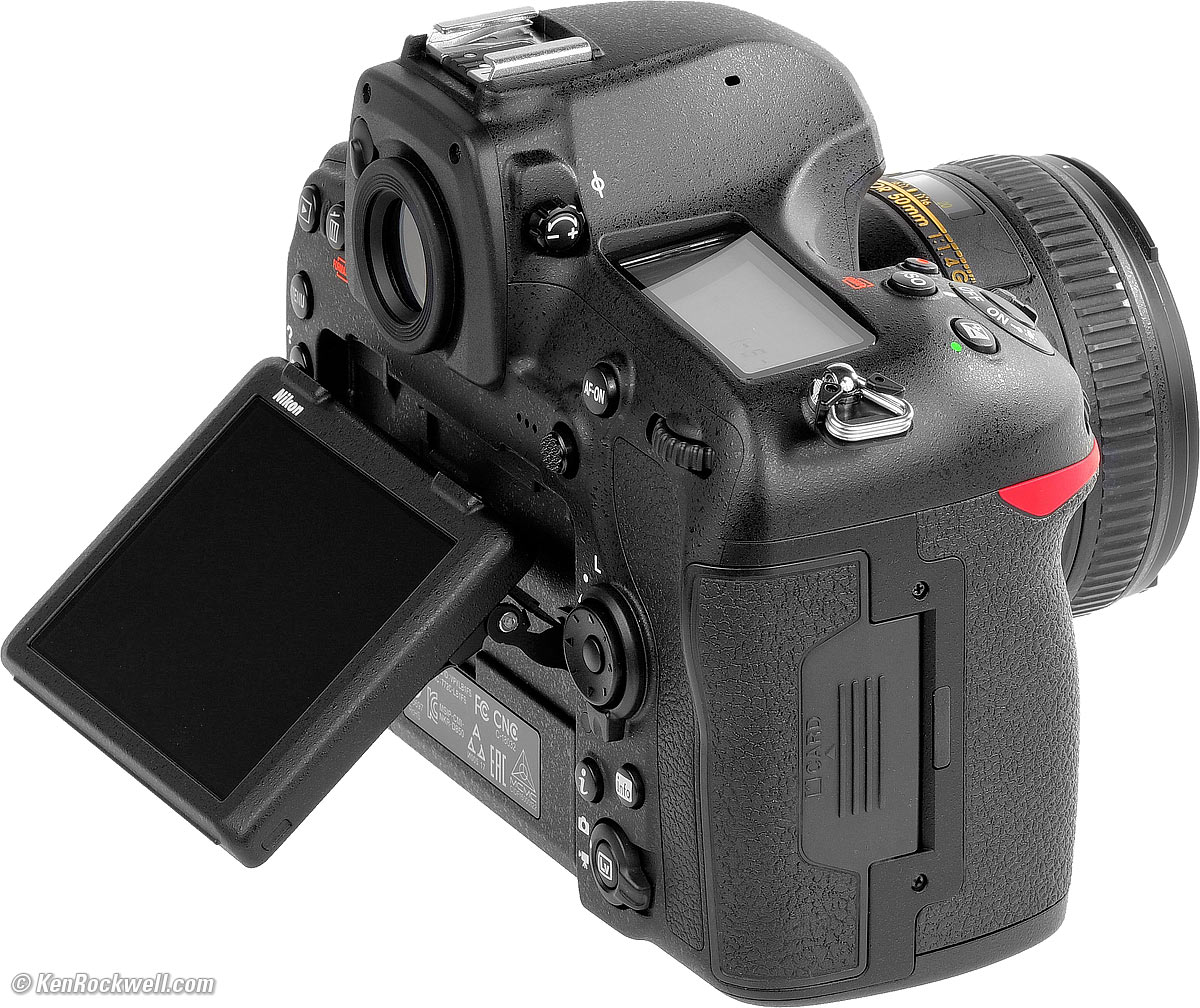
Flipping LCD, Nikon D850. bigger.
Flipping touch screen. Pivots up and down, but not left or right.
3.2" (81 mm) diagonal.
2,359,000 dots.
4:3 aspect ratio.
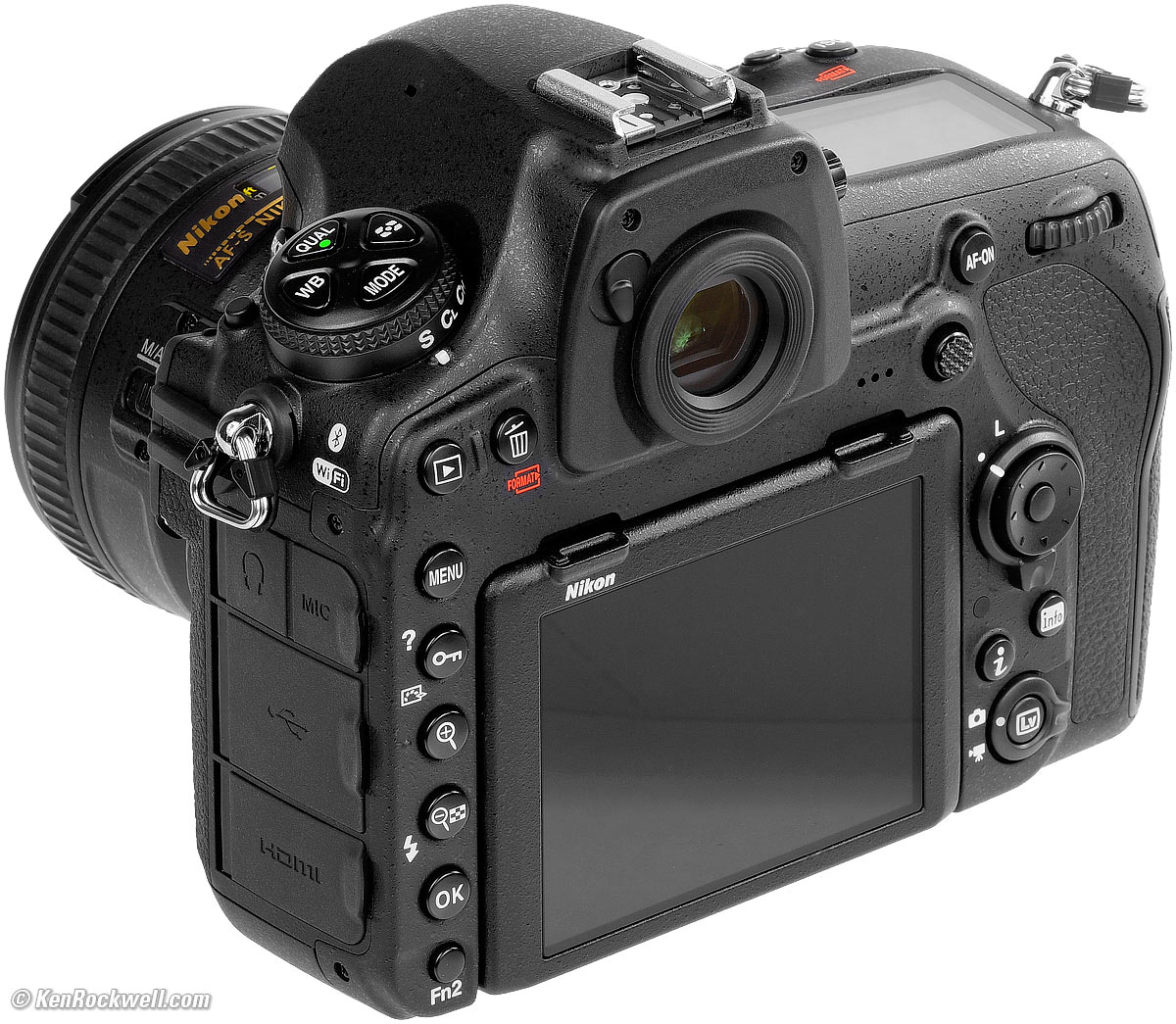
Nikon D850. bigger.
Connectors
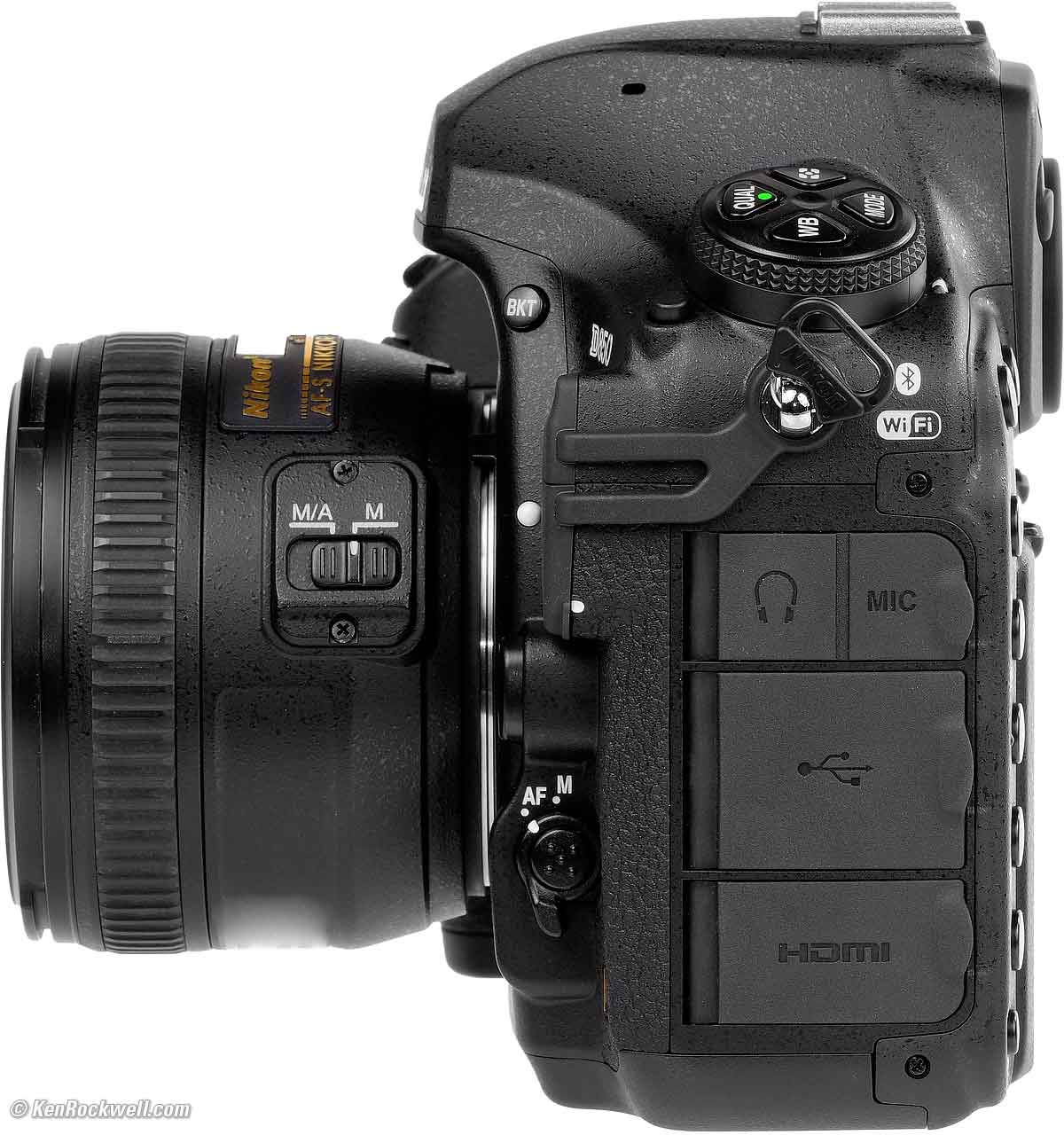
Left side, Nikon D850 and 50mm f/1.4G. bigger.
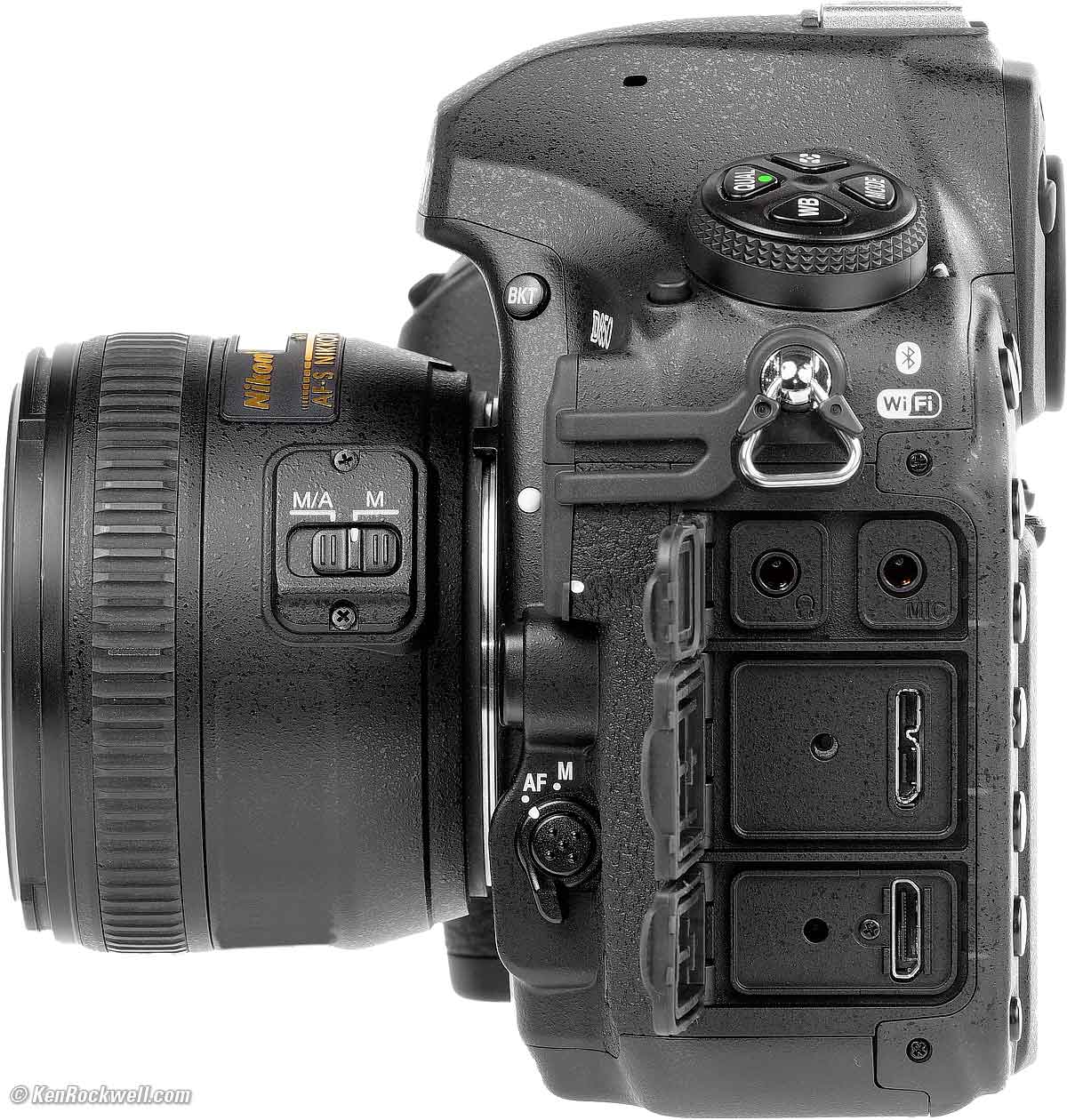
Left side, ports open, Nikon D850 and 50mm f/1.4G. bigger.
3.5mm mic-in.
3.5mm headphone.
Mini-HDMI type C.
Micro-B USB 3.0.
Ten-pin remote terminal for MC-30A or MC-36A remote cords, ML-3 modulite remote control sets, WR-R10 (requires WR-A10 adapter) or WR-1 wireless remote controllers, or GP-1/ GP-1A GPS.
WiFi
IEEE 802.11b or g.
2,412 ~ 2,462 MHz (channels 1 ~ 11).
8.5 dBm EIRP maximum.
Open system WPA2-PSK authentication.
Bluetooth
Version 4.1
Bluetooth Low Energy.
2,402 ~ 2,480 MHz.
Storage
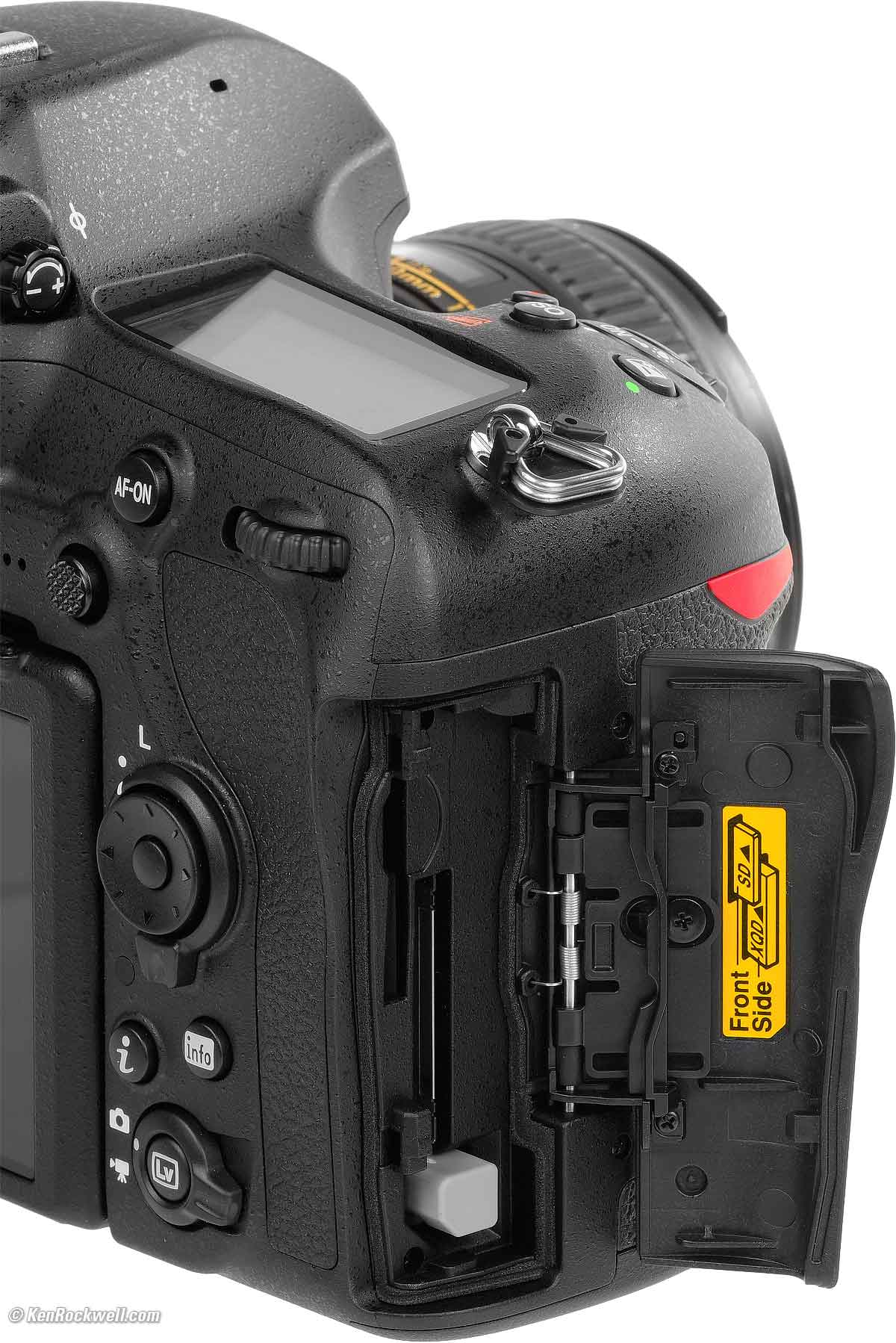
Nikon D850. bigger.
One SD and one XQD slot (no CF slot).
Body
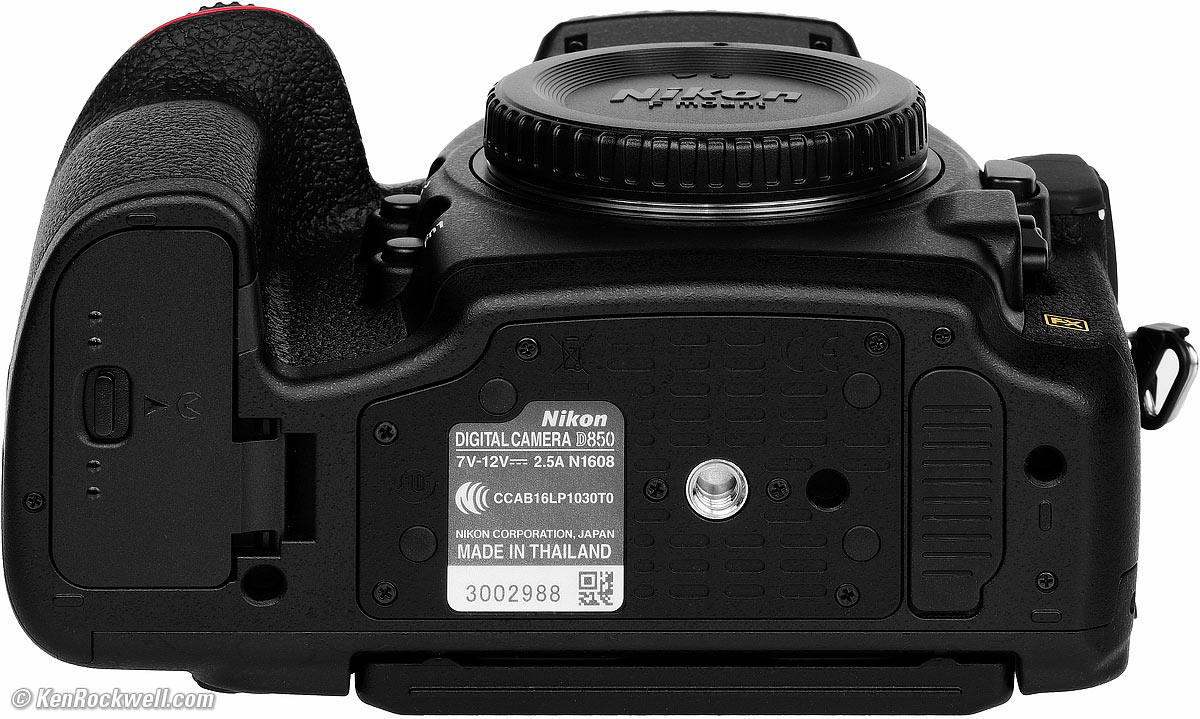
Nikon D850. bigger.
Weather-sealed magnesium alloy body.
Quality
Made in Thailand.
Power & Battery
EN-EL15a Battery
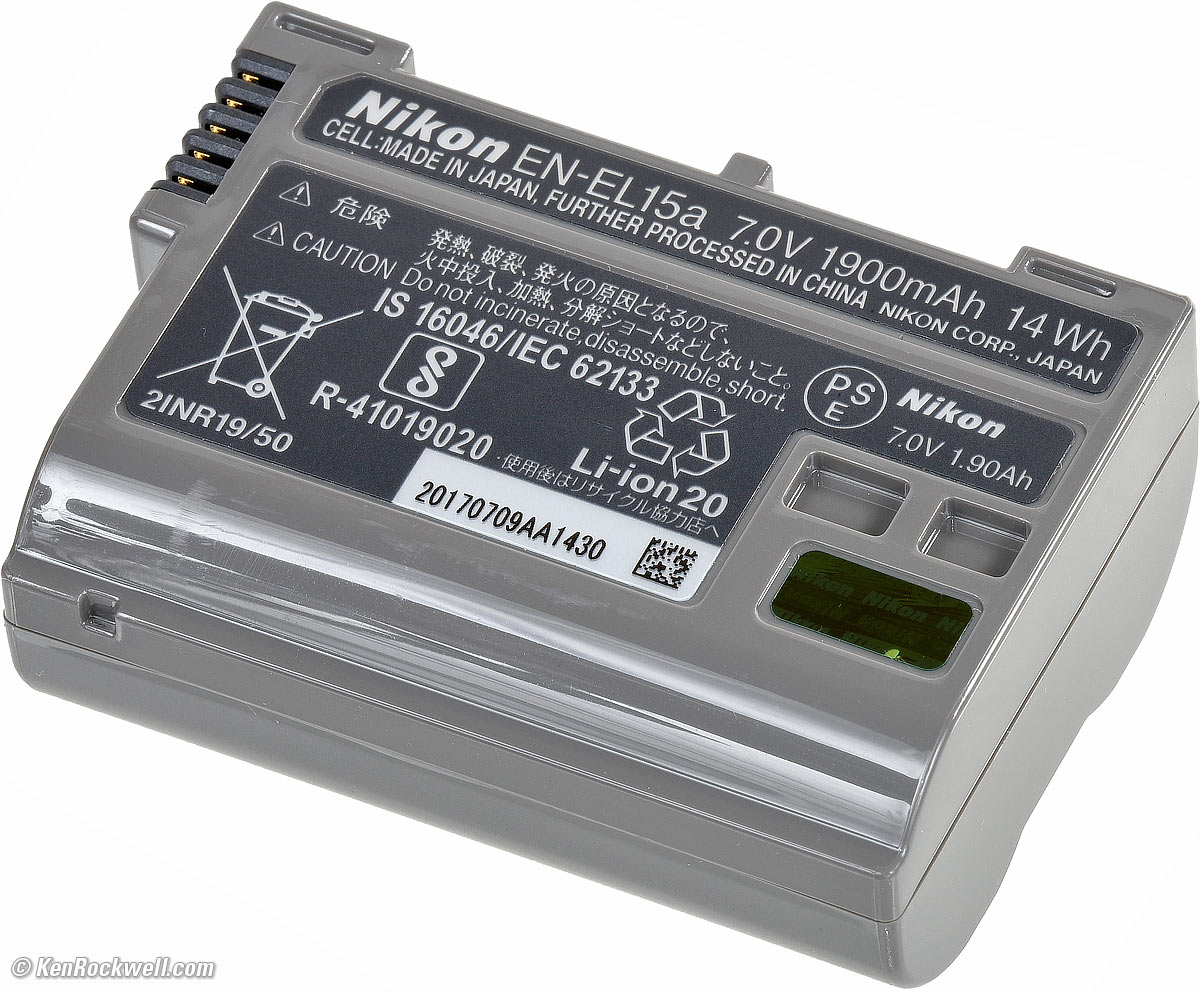
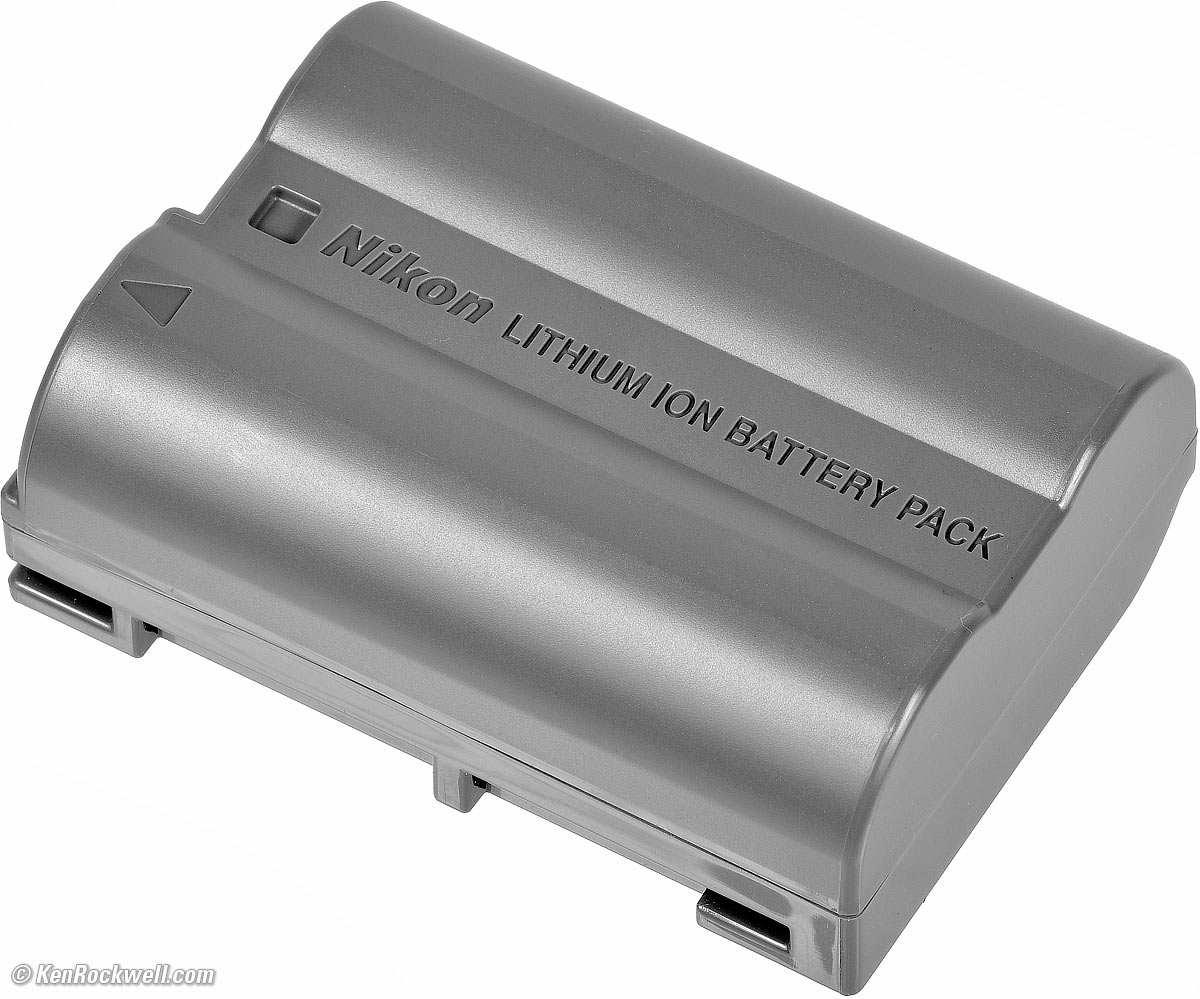
This is a backwards-compatible newer version of Nikon's very common EN-EL15.
Rated up to 1,840 shots at full resolution or approximately 70 minutes of video on a single charge (CIPA).
Fill the MB-D18 grip with extra batteries and get up to 5,140 shots (CIPA).
Charger
Same MH-25a charger as used for years. It has a bizarre flipping socket which requires either an awkward short US plug, or a standard "figure-8" charger cord.
The charger is clumsy, requires you slip the battery into the hole instead of popping it in from the top like most good chargers, and is useless unless you also bring a cord or plug.
The charge light is Nikon's standard. It blinks slowly while charging and goes solid when done. There is no indication of charge percentage while charging.
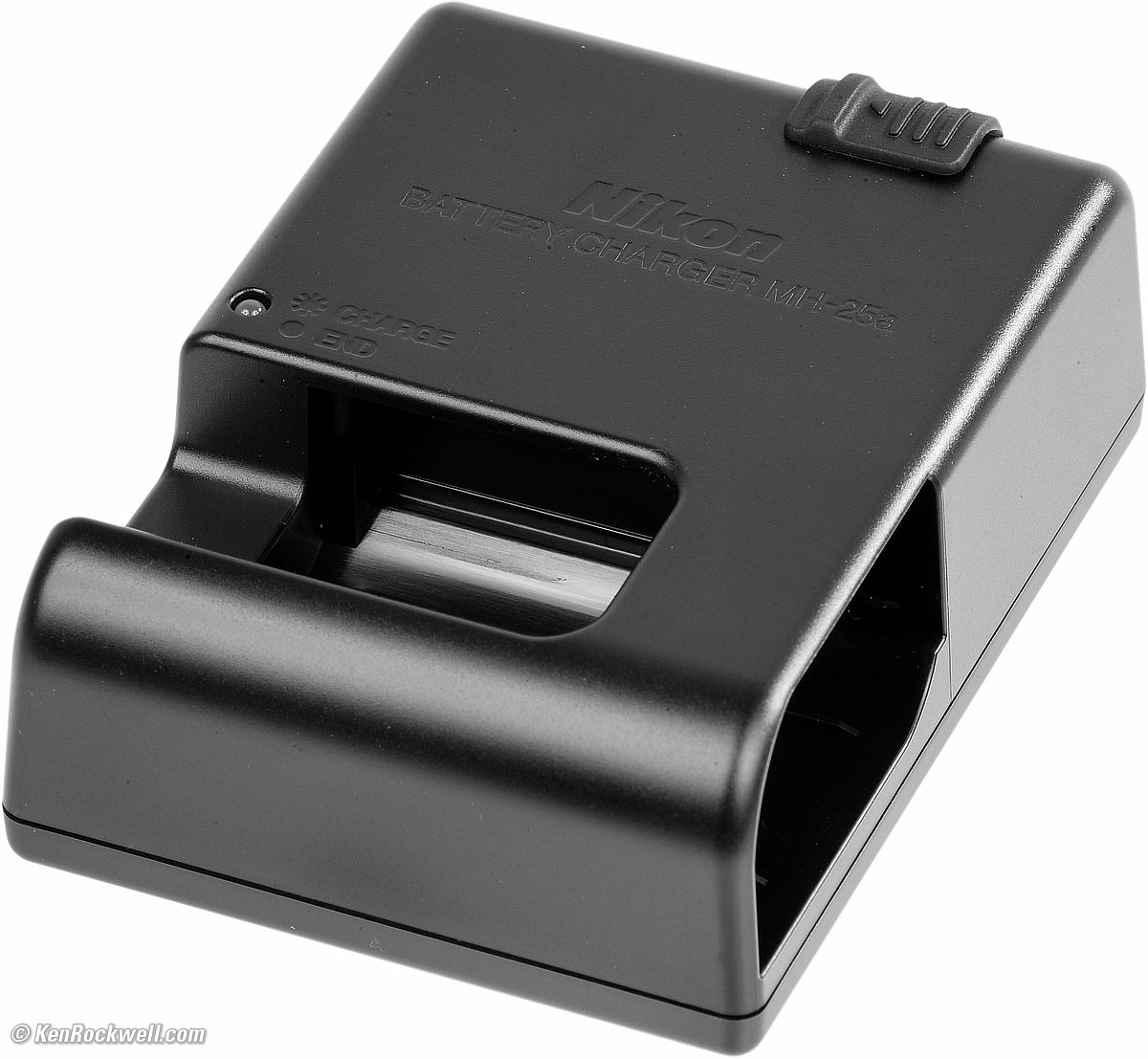
Nikon MH-25a charger, included with Nikon D850. enlarge.
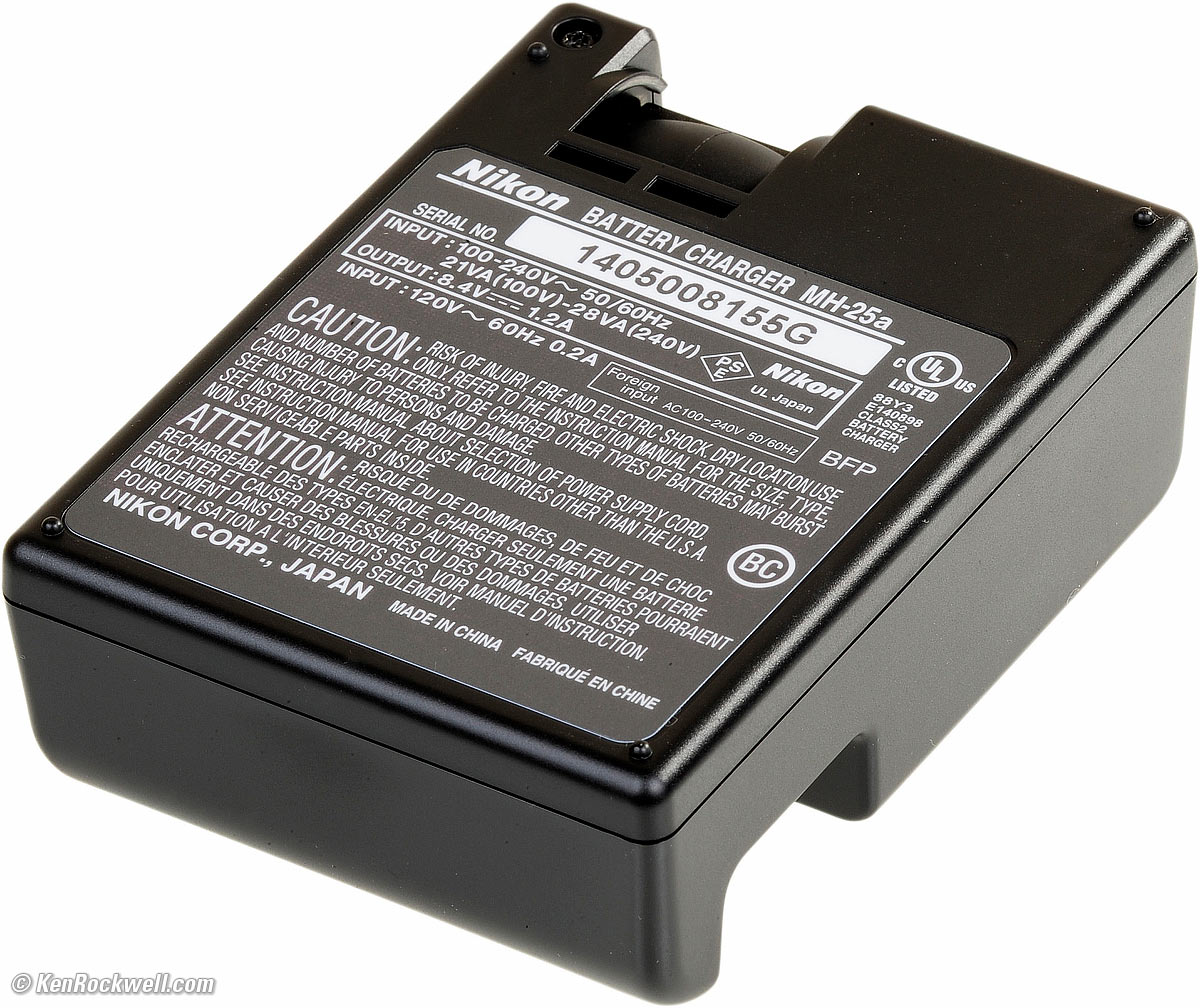
Bottom, Nikon MH-25a charger. enlarge.
AC Adapters (optional)
EH-5c or EH-5b AC Adapters, either of which requires the EP-5B Fake Battery Connector to poke in the battery bay.
Size
4.9 × 5.8 × 3.1 inches HWD.
124 × 146 × 78.5 millimeters HWD.
Weight
34.954 oz. (990.0g) with battery and SD card, actual measured.
Rated 35.4 oz. (1,005g) with battery and XQD card.
Rated 32.3 oz. (915g) stripped.
Operating Environment
0 ~ 40 º C (32 ~ 104 º F).
Up to 85% RH, noncondensing.
Included
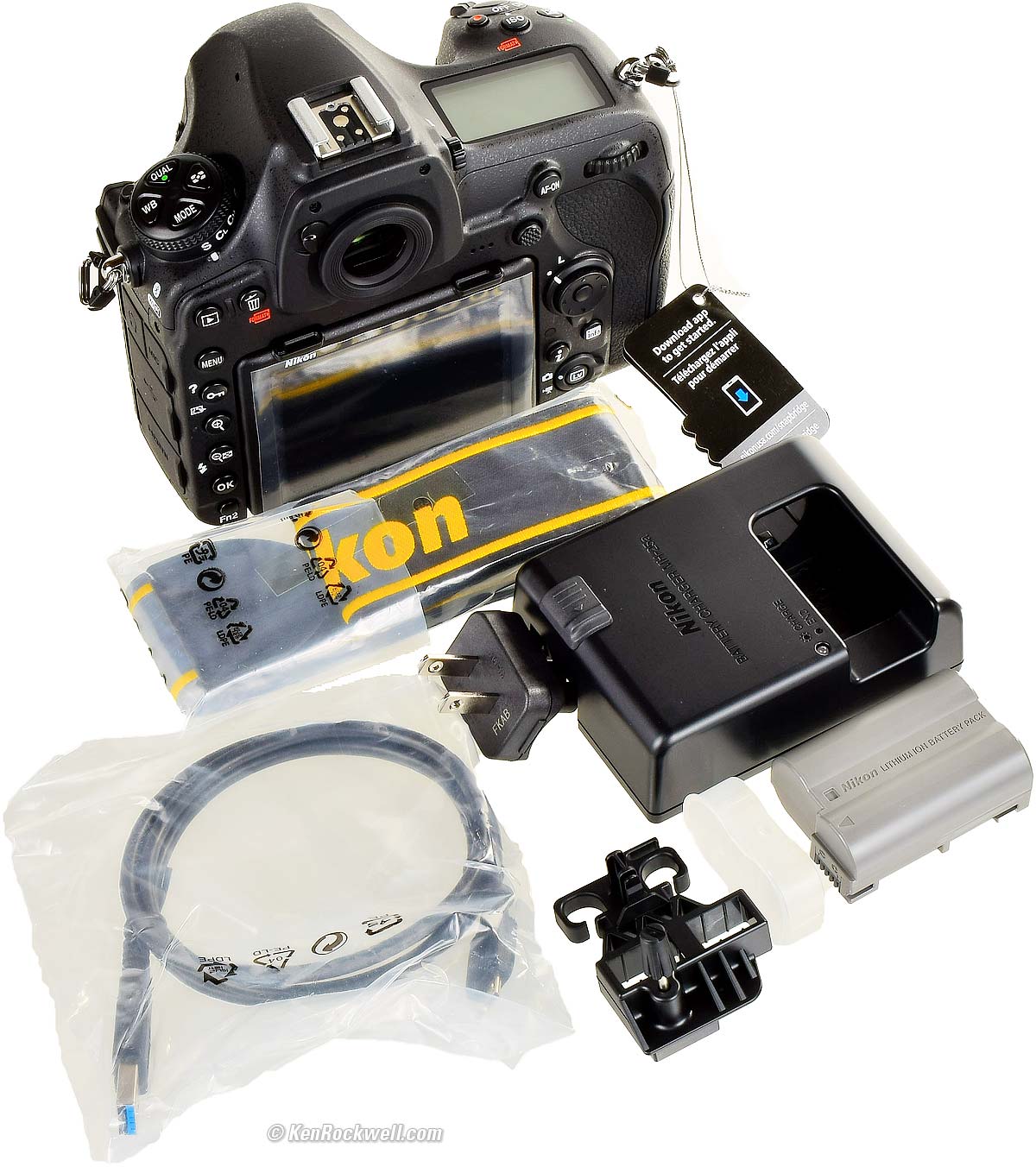
Included with the USA version, Nikon D850. bigger.
Camera.
DK-17F fluorine-coated finder eyepiece cover.
BF-1B Body Cap.
AN-DC18 Strap.
EN-EL15a Rechargeable Li-ion Battery.
MH-25a Charger
UC-E22 USB Cable.
HDMI/USB Cable Clip.
Announced
12:01 AM NYC time, Thursday, 24 August 2017.
There was a press release with zero information mentioning it on 25 July 2017, Nikon's 100th anniversary:
TOKYO - Nikon Corporation is pleased to announce the development of the next-generation full-frame, high-resolution, high-speed digital SLR cameras with the upcoming release of the highly anticipated Nikon D850. The D850 will be a formidable tool for creators who will not compromise on exceptional image quality and versatility, including aspiring and professional photographers, as well as hobbyists, who shoot landscapes, commercial sports, fashion and weddings, and multimedia content creators. The D850 is the successor to the D810, which was highly praised by its users for offering extremely sharp and clear rendering, with rich tone characteristics. This powerful new FX-format digital SLR camera is engineered with a range of new technologies, features and performance enhancements that are a direct result of feedback from users over the years – who demand the very best from their camera equipment. The D850 will exceed the expectations of the vast range of photographers that seek the high resolution and high-speed capabilities that only a Nikon of this caliber complemented by NIKKOR lenses can offer. |
Promised for
September 2017.
Shipping since
My first D850 arrived on 25 September 2017 from B&H.
In-Stock Since
It took until November 2018, over a year since introduction, for it to be in stock at all of B&H, Adorama, and Amazon.
Price, U. S. A. specifications top
(see also Accessories.)
25 November 2025 ($1,300 off)
$1,997 new at B&H and at Adorama
About $1,440 used if you know How to Win at eBay.
14 February 2024
$2,497 new at B&H, at Adorama, at Amazon, at Crutchfield.
About $1,475 used if you know How to Win at eBay.
11 August 2023
$2,797 new at B&H, at Adorama, at Amazon, at Crutchfield.
About $1,600 used if you know How to Win at eBay.
25 October 2022
$2,497 new at B&H, at Adorama, at Amazon, at Crutchfield.
About $2,000 used if you know How to Win at eBay.
28 February ~ 28 July 2022
$2,797 new at B&H, at Adorama, at Amazon, at Crutchfield.
About $2,000 used if you know How to Win at eBay.
29 October 2020
$2,497 new at B&H, at Adorama, at Amazon, at Crutchfield.
About $2,000 used if you know How to Win at eBay.
12 January 2020
$2,997 new at Adorama, at Amazon, at B&H or at Crutchfield, or about $2,100 used at eBay if you know How to Win at eBay.
16 December 2019
$2,797 new at Adorama, at Amazon, at B&H or at Crutchfield, or about $2,000 used at eBay if you know How to Win at eBay.
24 July 2019 ~ 14 August 2019
27 January 2019
August 2017 ~ 26 January 2019
Getting a Legal USA Version top
Sample Images Intro New Good Bad Missing
Lens Compatibility Specs USA Version
Unboxing Accessories Performance
Compared Usage Recommendations More
This applies only in the USA.
I've gotten two D850s from B&H. I'd also get it at Adorama, or used at eBay if you know How to Win at eBay, or get it used at KEH, or try getting it used through Amazon.
Today the paperwork will look different, and the concept is the same: your warranty card must say USA or UNITED STATES. Since 2022 it probably looks more like this one from a Z30.
In the USA, be sure your box says "US" above the left bar code:
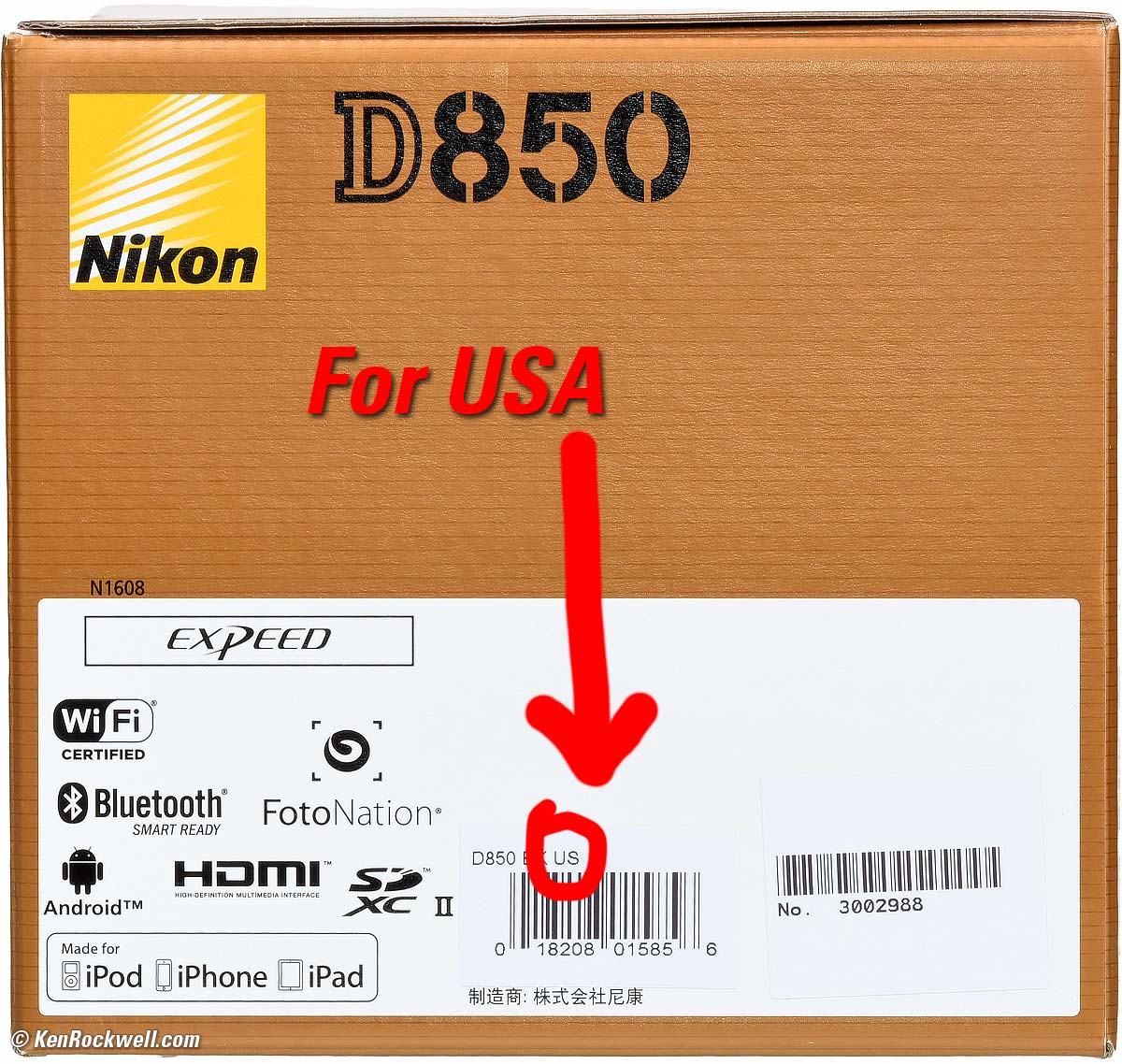
2017 USA version, Nikon D850. bigger.
Also be sure that you have this warranty card from Nikon USA sitting on top of the documents as you open the box:
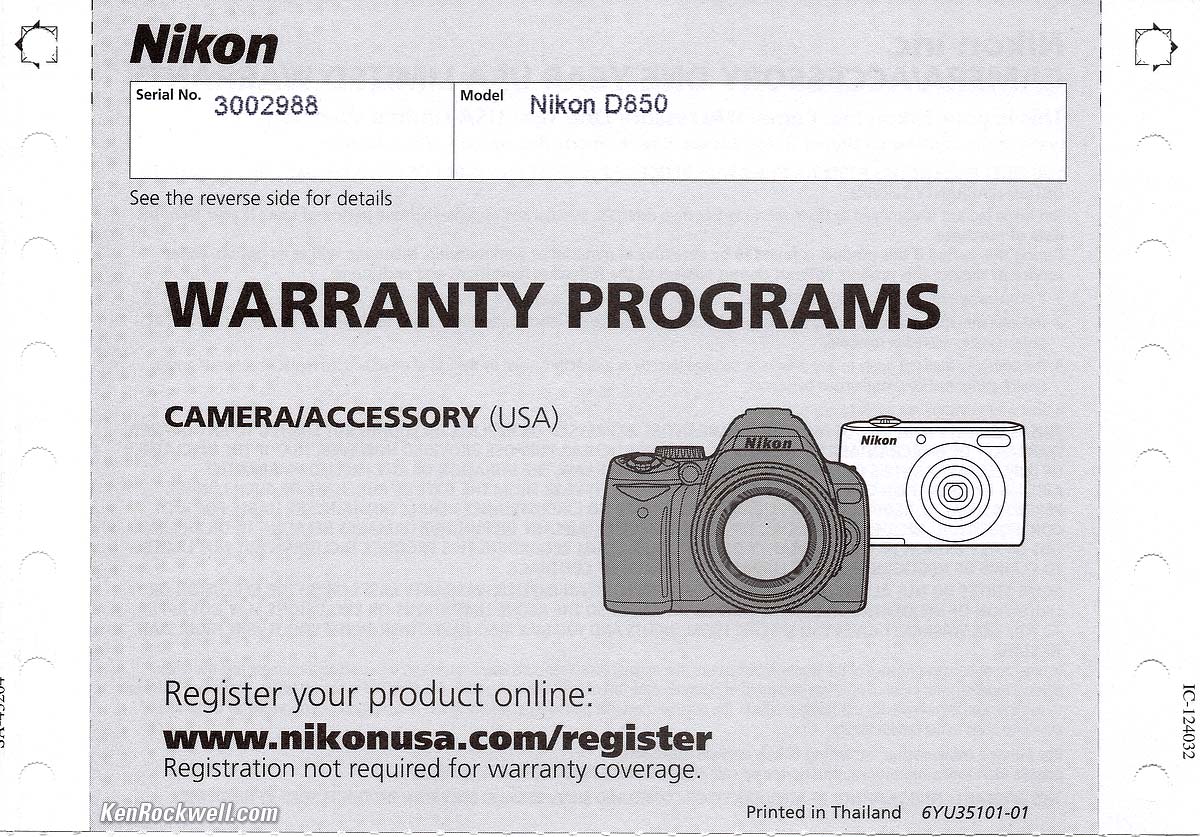
2017 Nikon D850 USA Warranty Card. bigger.
The serial number on the card must match the serial number on the bottom of your camera for the warranty to be valid. Anyone can copy warranty cards but it doesn't mean it applies to the camera in your box unless the numbers match. The serial number under the right barcode on the outside of the box should match, too, but if it doesn't it means a shoddy dealer used your camera as a demo and put it back in the wrong box; the warranty should still be valid.
If you don't have these and the numbers don't match, you got ripped off with a gray market version from another country. This is why I never buy anyplace other than from my personally approved sources. You just can't take the chance of buying elsewhere, especially at any retail store, because non-USA versions have no warranty in the USA, and you won't even be able to get firmware or service for it — even if you're willing to pay out-of-pocket for it when you need it!
Nikon sometimes changes the look of the paperwork (this is current as of introduction in September, 2017), but always includes a printed card saying USA with a matching serial number. If this is missing and a dealer tries to give you an excuse, you just got ripped off.
If a gray market version saves you $1,000 it may be worth it, but for $200 or less I wouldn't risk having no warranty or support.
Always be sure to check your box and papers while you can still return it, or just don't buy from unapproved sources or at retail so you'll be able to have your camera serviced and get free updated firmware as needed.
USA versions include two printed manuals, one in English y uno en español.
Get yours from the same places I do and you won't have a problem, but if you take the risk of getting yours elsewhere, be sure to check everything while you still can return it.
Unboxing top
Sample Images Intro New Good Bad Missing
Lens Compatibility Specs USA Version
Unboxing Accessories Performance
Compared Usage Recommendations More
This is for the legal USA Version. If you see something else, you got ripped-off with a gray market version, or live outside the USA, or didn't buy from an approved source, someone stole parts or you were sold a used camera. Buy only from an approved source to avoid disappointment.
I've gotten two D850s from B&H. I'd also get it at Adorama, or used at eBay if you know How to Win at eBay, or get it used at KEH, or try getting it used through Amazon.
The box is completely unsealed. There is no way to know if anyone else has been fiddling with your D850, swapping parts or accessories, or even if it's a used camera.
That's why it's critical only to buy from an approved online source, since they ship from automated warehouses where no shifty salesmen or customers ever get to touch your new camera before it ships. While new $10 CDs, DVDs, Blu-Rays and bottles of milk and drinking water are sealed and quite obvious if anyone's opened them, paradoxically Nikon doesn't bother sealing anything, so your only insurance is to buy only from a trusted online dealer.
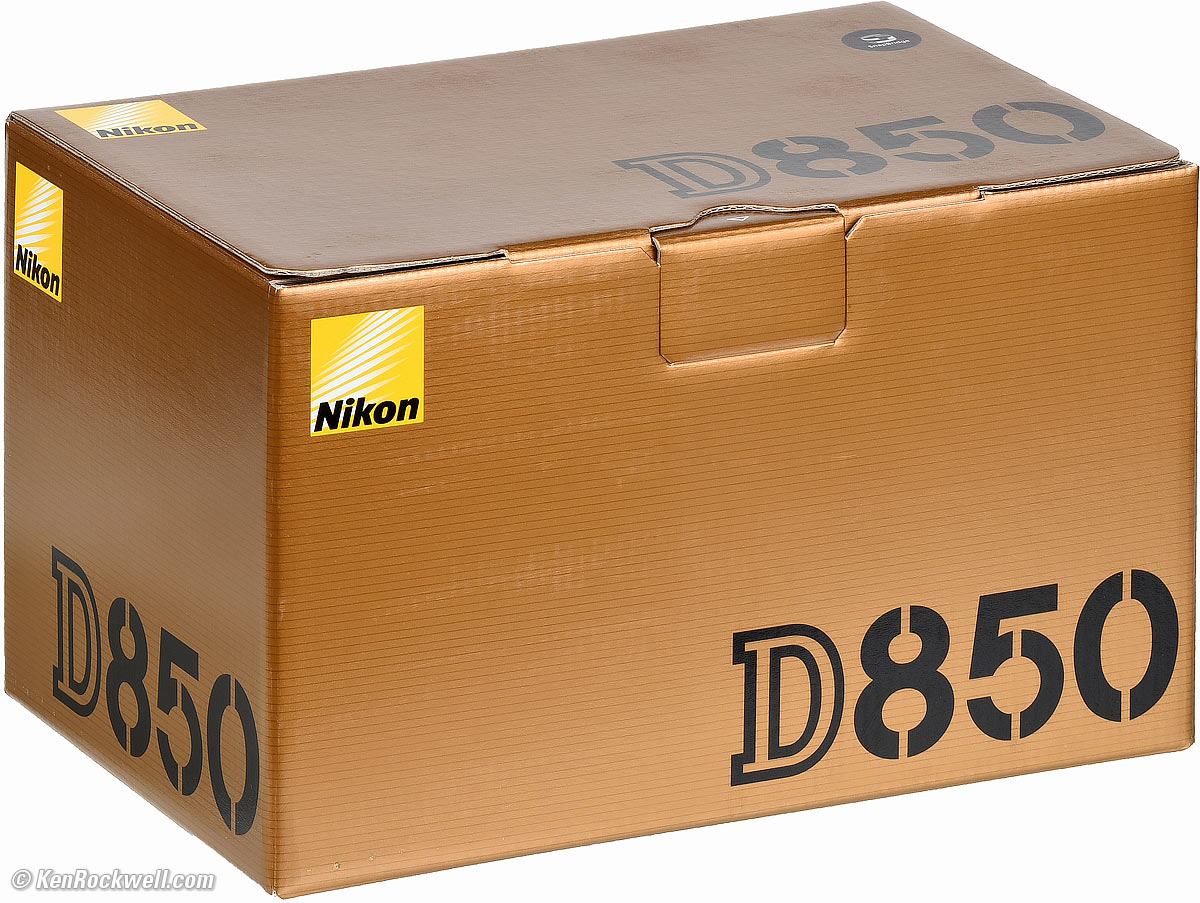
Box, Nikon D850. bigger.
Open the unsealed microcorrugated cardboard box, and you'll see:
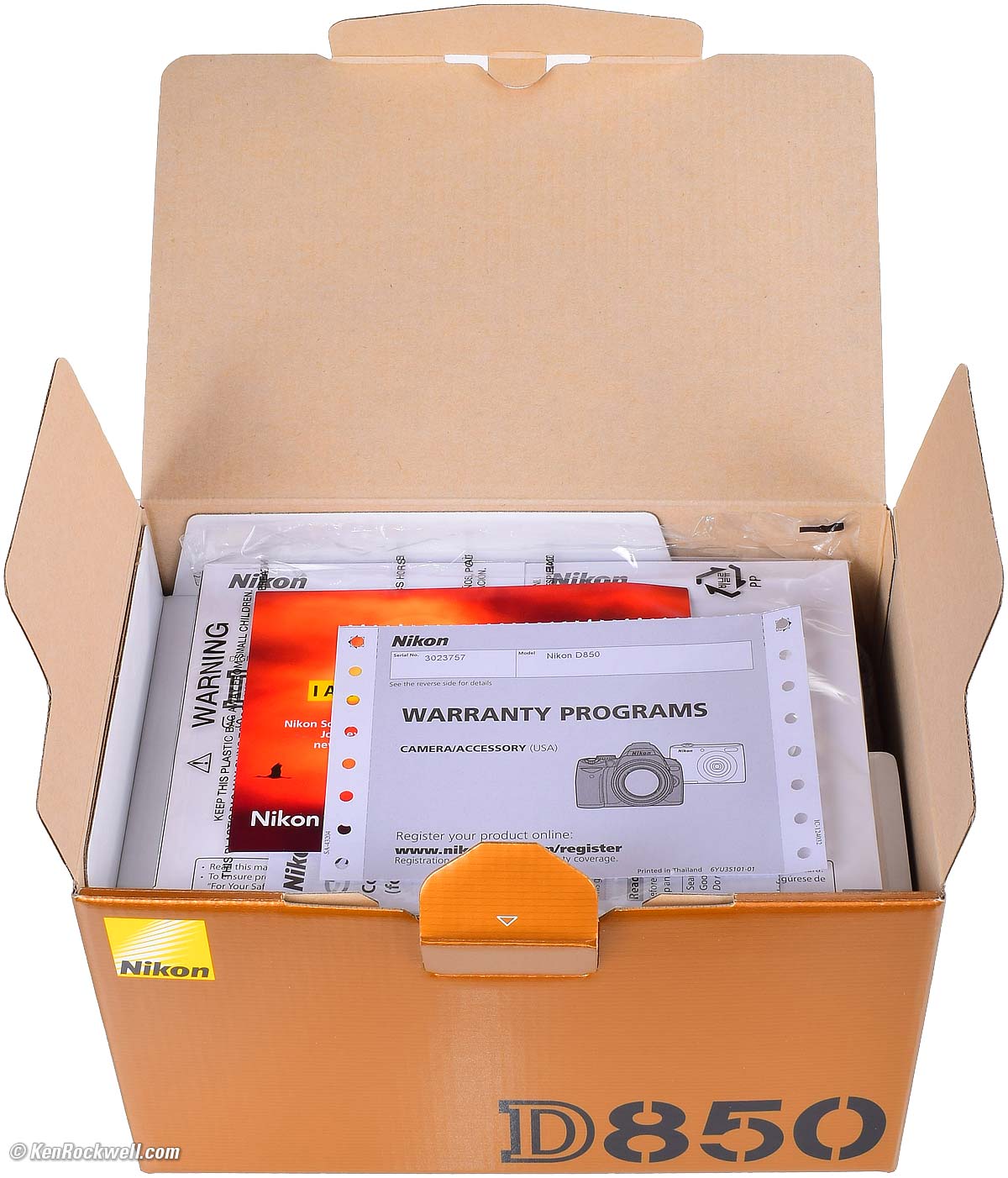
USA version D850 has a USA warranty card on top of two printed manuals. bigger.
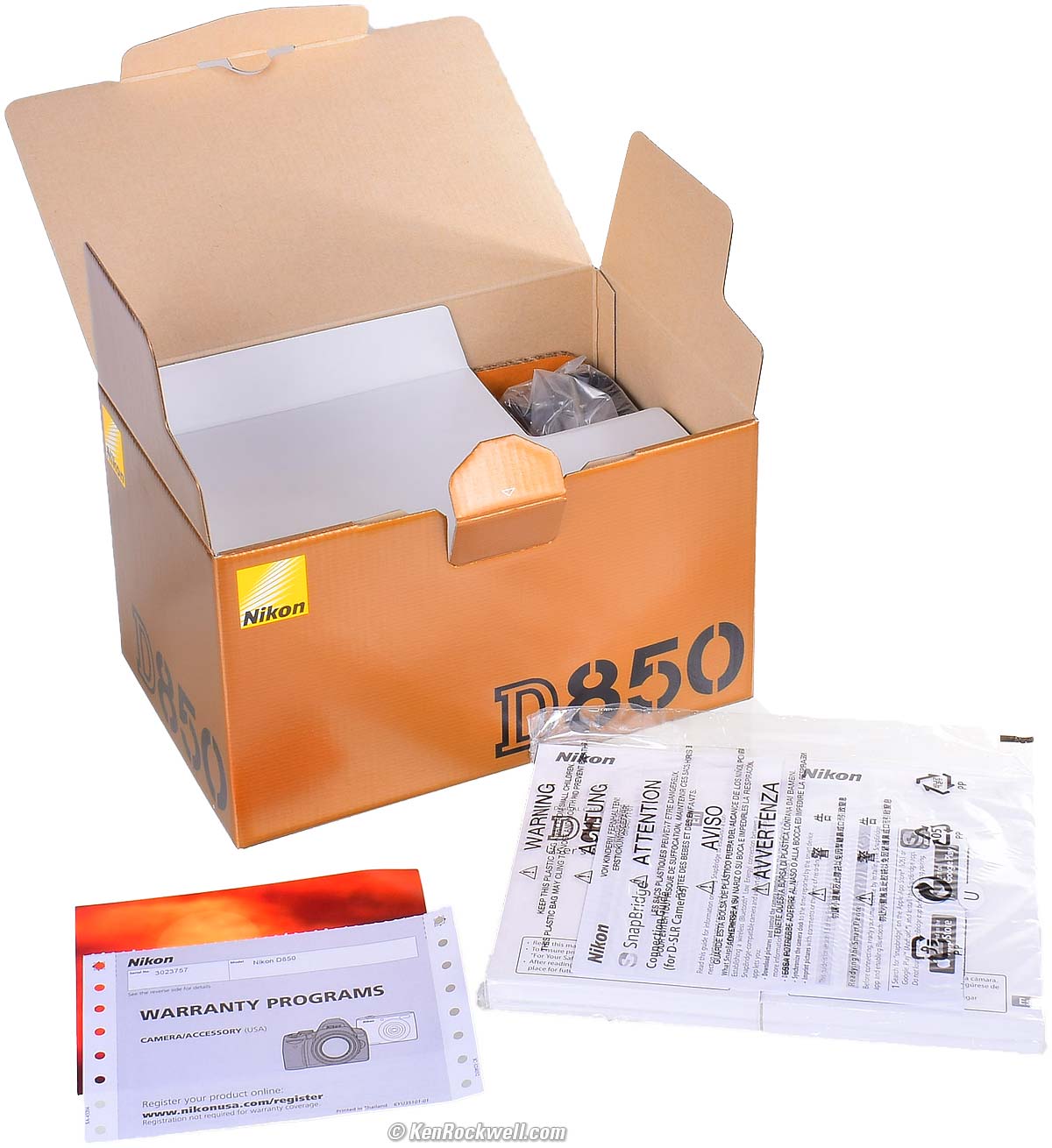
USA version D850 has an English and a Spanish manual. bigger.
Lift up the inner cardboard flap and you'll see:
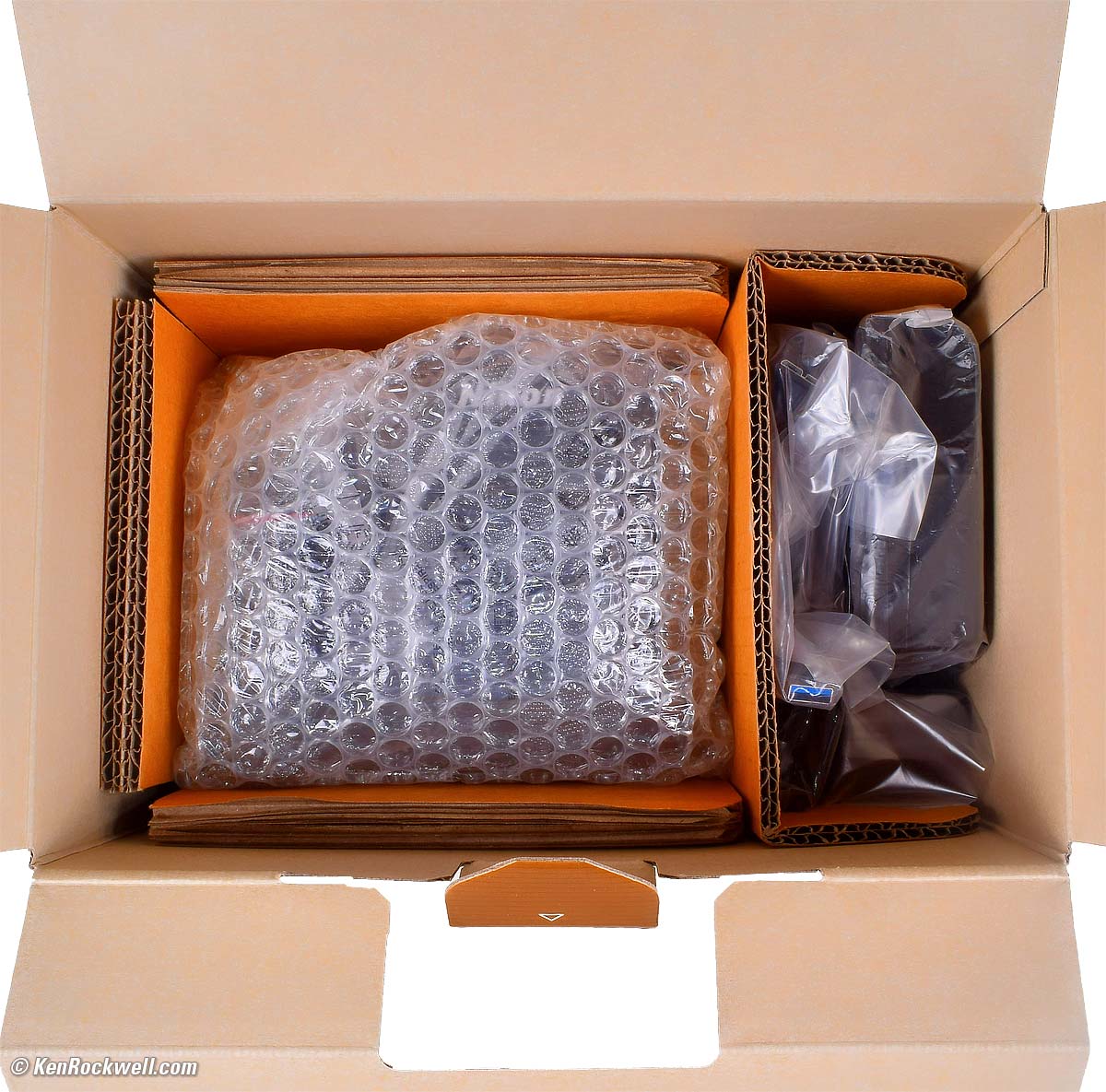
Inside the Nikon D850 box. bigger.
The camera is wrapped on the left, and all the accessories are on the right.
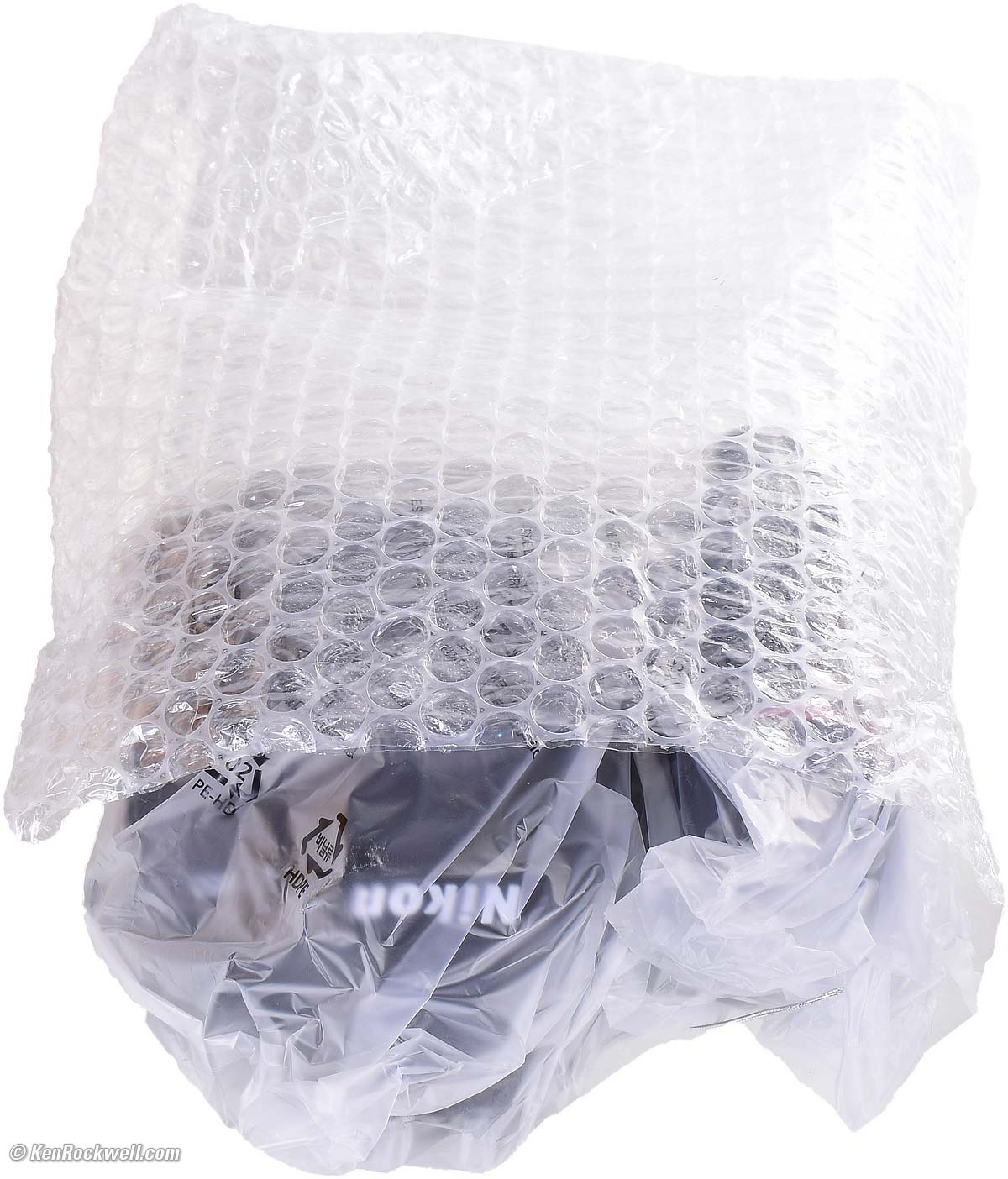
The Nikon D850 is in a plastic bag inside another bubble-wrap bag. bigger.
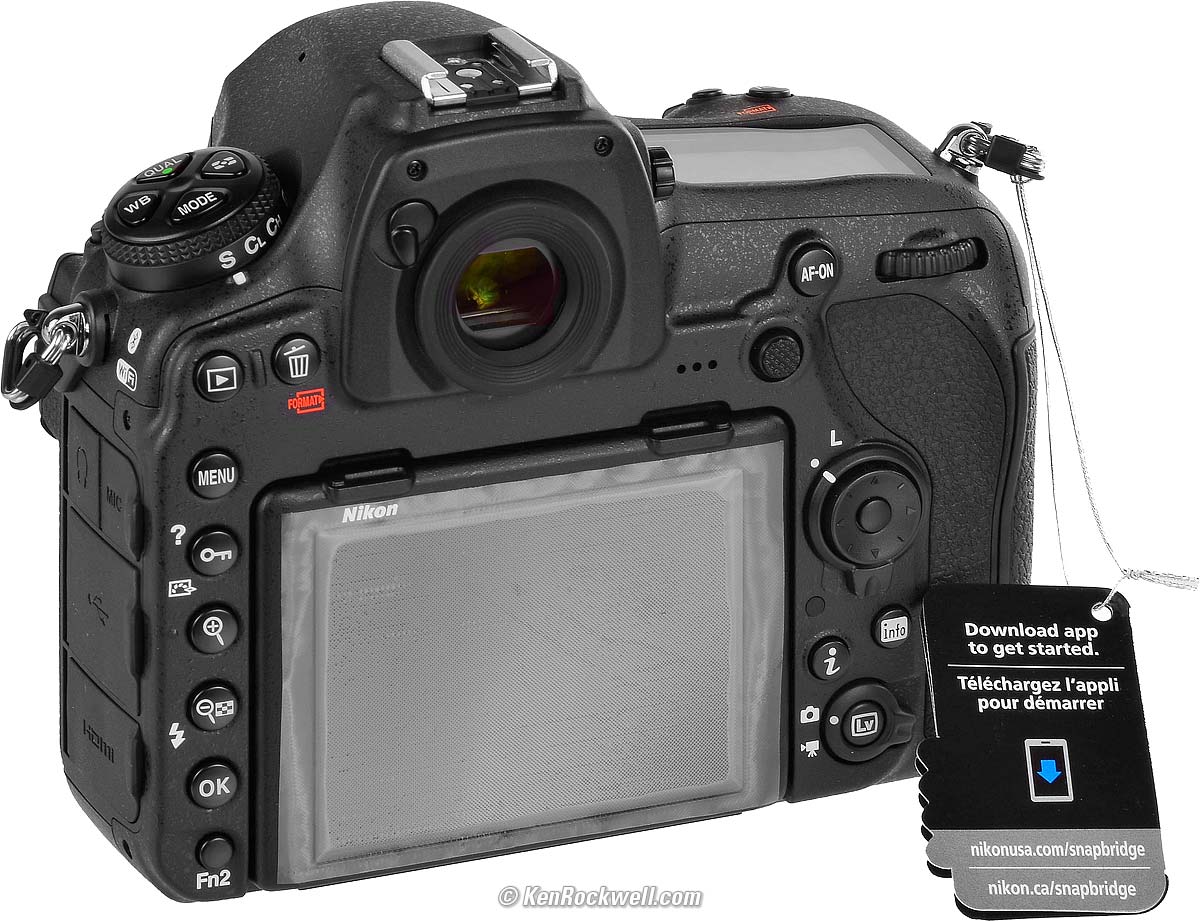
A new USA D850 has a peel-off LCD protector. They had a Nikon USA & Canada hang tag when first introducd in 2017 as shown here, and as of 2019, there are no more hang tags. bigger.
Included with the USA version, Nikon D850. bigger.
Included are the camera, body cap (attached), eyecup (attached), strap, USB cable, charger and stub plug, battery and translucent plastic battery terminal cap. The weird black plastic gizmo is a cable strain relief that can be attached to the D850 if you do any sort of corded or tethered shooting.
Here's a video of me unboxing my third D850 in July 2019 on Rockwell.TV:
Subscribe for more video reviews.
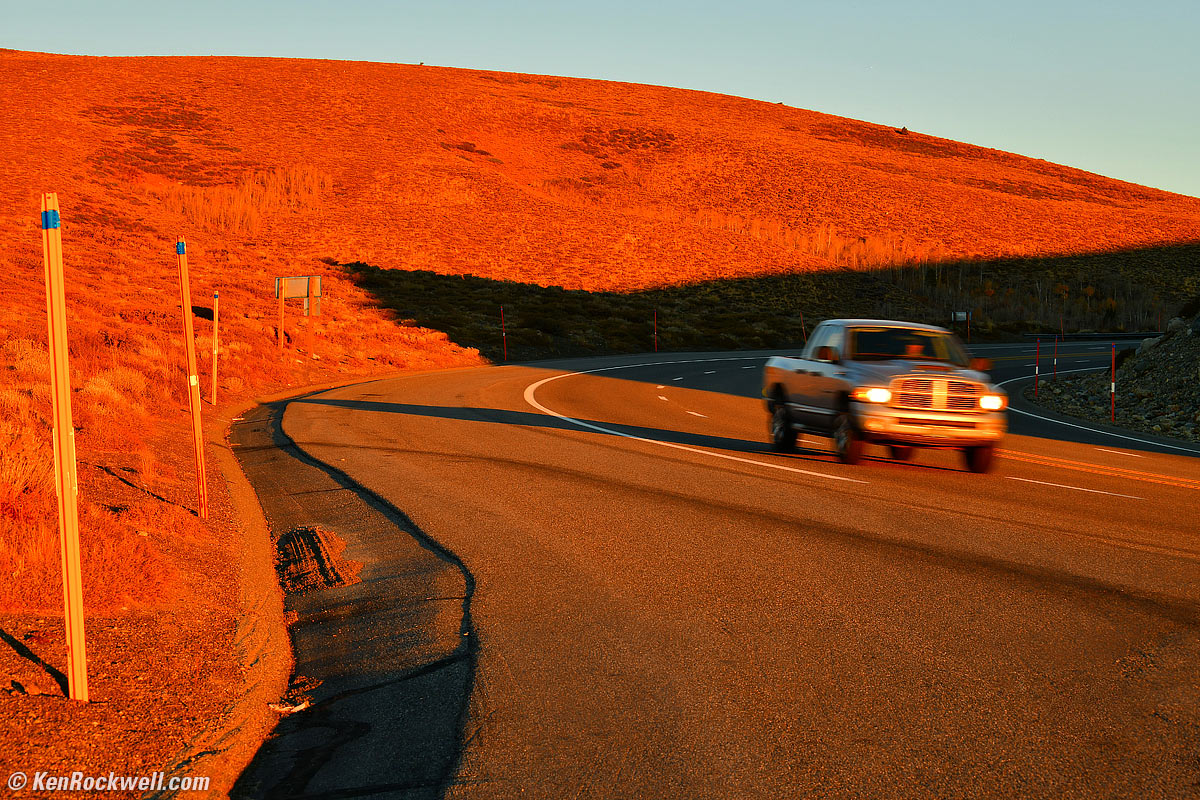
Speeding Truck Passes Conway Summit, October 2017. Nikon D850, Nikon 28-300mm VR at 78mm at f/11 hand-held at 1/40 at Auto ISO 200, Perfectly Clear v3.5. bigger.
Accessories top
Sample Images Intro New Good Bad Missing
Lens Compatibility Specs USA Version
Unboxing Accessories Performance
Compared Usage Recommendations More
I've gotten two D850s from B&H. I'd also get it at Adorama, or used at eBay if you know How to Win at eBay, or get it used at KEH, or try getting it used through Amazon.
Included
DK-17F fluorine-coated finder eyepiece cover.
BF-1B Body Cap.
AN-DC18 Strap.
EN-EL15a Rechargeable Li-ion Battery.
MH-25a Charger
UC-E22 USB Cable.
HDMI/USB Cable Clip.
Optional
These grips work with a second EN-EL15a battery, or 8-AA cells instead:
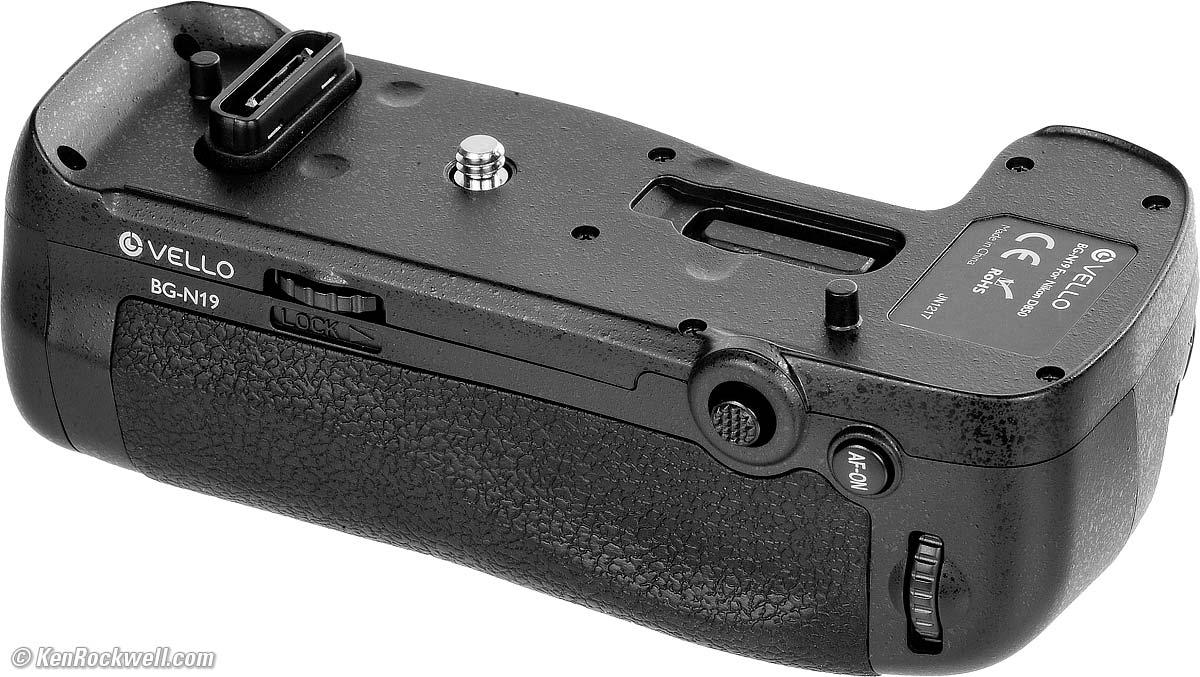
IN-STOCK: Vello MB-D18 grip for D850 (BG-N19), $99.95:
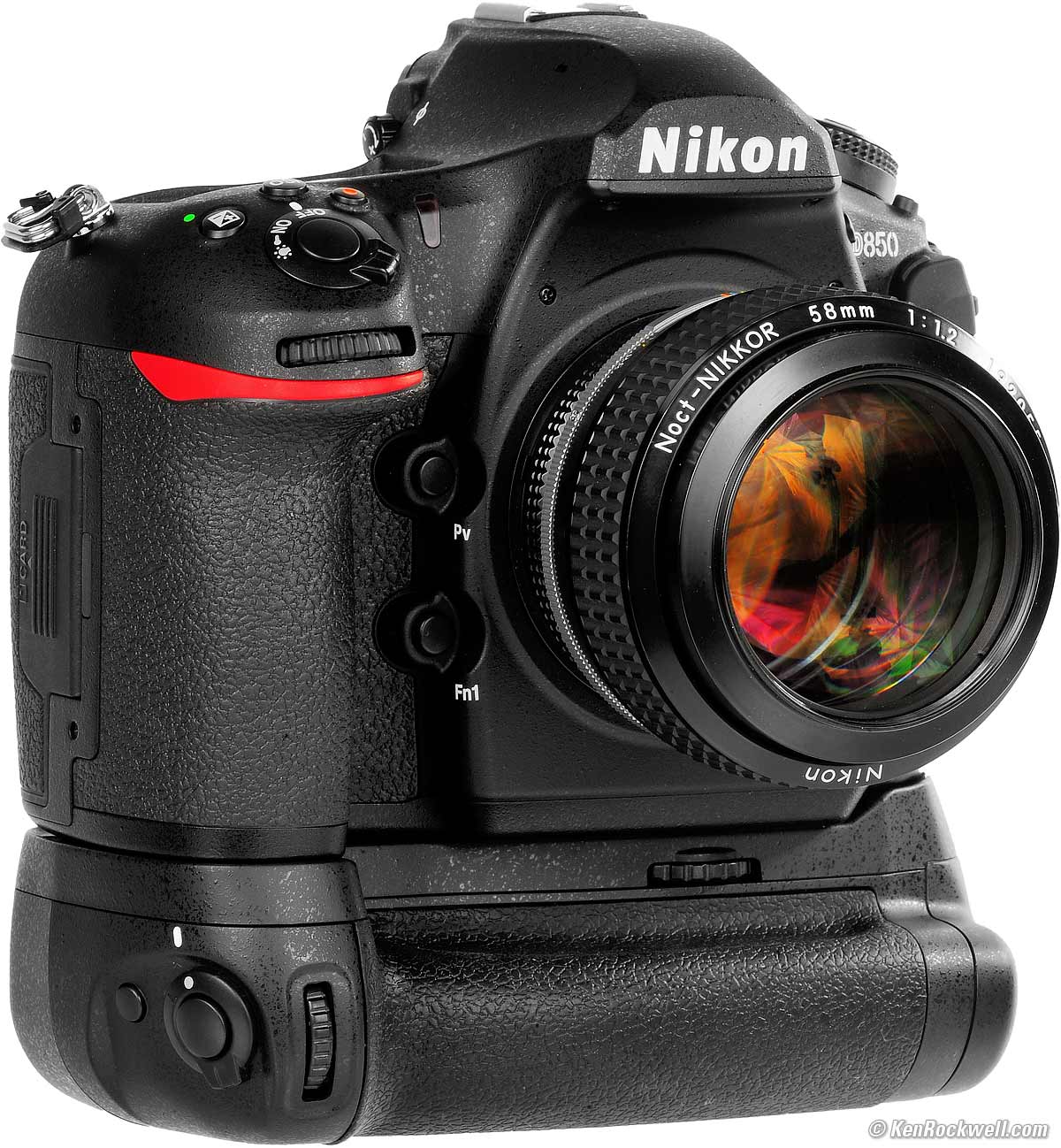
Nikon D850, 58mm f/1.2 Noct-NIKKOR and Vello MB-D18 (BG-N19) grip. bigger.
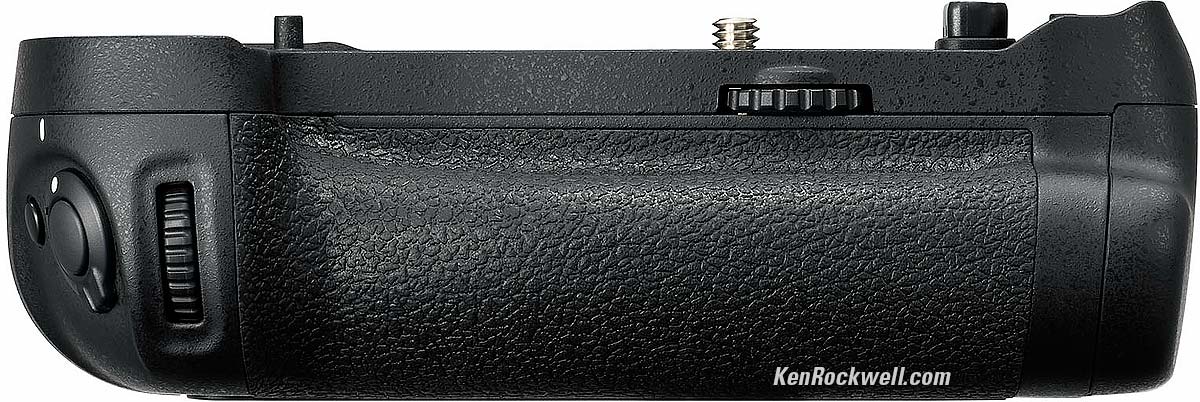
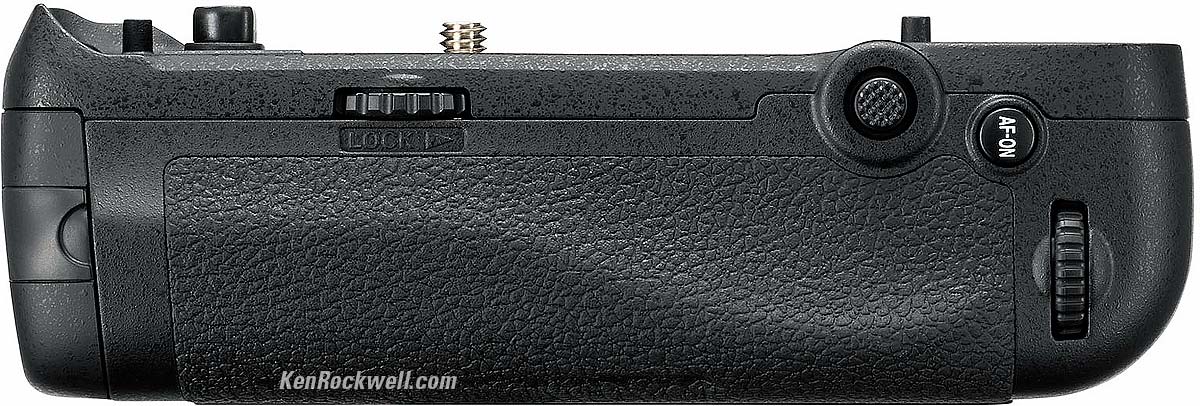
Nikon MB-D18 Multi Power Battery Pack: $396.95.
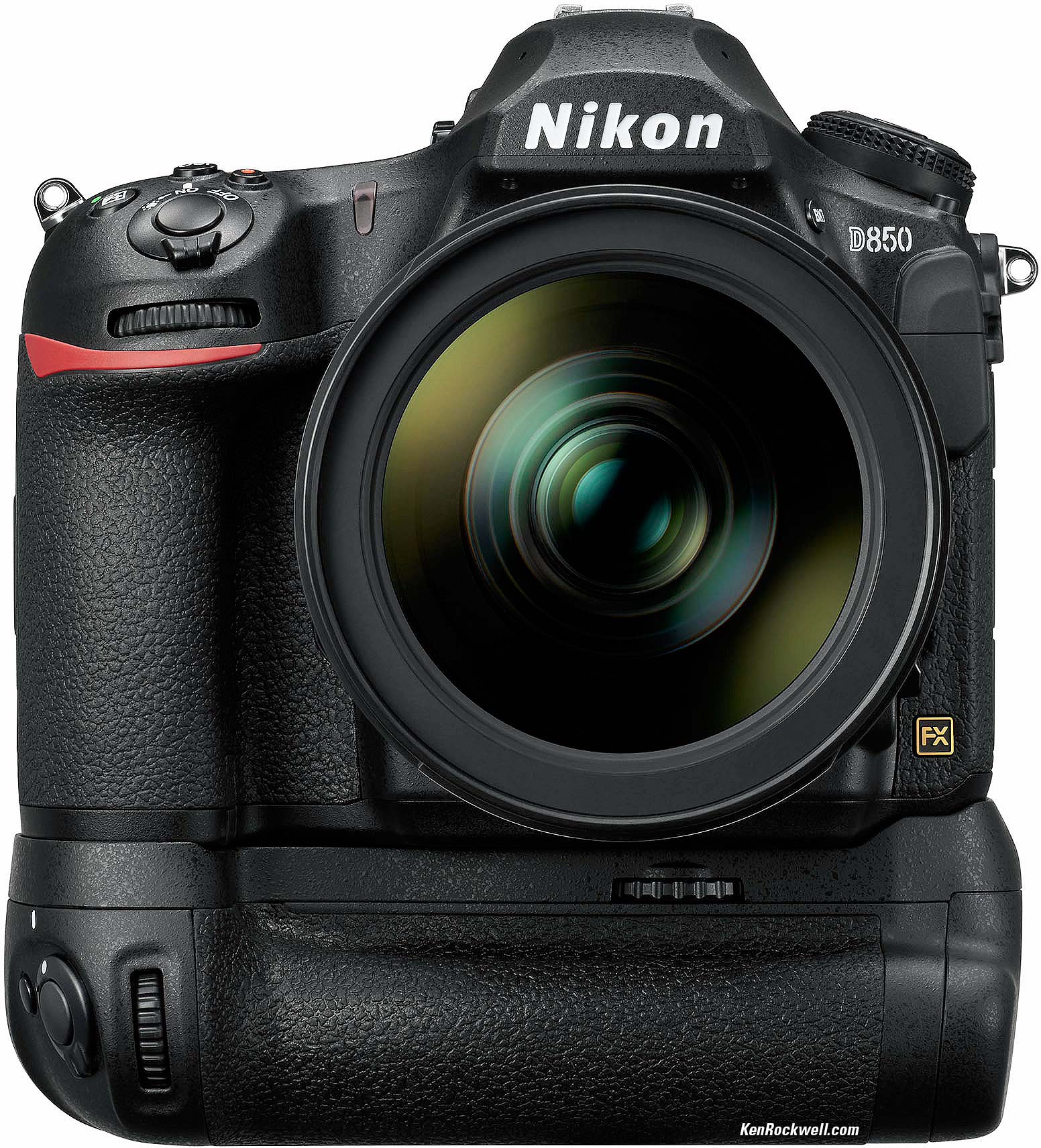
D850 with MB-D18 and 24-70/2.8 VR. bigger.
Remote Cords
MC-30A or MC-36A remote cords.
ML-3 modulite remote control set.
WR-R10 (requires WR-A10 adapter) or WR-1 wireless remote controllers.
Flash
For radio-controlled flash, you'll need the SB-5000 and WR-A10 and WR-R10 adapters.
Of course all the usual modern Nikon flashes work great as well.
Film Scanner Attachments
ES-2 film digitizing adapter: $139.95.
FH-5 slide mount holder: $24.95.
FH-4 film strip holder: $34.95.
(Use these with any full-frame Nikon 1:1 macro lens, like any of the 55/2.8 AF, 60/2.8 AF-D, 60/2.8G, 105/2.8 AF/D, 105/2.8 VR or 200/4 AF-D for best results.)
GPS
GP-1 and GP-1A GPS.
AC Adapters
EH-5c or EH-5b AC Adapters, either of which requires the EP-5B Fake Battery Connector to poke into the battery bay.
Performance top
Sample Images Intro New Good Bad Missing
Lens Compatibility Specs USA Version
Unboxing Accessories Performance
Compared Usage Recommendations More
Overall Autofocus Manual Focus Ergonomics
Exposure Finder Frame Rates High ISOs Auto ISO
Auto White Balance HDR Lens Corrections
Top LCD Rear LCD Playback Bluetooth/Snapbridge
Data Power & Battery Clock Accuracy
I've gotten two D850s from B&H. I'd also get it at Adorama, or used at eBay if you know How to Win at eBay, or get it used at KEH, or try getting it used through Amazon.
Overall
The Nikon D850 is Nikon's highest resolution camera of all time. No other Nikon has ever been able to produce images of the technical quality of the D850.
The D850 shares the same smooth and quiet shutter of the D810, and the D850 easily runs at up to 7 FPS for action photography.
Autofocus
Autofocus is great, with the same components as the D5 and the D500.
The selected AF areas are shown as black boxes in the finder. This is the same as the D500. They are not the superior red LED overlays of the D5's finder.
The AF system is fast and agile. If you only use one AF sensor, all AF systems since the 1980s are about the same. What makes the D850 so great is that it works in any light and that its many multi-AF-sensor modes immediately pick out which sensors to use all by itself. There is no lag, and you don't have to select sensors manually unless you want to.
Facial recognition works great, but you have to turn it on first; it's off by default. Turn it on at MENU > CUSTOM SETTING MENU (pencil) > a4 3D-tracking-face-detection > ON, and shoot in the AUTO AREA AF mode (hold the AF button by the lens mount and turn the front dial until you see "Auto" in the finder). Now the D850 does a fantastic job of instantly finding faces and focusing on the near eye as it should:
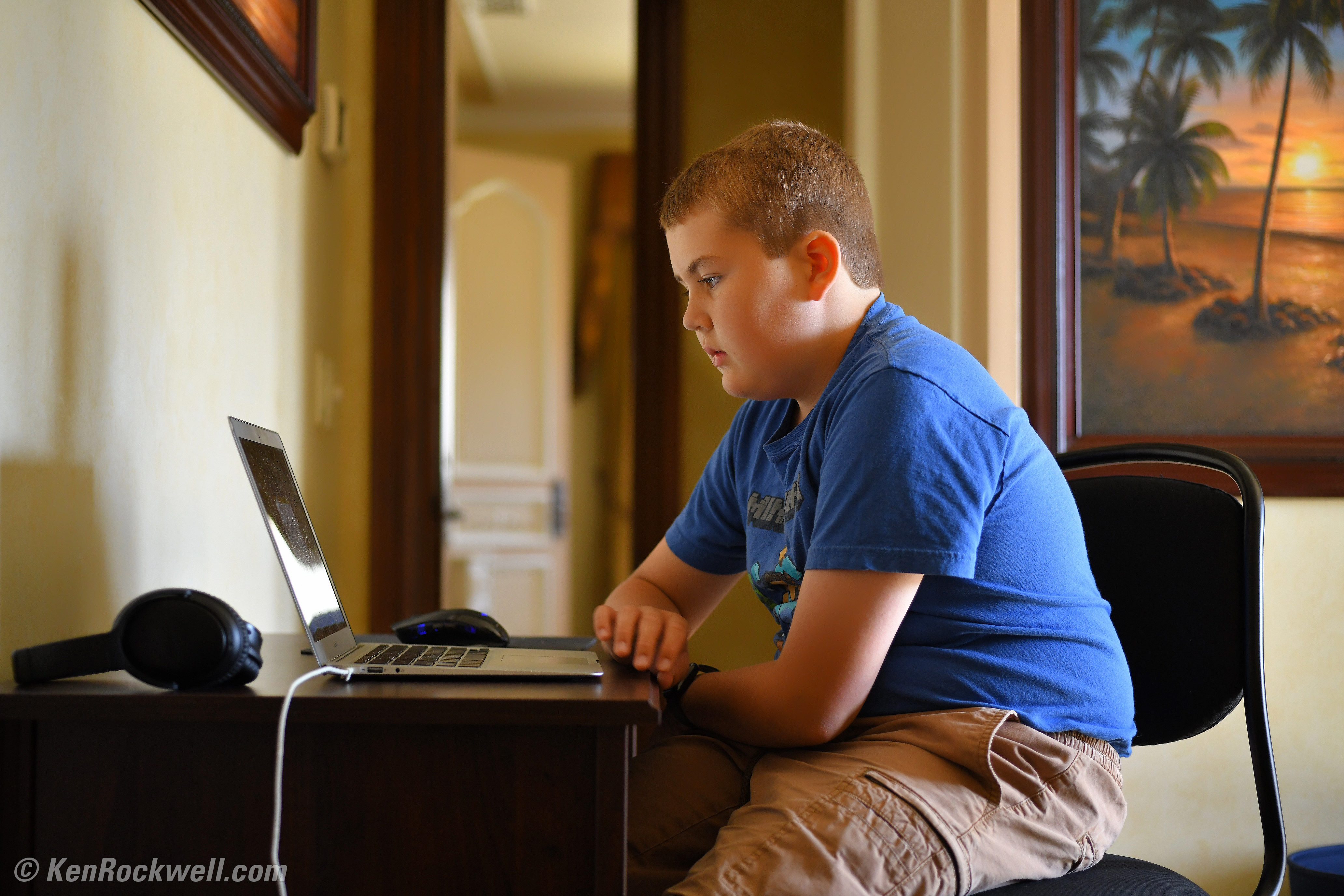
Ryan and his MacBook Air, Sunday, 01 October 2017. Nikon D850, Nikon AF MICRO-NIKKOR 55mm f/2.8 at f/2.8 at 1/125 at Auto ISO 1,100, Perfectly Clear. bigger or full-resolution file to explore on your computer (mobile devices rarely can display the full resolution files properly).
1,200 x 900 pixel crop from above. bigger or full-resolution file to explore on your computer (mobile devices rarely can display the full resolution files properly).
As you can see, the eyes have it. The camera didn't get fooled and focus on a closer shoulder instead.
The new thumb nubbin is handier and faster than the big rear multi-controller for selecting AF points manually, but it can't be set to override Auto AF-Area selection. I suggest that it should be able to do this: automatically swap to manual AF point selection when the thumb nubbin is hit, even if it's in the Auto AF-Area select mode (invention disclosure 5:39PM, Friday, 06 October 2017).
Manual Focus
Manual focus is the usual from Nikon: flick the AF lever under the lens to MF, and you're there.
You can check manual focus by the usual ways:
1.) Look at the matte focus screen.
2.) Select an AF zone, turn the focus ring and look for the three-light indicator (> ● <) at the bottom of the finder.
3.) Use magnified Live View.
Ergonomics
The D850 is Nikon's best ever technically, but has mostly the same ergonomics as past Nikons other than the illuminated buttons and flipping touch screen.
It often takes too long to respond to the MENU or PLAY buttons: 2 full seconds to respond if the camera was asleep. Once you've woken the D850 by pressing one of those buttons the first time, it responds quickly.
Its grip is generous and fits my big American hands well. This is a good-sized camera.
It handles well even while wearing gloves. I use my Head Sensatec touch-screen compatible gloves while shooting in the cold, and the fingers work the Nikon's touch screen as well as my iPhone X.
Illuminated Buttons
If you shoot at night, you'll be jumping for joy when you flick the power lever to the bulb (☀) symbol. The top LCD lights with the usual green LEDs, and the buttons on the right side light in white!
Nikon D850 lit buttons. bigger.
Only the buttons light, not the markings beside them, so while it's easy to see the Key (lock) button because the button is backlit, you won't see the "?" symbol printed beside it, which is not lit. Likewise you'll see the trash can button backlit in the dark, but you won't see the red FORMAT mark printed on the camera body.
Only the left side is lit; the right side is all dark except for the green top LCD.
Oddly the dial are reversed when you press and hold QUAL: the front dial controls the file type (RAW, JPG FINE/NORMAL etc.) and the back dial controls image size — opposite of where these are displayed on the top LCD.
Touch LCD Screen
Touch control makes it easy to set menus, especially text entry options.
You can swipe up and down to go up and down the menu listings, just like Safari on an iPhone.
Menus
It always takes a moment for the menus to appear after pressing the MENU button. In real-world shooting, that's a moment too long. Come on, it's 2017 and the menus should appear instantly when I press the MENU button.
The menus are very legible, probably because they have to be big enough and spaced far enough apart to work with touch selection.
Presets
There are no presets; no U1, U2 or U3 settings that would let us immediately reset the camera to all our chosen settings we've stored for different kinds of scenes. Canons and Sonys do this, and Nikon's cheaper cameras like the D7500 can, but Nikon's better cameras can't.
Instead, the D850 is stuck with Nikon's crummy "Settings Banks" that came out in 2003 with the D2 series. These settings banks can't be locked; once you select them all they do is recall however the camera was set when you last used that bank. While a bank is selected, anything you change changes the bank — not a solution for being able to recall complete, known camera states in an instant as conditions change.
Worse, there are two sets of banks: a Custom Settings bank and a Shooting bank. You have to go through a zillion clicks to recall both of them. Worse still is that they only recall about 2/3 of what we need recalled. Major things like the advance mode and autofocus settings are not recalled; you still have to change these manually as well as having to recall both banks!
This lack of presets is my biggest complaint against the D850. The D800 and D810 and numerous other top Nikon have had this same flaw for years.
Exposure
Fantastic! Nikon has had this down for decades and decades, and their meters get better with every revision. I've never used a camera with a more accurate meter under every kind of condition than my D850.
I'm really impressed; I usually have to add +1 stop with other cameras and other Nikons for night shots, but with my D850, all I do is shoot in Matrix Meter and Auto exposure so I can worry about what's in my picture and let my camera worry about the technical side.
What can still fool the D850 is a subject against a dark black background. If the subject is small, even with all the meter pixels it will tend to overexpose the subject. I don't bother with Spot meters; I just dial-in some negative exposure compensation and I'm good.
It's not perfect — no camera is — but it's as good as I've seen so far.
What is extraordinarily good about the D850 is it finally gets backlit people exposed correctly. If you have someone looking at you against a bright sky — or if your subject is indoors against a window with an overpowering amount of backlight — the D850 is finally smart enough to identify the face, and give loads of exposure and get the face correctly exposed. In other words, it correctly shoots for the faces and give much more exposure than if it didn't see them, as was the problem with older cameras.
Finder
It has the same finder as the D810. Nikon claims it's slightly bigger, but I don't notice any difference unless I hold one up to each eye and look through them both at the same time to compare, where they are slightly different. They're both great finders, and both have matte fields that are optimum for lenses of about f/2. Faster lenses won't make the finder any brighter and you won't see the defocus effects of lenses shot at faster than f/2 because of the laser-cut screen.
The data along the bottom are white digits on black. Only the flash ready bolt is orange. There are also some dark warnings, like FLICKER, that can appear along the bottom of the finder's image area — which you can activate or deactivate in the menus.
The great low-light performance of the D850 lets me shoot slow zooms like my 28-300 VR in the dark, but the finder can start getting visibly dark at the f/5.6 end of this lens in low light — even though the pictures miraculously come out as bright as day.
The active AF areas are shown as black squares which can block the subject — especially if you're waiting for a smile. Better cameras like the D5 show these lit in a red that doesn't block the underlying subject. The D850 can light the black boxes in red in the dark, but in light or dark the selected AF area boxes always block whatever is under them on the focus screen.
The in-finder level display, as in the D810, is nearly invisible. It's two bar graphs, one along the bottom and one along the right side of the active image area, both covering the image. Because Nikon's trying to keep them from covering too much of the image (they are black just like the active AF areas), they are too small to be that obvious. It's much clearer on the rear LCD if you see it there. Much better would be lit white bar graphs outside the image along the top and side, but no; all they are is small black dots along the edges of the finder image. Mirrorless cameras do a much better job of showing the levels in their finders, but they also are much more distracting.
Frame Rates
I confirmed that my D850 easily runs at a real 7 frames per second in its CH (Continuous High) mode as set on the top left dial.
In the CL (Continuous Low) mode you can set the frame rate to your choice of 1, 2, 3, 4, 5, or 6 FPS at MENU > CUSTOM (pencil) > d1 CL mode shooting speed.
In the QL (Quiet Low) mode the frame rate is 3 FPS.
High ISO Performance
High ISO performance is spectacular. What really makes the D850 stand out is not how high it goes, but how spectacular it looks at the mid-range ISOs we use every day, like at ISO 400 and ISO 800 which look as good as ISO 64, even as seen at high-magnification in the crops below.
Also better than most Nikons, it seems as if our Picture Control setting still has significant effect at H1 ISO 51,200. At H2 ISO 102,400 it seems our setting is ignored. In earlier Nikons the pushed modes revert to the standard control, and when you have your camera set to VIVID and +3 saturation as I do here, the pushed ISOs appear as dull images at the STANDARD Picture Control setting instead.
As I showed at the top, it's insane how great the photos look at 5-digit ISOs: just like daylight!
Complete Images
Click any for the camera-original LARGE NORMAL JPG files:
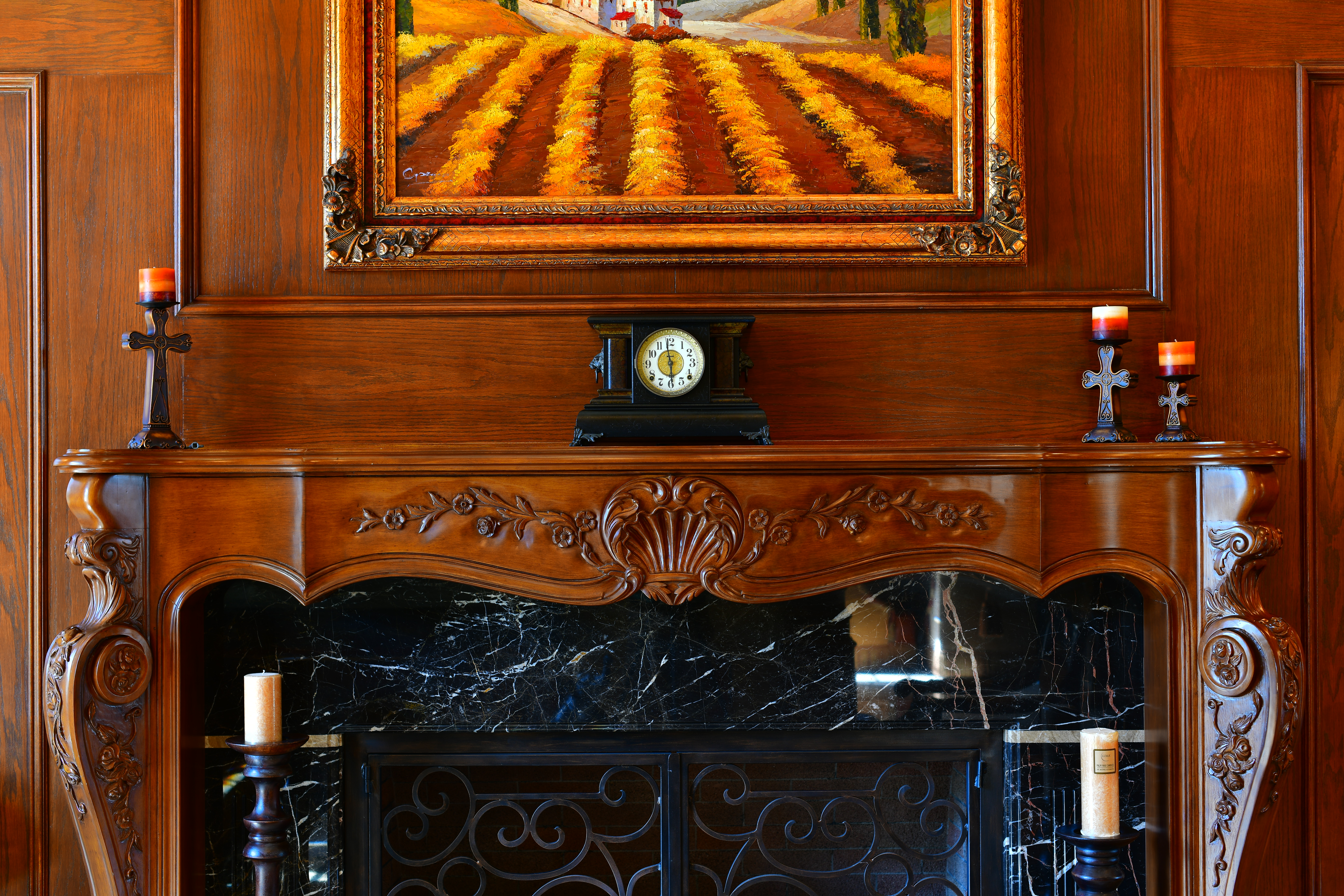
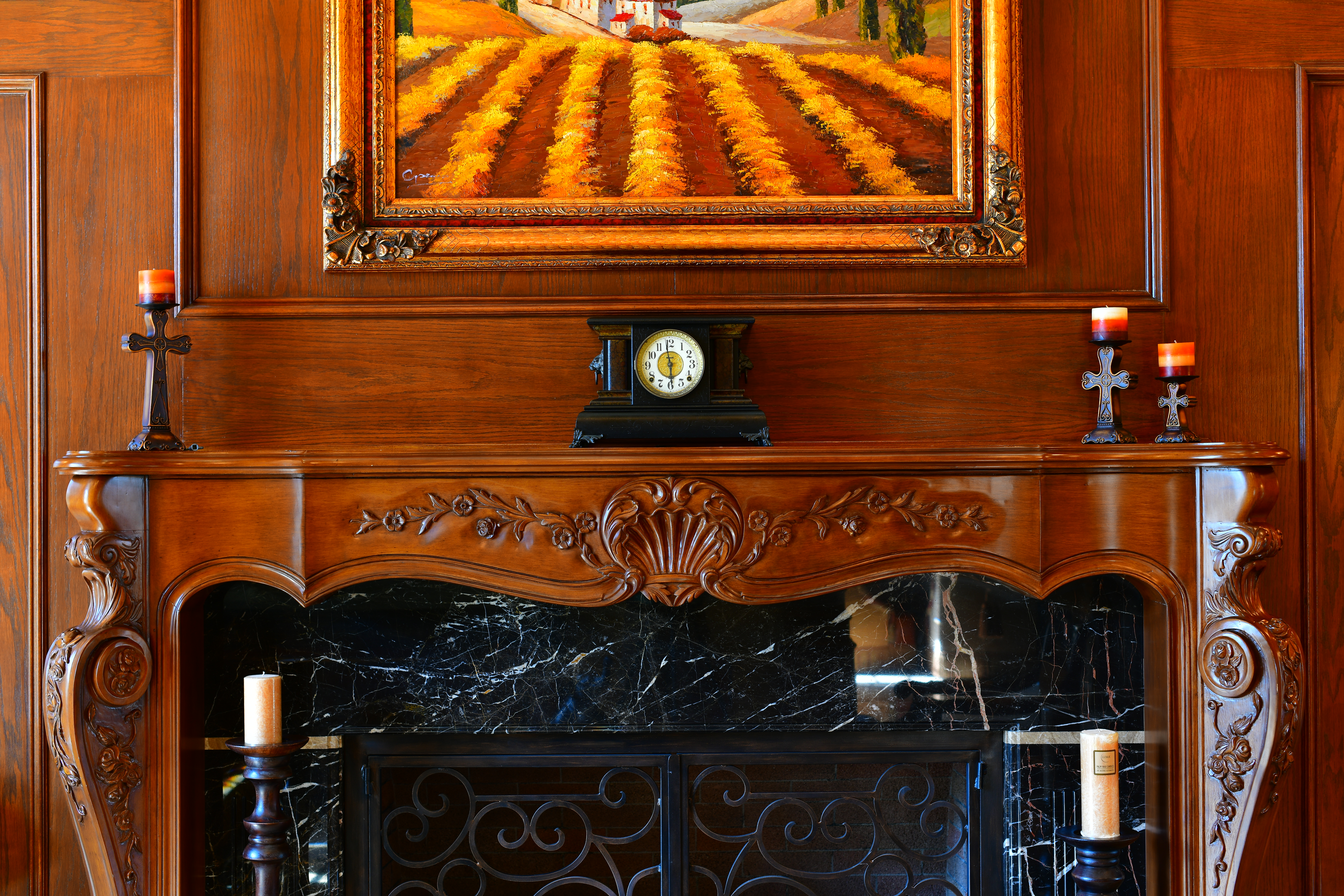


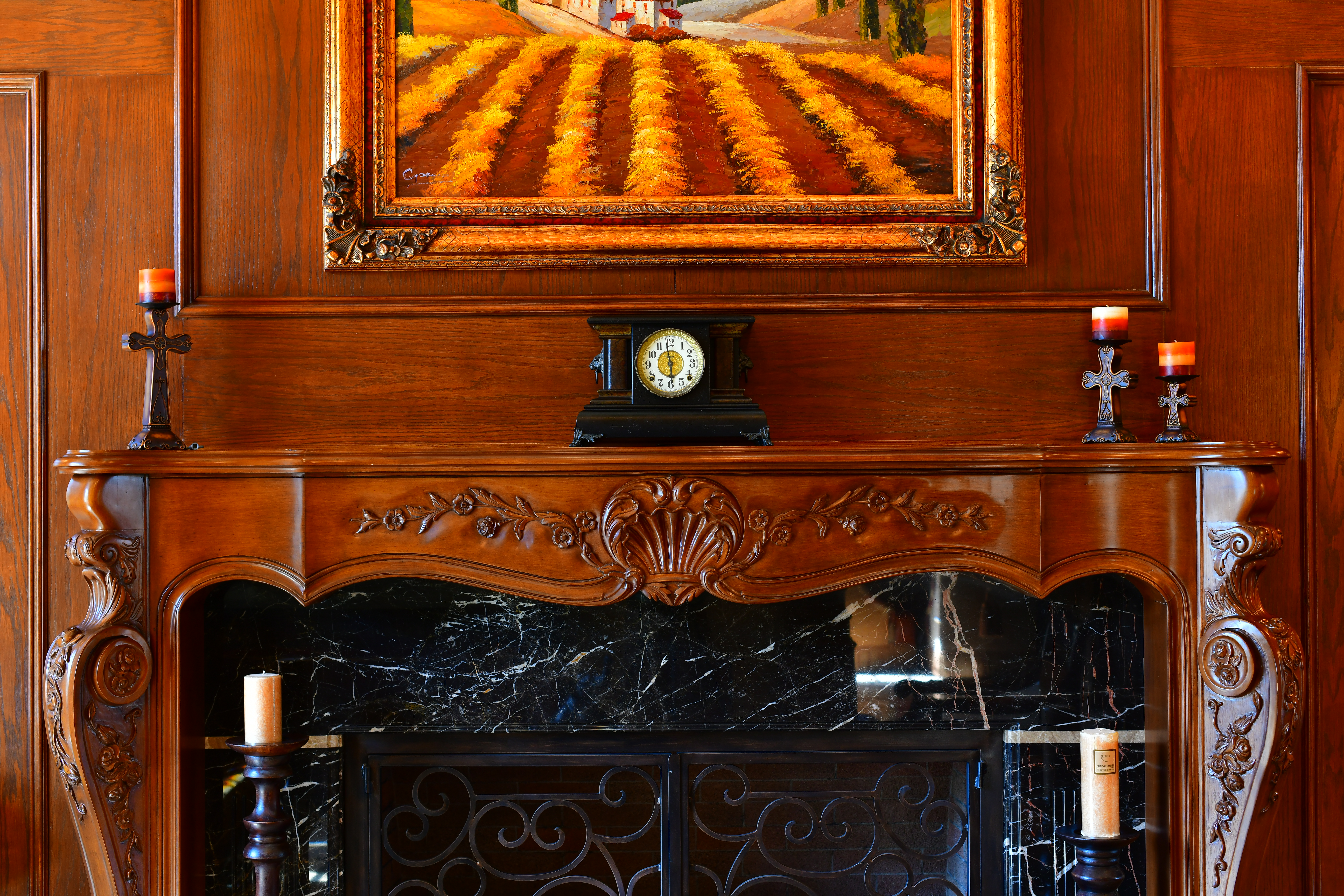
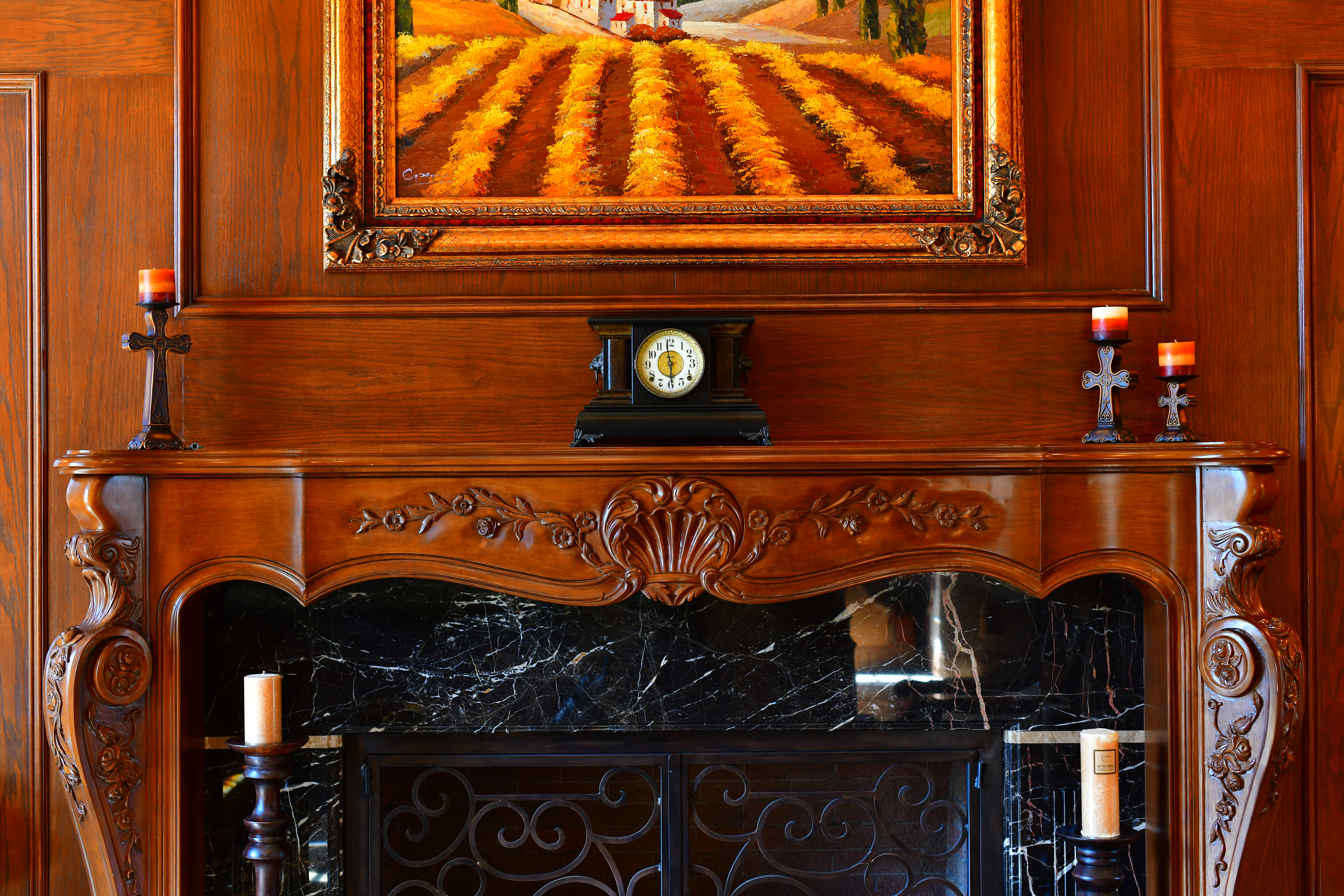
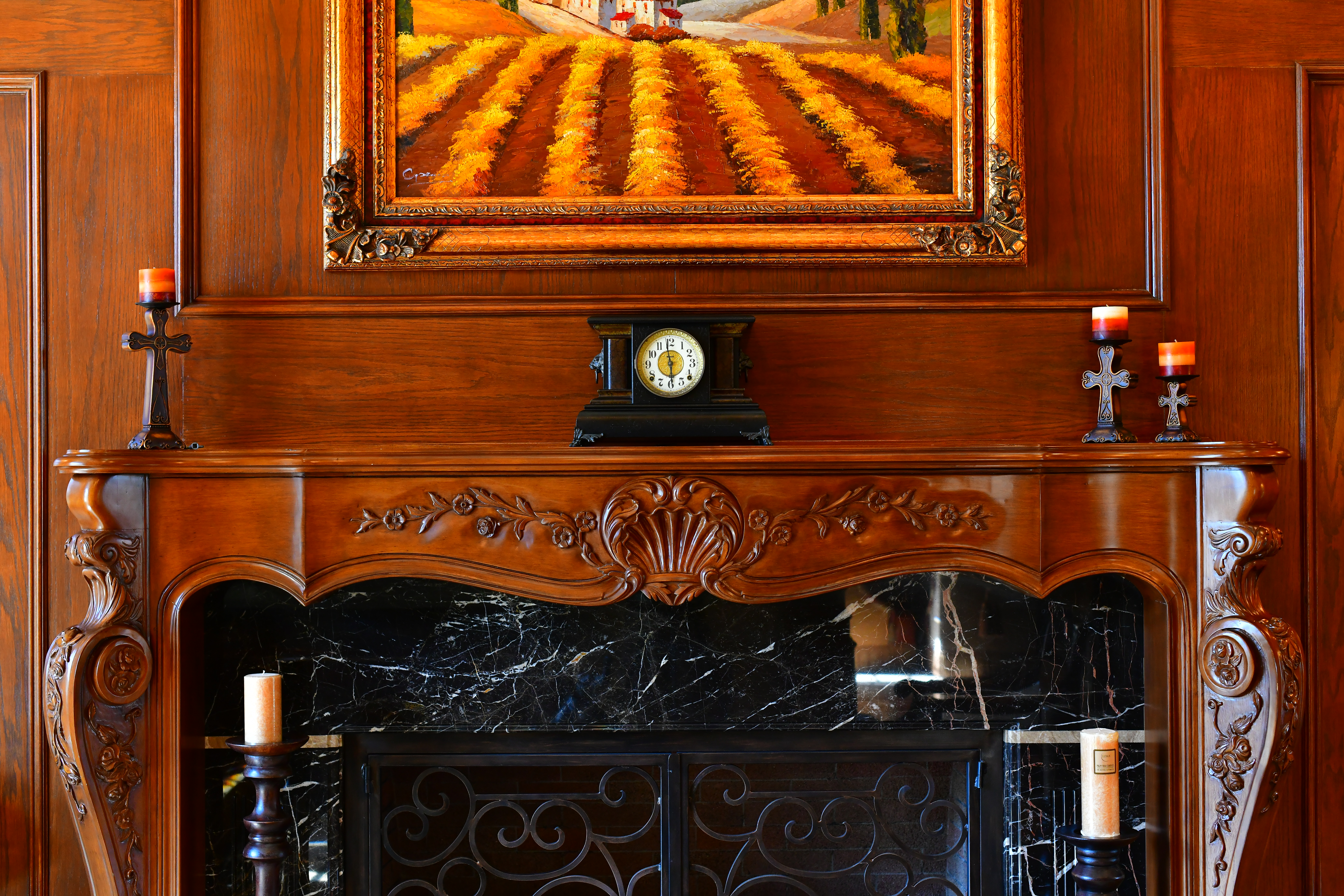
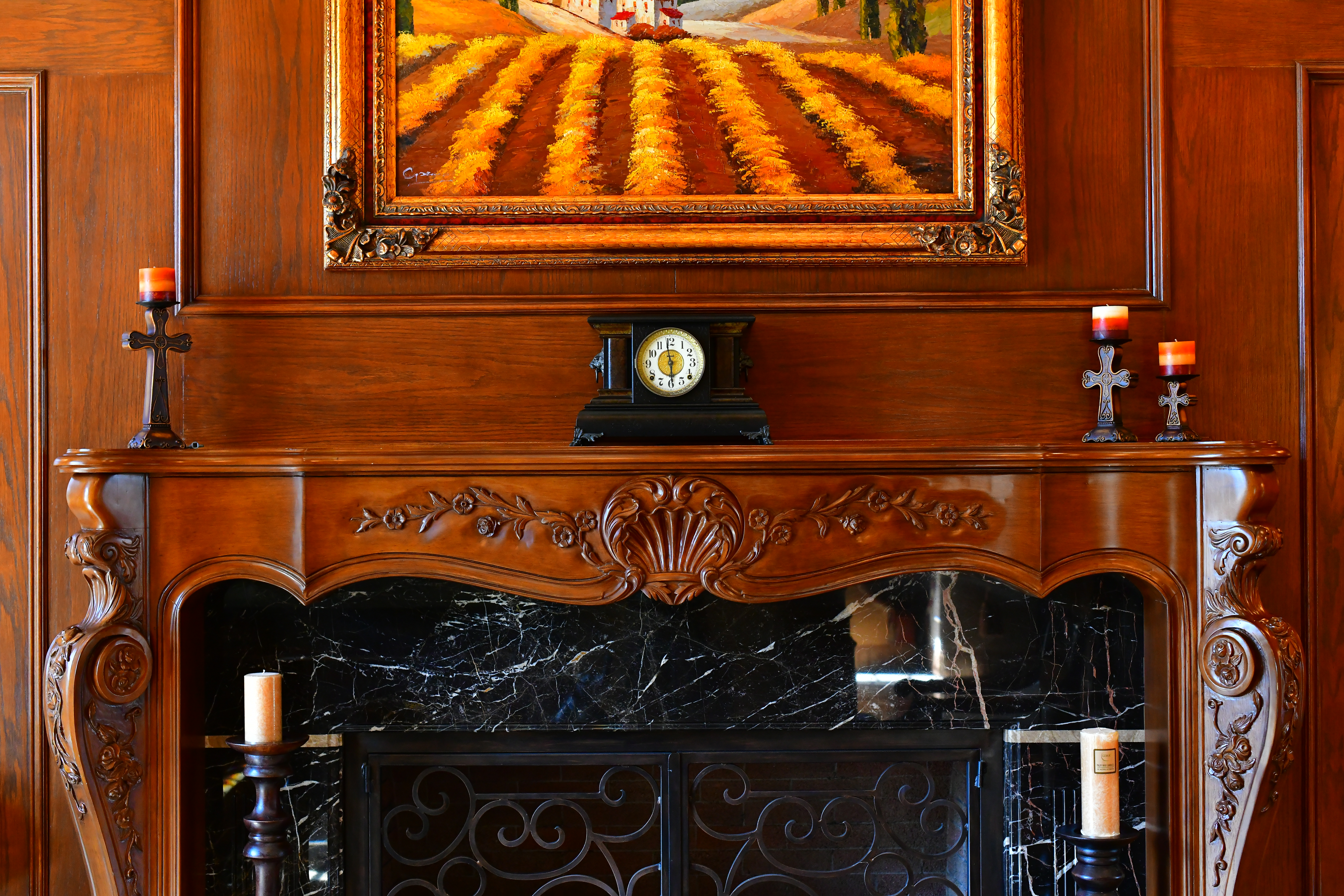
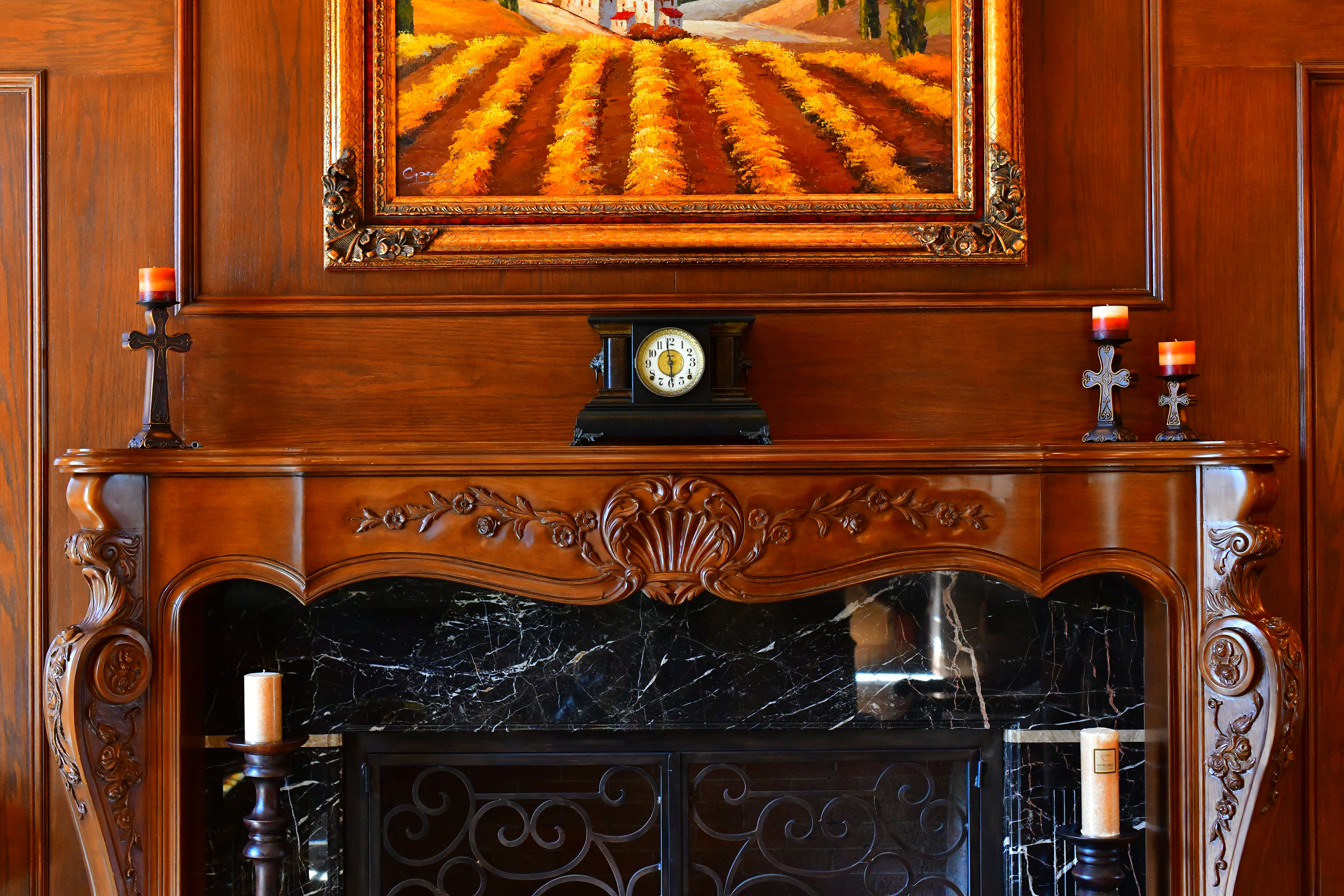
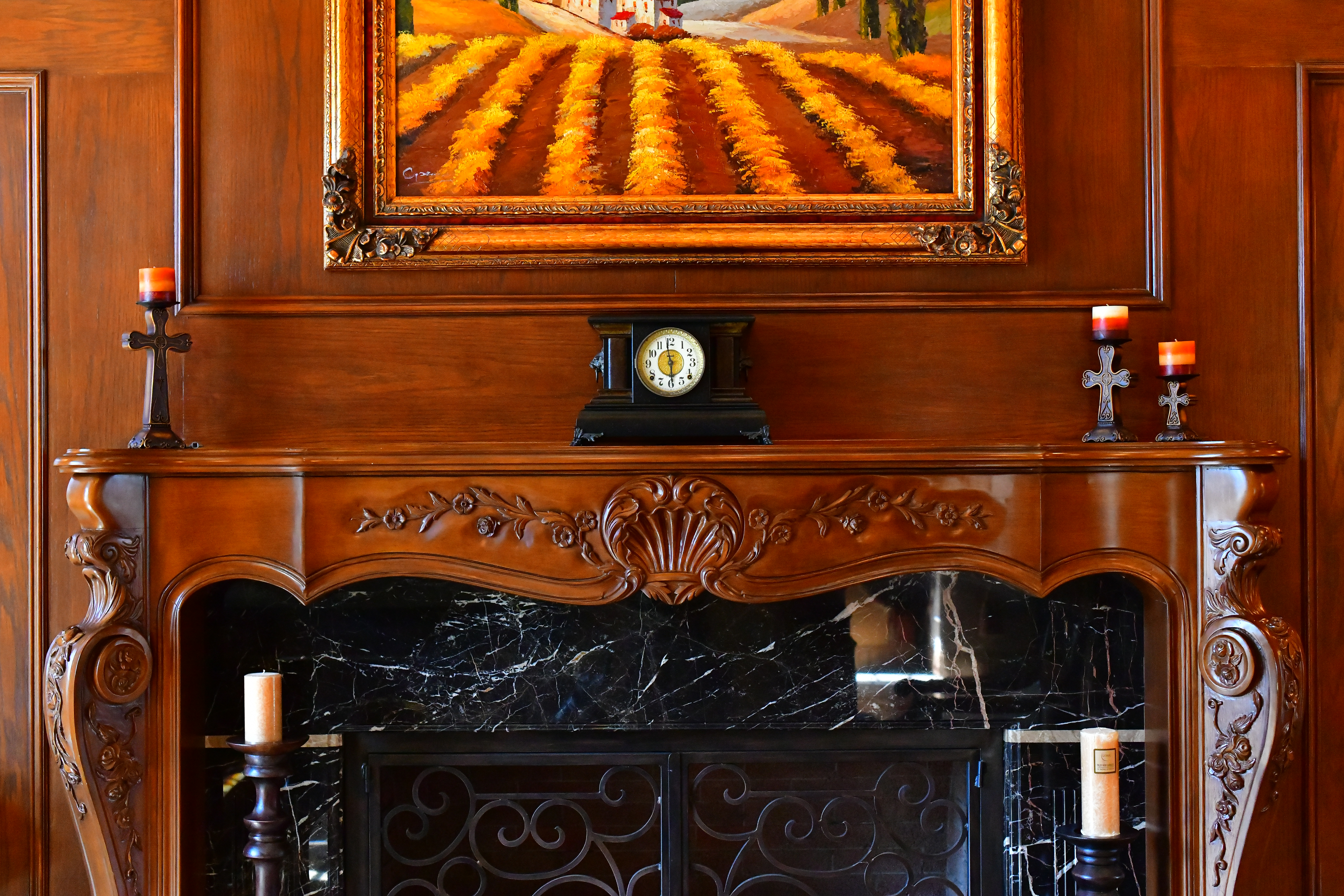
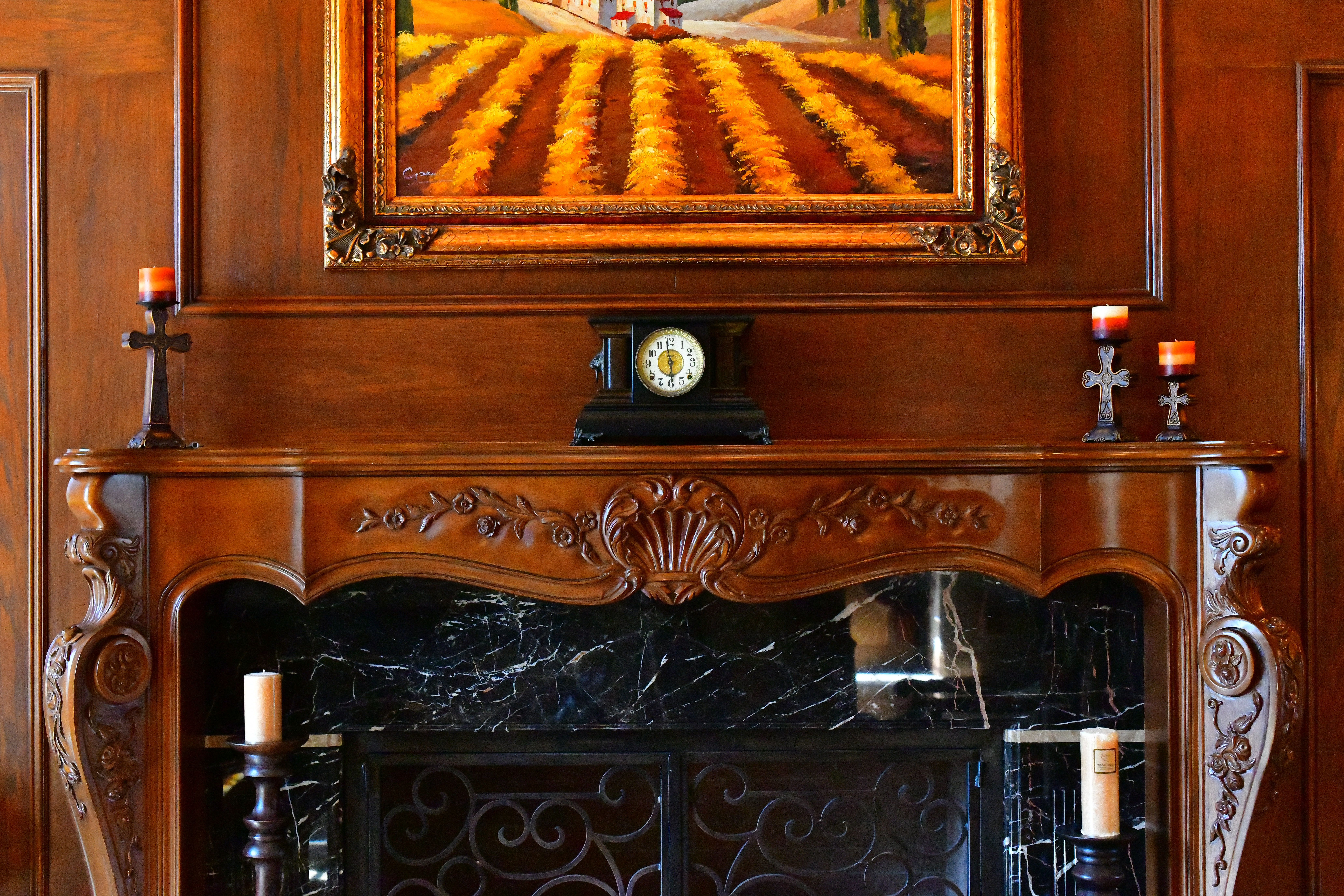

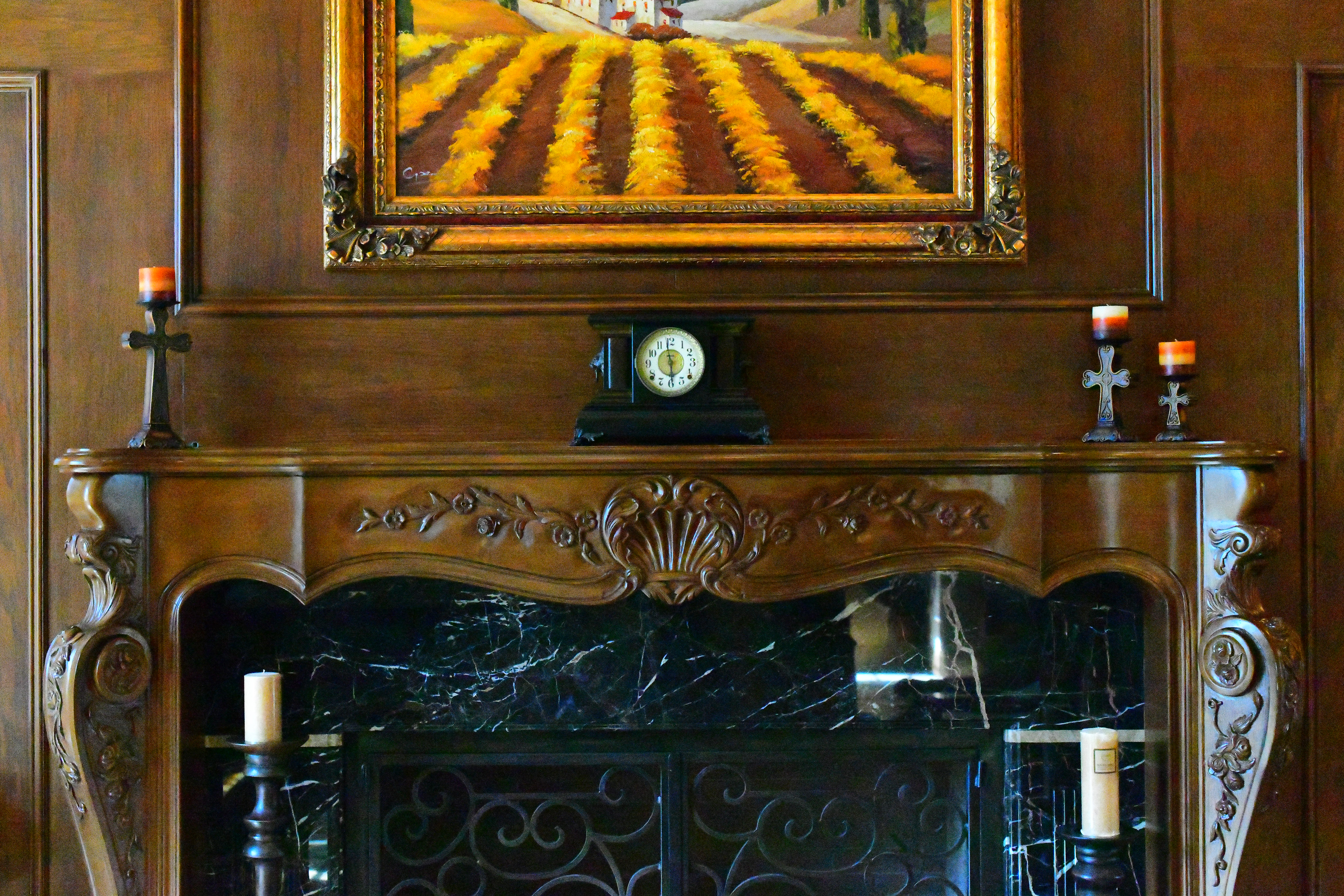
Crops from above
These are 600 × 450 pixel crops that vary in size to fit your browser window. If they are about 6" (15cm) wide on your screen, the complete image would print at 55 × 82" (1.5 × 2 meters) at this same magnification. If they are about 12" (30cm) wide on your screen, the complete image would print at 110 × 165" (9 × 14 feet or 3 × 4 meters) at this same magnification!
Click any for the same camera-original © files as above to explore on your computer; mobile devices rarely show the full resolution files properly:
Real World High ISOs
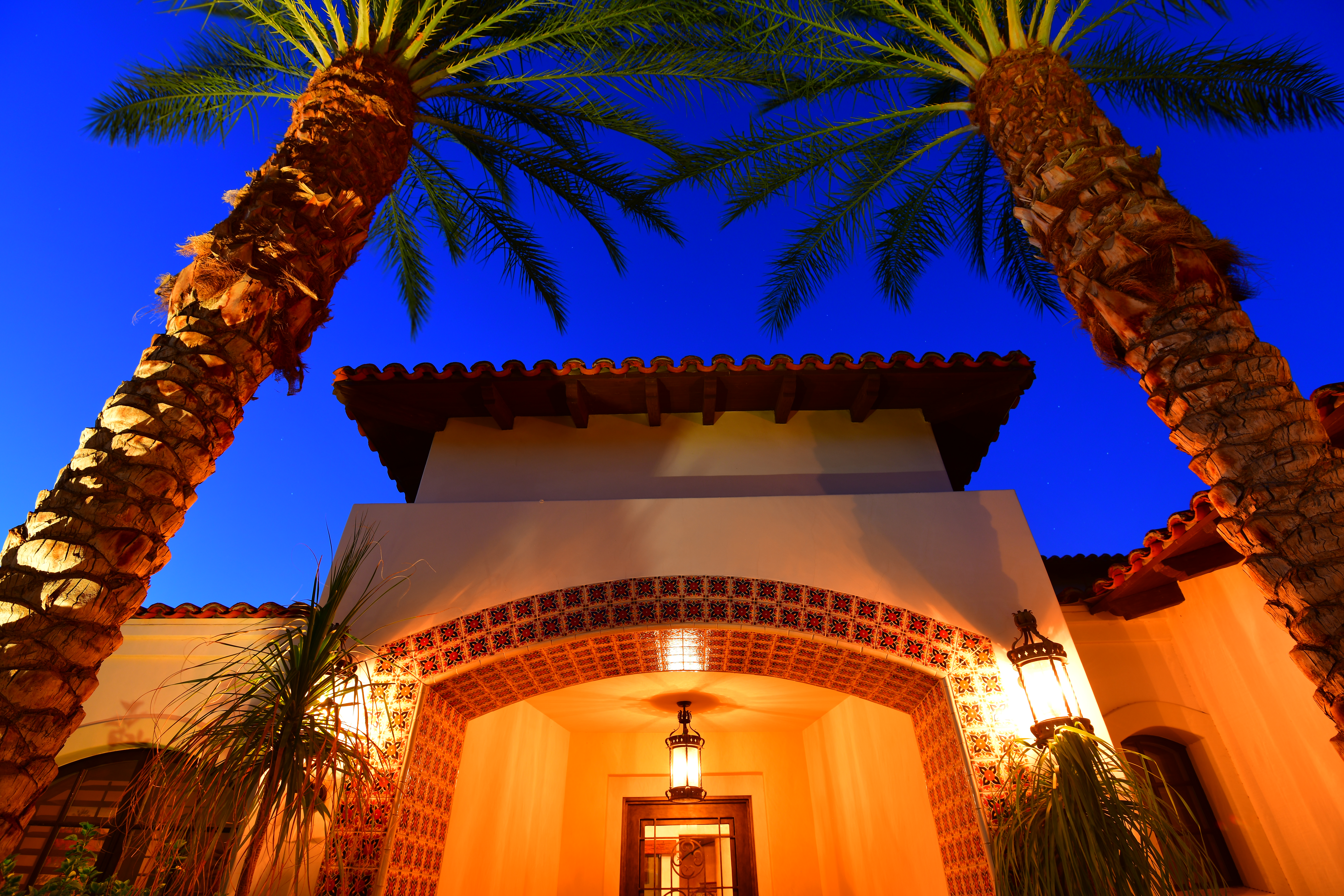
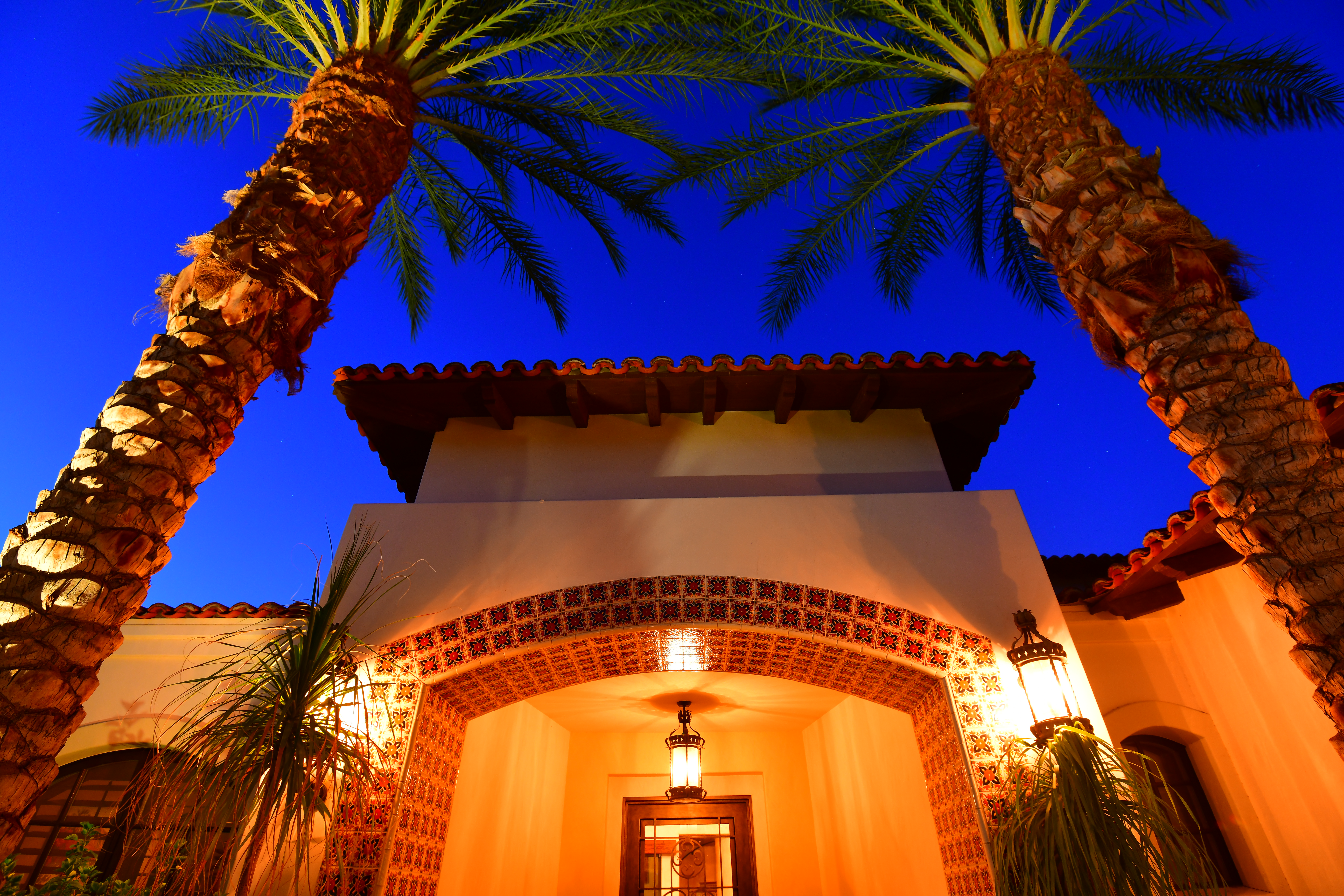
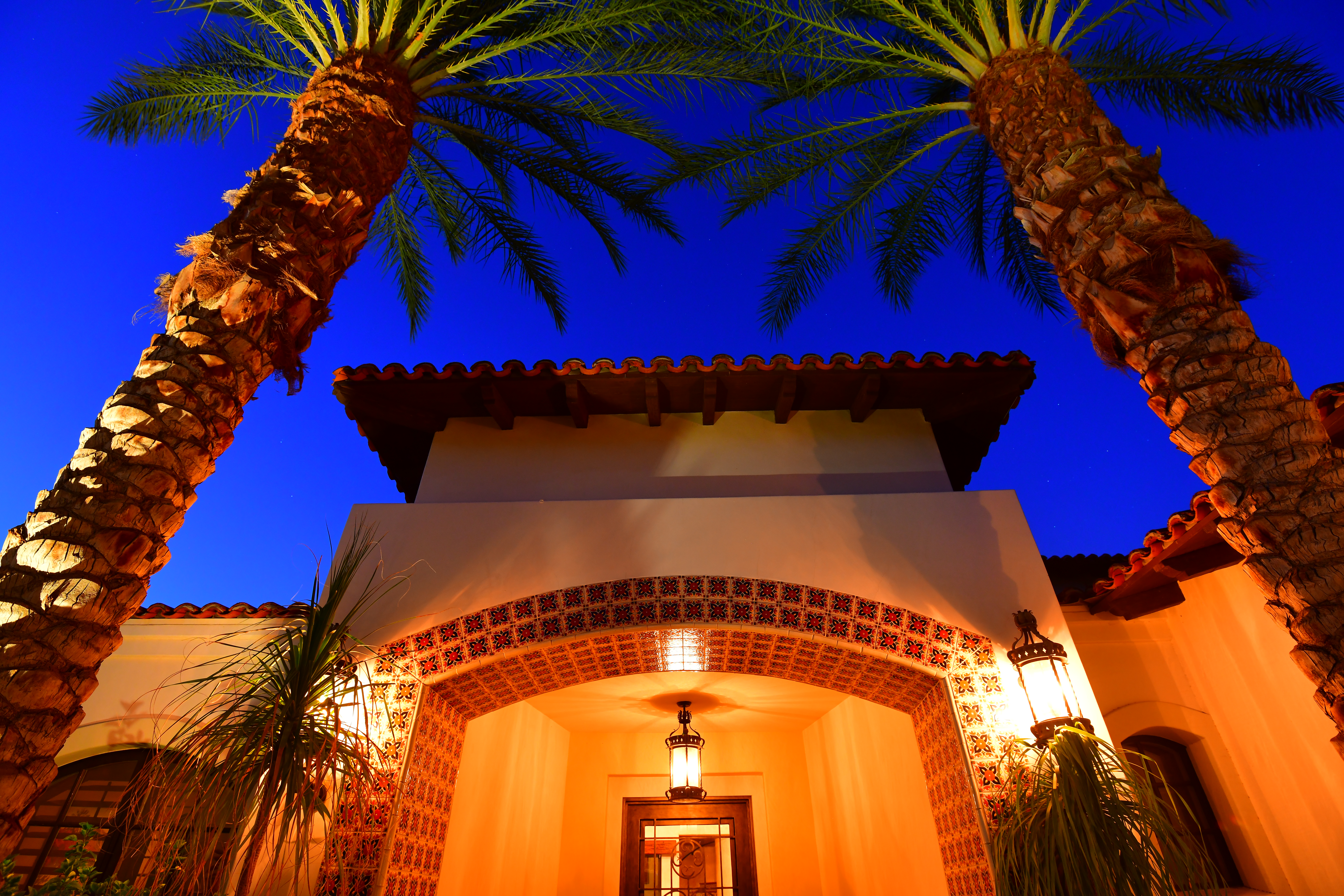
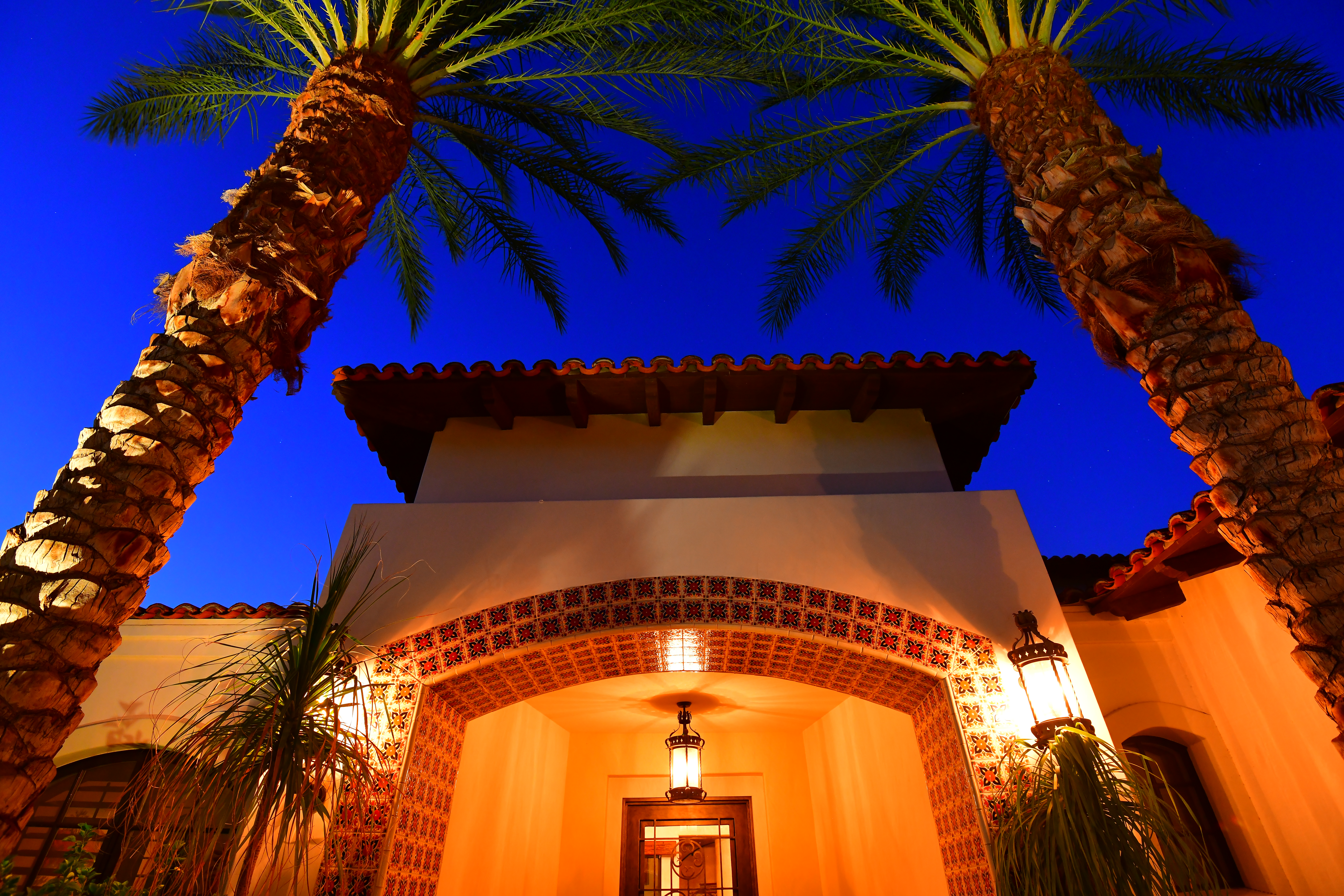
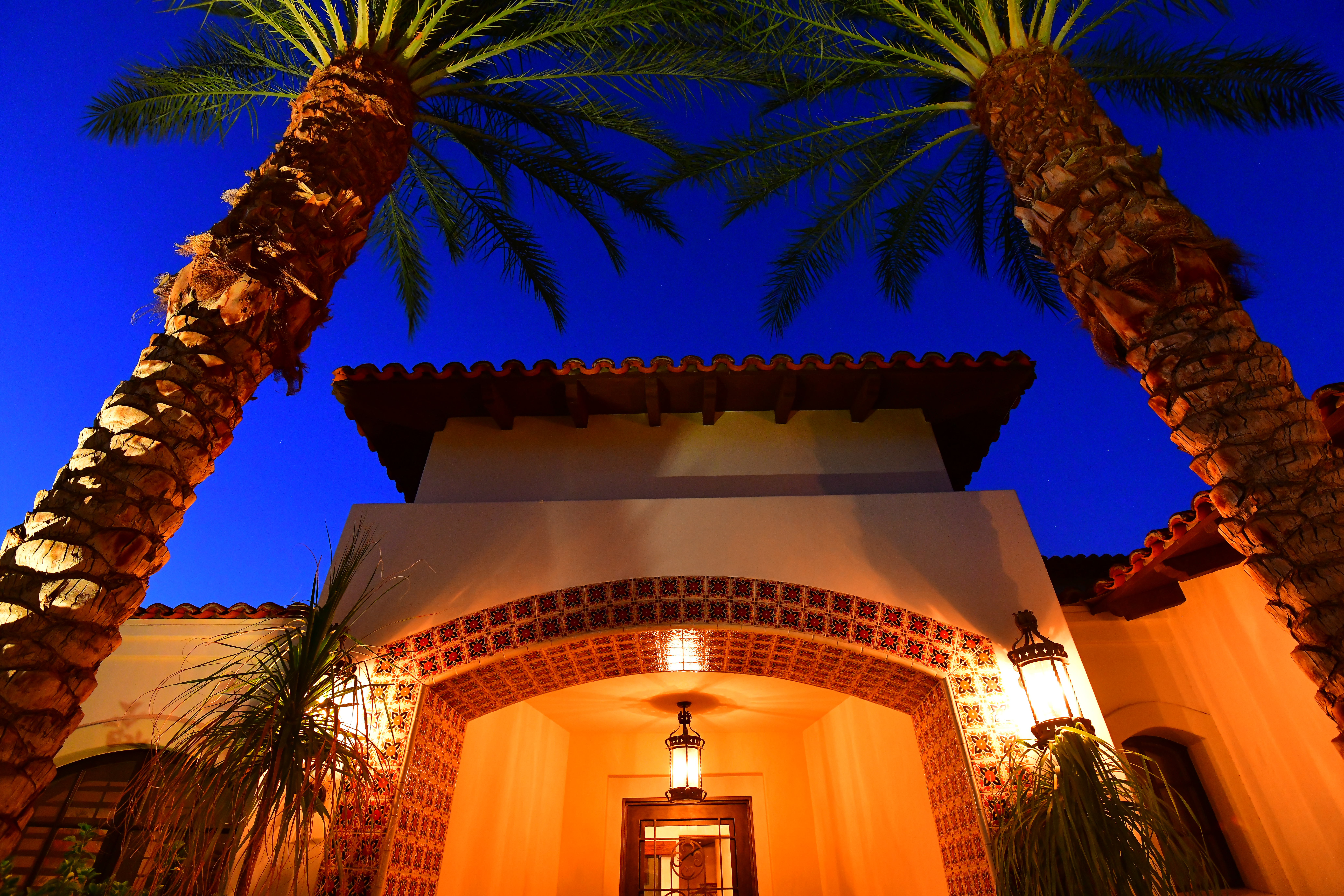
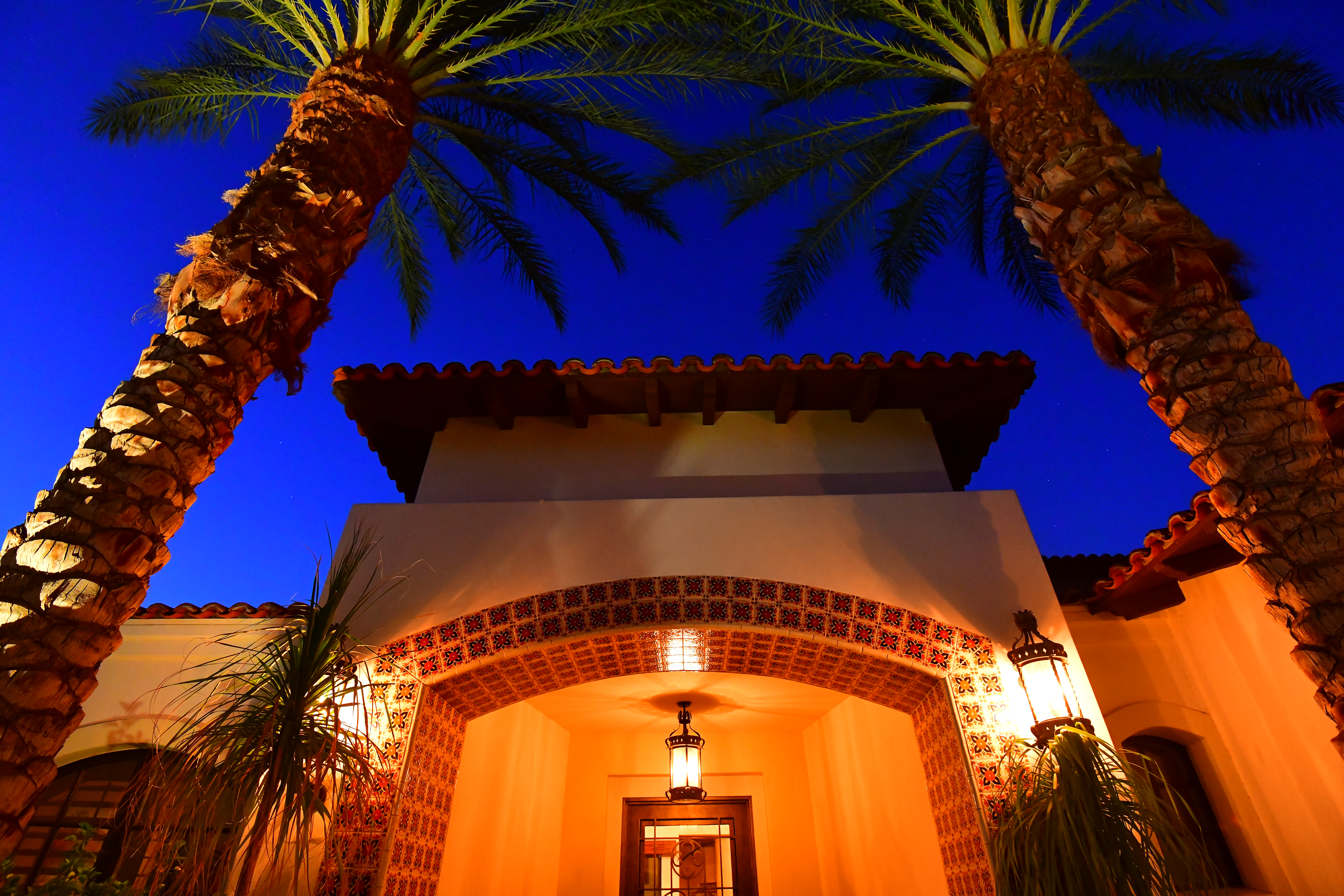
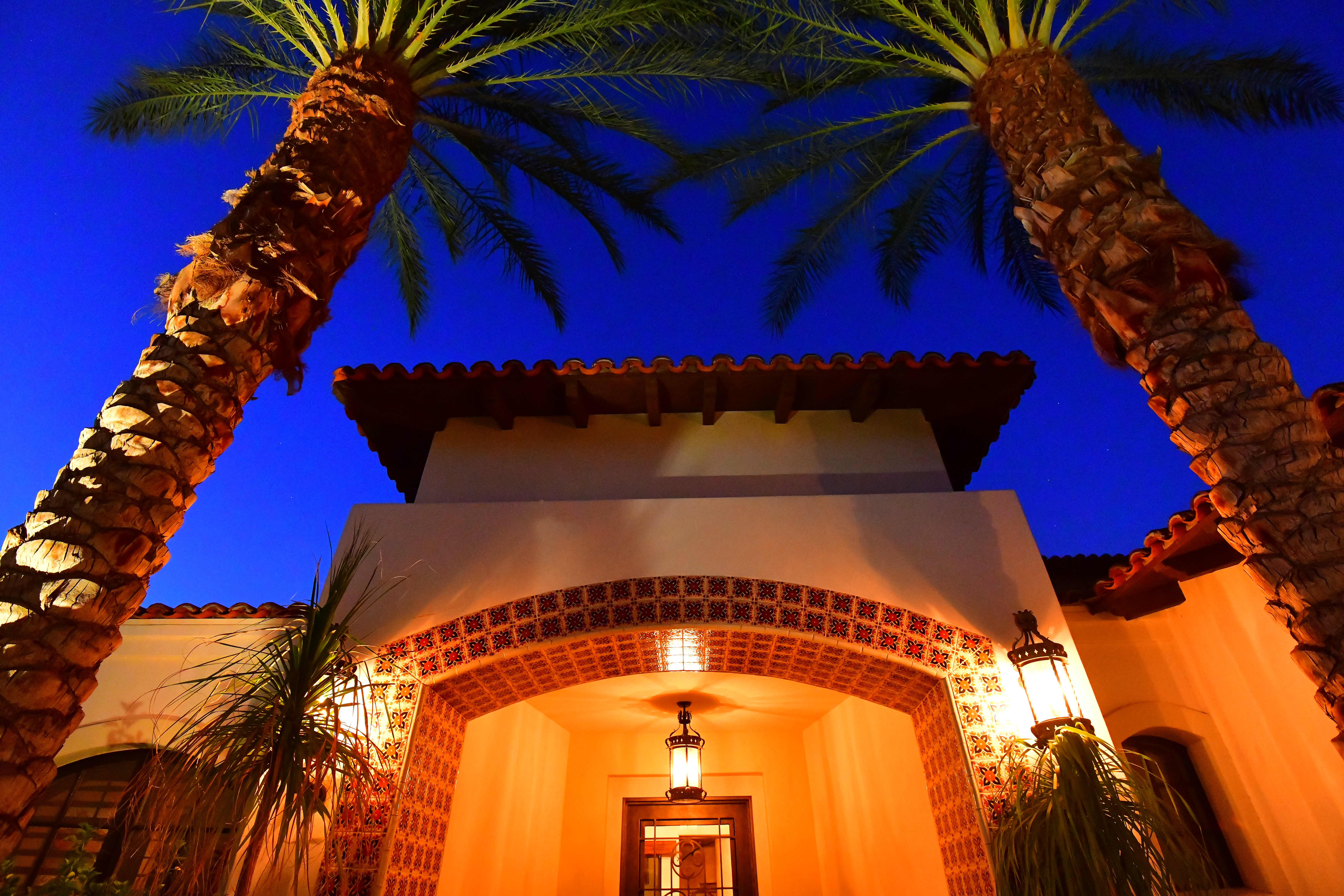

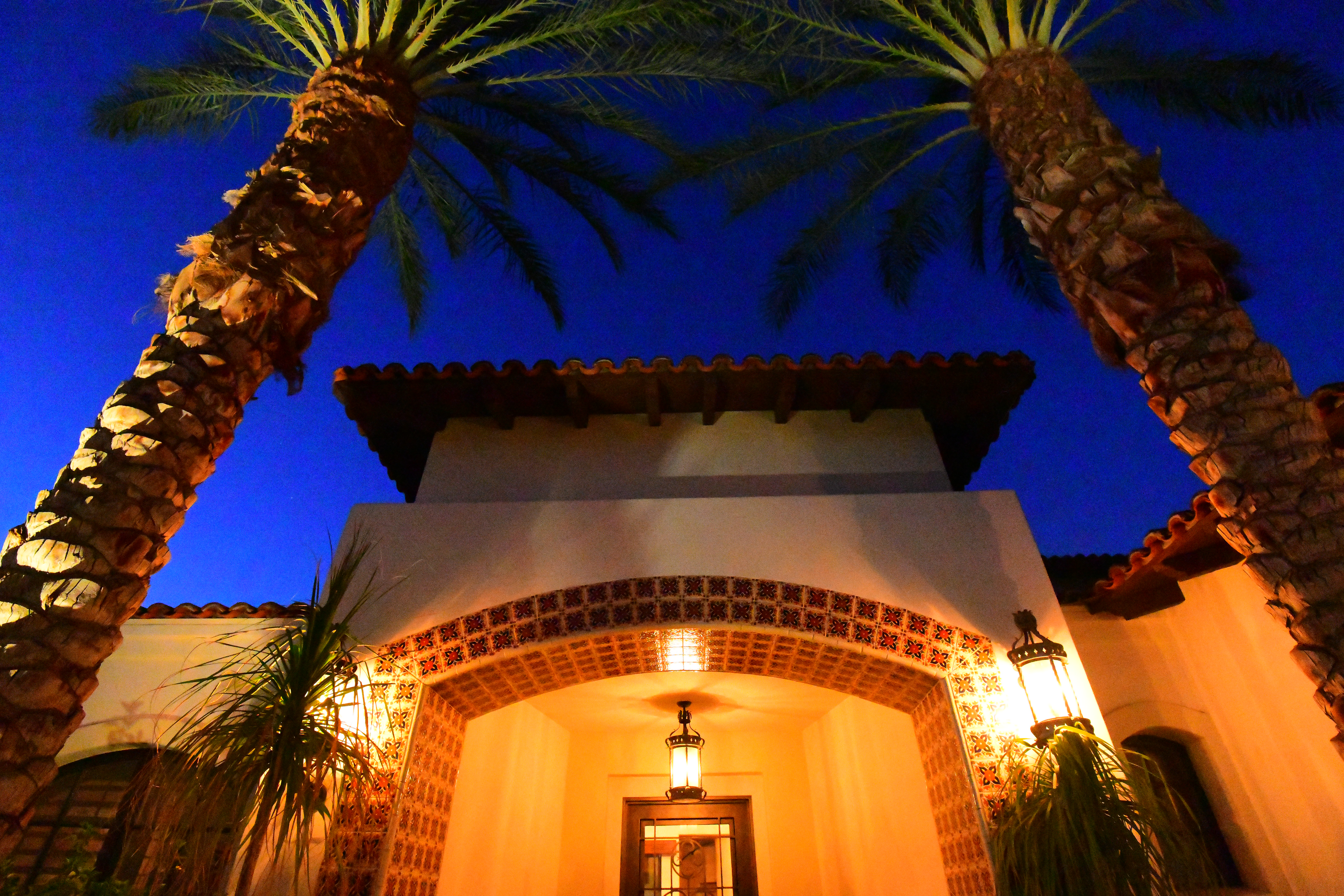
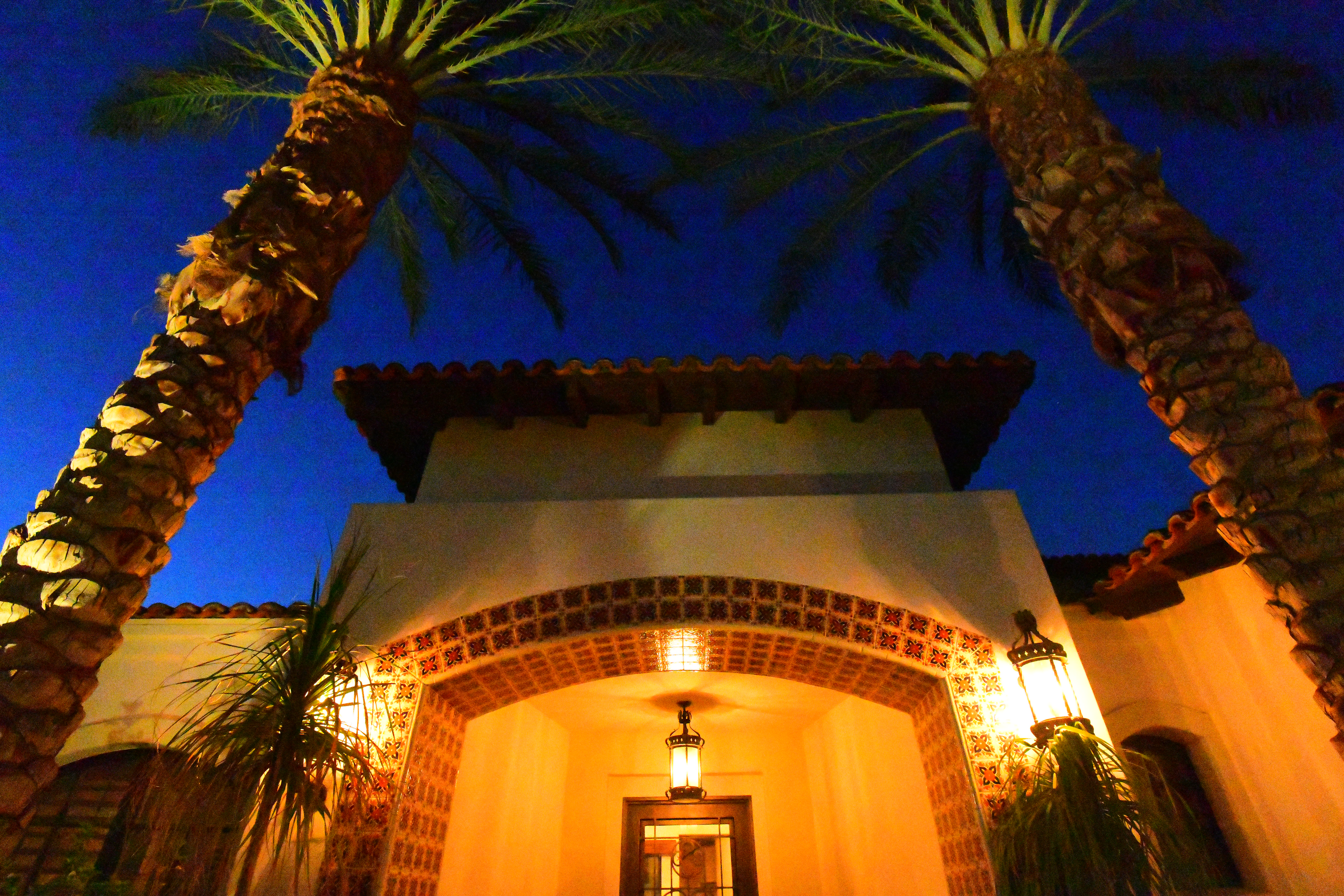
Below are real-world sample images. These were shot at dusk. With up to 30-second exposures the sky gets much darker from frame to frame as the evening progresses. The light on the trees comes from a fountain in which the waves make the light on the palms vary from frame to frame. These samples are not supposed to look the same because the subject changed from frame-to-frame. I shot the ISO 32 sample after the ISO 102,400 sample, so the sky is the darkest of all.
Many of these are long exposures, so the palm trees are moving at the lower ISOs, and noise reduction is blurring the black-on-blue at the highest ISOs. Dark fronds against a blue sky are hard to catch here.
ISO 32 may look softer in places simply because it's the only one shot at f/4 and it was focused on the closest parts of the palms.
ISO 64 and 100 of course are super great; they are the lowest regular ISOs and what you should use for all photography. Especially if you're on a tripod, use either of these ISOs, shoot at f/8 (most lens' sharpest aperture) and use however long an exposure is needed in dim light.
As ISO increases, it doesn't get much grainier because noise reduction works harder and harder as the ISO increases, but noise reduction also smudges-over subtle details. Look at the upside-down tile on the bottom of the arch and you'll see it start to get softer at higher ISOs. Noise reduction sees it as minor texture, and thus smudges it over to hide what it thinks might be noise, not knowing that it's upside-down tile.
By ISO 25,600 the patterns in the upside-down tiles are gone, and the stars in the sky are mostly gone as well — and the higher ISO shots are made at shorter exposure times!
The pushed H1 ISO 51,200 has shifted colors, and most minor details are gone.
The top H2 ISO 102,400 has shifted colors, and many details are gone - even the tiles on the front of the home are blurred by noise reduction, and the blue sky is mottled.
This is great performance; older cameras were never this good.
Complete Images
Click any for the camera-original LARGE NORMAL JPG files:
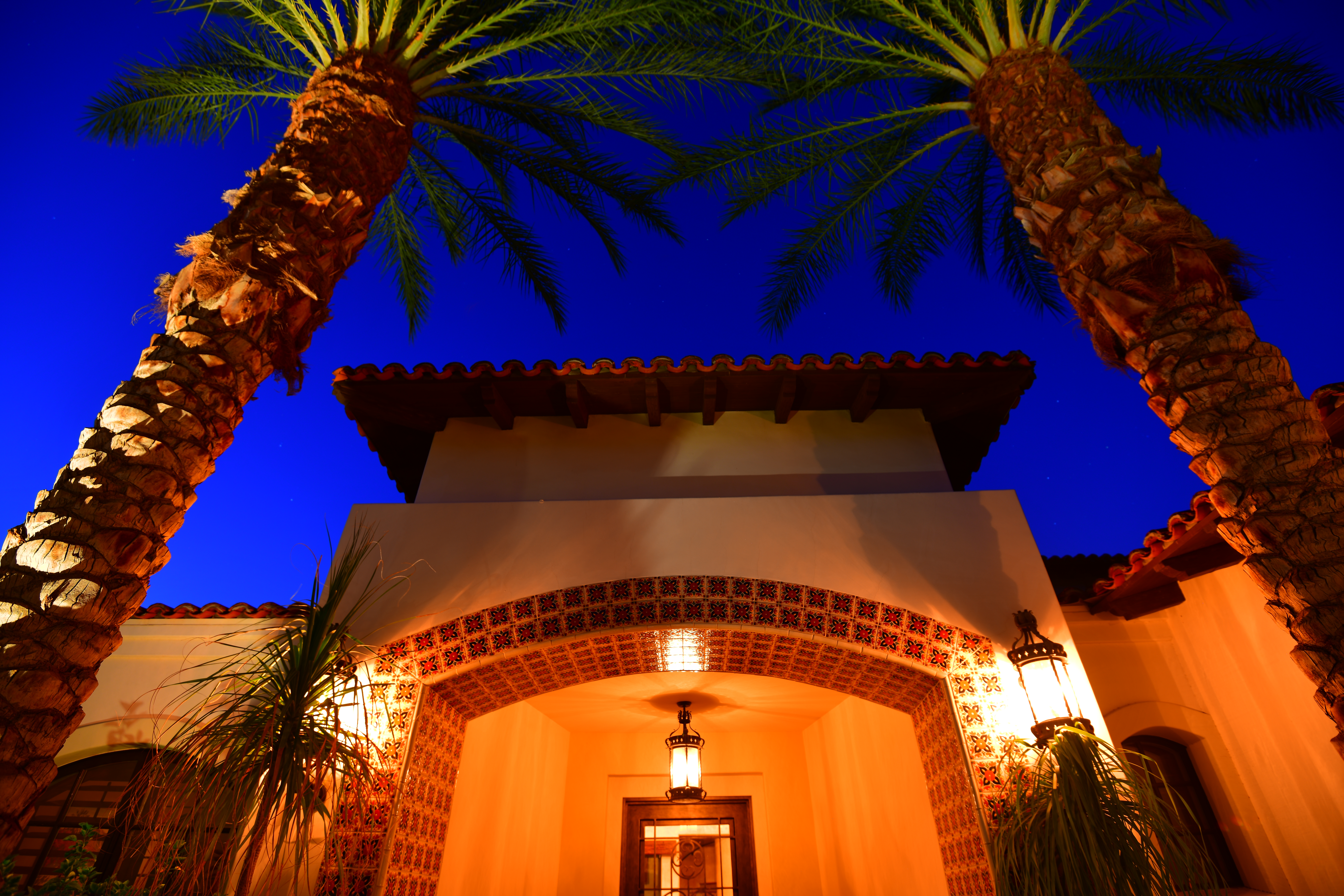

Crops from above
These are 1,200 × 900 pixel crops that vary in size to fit your browser window. If they are about 6" (15cm) wide on your screen, the complete image would print at 28 ×41" (0.75 × 1.1 meters) at this same magnification. If they are about 12" (30cm) wide on your screen, the complete image would print at 55 × 82" (1.5 × 2 meters) at this same magnification.
Click any for the same camera-original © files as above to explore on your computer; mobile devices rarely show the full resolution files properly:
Auto ISO
Auto ISO is state of the art, with programmable top and bottom ISO, minimum shutter speeds, and the ability to have minimum shutter speeds set themselves to 1/focal length, and shift ±2 stops from there.
Auto White Balance
Auto white balance works great.
There are now four different Auto White Balance (AWB) settings.
There are three of the usual AWB settings: AUTO0, AUTO1 and AUTO2, and a new Natural Light Auto setting.
See Usage for what they do and how to use them.
HDR
The D850's HDR has no ability to auto-align images, so you usually need a tripod for the best results.
While Canons often have an Auto Align option making hand-holding feasible, the Canon 5DSR takes about 20 seconds to process each image! The D850 takes only about two seconds to process each HDR image, during which time the camera locks-up and you'll see "JOB" blinking in the finder.
I prefer the HIGH smoothing option. It can look really bad in LOW.
Lens Corrections
The D850 automatically corrects for lateral color fringes, regardless of what lens you use. It always corrects this by magic, and there's no way to turn it on or off; it's always ON.
The D850 can be set to correct corner darkening ("vignetting") for any lens at MENU > PHOTO SHOOTING (camera icon) > Vignette control.
The D850 can correct distortion (MENU > PHOTO SHOOTING (camera icon) > Auto distortion control), but it only can do this for AF-D lenses or newer. AF-D lenses were first introduced in 1993. For instance, my D850 expertly corrects the complex distortion of my Nikon 18mm f/2.8 AF-D, which was introduced in 1994.
The distortion correction option will be grayed-out for older traditional AF (non-D) lenses and non-CPU (manual-focus) lenses. The D850 can't correct distortion for these because distortion varies with focused distance, and only AF-D lenses or newer let the camera know the focused distance.
Better than Canon, there's no need to pick, choose and load individual lens profiles into the D850; they're all there. There are periodic firmware updates which will add data for newer lenses (MENU > SETUP (wrench) > Firmware version > and here the "LD" is the Lens Data firmware version. My brand-new D850 has C (camera) firmware 1.0 and LD (lens data) firmware 2.016.
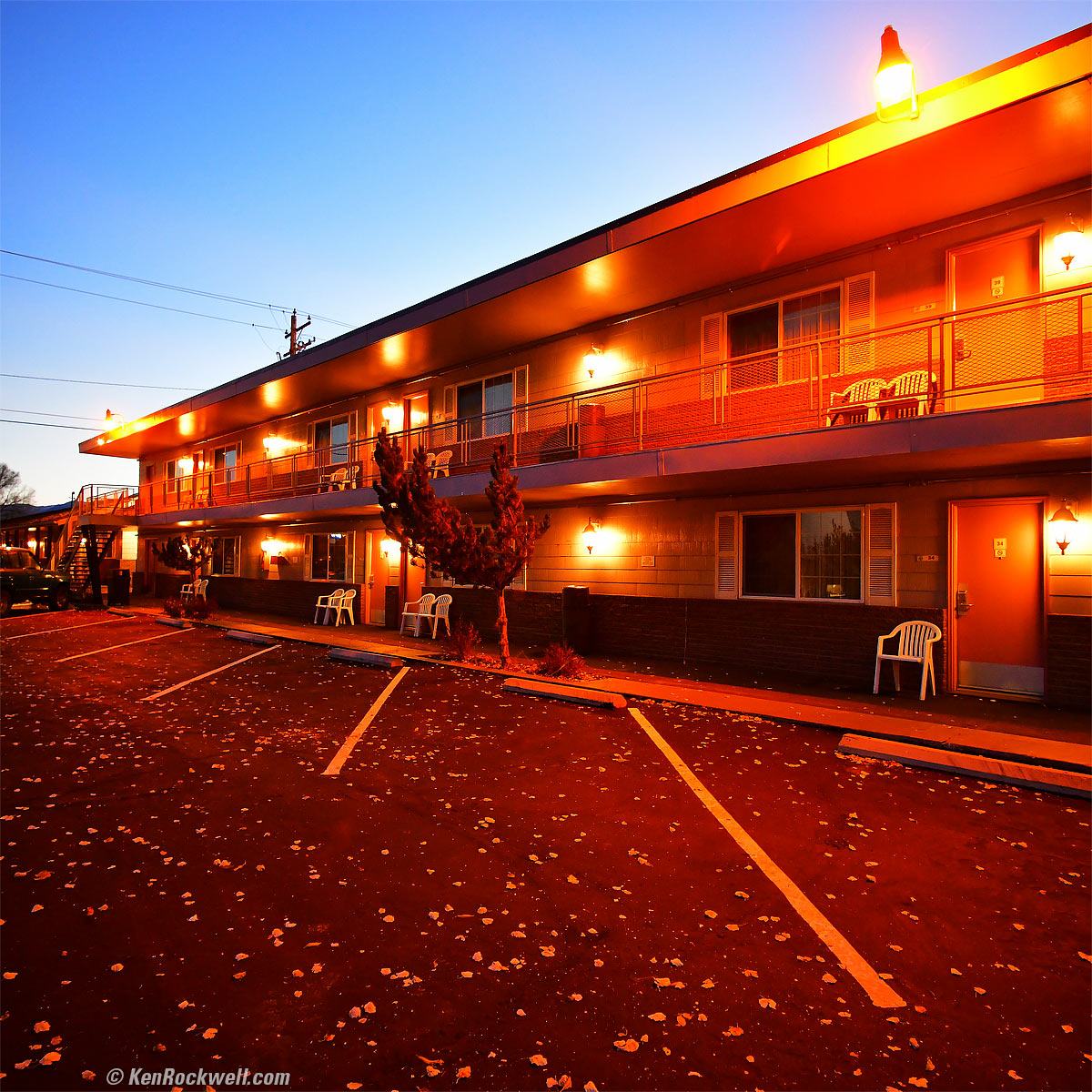
Motel Parking Lot at Dusk, October, 2017. Nikon D850 in 1:1 crop mode, Nikon 18mm f/2.8 AF-D, f/4 hand-held at 1/20 at Auto ISO 2,200, Perfectly Clear v3.5. bigger.
Mechanical Quality
The D850 is just like Nikon's other top consumer DSLRs.
It has mostly metal exterior covered in rubber. It feels pretty tough.
The front and rear dials are rubber covered.
The rear LCD is in a plastic frame behind a glass cover with metal pivots and a metal backing.
All the other dials, buttons, knobs, rear controllers, thumb nubbin, battery door and card door are plastic.
Noise and Vibration
It's the same as the D810, which means that its quiet modes are among the quietest in this class of DSLR, and the D810 works quite well and fast even in its Quiet modes.
The regular modes aren't that much louder. It's a lot quieter than any of Nikon's pro cameras like the D5 or D4s.
It's so heavy that it damps vibration; I can't feel any as I shoot.
It's quiet, and much quieter than a pro camera like the D5, but noisier than the plastic consumer cameras like the D3400.
The D850 is quiet, but not silent (except maybe in some Live View mode). If you want silent, look at a Sony like the A9, A7R2, A7S2 or A7R3.
Sharpness
The Nikon D850 is sharper than any Nikon ever made. No news here; it's way better than 35mm film ever could do; I stopped shooting 35mm, even with my LEICAs, when 24MP FX cameras came out.
The only limitation to picture sharpness will be your skill as a photographer.
Here are some samples and exciting new applications for high-resolution photography.
The 1,200 × 900 pixel crops will vary in size to fit your browser window. If they are about 6" (15cm) wide on your screen, the complete images would print at a huge 27½″ × 41¼″ (70 × 105 cm) at this same high magnification. If they are about 12" (30cm) wide on your screen, the complete images would print at a mammoth 55 × 82½″ (1.4 × 2.1 meters) at this same extremely high magnification!

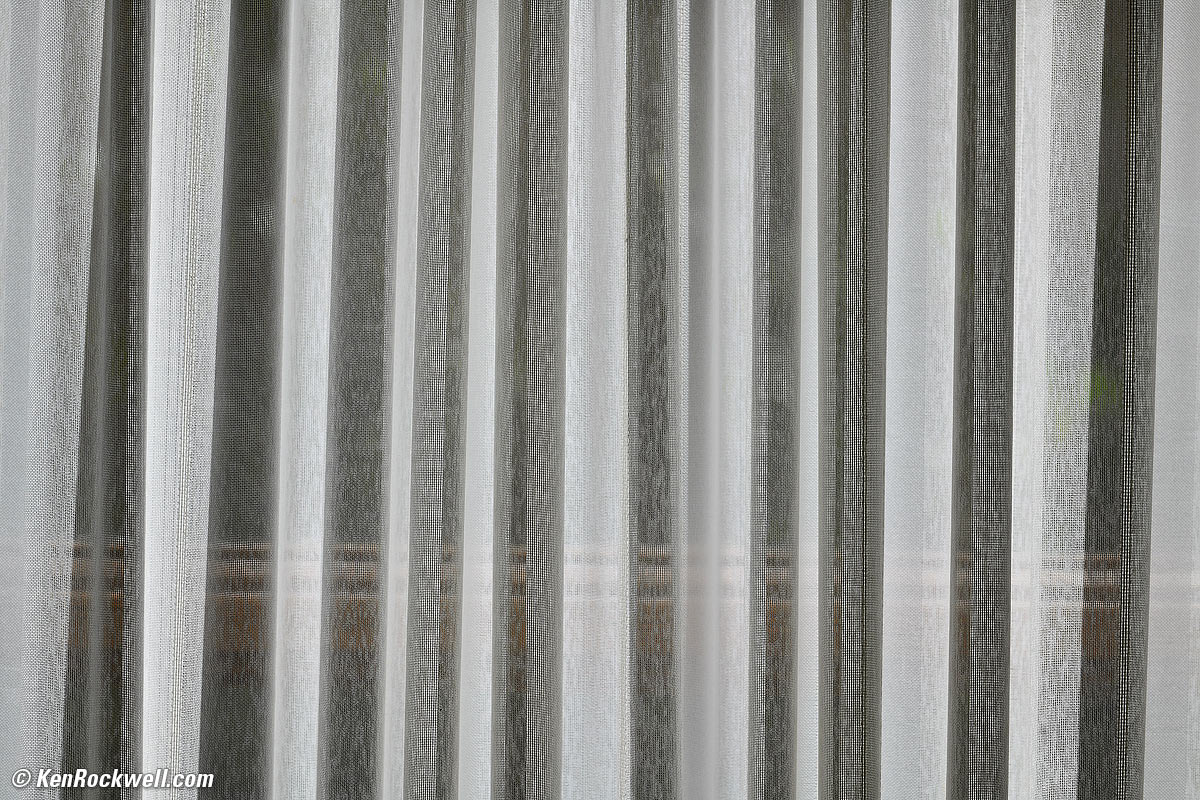
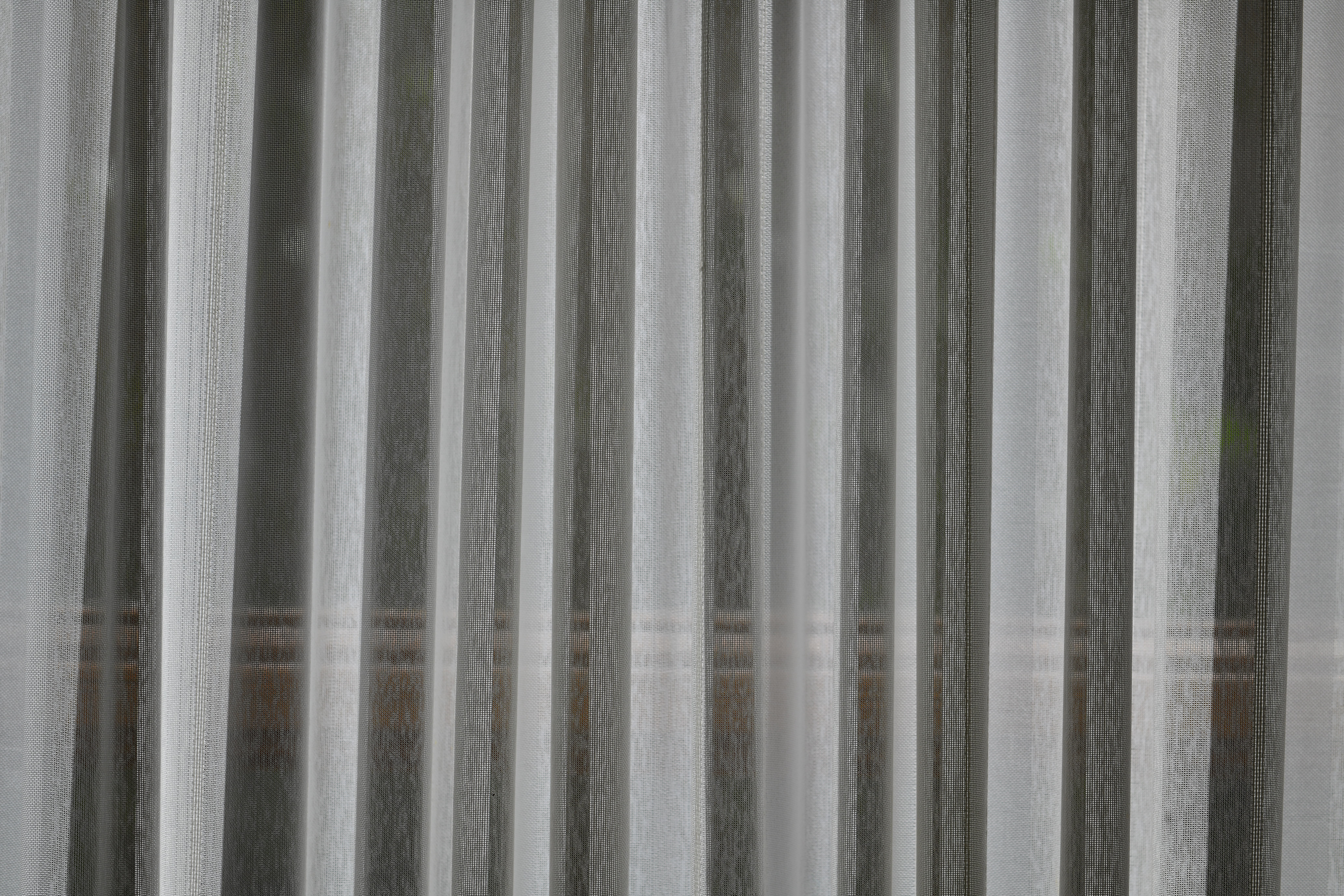
Fabric quality control, Ghent, Belgium. Used to inspect and confirm that all threads are woven properly, with no mistakes. Nikon D850, Nikon AF MICRO-NIKKOR 55mm f/2.8 at f/9 at 1/320 at Auto ISO 100, Perfectly Clear. bigger, full-resolution or camera-original file.
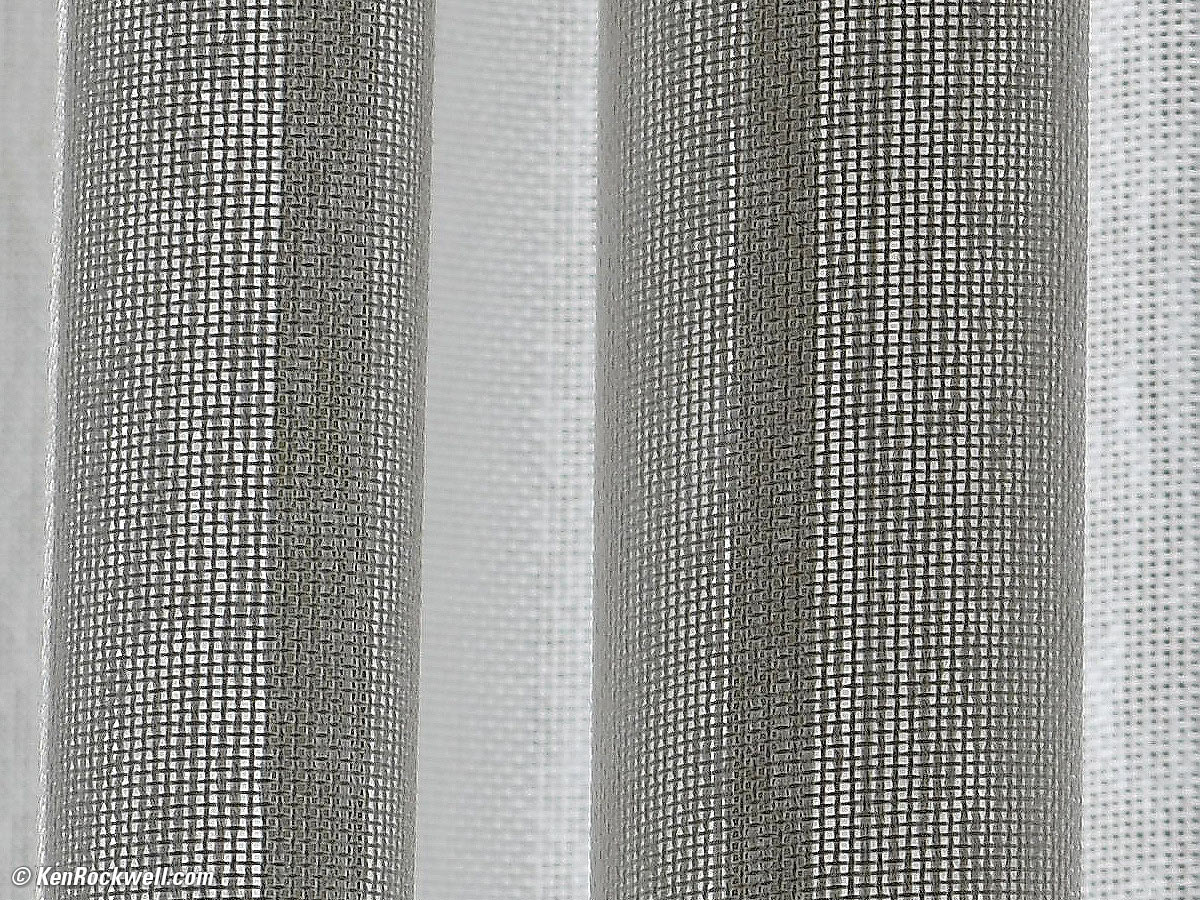
1,200 x 900 pixel crop from above. Each and every thread must go over or under in sequence with zero errors. bigger, full-resolution or camera-original file.

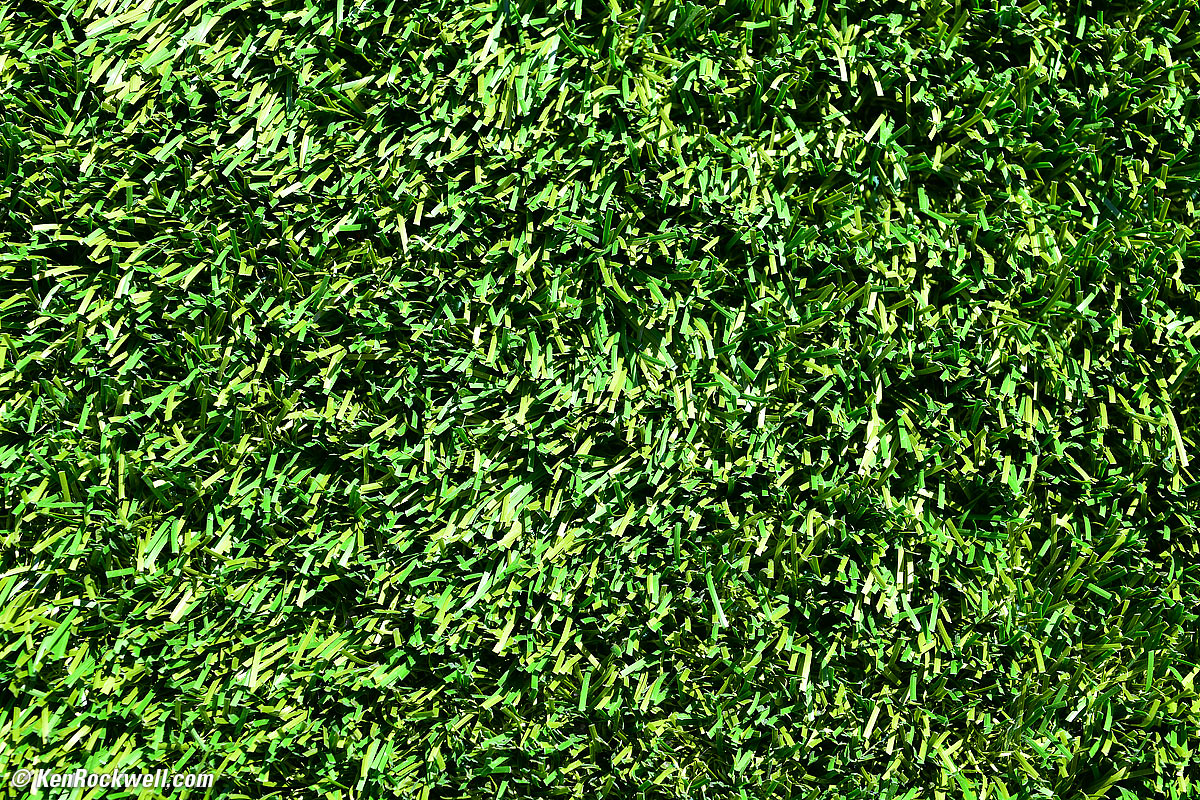
Grass growing, Nicholasville, Kentucky. Nikon D850, Nikon AF MICRO-NIKKOR 55mm f/2.8 at f/6.3 at 1/160 at Auto ISO 100, as shot. bigger or camera-original file.
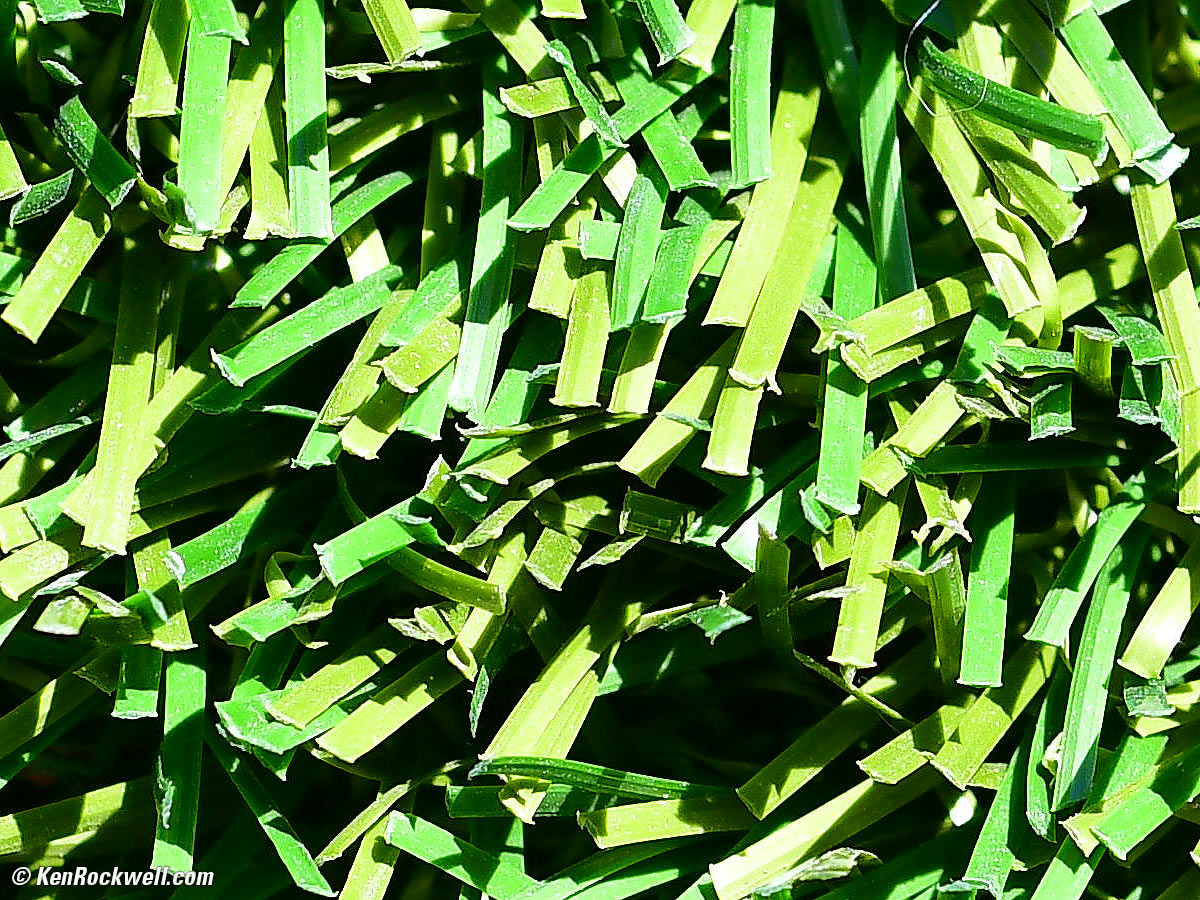
1,200 x 900 pixel crop from above. Every single blade of growing grass must have the correct cut, grain and growth rate. bigger or camera-original file.
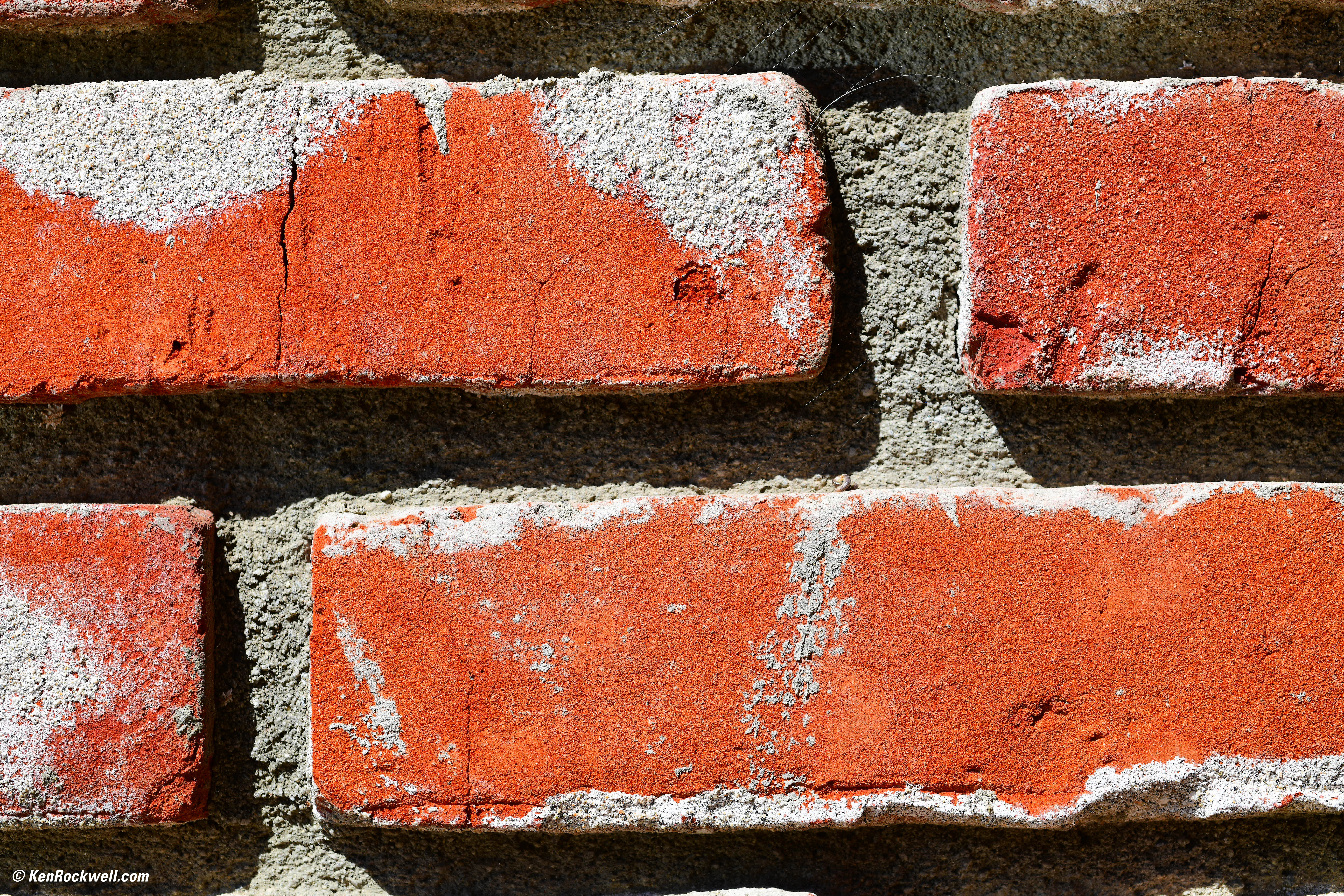
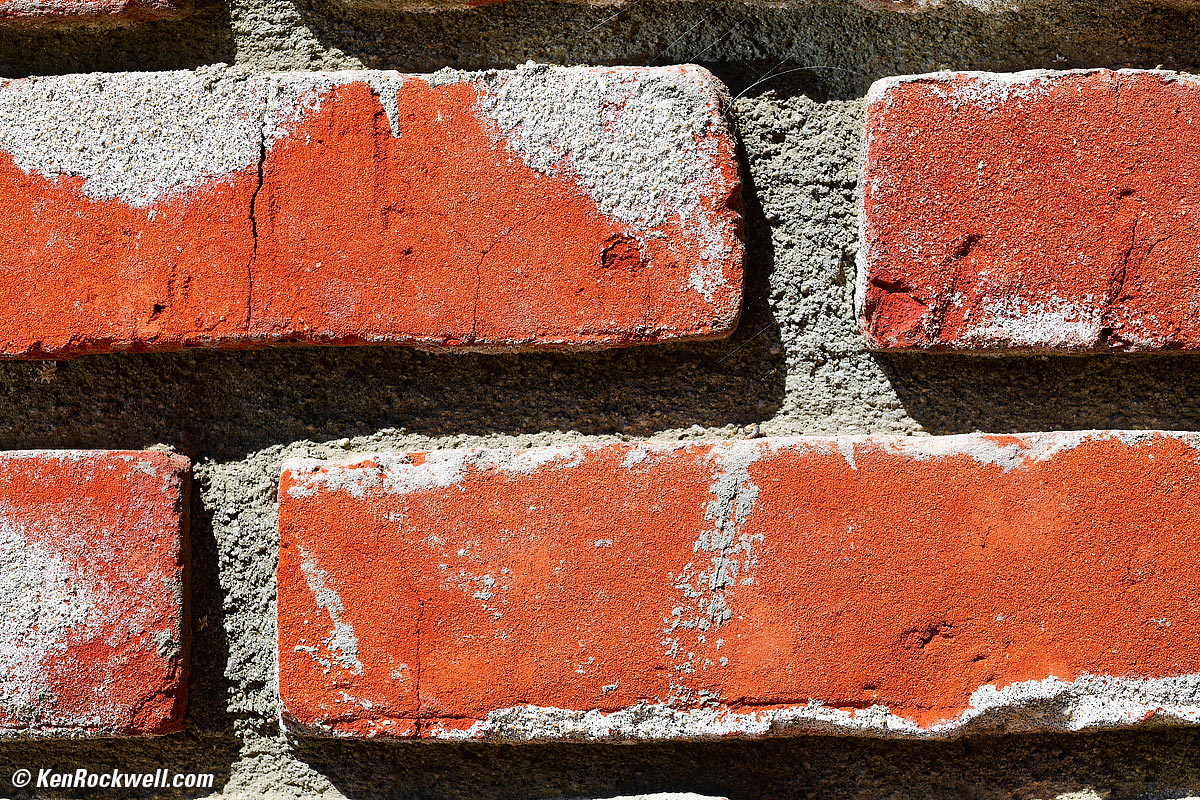
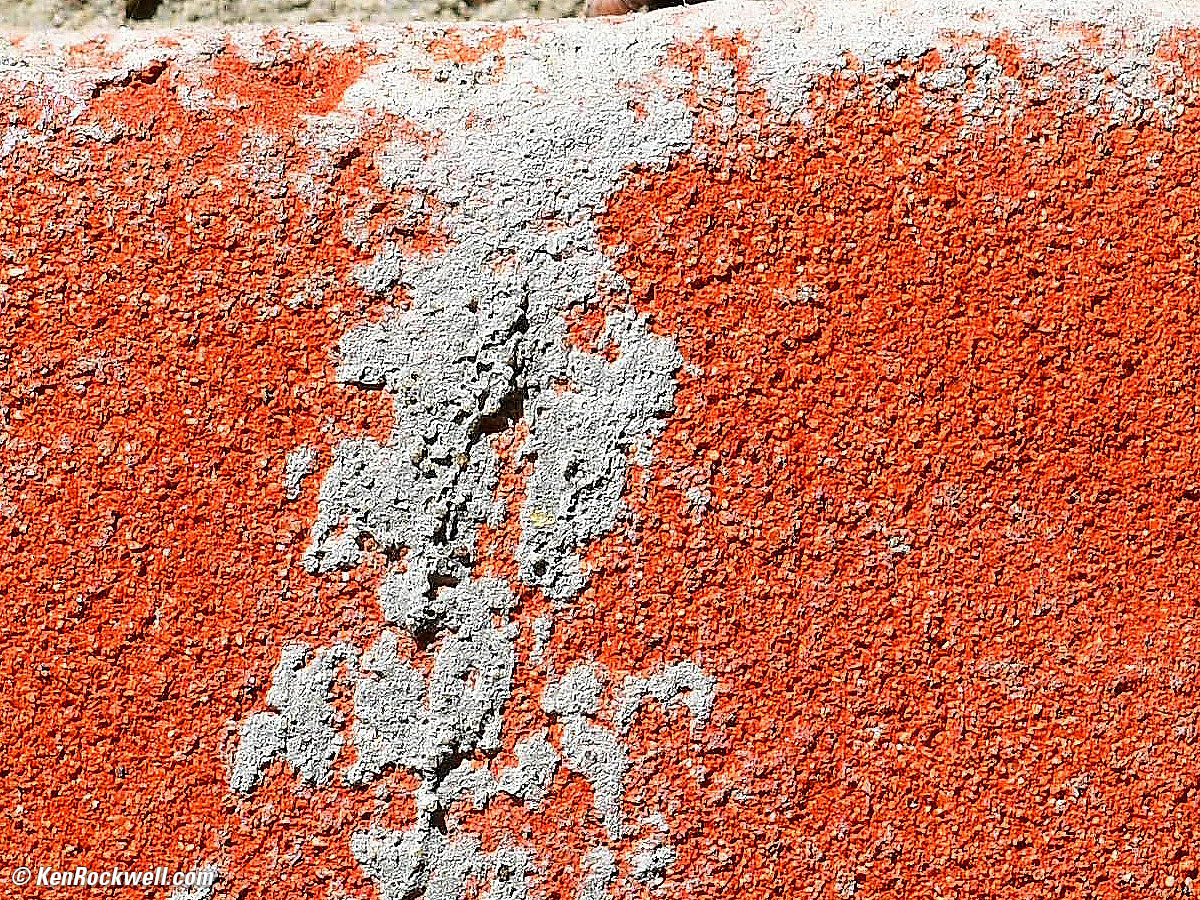
Brick test farm, Pittsburgh, Pennsylvania. Nikon D850, Nikon AF MICRO-NIKKOR 55mm f/2.8 at f/8 at 1/250 at Auto ISO 64, Perfectly Clear. bigger, full-resolution or camera-original file.
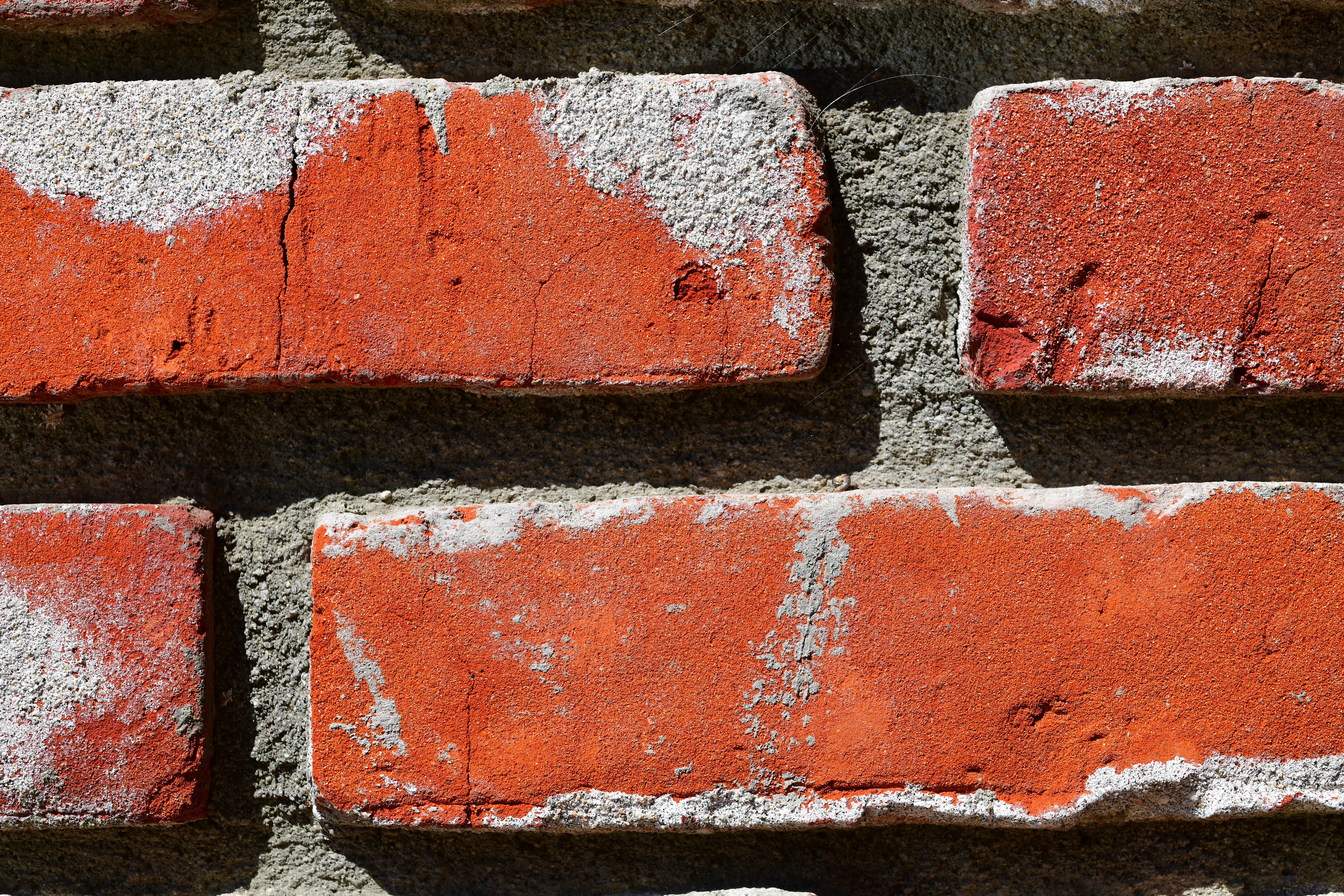
1,200 x 900 pixel crop from above. Each and every granule of every brick must have the correct size, shape and position to ensure the proper texture and tone. bigger, full-resolution or camera-original file.
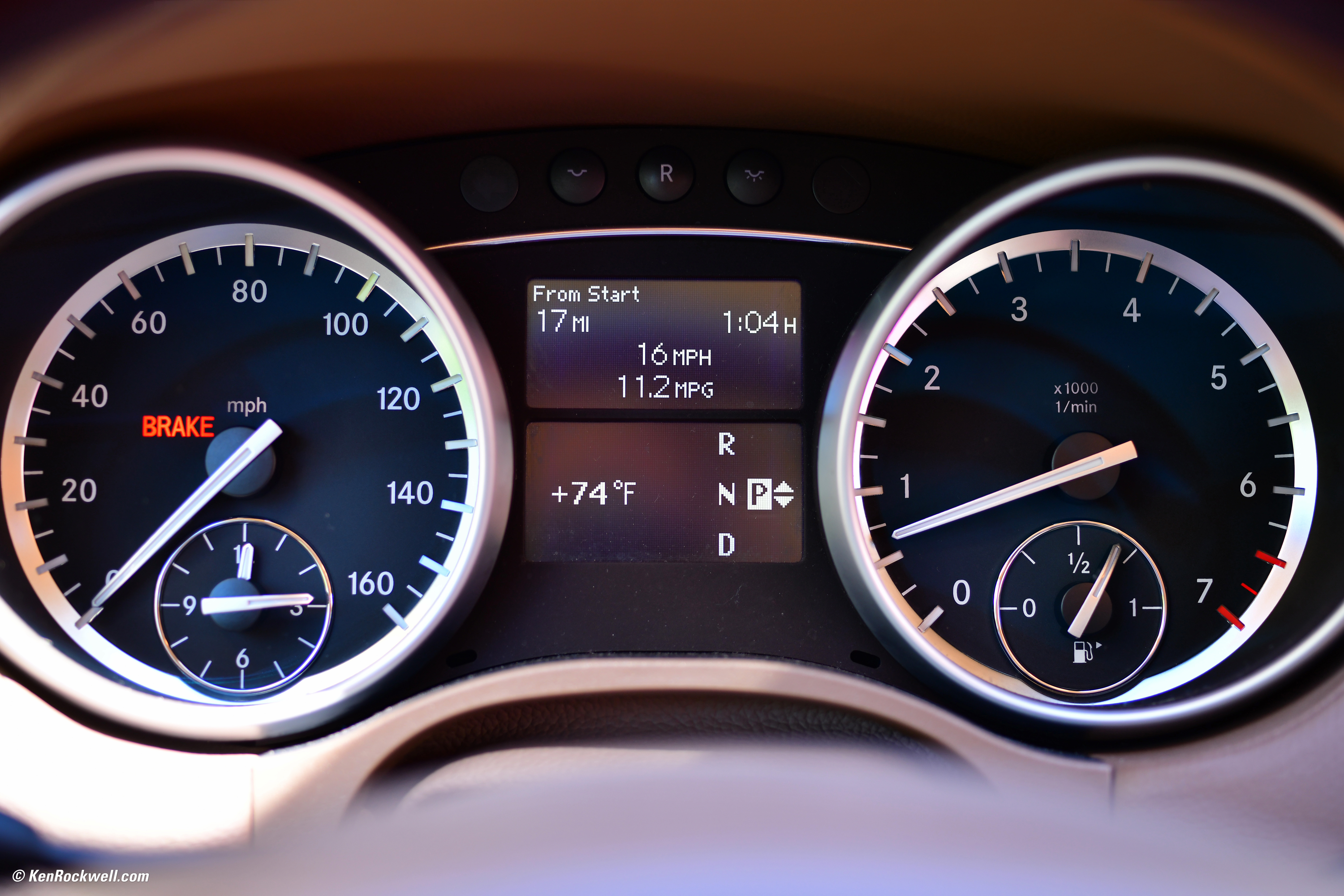
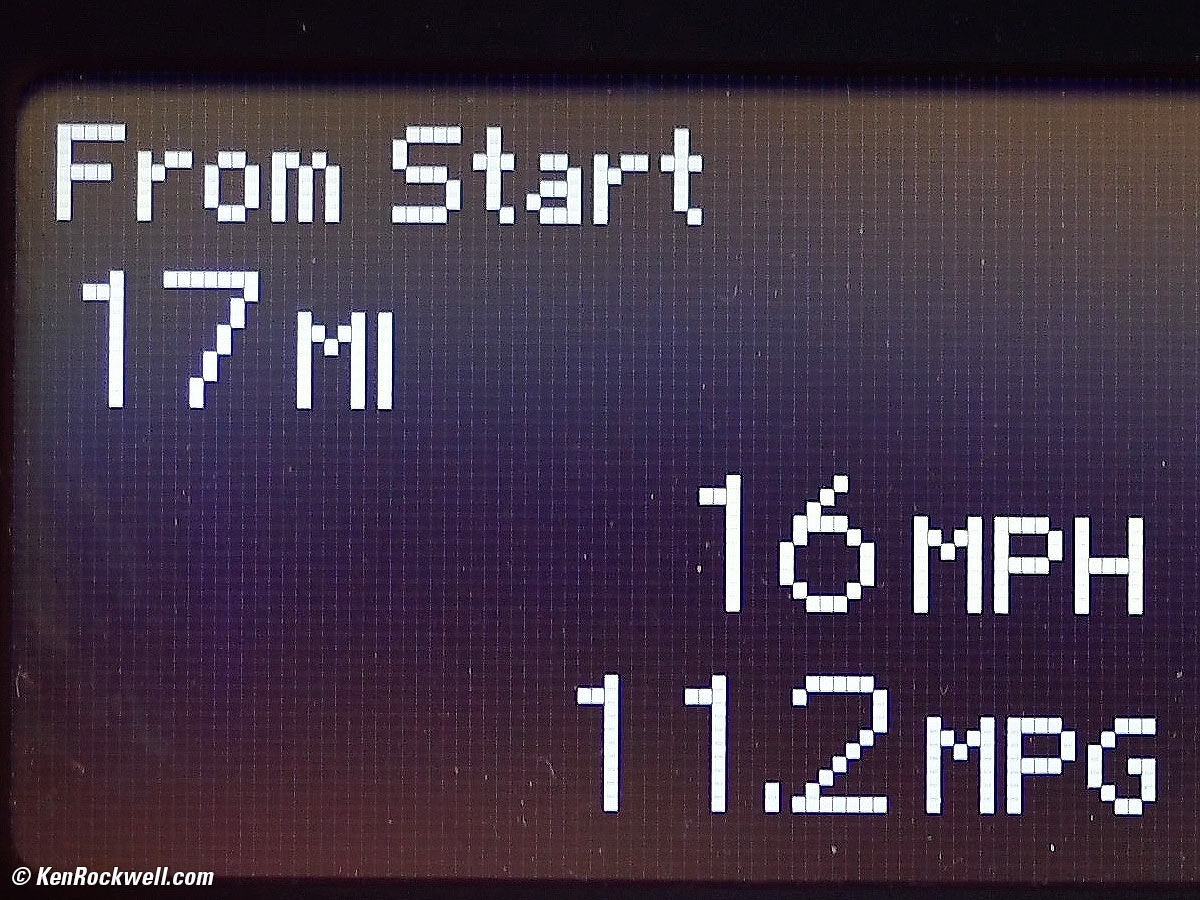
LCD pixel quality control, Sindelfingen, Germany. Used to inspect and confirm that all LCD pixels are square and working properly. Nikon D850, Nikon AF MICRO-NIKKOR 55mm f/2.8 at f/2.8 at 1/60 at Auto ISO 180, Perfectly Clear. bigger, full-resolution or camera-original file.
1,200 x 900 pixel crop from above. Every pixel must be in its place (this sample is showing dust), and each and every pixel must be perfectly square with the correct border thickness. bigger, full-resolution or camera-original file.
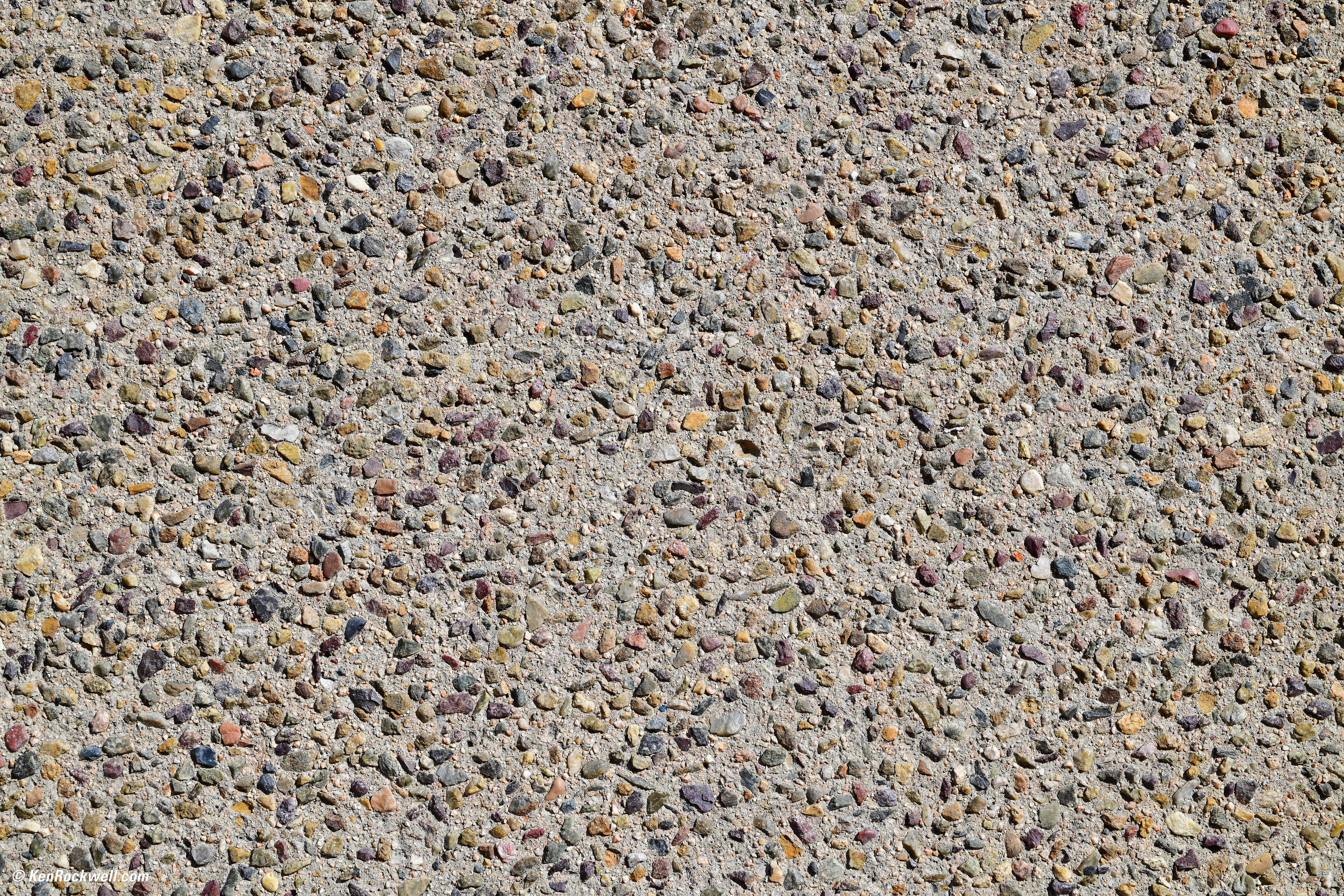
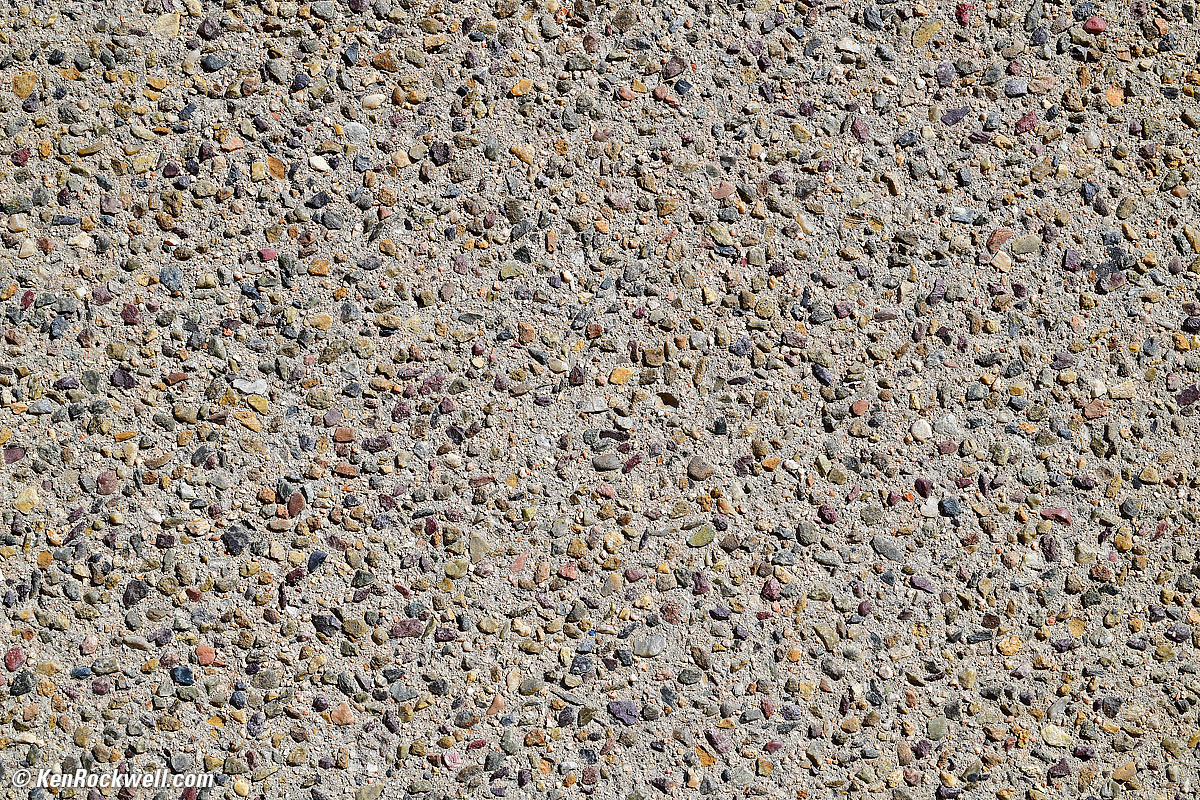
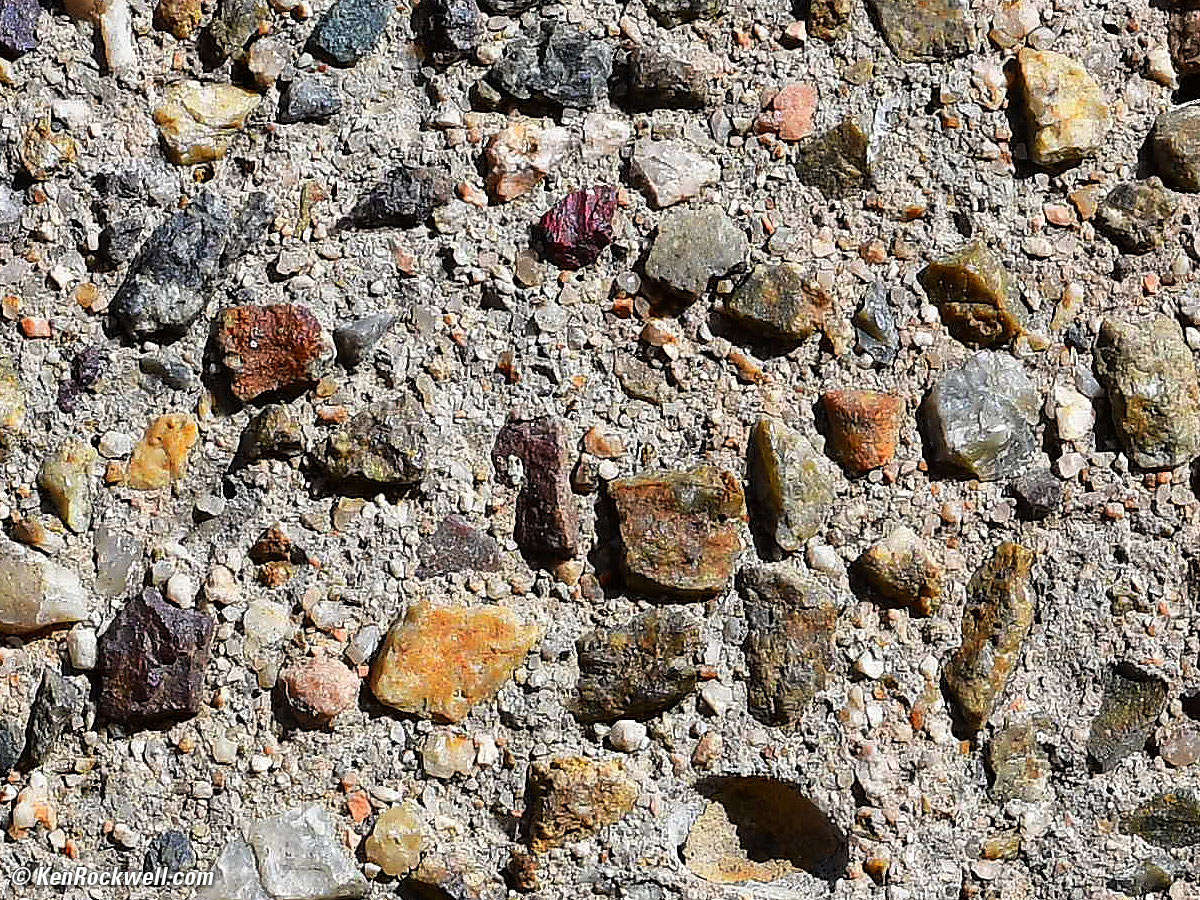
Concrete aggregate, New York City, New York. Nikon D850, Nikon AF MICRO-NIKKOR 55mm f/2.8 at f/10 at 1/400 at Auto ISO 200, Perfectly Clear. bigger, full-resolution or camera-original file.
1,200 x 900 pixel crop from above. In New York City, government regulations require that workers evaluate, log, and submit for approval the color, cut, texture, count and distribution of each and every piece in the composite aggregate after it cures. Also workers must account for each grain of sand in the mix — small work in the big city. bigger, full-resolution or camera-original file.
Long Time Exposures
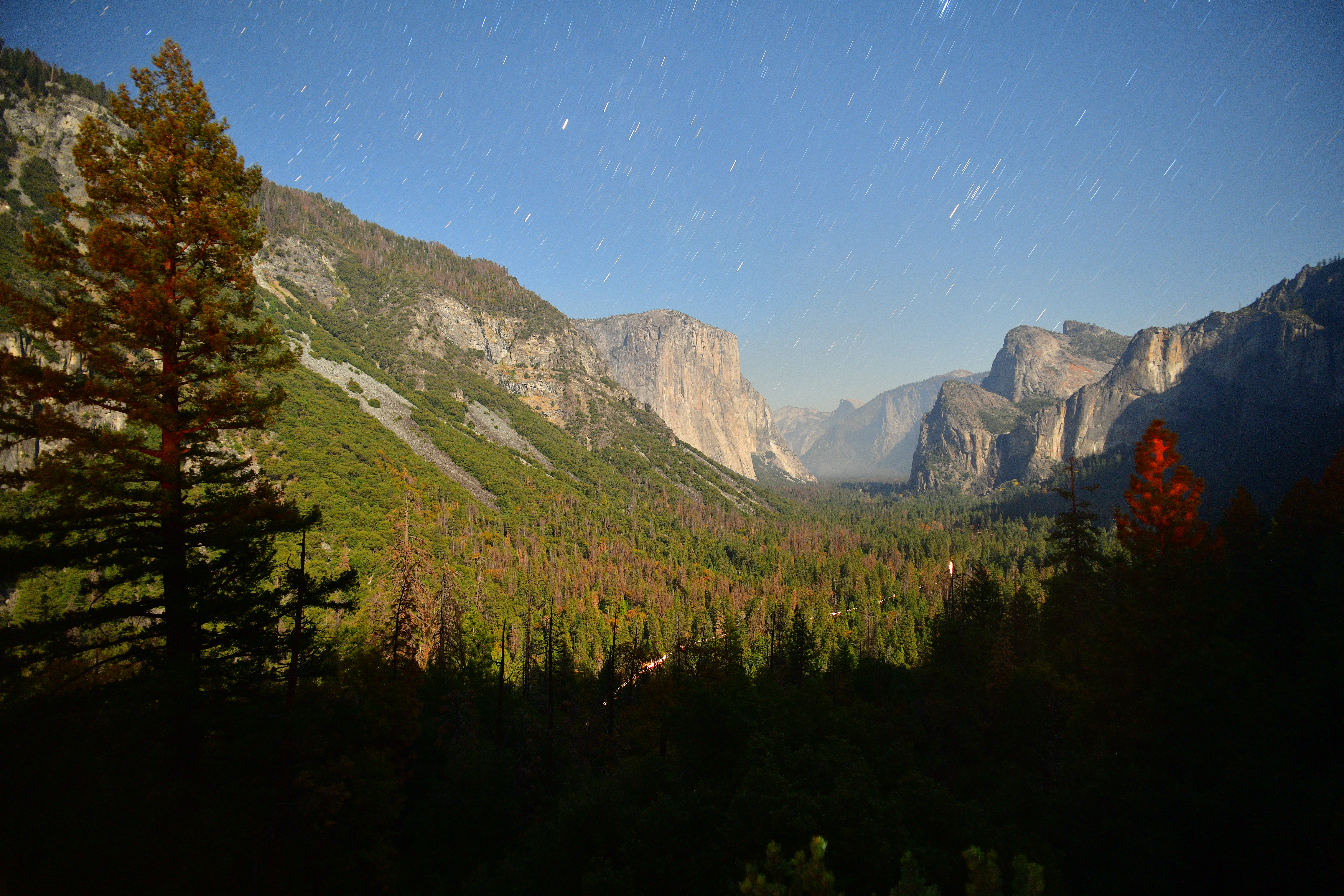
Yosemite Tunnel View by moonlight on a hazy night. Nikon D850, Nikon 18mm f/2.8 AF-D, f/4 at 4 minutes at ISO 800. bigger or camera-original © file.
The D850 makes time exposures easy: just set the TIME EXPOSURE mode, press the shutter, and press it again whenever you want the exposure to end. No longer do we need to find and attach an expensive remote cord; now we can shoot these any time without vibration or needing mirror lock up. See my D850 User's Guide for how to use the Time Exposure mode.
There's no need for the LONG EXPOSURE NR (dark-frame subtraction) menu setting (MENU > PHOTO SHOOTING (camera) > Long exposure NR). This four-minute shot is made in the usual mode; no need to wait around for even more time for the camera to make dark-frame exposures.
Top LCD
The top LCD is reasonably legible, about mid-pack for Nikon. No news here.
It's backlit with green LEDs if you flick the lever around the shutter button to the light bulb icon. It's a dim backlight for use in the dark; it doesn't help much in simply dim light indoors.
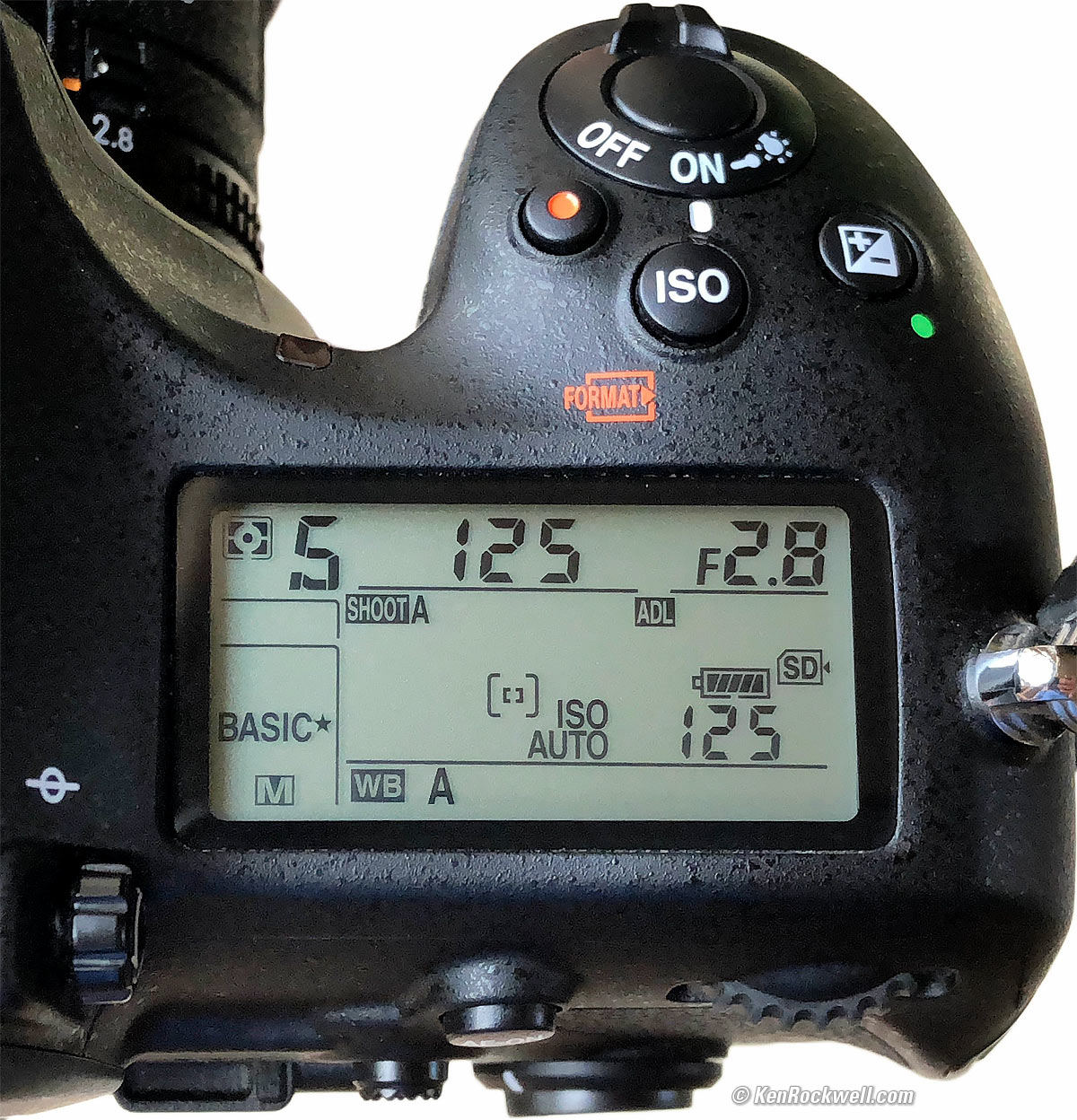
Nikon D850 top LCD, meter ON. bigger.
The coolest thing compared to other brands is that the top LCD shows lots of useful information even when the camera is asleep:
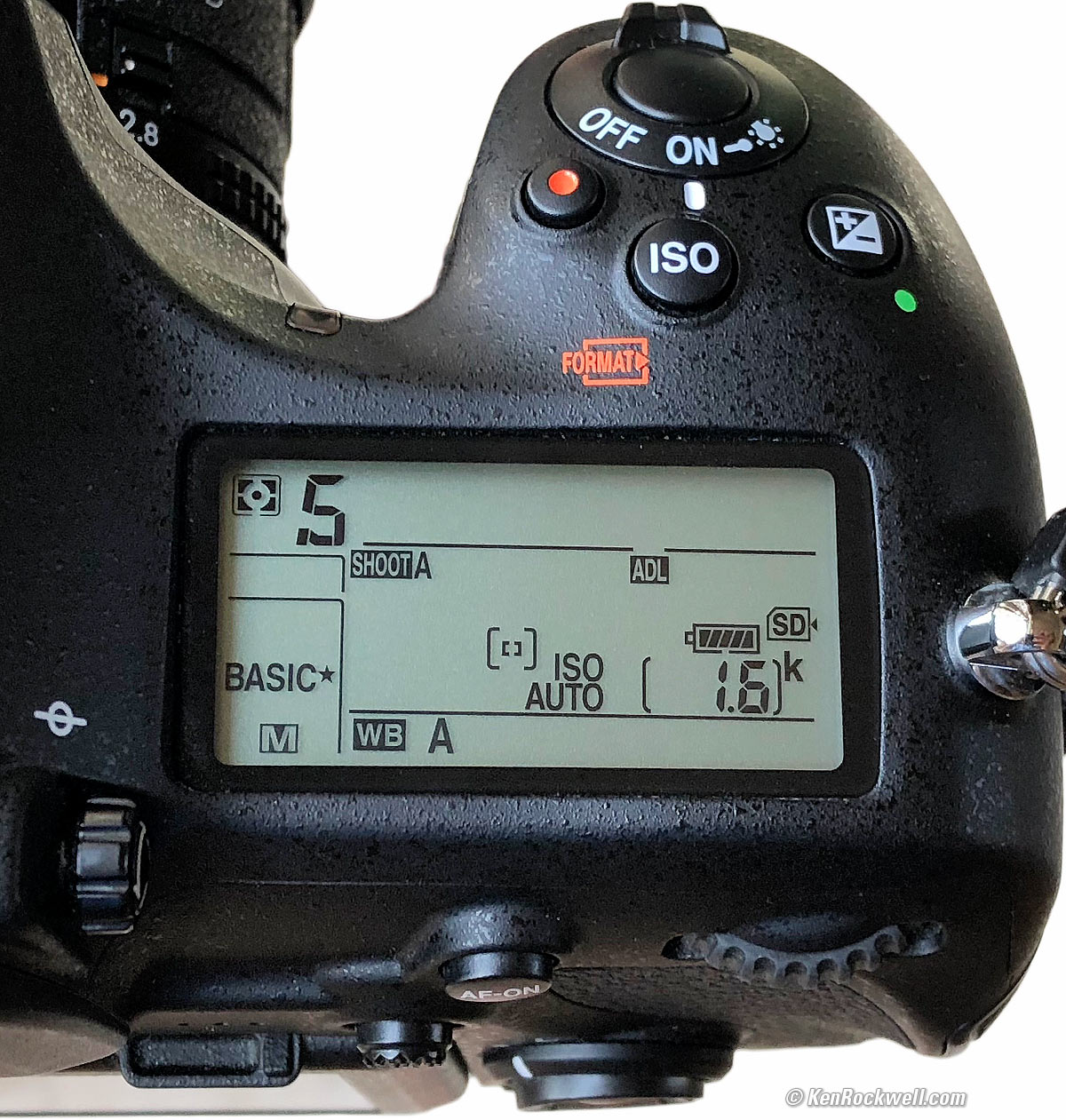
Nikon D850 Top LCD with camera asleep. bigger.
Yes, when it's asleep you can see most of how it's configured. You don't have to wake it to see all this; it will show this for weeks on end until you wake the camera again and it shows the meter readings.
Even when turned off the D850 shows what slots are loaded and how many exposures you have left. Excellent!
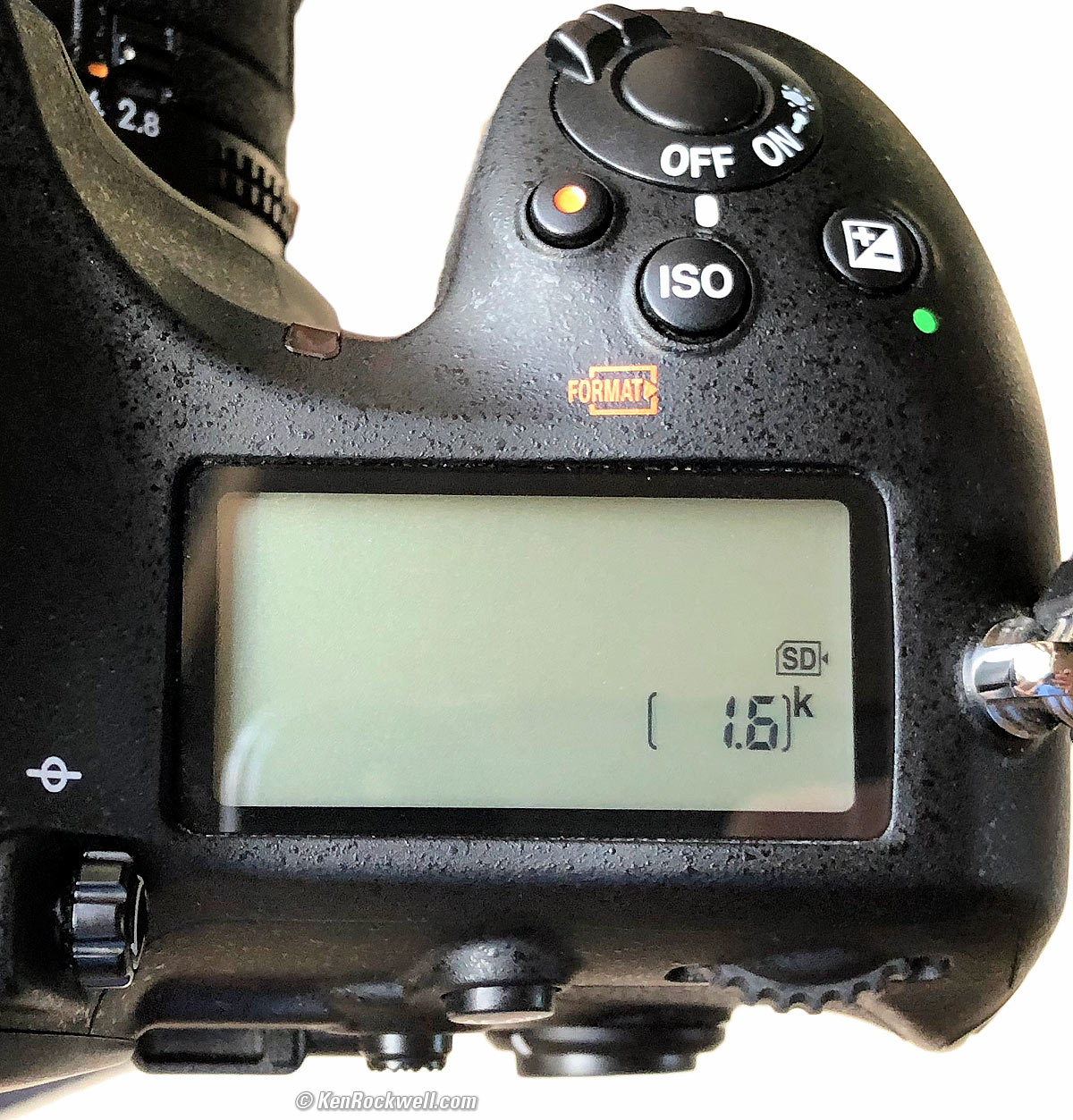
Nikon D850 top LCD with camera OFF. bigger.
Rear LCD Monitor
Flipping LCD, Nikon D850. bigger.
The rear LCD seems the same as other Nikons, and it flips up or down. It has twice as many pixels as the D810's LCD, but the D810 had plenty to begin with; it's only a 3.2" diagonal screen.
Color accuracy is great, no problems here.
It doesn't swing to the side, and it doesn't flip far enough for self portraits.
It flips as an aid to seeing the screen when the camera is below you or above you, and if you're shooting horizontal shots. If you're shooting vertical shots, then the flipping screen helps you see it if you're holding the D850 to your left or right.
The touch function works very well, and you can flick it up or down to scroll through menus.
There is no auto brightness control.
It gets very bright if you turn up the brightness for use outside; it seems like a big improvement from the D810. The LCD looks really good when used outdoors if you crank it up to +5; it looks good and doesn't cheat by washing-out the whites.
Playback
There's no way to program it for one click to be zoomed playback; you have to hit the PLAY button and only then will it respond to the zoom buttons. I program my D850 to make the center controller button to zoom way in; I should be able to program it so I can just hit that and not also have to hit play as I can program my Canon cameras, but no.
Likewise the Thumb Nubbin ought to let us start zoomed play, but it doesn't do anything. Sometimes my thumb nubbin stops responding in the middle of scrolling around a zoomed image; if so, try again or just use the usual multiway thumb controller. I suspect the new nubbin just can't figure out the difference between up/down/left/right and if I'm pressing the center too hard in the process.
Bluetooth and SnapBridge
Bluetooth works only with the SnapBridge app.
I had it working for about 20 minutes, and it was great that whatever I shot on my D850 magically appeared in my iPhone's Camera Roll. It also seemed as if my meter stayed on the entire time it was connected via SnapBridge.
Bad news is that the images were only available at a "2MP" size; I wasn't able to select Full Size. These "2MP" images were only 1.75MP: 1,620 x 1,080 pixels at best, or 1,080 x 1,080 in Square crop mode.
Regardless of this, after about 20 minutes I was never able to get it to connect again, and gave up.
What few images it does transfer come over with completely random file names, for instance, PZUM6528.JPG. Therefore these cannot be sorted intelligently by file name; you'll have to sort by create date. They do appear to carry all the EXIF data, but watch out: rotated images do weird things in terms of rotation.
The SnapBridge app seems to read capture date and time to the millisecond (thousandth of a second), and does this for all the shots on your Camera Roll, including what you shot on your iPhone. It also reads basic exposure data - but since the images have random file names, seems to display them in a random order.
If you have SnapBridge working and the Bluetooth connection working (good luck), you can opt to have your D850 images tagged with the GPS location data from your phone. If you do this, the files in your camera are tagged on your memory card without needing to transfer them to the phone. This is the best thing about Snapbridge.
Data
Cards are correctly formatted as "NIKON D850."
JPG files are tagged as 300 DPI.
The D850 can't be set to create new folders automatically each day as most Sony and some Canon cameras can; I wish it could.
Power & Battery
I get about 1,400 shots per charge.
You'll get more if you do a lot of high-speed bursts, and less if you stop and fiddle and look at each shot on the LCD afterwards.
I get more than 2,000 shots per charge if I'm shooting a lot of fast sequences and not looking at the LCD, but only about 500 shots per charge if I'm looking at the LCD after each shot.
Clock Accuracy
Every sample is different, but mine is superb. It's run to within better than ±0.1 seconds for the past 12 days, and that's with no GPS syncing (MENU > SETUP (wrench) > Time zone and date > Sync with smart device > OFF).
Compared top
Sample Images Intro New Good Bad Missing
Lens Compatibility Specs USA Version
Unboxing Accessories Performance
Compared Usage Recommendations More
I've gotten two D850s from B&H. I'd also get it at Adorama, or used at eBay if you know How to Win at eBay, or get it used at KEH, or try getting it used through Amazon.
See also What's New Since the D810 and Pro DSLRs Compared.
If you need speed, the Nikon D5, D500 or Canon 1DX Mk II or 7D Mk II are faster, and if you need more pixels the Canon 5DS and 5DSR have 50MP versus the 45MP of the D850, but if you demand the highest per-pixel technical quality, or the highest quality and resolution of any Nikon camera ever, the D850 is the new King of Nikon.
User's' Guide top
Sample Images Intro New Good Bad Missing
Lens Compatibility Specs USA Version
Unboxing Accessories Performance
Compared Usage Recommendations More
I've gotten two D850s from B&H. I'd also get it at Adorama, or used at eBay if you know How to Win at eBay, or get it used at KEH, or try getting it used through Amazon.
Free Live Help
If you're in the USA and have a legal USA version, just phone Nikon at (800) NIKON-UX and they'll walk you though whatever you need. Last I checked, they're open from 9AM ~ 8PM NYC time.
Autofocus Modes user's guide top
Autofocus modes are set by pressing the little button near the bottom of the lens mount while you turn the front and rear dials and look through the finder. More details are set in menus, while the shot-to shot settings are are made with this button.
You choose the AFS (single focus and lock) or AFC (continuous tracking autofocus) modes with one dial while holding the button, and the other dial selects among the AF Area modes (how many of the AF areas you'll be using).
For photos of things that hold still, I set AFS. For photos of things that move (or if I plan to change the framing of a still subject after the AF system has locked-on), I set AFC. Easy.
I set the AF area mode with the other dial to AUTO. AUTO in this case means the D850 automatically selects which AF areas to use, and it can find faces as well. If set to AFC, AUTO will track a moving subject all over the finder! Brilliant.
The only other setting I'll use for the AF area mode is S (single) in AFS or 3D in AFC. Single lets me pick just one sensor, and 3D lets me pick one sensor and then the camera moves it around the finder to track the subject. I only select a single sensor if the AUTO function isn't auto-selecting the AF sensors I need, which is rare.
I ignore all the other AF area mode settings like group, d9 and etc. Nikon adds all these extra modes to sell more cameras; you don't have to use them. Like all the other features in the D850, they are there because some people like them, but no one ever uses all the options.
Advance Modes user's guide top
These are set on the top left dial.
I usually shoot in the Quiet Continuous (QC) mode, which runs at 3 FPS and is very quiet.
I only shoot in the regular modes if I need speed, or am shooting in my studio where I find it weird that my studio strobes (and the shutter) fire a little later than I expect; it's just weird - the photos are the same.
Auto White Balance user's guide top
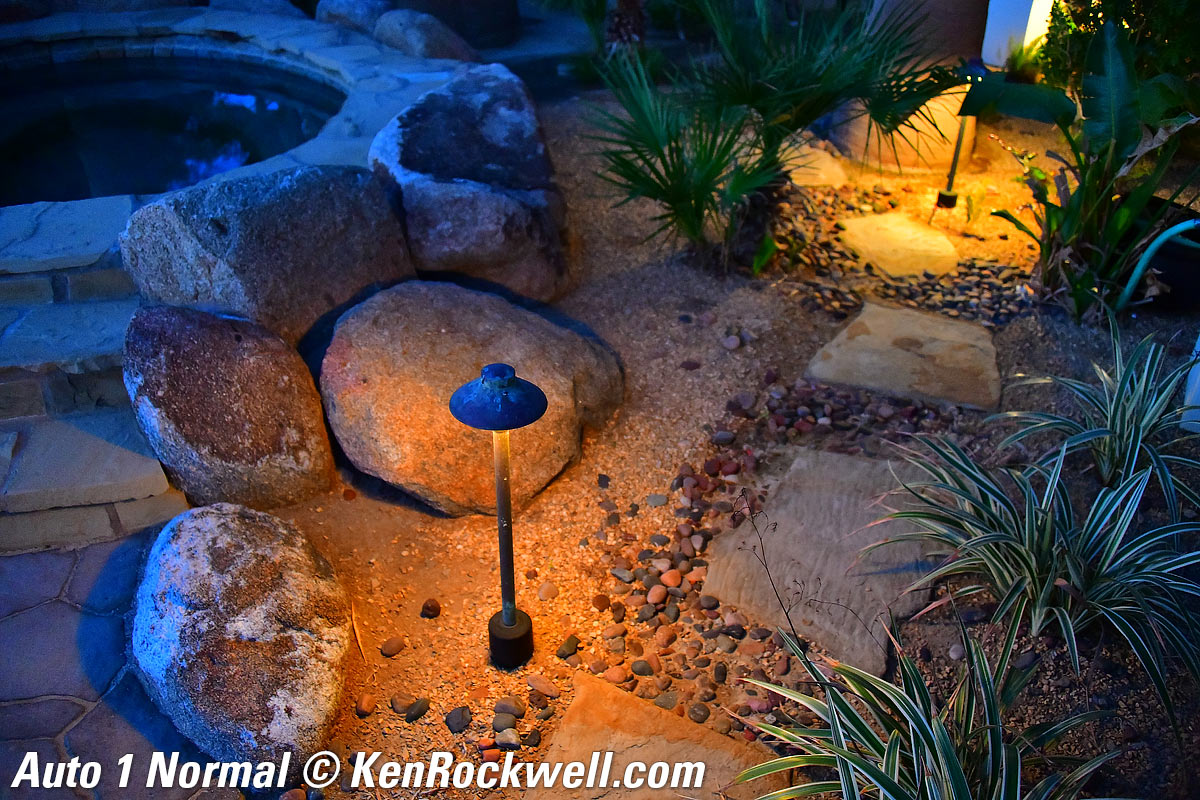
There are now four different Auto White Balance (AWB) settings. There are three of the usual AWB settings: AUTO0, AUTO1 and AUTO2, and a new Natural Light Auto setting. Use whichever looks best.
You can set these in the menus, or by holding the WB button,and turning the dials and looking at the top LCD. Use the rear dial to select AUTO (1, 2 or 3 ) or AUTO ☀, with AUTO ☀ being Natural Light Auto. Use the front dial to select 1, 2, or 3.
They all look the same in daylight and under most conditions. They vary in what they do under tungsten, sunsets, and with green or yellow subjects or under fluorescent light.
For normal use under any sort of light, use the default AUTO1 setting.
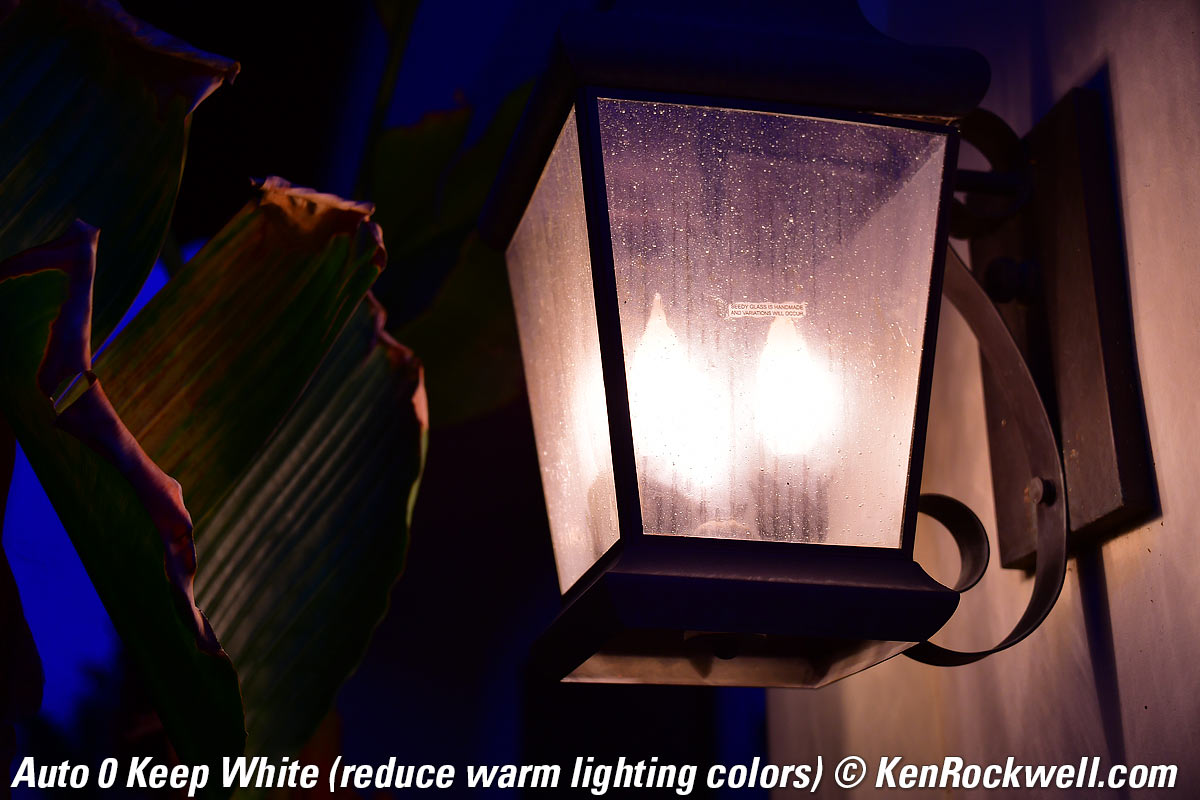
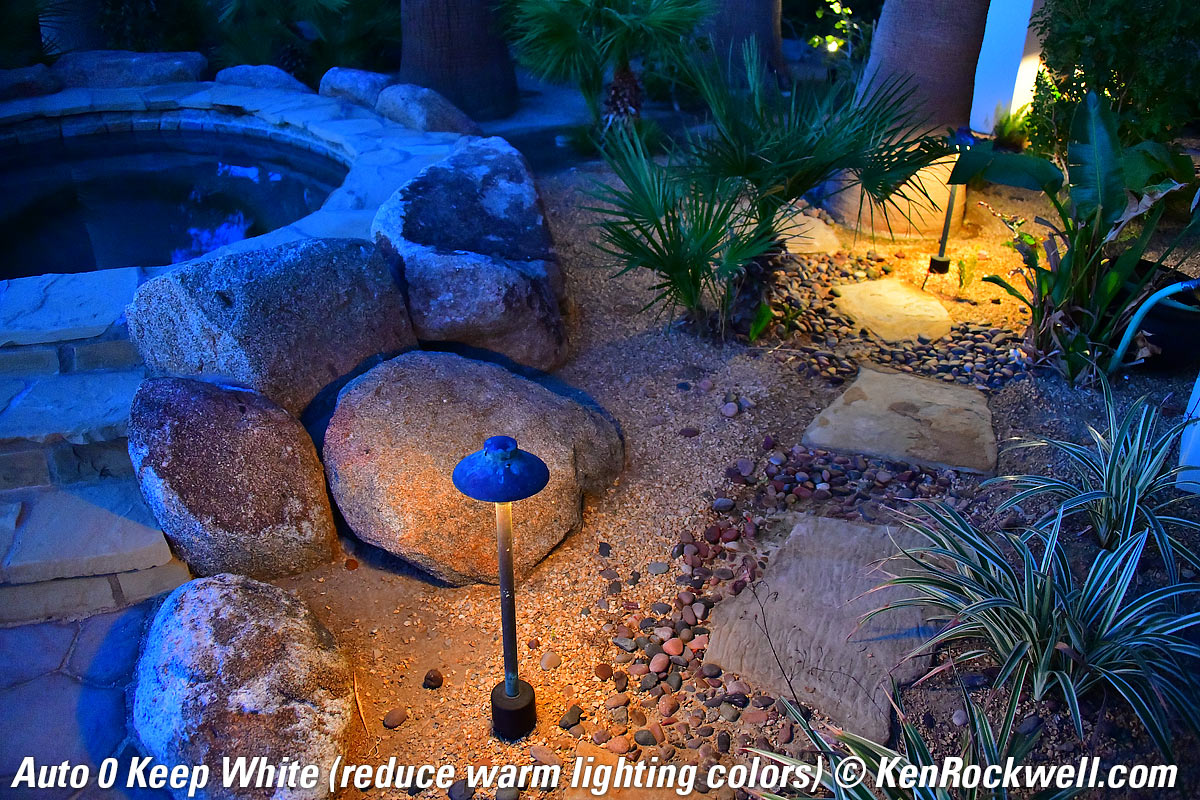
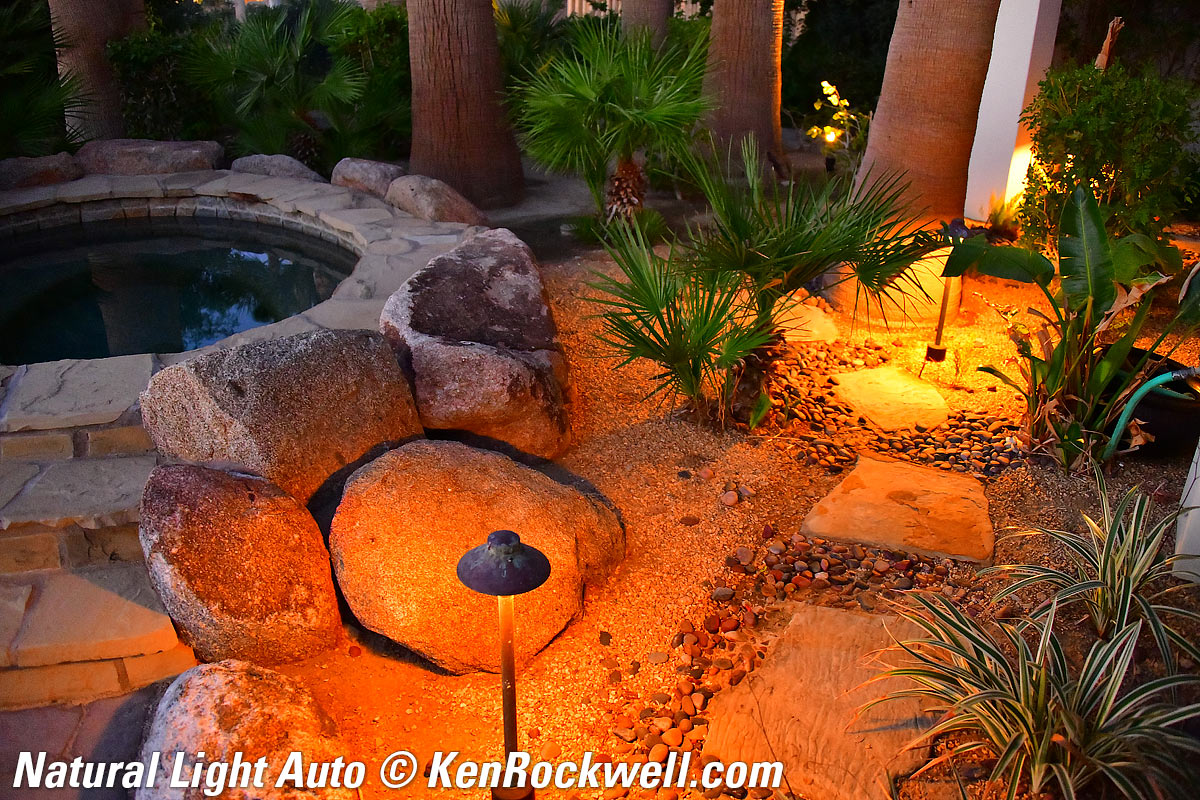
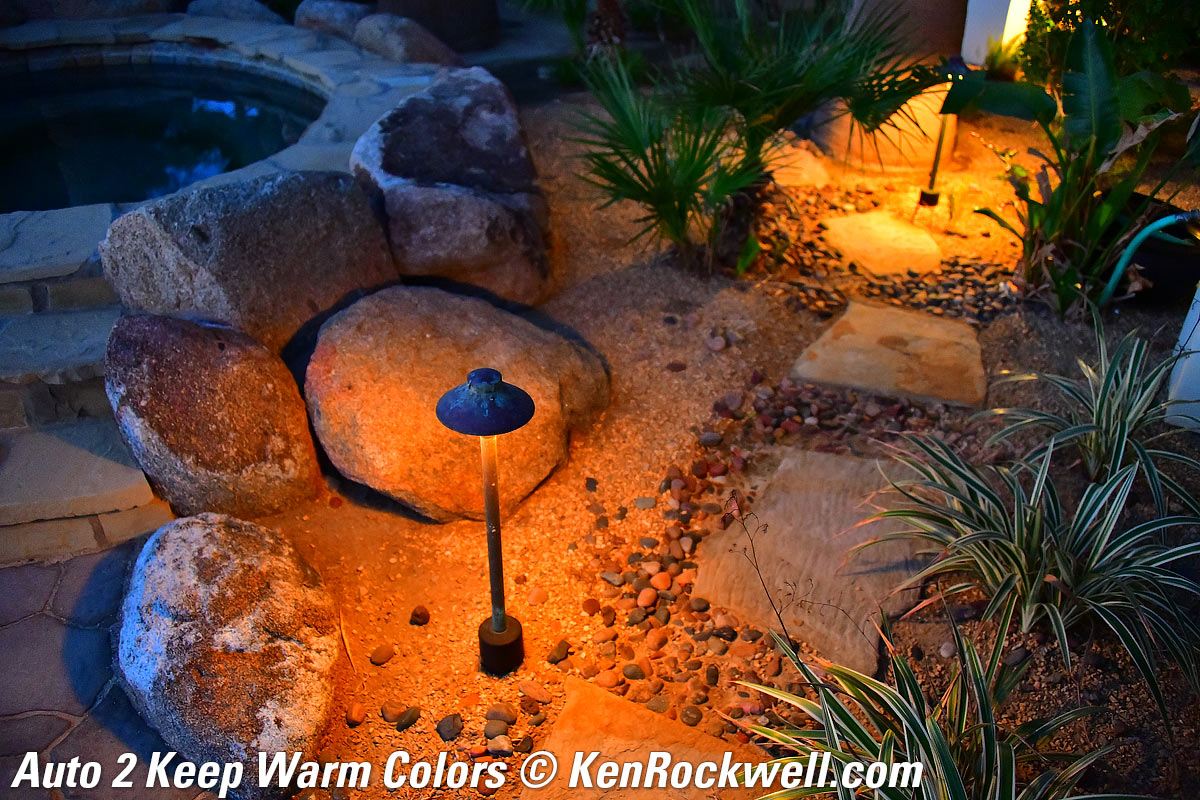
The AUTO0, AUTO1 and AUTO2 settings differ only in how low they will allow the camera's Kelvin color temperature compensation to drop to compensate for tungsten light. Regular AUTO lets the camera correct from a maximum of about 7,500 K and as low as about 1,500 K in AUTO0 Keep White, about 2,700 K in AUTO1 Normal and about 4,000 K in AUTO2 Keep Warm. In any of the AUTO0, AUTO1 or AUTO2 settings the camera will vary all over the green/magenta axis as needed.
The AUTO0 "keep white" setting allows the camera to correct more fully under tungsten light to let indoor shots look whiter (less orange).
The AUTO2 "keep warm lighting colors" limits the camera's ability to correct for tungsten light, leaving indoor shots to look warmer (more orange).
Which of these three you prefer depends on how warm you want indoor shots to look. Most people prefer the default AUTO1 setting.
The new Natural Light Auto setting is specifically for shooting under natural light, which means light from the sun either directly, under clouds or shade, or indoors as lit from a window without other lights. The Natural Light Auto setting can look better (warmer) in shade or indoors lit by window light, and also prevents the camera from confusing green subjects or plants in shade with fluorescent light so these shots stay green instead of turning too purple. It also prevents shots with pale yellows or oranges from being presumed to be under tungsten and made to look too blue. It allows the camera to correct from about 10,000 K to 5,000 K on the amber/blue axis, and doesn't let it vary much on the green/magenta axis.
Use regular AUTO1 most of the time, and especially under artificial light, and consider using Natural Light Auto in under natural light. (Invention disclosure, Friday, 20 October 2017, 2:15PM PDT: Ideally there should be an Auto Auto White Balance setting that figures out which Auto WB setting to use all by itself. A white balance system also should look for flickering light, and if it sees it, presume that it's artificial light and set itself accordingly — but if not flickering, know that it could be any kind of lighting.)
Dimmed Tungsten
Click any to enlarge:
|
|
 |
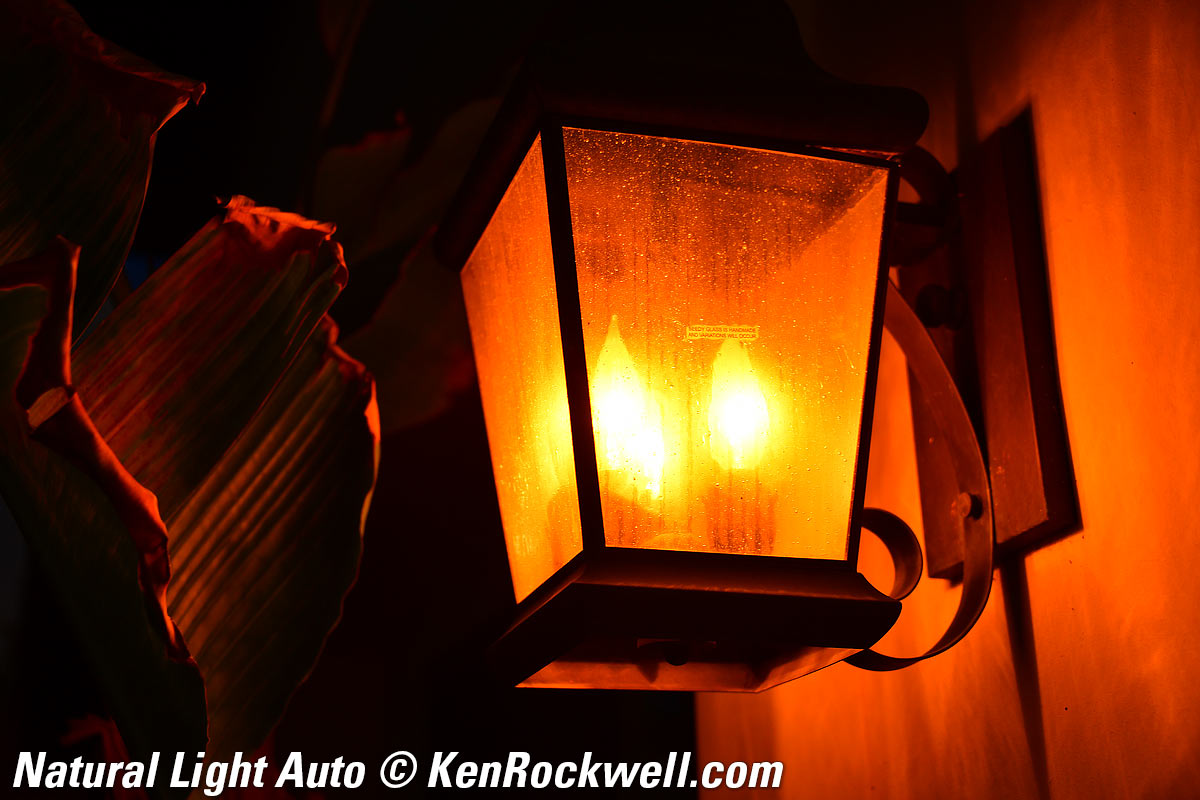 |
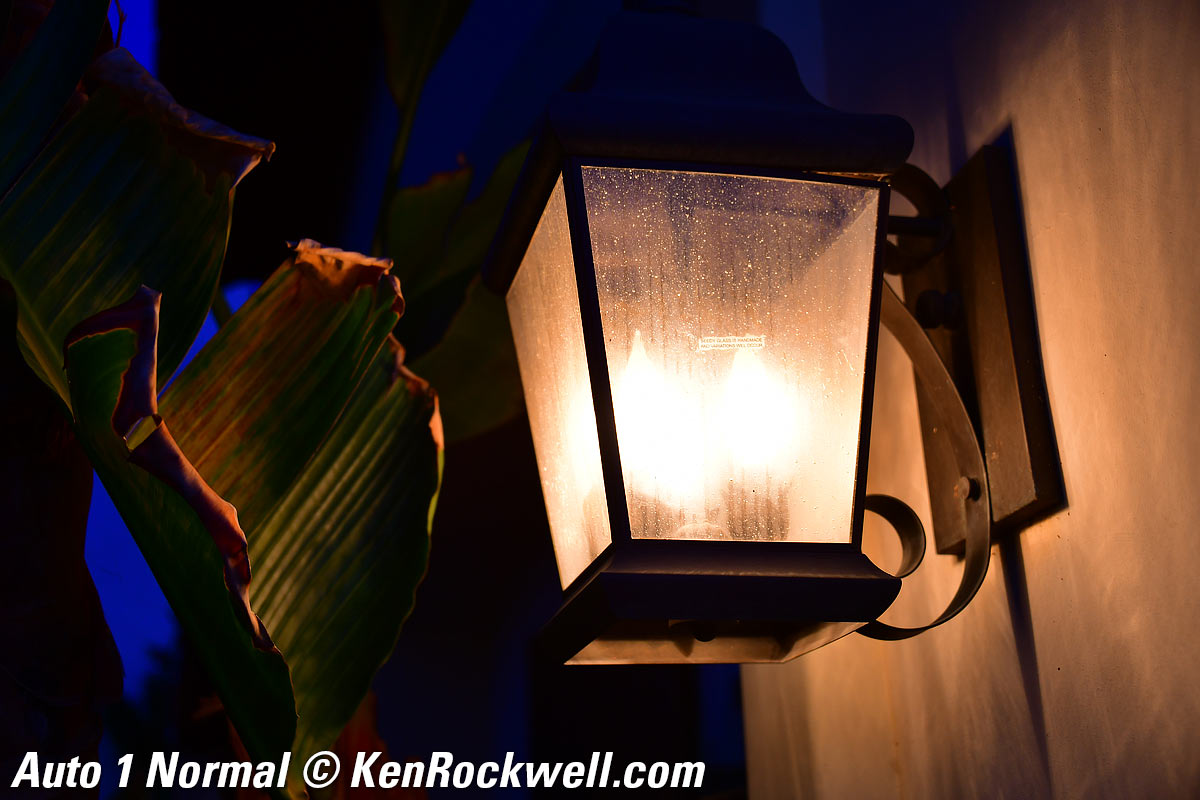
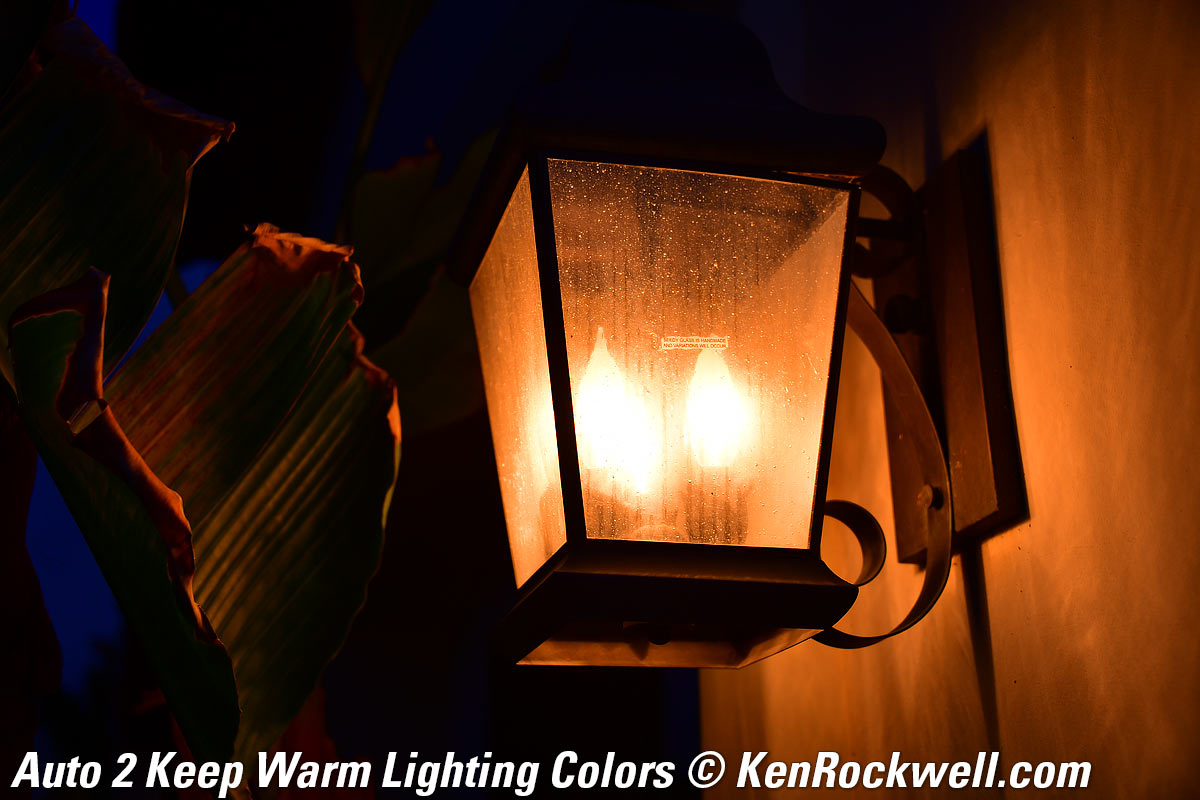
This was not a regular tungsten light; it was a tungsten light deeply dimmed so it was about 1,500 K or less— and the D850 in its Keep White mode still did exactly that!
The Natural Light Auto setting is expecting light from the sun, so it doesn't correct for tungsten at all and it stays very orange. Not shown here is that for sunsets, Natural Light Auto keeps sunsets and warm afternoon light looking like sunsets and afternoon light, leaving everything in its warm brilliance.
20W halogen Malibu lights at dusk
|
|
 |
 |
Click any to enlarge.
It's similar here, but notice how Natural Light Auto didn't make the twilight turn blue on the sandstone to the left; it left it neutral as it looked at the time.
Green Agave in Shade
|
|
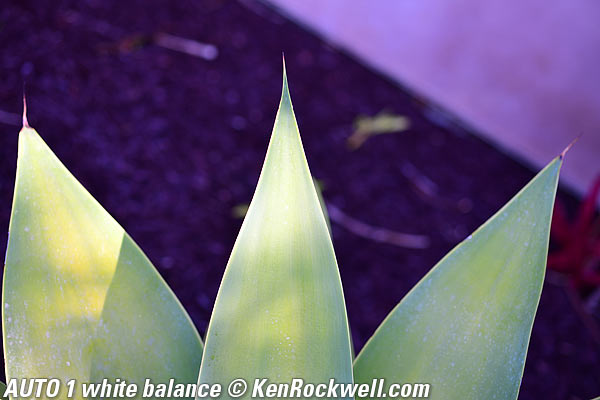
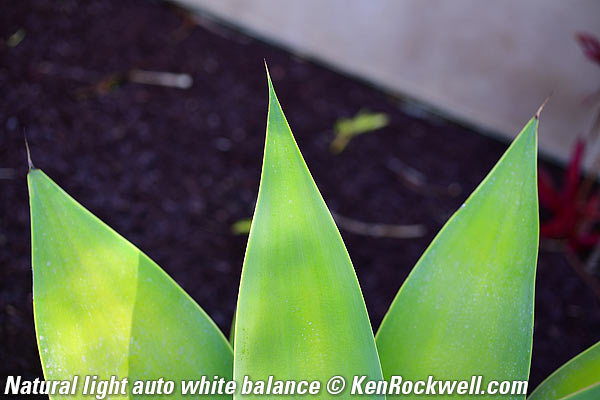
Click either to enlarge.
This is why Nikon added Natural Light Auto: green plants in shade are often confused with fluorescent lights, and the usual AWB will try to remove what it thinks is too much green, making greens duller and everything else too magenta (purple). When you set it to Natural Light Auto, it knows there isn't any fluorescent light, and lets the leaves look green as they should.
Warm White Fluorescent
|
|
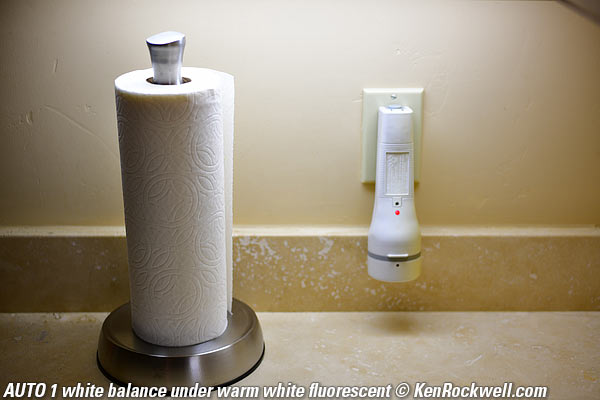
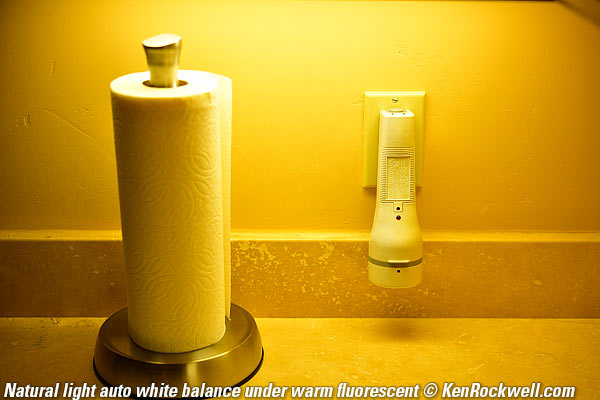






Click either to enlarge.
In this case the AUTO1 setting expertly renders the subject naturally, while the Natural Light Auto setting is powerless to try to correct the fluorescent light.
Menus user's guide top
You often have to hit OK after making a menu selection, especially when selecting playback display options.
Often if you forget to hit OK or the center of the rear selector the D850 will ignore you.
Power user's guide top
The power switch is more of a shutter lock than a power switch; it's OK to it leave ON all the time.
I only turn it OFF to prevent accidental shutter releases when I put my D850 away in a case or wrap it in a towel.
Vibration-Free Shutter Release user's guide top
The D850 has an optional front-curtain electronic shutter mode to eliminate vibration at MENU > CUSTOM SETTINGS (pencil) > d6 Electronic front-curtain shutter.
Be sure to set the Quiet or Quiet Continuous modes on the top left dial for this to work. It works in the Mirror Up mode, but we no longer use that mode because it requires buying a cable release and the Exposure Delay Mode I explain next doesn't.
Set the Exposure Delay mode to about 2 seconds (MENU > CUSTOM SETTINGS (pencil) > d5 Exposure delay mode) and you won't need a cable release or mirror lock-up for vibration-free shots with the Electronic Front Curtain mode!
Set these, tap the shutter, the mirror goes up, and the picture takes 2 seconds later. The Electronic Front Curtain is silent, so you won't hear the exposure start; there isn't even the tiny click we used to get with mirror lockup. (Why can't you hear a pterodactyl go to the bathroom? Because the "P" is silent!)
The Front-Curtain mode only shoots at up to 1/2,000, and not at all ISOs, so I don't use this mode unless I'm shooting long exposures with long lenses on a tripod.
Time Exposures user's guide top
Even better is a Time Exposure mode where the shutter opens when you press the shutter, and stays open forever until you press the shutter button again.
This mode is very well hidden. To set it, set Manual exposure mode (hold the MODE button, turn the rear dial until you see "M" and then release the MODE button), then when in Manual mode, turn the rear dial to the left until you see " - - " in between the "x 250" and "bulb" settings. You can see this in the finder, on the top LCD and on the rear LCD if you've hit the INFO button.
If you use the Exposure Delay and Electronic Front Curtain tricks above, remember that the Exposure Delay means your Time exposure doesn't start until 2 seconds after you press the shutter. Either be sure to add 2 seconds to your timing, or for exposures longer than 30 seconds know that being short 2 seconds doesn't matter, and with long exposures it doesn't matter at all if you skip the no vibration modes and there is little bit of mirror-slap blur for the first fifteenth of a second.
Sadly the D850 has no elapsed time display, so you need your iPhone Stopwatch or Timer to clock this off.
There's no need for the LONG EXPOSURE NR (dark-frame subtraction) menu setting (MENU > PHOTO SHOOTING (camera) > Long exposure NR). I see no need to wait around for the camera to make dark-frame exposures, at least with 4-minute exposures. See a sample at Time Exposures.
My Nikon F5 allowed manual shutter speeds set directly as long as 30 minutes if you turned on custom function 19. Over 20 years later, and Nikon is still keeping that feature from us in current cameras. That simple firmware tweak would save us night shooters so much hassle.
Eyepiece Shutter user's guide top
There's an internal cover for the eyepiece that you ought to engage with the little lever above and to the left of the eyepiece if you're shooting on a tripod.
Otherwise light can sneak into the eyepiece and make the meter think it's brighter than it really is, and underexpose.
If you can't see anything through the finder and your lens cap is off, you probably knocked this lever. If so, you'll see the gray-painted blades inside the eyepiece where you usually can look through the finder.
HDR user's guide top
The D850's HDR has no ability to auto-align images, so use a tripod for the best results.
I prefer the HIGH smoothing option. It can look really bad in LOW.
Playback user's guide top
The back dial moves back and forth picture by picture, while the front dial jumps ten images at a time.
Rear Multi-Controller user's guide top
There is a lock control around this; if it stops working, be sure to move it from the L (lock) position and back to the ● (operate) position.
Rear LCD Brightness user's guide top
Set this at MENU > SETUP (wrench) > Monitor Brightness > Menus/playback.
The default of 0 is great indoors.
The brightest setting of +5 is great for use outdoors: it's bright but not washed out as in earlier cameras.
I use -5 for outdoor night shooting and astronomy. This is because when our eyes adapt to the dark, we tend to prefer images that are too dark on the LCD. They'll look great as we're shooting them in the dark, but the next day when we look at them under normal conditions, we'll ask ourselves "what were we thinking; these are way too dark!" Set -5 and you're much more likely to see the exposure properly in the dark, and more likely to make exposures that look great the next day.
Setup Files user's guide top
You can save and load all the camera settings to and from a memory card. You can copy these to and from your computer to share with your friends, save for later, or restore everything back into a came after it returns from service. This is also handy for setting up your second or multiple cameras.
If you'd like to set up your D850 exactly as I set mine, it's easy. All you do is download my NCSETUPM.BIN setup file as of 17 November 2017 to your computer, usually by clicking that link. It's a tiny 11kB Nikon data file and it doesn't do anything or run on your computer or show anything in your browser when you click it; these files don't do anything until loaded into a D850 to recall all the menu settings made when you (or I) saved them.
Once downloaded, find the file on your computer (my Mac puts them in my Downloads folder, but all computers are different), put a memory card in a reader and copy this file to your card at its top level (not in any folder or directory).
Now stick the card in your D850 and press MENU > SETUP (wrench) > Save/load Settings > Load Settings > OK.
Be sure to save your own settings first so you can return to them if you don't like mine. Save yours by going to MENU > SETUP (wrench) > Save/load Settings > Save Settings > OK and you'll have your own NCSETUPM.BIN file to save for yourself.
If you forget to save your own settings, here's a reasonably virginal NCSETUPM.BIN file from the day I got my D850.
Also know that my camera is set to add my copyright, name, address and phone number into the EXIF of every image file. You'll want to reset all these to your own. See Resetting Nikon Image Comments.
More Settings user's guide top
If you use my setup file above, all the settings described below and more will magically load themselves into your camera.
Here are some of what I set and why in case you're curious, or just want to set these individually:
Facial Recognition user's guide top
Turn on Face Recognition at MENU > CUSTOM SETTING MENU (pencil) > a4 3D-tracking-face-detection > ON.
Shoot in the AUTO AREA AF mode: hold the AF button by the lens mount and turn the front dial until you see "Auto" in the finder.
Now the D850 does a great job of instantly finding faces and focusing on the eyes — but if you don't set all this (or get it as part of my setup file), your D850 won't have any face recognition while shooting.
Program Exposure Mode user's guide top
I shoot everything in Program exposure mode (Hold MODE and turn the rear dial until you see "P" in the finder, the top LCD or rear LCD if you've hit the INFO button to activate it).
This lets the camera pick the same apertures and shutter speeds I would have, but it does it for me so I can concentrate on what really matters: what's in my picture.
If I need a different shutter speed or aperture, I just turn the rear dial and it shifts them exactly as I'd do manually, but it does it much faster so I can spend my time taking better pictures rather than fiddling with settings manually. The key is to program your camera to do what you'd do, so it can worry about this so you don't have to. My setup files above have all this programing in them.
If you see a flashing "fEE" in your finder, that means that your lens has an aperture ring and that it's not set to the smallest aperture (the largest number), usually in orange. Set it there and the problem goes away.
Image and Shooting Settings user's guide top
Shooting Bank Settings
Bank A: "KenRockwell.com" |
Bank B: People |
Bank C: Sports |
|
| Picture Control | VIVID |
STANDARD |
STANDARD |
| Saturation | +3 |
+1 |
+1 |
| Sharpening | 9 |
9 |
9 |
| Auto ISO Maximum ISO | 25,600 |
25,600 |
25,600 |
| Auto ISO Minimum shutter speed | AUTO (or AUTO Slower with VR) |
1/125 |
1/500 |
Picture Control
I use VIVID for wild colors, and STANDARD for natural shots of people.
I don't use Nikon's AUTO Picture control, which does its best to guess what you're shooting and set itself accordingly.
Everyone has different tastes for people photos, so feel free to experiment with the PORTRAIT setting if you like.
Saturation
This is set as a tweak inside any of the main picture controls.
I set +3 for the most saturated colors of places and things.
I set +1 to get slightly more colorful shots of people in the STANDARD setting. People start looking bad with too much saturation.
Sharpening
This is set as a tweak inside any of the main picture controls.
I prefer to set mine to the maximum.
Auto ISO Maximum ISO
This is the highest ISO speed to which the camera will set itself in Auto ISO.
ISO 25,600 looks fantastic (and H1 ISO 51,600 is almost as good), so if it needs it, I'd rather shoot at ISO 25,600 (or 51,200) and have a sharp picture than a blurry one at ISO 12,800.
Auto ISO Minimum shutter speed
This is the slowest shutter speed to which the D850 will set itself before Auto ISO starts increasing ISO to ensure that it doesn't shoot at slower than this speed. It only shoots slower than this speed when it's shooting at the highest ISO just programmed above and the light gets even darker.
This is critical as this setting is what defines the ISO at which my D850 shoots, which then defines the aperture and shutter speed.
I rarely change aperture or shutter speed directly, and always change Auto ISO Minimum Shutter speed depending on my subject.
If my subject holds still, I set AUTO, which sets the minimum shutter speed to 1/focal length. If I have a VR lens I set it to Auto Slower, because I can hand-hold at even slower speeds. If snapping people, I set 1/125 as that keeps them sharp. If shooting sports, I set 1/500 as that keeps runners sharp.
AE-L/AF-L Button user's guide top
There's no more AE-L/AF-L rear button, so I reprogram my AF-ON button to do the same thing as the AE-L/AF-L button did at MENU > CUSTOM (pencil) > f1 Custom Control assignment > AF-ON.
Lens Corrections user's guide top
These are explained at Lens Corrections.
My Menu user's guide top
I put these in my My Menu menu (MENU > MY MENU > Add items):
Photo Shooting Menu Bank: I use this to reset my D850 to the main kinds of shooting conditions I encounter.
White Balance: Here's how I select among the four auto white balances.
Monitor Brightness: I leave it at 0 indoors, and +5 outdoors. Sadly there is no automatic control as in almost every other modern camera, TV and iPhone.
Battery Info: I have to go in here to read percentage; otherwise all you get is a bar icon elsewhere.
HDR mode: This is where I turn the HDR mode on and off. I still have to go into MENU > PHOTO SHOOTING (camera icon) > HDR (high dynamic range) to set parameters like smoothing (I prefer HIGH) and Exposure differential (I prefer AUTO).
Auto Distortion Control: I usually leave his off, unless I'm shooting real estate listings.
I would put the Minimum Shutter Speed setting for Auto ISO in my My Menu, but the D850 won't let us do that.
Flickering Lights user's guide top
I enable the flicker shoot-through mode at MENU > PHOTO SHOOTING (Camera)> Flicker reduction > ON. I always leave it on.
This lets me shoot under flickering fluorescent, sodium, metal halide and dimmed LED lighting without the problem of random dark or off-color frames.
In this mode the D850 slightly delays the shutter by a few milliseconds if it needs to so it doesn't shoot during the instant the lighting is dark.
If you're such a clairvoyant photographer to be able to want the image at a different millisecond and would rather fix a dark or off-color image later to get the exact moment you wanted to capture, leave this off.
Continuous Shooting Frame Rates user's guide top
In the CL (Continuous Low) mode you can set the frame rate to your choice of 1, 2, 3, 4, 5, or 6 FPS at MENU > CUSTOM (pencil) > d1 CL mode shooting speed.
I set 3 FPS because I can get off one shot and remove my finger in time to get just one shot, or hold it to get several. If I set 5 FPS or faster I often get two shots by the time I remove my finger. I release my shutter slowly for sharp shots; I don't jab my shutter button.
Image Crop Modes user's guide top
Often I want to shoot a square or 4:5 ratio image to save me cropping later. When I do this their thumbnails also appear much bigger in my sorting program, speeding my workflow.
You select the Image Area at MENU > PHOTO SHOOTING MENU (camera icon) > Image area > Choose image area > (choose one) > OK.
Since I change this all the time I set my red dot ● button (near the shutter release) so I can hold it and turn the rear dial to change the Image Area. I program this button at MENU > CUSTOM SETTINGS (pencil icon) > f1 Custom control assignment > (select red dot ● button) > press center button of rear controller > Choose image area > click right and check or uncheck the particular options you'd like to have available by clicking right on each > OK.
You also can set set the cropped areas to appear as a darker, fuzzier gray as I prefer, or leave it at the default of faint lines to mark the cropped area. I set the cropped areas to look darker at MENU > PHOTO SHOOTING MENU (camera icon) > Viewfinder mask display > ON > OK.
I love the square crop; here are the equivalents for Hasselblad lenses (or any other 6×6cm camera):
on D850 (square crop) |
|
Finder Grids or Levels user's guide top
You only get one at a time.
I set a function button to start the level.
Recommendations top
Sample Images Intro New Good Bad Missing
Lens Compatibility Specs USA Version
Unboxing Accessories Performance
Compared Usage Recommendations More
I've gotten two D850s from B&H. I'd also get it at Adorama, or used at eBay if you know How to Win at eBay, or get it used at KEH, or try getting it used through Amazon.
Overall
This is easy; if you need Nikon's highest image-quality camera ever, it's the D850. Ever since DSLRs hit 24MP you haven't heard anything from me about 35mm film which I now consider completely obsolete except as a special effect. For most of what most people shoot, the D850 is Nikon's top camera.
The D850 isn't the least expensive or the lightest; the D3400 is half the weight and less than one-sixth the price. The D850 is fast, but the D5 is almost twice as fast — but twice as expensive and very heavy — if you're a full-time pro sports shooter.
The D850 doesn't cost that much more than the now obsolete D810. A new D850 is a no-brainer.
The real cost of a camera is what you pay for it, minus what you get for it when sold to get your next camera. A few years from now the D850 will still be current, while the D810 you might be considering today will be worth only half as much as the D850 in a few years.
There's no reason to buy a new D810 today over simply getting the D850 you really want. The prices are too close when bought new, and used prices between of the D810 will be dropping fast. You can't afford not to order a D850 today.
I've gotten two D850s from B&H. I'd also get it at Adorama, or used at eBay if you know How to Win at eBay, or get it used at KEH, or try getting it used through Amazon.
Lenses
See Best Nikon FX Lenses.
Every Nikon lens made in over 40 years works great on the D850, so you have a huge selection.
Personally I use my 28-300 VR for everything, and I'm done. It shoots wide, normal, macro, tele and on the D850, even action in low light. Done.
I use my 16-35mm VR if I need ultrawide. I take my 20mm f/1.8 instead if I need to shoot ultrawide motion in low light, or want a smaller lens to carry than my 16-35. If I want smaller or tougher, I bring my tough 18mm f/2.8 AF-D, 18mm f/3.5 AI-s or 18mm f/4 AI.
I've gotten two D850s from B&H. I'd also get it at Adorama, or used at eBay if you know How to Win at eBay, or get it used at KEH, or try getting it used through Amazon.
Flash
While the D850 shoots like nothing else under available light, you still need flash for artistic reasons for daylight and other fill-flash to lighten faces and put catchlights in people's eyes.
I use my old SB-400, and today the SB-500 is the best general-purpose Nikon flash. You can pay more for bigger flashes, but you don't need that much power with digital. I find even these small flashes are more than enough for daylight fill-flash, but if I was shooting a wedding or news or portraits all day long, I'd use a bigger flash. See also Nikon Flash.
I've gotten two D850s from B&H. I'd also get it at Adorama, or used at eBay if you know How to Win at eBay, or get it used at KEH, or try getting it used through Amazon.
More Information
Sample Images Intro New Good Bad Missing
Lens Compatibility Specs USA Version
Unboxing Accessories Performance
Compared Usage Recommendations More
I've gotten two D850s from B&H. I'd also get it at Adorama, or used at eBay if you know How to Win at eBay, or get it used at KEH, or try getting it used through Amazon.
© Ken Rockwell. All rights reserved. Tous droits réservés. Alle Rechte vorbehalten. Alla rättigheter förbehållna. Toate drepturile rezervate. Niciun vampir nu a fost implicat în crearea acestei lucrări. Omnia jura reservata. Ken Rockwell® is a registered trademark.
Help Me Help You
I support my growing family through this website, as crazy as it might seem.
The biggest help is when you use any of these links when you get anything. It costs you nothing, and is this site's, and thus my family's, biggest source of support. These places always have the best prices and service, which is why I've used them since before this website existed. I recommend them all personally.
If you find this page as helpful as a book you might have had to buy or a workshop you may have had to take, feel free to help me continue helping everyone.
If you've gotten your gear through one of my links or helped otherwise, you're family. It's great people like you who allow me to keep adding to this site full-time. Thanks!
If you haven't helped yet, please do, and consider helping me with a gift of $5.00.
As this page is copyrighted and formally registered, it is unlawful to make copies, especially in the form of printouts for personal use. If you wish to make a printout for personal use, you are granted one-time permission only if you PayPal me $5.00 per printout or part thereof. Thank you!
Thanks for reading!
Ken Rockwell